enhance image quality
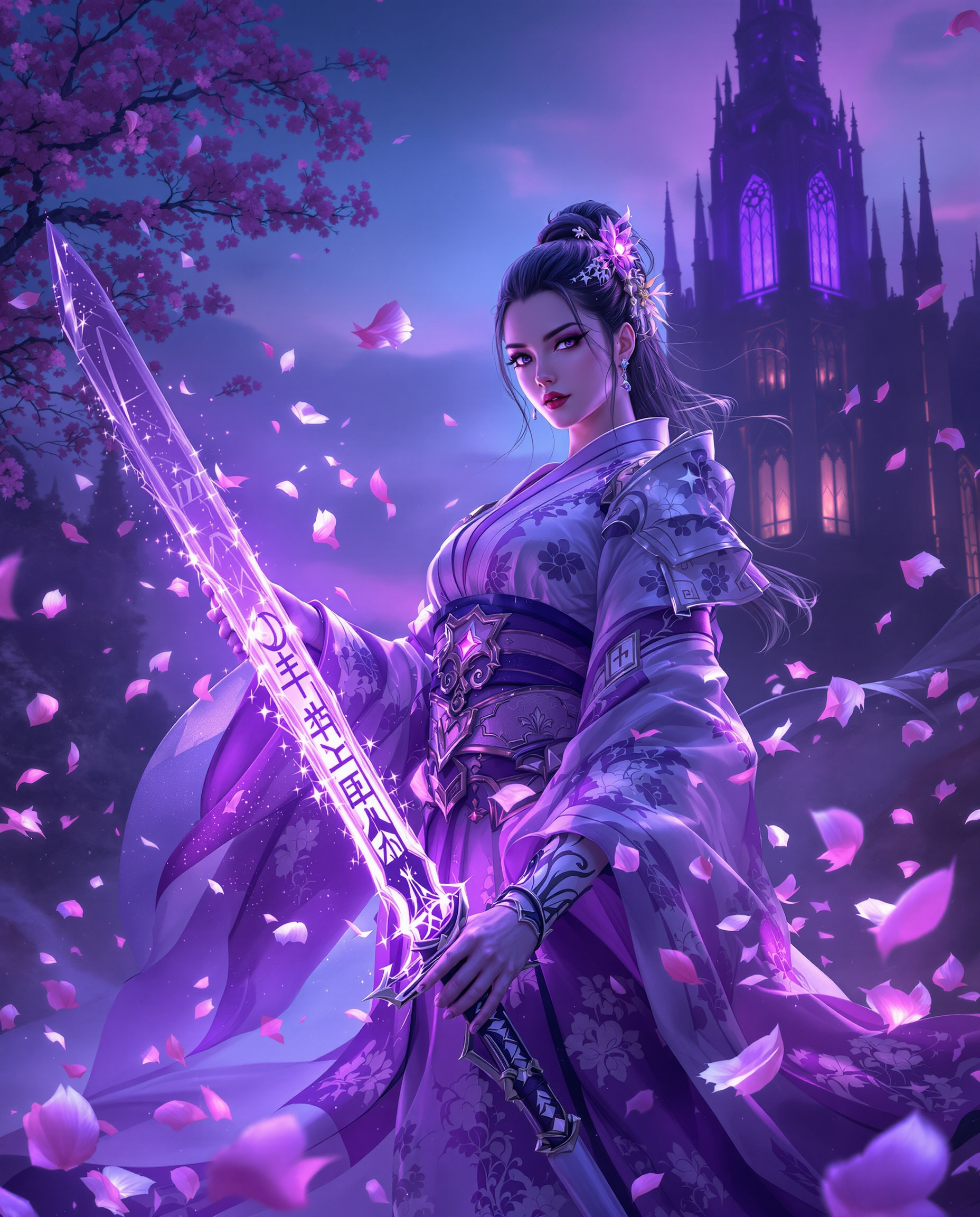
Unlock breathtaking clarity and detail in every image with PixelDojo's powerful AI enhancement tools. Whether you're refining AI-generated art, restoring old family photos, or preparing product shots for e-commerce, you can turn pixelated or soft visuals into crisp, professional masterpieces that captivate your audience. Imagine effortlessly scaling low-resolution images to print-ready 8K quality while preserving natural textures, sharpening faces for portraits, and removing noise without losing authenticity. With PixelDojo, you achieve gallery-worthy results in minutes, not hours, empowering creators, marketers, and photographers to deliver visuals that drive engagement and conversions.
Join over 85,000 creators who have enhanced more than 2.5 million images this year. Rated 4.9/5 stars across 12,000+ reviews. Trusted by professional photographers and brands for consistent, high-fidelity results. 40+ cutting-edge AI tools, loved by thousands worldwide – cancel anytime.
Why Choose Pixel Dojo for enhance image quality
Professional-quality results with cutting-edge AI technology
Achieve Print-Ready Clarity from Any Source
Transform low-resolution or compressed photos into sharp, high-DPI images perfect for large prints, posters, or billboards. PixelDojo's Magnific Upscaler and Creative Upscaler intelligently reconstruct details, ensuring your visuals look stunning at any size without pixelation or artifacts.
Restore and Revitalize Old or Damaged Photos
Breathe new life into vintage scans, faded family pictures, or noisy smartphone shots. Use Clarity Pro and Portrait Upscaler to reduce grain, recover lost textures like skin tones and fabric details, and enhance faces for natural, lifelike results that preserve precious memories.
Elevate AI-Generated Art with Professional Polish
Take your Flux.2 or Ideogram creations to the next level by adding intricate details, sharpening edges, and boosting vibrancy. P-Image Upscale and Reality Polisher help you refine outputs for social media, websites, or client presentations, making every piece look production-ready.
How It Works
Enhancing image quality is simple with PixelDojo's intuitive workflow – no advanced skills required. Start with your existing photo or AI generation and follow these steps to achieve transformative results.
Step 1: Choose Your Tool
Browse the Upscale & Enhance section and select the perfect match for your needs: Magnific Upscaler for creative detail addition, Portrait Upscaler for faces, Clarity Pro for overall sharpening, or P-Image Upscale for quick high-res boosts. All tools are optimized for different image types including photos, art, and products.
Step 2: Enter Your Prompt or Upload Image
Upload your image and optionally add a descriptive prompt like 'enhance details, increase sharpness, natural lighting' or use one-click presets. The AI analyzes your file instantly, suggesting enhancements tailored to content like landscapes, portraits, or illustrations.
Step 3: Customize & Download
Fine-tune with intuitive sliders for creativity level, noise reduction, or face enhancement. Preview changes in real-time, then export in your desired resolution (up to 16x upscale) and format. Batch process multiple images for efficiency.
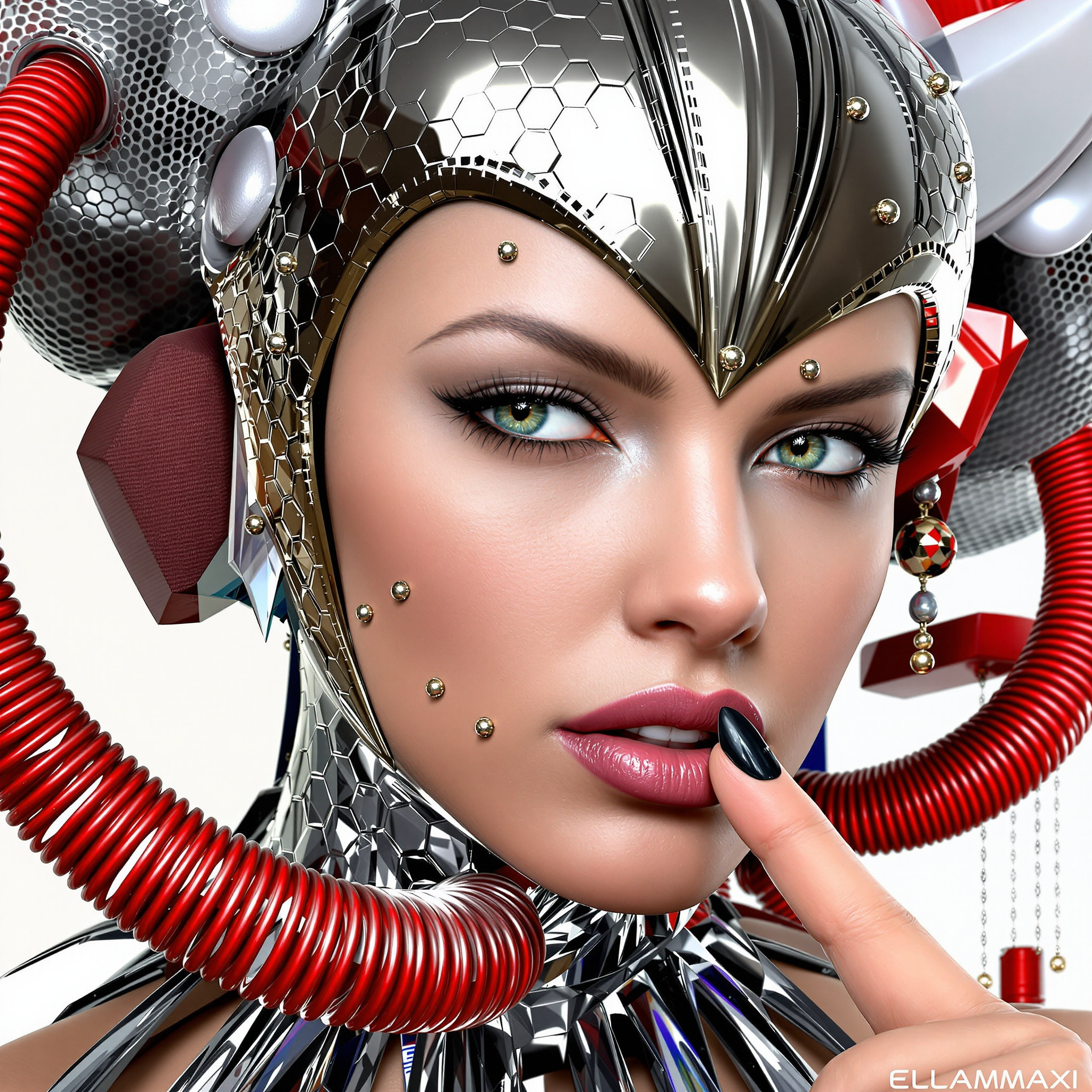
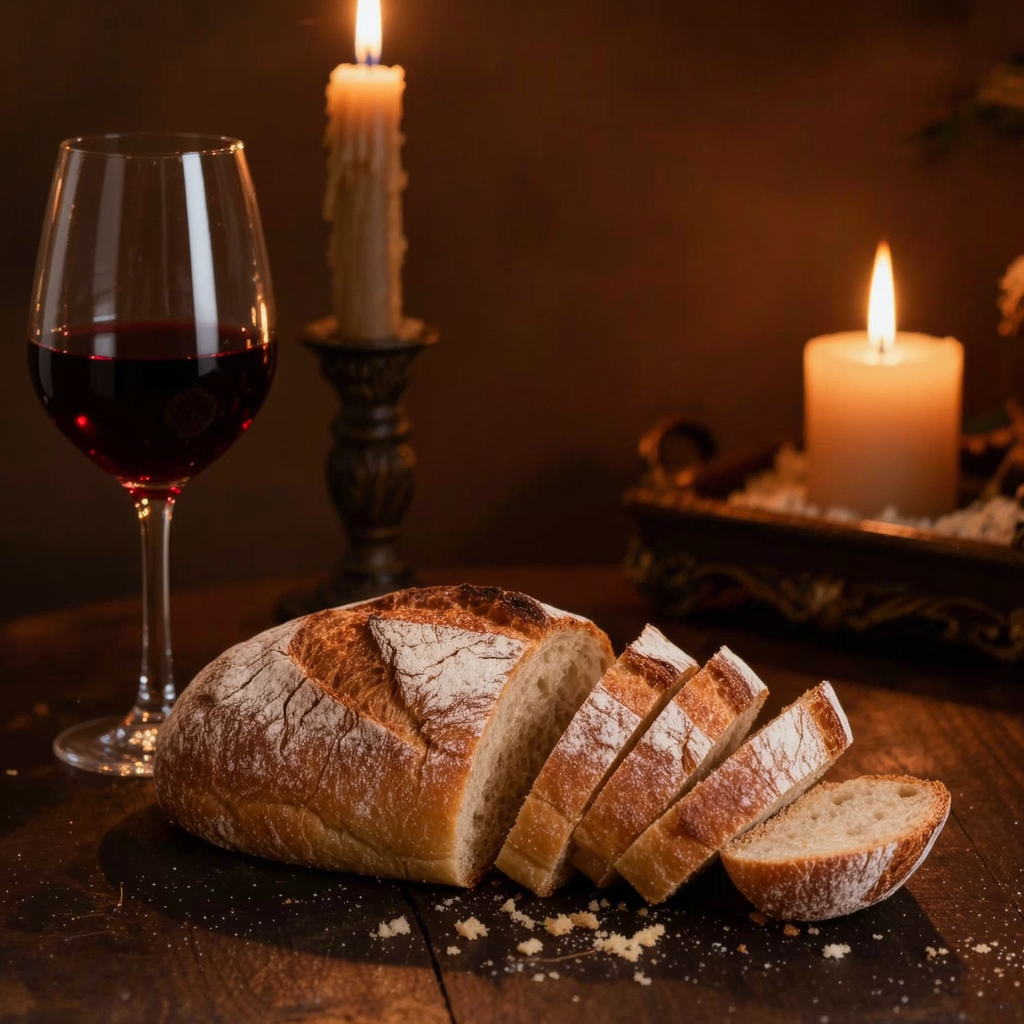
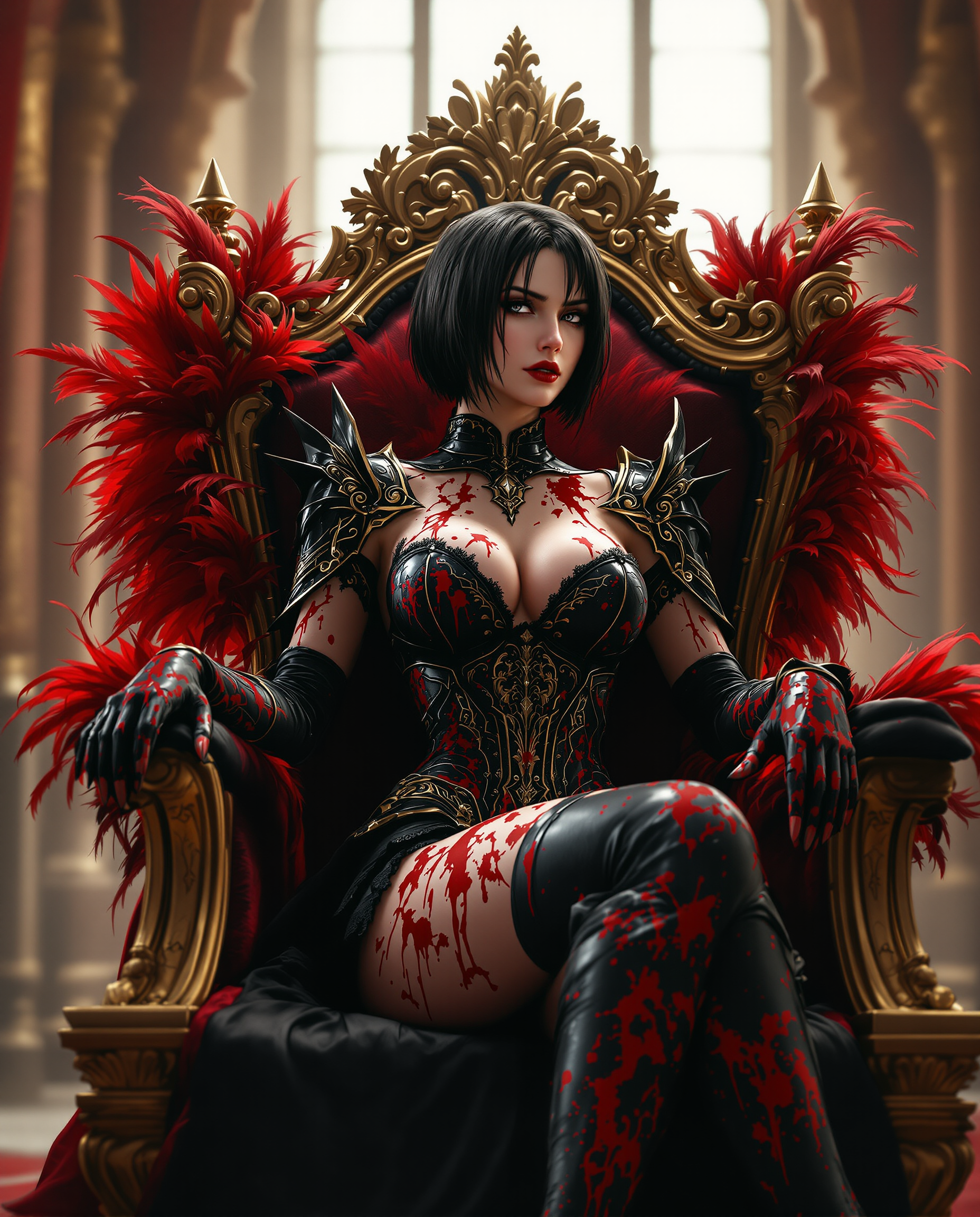
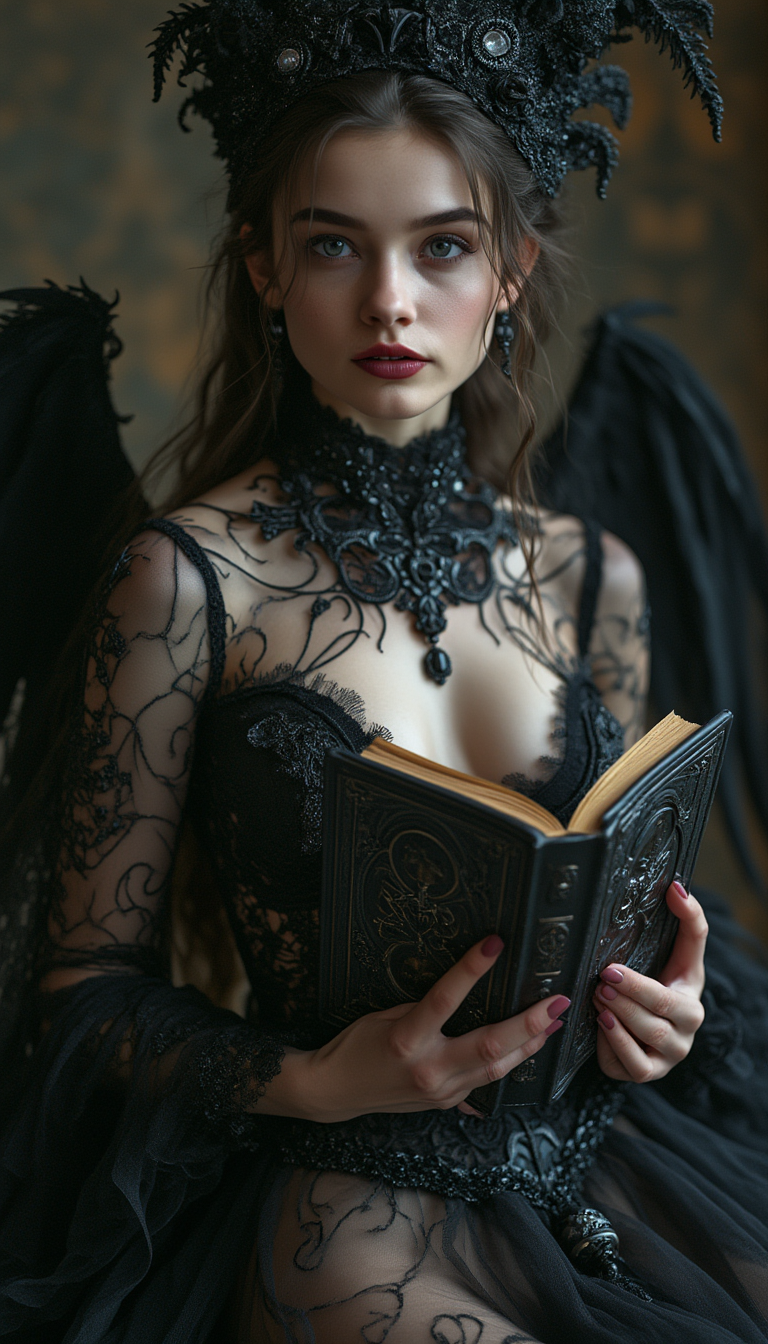
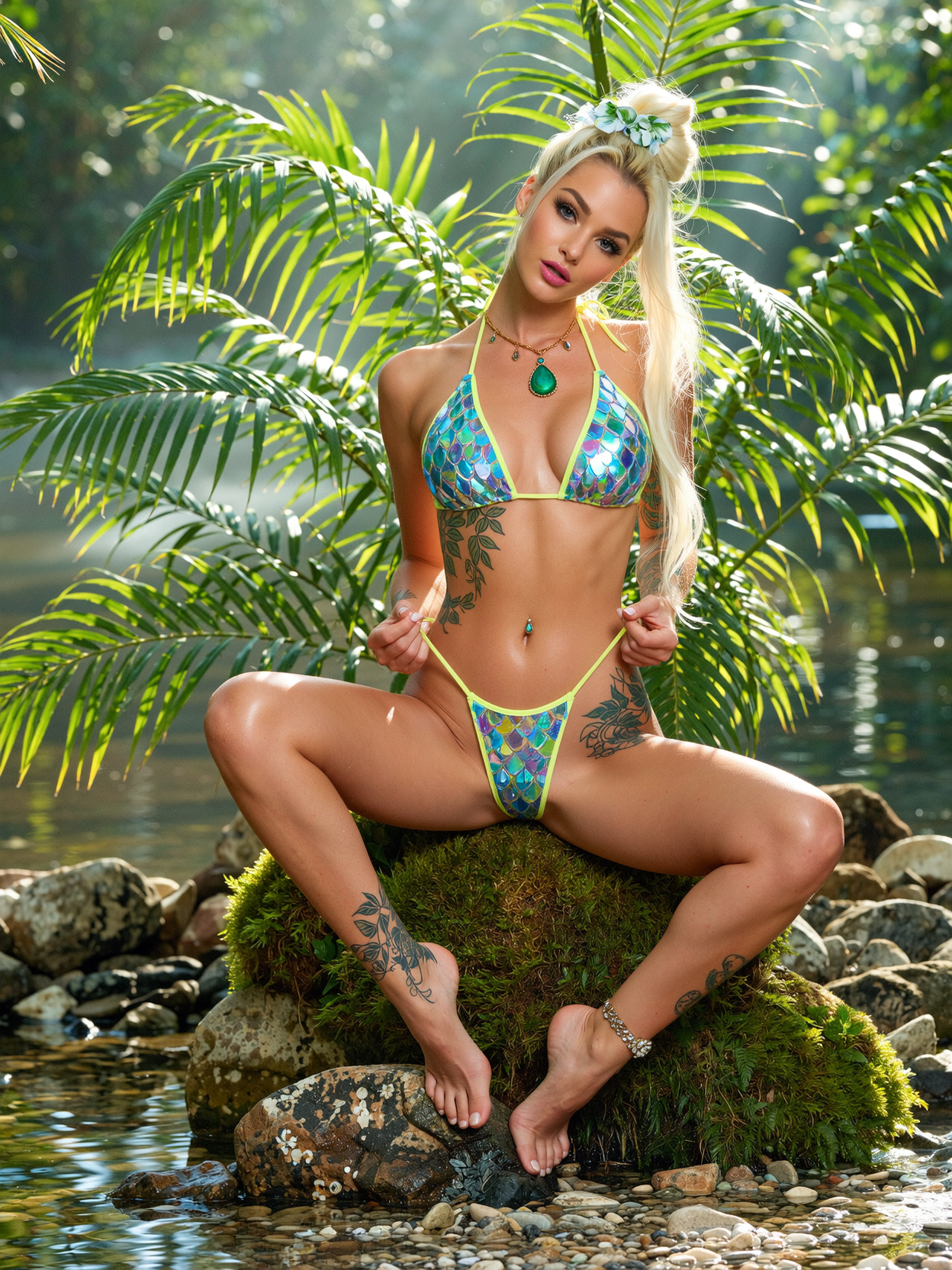
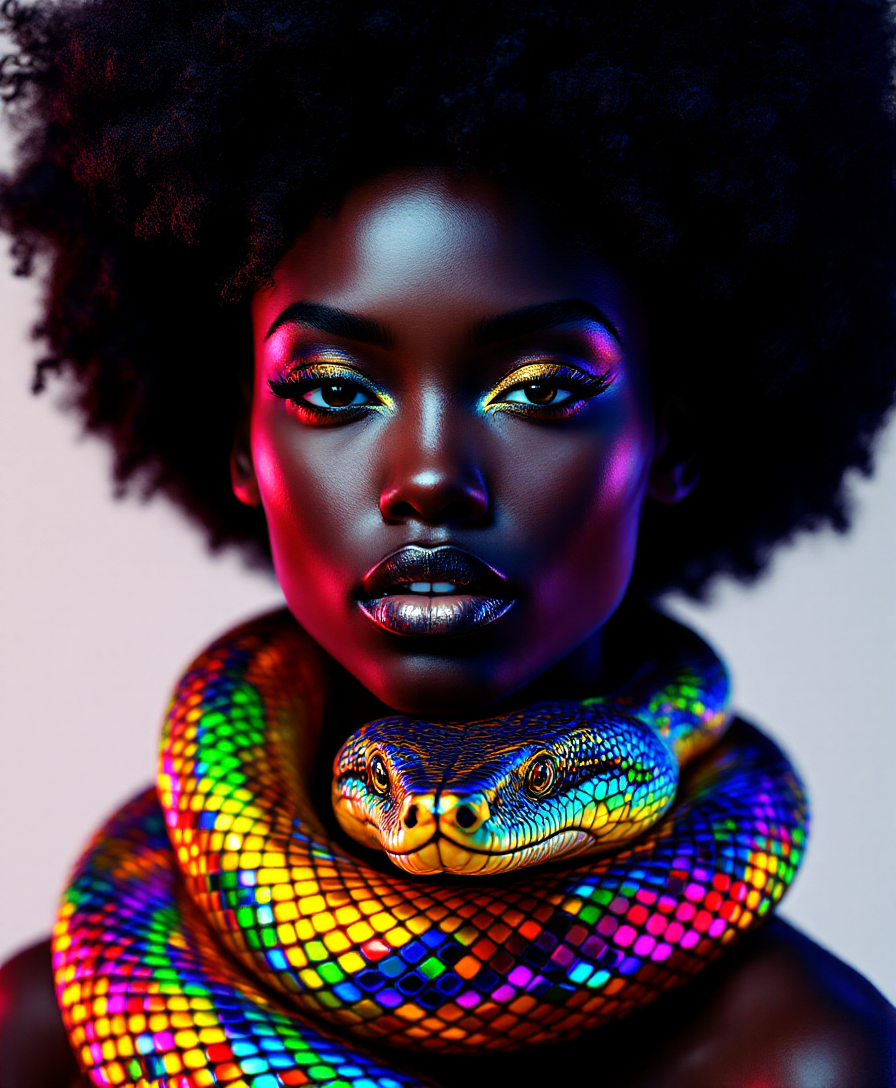
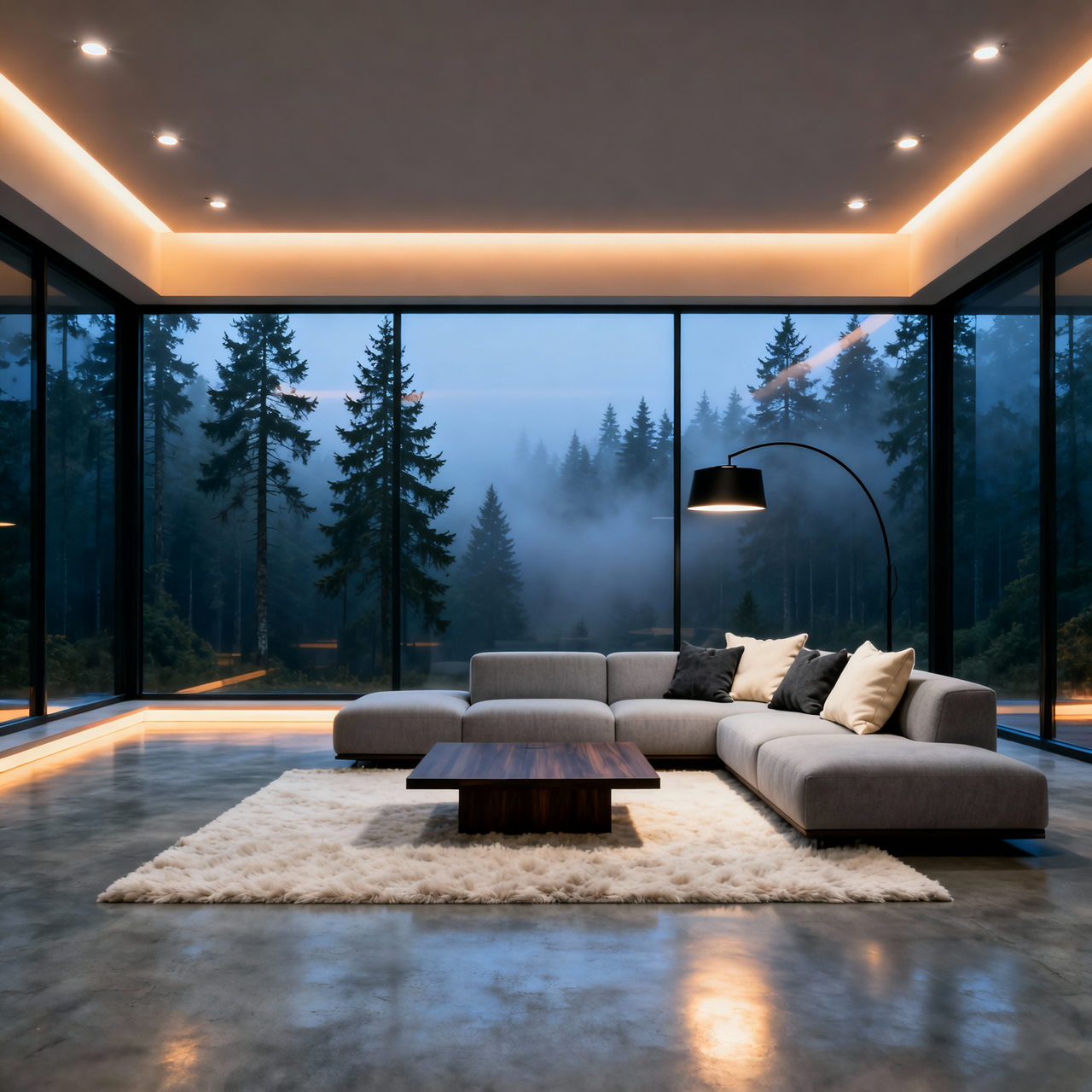

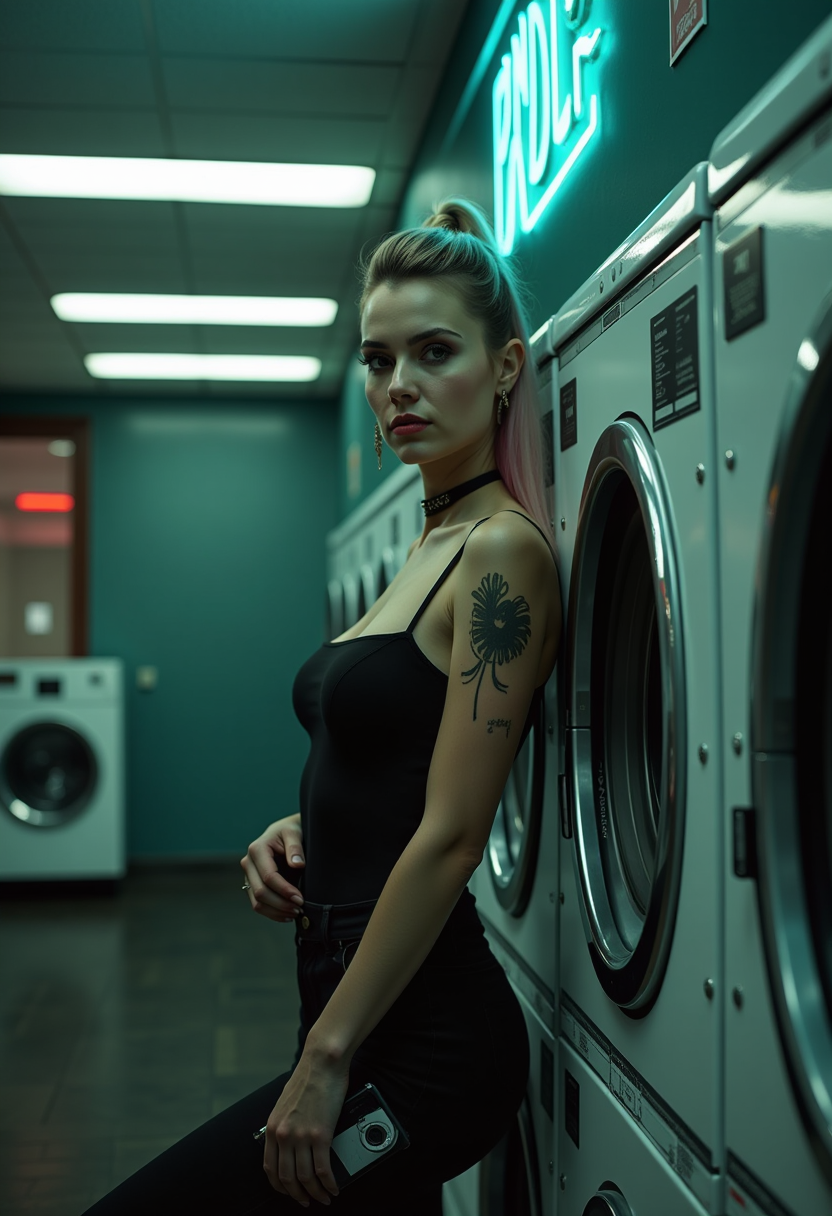
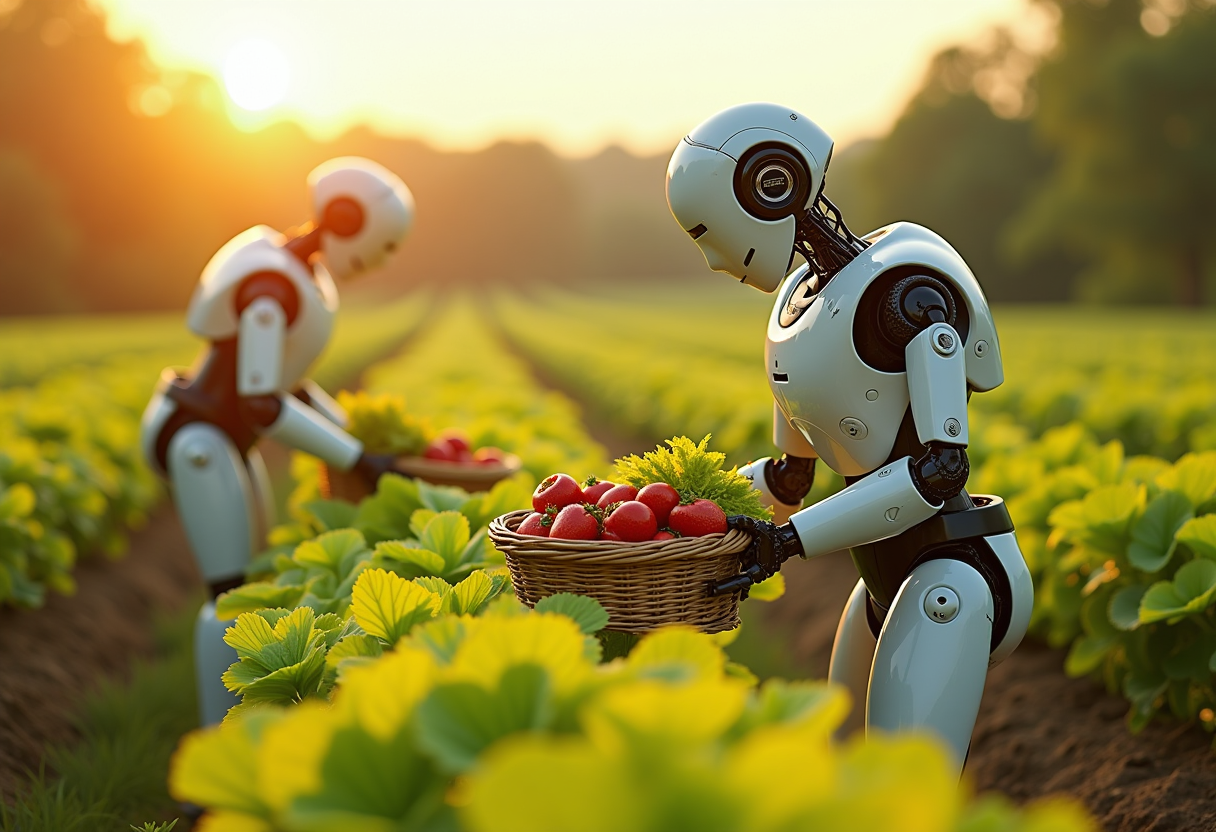
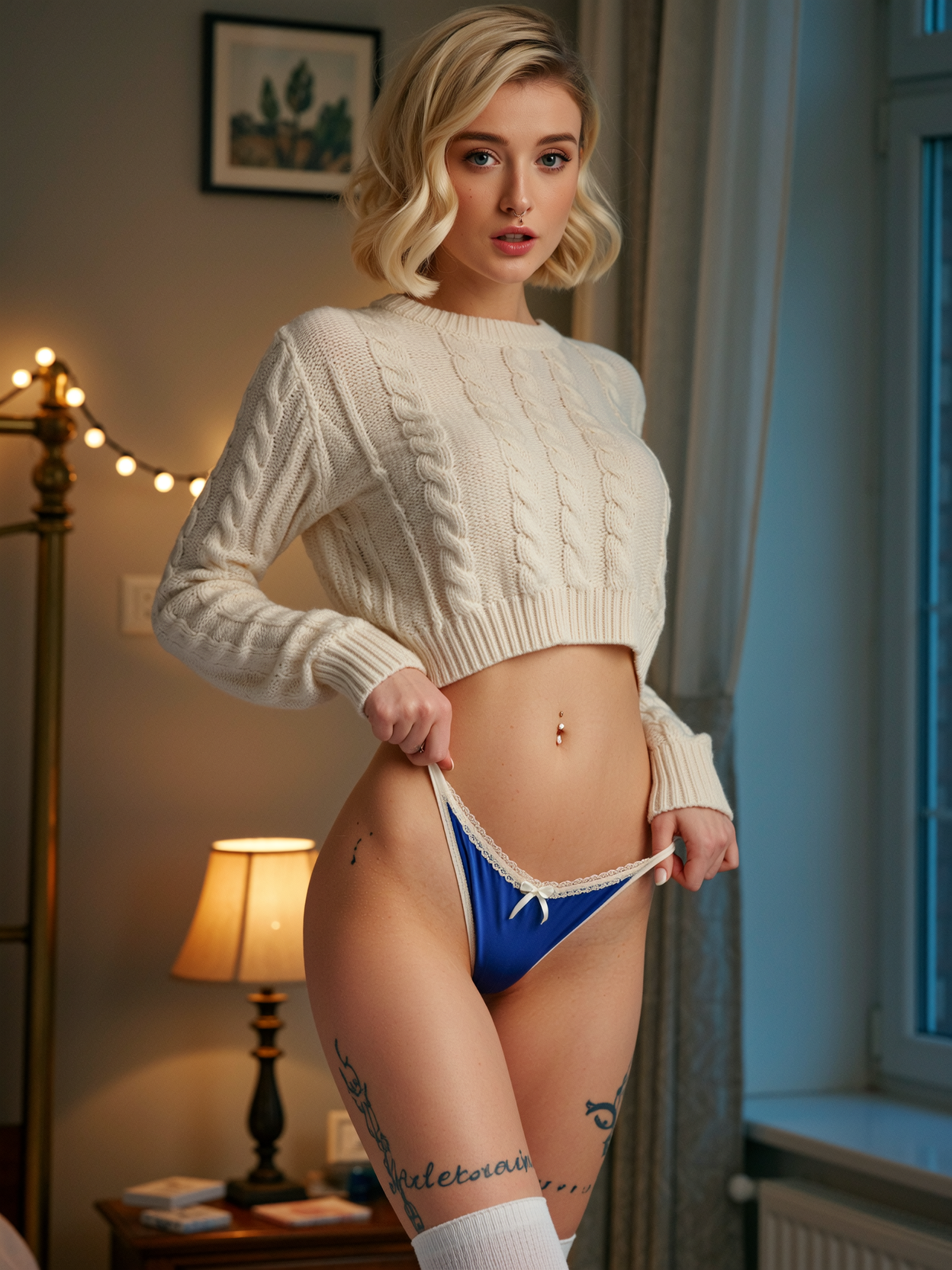
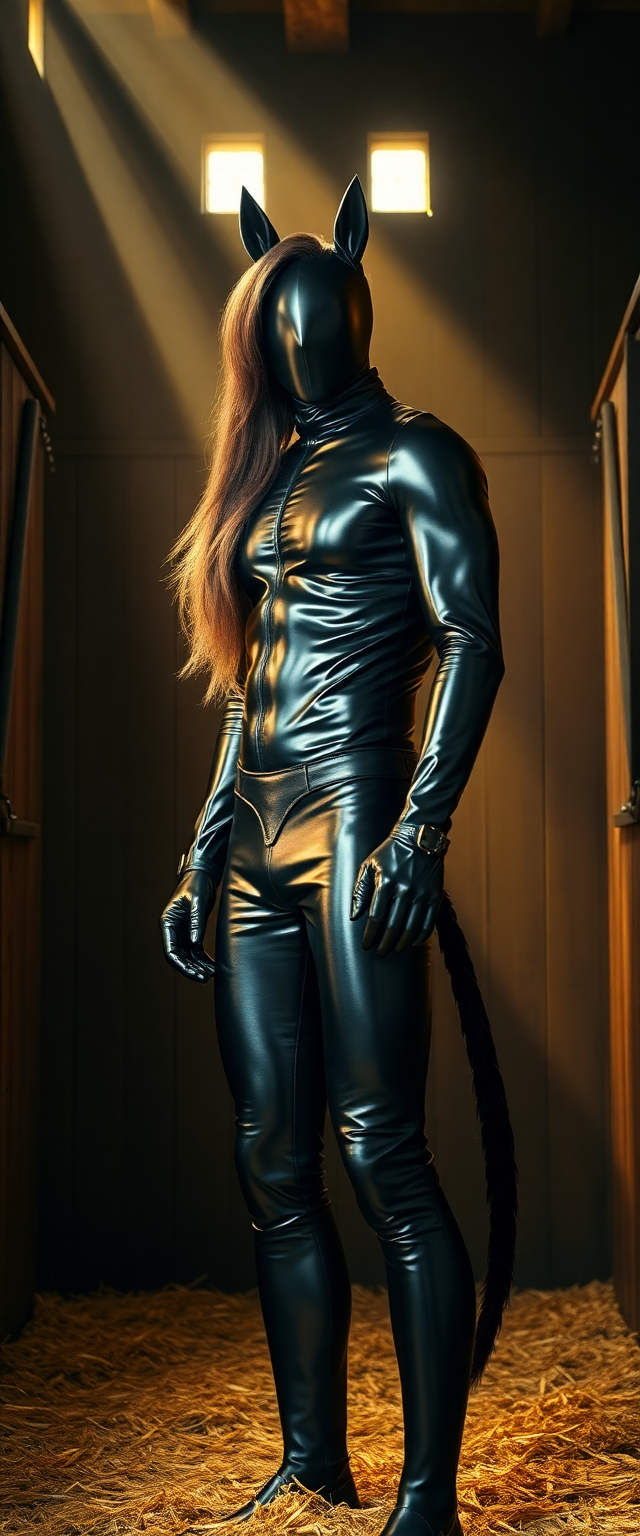
The Pixel Dojo Advantage
Why PixelDojo outperforms other options for enhance image quality image generation
| Others | Pixel Dojo |
|---|---|
| Traditional image creation | Save hours or days of manual work and expensive equipment – achieve pro results instantly with AI that understands and reconstructs details intelligently. |
| Generic AI tools | Access specialized models like Magnific Upscaler and Portrait Upscaler with precise controls for faces, textures, and creative enhancements unavailable in basic platforms. |
| Manual photo editing | Eliminate the steep learning curve and trial-and-error – our AI delivers consistent, high-quality enhancements tailored to your image in seconds, no expertise needed. |
Loved by creators on PixelDojo
Real feedback from people using PixelDojo, pulled from our in-product surveys.
Accurate results
Great site and so much fun to use!
very useful set of tools for image creation, upscaling and enhancement
ease of use, variety of tools, high quality trainings, and a well-maintained discord channel
Ease of use, friendliness and support of the owner, continued innovation.
it is an amazing site to create a pics and vids for those who don't have the hardware themselves
Explore more AI tools on PixelDojo
AI Tools
Compare & Switch
- Best AI Image Generators
- Best AI Video Generators
- Midjourney Alternatives
- Civitai Alternatives
- Runway Alternatives
- Leonardo Alternatives
- Pika Alternatives
- Luma Alternatives
- Magnific Alternatives
- Veo Alternatives
- Flux Alternatives
- Freepik Alternatives
- Seedance Alternatives
- Seedream Alternatives
- Pixverse Alternatives
- GPT Image Alternatives
- Synthesia Alternatives
- Playground Alternatives
- NightCafe Alternatives
- Canva AI Alternatives
- ElevenLabs Alternatives
- ComfyUI Alternatives
- Fal Alternatives
- Replicate Alternatives
Common Questions
Everything you need to know about enhance image quality
How to enhance image quality of low resolution photos with AI?
Simply upload your image to PixelDojo and select Magnific Upscaler or P-Image Upscale. The AI automatically reconstructs missing details, sharpens edges, and increases resolution up to 16x while maintaining natural appearance. Customize with sliders for perfect results and download high-res versions ready for print or web.
What is the best way to upscale AI generated images for better quality?
Use PixelDojo's Creative Upscaler or Clarity Pro on your Flux.2 Studio or Ideogram outputs. These tools add intricate textures, reduce artifacts, and boost vibrancy specifically for generative art. Many users report dramatically improved professional polish in under a minute per image.
Can I enhance old photo quality and restore damaged images using PixelDojo?
Yes! Portrait Upscaler and Reality Polisher excel at restoring vintage photos. They recover faded colors, sharpen details like wrinkles and clothing textures, reduce scratches and noise, and enhance faces naturally. Perfect for family archives or historical images.
How does PixelDojo's AI image enhancer compare for product photography?
Our tools like P-Image Upscale and Creative Upscaler are ideal for e-commerce. They sharpen product details, enhance lighting and shadows, remove backgrounds cleanly, and upscale for high-res zoom views – helping increase conversion rates with crisp, appealing visuals.
Is it possible to enhance image quality without losing original details or style?
Absolutely. PixelDojo's advanced models preserve your original composition, colors, and artistic intent while intelligently adding plausible details. Use gentle presets in Clarity Pro or control creativity levels in Magnific Upscaler for subtle, natural improvements.
What resolution can I achieve when enhancing image quality with PixelDojo tools?
Scale images up to 16x their original size with tools like Magnific Upscaler and Video Upscaler (for stills too). Achieve print-quality 300+ DPI outputs, 4K, 8K, or even higher for large formats, all while maintaining sharpness and realism.