enhance photo
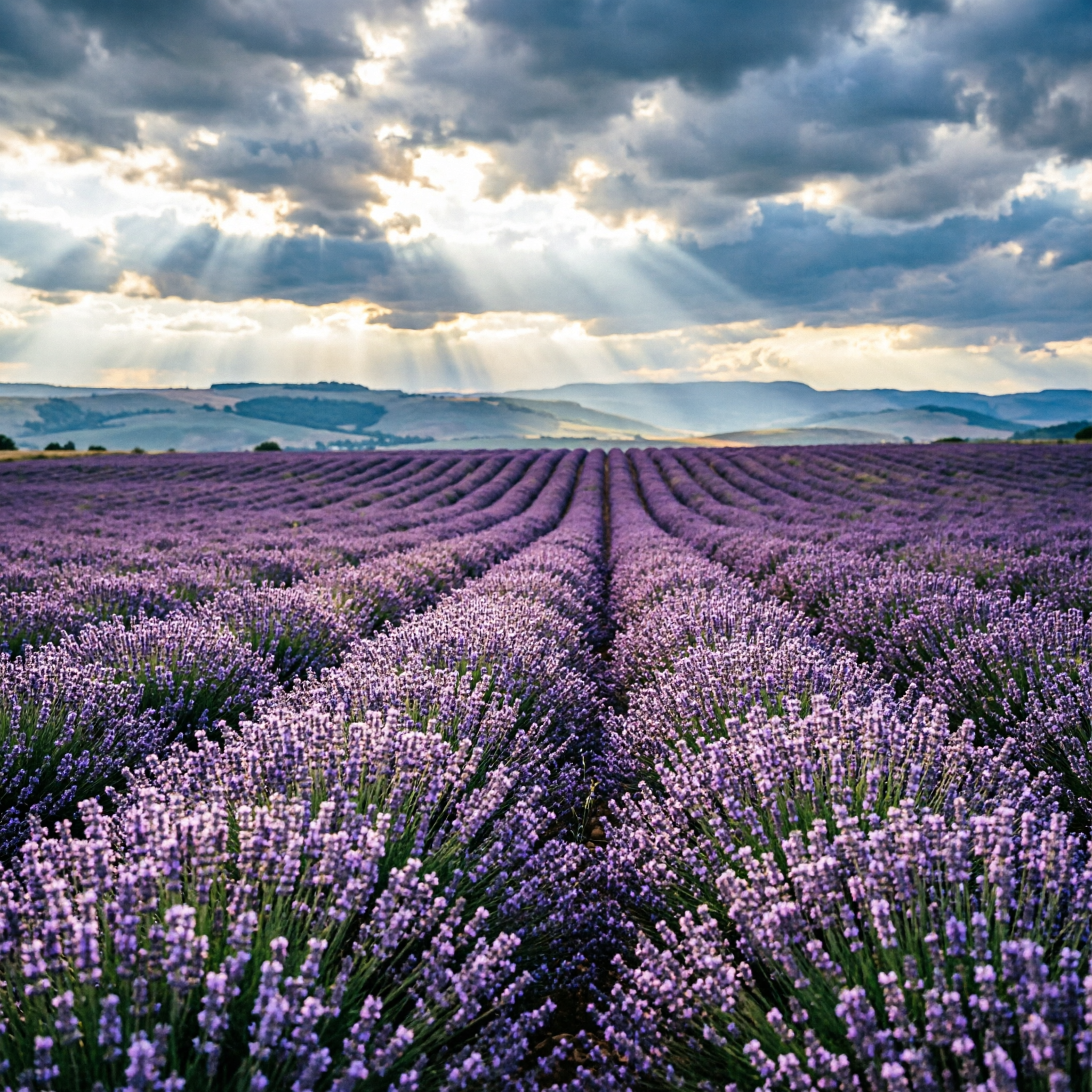
Turn your blurry snapshots, faded family photos, or low-resolution product images into breathtaking high-definition visuals that look professionally shot. PixelDojo's AI photo enhancer empowers you to restore cherished memories, perfect portraits with natural beauty, and create sales-driving product shots without any technical skills or expensive equipment. Experience the joy of seeing every detail pop with vibrant colors, sharp textures, and lifelike clarity in just seconds.
Join over 45,000 creators who have enhanced more than 3.2 million photos. 4.9/5 average rating from photographers, e-commerce sellers, and content creators. Trusted worldwide for natural, artifact-free results every time.
Why Choose Pixel Dojo for enhance photo
Professional-quality results with cutting-edge AI technology
Revive Old Photos with Stunning Clarity
Restore faded, scratched, or low-res vintage images to crisp modern quality, preserving every precious detail so you can relive memories like never before.
Create Flawless Natural Portraits
Enhance faces, smooth skin subtly, brighten eyes, and correct lighting to produce professional headshots and family portraits that feel authentic and captivating.
Boost Product Photos for Higher Conversions
Sharpen details, fix lighting, remove distractions, and upscale images to make your products look premium on any platform, driving more clicks and sales.
How It Works
Enhancing photos with PixelDojo takes just three easy steps using our specialized AI tools designed specifically for photo improvement.
Step 1: Choose Your Tool
Browse the Upscale & Enhance section and pick the perfect match: Magnific Upscaler for creative detail boosts, Portrait Upscaler for faces, Clarity Pro for overall sharpening, or P-Image Upscale for quick high-res results.
Step 2: Enter Your Prompt & Upload Photo
Upload your image, then describe desired outcomes like 'enhance details naturally, upscale 4x, improve lighting' or select presets. Tools like Creative Upscaler and Magic Lighting let you fine-tune in real time.
Step 3: Customize, Preview & Download
Review AI-generated enhancements instantly, tweak with Background Remover or Inpainting if needed, then download your high-resolution masterpiece in multiple formats ready for print or sharing.

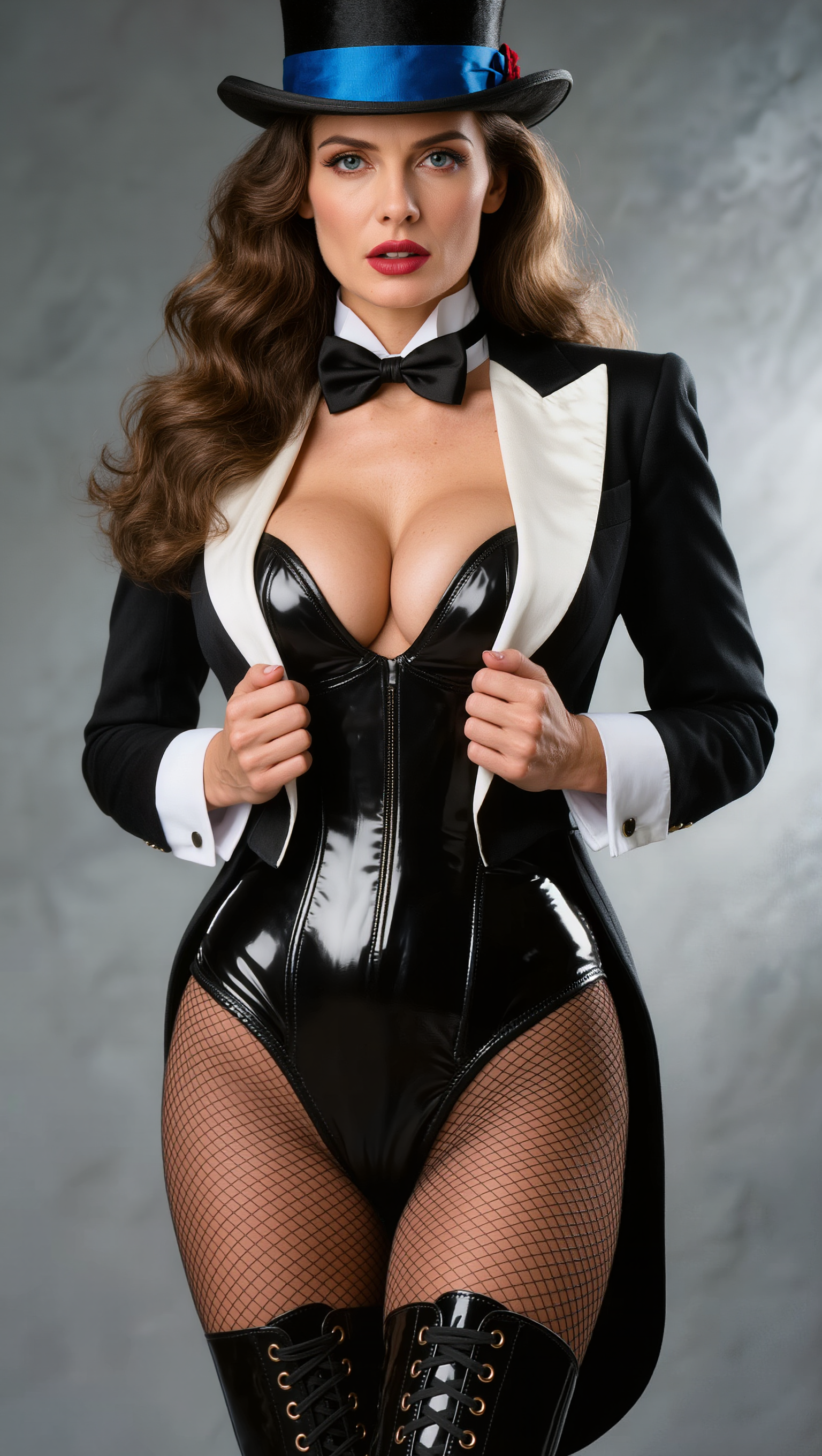
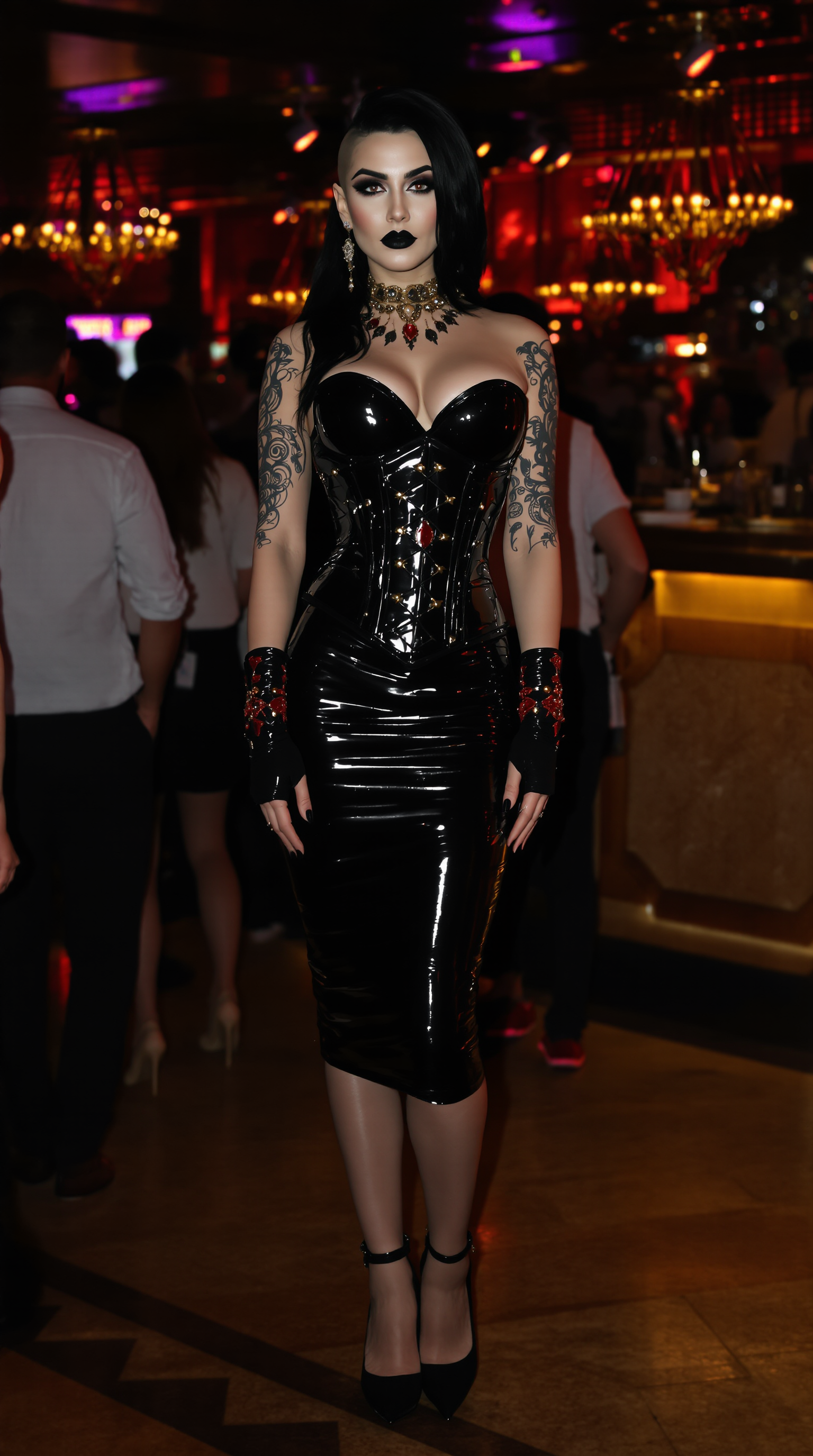
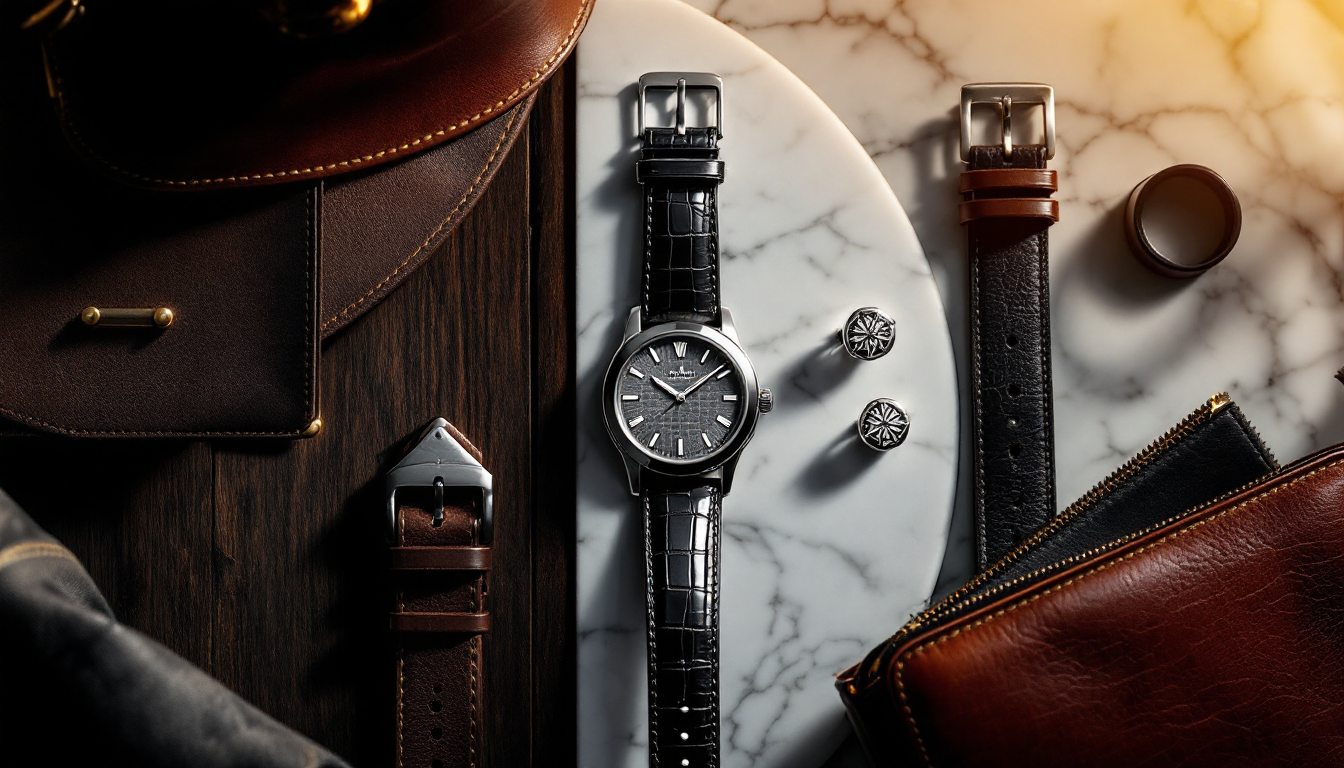
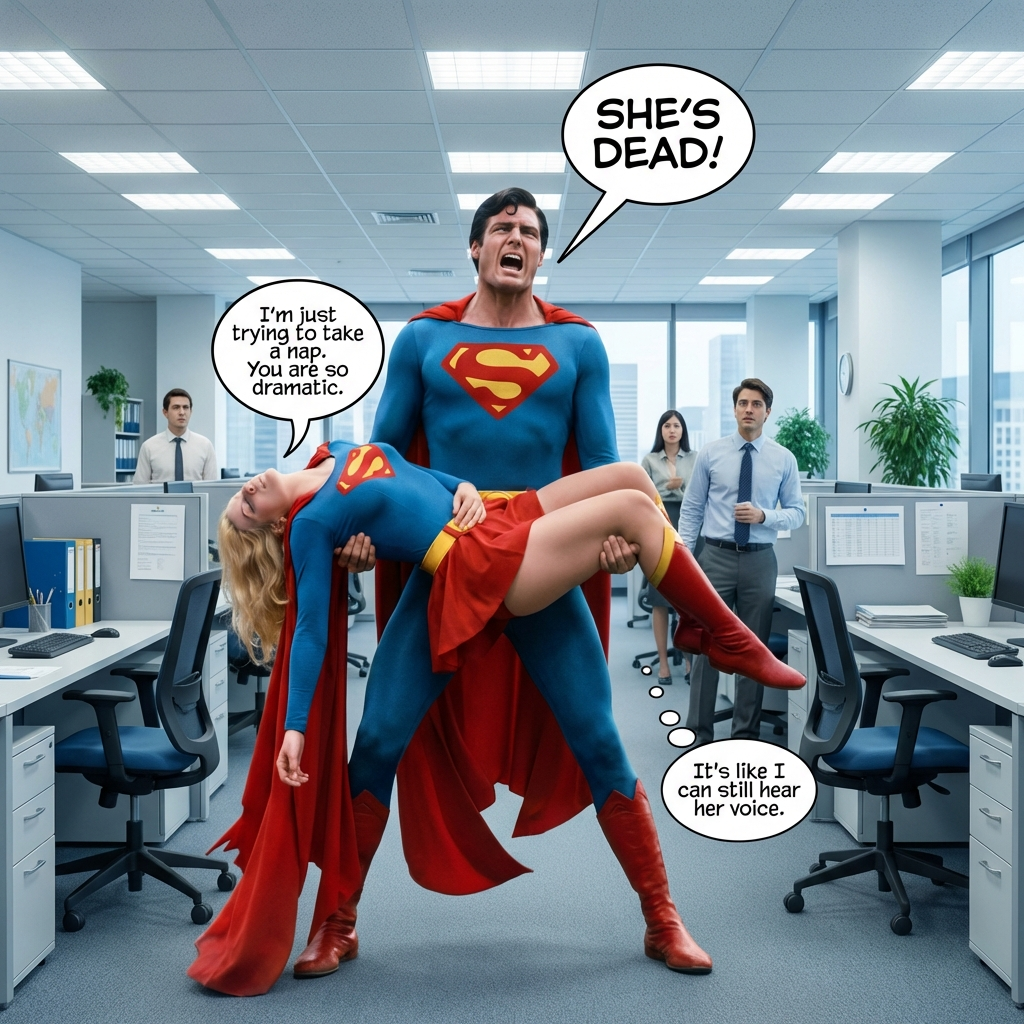
The Pixel Dojo Advantage
Why PixelDojo outperforms other options for photo enhancement
| Others | Pixel Dojo |
|---|---|
| Traditional photo enhancement | Achieve professional results in seconds instead of hours of manual retouching or hiring expensive editors |
| Generic AI tools | Specialized photo-focused models like Magnific Upscaler and Portrait Upscaler deliver superior natural textures and detail preservation |
| Manual photo editing | Automated consistency across batches with AI that understands context for lighting, faces, and product details without fatigue |
Loved by creators on PixelDojo
Real feedback from people using PixelDojo, pulled from our in-product surveys.
the quality is the best
All the tools needed in one dashboard
Very fair and very broad in tools.
Accurate results
Great site and so much fun to use!
very useful set of tools for image creation, upscaling and enhancement
Explore more AI tools on PixelDojo
AI Tools
Compare & Switch
- Best AI Image Generators
- Best AI Video Generators
- Midjourney Alternatives
- Civitai Alternatives
- Runway Alternatives
- Leonardo Alternatives
- Pika Alternatives
- Luma Alternatives
- Magnific Alternatives
- Veo Alternatives
- Flux Alternatives
- Freepik Alternatives
- Seedance Alternatives
- Seedream Alternatives
- Pixverse Alternatives
- GPT Image Alternatives
- Synthesia Alternatives
- Playground Alternatives
- NightCafe Alternatives
- Canva AI Alternatives
- ElevenLabs Alternatives
- ComfyUI Alternatives
- Fal Alternatives
- Replicate Alternatives
Common Questions
Everything you need to know about enhance photo
How to enhance old blurry photos with AI for best results?
Upload your vintage image to PixelDojo's P-Image Upscale or Magnific Upscaler, select a 4x or higher factor, and use prompts focused on natural detail recovery. Our AI restores scratches, boosts contrast, and adds realistic textures while keeping the authentic feel intact.
What is the best AI tool for portrait photo enhancement and face sharpening?
Portrait Upscaler combined with Clarity Pro excels at enhancing faces naturally. It sharpens eyes, evens skin tones subtly, corrects lighting with Magic Lighting, and preserves unique features so your portraits look polished yet authentic.
Can I upscale product photos with AI to improve e-commerce sales?
Absolutely. Use Creative Upscaler or P-Image Upscale on PixelDojo to enlarge images up to 16x while enhancing textures, fixing shadows, and removing backgrounds with Background Remover. Sellers report higher conversion rates from crisp, professional-looking product visuals.
How does AI photo enhancement preserve natural details without artifacts?
PixelDojo's advanced models like Magnific Upscaler and Reality Polisher analyze context deeply to reconstruct missing details realistically. They avoid over-smoothing or fake textures, delivering results that look like they were captured with a high-end camera.
Is PixelDojo's AI photo enhancer suitable for restoring damaged family photos?
Yes! Our tools including Inpainting, Image Outpainting, and Clarity Pro are perfect for repairing tears, removing dust, recoloring faded areas, and upscaling old prints. Thousands of users have successfully revived priceless family memories with stunning results.
How long does it take to enhance a photo using PixelDojo AI tools?
Most enhancements complete in under 30 seconds. Simply upload, choose your tool like Portrait Upscaler or Creative Upscaler, apply quick customizations, and download. The entire process is designed for speed so you can enhance dozens of photos in minutes.