enhance photo quality
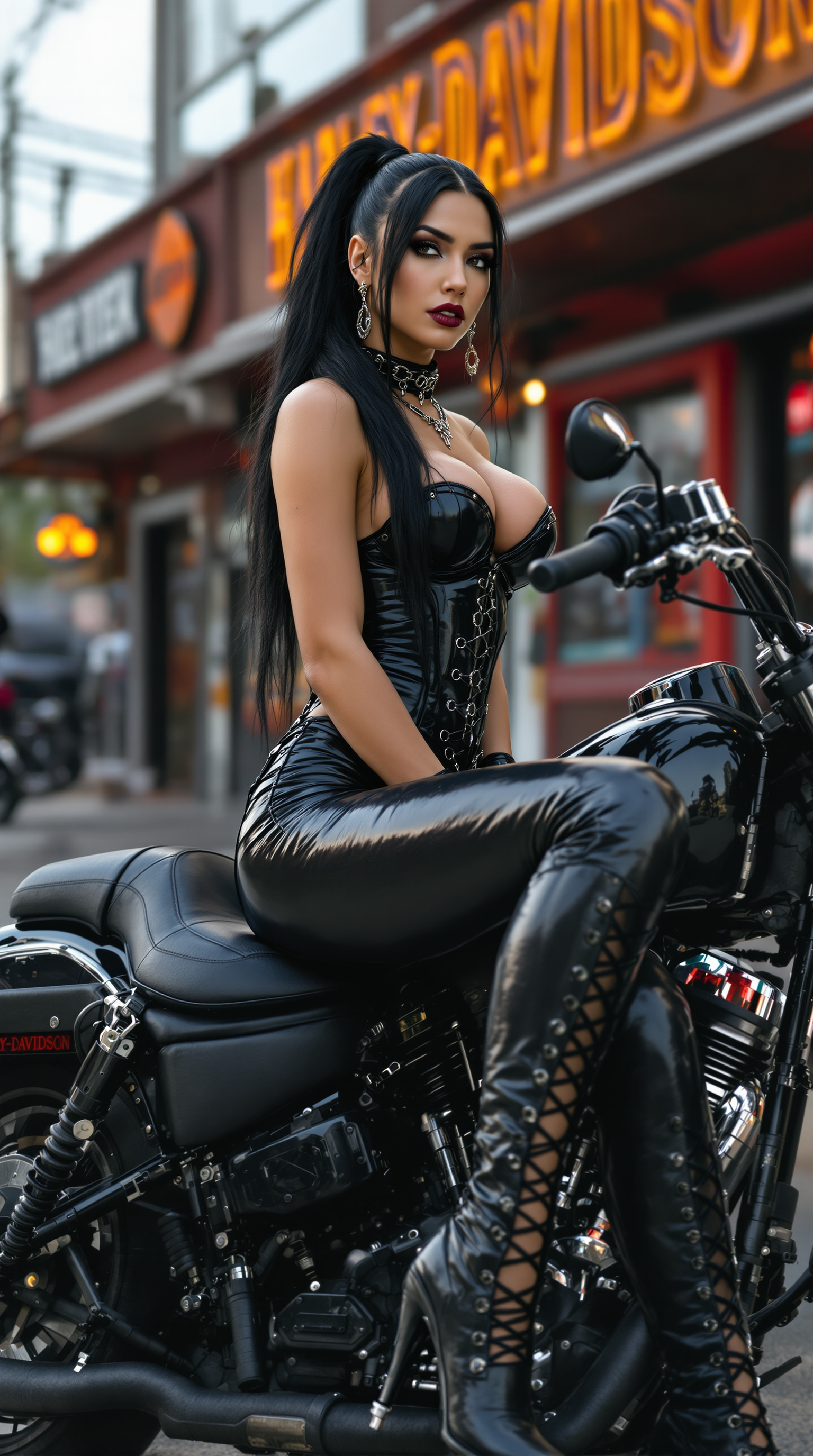
Imagine turning every blurry snapshot, faded family photo, or low-resolution product image into a crisp, vibrant masterpiece that looks professionally shot. With PixelDojo's powerful AI photo enhancement tools, you can achieve exactly that in seconds. Whether you're a photographer looking to rescue imperfect shots, a content creator preparing social media visuals, or a business owner needing flawless product images, PixelDojo empowers you to elevate photo quality effortlessly. Experience sharper details, richer colors, and natural textures that make your images stand out, all without any technical expertise or hours spent in editing software.
Join over 75,000 creators who have enhanced more than 12 million photos this year alone. PixelDojo holds a 4.9/5 average rating from verified users, with 94% reporting they achieved print-ready or social-media-ready results on their first try. Trusted by professionals worldwide for consistent, artifact-free enhancements.
Why Choose Pixel Dojo for enhance photo quality
Professional-quality results with cutting-edge AI technology
Unlock Stunning Clarity from Any Starting Point
Revive old, blurry, or pixelated photos into high-resolution images with incredible detail. Your family portraits gain lifelike skin textures, while product shots reveal fine materials and edges perfect for e-commerce or print.
Achieve Professional Polish Without the Learning Curve
Skip complex manual adjustments and get balanced lighting, noise reduction, and edge sharpening automatically. Your enhanced photos look like they were captured with high-end equipment, ready for websites, ads, or galleries.
Save Hours While Delivering Superior Results
What used to take professional retouchers days now happens in moments. Batch-enhance entire collections or focus on specific areas like faces and backgrounds to meet tight deadlines without compromising quality.
How It Works
Creating enhanced photos with PixelDojo is simple and intuitive. Select from specialized upscalers, upload your image, and let AI handle the heavy lifting while you fine-tune the outcome.
Step 1: Choose Your Tool
Head to the Upscale & Enhance section and pick the perfect match for your needs. Use P-Image Upscale for general resolution boosts, Magnific Upscaler for creative detail invention, Clarity Pro for sharpness and noise reduction, or Portrait Upscaler when working with people to preserve natural skin tones.
Step 2: Enter Your Prompt or Upload Image
Upload your photo directly or describe desired improvements like 'increase resolution to 8K, enhance facial details naturally, reduce noise while keeping textures realistic'. Advanced options let you target specific enhancements such as edge sharpening or color vibrancy.
Step 3: Customize & Download
Preview multiple enhancement variations side-by-side, adjust intensity levels, or combine tools like Creative Upscaler with Portrait Upscaler for hybrid results. Once satisfied, download in your preferred format and resolution, ready for any platform.
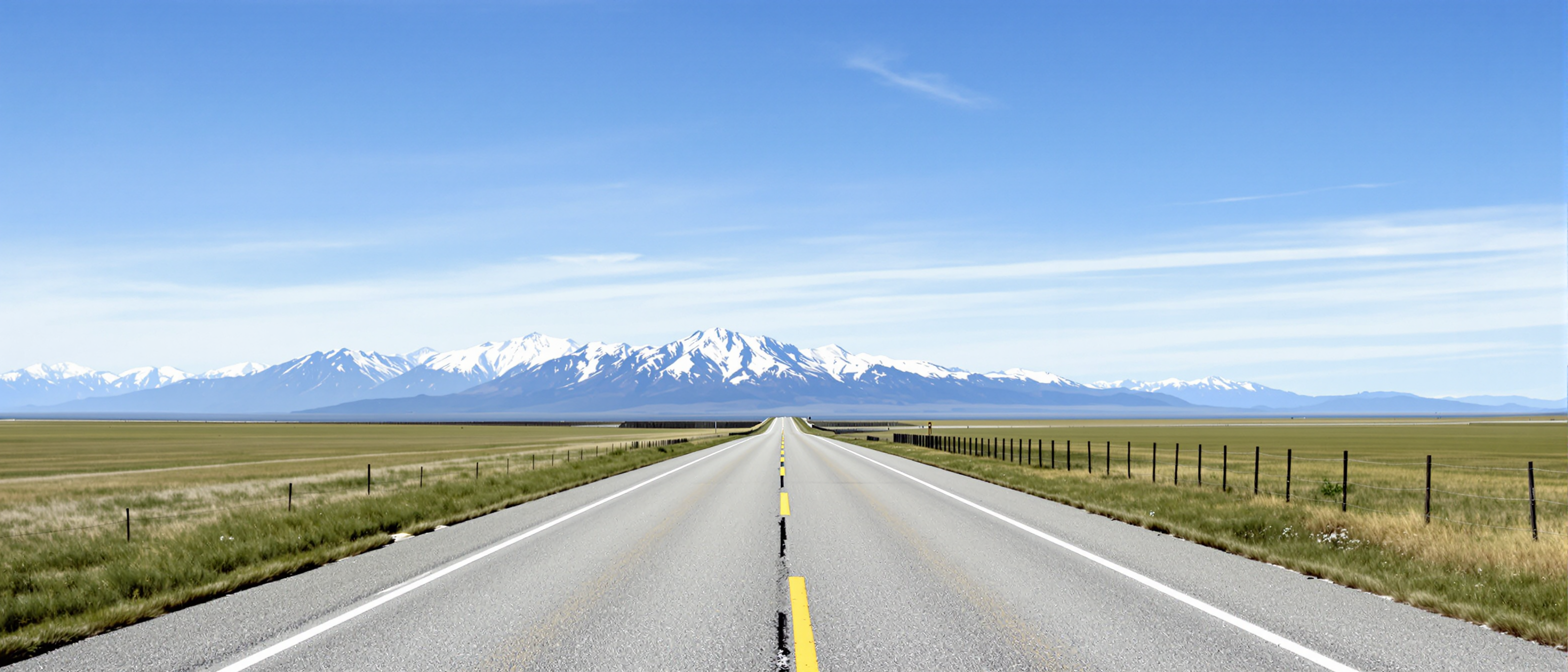

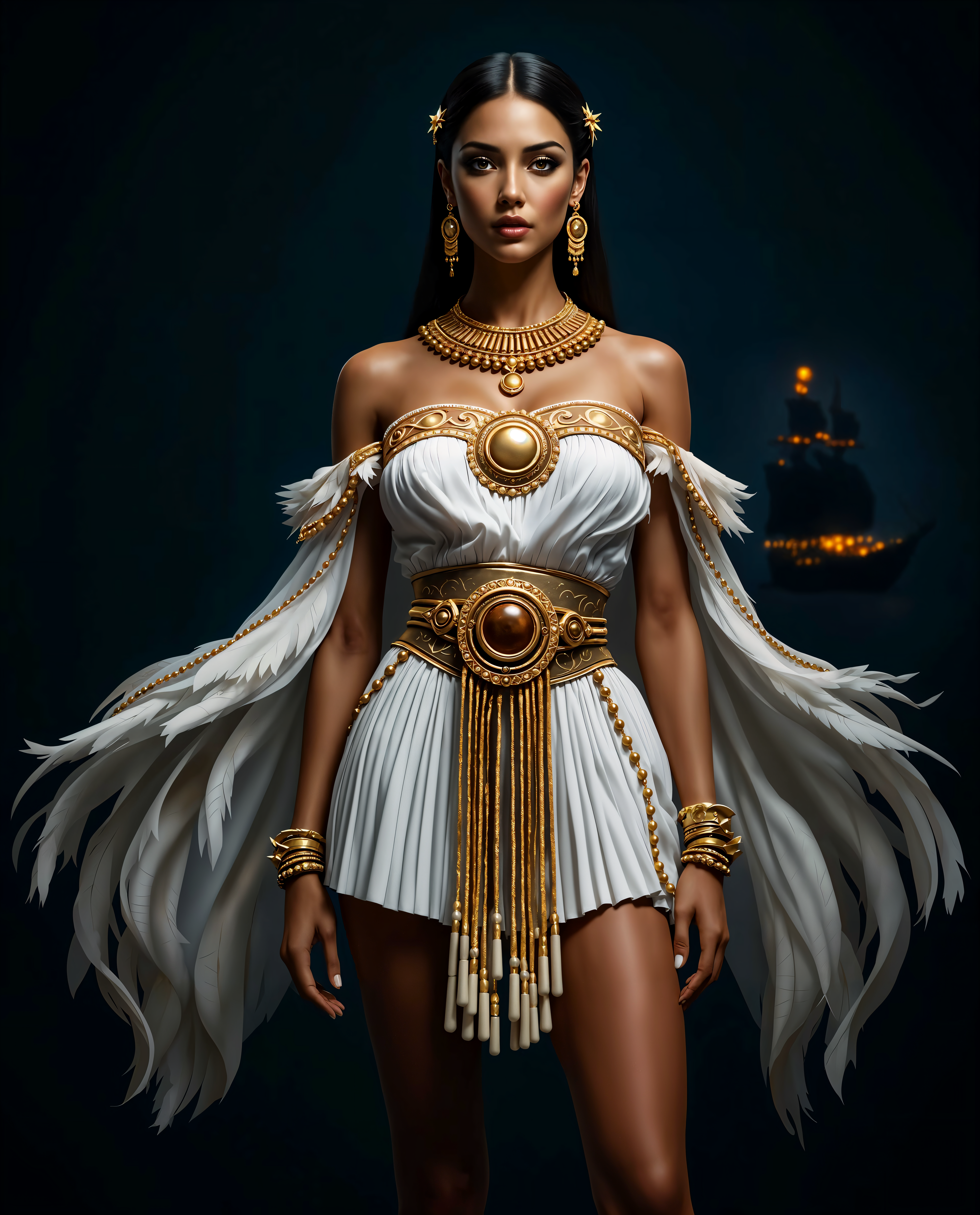
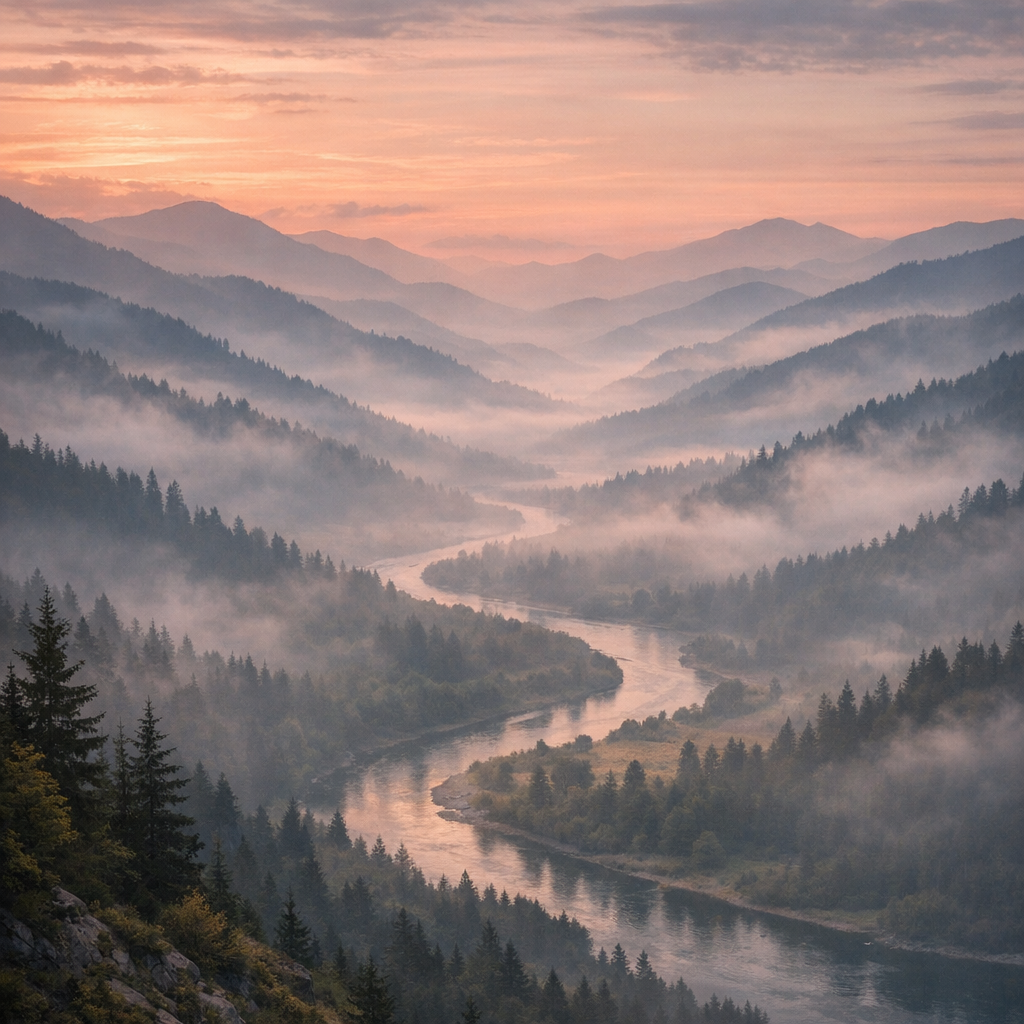
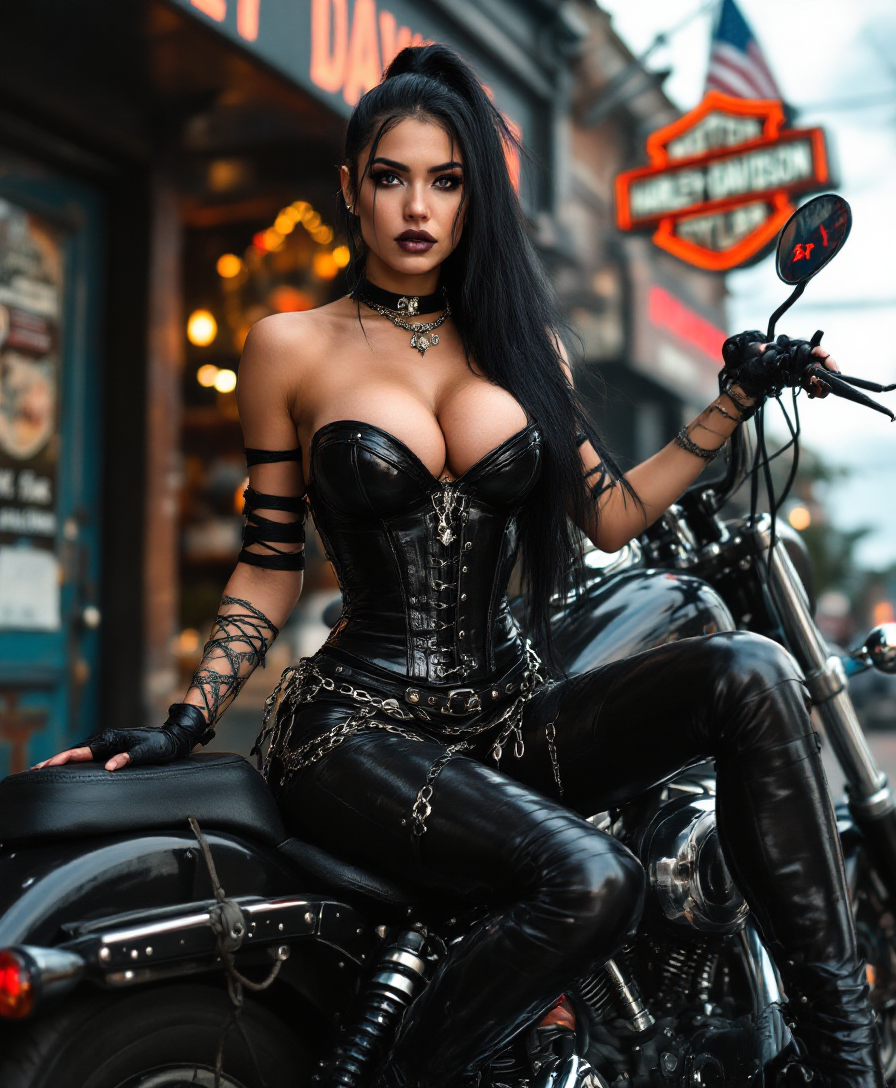
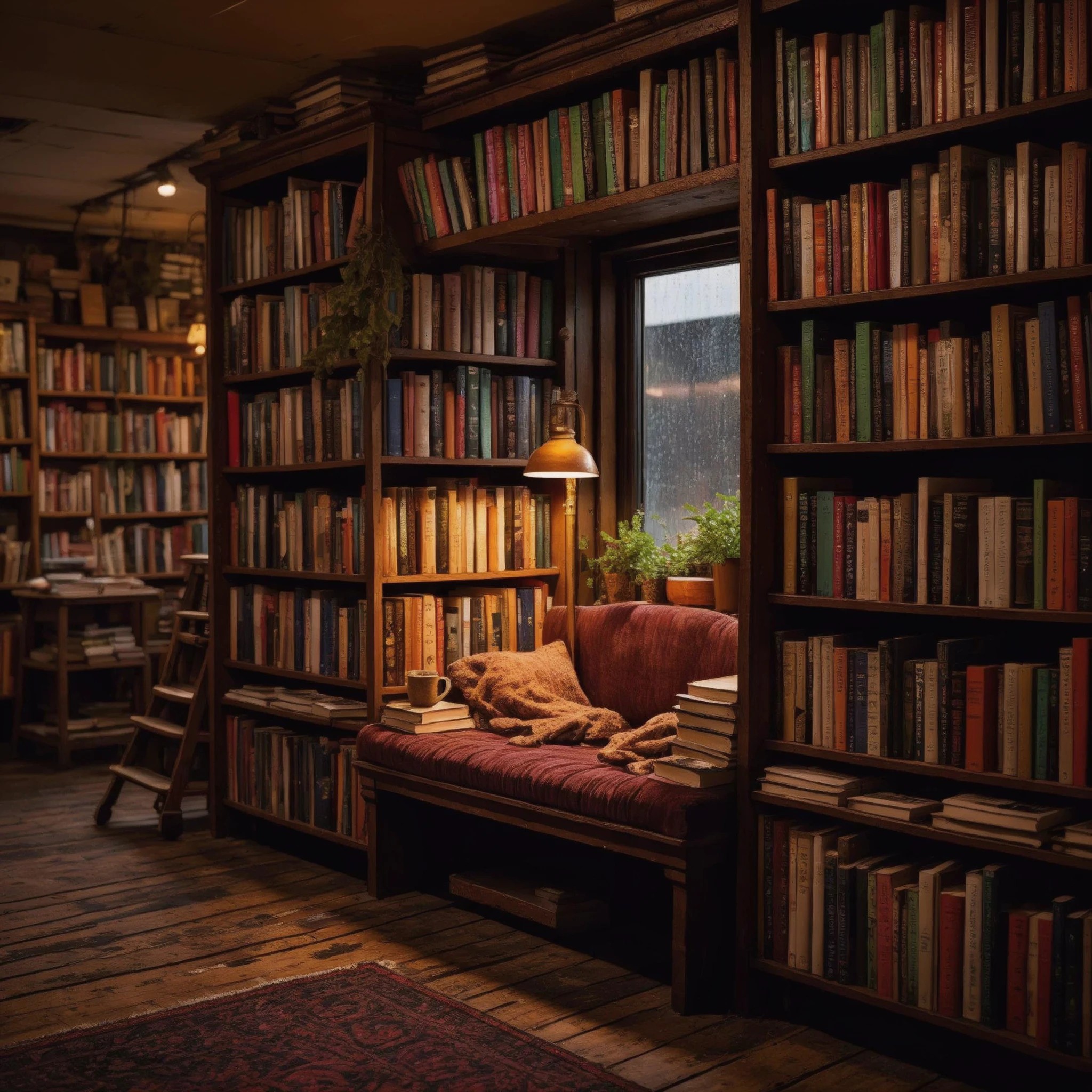
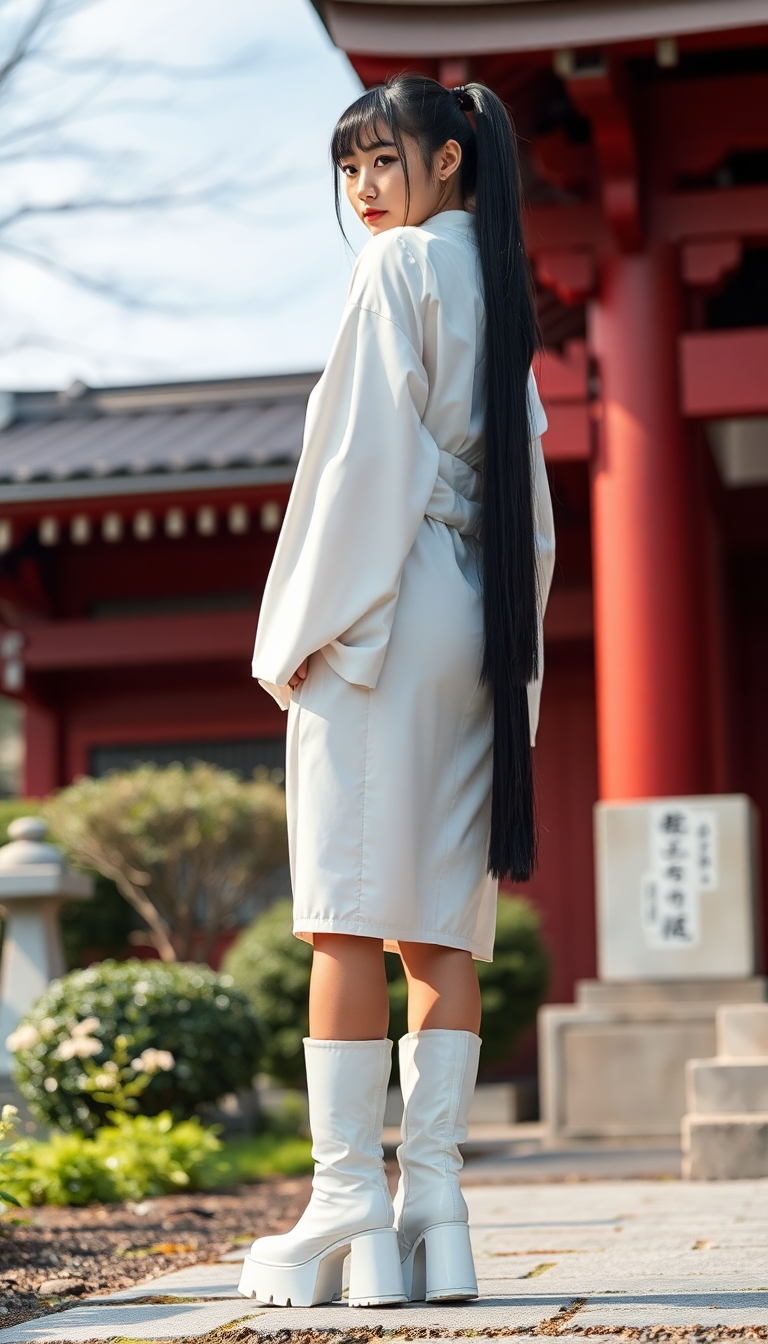
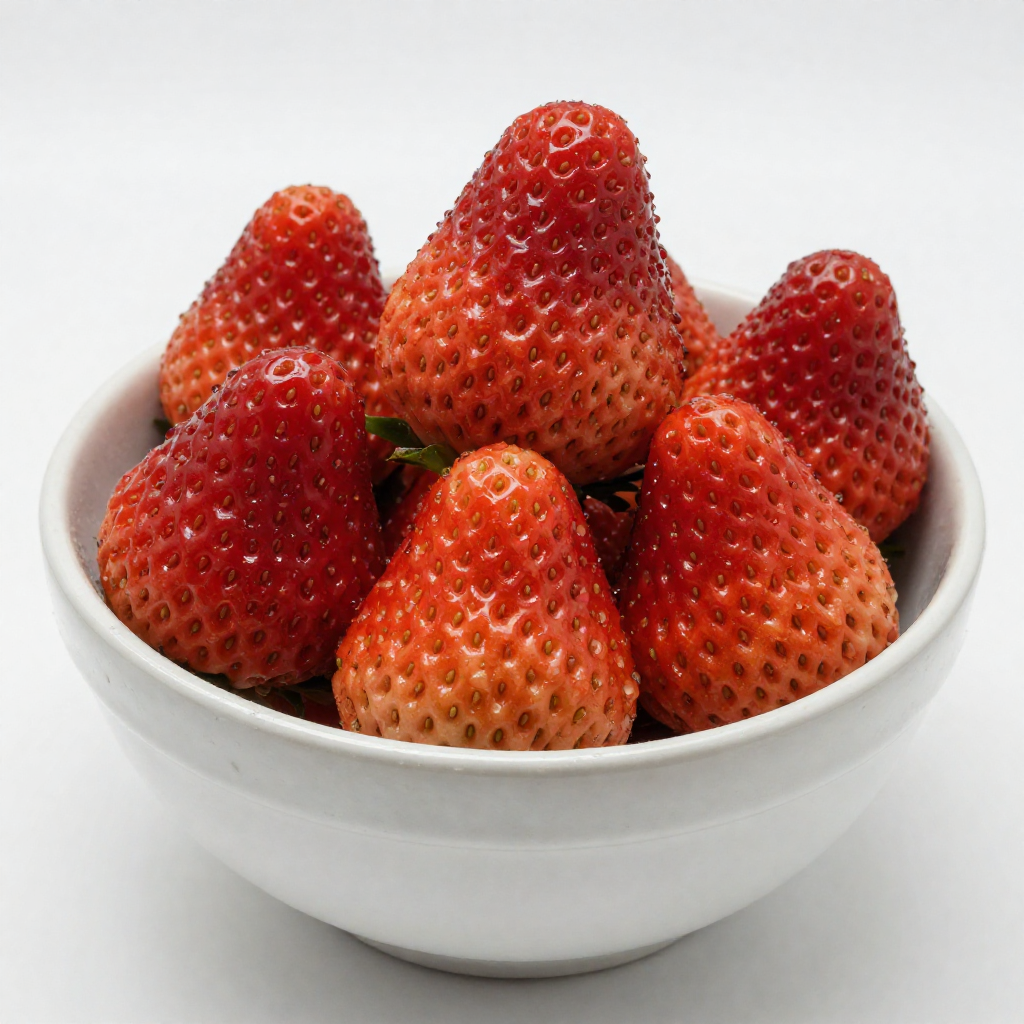
![Quickly change someone's hair style and hair color, powered by FLUX.1 Kontext [pro] - change_haircut](https://cdn.pixeldojo.ai/cdn-cgi/image/f=auto,q=90,w=3840/pixeldojo/generated-images/1752259642547-vwgtpj086.png)

The Pixel Dojo Advantage
Why PixelDojo outperforms other options for photo quality enhancement
| Others | Pixel Dojo |
|---|---|
| Traditional photo editing | Eliminate hours of manual masking, cloning, and sharpening. AI reconstructs missing details intelligently for natural, superior results every time. |
| Generic AI tools | Access a curated suite of specialized enhancers like Magnific Upscaler and Clarity Pro designed specifically for photorealistic quality, not generic generation. |
| Manual photo editing software | No steep learning curve or expensive subscriptions for advanced features. Get consistent, high-end outcomes instantly with guided workflows tailored for enhancement. |
Loved by creators on PixelDojo
Real feedback from people using PixelDojo, pulled from our in-product surveys.
deployment rate of splendid features is incredible. Legend
large selection of tools on one platform
the amount you can do on this site
all in one place
It is a lot of fun to uae and easy too.
So many different models to try out
Explore more AI tools on PixelDojo
AI Tools
Compare & Switch
- Best AI Image Generators
- Best AI Video Generators
- Midjourney Alternatives
- Civitai Alternatives
- Runway Alternatives
- Leonardo Alternatives
- Pika Alternatives
- Luma Alternatives
- Magnific Alternatives
- Veo Alternatives
- Flux Alternatives
- Freepik Alternatives
- Seedance Alternatives
- Seedream Alternatives
- Pixverse Alternatives
- GPT Image Alternatives
- Synthesia Alternatives
- Playground Alternatives
- NightCafe Alternatives
- Canva AI Alternatives
- ElevenLabs Alternatives
- ComfyUI Alternatives
- Fal Alternatives
- Replicate Alternatives
Common Questions
Everything you need to know about enhance photo quality
How to enhance photo quality with AI upscalers for print and web use?
PixelDojo makes it effortless. Upload your image to tools like P-Image Upscale or Magnific Upscaler, choose your target resolution (up to 8K+), and let AI intelligently add detail while preserving natural textures. The result is print-ready sharpness and web-optimized clarity without pixelation or artifacts.
What is the best way to upscale old blurry photos using AI?
Start with Clarity Pro or Portrait Upscaler for old images. These tools specialize in noise reduction, detail recovery, and face restoration. Upload the photo, apply a natural enhancement preset, and preview results before downloading a crisp, high-resolution version that looks newly captured.
Can AI enhance photo quality without making images look artificial?
Absolutely. PixelDojo's Magnific Upscaler and Creative Upscaler prioritize photorealistic reconstruction. They analyze content contextually to rebuild details like skin pores, fabric weaves, and backgrounds naturally, avoiding the plastic or overly sharpened look common in lesser tools.
How does PixelDojo's Portrait Upscaler improve face details in low-quality photos?
Portrait Upscaler focuses on facial features with specialized models that enhance eyes, skin texture, and hair while maintaining realistic tones. Upload a portrait, select the tool, and receive enhanced results perfect for headshots, social profiles, or family albums.
Is it possible to batch enhance multiple photos for e-commerce product quality?
Yes, PixelDojo supports efficient workflows with P-Image Upscale and Clarity Pro. Upload your batch, apply consistent enhancement settings for sharpness and resolution, and export all images optimized for online stores or catalogs in minutes.
What resolution can I achieve when enhancing photo quality with PixelDojo AI tools?
Tools like Magnific Upscaler and P-Image Upscale can boost images to 8K and beyond while intelligently adding detail. This makes your photos suitable for large prints, high-definition displays, or professional presentations without quality loss.