enhance picture quality AI Generator
Imagine uploading a blurry snapshot and watching it transform into a crisp, vibrant image with every detail restored. At PixelDojo, enhancing picture quality is about achieving professional results that elevate your photos for prints, social media, e-commerce, or personal keepsakes. You can restore faded memories, sharpen product shots for higher conversions, and upscale images to 4K or beyond without losing authenticity. Our specialized tools like P-Image Upscale, Magnific Upscaler, Clarity Pro, and Portrait Upscaler deliver outcomes that make your visuals stand out, helping you create share-worthy content faster than ever before.
Over 75,000 creators have enhanced more than 2 million images using PixelDojo. Our users report 4.9/5 average satisfaction, with thousands noting dramatic improvements in photo clarity and detail. Trusted by photographers, marketers, and families worldwide, PixelDojo powers professional-grade enhancements loved by creators who value speed and quality.
Why Choose Pixel Dojo for enhance picture quality
Professional-quality results with cutting-edge AI technology
Restore Faded Memories to Stunning Clarity
Bring old, damaged photos back to life with natural details and colors. You can revive family portraits or vintage images into high-quality prints that preserve precious moments for generations.
Upscale Low-Res Images for Print or Display
Scale images up to 16x or more while adding realistic textures and sharpness. Perfect for turning phone pics into large-format artwork or professional marketing materials without pixelation.
Enhance Product Photos for Higher Engagement
Make e-commerce images pop with improved lighting, contrast, and detail. You can boost sales by showcasing products in crisp, professional quality that builds customer trust instantly.
How It Works
Enhancing picture quality with PixelDojo takes just minutes using our intuitive workflow and dedicated upscale tools.
Step 1: Choose Your Tool
Select the perfect AI enhancer for your needs, such as P-Image Upscale for general boosts, Magnific Upscaler for creative detail addition, Clarity Pro for overall sharpness, or Portrait Upscaler for faces. Browse our full suite of over 40 tools tailored for image enhancement.
Step 2: Enter Your Prompt or Upload Image
Upload your photo and optionally add a descriptive prompt like 'enhance details, sharpen textures, natural lighting' to guide the AI. Tools like Creative Upscaler let you fine-tune scale factors from 2x to 8x or higher based on your goals.
Step 3: Customize & Download
Adjust parameters like enhancement strength or face focus, preview results in real-time, then download your enhanced high-resolution image. Options include batch processing for multiple photos with consistent quality.
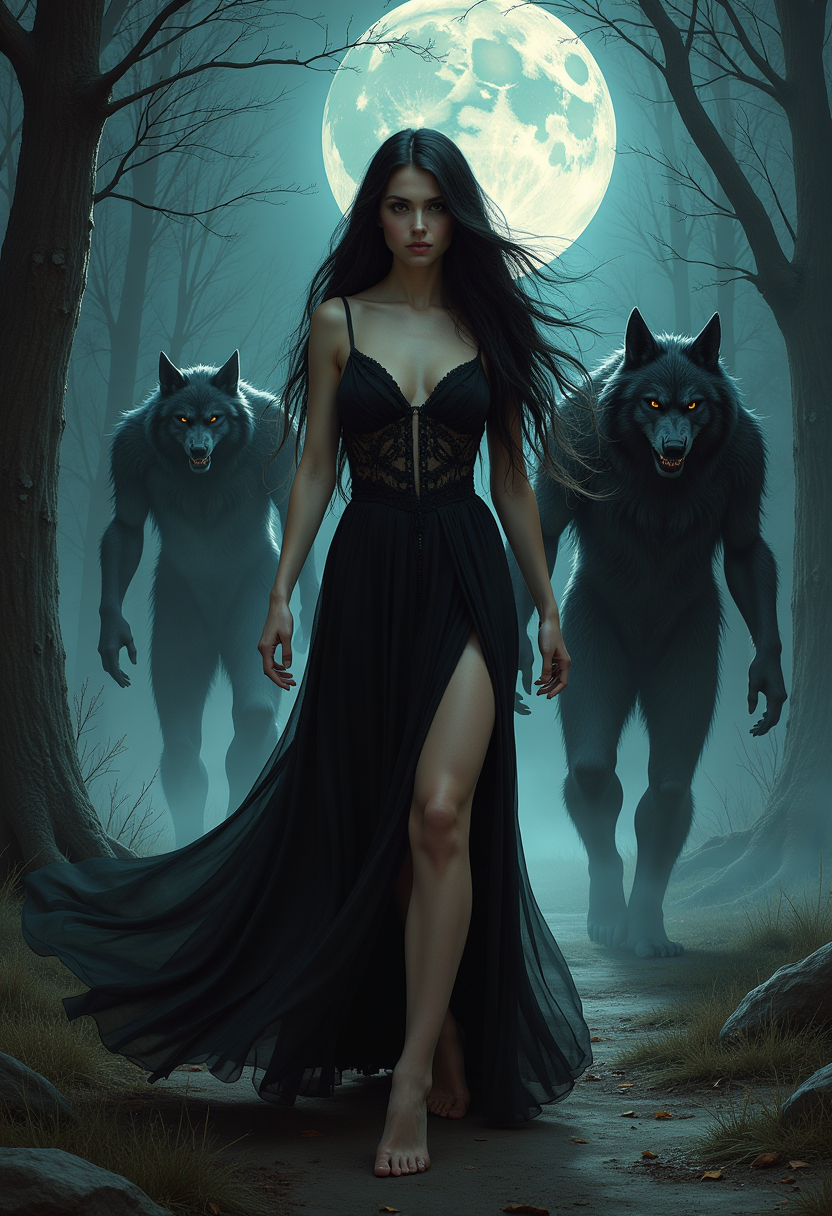
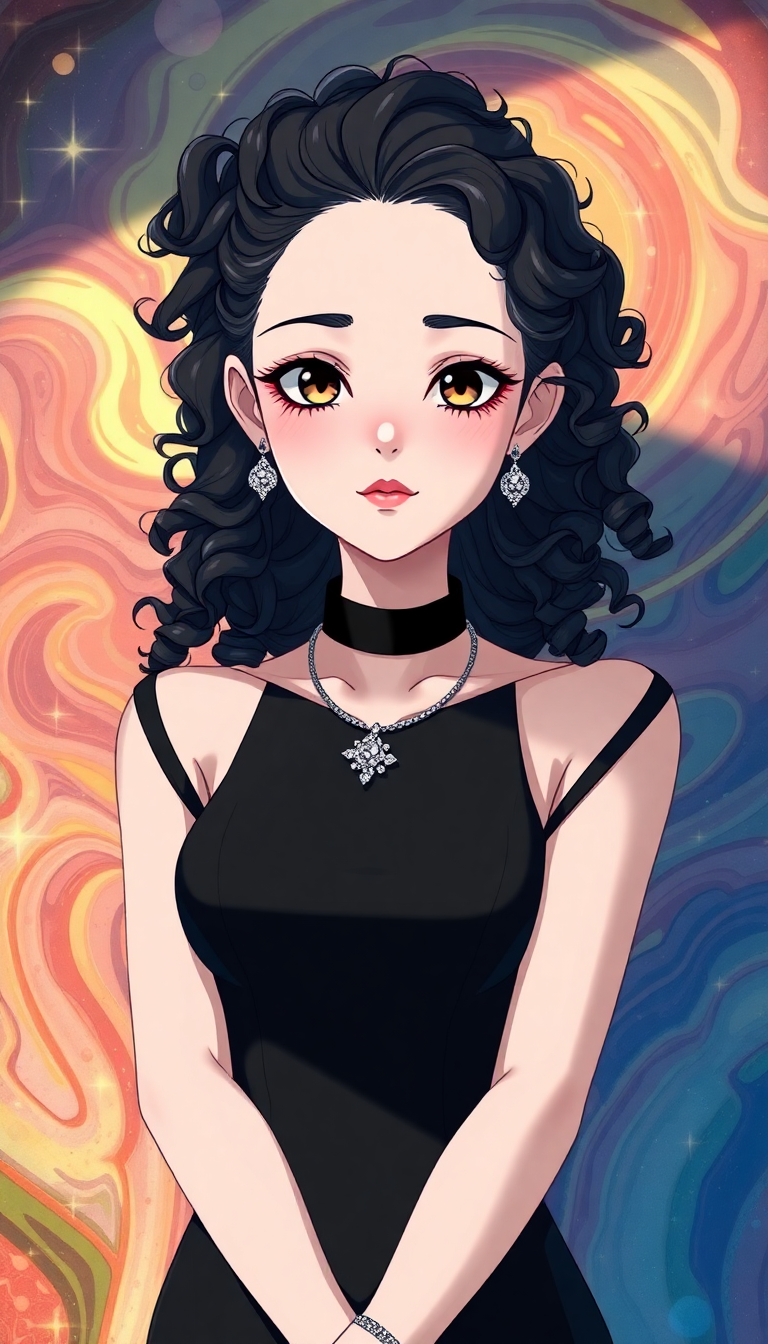
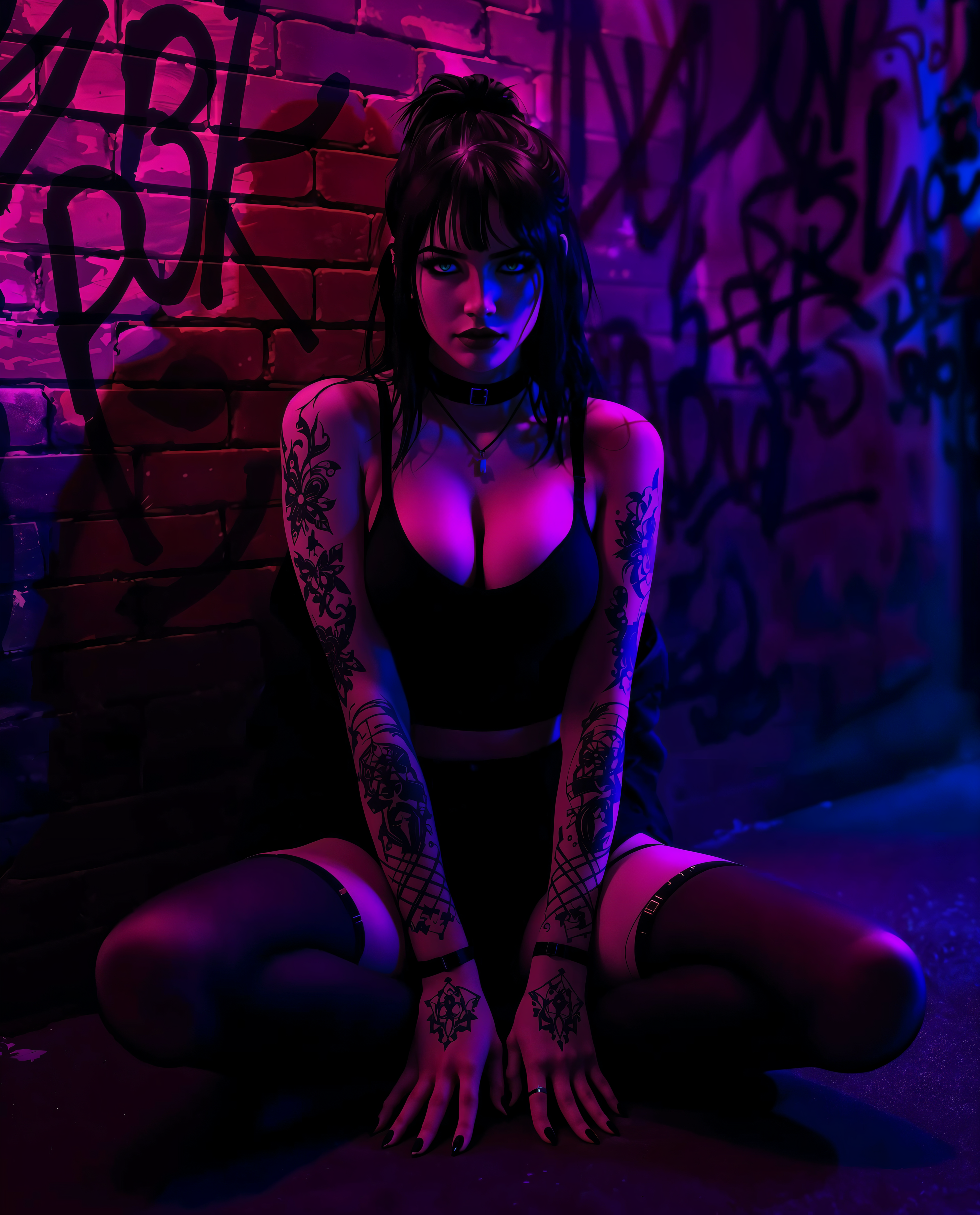
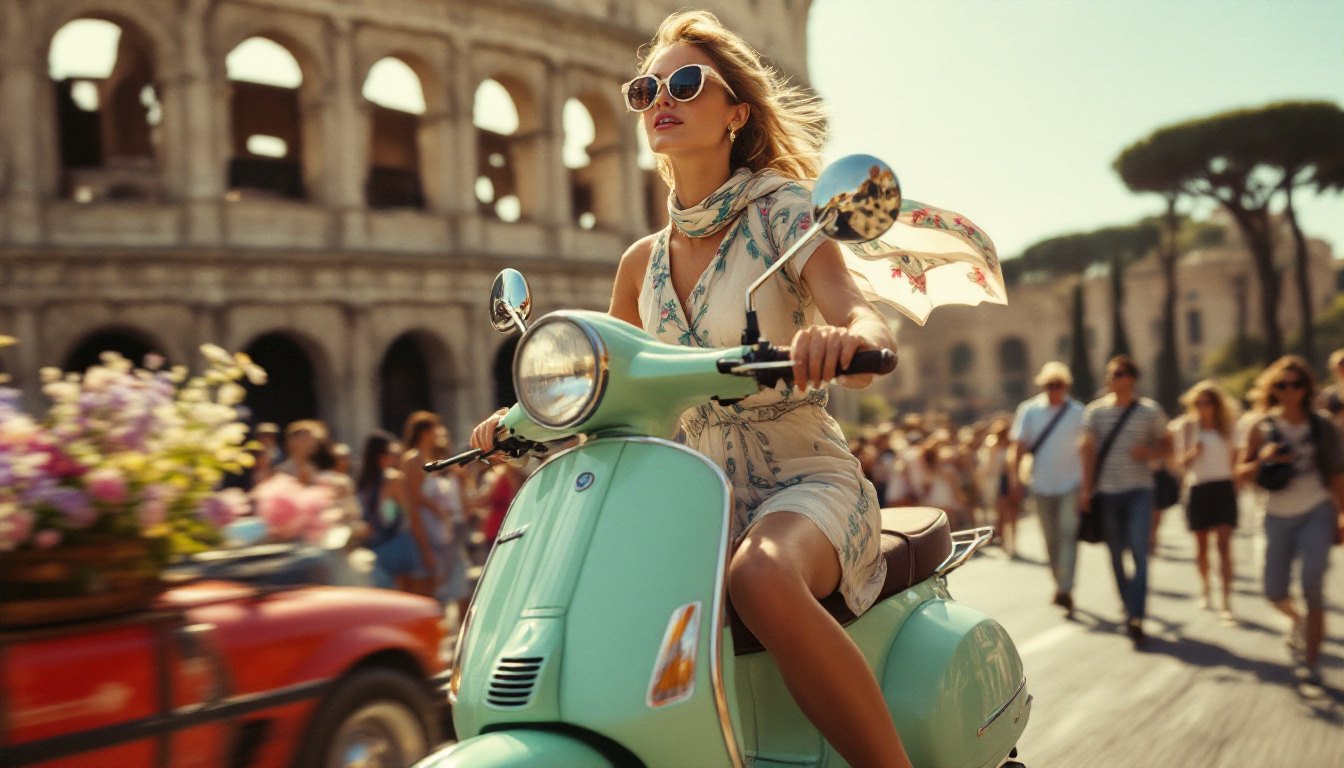
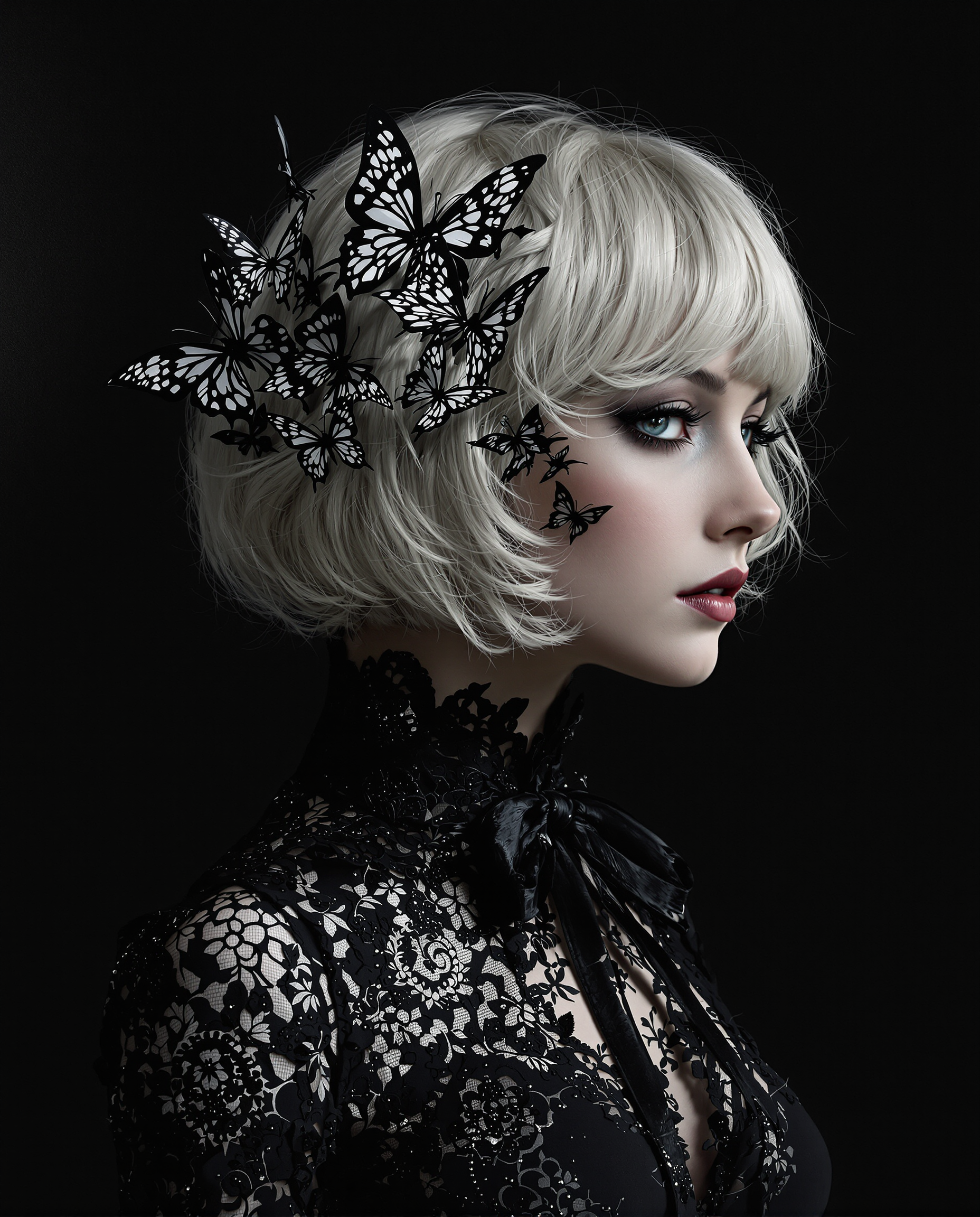
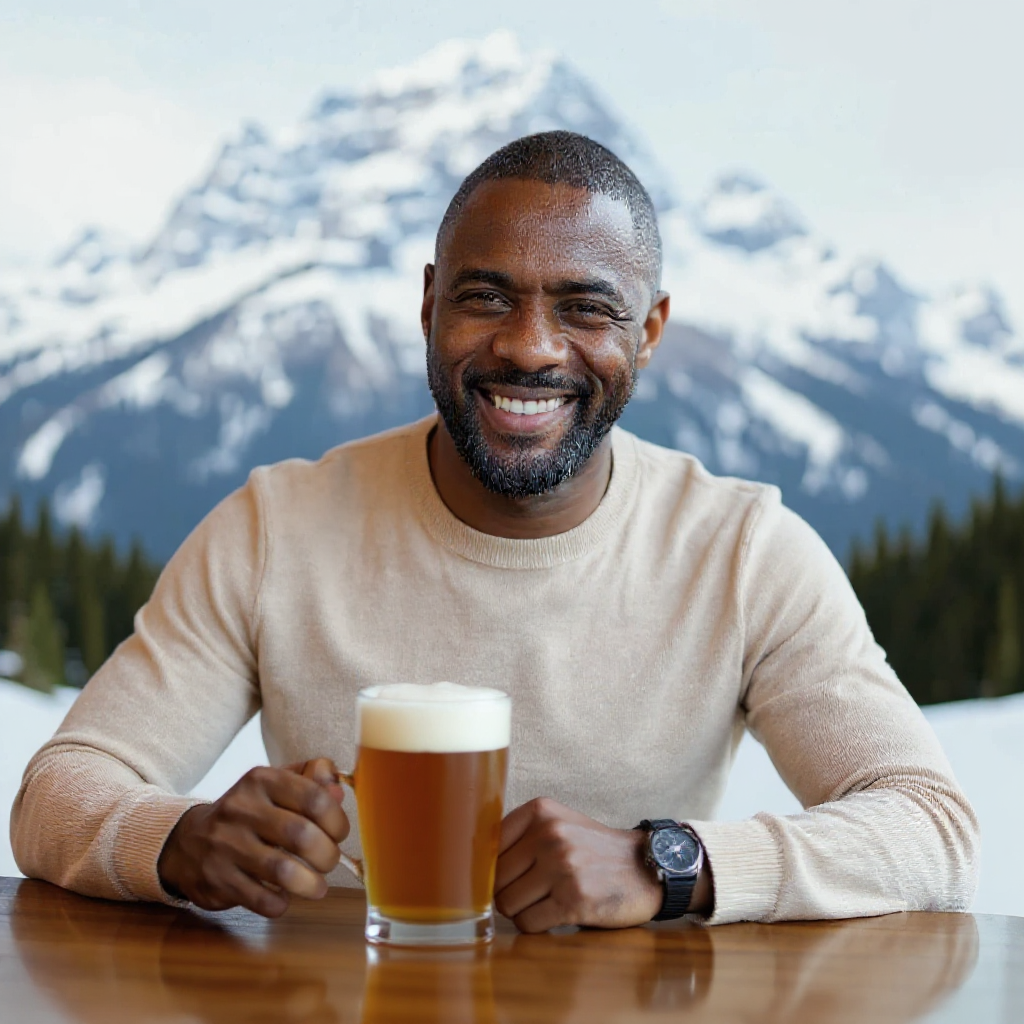
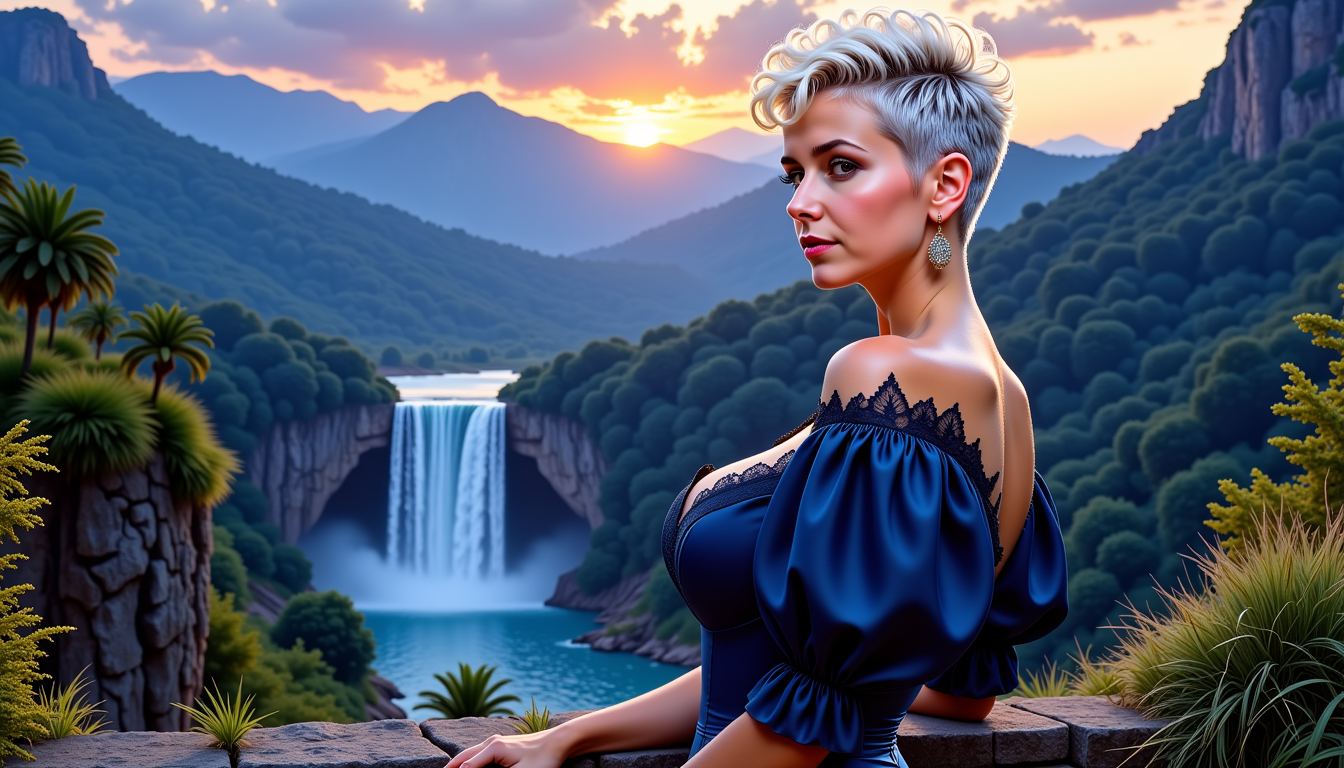
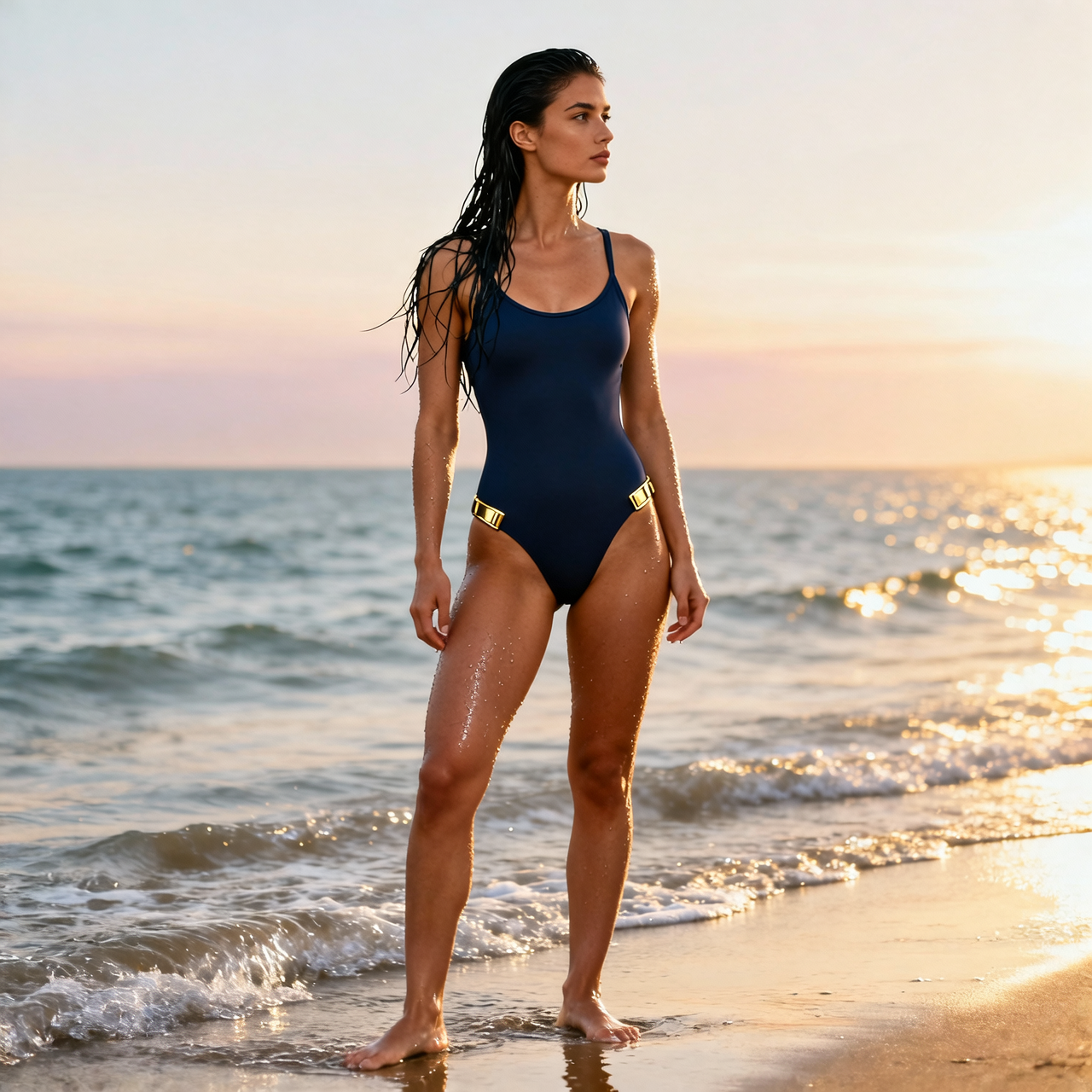


![Cute Baby cat with huge eyes, sad eyes, holding a Flat lay mockup of [a futuristic metal sign] (with text "Need more food) " , background with [strange geometric shapes and colors, glowing] , flatlay photography style, minimalistic design, professional studio lighting, overhead shot from above, hyper-realistic, chibi animal, detailmaximizer](https://cdn.pixeldojo.ai/cdn-cgi/image/f=auto,q=90,w=3840/pixeldojo/generated-images/1743821644729-vg4h76p1m.png)

The Pixel Dojo Advantage
Why PixelDojo outperforms other options for enhance picture quality image generation
| Others | Pixel Dojo |
|---|---|
| Traditional picture quality creation | Instant AI-powered results in seconds instead of hours of manual work, delivering consistent professional enhancements every time |
| Generic AI tools | Access to 40+ specialized models including Magnific Upscaler and Portrait Upscaler for targeted outcomes like face restoration or creative reimagining |
| Manual photo editing | Automated detail recovery and upscaling that preserves natural looks while adding realistic textures, eliminating guesswork and inconsistencies |
Loved by creators on PixelDojo
Real feedback from people using PixelDojo, pulled from our in-product surveys.
You guys, the LORA training is the BEST in the space right now, great job with that!
Tons of variety. Ease of use. Tools for beginners and advance users.
easiest workflow to get best output image or video
awesome functionality, UX, constant flood of improvements, discord interactivity
Awesome site with so many features
Love how I can almost create anything
Explore more AI tools on PixelDojo
AI Tools
Compare & Switch
- Best AI Image Generators
- Best AI Video Generators
- Midjourney Alternatives
- Civitai Alternatives
- Runway Alternatives
- Leonardo Alternatives
- Pika Alternatives
- Luma Alternatives
- Magnific Alternatives
- Veo Alternatives
- Flux Alternatives
- Freepik Alternatives
- Seedance Alternatives
- Seedream Alternatives
- Pixverse Alternatives
- GPT Image Alternatives
- Synthesia Alternatives
- Playground Alternatives
- NightCafe Alternatives
- Canva AI Alternatives
- ElevenLabs Alternatives
- ComfyUI Alternatives
- Fal Alternatives
- Replicate Alternatives
Common Questions
Everything you need to know about enhance picture quality
How to enhance picture quality with AI upscalers for old photos?
Upload your faded image to PixelDojo and choose Portrait Upscaler or Clarity Pro. These tools analyze and restore details, colors, and sharpness automatically. Add a prompt like 'restore vintage photo with natural skin tones' for best results. Thousands of users have successfully revived family albums this way, achieving print-ready quality in minutes.
What is the best way to upscale images with AI for large prints?
Use P-Image Upscale or Magnific Upscaler in PixelDojo to select scale factors up to 16x. The AI intelligently adds realistic textures and reduces noise while maintaining composition. This approach ensures your images look sharp at any size, ideal for posters or canvas prints without artifacts.
Can I enhance picture quality for e-commerce product photos with AI?
Yes, Creative Upscaler and Clarity Pro excel at this. Upload your product shot, apply enhancements for better lighting and detail, and generate multiple variations. You can achieve studio-quality results that increase conversions by making products appear more premium and trustworthy.
How does AI picture enhancement compare to traditional editing for blurry images?
PixelDojo's AI tools like Magnific Upscaler go beyond basic sharpening by reconstructing missing details intelligently. Traditional methods often introduce noise or blur further, while our solutions deliver clean, natural-looking enhancements tailored to your image type in a fraction of the time.
Is there a free way to enhance picture quality using PixelDojo tools?
Start with our free trial credits on tools like P-Image Upscale to test enhancements. Upgrade for unlimited access to all 40+ tools including Video Upscaler for motion content. No long-term commitment required—cancel anytime as thousands of satisfied creators do.
What trends are shaping AI enhance picture quality techniques in 2026?
Current trends include text-guided enhancements, real-time previews, and multi-modal processing that combines upscaling with style adjustments. PixelDojo stays ahead with tools like Creative Upscaler supporting these advancements, helping you achieve results aligned with professional standards for print, web, and video.