enhancer AI Generator
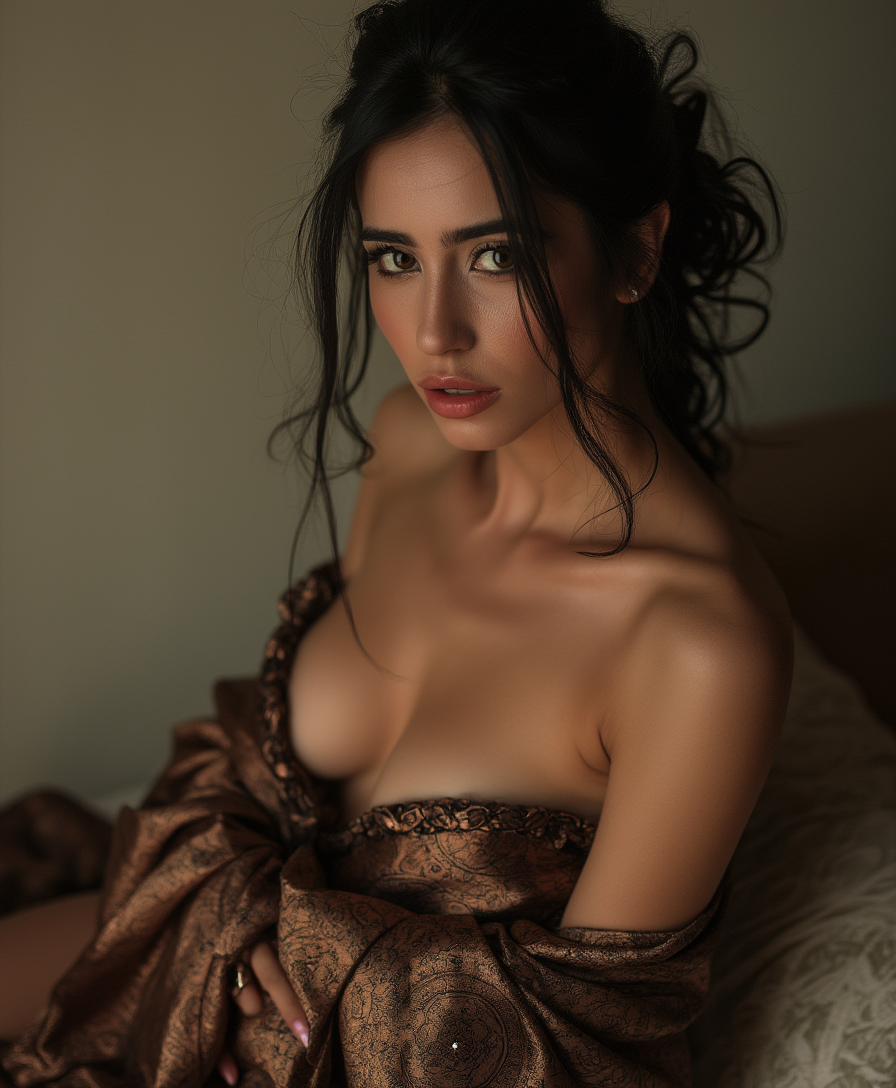
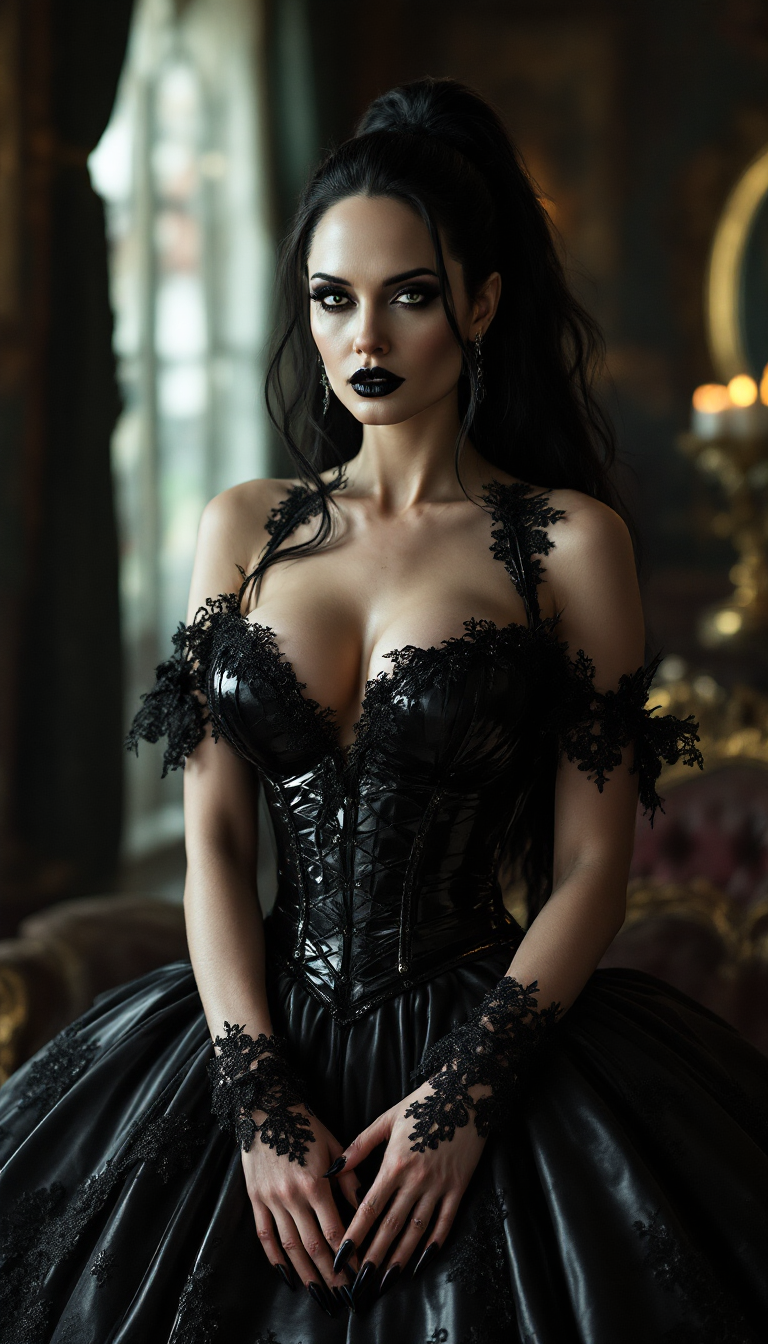
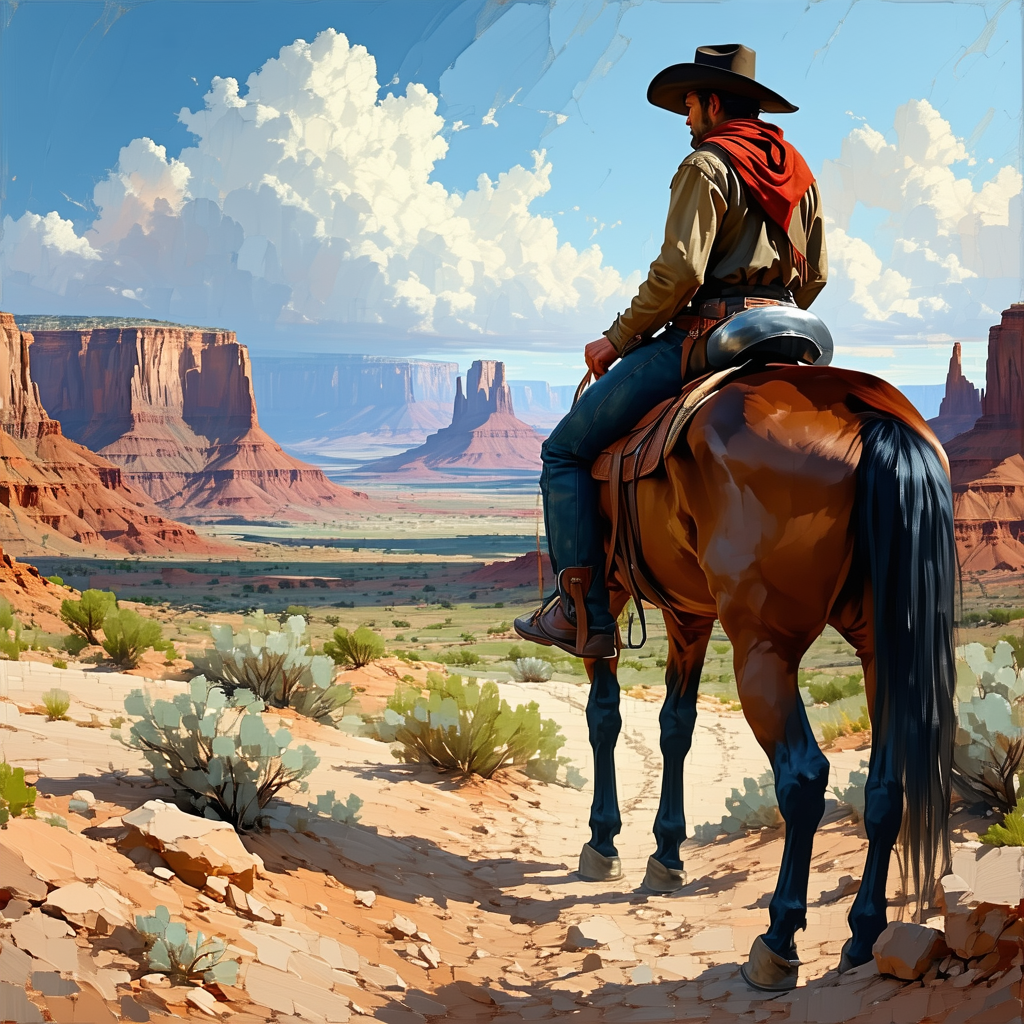
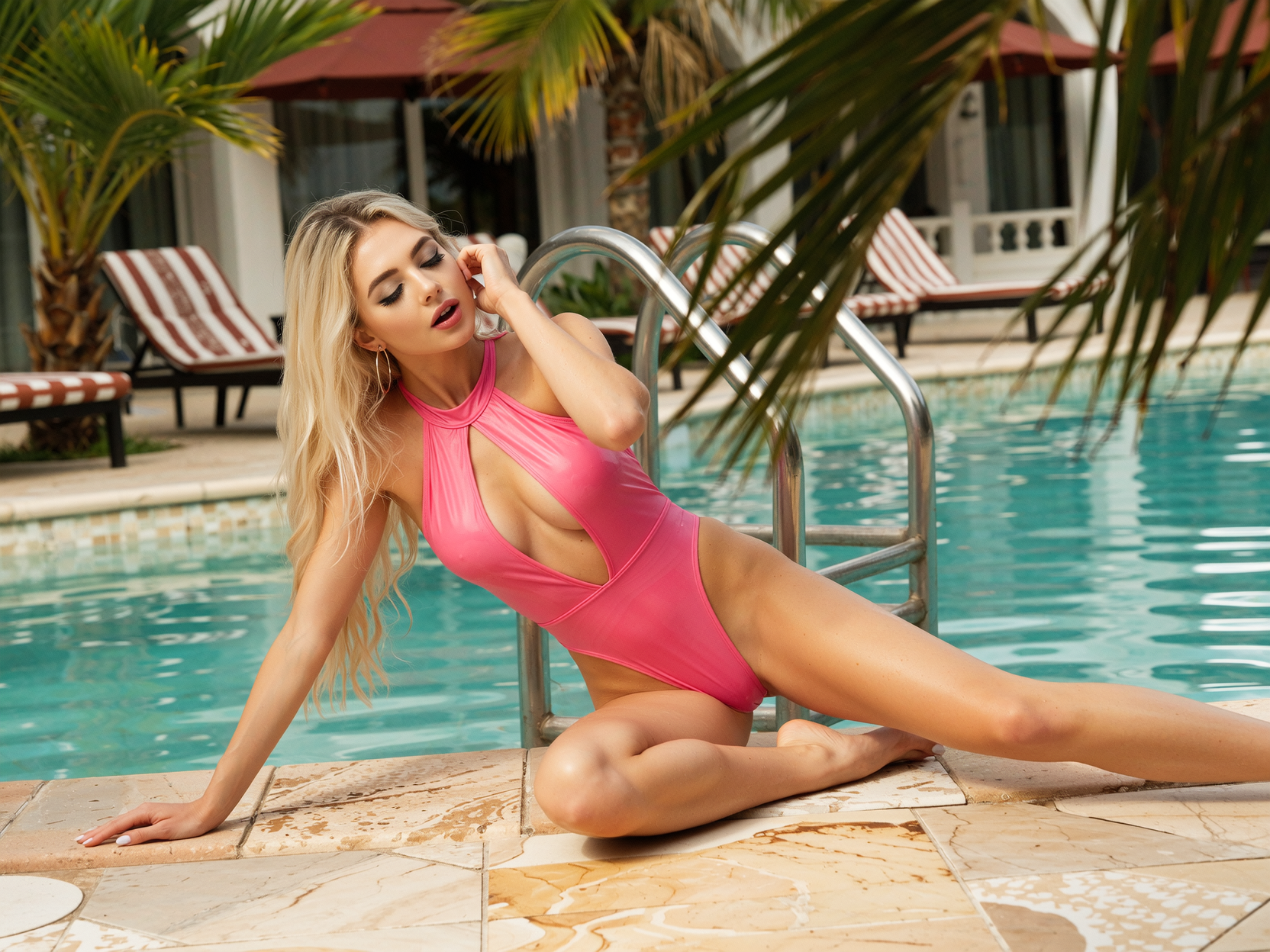
Unlock the full potential of every photo you take or create. With PixelDojo's AI image enhancer tools, you can turn blurry snapshots, old family photos, or rough AI generations into crisp, detailed masterpieces ready for prints, social media, or professional use. Imagine your low-resolution images suddenly revealing hidden textures, vibrant colors, and lifelike sharpness—all without hours of manual editing. Whether you're a photographer, designer, or content creator, you'll achieve gallery-worthy results that captivate viewers and elevate your projects.
Join 25,000+ creators who have enhanced over 1.2 million images this month. Rated 4.9/5 stars for quality and ease. Trusted by professionals worldwide for reliable, stunning transformations.
Why Choose Pixel Dojo for enhancer
Professional-quality results with cutting-edge AI technology
Revive Blurry & Low-Res Photos Instantly
Breathe new life into fuzzy or pixelated images. Your cherished memories or product shots gain crisp details, natural sharpness, and enhanced clarity that makes them look professionally captured.
Restore Vintage Photos to Pristine Condition
Repair scratches, fade, and damage on old pictures. Watch faded colors pop and lost details reappear, preserving family history or historical images with remarkable authenticity.
Optimize Portraits & Products for Maximum Impact
Create flawless headshots and e-commerce visuals. Enhance skin tones, sharpen features, and perfect lighting so your images stand out in portfolios, ads, or online stores.
How It Works
Enhancing images with PixelDojo is simple and fast—upload, select your tool, and let AI do the heavy lifting for professional-grade results.
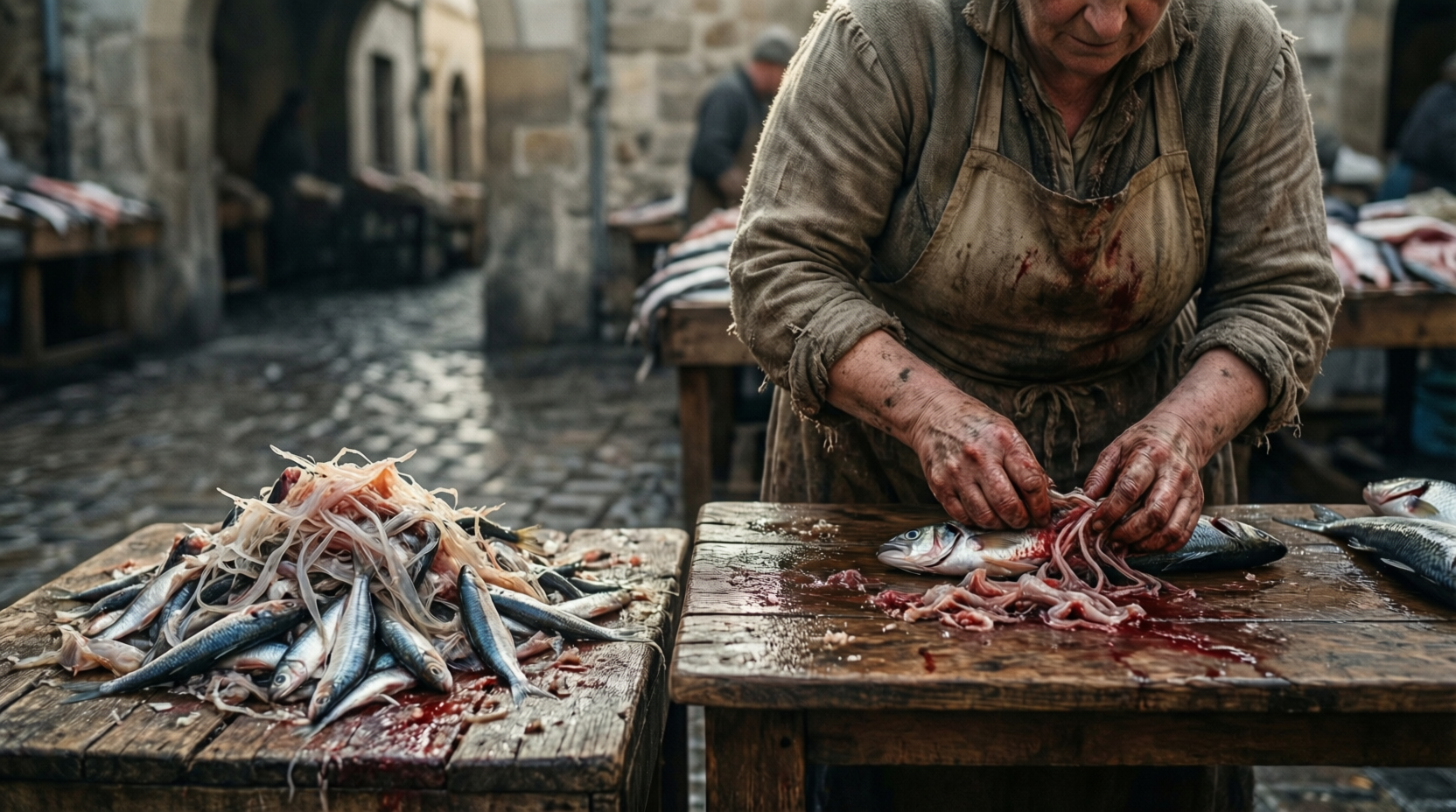
Step 1: Choose Your Tool
Browse PixelDojo's Upscale & Enhance section and pick the perfect match like P-Image Upscale for general boosts, Magnific Upscaler for creative flair, Clarity Pro for sharp details, or Portrait Upscaler for faces.
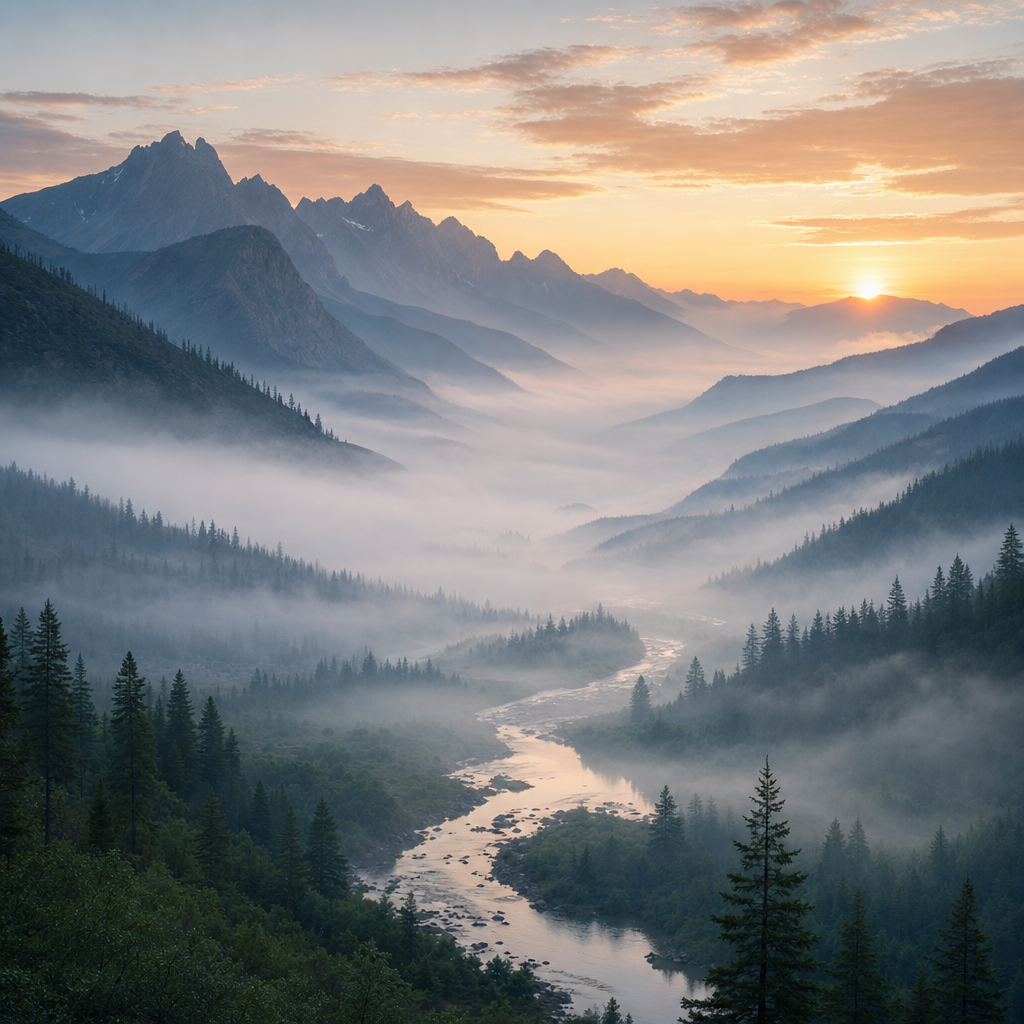
Step 2: Enter Your Prompt or Upload Image
Upload your photo and optionally add a simple description like 'enhance details and sharpen' or choose presets. Tools like Creative Upscaler intelligently analyze and improve based on your goals.
Step 3: Customize & Download
Review the enhanced result, fine-tune with additional options like Video Upscaler if needed, then download your high-resolution masterpiece in the format you need.
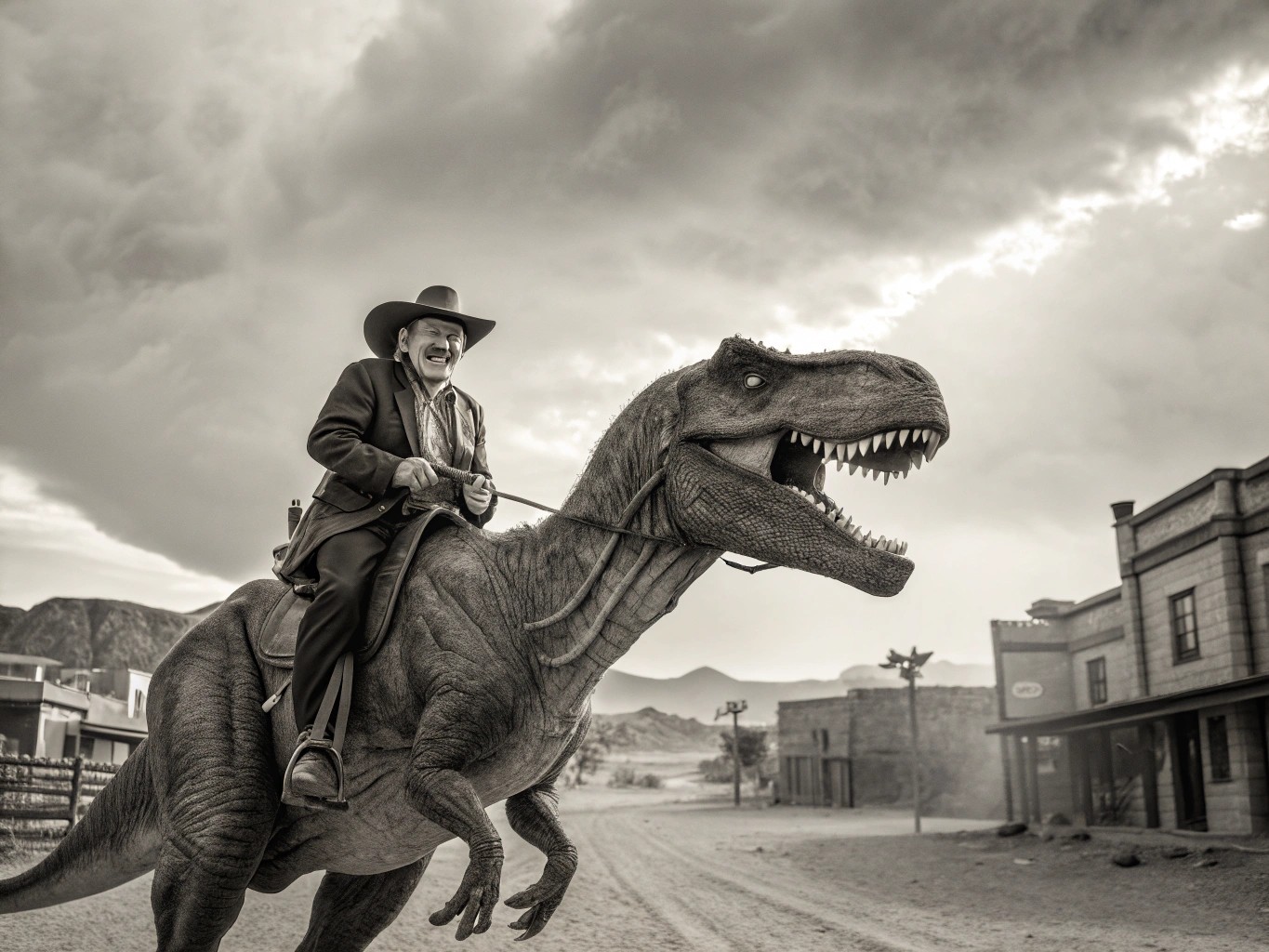
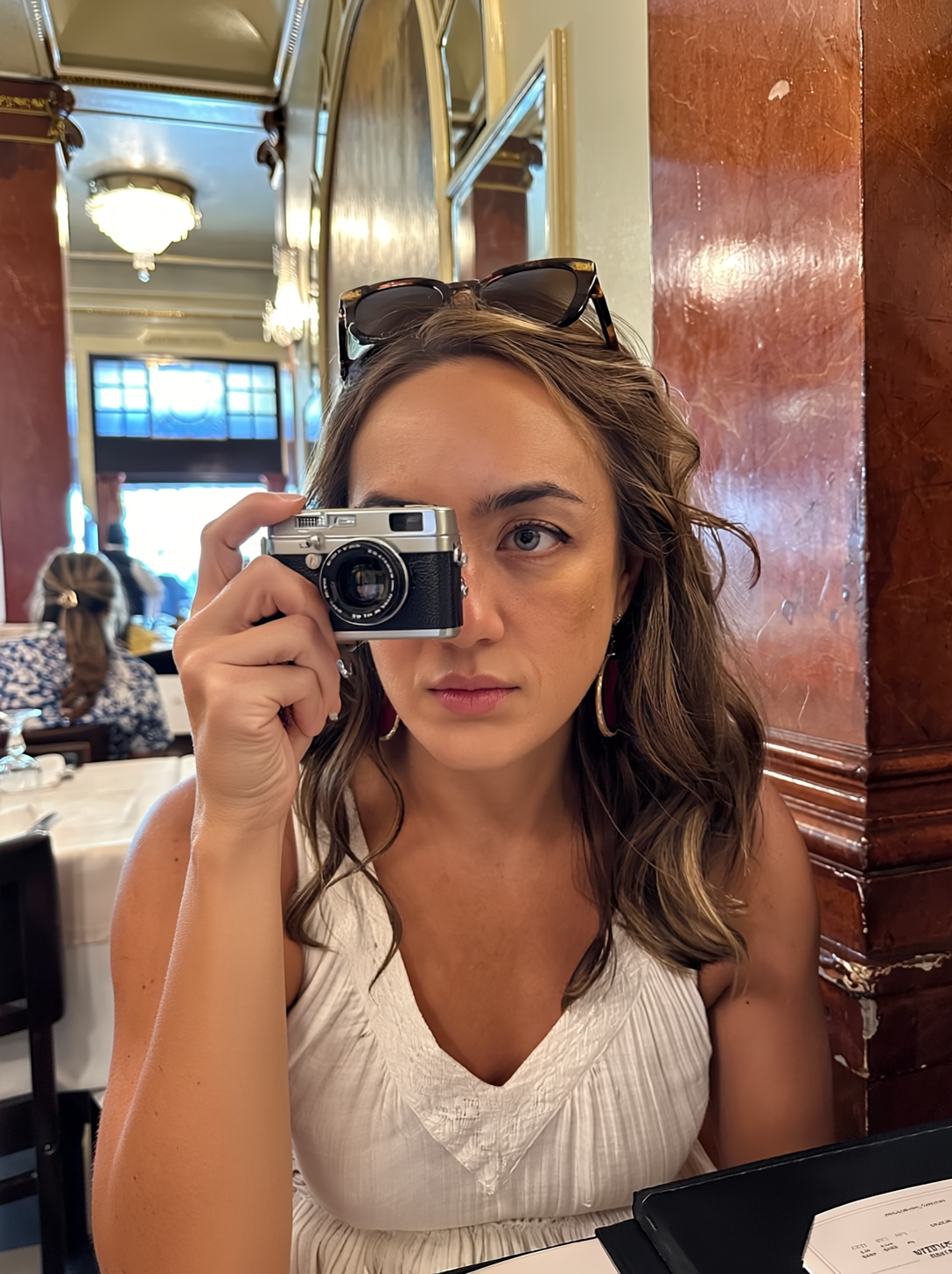

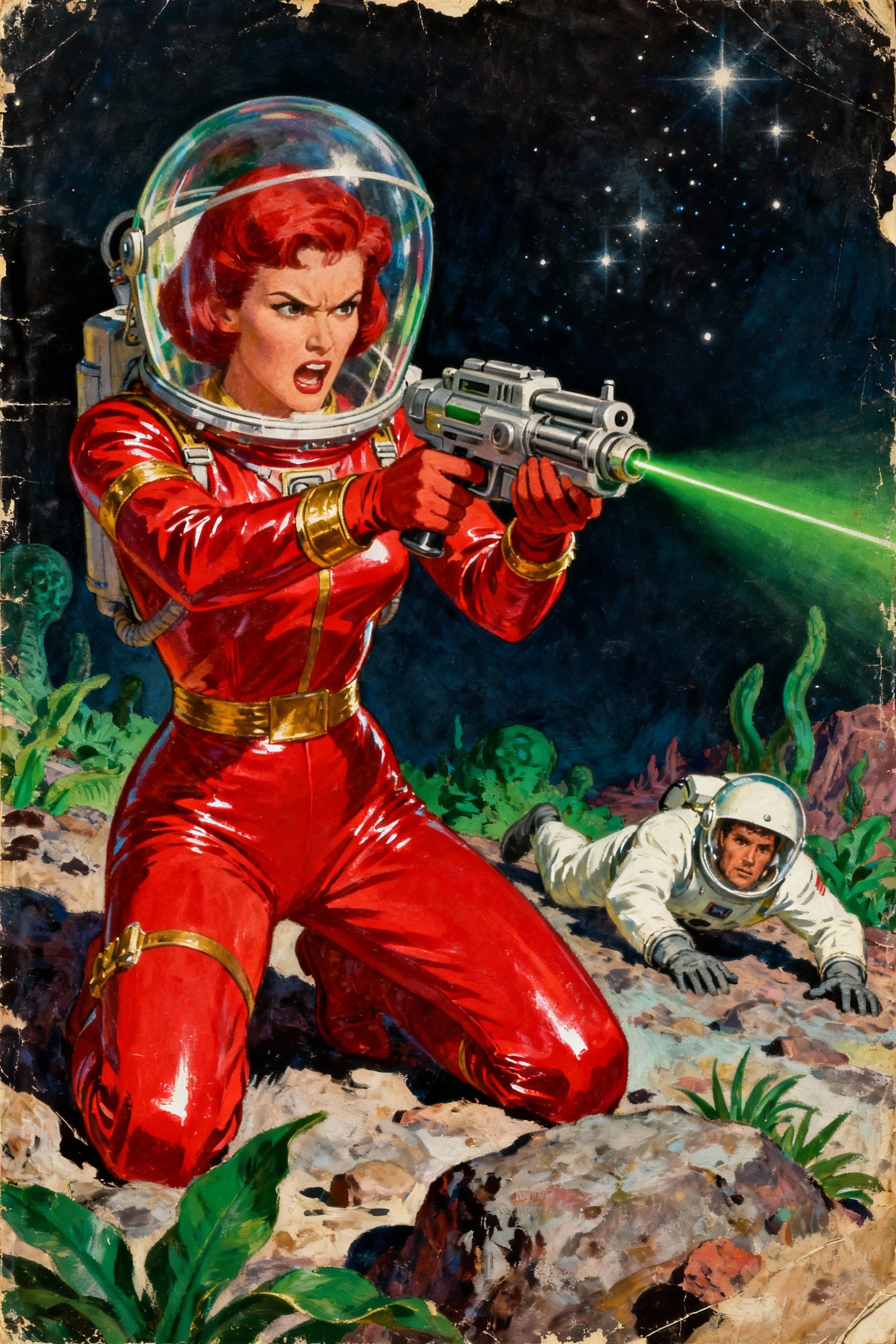
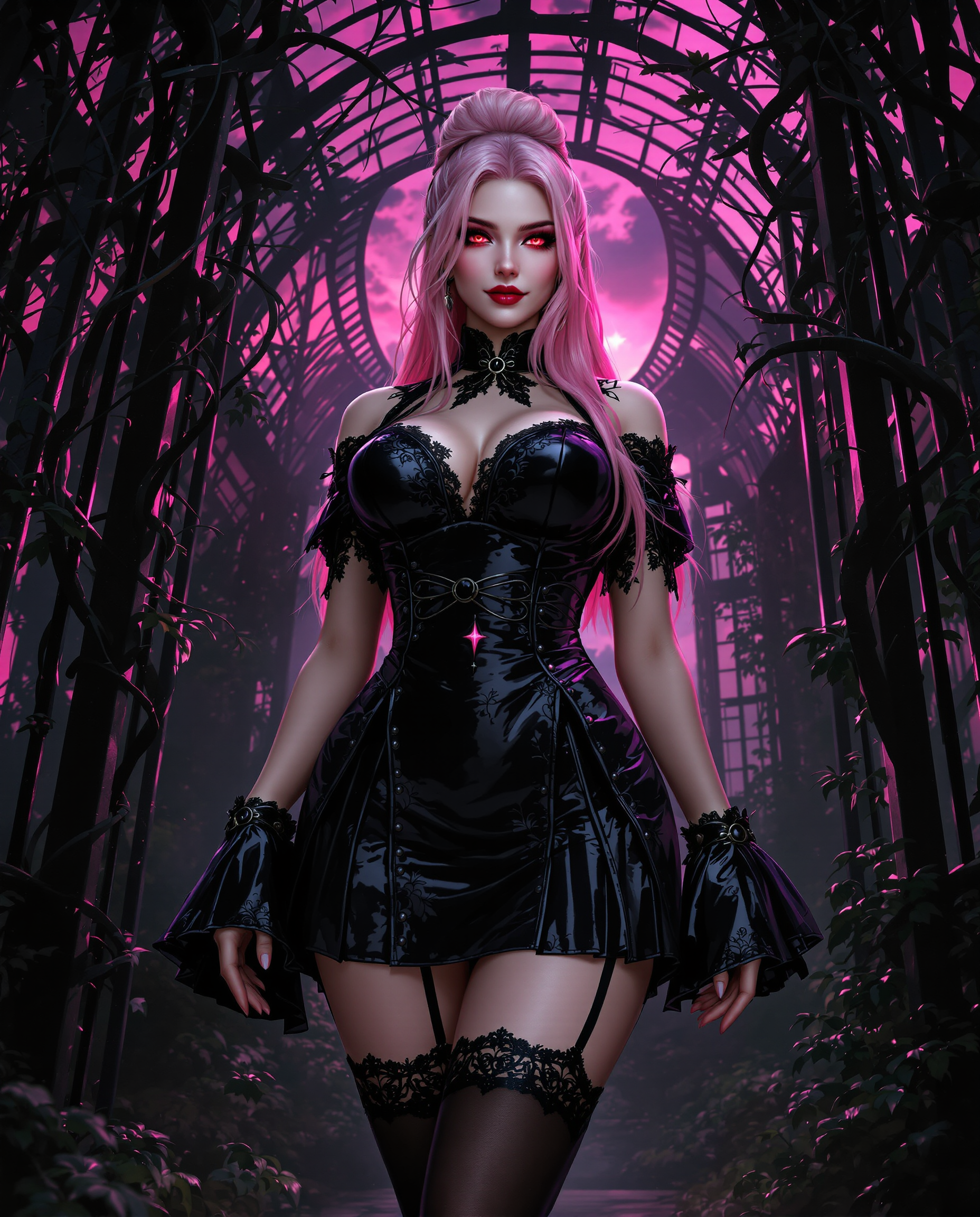
The Pixel Dojo Advantage
Why PixelDojo outperforms other options for enhancer image generation
| Others | Pixel Dojo |
|---|---|
| Traditional enhancer creation | Achieve professional results in seconds instead of hours of complex software work, with AI handling intricate details automatically |
| Generic AI tools | Access specialized enhancers like Portrait Upscaler and Clarity Pro tailored for specific outcomes, delivering more consistent and targeted quality improvements |
| Manual photo editing | Eliminate guesswork and fatigue—AI intelligently recovers details and optimizes quality while you focus on creative decisions and final touches |
Loved by creators on PixelDojo
Real feedback from people using PixelDojo, pulled from our in-product surveys.
Excellent website for creating all types of media
Very eay to use, works well to train SDXL loras.
The amazing tools
Top notch quality and strong prompt adherence.
A well resourced sunscription with attention to updates.
Easy to use and there's lots of options.
Explore more AI tools on PixelDojo
AI Tools
Compare & Switch
- Best AI Image Generators
- Best AI Video Generators
- Midjourney Alternatives
- Civitai Alternatives
- Runway Alternatives
- Leonardo Alternatives
- Pika Alternatives
- Luma Alternatives
- Magnific Alternatives
- Veo Alternatives
- Flux Alternatives
- Freepik Alternatives
- Seedance Alternatives
- Seedream Alternatives
- Pixverse Alternatives
- GPT Image Alternatives
- Synthesia Alternatives
- Playground Alternatives
- NightCafe Alternatives
- Canva AI Alternatives
- ElevenLabs Alternatives
- ComfyUI Alternatives
- Fal Alternatives
- Replicate Alternatives
Common Questions
Everything you need to know about enhancer
How to enhance blurry images with AI photo enhancer tools?
Simply upload your blurry photo to PixelDojo and select tools like P-Image Upscale or Clarity Pro. The AI analyzes and reconstructs details automatically, delivering sharp, clear results in moments. Thousands of users report transforming unusable images into print-ready quality effortlessly.
What is the best way to upscale old photos using an AI image enhancer?
Use PixelDojo's dedicated restorers such as Magnific Upscaler or Portrait Upscaler for vintage images. These tools recover faded colors, remove scratches, and add natural sharpness while preserving authentic details, giving you high-resolution versions perfect for sharing or framing.
Can AI image enhancer tools improve product photos for e-commerce?
Yes—PixelDojo's Creative Upscaler and Clarity Pro excel at this. They enhance lighting, sharpen textures, and boost overall quality so your product images look professional and conversion-ready, helping your listings stand out and drive more sales.
How does PixelDojo's AI enhancer compare for portrait photography?
Our Portrait Upscaler specializes in faces, intelligently refining skin, eyes, and features while maintaining natural looks. Combine with other tools for complete enhancements that make your portraits gallery-worthy without over-processing.
Is there an easy way to enhance AI-generated images further?
Absolutely. Upload your initial generations to P-Image Upscale or Magnific Upscaler to add extra detail, fix artifacts, and increase resolution. Many creators use this to elevate their work to the next level quickly and consistently.
What resolution can I achieve with PixelDojo AI image enhancer tools?
PixelDojo tools support dramatic upscaling to high resolutions suitable for large prints and professional use. You get clean, detailed results that maintain quality even at 4x or greater enlargements, far beyond basic resizing methods.