expand image

Imagine turning a tightly cropped portrait into a breathtaking wide landscape or adapting a square product shot for vertical Instagram Stories without losing quality or realism. With PixelDojo's AI image expansion tools, you achieve exactly that—effortlessly extending your photos beyond their original borders while preserving lighting, style, and composition. Whether you're a social media creator needing custom aspect ratios, a product photographer preparing visuals for multiple platforms, or a designer building panoramic scenes, you get professional-grade results in seconds. Stop settling for awkward crops or manual edits that never quite match. Start creating perfectly framed, context-rich images that captivate your audience and fit every format flawlessly.
Join over 85,000 creators and professionals who have expanded more than 2.3 million images this year. Rated 4.9/5 by users for seamless, realistic outpainting results. Trusted by marketing teams at leading brands and featured in top creative workflows for 2026.
Why Choose Pixel Dojo for expand image
Professional-quality results with cutting-edge AI technology
Perfect Aspect Ratios for Every Platform
Instantly adapt any photo to Instagram Stories, YouTube thumbnails, Facebook covers, or print formats without cropping key elements or adding blank space. Your expanded images look natural and professionally composed every time.
Seamless Scene Extensions That Feel Real
Extend backgrounds, add depth to landscapes, or complete cropped subjects with AI that intelligently matches lighting, textures, perspective, and color. Viewers won't detect where the original photo ends and the expansion begins.
Unlock New Creative Possibilities
Transform ordinary shots into cinematic panoramas, enhance product photography with expansive contexts, or revive old photos with added surroundings. Achieve outcomes that were previously impossible without reshooting or expensive editing.
How It Works
Creating expanded images with PixelDojo is simple and intuitive—upload, direct the AI, and download professional results in under a minute.
Step 1: Choose Your Tool
Select the dedicated Image Outpainting tool from PixelDojo's Edit Images suite. You can also combine it with Smart Resize for precise aspect ratio control or Background Remover for clean subject isolation before expanding.
Step 2: Enter Your Prompt
Upload your image and specify expansion directions (up, down, left, right, or all sides) along with optional descriptive prompts like 'extend into a serene forest with soft morning light' to guide the AI for highly customized results.
Step 3: Customize & Download
Preview the AI-generated expansion, make quick adjustments with tools like Magic Lighting or Style Transfer if needed, then download your high-resolution, perfectly expanded image ready for any use.


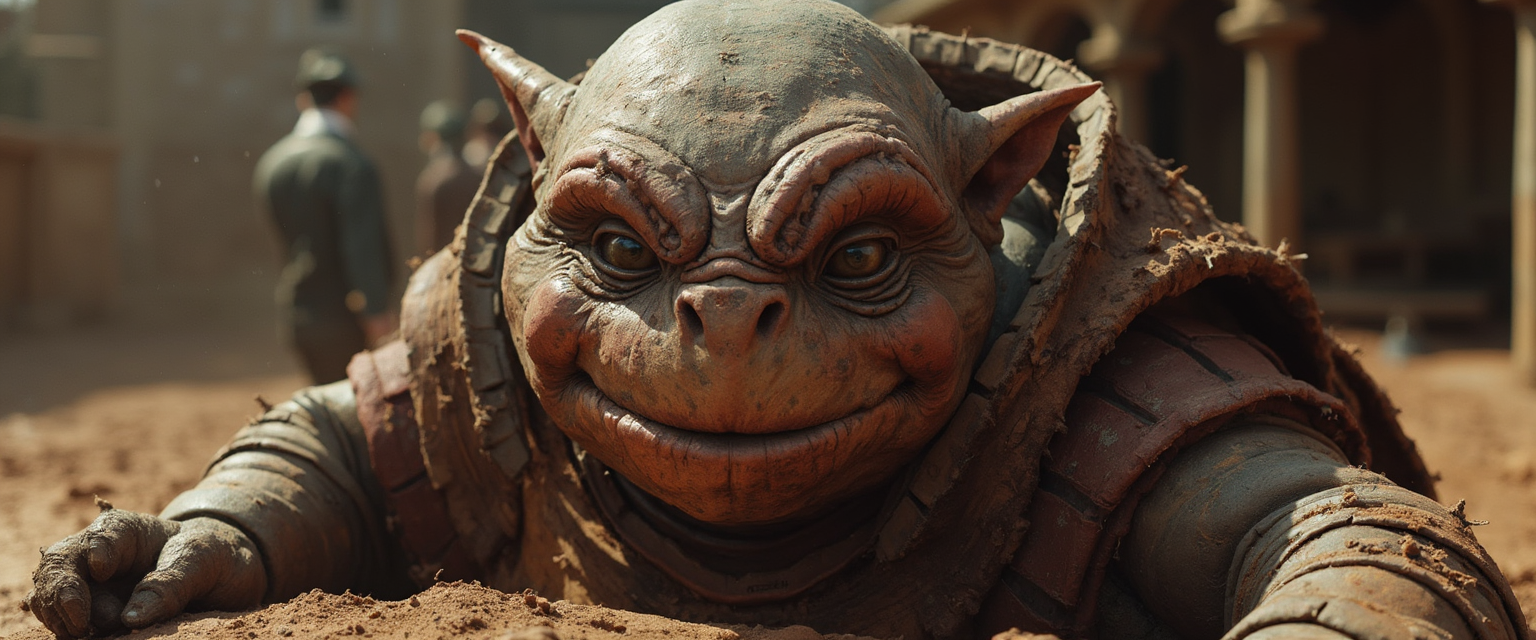
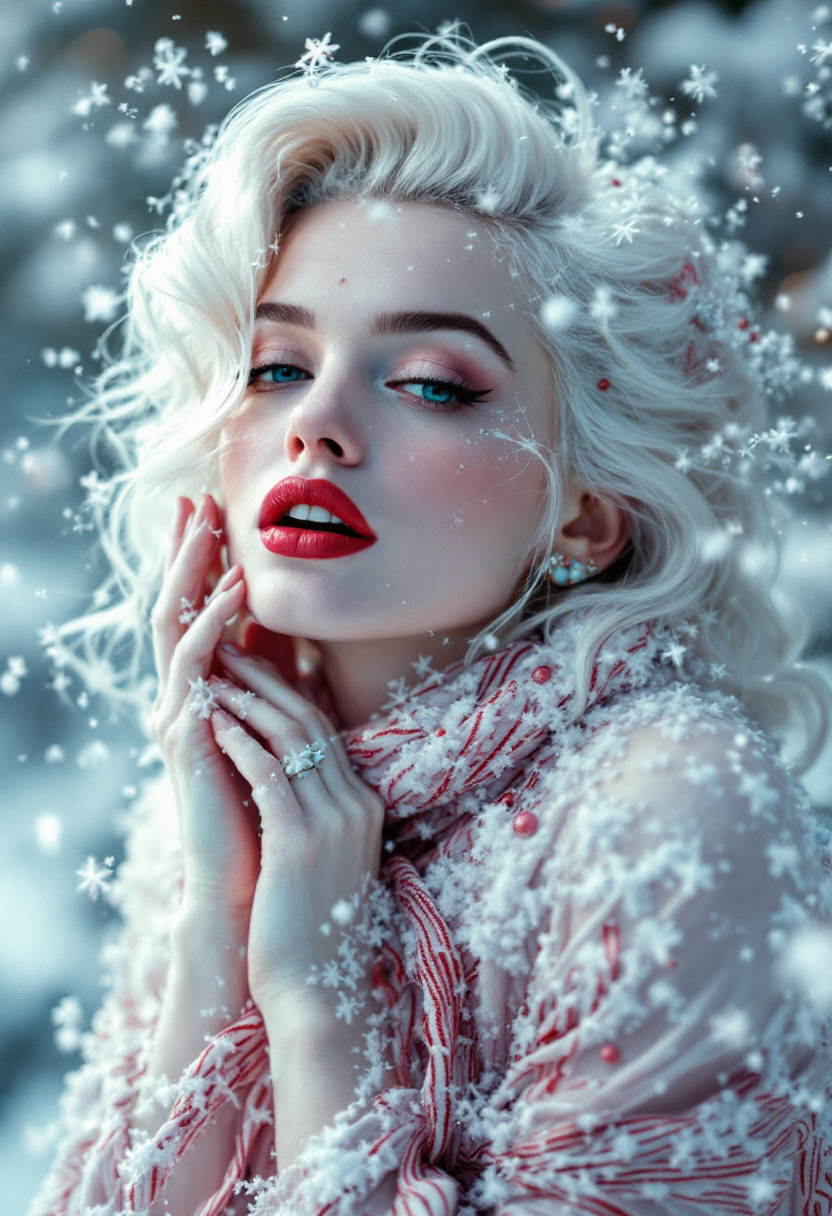
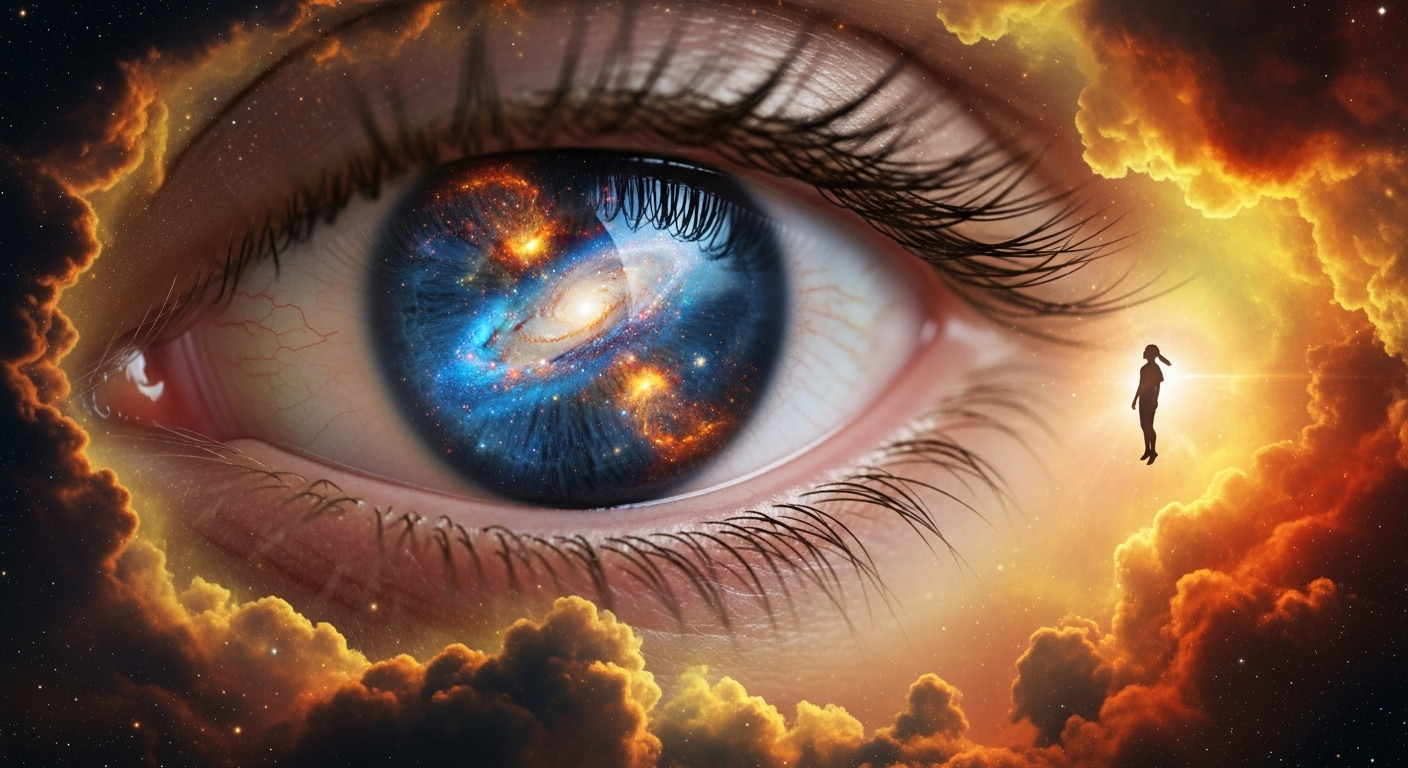
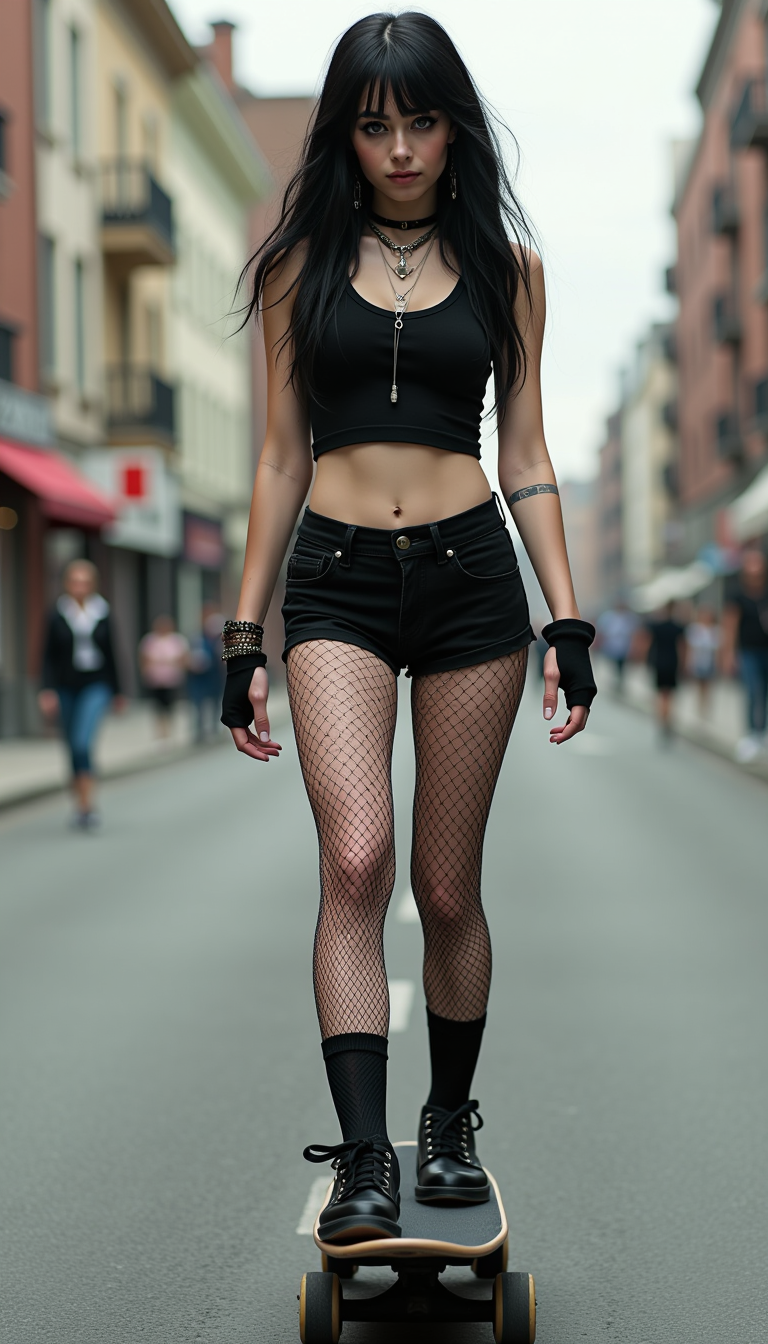
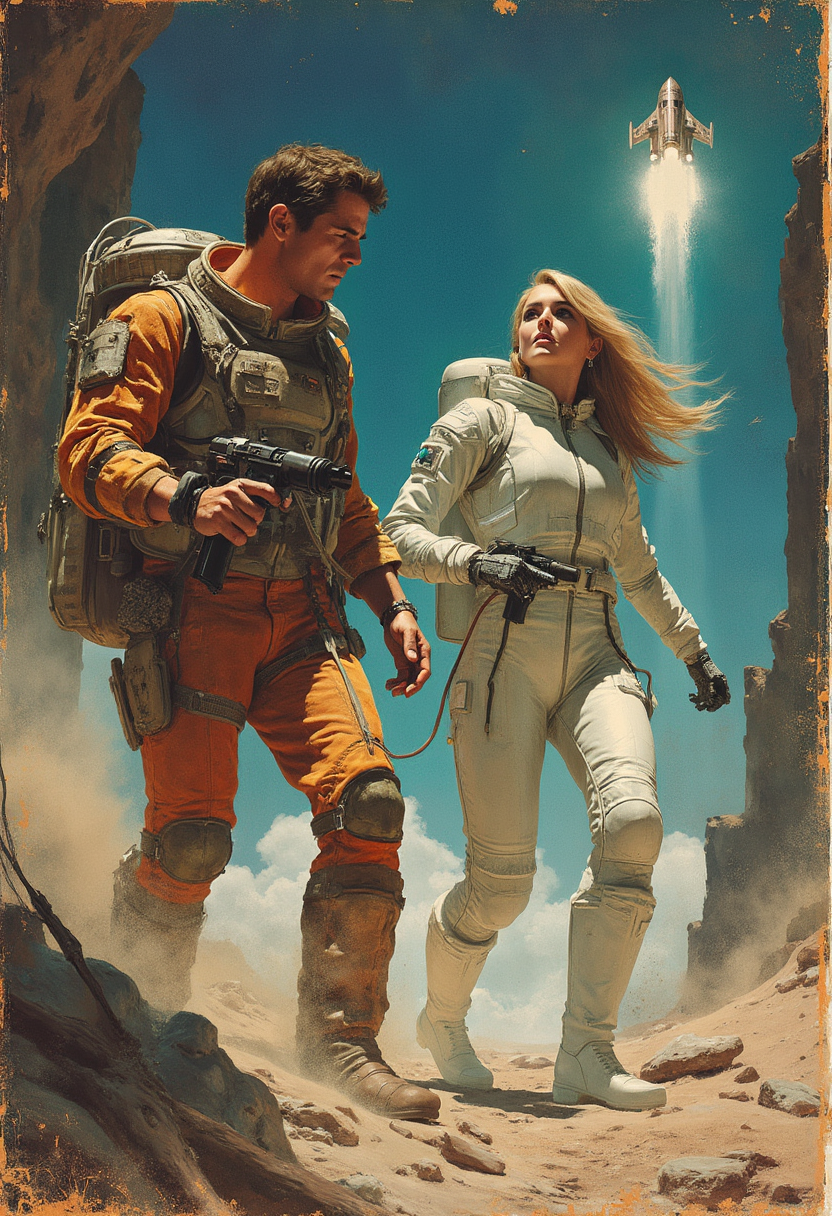
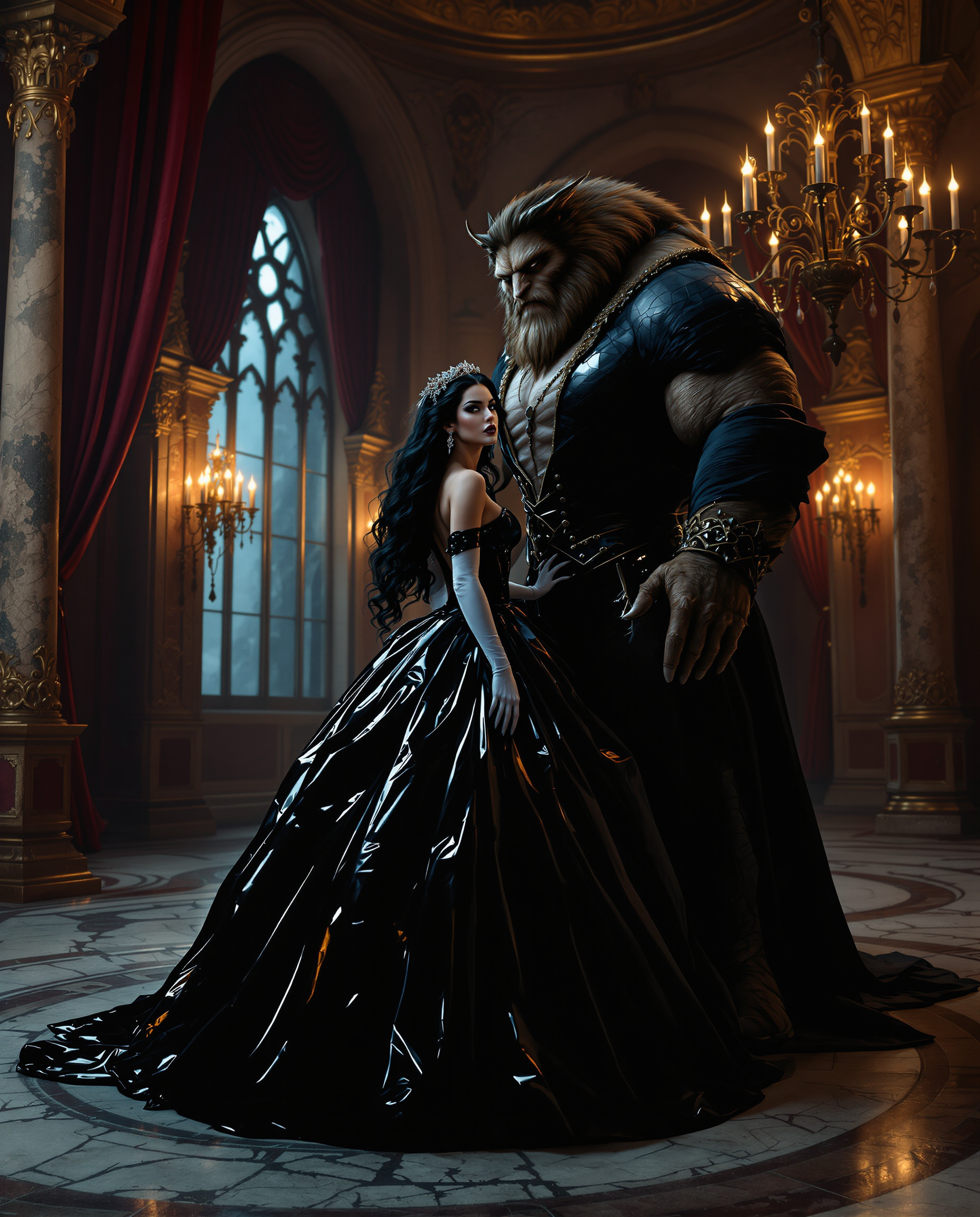
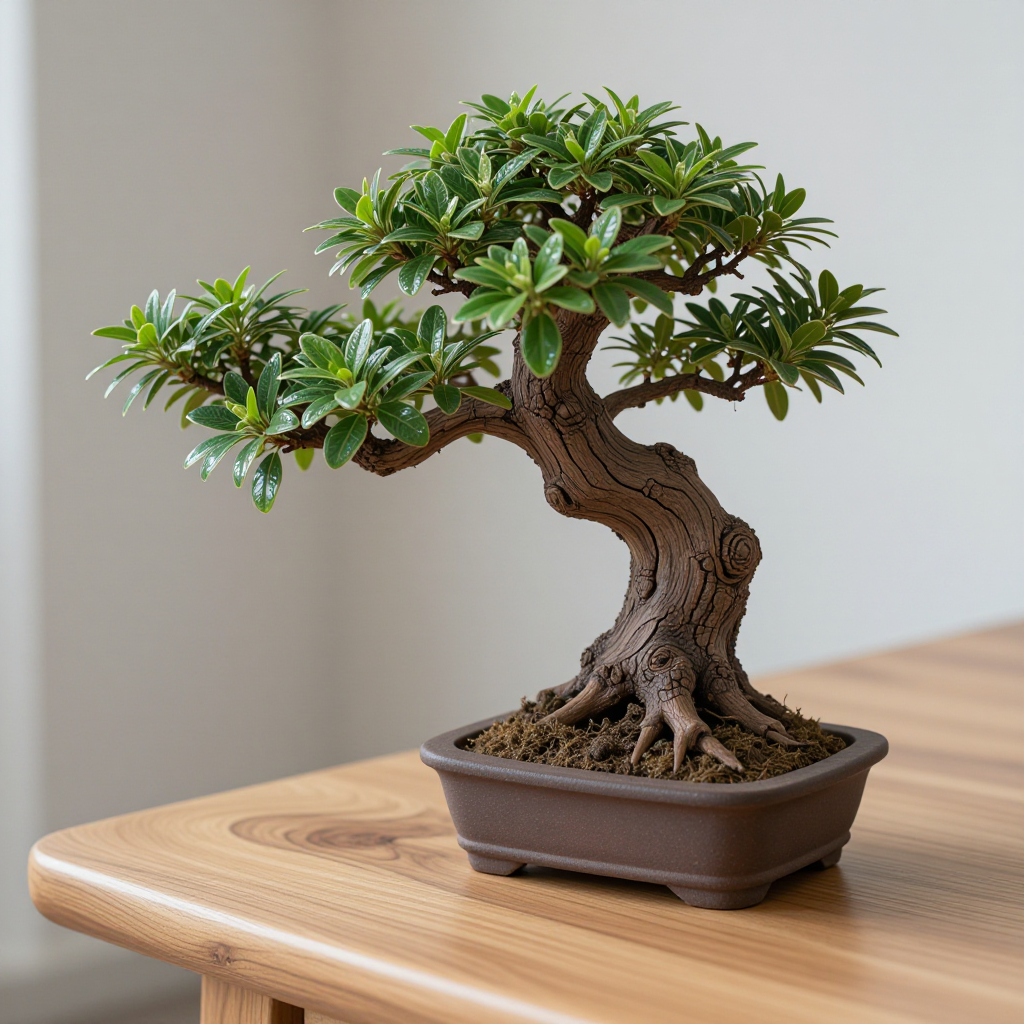
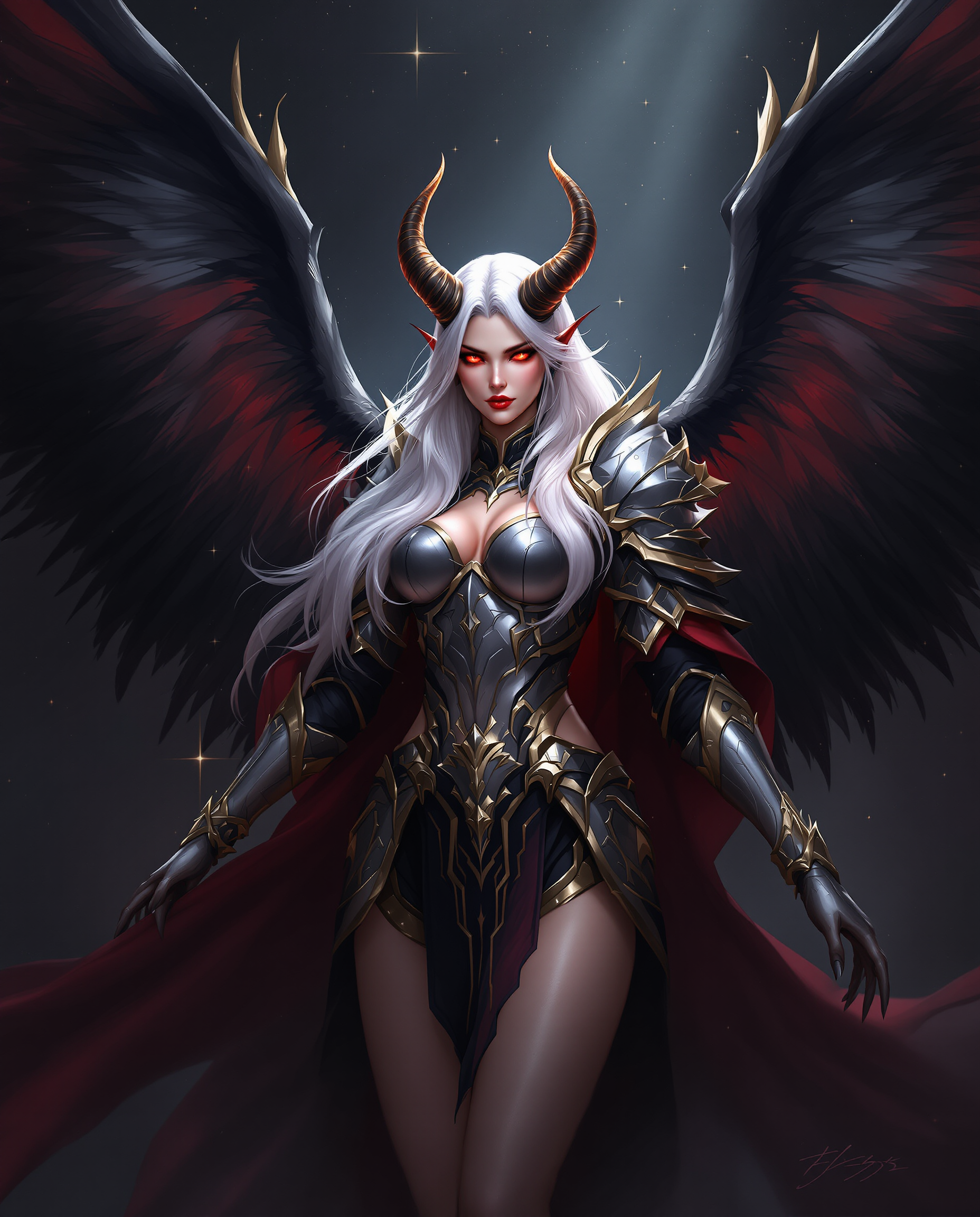
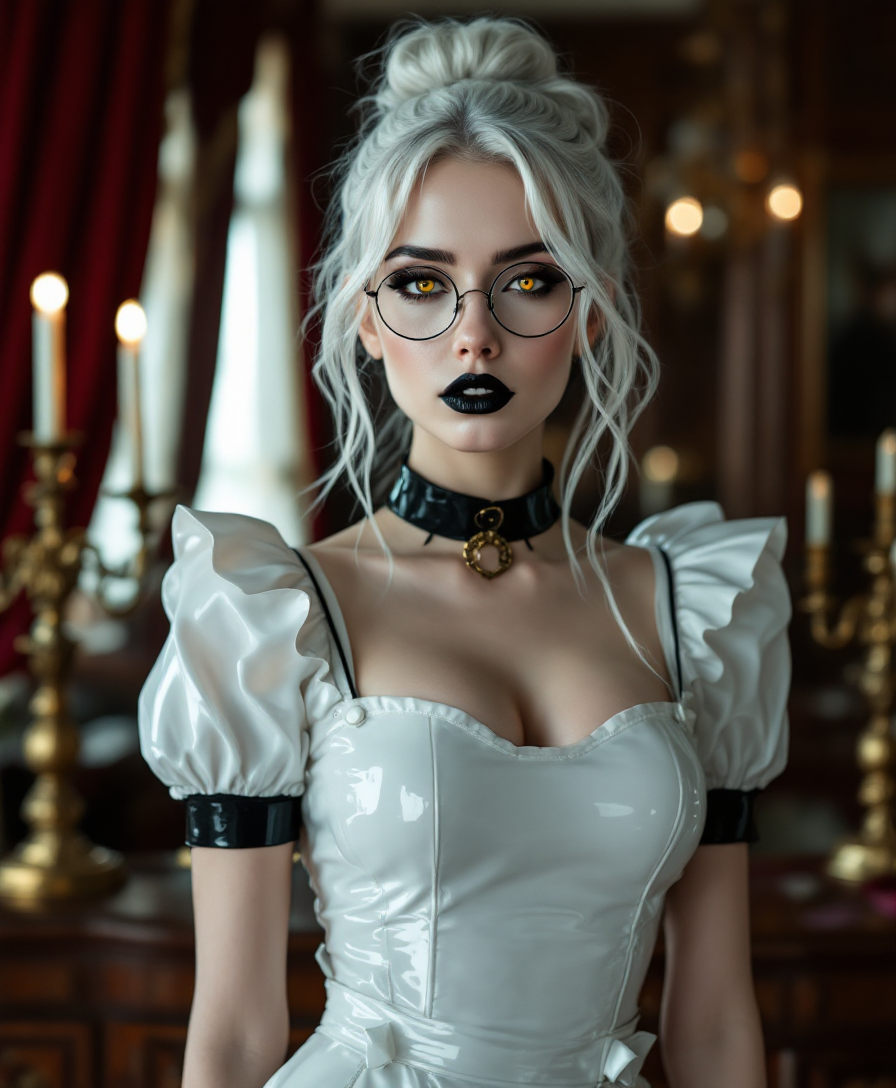
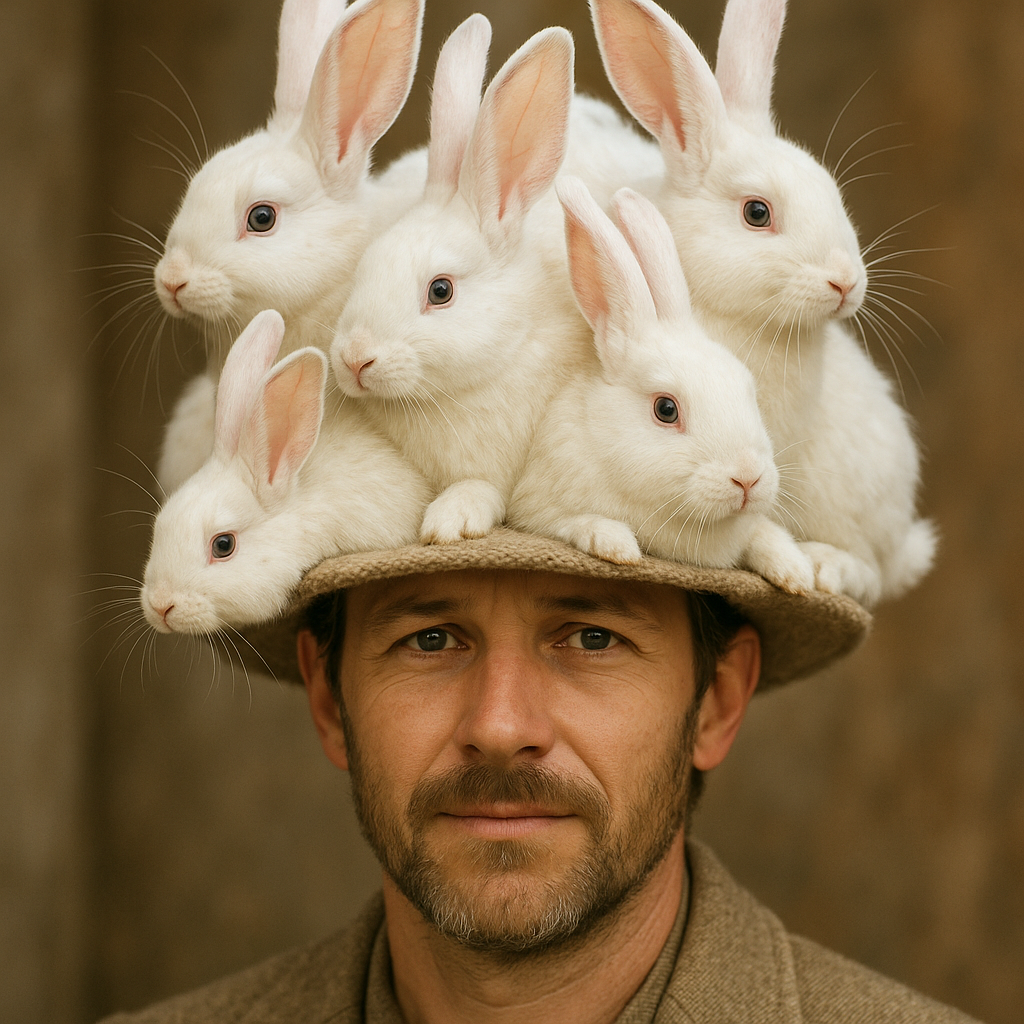
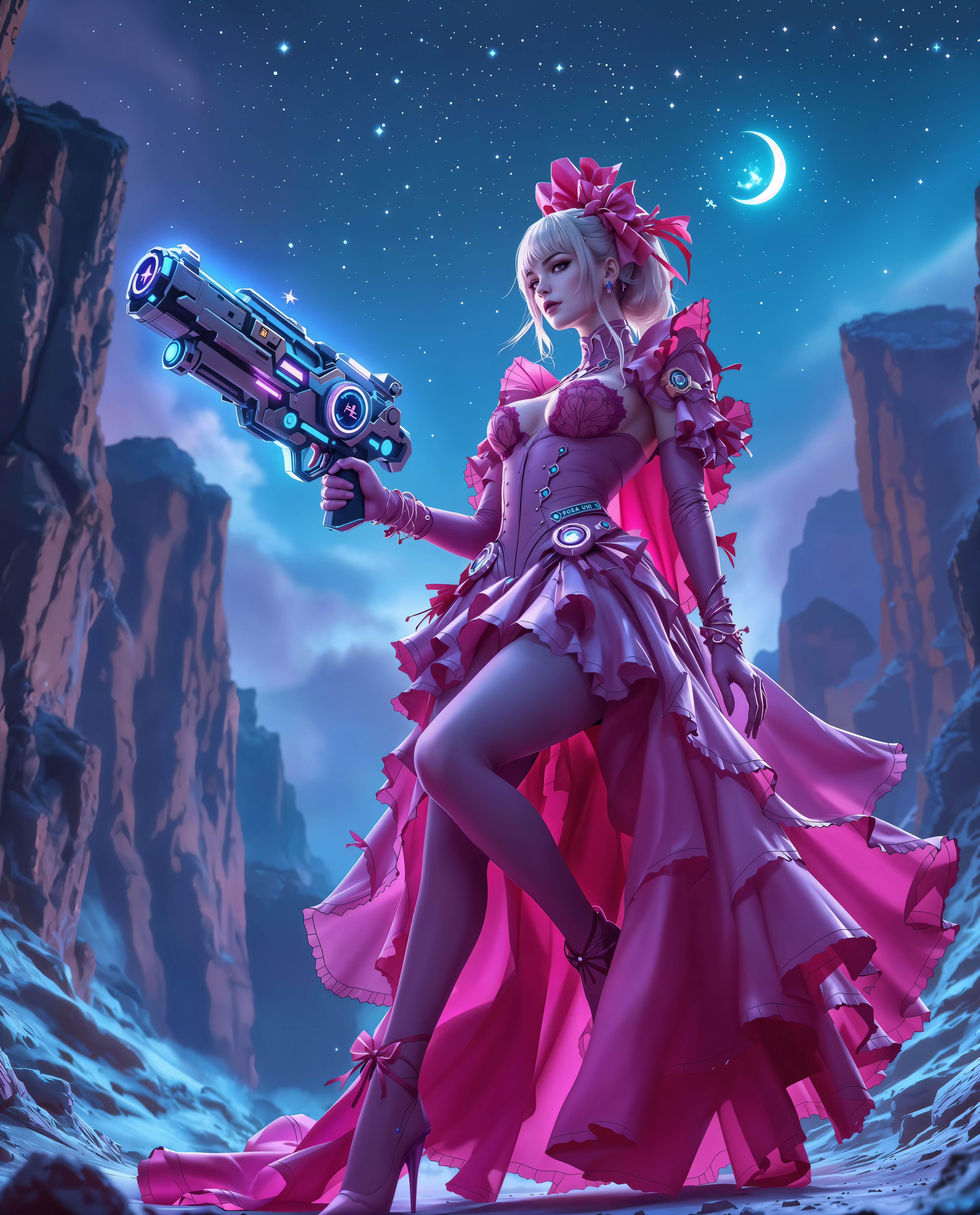
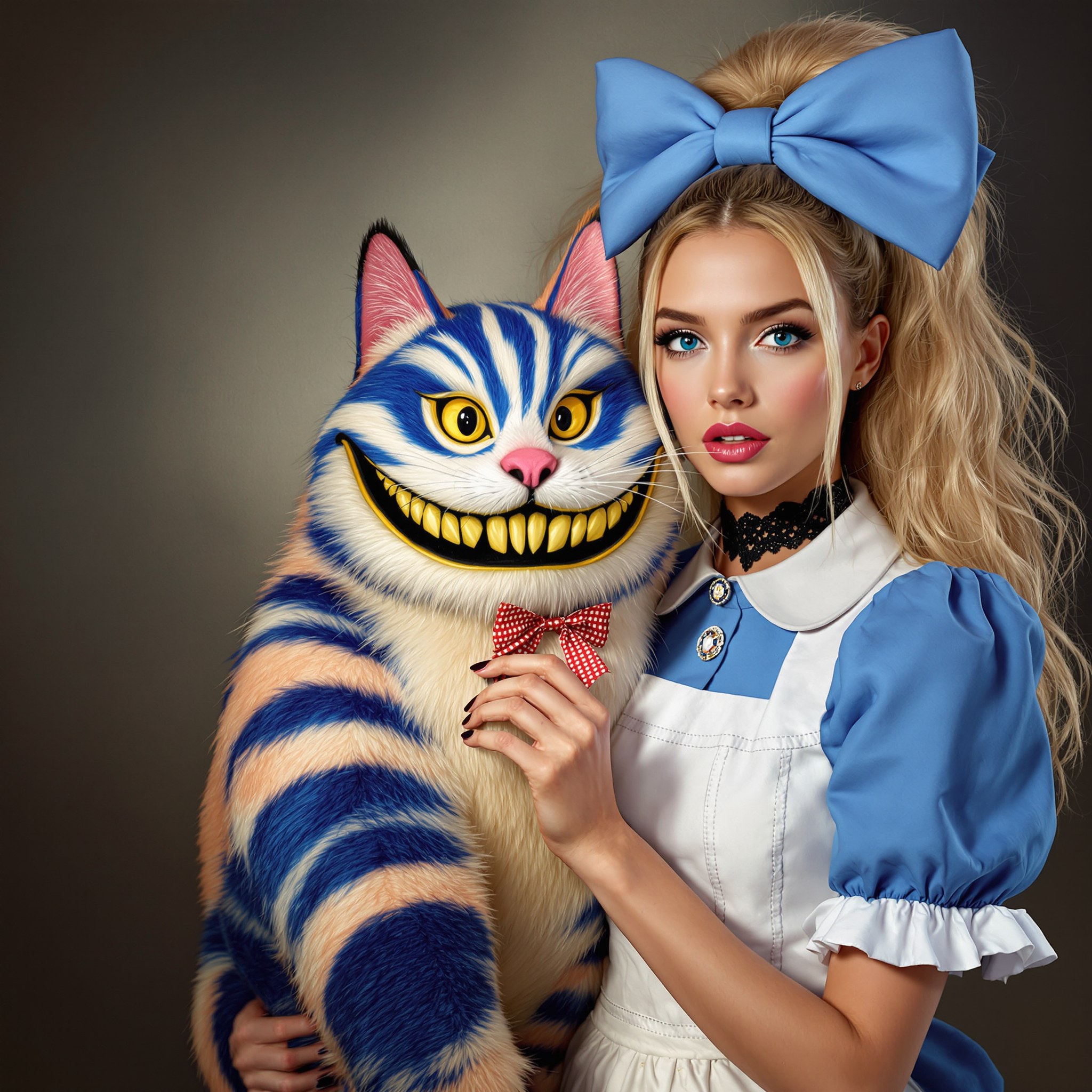
The Pixel Dojo Advantage
Why PixelDojo outperforms other options for expand image generation
| Others | Pixel Dojo |
|---|---|
| Traditional expand image creation | No need for manual cloning, content-aware fill, or hours in complex software—achieve seamless, realistic extensions instantly with AI that understands context and style automatically. |
| Generic AI tools | Purpose-built Image Outpainting combined with 40+ specialized tools like Reality Polisher and Smart Resize delivers more consistent, high-quality results tailored specifically for professional expansion workflows. |
| Manual photo editing | Eliminate the frustration of mismatched lighting or visible seams. PixelDojo's AI generates context-aware content that blends perfectly, saving you time and delivering superior, publication-ready outcomes. |
Loved by creators on PixelDojo
Real feedback from people using PixelDojo, pulled from our in-product surveys.
phenomenal site. would highly recommend
Amazing features, easy to use, privacy
the number of options, and especially the quick response to questions on Discord
Love you guys!!
Trained my Lora super fast. Still working out how to creat content wit it, but I love it so far.
I love this app
Explore more AI tools on PixelDojo
AI Tools
Compare & Switch
- Best AI Image Generators
- Best AI Video Generators
- Midjourney Alternatives
- Civitai Alternatives
- Runway Alternatives
- Leonardo Alternatives
- Pika Alternatives
- Luma Alternatives
- Magnific Alternatives
- Veo Alternatives
- Flux Alternatives
- Freepik Alternatives
- Seedance Alternatives
- Seedream Alternatives
- Pixverse Alternatives
- GPT Image Alternatives
- Synthesia Alternatives
- Playground Alternatives
- NightCafe Alternatives
- Canva AI Alternatives
- ElevenLabs Alternatives
- ComfyUI Alternatives
- Fal Alternatives
- Replicate Alternatives
Common Questions
Everything you need to know about expand image
How does AI expand image outpainting work to create realistic extensions?
PixelDojo's Image Outpainting tool analyzes your original photo's lighting, colors, textures, perspective, and composition, then intelligently generates new content beyond the borders that continues the scene naturally. You control the direction and can add descriptive prompts for custom results, ensuring seamless blends that look completely authentic.
What are the best ways to use AI image expander for social media content?
Use PixelDojo to quickly adapt square photos for vertical Stories, horizontal YouTube thumbnails, or wide Facebook covers. Simply upload your image, choose the target aspect ratio with Smart Resize, and let Image Outpainting fill in the new areas while preserving your subject perfectly—no cropping or distortion required.
Can I expand product photos with AI without losing realism or quality?
Absolutely. PixelDojo excels at product photography expansion. The AI matches shadows, reflections, and background elements precisely using tools like Reality Polisher and Magic Lighting. You can extend clean backgrounds or add contextual scenes while keeping your product pixel-perfect and professional-looking.
How much can I expand an image using iterative outpainting techniques?
With PixelDojo, you can expand significantly by applying the Image Outpainting tool iteratively—start with 25-30% extensions in your desired direction, preview, then repeat. This approach maintains high quality even for large panoramic or multi-format transformations, far beyond single-pass limitations.
Is AI outpainting suitable for restoring or enhancing old or cropped family photos?
Yes, it's perfect for that. Upload your vintage or tightly cropped photo to PixelDojo's Image Outpainting tool, and the AI will naturally extend backgrounds and add missing context while respecting the original style and lighting. Combine with Portrait Upscaler or Clarity Pro for even better restoration results.
What makes PixelDojo's expand image feature better than basic AI extenders?
PixelDojo offers a full ecosystem with Image Outpainting as the core, integrated with 40+ tools including Style Transfer for artistic extensions, Video Upscaler for related content, and Consistent Characters for people-focused images. You get more control, higher realism, and faster workflows than standalone generic expanders.