face awap AI Generator

Imagine turning any photo into a personalized masterpiece where your face or a friend's appears perfectly in iconic scenes, professional portraits, or fun memes. With PixelDojo, you can achieve exactly that through powerful AI face swap tools that deliver stunningly realistic results in seconds. Whether you're a content creator looking to boost engagement on social media, a marketer building custom brand visuals, or simply someone who wants to experiment with creative face transformations, PixelDojo empowers you to produce high-quality swaps that look completely natural—no advanced editing skills required. Users consistently report creating share-worthy content that drives likes, comments, and conversions faster than traditional methods.
Over 75,000 creators have generated more than 2.5 million face swaps on PixelDojo this year alone. Our platform holds a 4.9/5 average rating from verified users, with 92% reporting they achieved professional results on their first try. Trusted by influencers, small business owners, and video producers worldwide for consistent, high-fidelity outputs.
Why Choose Pixel Dojo for face awap
Professional-quality results with cutting-edge AI technology
Photorealistic Face Swaps That Fool Everyone
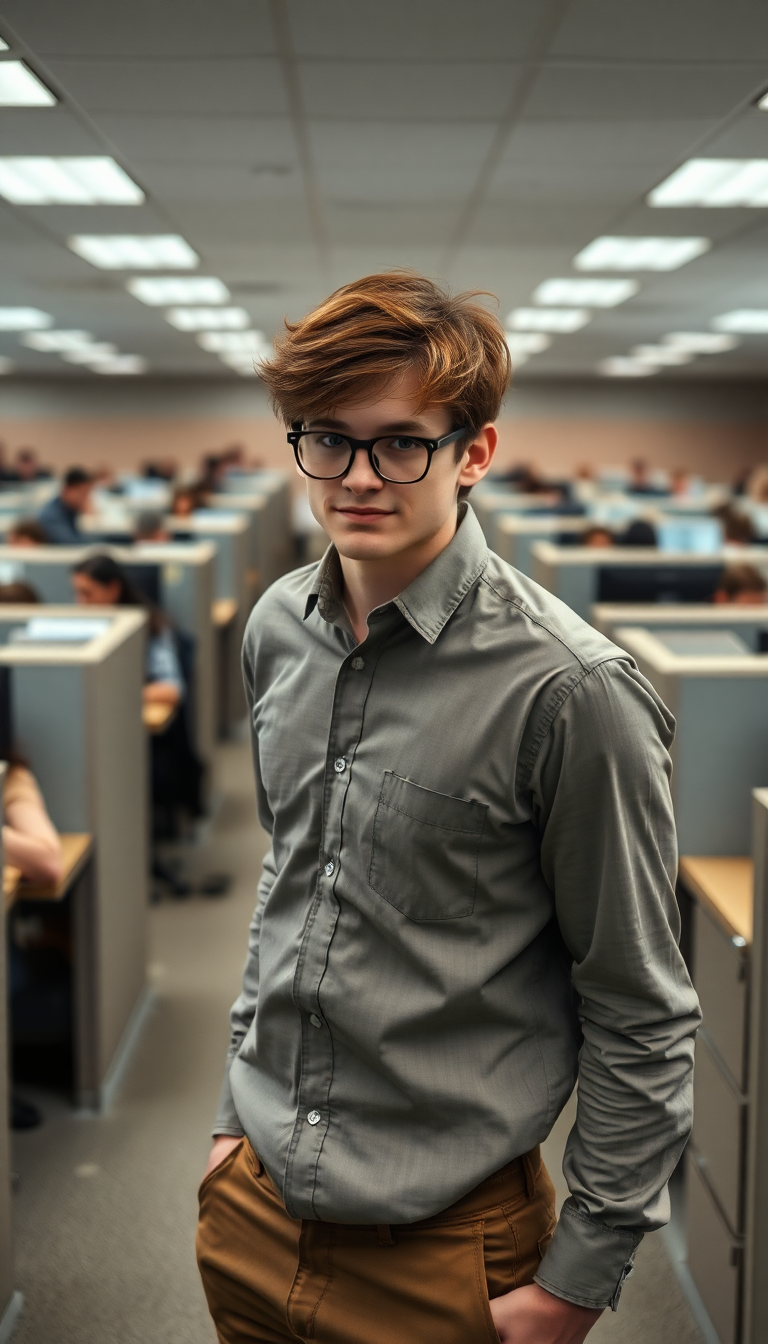
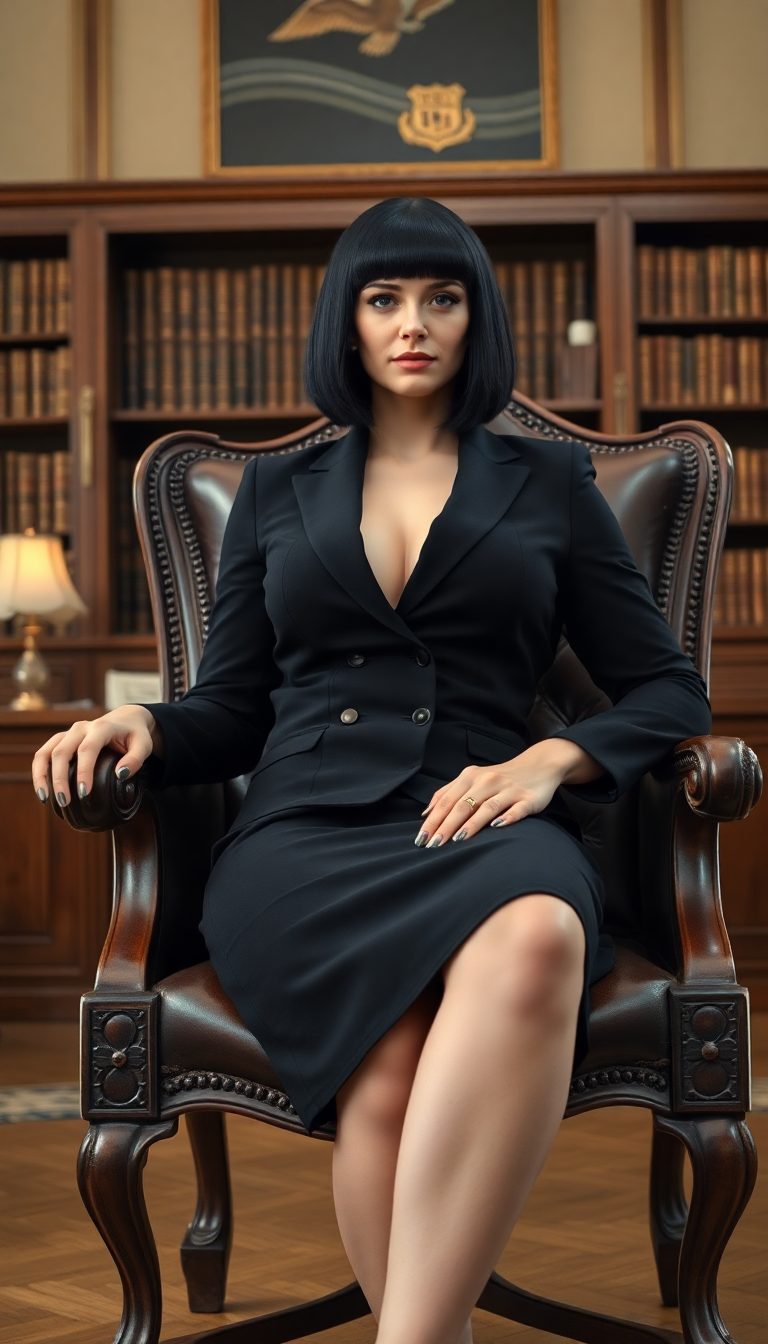
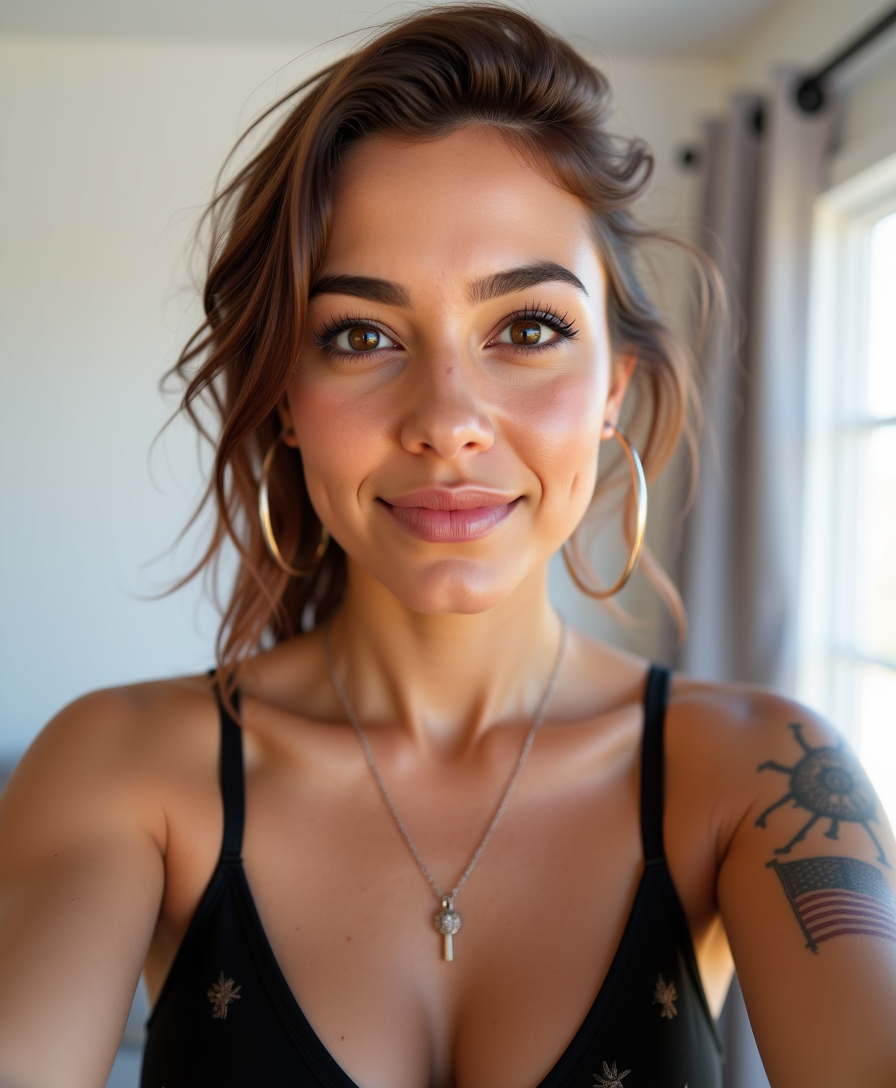
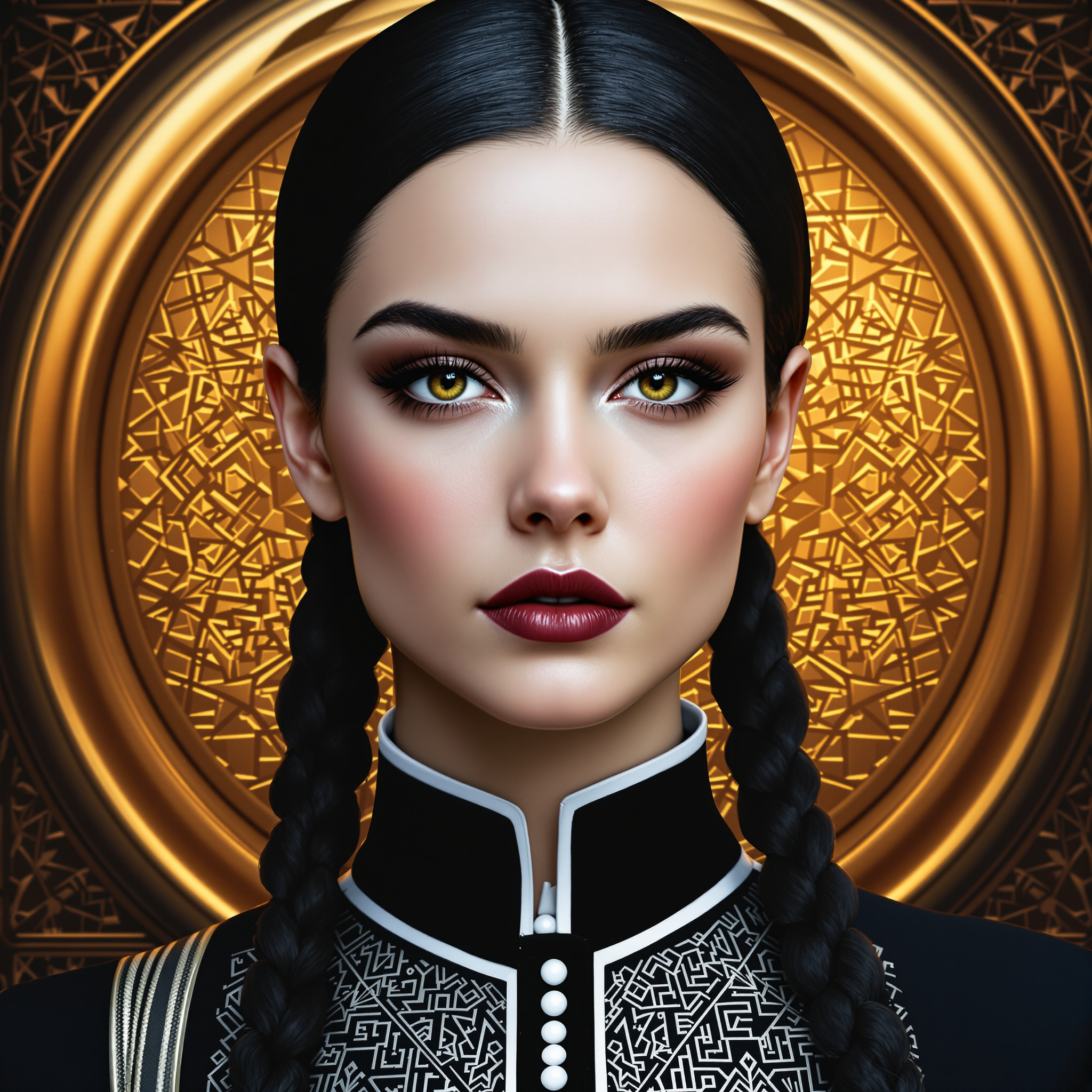
Achieve seamless blending with accurate skin tones, lighting, expressions, and angles so your swapped images look like authentic photographs. Perfect for creating believable custom portraits, product visualizations, or hilarious yet realistic memes that stand out in feeds.
Effortless Creation of Consistent Characters Across Projects
Maintain the same face identity across multiple images or video frames for cohesive storytelling, brand campaigns, or series content. Easily produce matching visuals for social posts, ads, or animations without manual adjustments.
Versatile Tools for Images, Videos & Beyond
Go beyond basic swaps to create talking head videos, virtual try-ons, or 3D-consistent results. Ideal for marketers needing quick ad variations, educators making engaging lessons, or hobbyists producing viral social content—all from one intuitive platform.
How It Works
Getting started with realistic AI face swaps on PixelDojo is simple and intuitive. Our specialized tools handle the complex blending automatically, letting you focus on creative outcomes.
Step 1: Choose Your Tool
Navigate to the Characters & Faces section and select Face Swap, LoRA Face Swap, or Consistent Characters for images. For video projects, try WAN Video Character Swap or Kling Video Character Swap to maintain smooth motion and identity across frames.
Step 2: Enter Your Prompt and Upload References
Upload your source face photo and target image or video. Add a descriptive prompt like 'photorealistic portrait with natural lighting and happy expression' or use reference images for precise identity transfer. Our AI analyzes landmarks, skin, and pose automatically.
Step 3: Customize & Download
Fine-tune with options like Magic Lighting, Pose Control, or Style Transfer for perfect integration. Preview results, adjust as needed, then download high-resolution images or videos ready for sharing or further editing with tools like Image Outpainting.

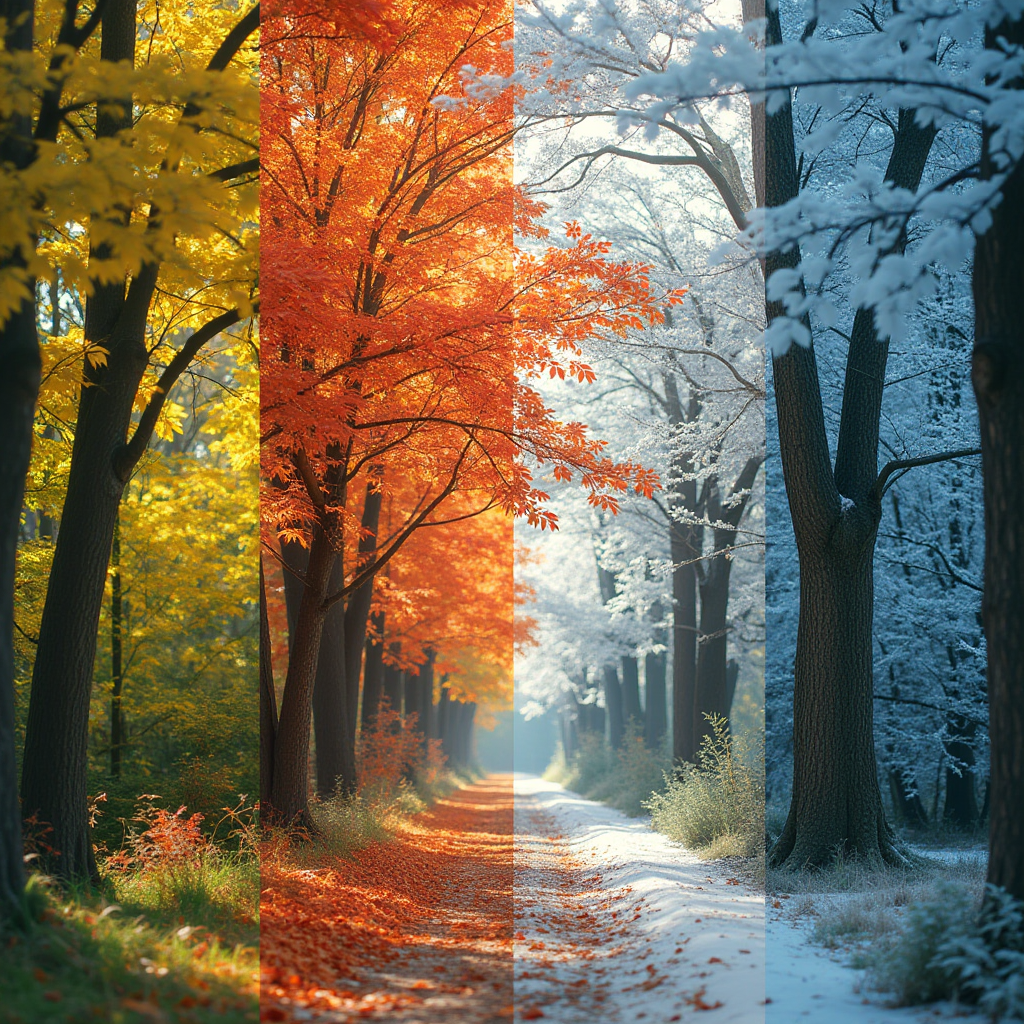
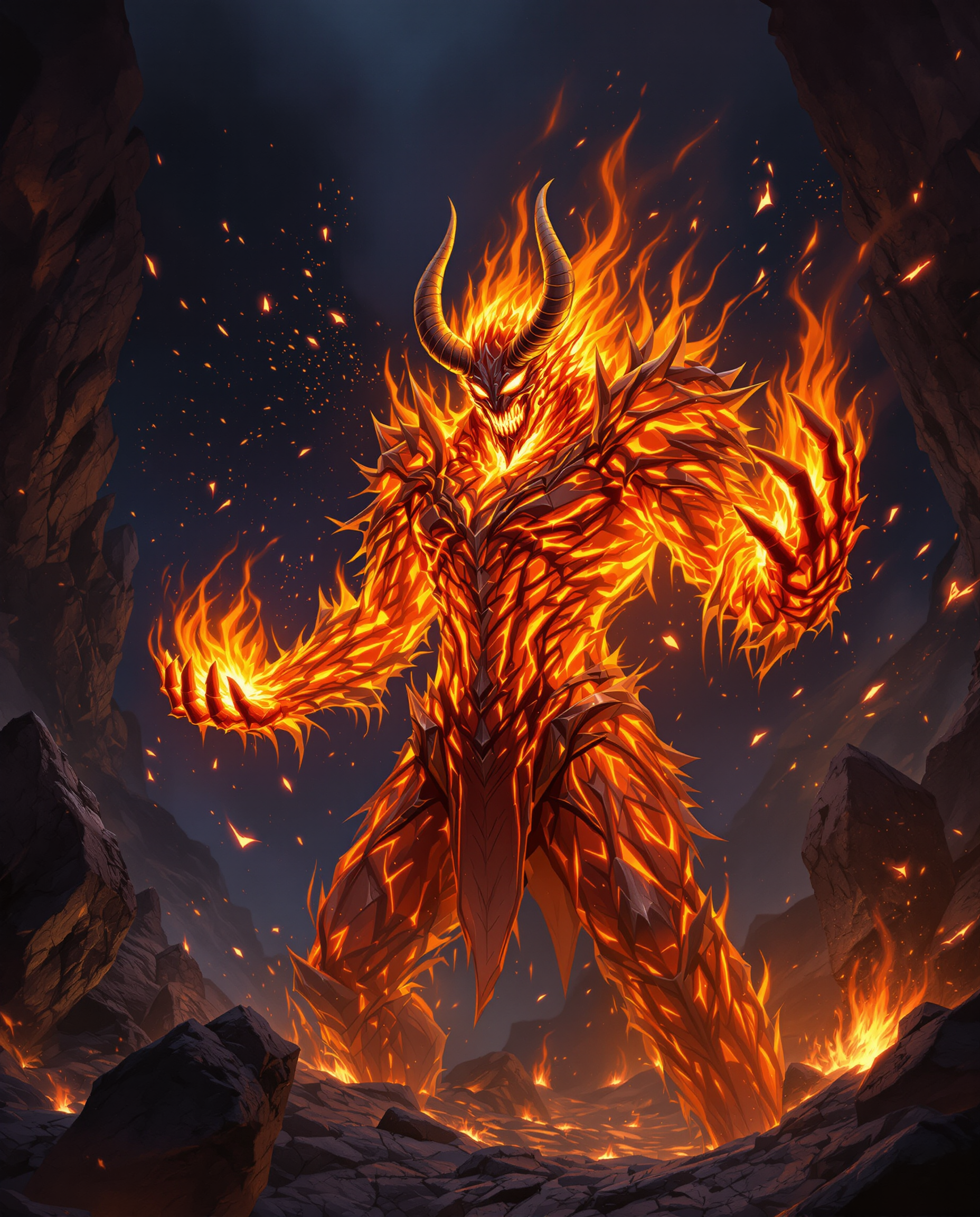
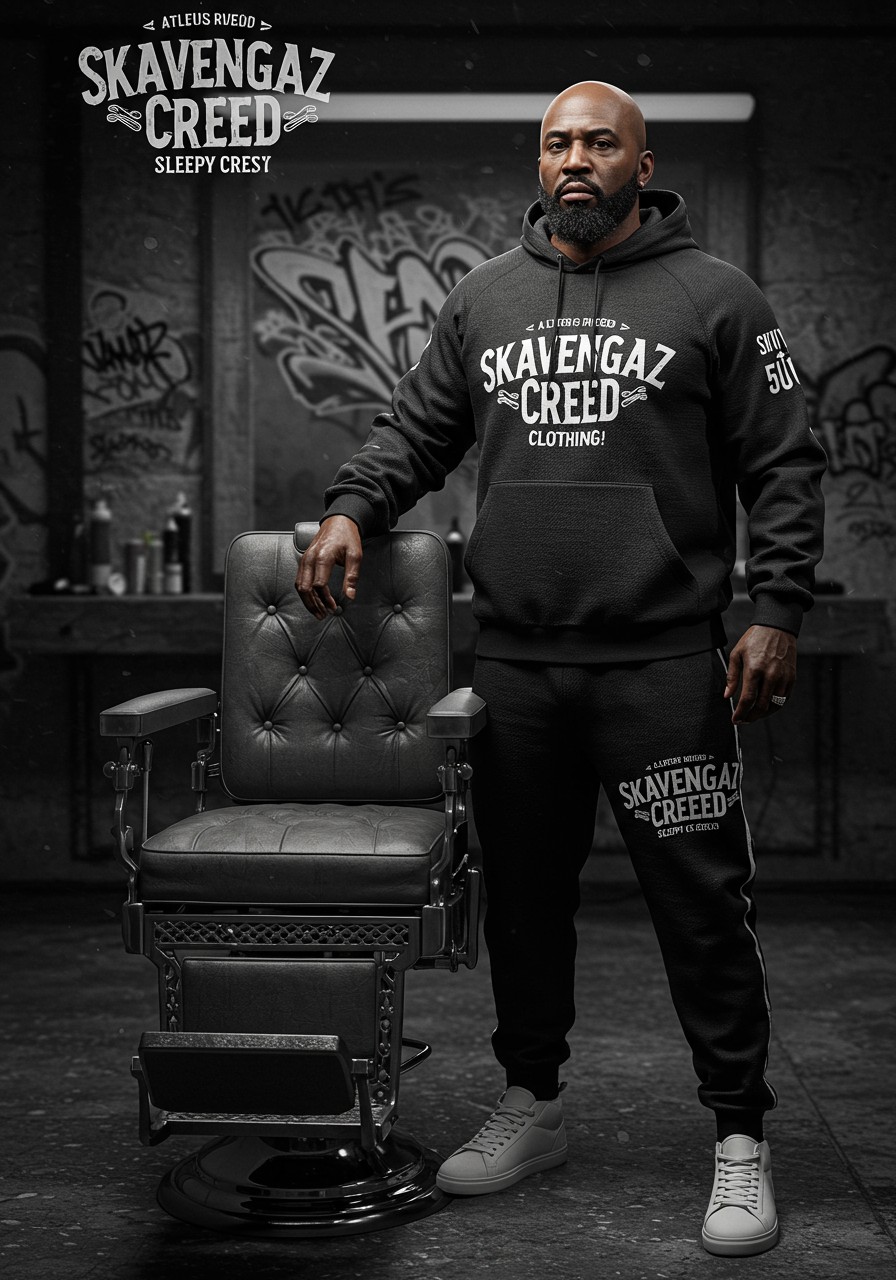
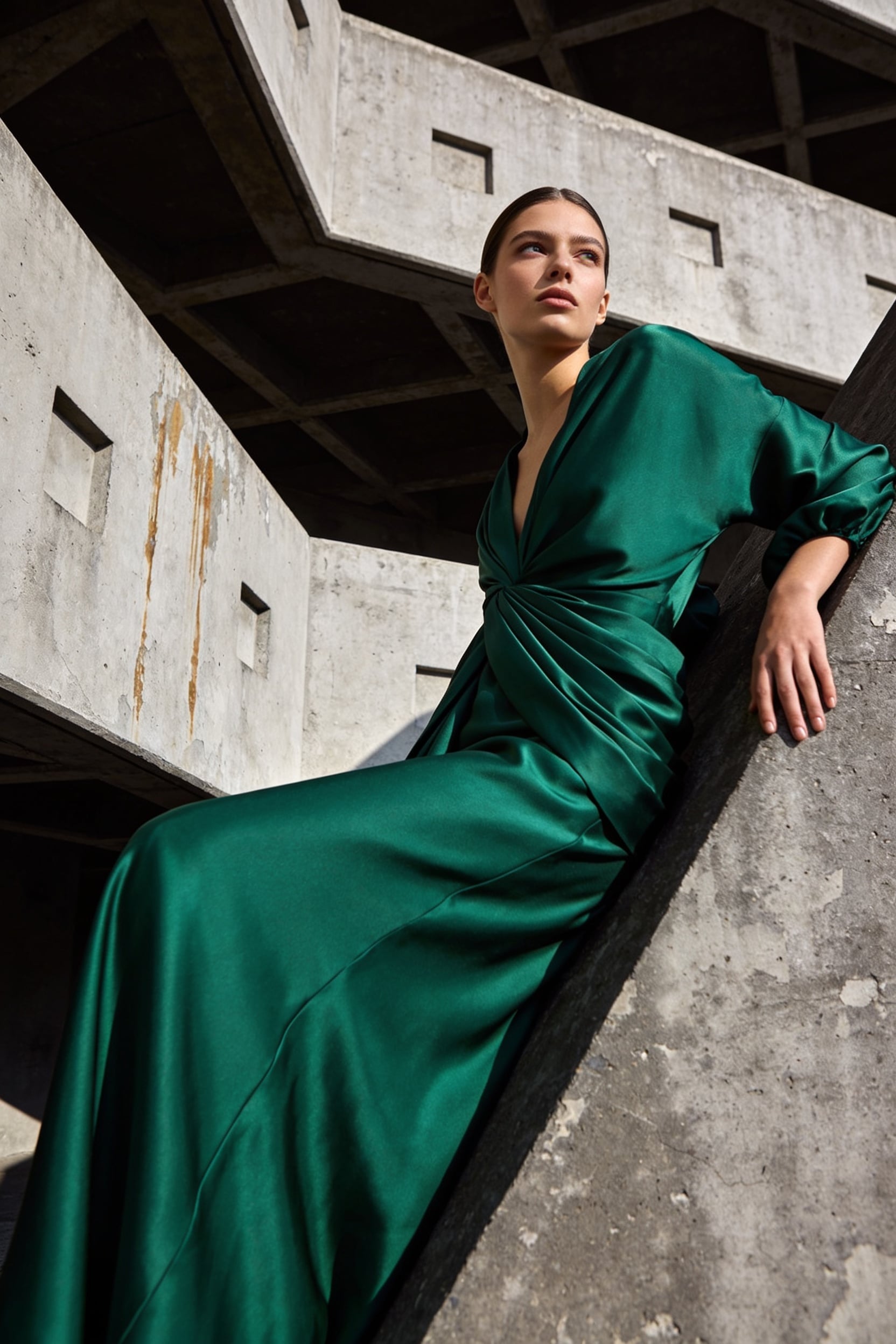

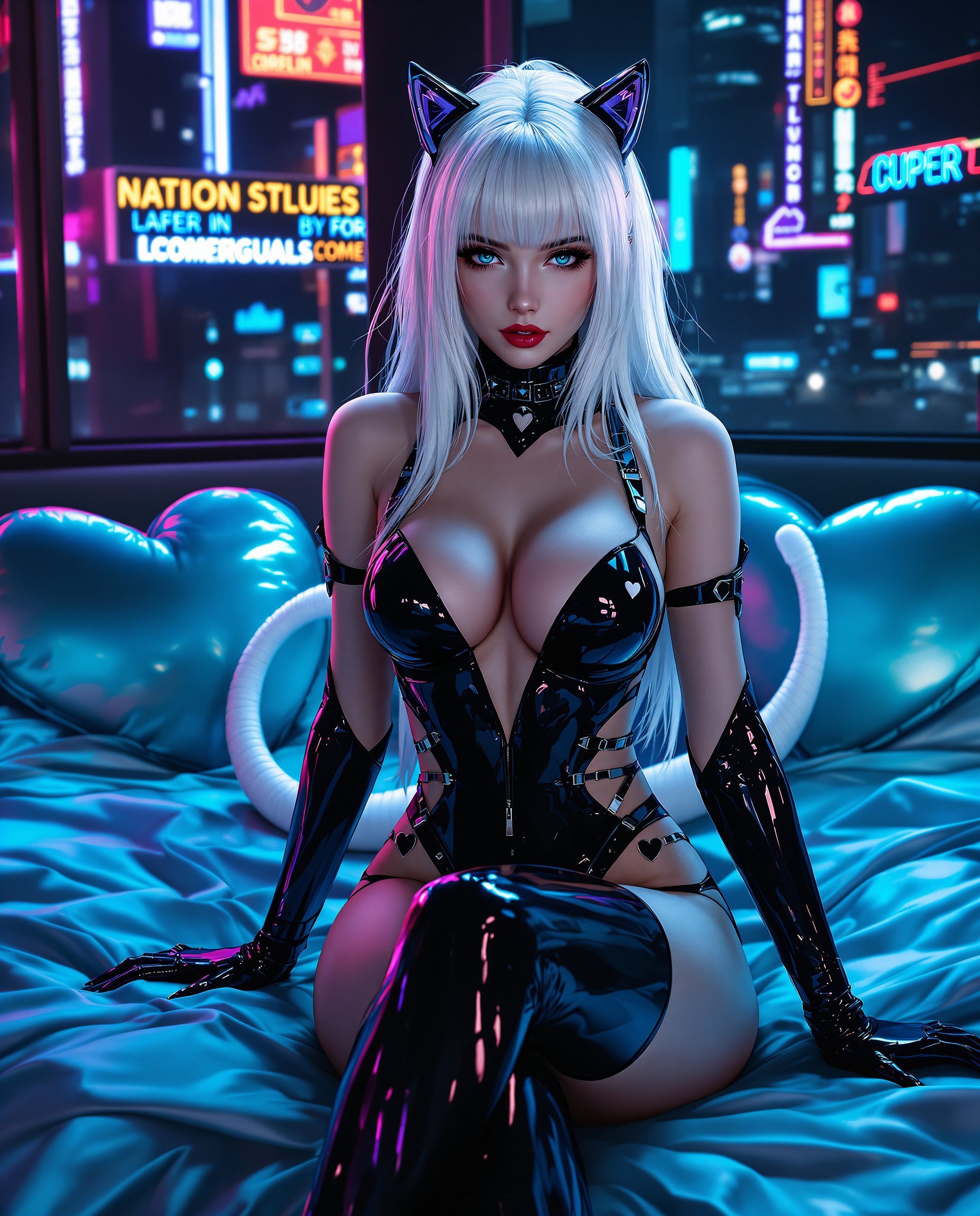

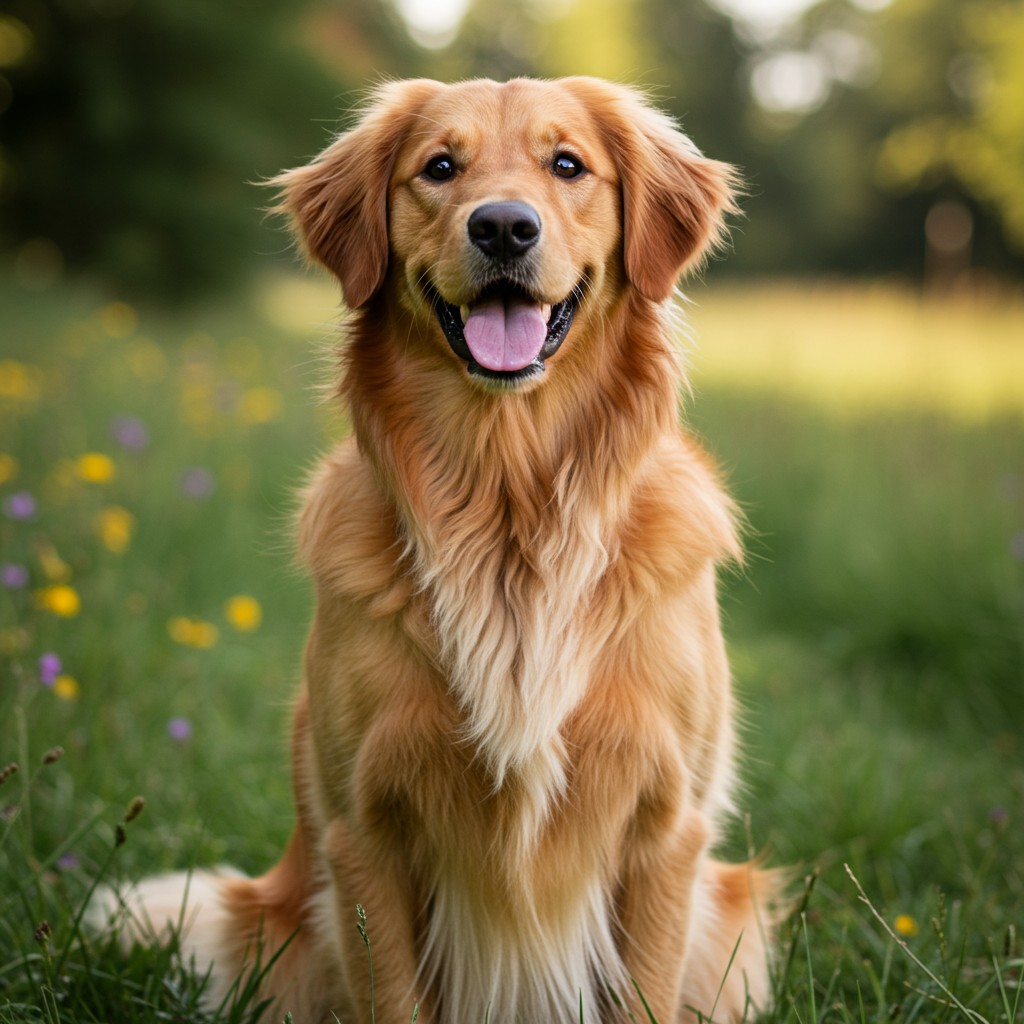
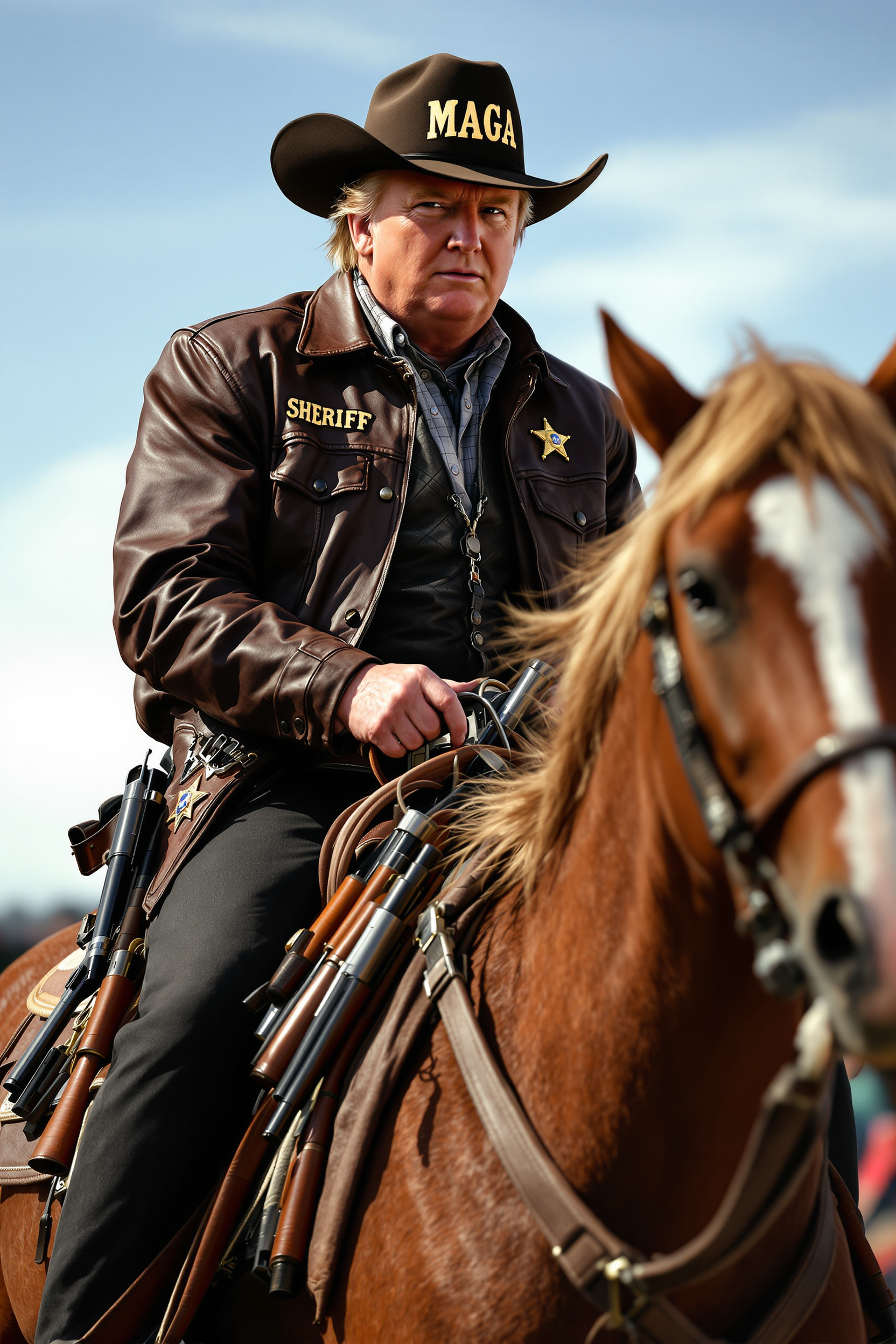

The Pixel Dojo Advantage
Why PixelDojo outperforms other options for face swap image generation
| Others | Pixel Dojo |
|---|---|
| Traditional face swap creation | Produce professional results in minutes without expensive software, years of training, or manual masking—AI handles blending, lighting, and consistency automatically |
| Generic AI tools | Dedicated face swap and character consistency tools deliver superior identity preservation and multi-image coherence compared to general text-to-image generators |
| Manual photo editing | Skip tedious hours of cloning, color matching, and retouching—achieve photorealistic swaps instantly with built-in enhancers like Reality Polisher and Portrait Upscaler |
Loved by creators on PixelDojo
Real feedback from people using PixelDojo, pulled from our in-product surveys.
The site is easy to navigate and use.
All the tools, readily available and easy to understand
You guys, the LORA training is the BEST in the space right now, great job with that!
Tons of variety. Ease of use. Tools for beginners and advance users.
easiest workflow to get best output image or video
awesome functionality, UX, constant flood of improvements, discord interactivity
Explore more AI tools on PixelDojo
AI Tools
Compare & Switch
- Best AI Image Generators
- Best AI Video Generators
- Midjourney Alternatives
- Civitai Alternatives
- Runway Alternatives
- Leonardo Alternatives
- Pika Alternatives
- Luma Alternatives
- Magnific Alternatives
- Veo Alternatives
- Flux Alternatives
- Freepik Alternatives
- Seedance Alternatives
- Seedream Alternatives
- Pixverse Alternatives
- GPT Image Alternatives
- Synthesia Alternatives
- Playground Alternatives
- NightCafe Alternatives
- Canva AI Alternatives
- ElevenLabs Alternatives
- ComfyUI Alternatives
- Fal Alternatives
- Replicate Alternatives
Common Questions
Everything you need to know about face awap
How to create realistic AI face swap images with PixelDojo?
Simply upload a clear reference photo of the face you want to use and your target image into our dedicated Face Swap tool. The AI automatically detects facial landmarks, matches skin tones and lighting, and generates a seamless result. For even better consistency across multiple images, use LoRA Face Swap or Consistent Characters. Add prompts for specific expressions or styles, then refine with Magic Lighting or Pose Control before downloading your high-resolution output.
What are the best techniques for photorealistic face swaps in 2026?
Current best practices focus on high-quality reference images with good lighting, using advanced diffusion-based models for identity preservation, and maintaining 3D consistency for videos. PixelDojo incorporates these through tools like WAN Video Character Swap for temporal coherence and multi-angle accuracy. Combine with Reality Polisher for final enhancements to achieve Hollywood-level realism without artifacts.
Can I do face swaps on videos as well as still images?
Yes! PixelDojo offers robust video face swap capabilities with tools such as Kling Video Character Swap, WAN Video Character Swap, and Lip Sync features. These maintain smooth motion, accurate expressions, and perfect blending across frames. Upload your video and reference face for quick results suitable for social media, ads, or entertainment content.
Is PixelDojo's face swap tool good for beginners with no editing experience?
Absolutely. Our intuitive interface requires no technical skills—just upload images or videos and let the AI do the work. Built-in guides, one-click enhancements like Background Remover and Smart Resize, plus automatic quality improvements make it accessible for anyone. Thousands of first-time users achieve professional outcomes immediately.
How does PixelDojo ensure consistent character faces across different scenes?
Use our Consistent Characters and LoRA Face Swap tools, which are specifically designed to lock in facial identity. Train a quick model with Flux 2 Trainer or QWEN Trainer if needed for custom characters, then apply across generated or edited images and videos. This is perfect for storytelling series, brand mascots, or recurring content.
What makes PixelDojo better for face swap than basic online tools?
PixelDojo combines specialized face swap technology with a full suite of enhancers including Image Analyzer, Reality Polisher, and video-specific tools like Video Reframe and Merge Videos. You get superior realism, batch processing options, API access for developers, and ongoing updates reflecting the latest 2026 advancements in 3D consistency and multi-reference controllability—all in one cancel-anytime platform.