face change ai
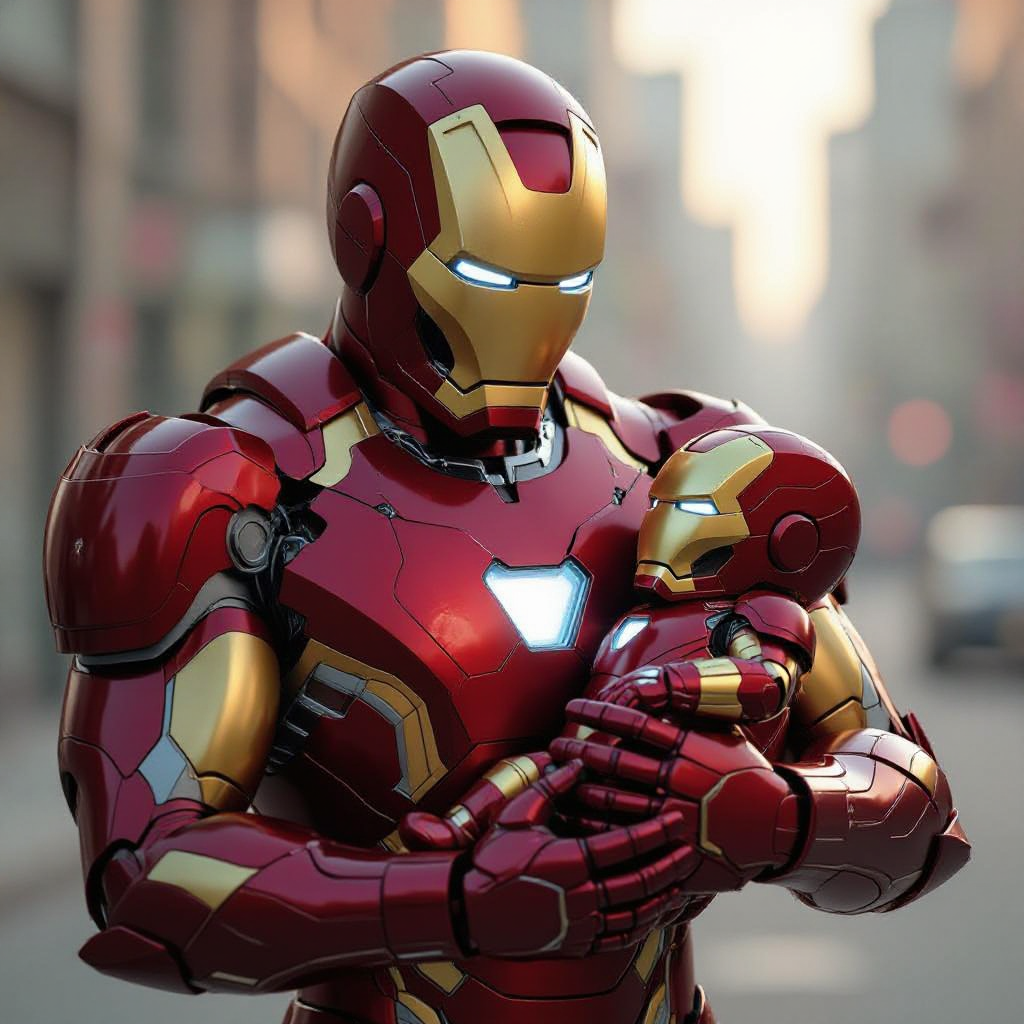
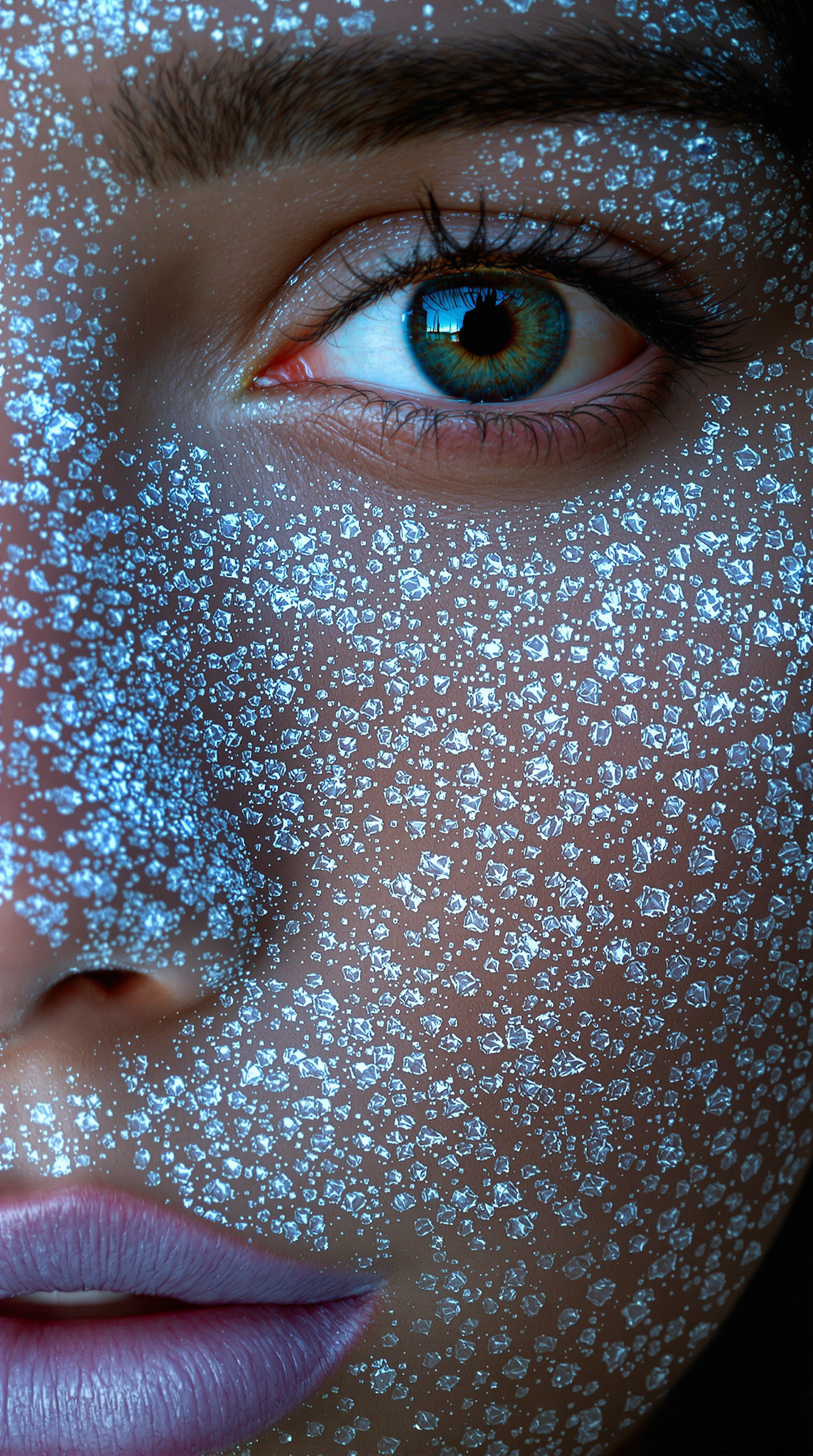
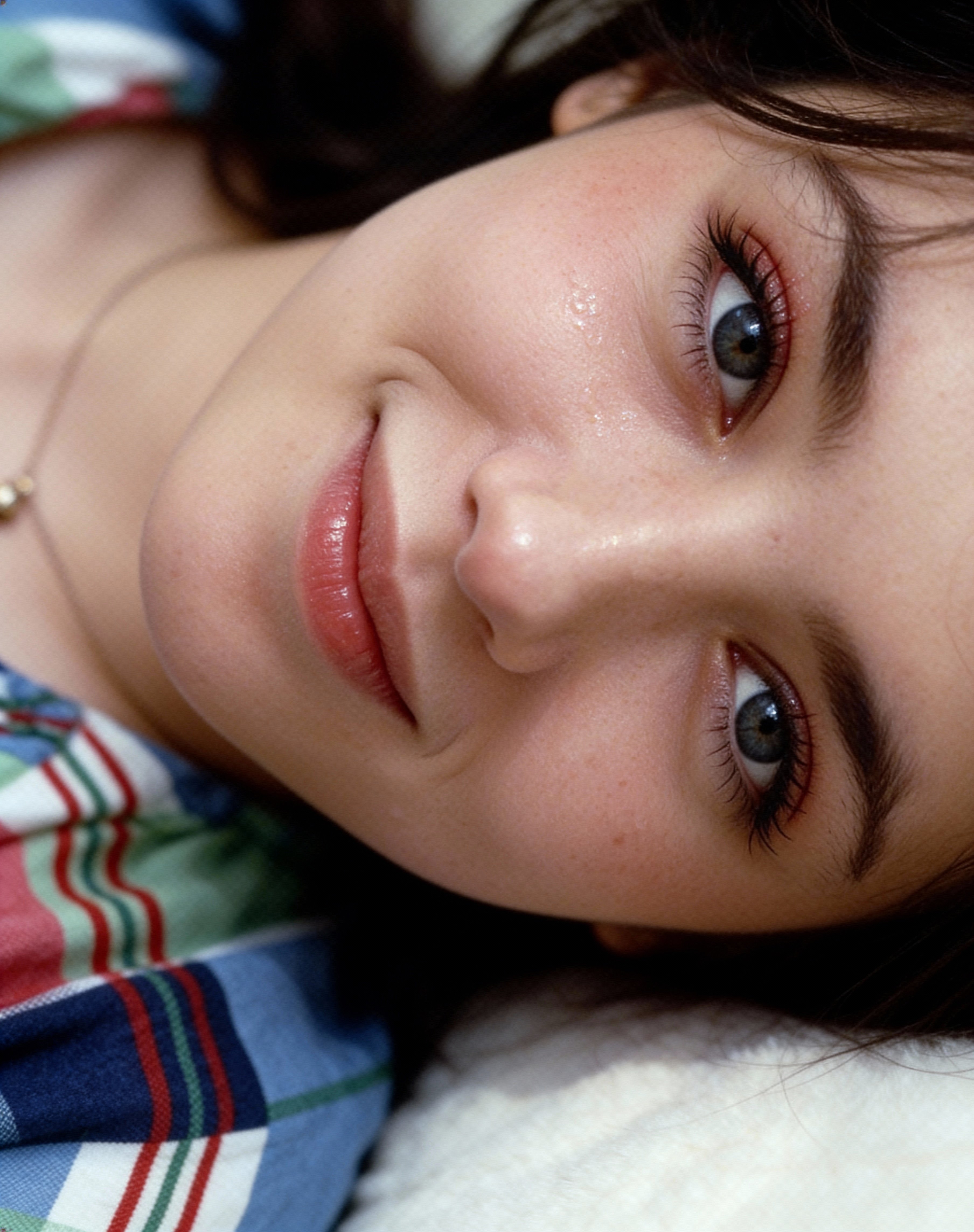
With PixelDojo's face change AI, you can instantly transform photos by swapping faces, trying new looks, or creating consistent characters across your projects. Whether you're a creator making viral memes, a marketer building personalized ads, or someone wanting professional headshots without the photoshoot, our tools deliver photorealistic results in seconds. Upload your images, select a reference face, and watch your vision come to life – no technical skills required.
Join over 50,000 creators who trust PixelDojo for face change AI. Rated 4.9/5 by thousands of users worldwide. Generate millions of realistic face swaps monthly with 40+ cutting-edge tools loved by professionals and hobbyists alike.
Why Choose Pixel Dojo for face change ai
Professional-quality results with cutting-edge AI technology
Create Photorealistic Face Swaps in Seconds
Replace faces seamlessly in any photo while preserving lighting, angles, and expressions for natural-looking results that fool even the sharpest eyes.
Build Consistent Characters Across All Your Images
Maintain the same face identity in multiple scenes, styles, and angles – perfect for storytelling, branding, or social media campaigns that need a recognizable character.
Explore Virtual Try-Ons and Creative Transformations
Test hairstyles, makeup, outfits, or even age yourself up or down instantly – ideal for fashion, beauty, and personal projects without costly real-world trials.
How It Works
Getting started with face change AI on PixelDojo is simple. Choose from specialized tools like LoRA Face Swap or Flux Pro Virtual Try-On, upload your images, and generate professional results fast.
Step 1: Choose Your Tool
Select LoRA Face Swap for precise identity transfer, Flux Pro Virtual Try-On for fashion and style experiments, or Image to Image with Flux.1 Studio for custom face edits. Browse the Characters & Faces section to pick the perfect match for your project.
Step 2: Enter Your Prompt and Upload References
Upload your source photo and reference face image. Describe the desired outcome like 'swap this face onto the person in the suit with natural lighting' or use Consistent Characters for multi-image projects. Advanced options let you adjust strength for perfect blending.
Step 3: Customize & Download
Review the AI-generated preview, refine with Inpainting or Magic Lighting if needed, then upscale with Portrait Upscaler for HD quality. Download your transformed image ready for social media, ads, or personal use.



The Pixel Dojo Advantage
Why PixelDojo outperforms other options for face change ai image generation
| Others | Pixel Dojo |
|---|---|
| Traditional face change creation | No expensive software, makeup artists, or hours of manual work – achieve professional swaps in seconds with AI precision |
| Generic AI tools | Specialized face tools like LoRA Face Swap and Consistent Characters deliver superior identity preservation and multi-image coherence |
| Manual photo editing | Automated blending of lighting, skin tones, and expressions without pixel-level tweaking or expensive editing suites |
Loved by creators on PixelDojo
Real feedback from people using PixelDojo, pulled from our in-product surveys.
Very eay to use, works well to train SDXL loras.
The amazing tools
Top notch quality and strong prompt adherence.
A well resourced sunscription with attention to updates.
Easy to use and there's lots of options.
super lora download
Explore more AI tools on PixelDojo
AI Tools
Compare & Switch
- Best AI Image Generators
- Best AI Video Generators
- Midjourney Alternatives
- Civitai Alternatives
- Runway Alternatives
- Leonardo Alternatives
- Pika Alternatives
- Luma Alternatives
- Magnific Alternatives
- Veo Alternatives
- Flux Alternatives
- Freepik Alternatives
- Seedance Alternatives
- Seedream Alternatives
- Pixverse Alternatives
- GPT Image Alternatives
- Synthesia Alternatives
- Playground Alternatives
- NightCafe Alternatives
- Canva AI Alternatives
- ElevenLabs Alternatives
- ComfyUI Alternatives
- Fal Alternatives
- Replicate Alternatives
Common Questions
Everything you need to know about face change ai
How does face change ai work for realistic photo swaps?
PixelDojo's face change ai uses advanced diffusion-based models and LoRA Face Swap technology to map facial features from your reference image onto the target photo. It preserves natural lighting, skin texture, and expressions for photorealistic results that maintain consistency across angles and lighting conditions.
What is the best way to use ai face changer for consistent characters?
Start with Consistent Characters or Character Sheets tools, upload a clear reference face, then generate multiple variations. Use the same reference across sessions with Flux.1 Studio or Ideogram Character to keep facial identity identical in different scenes, outfits, or styles.
Can I do virtual try-on with face change ai on PixelDojo?
Yes! Flux Pro Virtual Try-On and Virtual Try-On tools let you swap faces onto model images wearing different clothes, hairstyles, or makeup. Upload your face photo and a reference outfit image to see instant, realistic transformations perfect for shopping or content creation.
Is face swap ai image generation safe and private on PixelDojo?
Absolutely. Your uploaded images stay private and are processed securely. PixelDojo emphasizes ethical use and provides full control over your creations with easy deletion options. Thousands of creators use it daily for professional and personal projects without concerns.
How accurate are face change ai results with different angles and lighting?
PixelDojo's tools excel at handling varied angles and lighting thanks to diffusion models and reference conditioning. For best results, use high-quality front-facing references and adjust parameters like strength in Image to Image or Inpainting for seamless blending even in challenging conditions.
What face change ai techniques work best for beginners in 2026?
Beginners love starting with LoRA Face Swap or Virtual Try-On for one-click results. Combine with Image to Image using Flux models for more control. PixelDojo's intuitive interface and preset workflows make advanced diffusion-based face swapping accessible without any prior experience.