face change in video

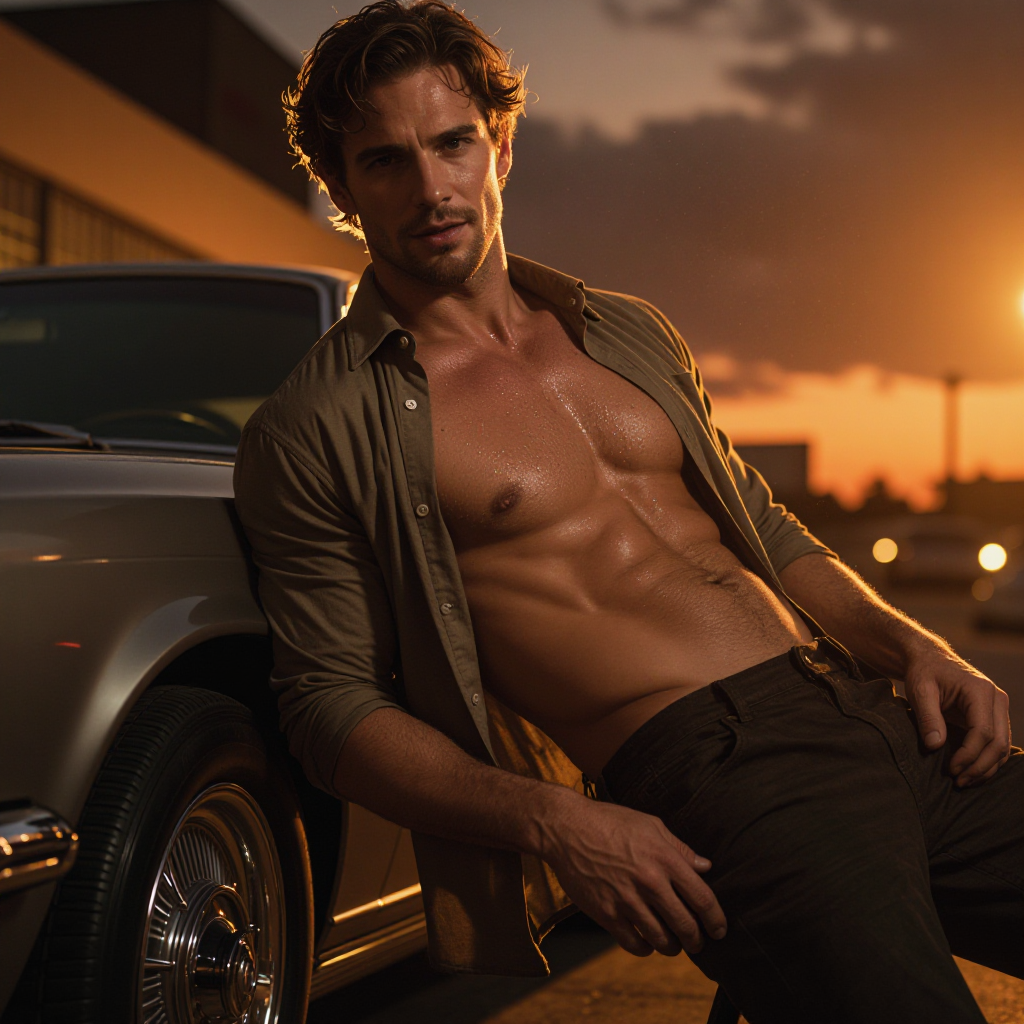
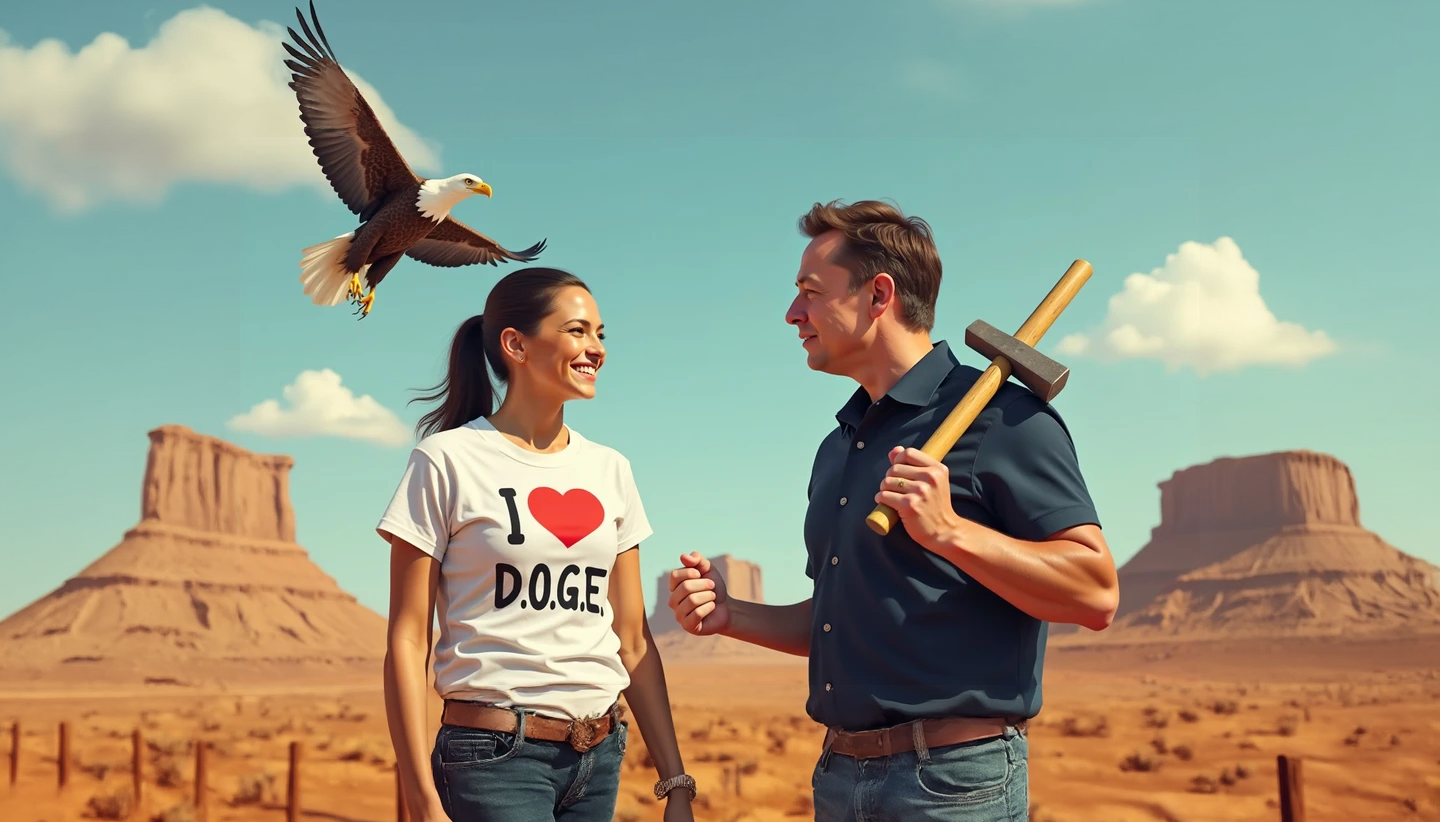
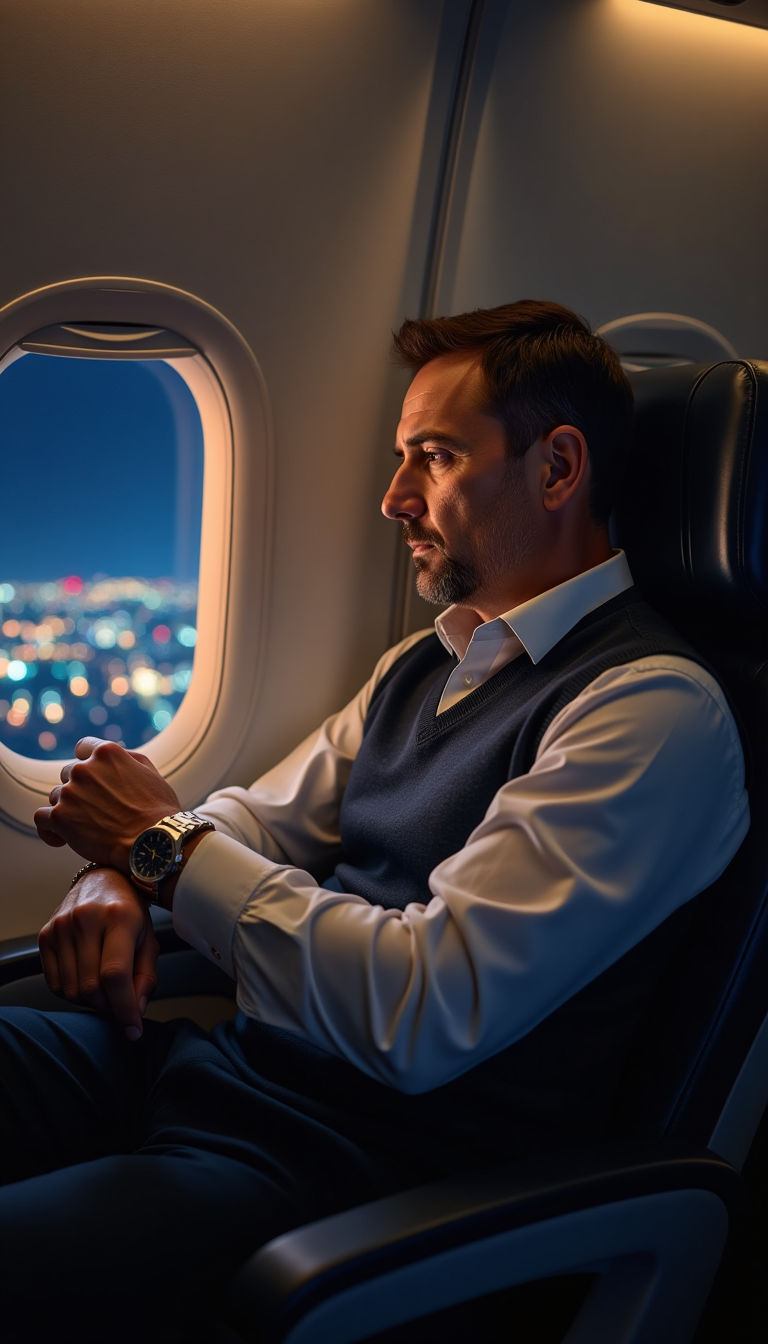
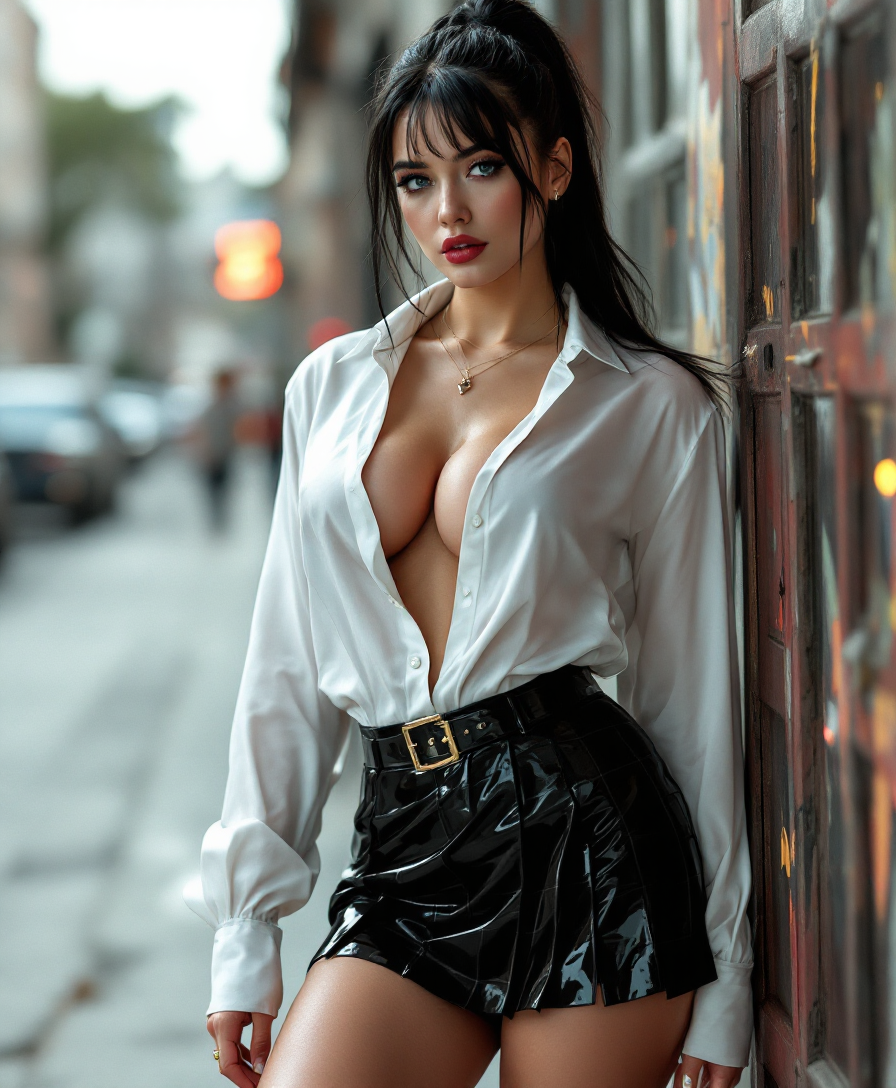
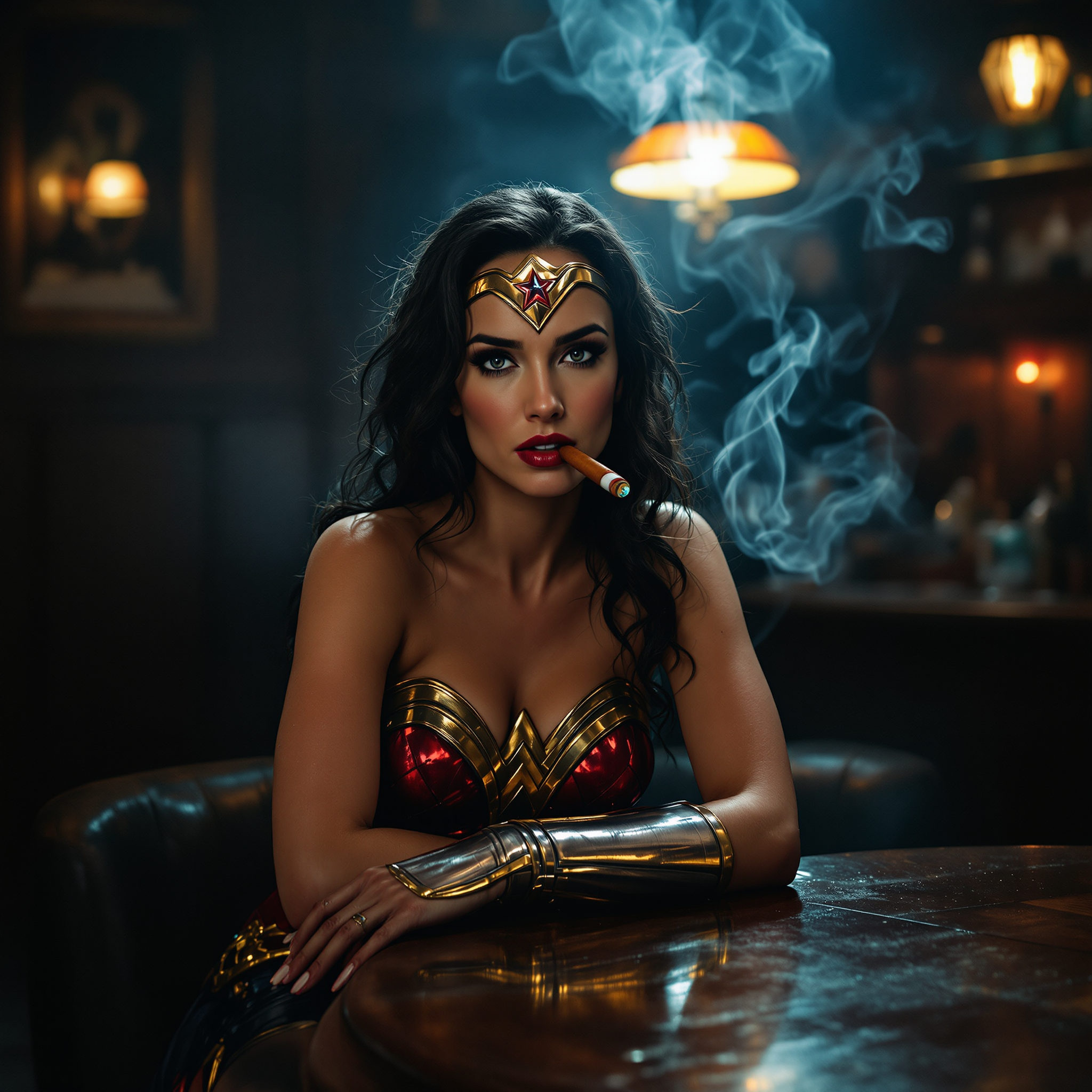
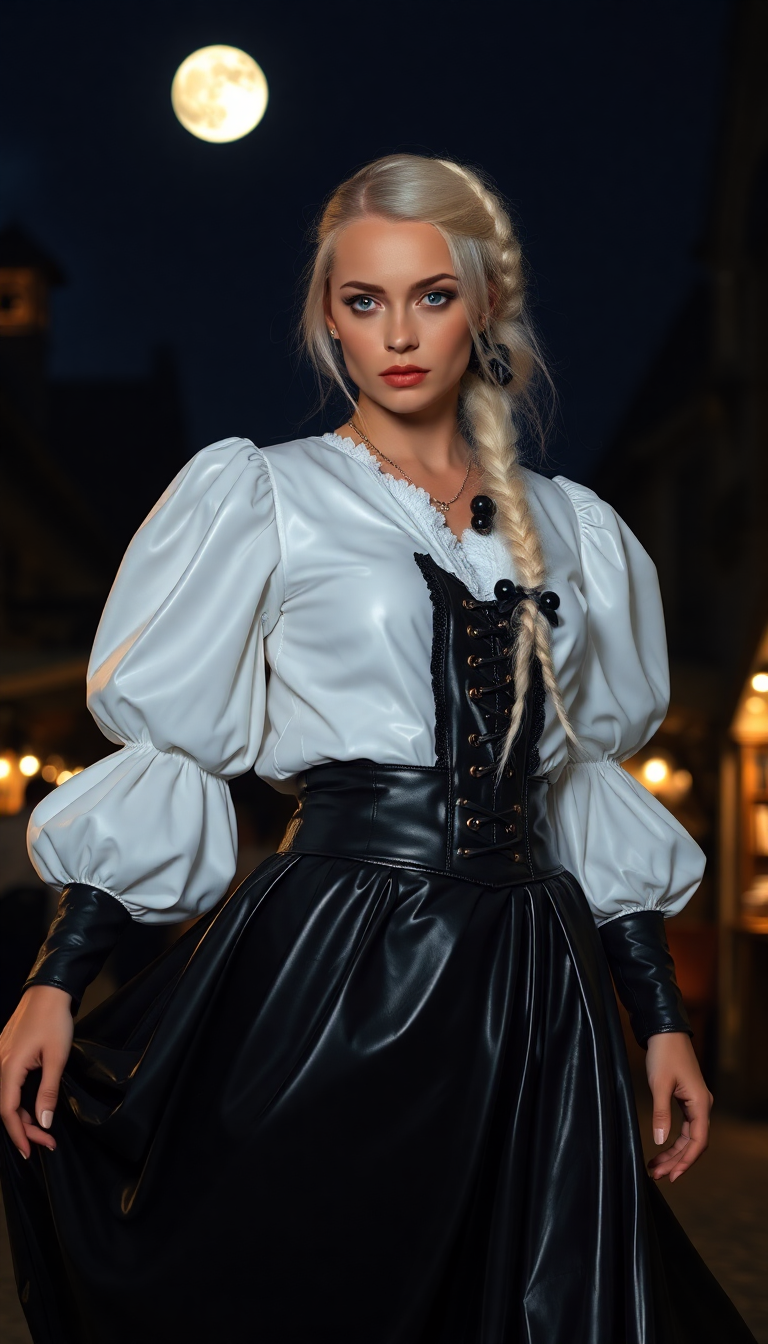
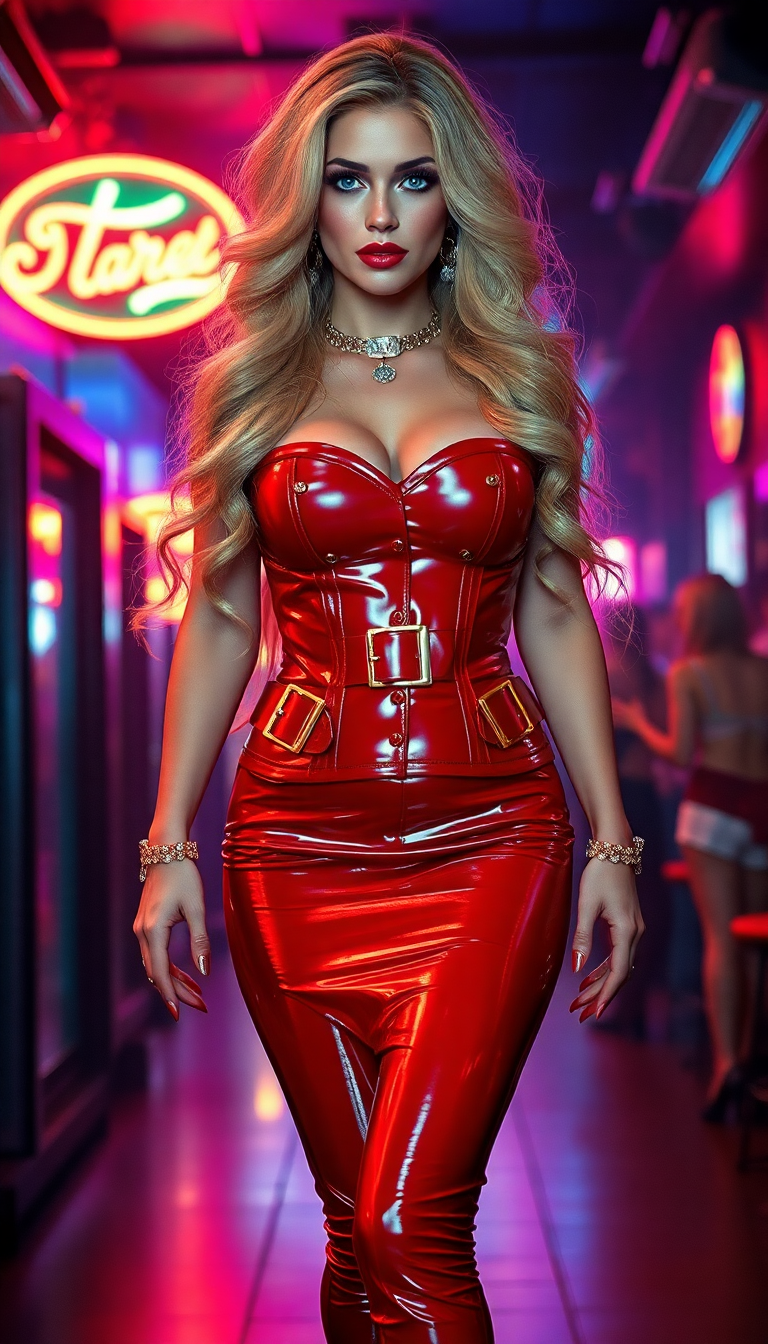
Imagine turning any video into a personalized masterpiece where you or your chosen character takes center stage. With PixelDojo, you can achieve seamless face changes in videos that look completely natural, preserving every expression, movement, and lighting detail. Whether you're a content creator building viral TikToks and Reels, a marketer crafting engaging brand stories, or someone wanting to surprise friends with fun family videos, PixelDojo empowers you to deliver professional-quality results without expensive equipment, actors, or hours of editing. Focus on the outcomes: captivate your audience, boost engagement, and bring your creative visions to life instantly.
Join over 85,000 creators who have generated more than 2.3 million face-changed videos. Average rating of 4.9/5 stars from real users. Featured in top creator communities for delivering Hollywood-level results at a fraction of the cost. Trusted by influencers and small businesses worldwide for reliable, high-impact video transformations.
Why Choose Pixel Dojo for face change in video
Professional-quality results with cutting-edge AI technology
Create Viral Social Media Content Instantly
Turn everyday clips or trending sounds into shareable gold by swapping faces seamlessly. Your videos will stand out with perfect lip sync and natural motion, driving likes, comments, and shares on TikTok, Instagram, and YouTube Shorts.
Produce Professional-Quality Videos Without Reshooting
Achieve cinematic face replacements for marketing campaigns, training videos, or client projects. Maintain consistent lighting, expressions, and 3D head movements so your content looks polished and expensive every time.
Personalize Videos for Any Occasion Effortlessly
Swap faces in family holiday videos, create custom birthday messages, or build branded avatar content for your business. Deliver memorable, tailored experiences that strengthen connections with your audience or loved ones.
How It Works
Getting started with face changes in video is simple and intuitive on PixelDojo. Follow these three steps to transform your footage into something extraordinary.
Step 1: Choose Your Tool
Head to the Characters & Faces section and select powerful options like Face Swap, WAN Video Character Swap, or Kling Video Character Swap. These tools are optimized for high-fidelity video transformations with advanced motion tracking.
Step 2: Enter Your Prompt and Upload Assets
Upload your source video clip and a clear reference image of the new face. Add a simple prompt describing the desired style or scene, such as 'natural outdoor lighting with smooth head turns.' Our AI handles detection, mapping, and temporal consistency automatically.
Step 3: Customize, Refine & Download
Preview the result and fine-tune using Edit Videos tools like Kling Video Edit, Lip Sync, or Video Reframe for perfect alignment. Add effects with Magic Lighting or Background Remover if needed, then export in high resolution ready for sharing or further editing.








The Pixel Dojo Advantage
Why PixelDojo outperforms other options for face change in video generation
| Others | Pixel Dojo |
|---|---|
| Traditional video production | Skip costly shoots, actors, and post-production teams—achieve identical results in minutes from your desk with consistent quality every single time |
| Generic AI tools | Benefit from specialized video-optimized models with superior temporal coherence, 3D head tracking, and seamless lip sync that generic platforms simply can't match |
| Manual photo editing | Eliminate frame-by-frame Photoshop work and guesswork—our AI automates everything while preserving natural motion, expressions, and lighting across the entire clip |
Loved by creators on PixelDojo
Real feedback from people using PixelDojo, pulled from our in-product surveys.
I really like how the site is kept up to date, and the leaderboard (where I'm currently #11 most popular artist)
This is the best image generator I've used so far. Well done!
es facil de comprender asi uno no sea programador
amazing web site
phenomenal site. would highly recommend
Amazing features, easy to use, privacy
Explore more AI tools on PixelDojo
AI Tools
Compare & Switch
- Best AI Image Generators
- Best AI Video Generators
- Midjourney Alternatives
- Civitai Alternatives
- Runway Alternatives
- Leonardo Alternatives
- Pika Alternatives
- Luma Alternatives
- Magnific Alternatives
- Veo Alternatives
- Flux Alternatives
- Freepik Alternatives
- Seedance Alternatives
- Seedream Alternatives
- Pixverse Alternatives
- GPT Image Alternatives
- Synthesia Alternatives
- Playground Alternatives
- NightCafe Alternatives
- Canva AI Alternatives
- ElevenLabs Alternatives
- ComfyUI Alternatives
- Fal Alternatives
- Replicate Alternatives
Common Questions
Everything you need to know about face change in video
How to do face change in video with AI for beginners?
Simply upload your video and a reference face image to PixelDojo's Face Swap or WAN Video Character Swap tool. Our AI automatically detects faces, maps expressions, and maintains smooth motion across frames. Add prompts for style tweaks and use Lip Sync from Edit Videos for perfect audio alignment. No prior experience needed—results are ready in seconds.
What is the best way to create realistic face swaps in long videos?
Use Kling Video Character Swap combined with Kling Video Edit for superior 3D consistency and temporal stability. PixelDojo handles clips up to 15+ seconds with natural head movements and lighting adaptation. For even longer projects, break them into segments, process with our tools, and merge using Merge Videos for seamless final output.
Can I change faces in existing TikTok or Instagram videos using AI?
Yes! Upload any public or personal clip to PixelDojo and apply Face Swap or Kling Video Character Swap. Preserve original audio, add lip sync if needed, and reframe for vertical formats with Video Reframe. Creators love this for turning trending sounds into personalized content without reshooting.
How does PixelDojo ensure natural lighting and expressions during face change in video?
Our advanced models analyze source lighting, shadows, and facial dynamics in real-time. Tools like Magic Lighting and Reality Polisher further refine results. You'll get photorealistic swaps where the new face matches the environment perfectly, with authentic emotions and micro-expressions intact.
Is it possible to swap multiple faces or create character swaps in one video?
Absolutely. PixelDojo supports multi-face detection with tools like WAN Video Character Swap and Kling Video Character Swap. Upload multiple reference images, specify which face goes where in your prompt, and generate professional results suitable for group scenes, brand videos, or creative storytelling.
What are the top trends in AI face change video creation for 2026?
Current trends include viral meme integrations, branded virtual influencers, extended 4K clips with perfect lip sync, and real-time style applications. PixelDojo stays ahead with continuous updates to models like Seedance and OmniHuman integrations, letting you create trending content faster than ever while maintaining ethical, high-quality standards.