face maker
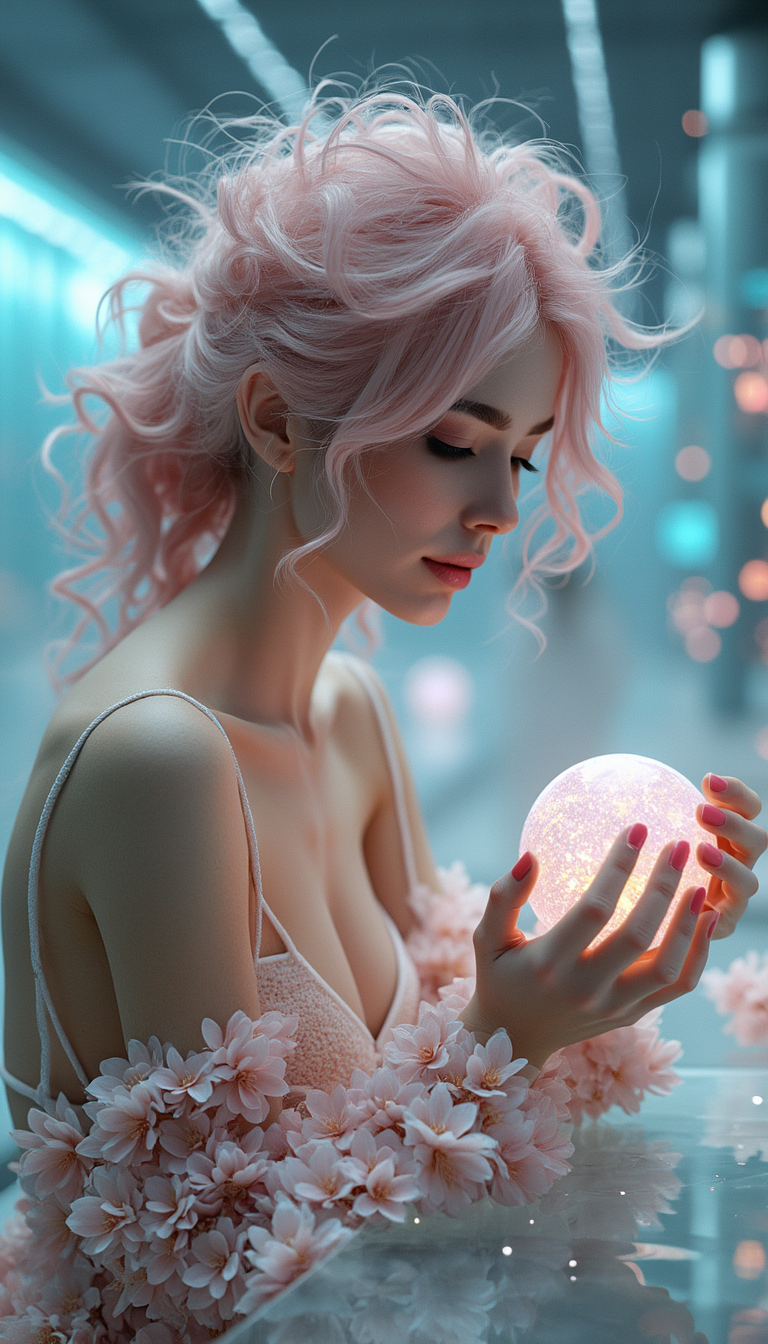
Imagine turning a simple idea into a library of photorealistic faces and perfectly consistent characters that look like they belong in the same world. With PixelDojo's AI face maker, you can create custom avatars for your brand, build unforgettable story characters, design virtual try-on experiences, or generate professional headshots without hiring artists or spending hours in editing software. Whether you're a content creator needing the same face across dozens of scenes, a marketer building diverse avatars, or a designer exploring new looks, PixelDojo delivers outcomes that save time and elevate your work. Focus on your vision while advanced AI handles the intricate details of skin texture, lighting, expressions, and identity preservation.
Over 75,000 creators trust PixelDojo for their face and character projects. 4.9/5 average rating from 12,000+ reviews. Featured in top creator workflows for consistent results across social media, e-commerce, and storytelling.
Why Choose Pixel Dojo for face maker
Professional-quality results with cutting-edge AI technology
Maintain Perfect Character Consistency Across Every Scene
Create one character and reuse their exact likeness in any pose, outfit, or environment. Ideal for series content, brand mascots, or multi-image campaigns where your audience recognizes the same face every time.
Generate Photorealistic Faces in Seconds
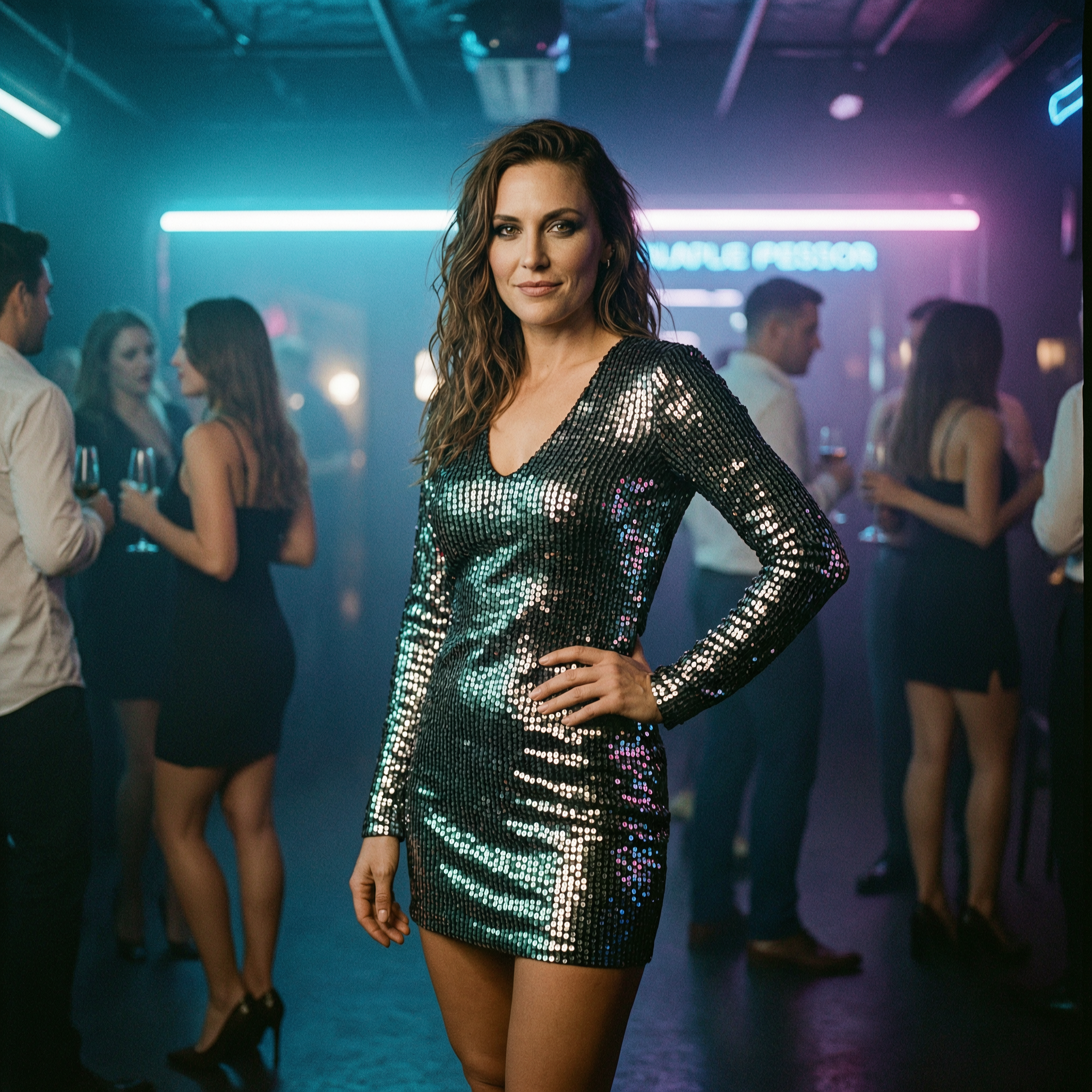
Produce hyper-detailed, lifelike faces with natural skin tones, realistic hair, accurate anatomy, and authentic expressions. Perfect for professional portraits, product visuals, or social media avatars that look camera-ready.
Effortlessly Customize and Swap Faces for Any Project
Upload a reference photo or describe exactly what you want, then fine-tune with precision edits. Swap faces onto bodies, change ages or ethnicities, apply styles, or create virtual try-ons without technical skills.
How It Works
Creating professional faces and consistent characters is straightforward with PixelDojo's dedicated tools. No complex setups required – just follow these steps to achieve studio-quality results.
Step 1: Choose Your Tool
Select from specialized Characters & Faces tools like Consistent Characters for building reusable identities, Face Swap for transferring likenesses, LoRA Face Swap for trained custom models, Ideogram Character or Character Stylist for creative variations, or Virtual Try-On and Pose Control for dynamic applications.
Step 2: Enter Your Prompt or Upload Reference
Describe your desired face in natural language (e.g., '30-year-old woman with warm smile, freckles, and curly hair in soft studio lighting') or upload a reference image. Tools like Consistent Characters and Ideogram Character use your input to lock in identity while generating variations.
Step 3: Customize & Download
Refine results using Edit Images tools such as Inpainting for targeted changes, Style Transfer for artistic looks, Magic Lighting, or Background Remover. Apply Pose Control or Character Stylist for final adjustments, then upscale with Portrait Upscaler and download in high resolution.
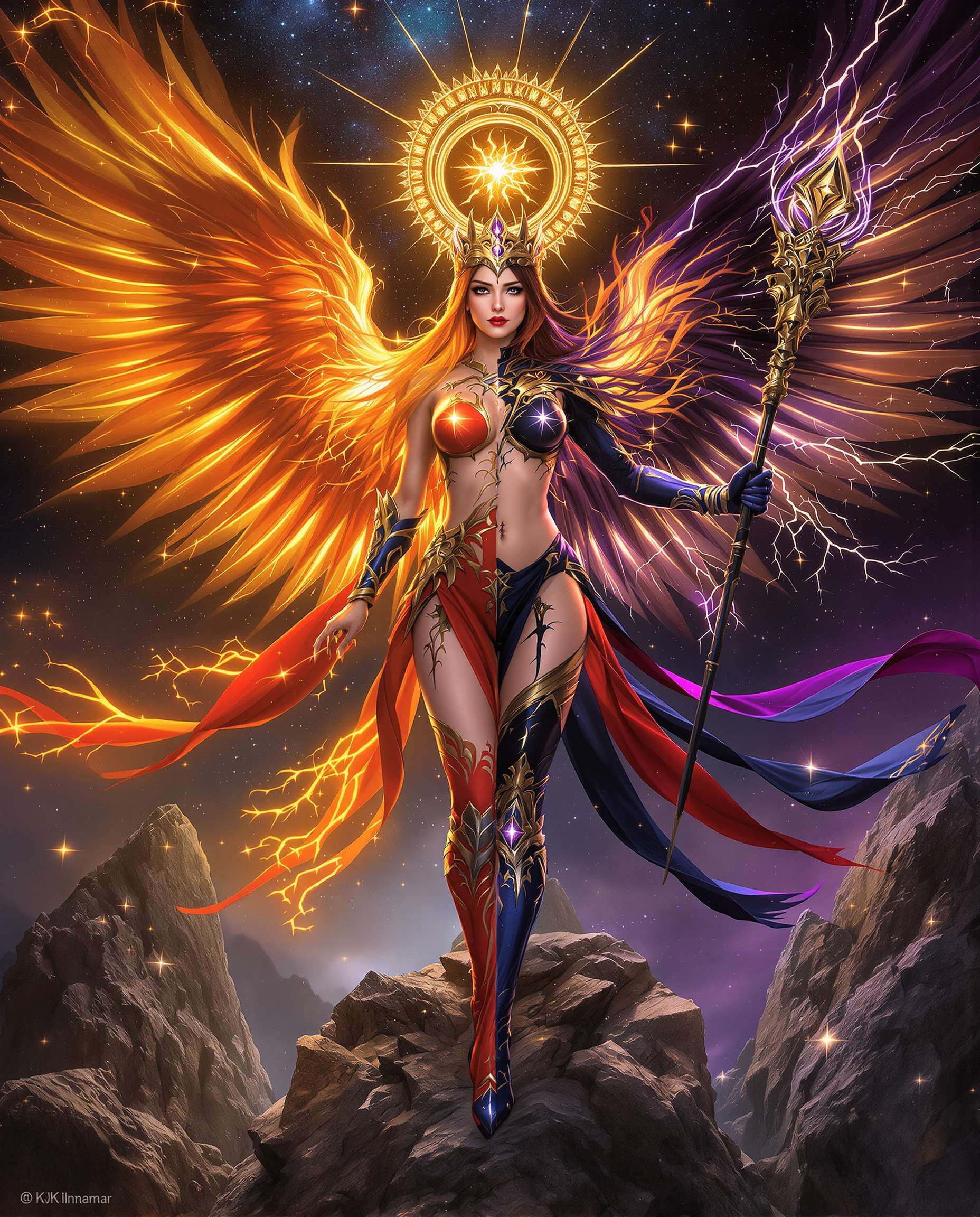
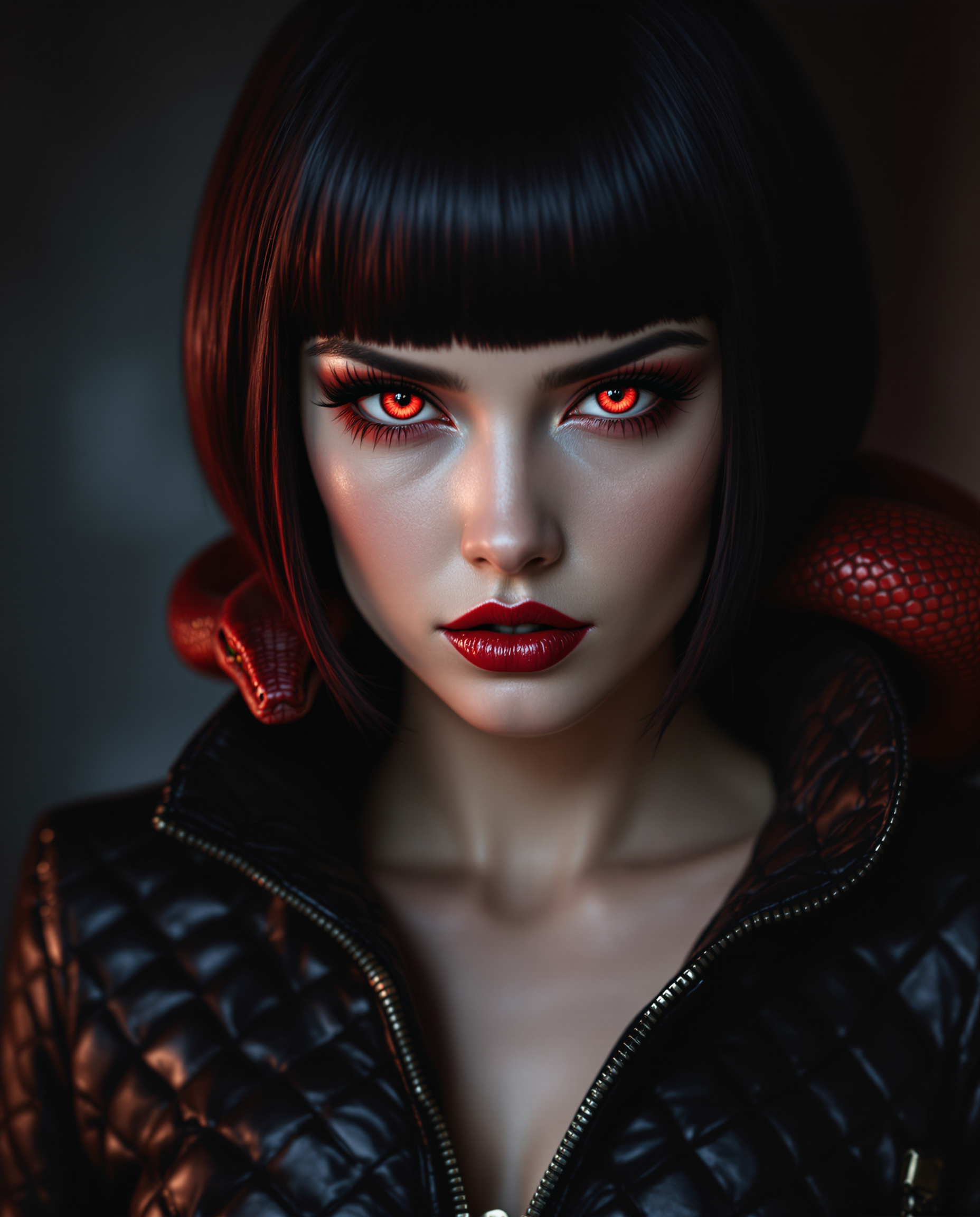
![=== Scene ===
Tone: generate an 8-second, hyper-realistic, seamlessly looping video capturing the raw power and physics of a single moment in a street basketball game, rendered in extreme slow motion., {"type":"High-speed sports cinematography, played back in extreme slow motion","duration_seconds":8,"looping":"true, seamless loop","pacing":"Intense, powerful, and dramatic. The slow motion turns a split-second action into a detailed ballet of force.","animated_elements":[{"element":"Ball Impact and Deformation","description":"The primary animation. A defender's hand forcefully impacts the top of a basketball. In slow motion, we see the defender's fingers digging into the pebbled leather, the ball visibly compressing and deforming under the force. The ball's backspin momentarily stops and reverses as it's knocked away. This entire impact and recoil sequence forms the loop."},{"element":"Sweat and Particle Dynamics","description":"The explosive impact sends a fine spray of sweat droplets flying from both the hand and the ball's surface. The droplets hang in the air like tiny jewels in the bright sun. Dust and microscopic rubber particles from the court are kicked up by the motion."},{"element":"Anatomical Realism","description":"The muscles and tendons in the defender's forearm and hand are seen contracting with extreme force. Veins bulge on the skin's surface. The skin on the fingertips whitens from the pressure against the ball."},{"element":"Background Motion","description":"Through the chain-link fence in the deep background, the blurred figures of spectators are seen reacting to the play, their movements also in slow motion, adding to the atmosphere."}]}, {"style":"Hyperrealistic, gritty sports documentary style, emulating the aesthetic of a high-end Nike commercial or a feature film.","camera_setup":{"camera":"Phantom VEO 4K High-Speed Camera","lens":"100mm Telephoto Prime Lens","perspective":"Static, locked-down shot from a very low angle, looking up at the point of impact. This heroic angle makes the action feel monumental and powerful.","description":"The sun is high in the sky, creating high-contrast, sharp-edged shadows. This intense light creates brilliant specular highlights on the sweat-glistened skin and the curved surface of the basketball, emphasizing every texture."},"composition":{"framing":"A tight, dynamic composition focused entirely on the collision between the hand and the ball. The chain-link fence in the background creates a gritty, geometric pattern that cages the action."}}
=== Subject ===
Description: {"base_subject":"An extreme close-up, slow-motion shot of a hand blocking a basketball at the apex of a shot on an iconic urban court.","key_details":[{"element":"The Hand and Arm","description":"The hand of a highly athletic basketball player. The skin glistens with a realistic sheen of sweat, and we can clearly see skin pores, calluses, and the fine lines of the knuckles. The hand is powerful and expressive."},{"element":"The Basketball","description":"A well-worn, official Spalding basketball. The pebbled texture is rendered in extreme detail, with dirt and scuff marks lodged in the grooves. The printed logos are slightly faded from use."},{"element":"The Environment","description":"The background is the iconic, green, tight-mesh chain-link fence of 'The Cage'. The fence is slightly rusted in places. Through the links, the blurred shapes of spectators and the red brick of surrounding Village buildings are visible."}]}](https://cdn.pixeldojo.ai/cdn-cgi/image/f=auto,q=90,w=3840/pixeldojo/generated-images/1768949939622-hjh4iii6l.png)
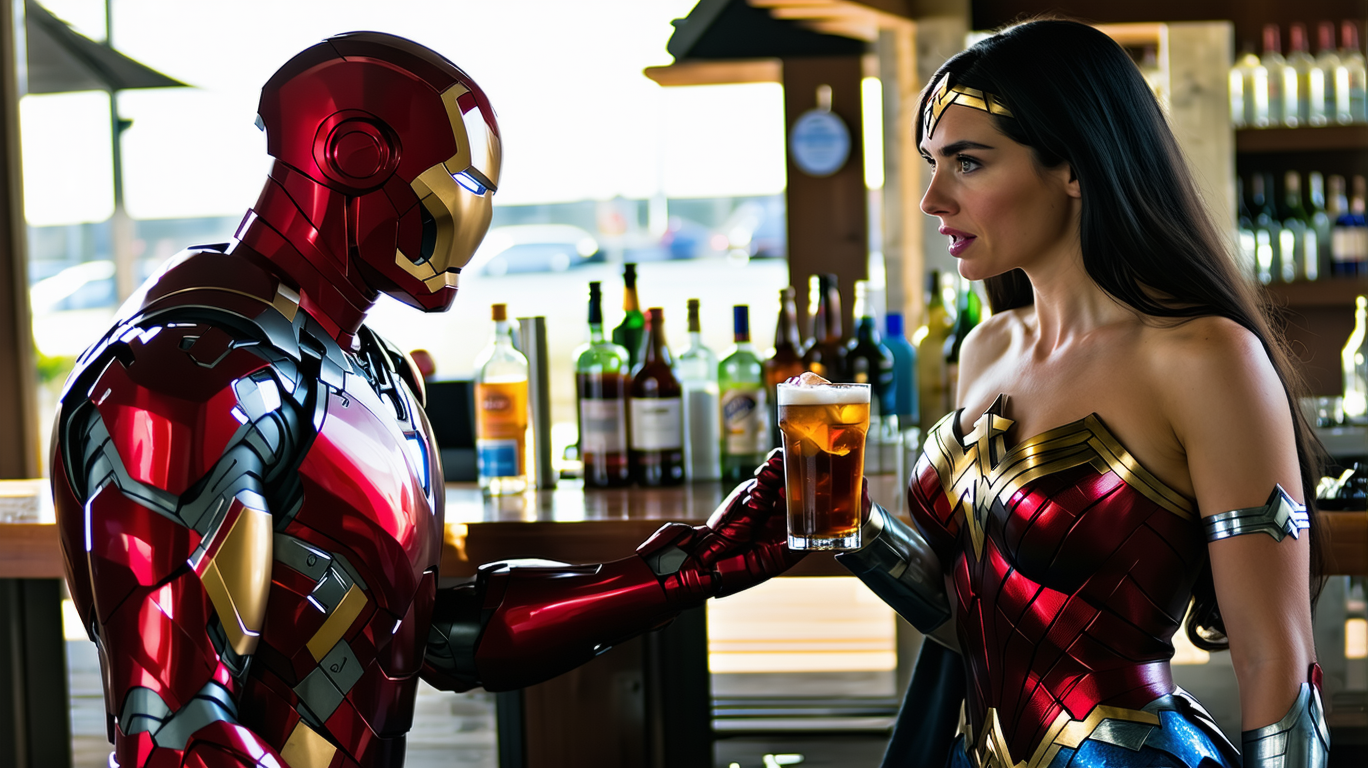
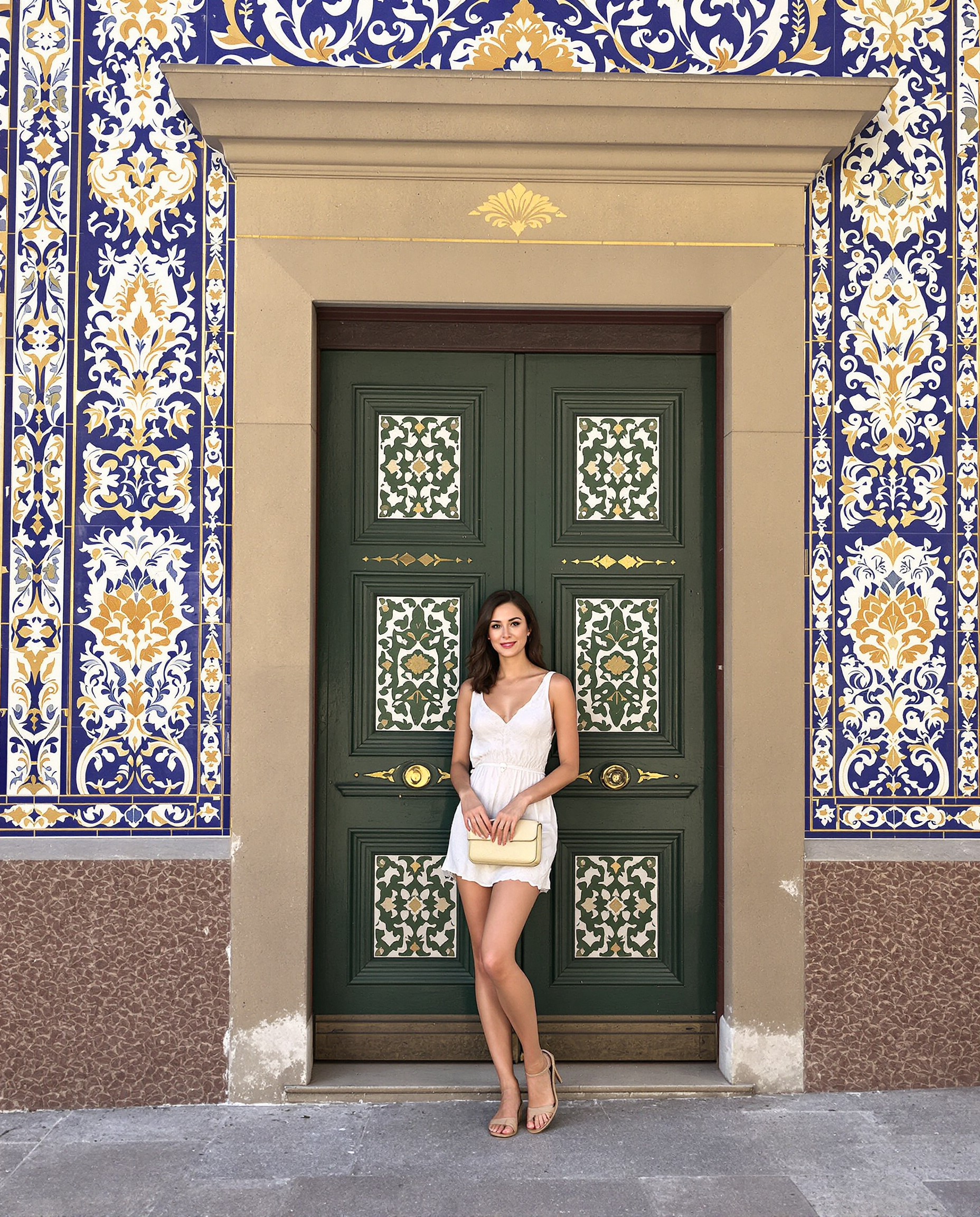

The Pixel Dojo Advantage
Why PixelDojo outperforms other options for AI face maker image generation
| Others | Pixel Dojo |
|---|---|
| Traditional face creation | Instant generation and iteration instead of days or weeks of manual drawing or photography sessions, delivering consistent results every time. |
| Generic AI tools | Specialized face-focused tools like Consistent Characters and LoRA Face Swap deliver superior identity preservation and photorealism tailored specifically for faces and characters. |
| Manual photo editing | AI handles complex tasks like accurate face swapping, anatomy correction, and multi-image consistency automatically, eliminating the need for advanced Photoshop skills. |
Loved by creators on PixelDojo
Real feedback from people using PixelDojo, pulled from our in-product surveys.
It has all the tools I can think of...
deployment rate of splendid features is incredible. Legend
large selection of tools on one platform
the amount you can do on this site
all in one place
It is a lot of fun to uae and easy too.
Explore more AI tools on PixelDojo
AI Tools
Compare & Switch
- Best AI Image Generators
- Best AI Video Generators
- Midjourney Alternatives
- Civitai Alternatives
- Runway Alternatives
- Leonardo Alternatives
- Pika Alternatives
- Luma Alternatives
- Magnific Alternatives
- Veo Alternatives
- Flux Alternatives
- Freepik Alternatives
- Seedance Alternatives
- Seedream Alternatives
- Pixverse Alternatives
- GPT Image Alternatives
- Synthesia Alternatives
- Playground Alternatives
- NightCafe Alternatives
- Canva AI Alternatives
- ElevenLabs Alternatives
- ComfyUI Alternatives
- Fal Alternatives
- Replicate Alternatives
Common Questions
Everything you need to know about face maker
How to create consistent AI characters with PixelDojo face maker?
Use the Consistent Characters tool to generate or upload a base face, then lock the identity. Generate new scenes by describing poses, outfits, or environments while the tool maintains the exact same facial features, skin details, and expressions across all images. Combine with Pose Control and Character Stylist for even more flexibility in storytelling or branding projects.
What is the best way to generate photorealistic faces using AI face maker tools?
Start with detailed prompts specifying age, ethnicity, lighting, and expression in the Generate Images section using tools like Flux.2 Studio or Grok Image. For ultimate realism, upload a reference to Consistent Characters or Ideogram Character, then refine with Magic Lighting and Portrait Upscaler. This workflow produces faces with natural skin texture, accurate anatomy, and professional quality.
How does AI face swap work on PixelDojo for realistic results?
Upload your source face and target image to the Face Swap tool, or use LoRA Face Swap for custom-trained consistency. The AI intelligently blends features while preserving lighting, angles, and expressions. Follow up with Inpainting or Reality Polisher for seamless, undetectable edits perfect for creative composites or avatar customization.
Can I use PixelDojo AI face maker for professional avatars and virtual try-on?
Absolutely. The Virtual Try-On and Heygen Avatar or Kling Avatar tools let you place faces on different bodies or clothing instantly. Generate diverse, consistent avatars for social profiles, marketing campaigns, or e-commerce. Combine with Background Remover and Smart Resize to prepare polished assets ready for any platform.
How to train custom face models with PixelDojo for repeated use?
Use the Train Models section with Flux 2 Trainer, LoRA Face Swap, or WAN 2.2 Trainer. Upload multiple reference photos of a face to create a personalized model. Once trained, generate unlimited consistent variations in any style or scene using your custom LoRA with Consistent Characters or other image tools.
Is PixelDojo AI face maker suitable for beginners wanting realistic character creation?
Yes, the intuitive interface and guided workflows make it perfect for beginners. Start with preset prompts in Character Stylist or Ideogram Character, then explore advanced options like Style Transfer and Image to Image as you grow. Thousands of new users achieve professional results on their first try thanks to the focused face-making tools and helpful defaults.