face merge ai

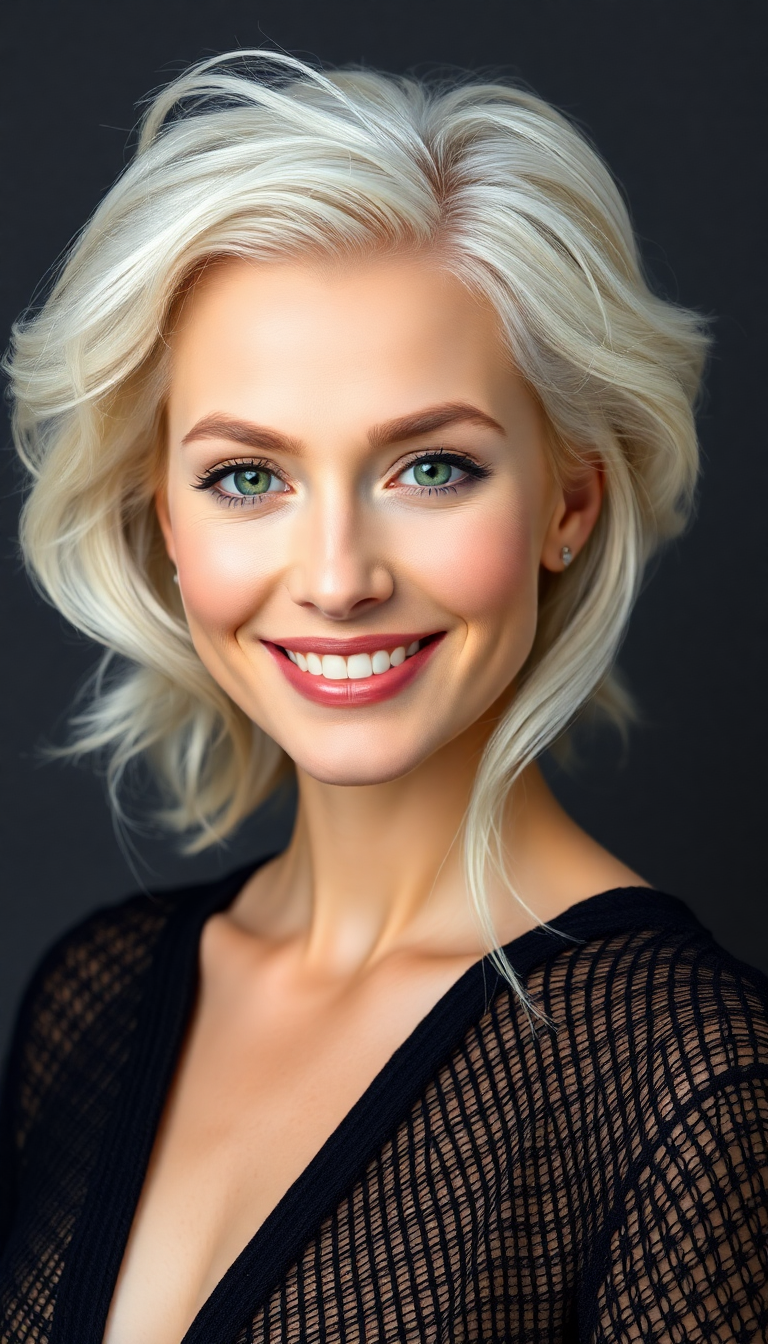
Transform ordinary portraits into extraordinary creations by merging faces with AI. With PixelDojo, you can blend the best features from two or more people to design unique hybrid characters, visualize new looks on real faces, or craft viral memes and story visuals that captivate audiences. Achieve photorealistic results that capture natural skin tones, lighting, and expressions in seconds, opening up endless creative possibilities for artists, marketers, content creators, and hobbyists alike.
Over 75,000 creators have generated millions of face merge images on PixelDojo. Rated 4.9/5 stars with thousands of five-star reviews. Trusted by professional designers, social media influencers, and brands for high-quality, consistent results.
Why Choose Pixel Dojo for face merge ai
Professional-quality results with cutting-edge AI technology
Design One-of-a-Kind Hybrid Characters
Blend facial features from friends, family, or celebrities to create memorable characters for books, games, branding campaigns, or social content that no one else has.
Visualize Real-World Changes Instantly
See exactly how a new hairstyle, makeup style, beard, or expression would look on your face or a client's without appointments, products, or risk—perfect for stylists, beauty professionals, and personal experimentation.
Build Consistent Faces Across All Your Projects
Generate a merged face once and reuse it seamlessly in dozens of scenes, videos, or marketing materials, ensuring your characters stay recognizable and professional every time.
How It Works
PixelDojo makes face merging effortless with intuitive tools designed for perfect blends. Follow these simple steps to create your first stunning face merge AI image.
Step 1: Choose Your Tool
Navigate to the Characters & Faces section and select Face Swap or LoRA Face Swap for precise merging. For advanced control, start with Image to Image or Consistent Characters to blend and maintain identity across outputs.
Step 2: Upload Your Reference Images
Upload two or more clear, well-lit photos of the faces you want to merge. Choose front-facing or similar-angle shots with good lighting for the most natural and realistic blending results.
Step 3: Customize, Generate & Refine
Add a descriptive prompt like 'blend these faces into a photorealistic young adult with combined features, natural skin texture and soft lighting'. Generate multiple variations, then use Style Transfer, Magic Lighting, or Consistent Characters to perfect and apply your merged face across new scenes or videos.





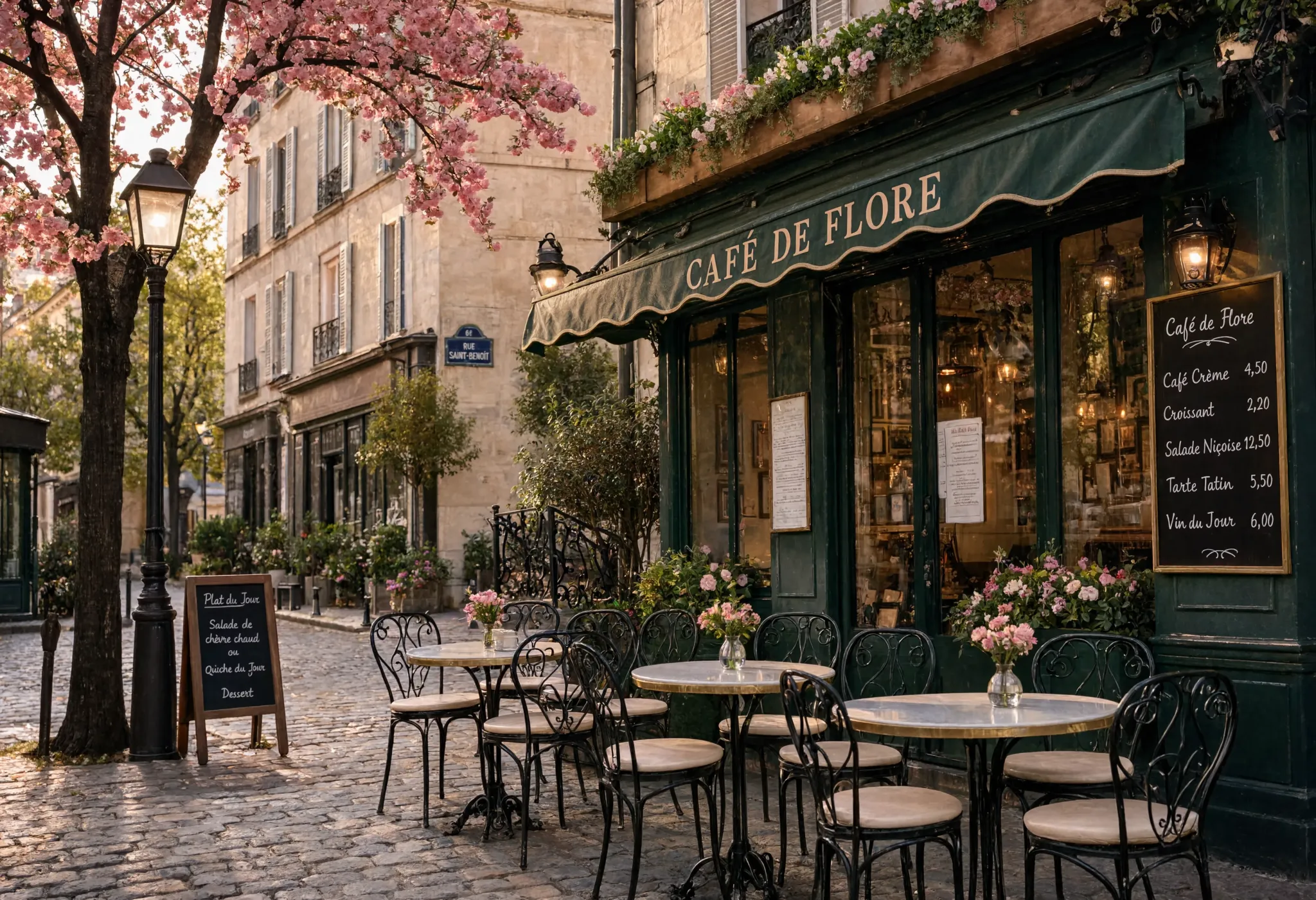
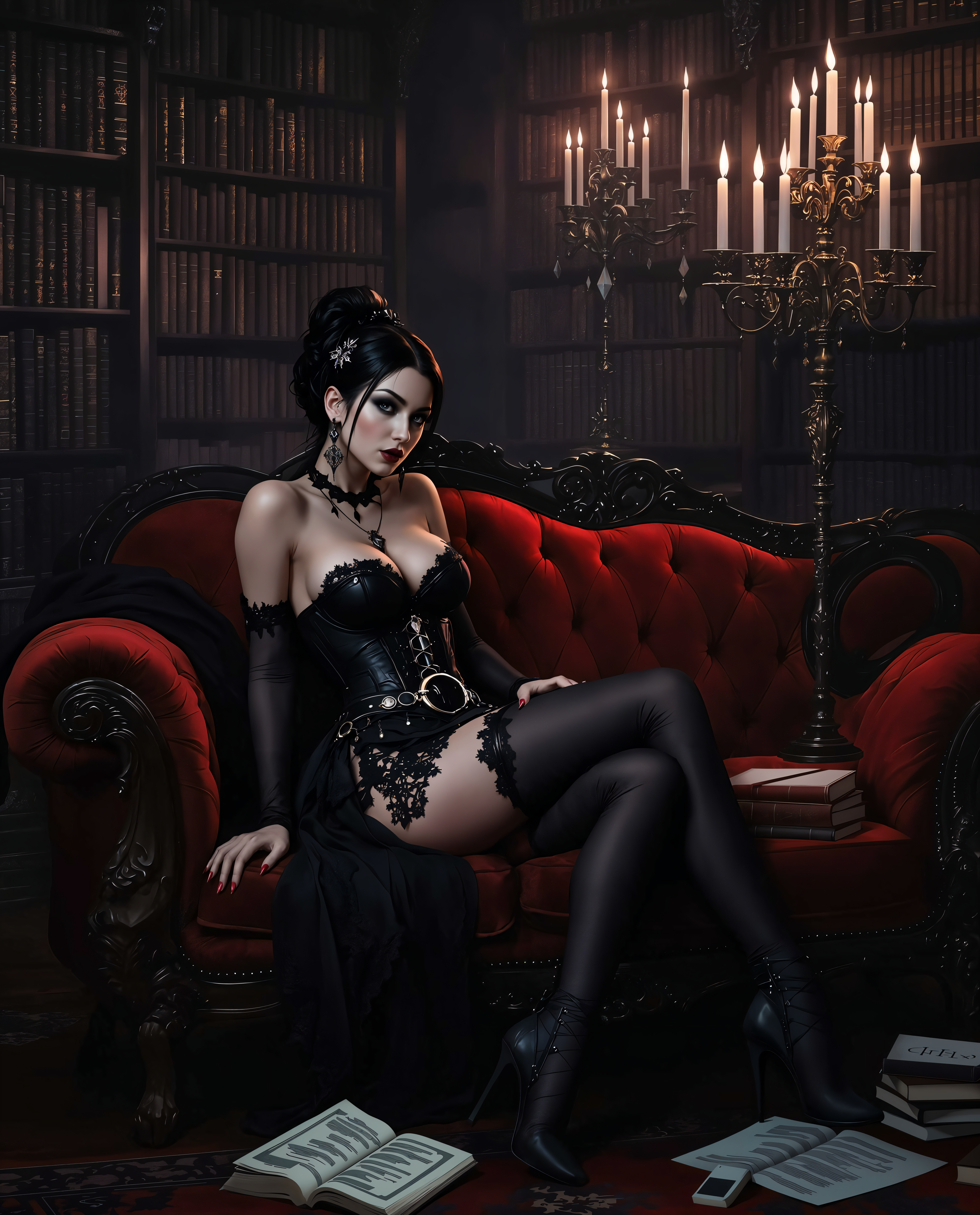
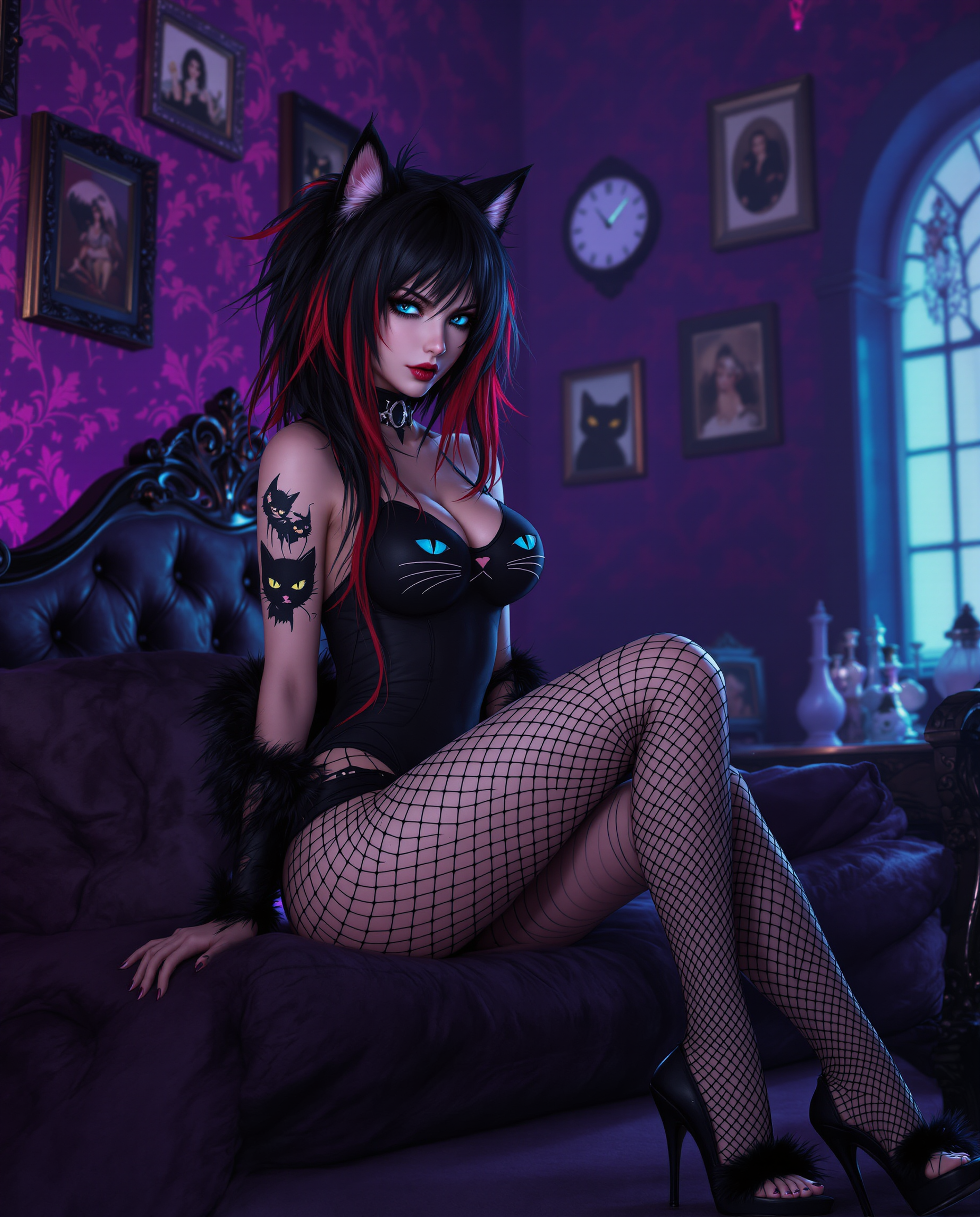
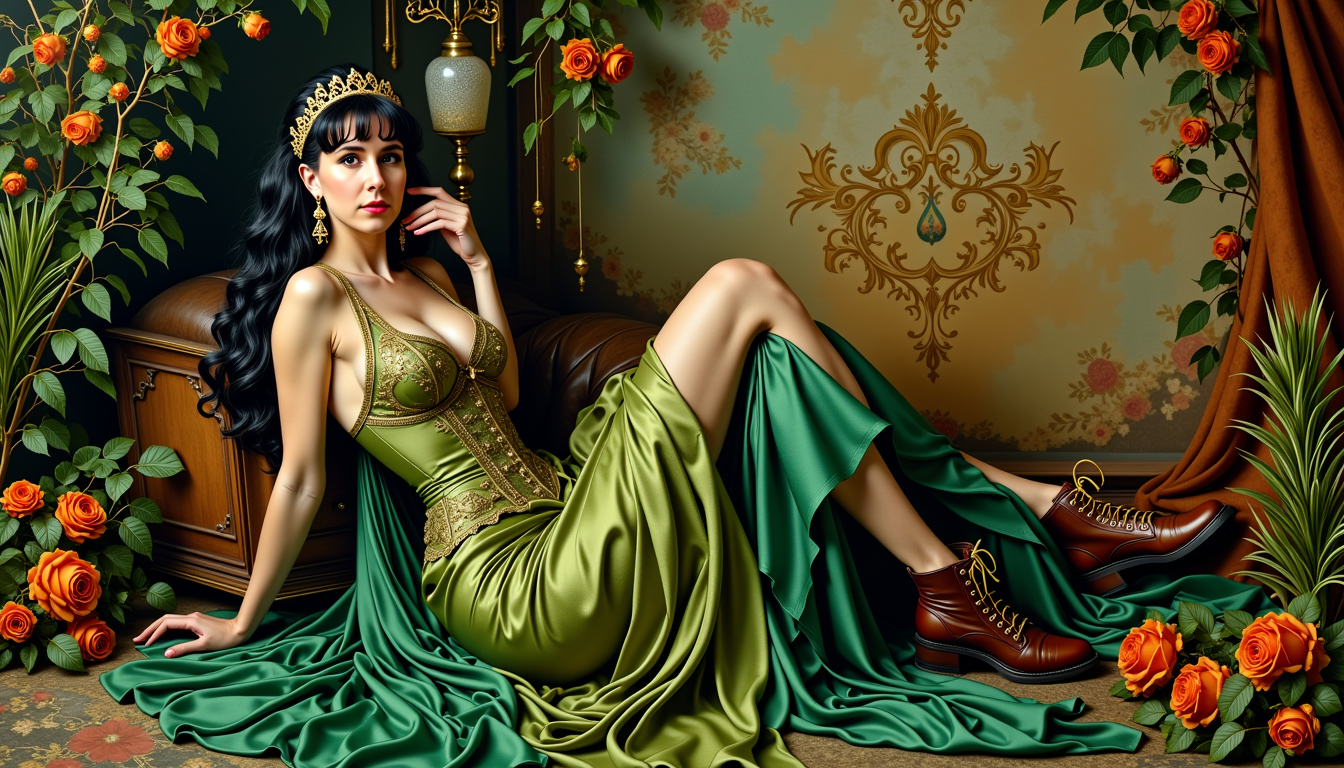
The Pixel Dojo Advantage
Why PixelDojo outperforms other options for face merge image generation
| Others | Pixel Dojo |
|---|---|
| Traditional photo editing software | AI automatically detects landmarks, aligns features, and blends skin tones, lighting, and textures perfectly—no manual masking or hours of layering required. |
| Basic online face swap apps | Advanced reference control, LoRA training for custom consistency, and seamless integration with video editing, upscaling, and character tools for professional-grade results. |
| Manual photo morphing techniques | Instant photorealistic outputs with pore-level detail, accurate reflections, and natural expressions that match 2026 standards for character consistency and visual quality. |
Loved by creators on PixelDojo
Real feedback from people using PixelDojo, pulled from our in-product surveys.
versatile menu of tools
Best AI tool availble the suite is rad
Versatility quality, value, ROI, innovation
variety of tools available and prompt tools
A "one-stop-shop" for creators! Thanks!!
Lots of different tools. It's easy to purchase more credits.
Explore more AI tools on PixelDojo
AI Tools
Compare & Switch
- Best AI Image Generators
- Best AI Video Generators
- Midjourney Alternatives
- Civitai Alternatives
- Runway Alternatives
- Leonardo Alternatives
- Pika Alternatives
- Luma Alternatives
- Magnific Alternatives
- Veo Alternatives
- Flux Alternatives
- Freepik Alternatives
- Seedance Alternatives
- Seedream Alternatives
- Pixverse Alternatives
- GPT Image Alternatives
- Synthesia Alternatives
- Playground Alternatives
- NightCafe Alternatives
- Canva AI Alternatives
- ElevenLabs Alternatives
- ComfyUI Alternatives
- Fal Alternatives
- Replicate Alternatives
Common Questions
Everything you need to know about face merge ai
How to create realistic face merge AI images with PixelDojo?
Upload two high-quality front-facing photos to the Face Swap or LoRA Face Swap tool. Use a prompt describing the desired blend and lighting. Generate, then refine with Magic Lighting or Reality Polisher for photorealistic skin texture and seamless feature integration.
What are the best prompts for face morph AI generation?
Effective prompts include details like 'photorealistic blend of these two faces, natural skin tones, soft studio lighting, high detail, 8k resolution'. Add specifics about age, expression, or style to guide the AI toward your vision.
Can I merge more than two faces using PixelDojo face merge AI?
Yes! Start by merging two faces, then use the result as a reference in Consistent Characters or Image to Image to incorporate additional features from a third or fourth photo while maintaining overall harmony.
How does PixelDojo ensure consistent faces in face merge projects?
Our Consistent Characters and LoRA Face Swap tools let you train or reference your merged face once, then apply it across unlimited images, scenes, or even videos with tools like WAN Video Character Swap for perfect continuity.
Is PixelDojo face merge AI suitable for professional use like advertising or design?
Absolutely. Professionals use it for client visualizations, brand mascots, product mockups, and marketing campaigns. Combine with Virtual Try-On, Style Transfer, and upscalers for commercial-quality outputs ready for print or digital.
What photo tips give the best results with AI face merge tools?
Use clear, well-lit, front or three-quarter view photos with similar head angles and neutral expressions. Avoid heavy filters, sunglasses, or extreme poses. PixelDojo's AI handles lighting mismatches better than most tools, but matching conditions yields the most natural blends.