face replacer AI Generator

Imagine transforming any photo in seconds by seamlessly replacing faces with perfect realism. With PixelDojo's AI face replacer, you can turn ordinary images into viral sensations, professional headshots, or consistent character series without any editing skills. Whether you're a content creator chasing TikTok trends, a marketer building brand personas, or simply having fun with friends and family, our tools deliver photorealistic results that look completely natural. Swap your face into celebrity styles, pet portraits, or fantasy scenes and watch engagement soar. No more hours in Photoshop or expensive photoshoots—just upload, generate, and download stunning face-replaced images that achieve your creative goals effortlessly.
Join over 45,000 creators who have generated millions of face-replaced images. Rated 4.9/5 stars with thousands of five-star reviews. Trusted by influencers, small businesses, and marketing teams worldwide for reliable, high-quality results every time.
Why Choose Pixel Dojo for face replacer
Professional-quality results with cutting-edge AI technology
Create Viral Social Media Content in Seconds
Replace faces in trending templates or meme formats to produce shareable Reels and posts that drive likes, comments, and followers. Turn everyday photos into scroll-stopping content that stands out on Instagram, TikTok, and beyond.
Achieve Photorealistic Face Swaps Every Time
Get perfect skin tone matching, natural lighting, and seamless blending so your replaced faces look like they belong in the original photo. Impress clients or audiences with professional-grade results that require zero retouching.
Build Consistent Characters Across All Your Images
Maintain the exact same face, expression style, and identity across dozens of scenes and poses for campaigns, stories, or personal projects. Save time and ensure brand or character recognition without repeated uploads.
How It Works
Creating stunning face-replaced images is simple with PixelDojo's specialized tools. Follow these three steps to achieve professional results in minutes.
Step 1: Choose Your Tool
Navigate to the Characters & Faces section and select Face Swap or LoRA Face Swap for precise single or multiple face replacements. For ongoing projects, start with Consistent Characters to lock in your base face.
Step 2: Enter Your Prompt or Upload Images
Upload your source face photo and target image, or describe the desired swap using natural language prompts. Combine with Virtual Try-On for outfit or style variations while keeping the new face intact.
Step 3: Customize & Download
Refine results using Inpainting, Reality Polisher, or Magic Lighting for perfect edges and lighting. Then upscale with Portrait Upscaler and download in high resolution for social media or print use.


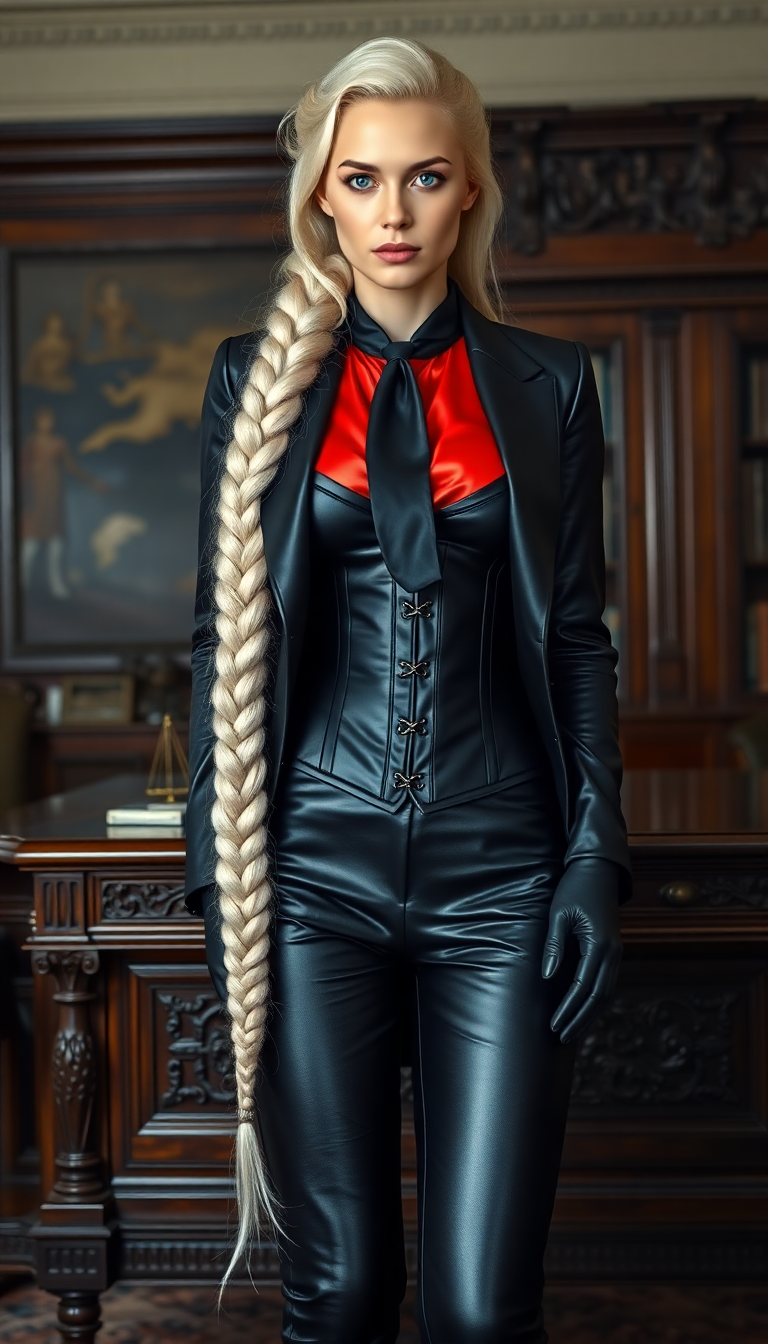

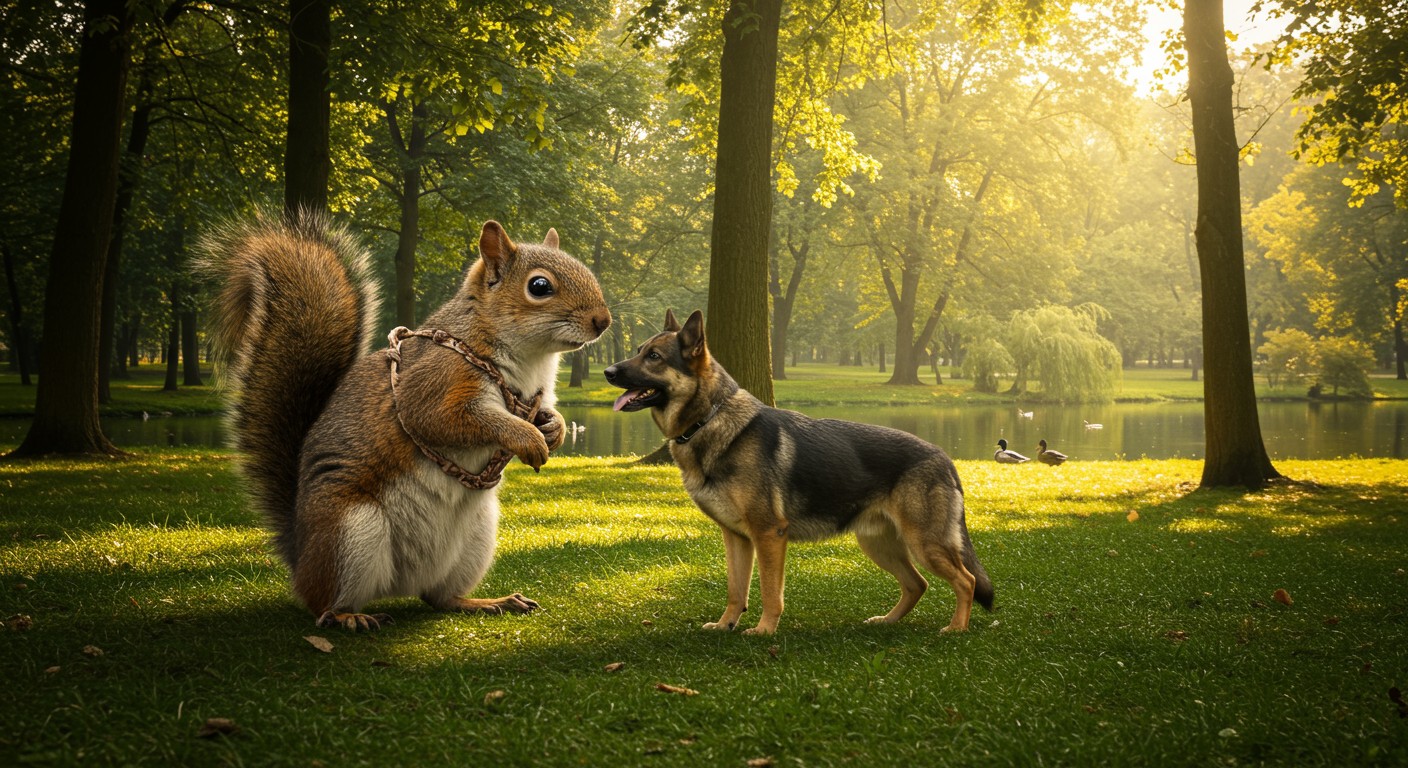
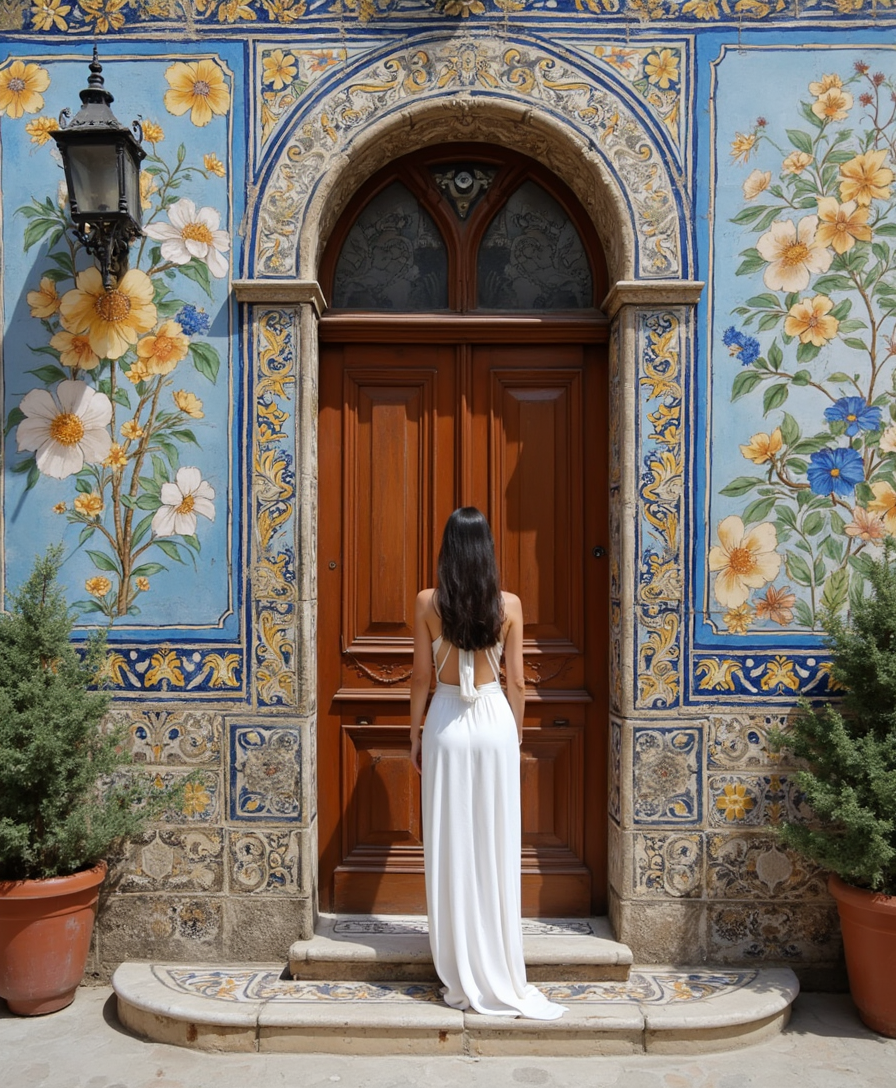
The Pixel Dojo Advantage
Why PixelDojo outperforms other options for face replacer image generation
| Others | Pixel Dojo |
|---|---|
| Traditional face replacement creation | Achieve professional results in seconds instead of spending hours manually masking and blending layers in complex software |
| Generic AI tools | Specialized face-focused models deliver superior realism, identity preservation, and consistency that general image generators simply cannot match |
| Manual photo editing | No advanced skills or expensive equipment needed—our AI handles complex blending, lighting, and proportions automatically for flawless outcomes |
Loved by creators on PixelDojo
Real feedback from people using PixelDojo, pulled from our in-product surveys.
So many different models to try out
You keep adding to it to stay up to date and that is GOLD.
very easy to use and good support
Very easy to use
super easy to use
it's very easy to use
Explore more AI tools on PixelDojo
AI Tools
Compare & Switch
- Best AI Image Generators
- Best AI Video Generators
- Midjourney Alternatives
- Civitai Alternatives
- Runway Alternatives
- Leonardo Alternatives
- Pika Alternatives
- Luma Alternatives
- Magnific Alternatives
- Veo Alternatives
- Flux Alternatives
- Freepik Alternatives
- Seedance Alternatives
- Seedream Alternatives
- Pixverse Alternatives
- GPT Image Alternatives
- Synthesia Alternatives
- Playground Alternatives
- NightCafe Alternatives
- Canva AI Alternatives
- ElevenLabs Alternatives
- ComfyUI Alternatives
- Fal Alternatives
- Replicate Alternatives
Common Questions
Everything you need to know about face replacer
How to use AI face replacer for realistic social media images?
Simply upload your source face and target photo into PixelDojo's Face Swap tool. The AI automatically detects landmarks, matches skin tones, and blends lighting for photorealistic results. For even better consistency on multiple posts, use LoRA Face Swap to train a quick model on your face. Add finishing touches with Reality Polisher or Magic Lighting before sharing on Instagram or TikTok.
What is the best AI face swap tool for consistent character images?
PixelDojo's Consistent Characters combined with LoRA Face Swap gives you unmatched control. Create your base character once, then generate unlimited variations in different poses, outfits, or scenes while keeping the exact same face. This is perfect for story series, brand campaigns, or personal projects requiring visual continuity.
Can I do AI face replacement on group photos or multiple faces?
Yes! PixelDojo's Face Swap and Inpainting tools let you selectively replace one or more faces in group shots. Upload the group image, choose which faces to swap, and the AI handles individual blending. Use Virtual Try-On afterward to adjust clothing or styles across the entire group for cohesive results.
How does PixelDojo ensure ethical and safe use of face replacer technology?
We prioritize responsible creation with clear guidelines and built-in safeguards. All tools require user consent for personal likenesses, and we encourage creative, non-harmful applications like fun memes or personal art. Our community guidelines help ensure positive outcomes for everyone.
Can I extend face replacer results to video content?
Absolutely. Start with a high-quality face-replaced image using Face Swap, then apply it across video frames with WAN Video Character Swap or Kling Video Character Swap. Add Lip Sync or Video Autocaption for talking-head videos that maintain perfect face consistency throughout.
What file types and quality does PixelDojo face replacer support?
Upload JPG, PNG, or WebP files up to high resolutions. Outputs are delivered in crisp, high-resolution formats perfect for social media, print, or further editing. Use Portrait Upscaler or Clarity Pro to enhance any face-replaced image to studio quality before final download.