face reveal thumbnail AI Generator

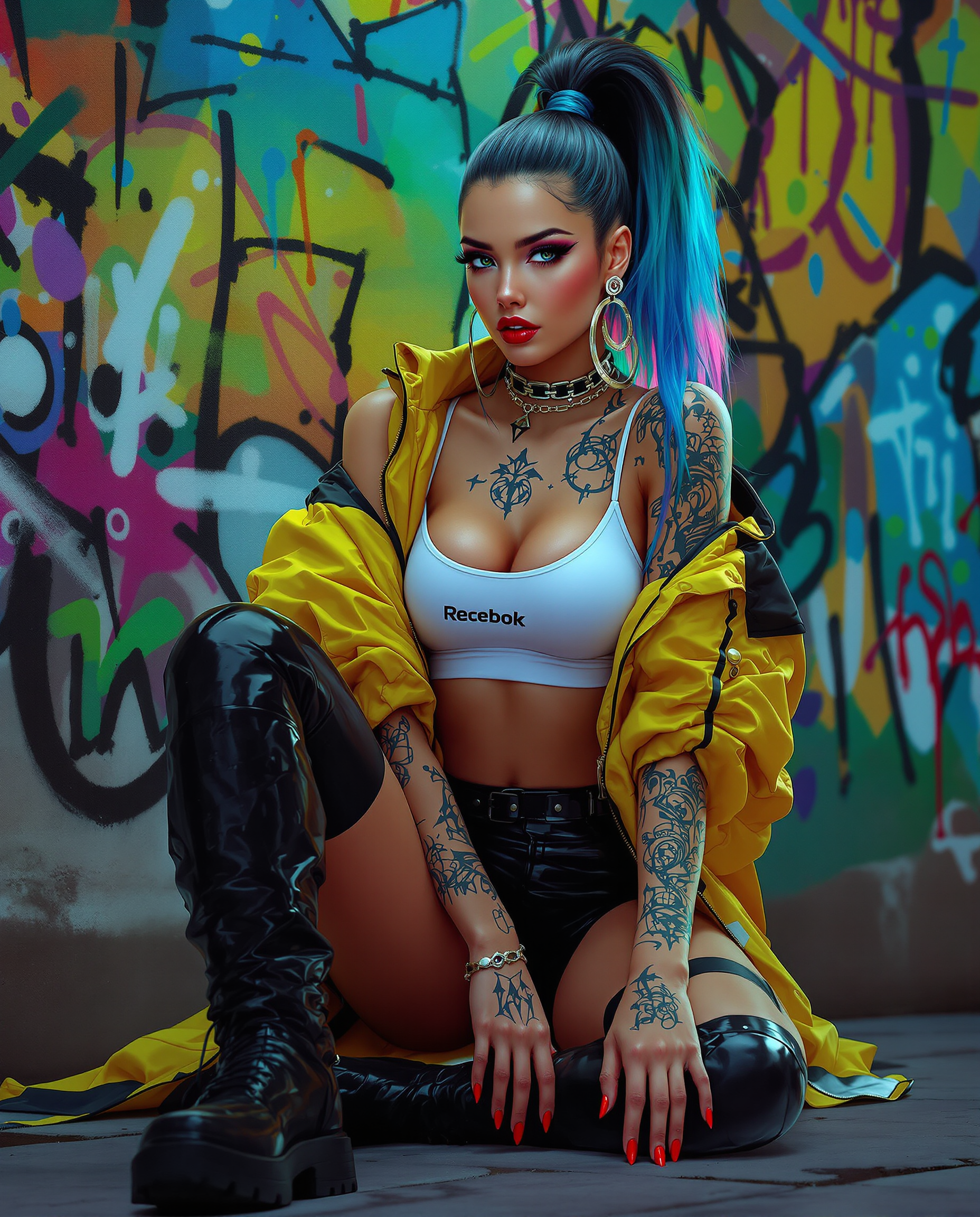
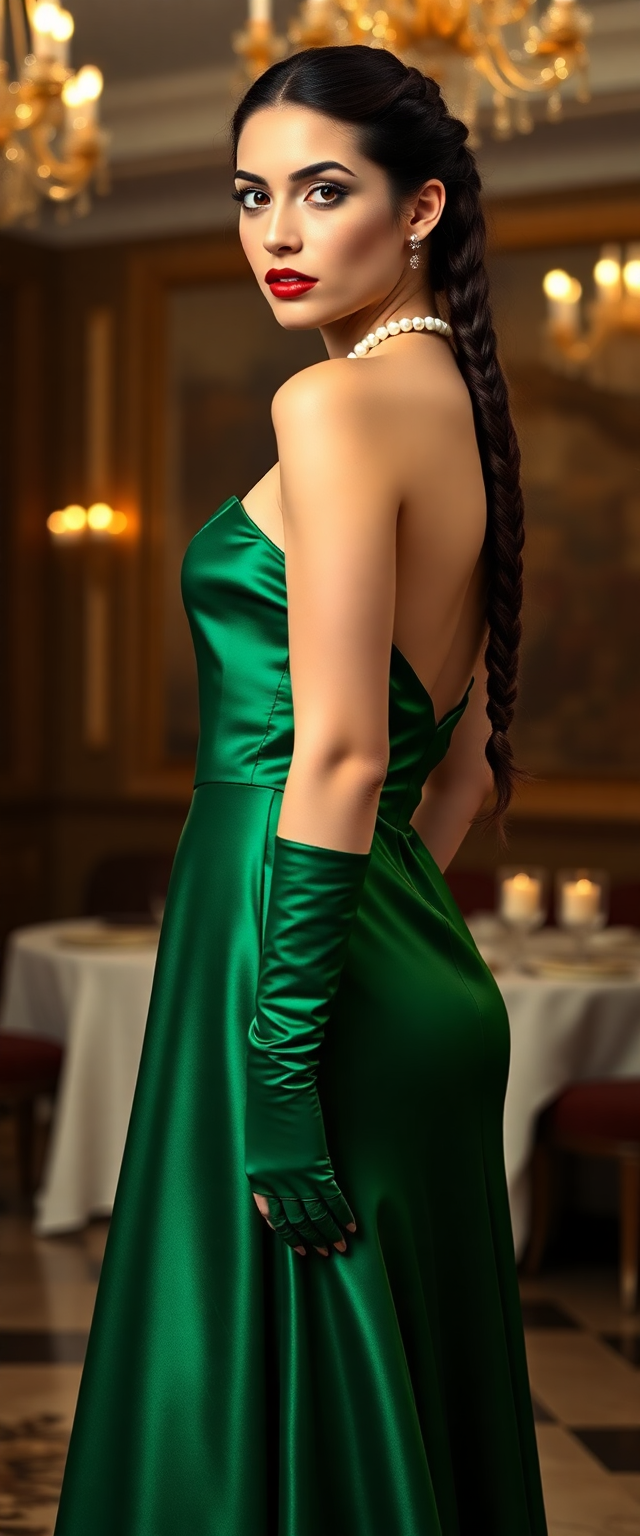
Imagine your face reveal video getting 3x more clicks because the thumbnail perfectly captures that heart-stopping moment of vulnerability, surprise, and authenticity. With PixelDojo's AI face reveal thumbnail generator, you can create scroll-stopping thumbnails that make viewers instantly curious about who you really are. Whether you're transitioning from faceless content or building hype for your big reveal, our tools help you generate hyper-realistic close-ups with shocked expressions, mystery silhouettes with glowing reveals, and clean high-contrast portraits that dominate YouTube feeds in 2026. These aren't generic images—they're custom-designed to reflect your personality, trigger emotional connections, and drive massive viewership. YouTube trends show that thumbnails featuring large, expressive faces with strong emotions like surprise, curiosity, or excitement consistently outperform others. PixelDojo makes it effortless. Using advanced generators like Flux.2 Studio for photorealistic skin tones and Google Nano Banana for trending styles, you can produce professional face reveal thumbnails that look like they took hours in Photoshop—but actually take under two minutes. The result? Higher click-through rates, faster channel growth, stronger audience connection when you finally show your face, and videos that spread because the thumbnail creates irresistible curiosity. Thousands of creators are already using PixelDojo to transform their reveal moments into viral successes. Your face deserves to be seen—make sure it's introduced with a thumbnail that demands attention.
Trusted by 15,000+ YouTubers • 4.9/5 average rating • Users report up to 3x higher CTR on face reveal videos • Featured in 2026 YouTube growth guides
Why Choose Pixel Dojo for face reveal thumbnail
Professional-quality results with cutting-edge AI technology
Capture Instant Curiosity With Emotional Faces
Generate dramatic close-up expressions—wide-eyed shock, mysterious half-reveals, or confident smiles—that stop thumbs mid-scroll. Our AI understands 2026 trends like high-contrast lighting and soft glows, helping you create thumbnails that make viewers NEED to know your story, boosting clicks and building instant connection with your audience.
Authentic Reveals Using Your Own Face
Upload a photo and use Consistent Characters, Face Swap, or LoRA Face Swap to place your real face into stunning thumbnail compositions. Maintain perfect consistency across your channel while creating polished, professional versions of yourself with dramatic lighting and emotional depth that feel true to who you are.
Professional Results Without Design Skills
Skip expensive designers or complex editing software. Our 40+ tools let you generate, refine with Magic Lighting and Reality Polisher, upscale with Portrait Upscaler, and export perfect 1280x720 YouTube thumbnails in minutes. Create multiple variations to test what drives the most views for your face reveal.
How It Works
Creating powerful face reveal thumbnails with PixelDojo takes just three simple steps. Our platform combines the latest image generation technology with easy editing tools so you can produce high-CTR designs optimized for 2026 YouTube algorithms. Focus on the emotion and story you want to tell—our AI handles the rest.
Step 1: Choose Your Generation Tool
Head to the Generate Images section and select a tool optimized for faces like Flux.2 Studio for hyper-realistic results, Google Nano Banana for trending clean styles, or Grok Image for creative expressions. These tools excel at rendering authentic human emotions and dramatic lighting perfect for face reveals. For authenticity, prepare to upload a reference photo for Face Swap or Consistent Characters integration.
Step 2: Write a Targeted Prompt
Describe your vision using proven 2026 styles. Example: 'YouTube face reveal thumbnail, close-up of a surprised young woman with wide eyes and subtle smile, soft high-contrast cinematic lighting on face, clean bright gradient background, mysterious soft glow, emotional authentic expression, professional composition with space for text, 16:9 aspect ratio, highly detailed, photorealistic'. Our AI will generate multiple options. For your own face, add 'using this reference photo' and upload your image.
Step 3: Refine, Enhance & Download
Use Image to Image or Inpainting to adjust expressions or add subtle reveal elements like light beams. Apply Magic Lighting for extra drama, Reality Polisher for flawless skin, then Portrait Upscaler for crisp details that pop even at small sizes. Smart Resize ensures perfect YouTube dimensions. Download and A/B test variations to see which drives the most clicks on your face reveal video.









The Pixel Dojo Advantage
Why PixelDojo outperforms other options for face reveal thumbnail creation
| Others | Pixel Dojo |
|---|---|
| Traditional Photoshop editing | Create emotionally charged, trend-perfect thumbnails in minutes instead of hours. No design skills needed while achieving better lighting, expressions, and consistency than manual methods. |
| Generic AI image tools | Specialized tools like Face Swap, Consistent Characters, Magic Lighting and Portrait Upscaler give you authentic, on-brand results optimized for YouTube. Multiple high-quality generators ensure you get scroll-stopping faces every time. |
| Stock photos or templates | Generate completely custom thumbnails featuring your unique expressions, personality and story. Create unlimited variations that perfectly match your face reveal video tone instead of settling for generic images that don't convert. |
Loved by creators on PixelDojo
Real feedback from people using PixelDojo, pulled from our in-product surveys.
Lots of Tools, and the one time I needed support I got help right away
Easy to use once you get the hang of it
Love it make anything I can think of so far
Great for all your ideas use it encourage more people to use it
Because it is awesome
exceptional quality and great overall design of platform and interface. very intuative. love the creative freedom.
Explore more AI tools on PixelDojo
AI Tools
Compare & Switch
- Best AI Image Generators
- Best AI Video Generators
- Midjourney Alternatives
- Civitai Alternatives
- Runway Alternatives
- Leonardo Alternatives
- Pika Alternatives
- Luma Alternatives
- Magnific Alternatives
- Veo Alternatives
- Flux Alternatives
- Freepik Alternatives
- Seedance Alternatives
- Seedream Alternatives
- Pixverse Alternatives
- GPT Image Alternatives
- Synthesia Alternatives
- Playground Alternatives
- NightCafe Alternatives
- Canva AI Alternatives
- ElevenLabs Alternatives
- ComfyUI Alternatives
- Fal Alternatives
- Replicate Alternatives
Common Questions
Everything you need to know about face reveal thumbnail
What makes an effective AI face reveal thumbnail in 2026?
The most effective face reveal thumbnails feature large, expressive close-ups with one dominant emotion—usually surprise, curiosity, or joyful revelation. Trends favor clean gradient backgrounds, soft high-contrast lighting on the face, minimal text space, and subtle mystery elements like glows or partial reveals. PixelDojo's tools like Flux.2 Studio and Google Nano Banana excel at these styles, while editing features such as Magic Lighting add the dramatic flair that boosts click-through rates by creating instant emotional hooks.
How can I use my own face in AI generated face reveal thumbnails?
PixelDojo makes it simple and authentic. Upload a clear photo of yourself and use our Face Swap, LoRA Face Swap, or Consistent Characters tools to integrate your real likeness into any generated scene. This ensures the thumbnail truly represents you for your big reveal while still benefiting from professional AI enhancements like perfect lighting, skin retouching with Reality Polisher, and dramatic expressions that might be hard to capture in a single selfie.
What are the best prompts for face reveal YouTube thumbnails?
Effective prompts specify emotion, lighting, and composition: 'Close-up face reveal thumbnail, wide-eyed surprise with slight smile, soft cinematic high-contrast lighting, clean gradient background with subtle mystery glow, photorealistic, emotional authentic expression, YouTube thumbnail style, space for bold text'. For mystery styles try adding 'silhouette partially revealing face with dramatic backlighting'. Our tools like GPT Image 2 and WAN Image generate excellent results. Experiment with variations using Image to Image for refinement.
How long does it take to create a professional face reveal thumbnail with PixelDojo?
Most creators generate their first high-quality face reveal thumbnail in under 5 minutes. The AI handles the heavy lifting—creating realistic faces, dramatic lighting, and perfect composition. Then use quick edits like Magic Lighting for extra drama or Portrait Upscaler for sharpness. Unlike Photoshop which can take hours, PixelDojo delivers scroll-stopping results instantly so you can focus on your content and testing what resonates with your audience.
Can PixelDojo help create consistent face reveal thumbnails across multiple videos?
Absolutely. Our Consistent Characters and Ideogram Character tools let you lock in your exact facial features, expression style, and lighting preferences across an entire series. This builds instant brand recognition as viewers associate your face with your content. Perfect for follow-up videos after the initial reveal. Combine with Style Transfer to maintain the same dramatic aesthetic while varying the emotional expression or background elements.
Is PixelDojo free to try for creating face reveal thumbnails?
Yes! You can start generating face reveal thumbnails immediately with our free tier. Experience tools like Flux.2 Studio, Google Nano Banana, Face Swap and editing features with no credit card required. When you're ready for unlimited generations, higher quality outputs, and advanced features like model training, upgrade your subscription. Cancel anytime. Join thousands of creators who have transformed their channel growth with our AI tools.