face swap generator

Imagine turning any photo into a hilarious meme, starring in your favorite movie scene, or testing new looks without a single photoshoot. With PixelDojo's AI face swap generator, you achieve exactly that in seconds. Upload your images, let advanced AI handle the seamless blending of faces, expressions, lighting, and skin tones, and download professional-quality results that look completely natural. Whether you're a content creator chasing viral moments, a marketer building engaging campaigns, or someone who loves creative fun, this tool delivers outcomes that save hours of manual editing while producing results that amaze friends, clients, and audiences alike.
Join over 75,000 creators who have generated more than 2.3 million face swaps this month. Rated 4.9/5 by users for realism and ease of use. Trusted by influencers, small businesses, and hobbyists worldwide for consistent, high-quality results every time.
Why Choose Pixel Dojo for face swap generator
Professional-quality results with cutting-edge AI technology
Go Viral with Hilarious, Shareable Memes
Instantly swap faces with celebrities, friends, or characters to create trending social media content that gets thousands of likes, shares, and comments in hours.
Save Hours on Professional Photo & Video Edits
Produce movie-quality swaps for ads, headshots, or storytelling without hiring editors or spending days in Photoshop—get polished results in minutes.
Explore Creative Looks & Virtual Try-Ons Safely
Test hairstyles, makeup, outfits, or even historical recreations on yourself or models while keeping full control over privacy and consent.
How It Works
Creating realistic face swaps is simple and fun with PixelDojo. Follow these three easy steps to transform your images or videos using our dedicated Face Swap tools.
Step 1: Choose Your Tool
Navigate to the Characters & Faces section and select the Face Swap tool or LoRA Face Swap for advanced customization. You can also explore Virtual Try-On or Pose Control for specialized swaps.
Step 2: Enter Your Prompt & Upload Images
Upload your source face photo and target image or video. Add a simple prompt like 'swap my face onto this person with natural lighting' or choose from templates for memes and styles.
Step 3: Customize & Download
Review the AI-generated preview, adjust lighting, expression, or angle using built-in controls, then hit generate. Download your high-resolution swapped image or video instantly.





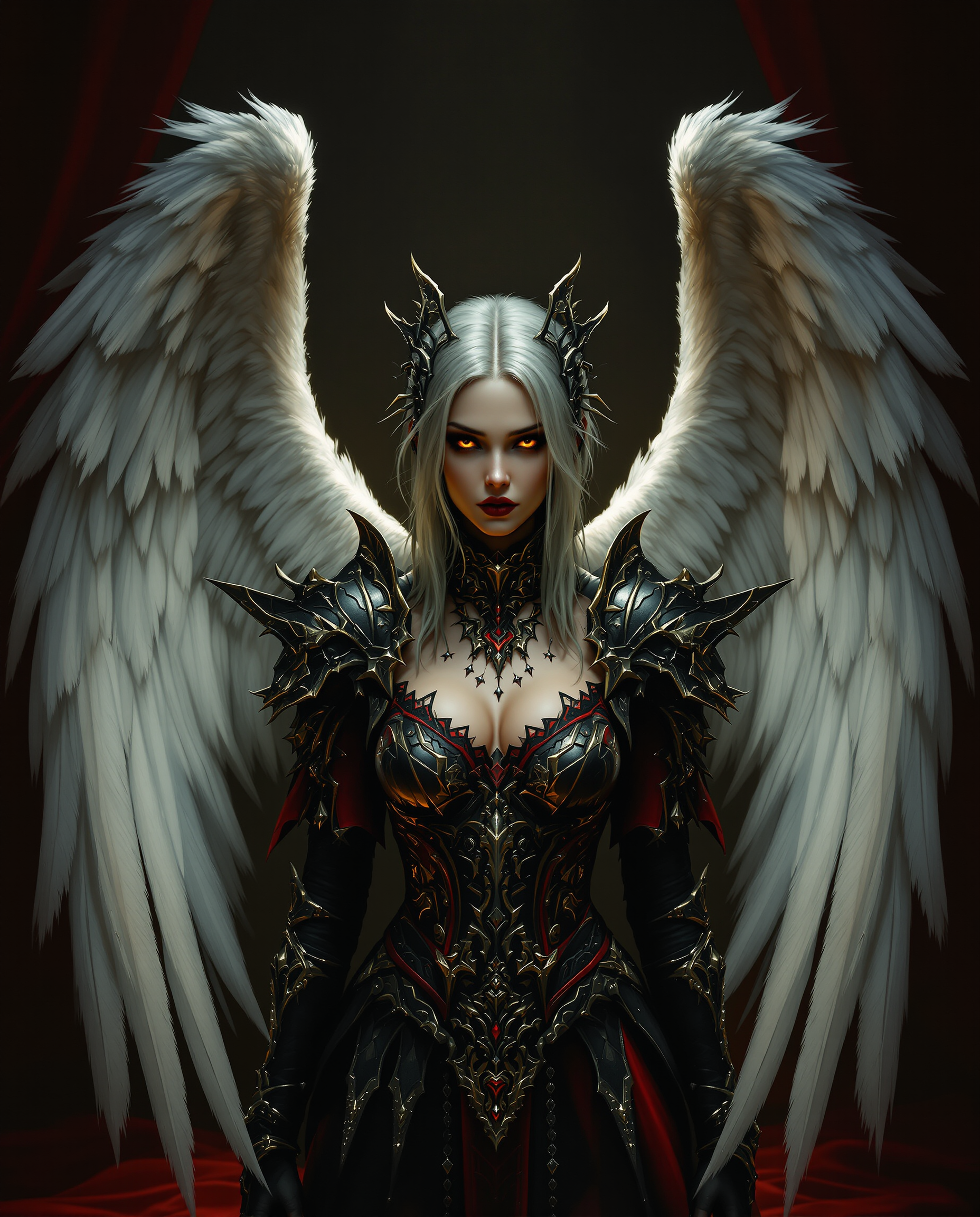
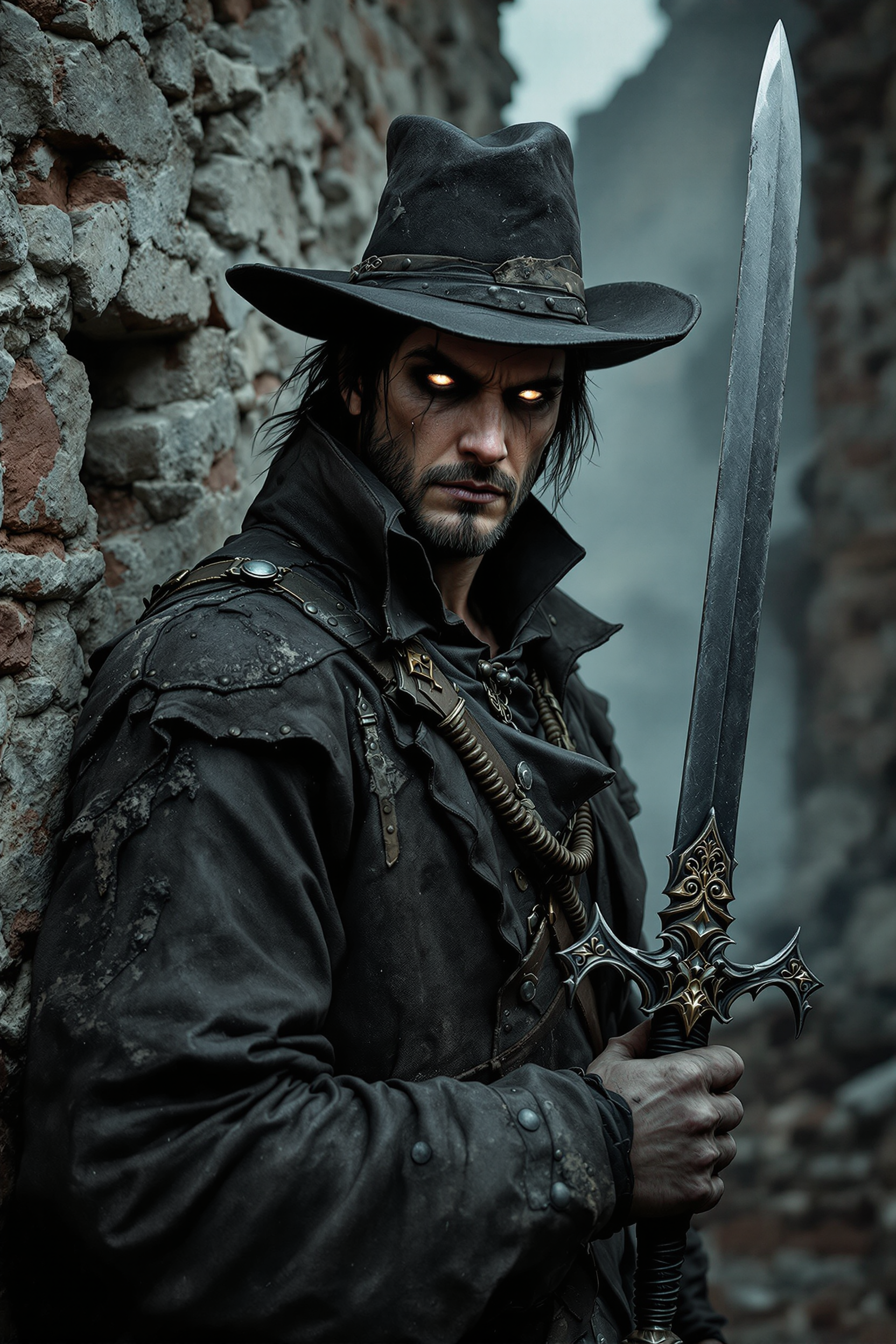
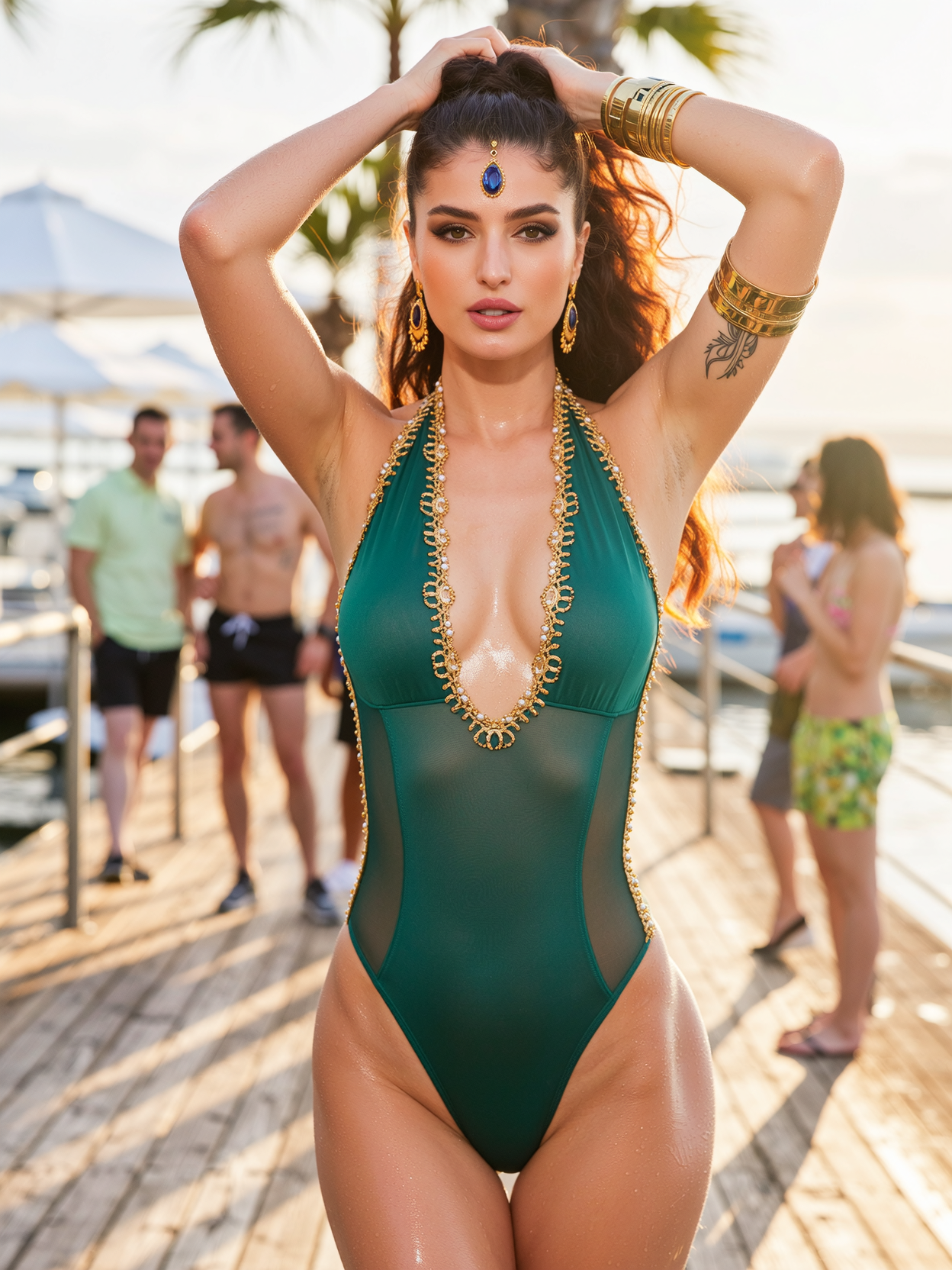
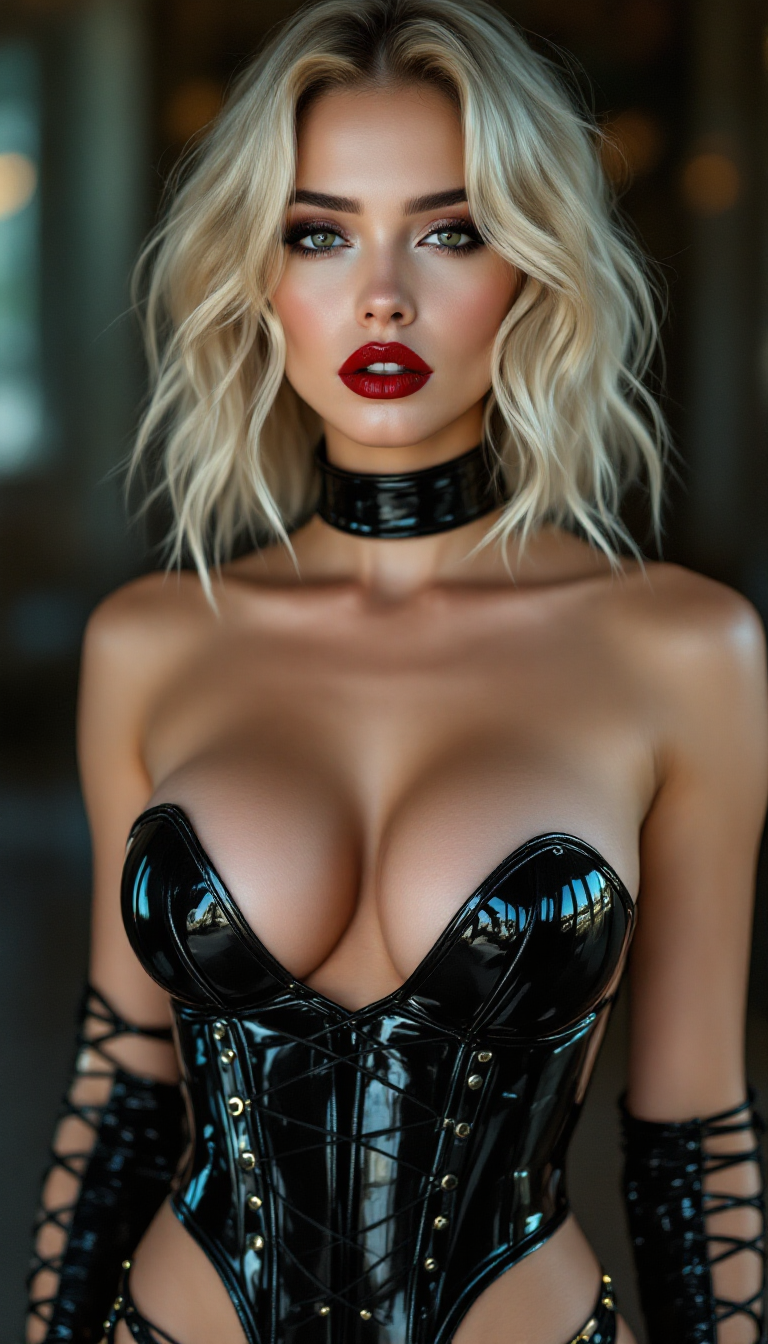
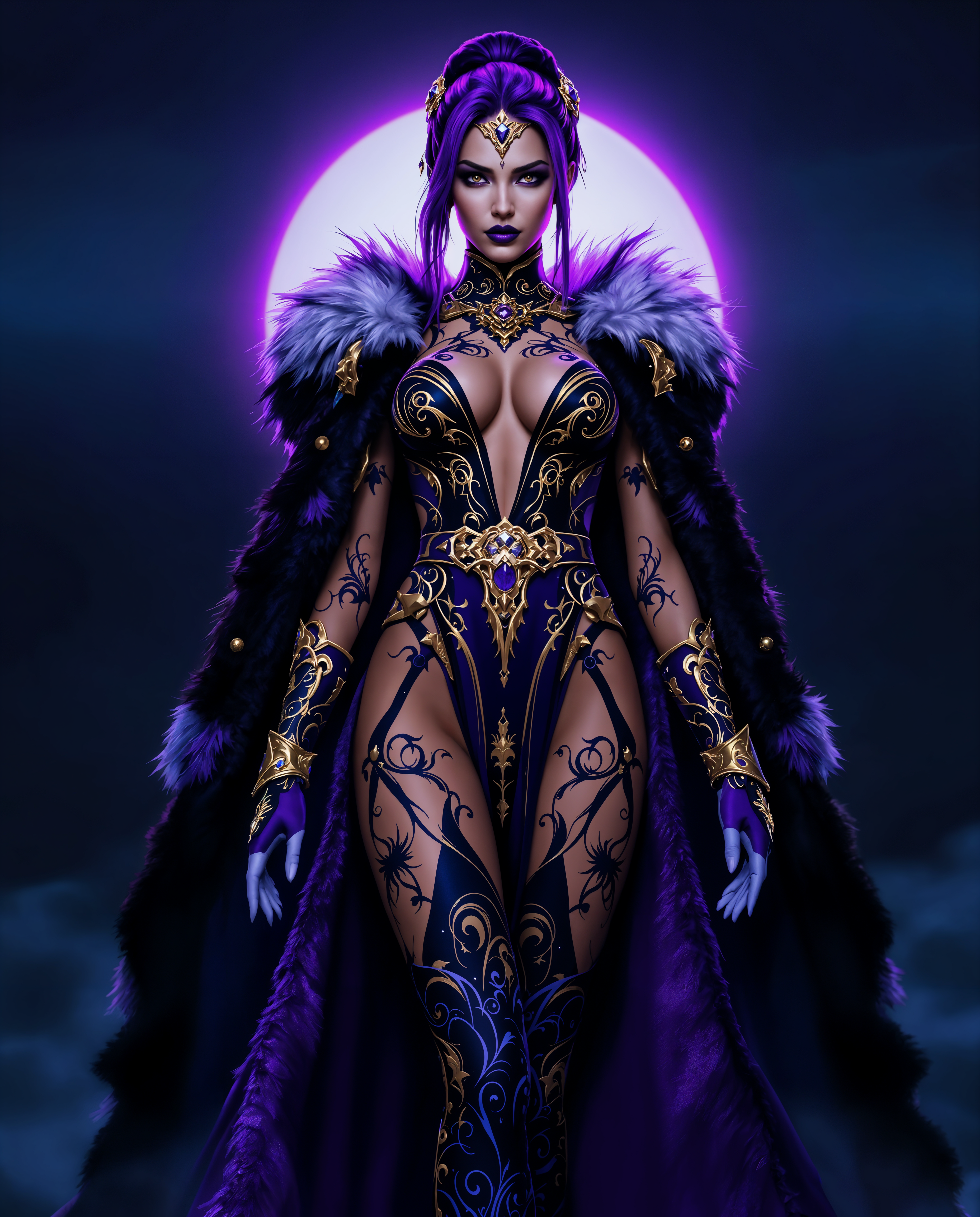

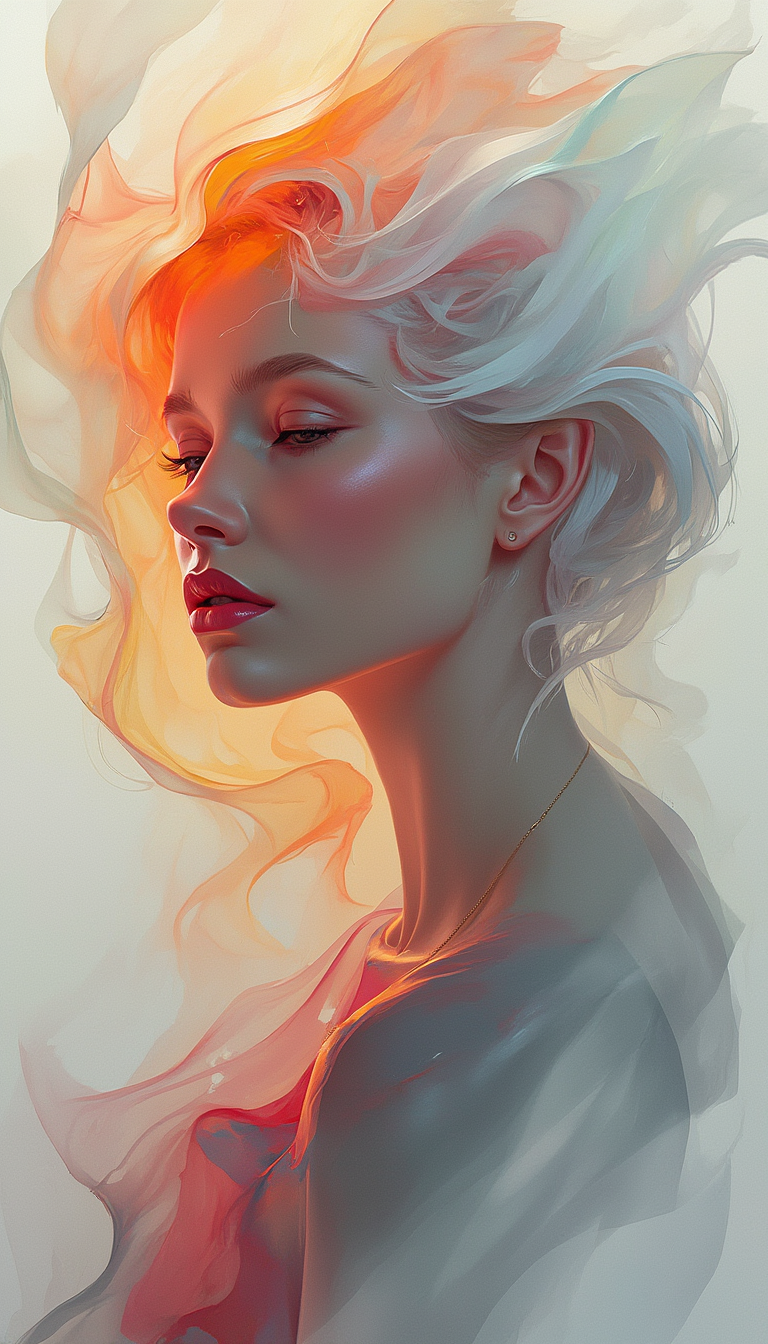
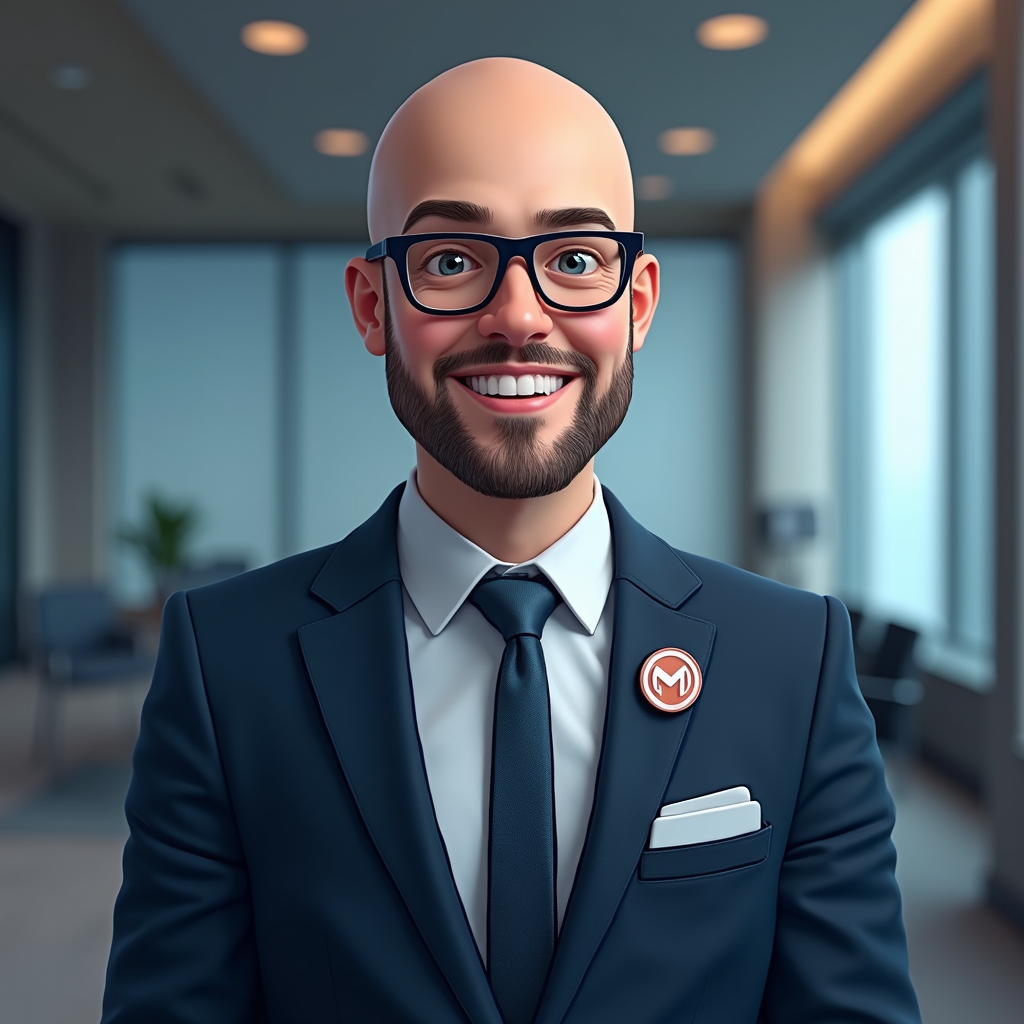
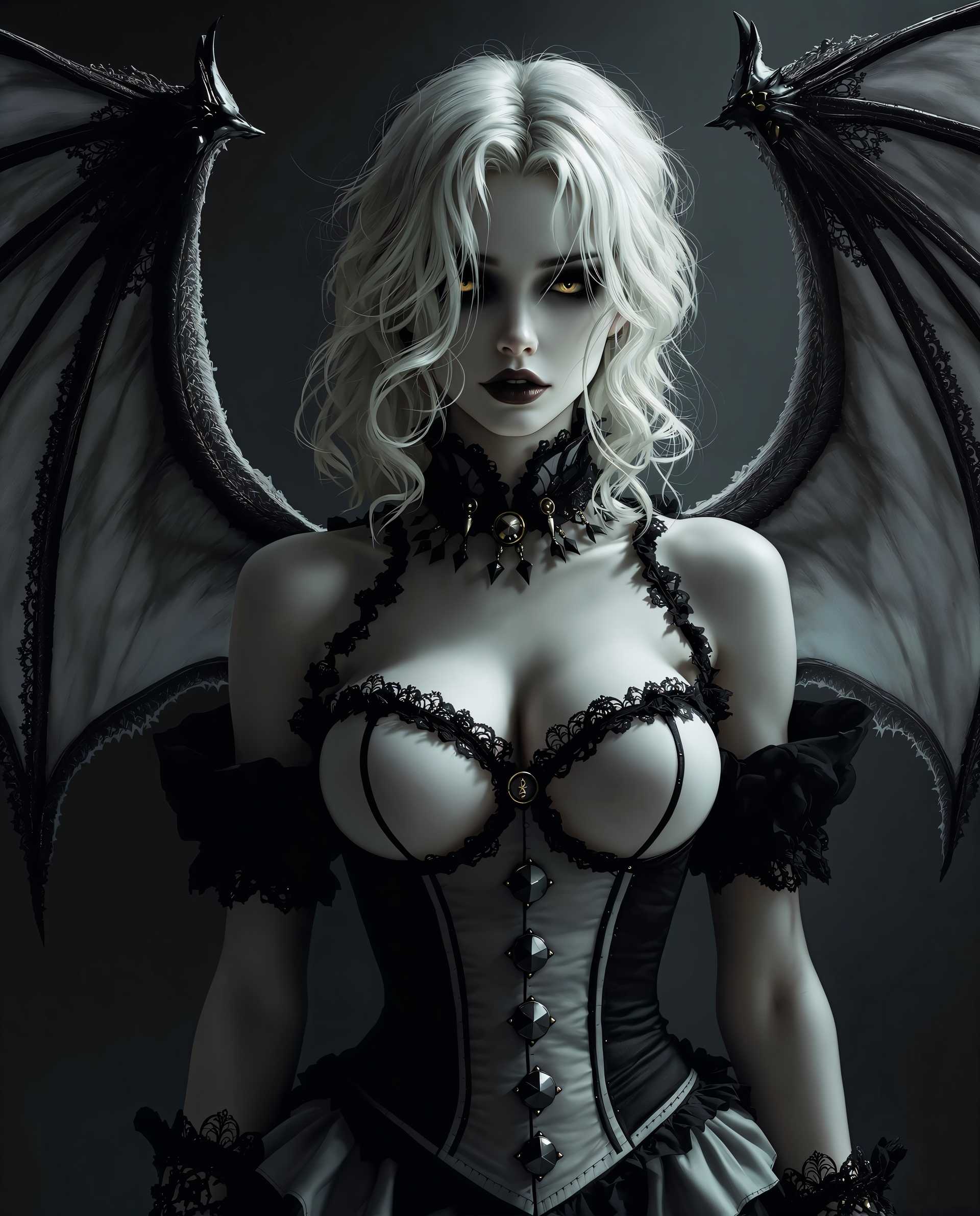
The Pixel Dojo Advantage
Why PixelDojo outperforms other options for face swap image generation
| Others | Pixel Dojo |
|---|---|
| Traditional face swap creation | Get Hollywood-level realism in seconds instead of hours of manual masking, blending, and color correction in editing software. |
| Generic AI tools | Access specialized Face Swap, LoRA Face Swap, and Consistent Characters tools optimized for identity preservation, lighting match, and multi-face handling. |
| Manual photo editing | No steep learning curve or expensive software subscriptions—achieve seamless, natural-looking results with AI that automatically handles pose, shadows, and skin tones. |
Loved by creators on PixelDojo
Real feedback from people using PixelDojo, pulled from our in-product surveys.
This is the best image generator I've used so far. Well done!
es facil de comprender asi uno no sea programador
amazing web site
phenomenal site. would highly recommend
Amazing features, easy to use, privacy
the number of options, and especially the quick response to questions on Discord
Explore more AI tools on PixelDojo
AI Tools
Compare & Switch
- Best AI Image Generators
- Best AI Video Generators
- Midjourney Alternatives
- Civitai Alternatives
- Runway Alternatives
- Leonardo Alternatives
- Pika Alternatives
- Luma Alternatives
- Magnific Alternatives
- Veo Alternatives
- Flux Alternatives
- Freepik Alternatives
- Seedance Alternatives
- Seedream Alternatives
- Pixverse Alternatives
- GPT Image Alternatives
- Synthesia Alternatives
- Playground Alternatives
- NightCafe Alternatives
- Canva AI Alternatives
- ElevenLabs Alternatives
- ComfyUI Alternatives
- Fal Alternatives
- Replicate Alternatives
Common Questions
Everything you need to know about face swap generator
How does an AI face swap generator create realistic results?
PixelDojo's Face Swap and LoRA Face Swap tools use advanced AI to detect facial landmarks, match skin tones, lighting, and expressions automatically. Upload your source and target images, and the system blends them seamlessly while preserving natural details for photorealistic outcomes every time.
Can I use the face swap generator for videos as well as images?
Yes! PixelDojo supports both with dedicated tools like WAN Video Character Swap, Kling Video Character Swap, and Video Face Swap options. Create engaging video content with perfect lip sync and motion preservation for social media or professional projects.
What are the best practices for high-quality AI face swaps?
For best results with PixelDojo, use well-lit, front-facing photos with similar angles and expressions. Our tools automatically handle lighting and pose adjustments, but starting with clear, high-resolution images ensures the most natural swaps possible.
Is the PixelDojo face swap generator free to try?
Absolutely—start creating realistic face swaps instantly with our free tier. Access 40+ cutting-edge AI tools including Face Swap and Virtual Try-On, with the flexibility to cancel anytime. Upgrade for unlimited high-resolution downloads and priority features.
How do I create consistent characters across multiple face swaps?
Use PixelDojo's Consistent Characters and Character Stylist tools alongside Face Swap. Train a quick LoRA model with the Flux 2 Trainer or WAN 2.2 Trainer for repeatable, identity-accurate results across different scenes and styles.
What makes PixelDojo's face swap better for creative projects?
Beyond basic swapping, integrate with Image to Image, Style Transfer, Magic Lighting, and Pose Control for fully customized outputs. Combine with generators like Flux.2 Studio or Grok Image to build entire scenes around your swapped faces effortlessly.