face swap gif maker

Imagine turning any photo of yourself or a friend into a hilarious, shareable GIF that spreads across social media in minutes. With PixelDojo's AI face swap GIF maker, you can create personalized reaction videos, meme animations, and viral content that captures attention without spending hours editing or learning complex software. Whether you're a content creator looking to boost engagement on TikTok and Instagram, a marketer building fun brand campaigns, or simply someone who loves sharing laughs with family and friends, PixelDojo delivers professional-quality face swaps that look completely natural. Put your face on classic movie scenes, trending dance GIFs, or custom animations while preserving realistic expressions, lighting, and movements. The result? Scroll-stopping GIFs that feel authentic and get shared, liked, and commented on. No technical expertise required – just upload your images, let the AI handle the magic, and download ready-to-post animations. Thousands of creators are already using these tools to stand out in feeds, grow their audiences, and have more fun creating content. Stop settling for generic stock GIFs or awkward edits. Start making face swap GIFs that truly represent you and your ideas today.
Join over 85,000 creators using PixelDojo for face swap GIFs | 4.9/5 average rating from 12,000+ reviews | Featured in top creator communities for viral content | Trusted by influencers and brands for authentic meme marketing
Why Choose Pixel Dojo for face swap gif maker
Professional-quality results with cutting-edge AI technology
Create Viral Social Media Content in Seconds
Generate attention-grabbing face swap GIFs that boost engagement on TikTok, Instagram Reels, and Twitter. Turn everyday moments or trending templates into personalized animations that drive likes, shares, and comments without any video editing experience.
Achieve Hyper-Realistic Swaps with Natural Motion
Enjoy seamless face replacements that match lighting, angles, expressions, and movements perfectly. Your swapped GIFs look like professional productions, making them ideal for personal fun, marketing campaigns, or professional presentations.
Save Hours of Time and Effort on Content Creation
Skip manual Photoshop work or expensive studios. Produce dozens of custom face swap GIFs daily using simple uploads and AI automation, freeing you to focus on ideas and posting rather than technical hurdles.
How It Works
Creating stunning face swap GIFs with PixelDojo is straightforward and fun. Leverage dedicated tools like Face Swap, LoRA Face Swap for consistent character results, and video tools such as Kling Video Character Swap or WAN Video Character Swap to add smooth animation and export as shareable GIFs or short clips.
Step 1: Choose Your Tool
Head to the Characters & Faces section and select Face Swap or LoRA Face Swap for precise single or multi-face replacements. For animated results, combine with Kling Video Character Swap or WAN Video Character Swap to bring static swaps to life with realistic motion.
Step 2: Enter Your Prompt and Upload Assets
Upload a clear source photo of the face you want to use, then add your target GIF template, meme image, or video clip. Use natural language prompts like 'Swap my face into this dancing GIF with perfect expression matching and natural lighting' to guide the AI for optimal results.
Step 3: Customize, Generate & Download
Review the preview, tweak settings like expression intensity or style using tools such as Pose Control or Style Transfer if needed, then generate. Export directly as a high-quality GIF or short video loop optimized for social media sharing.


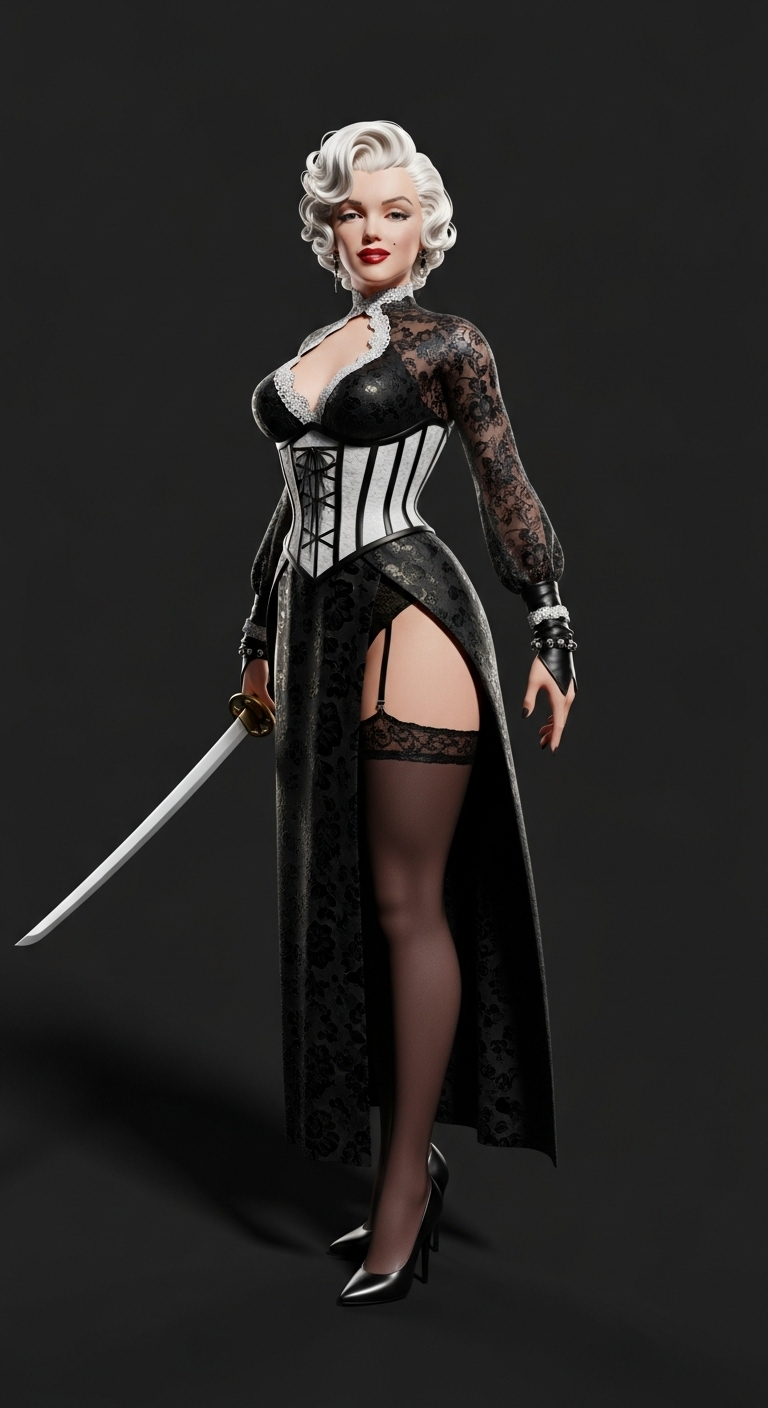
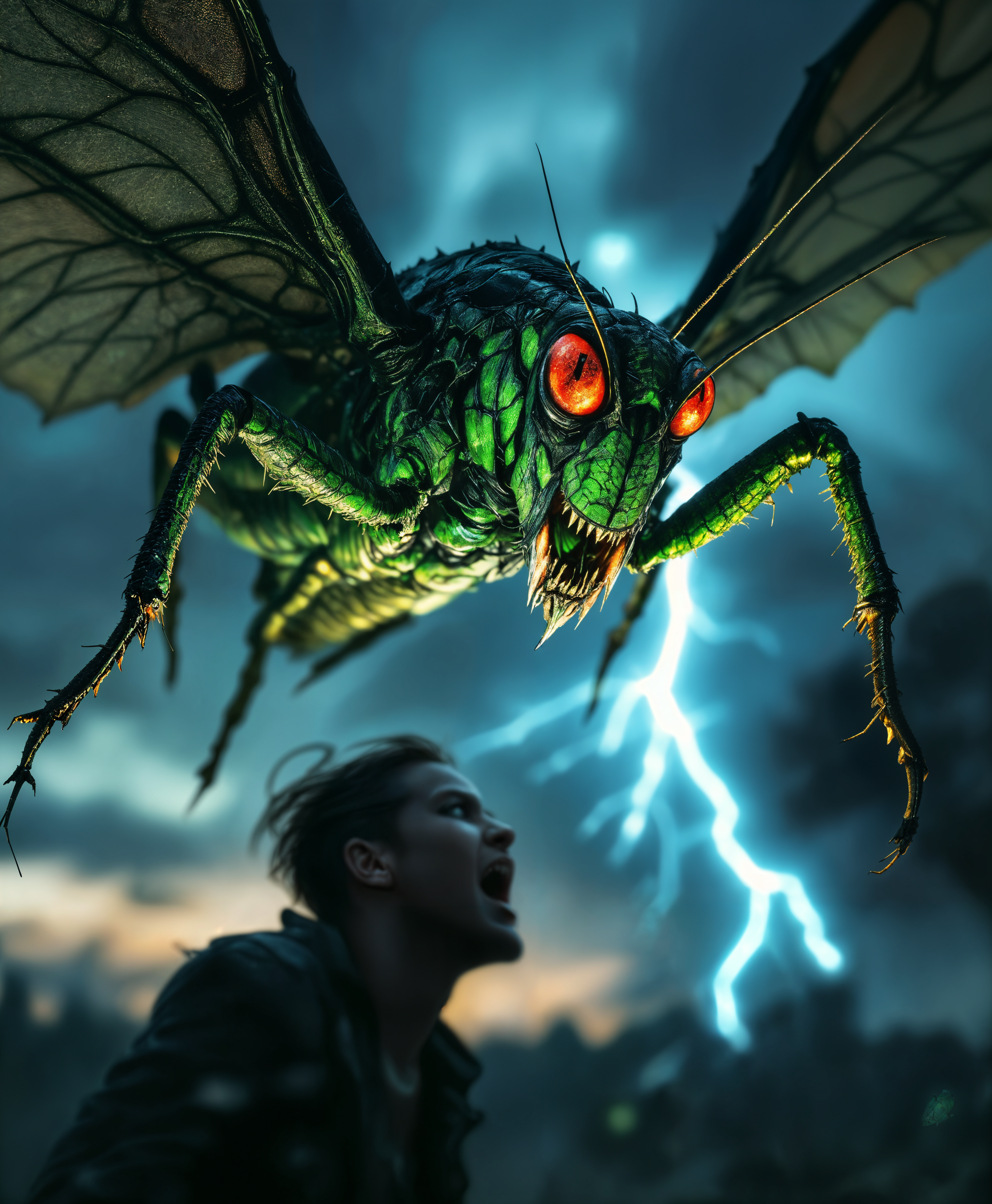
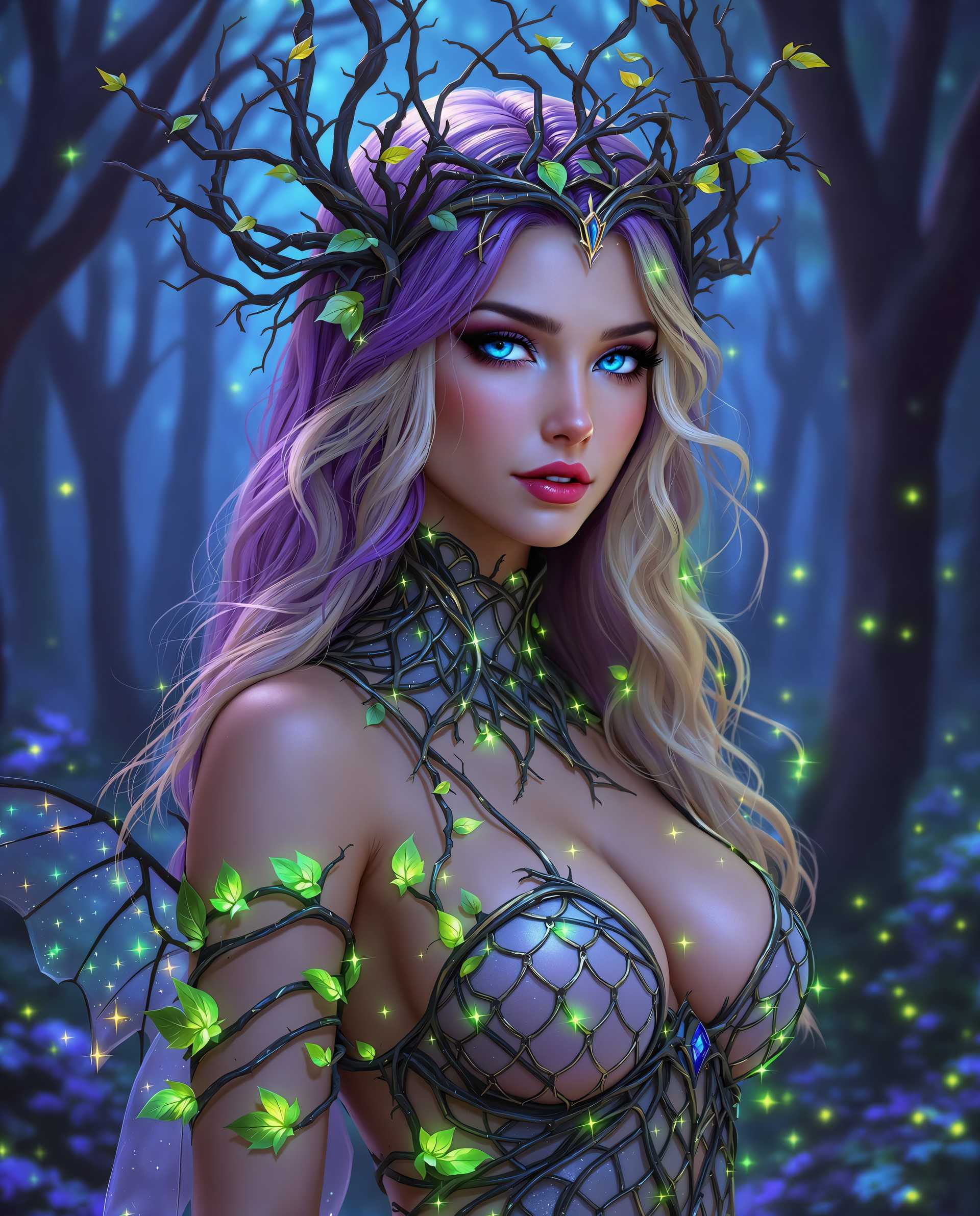
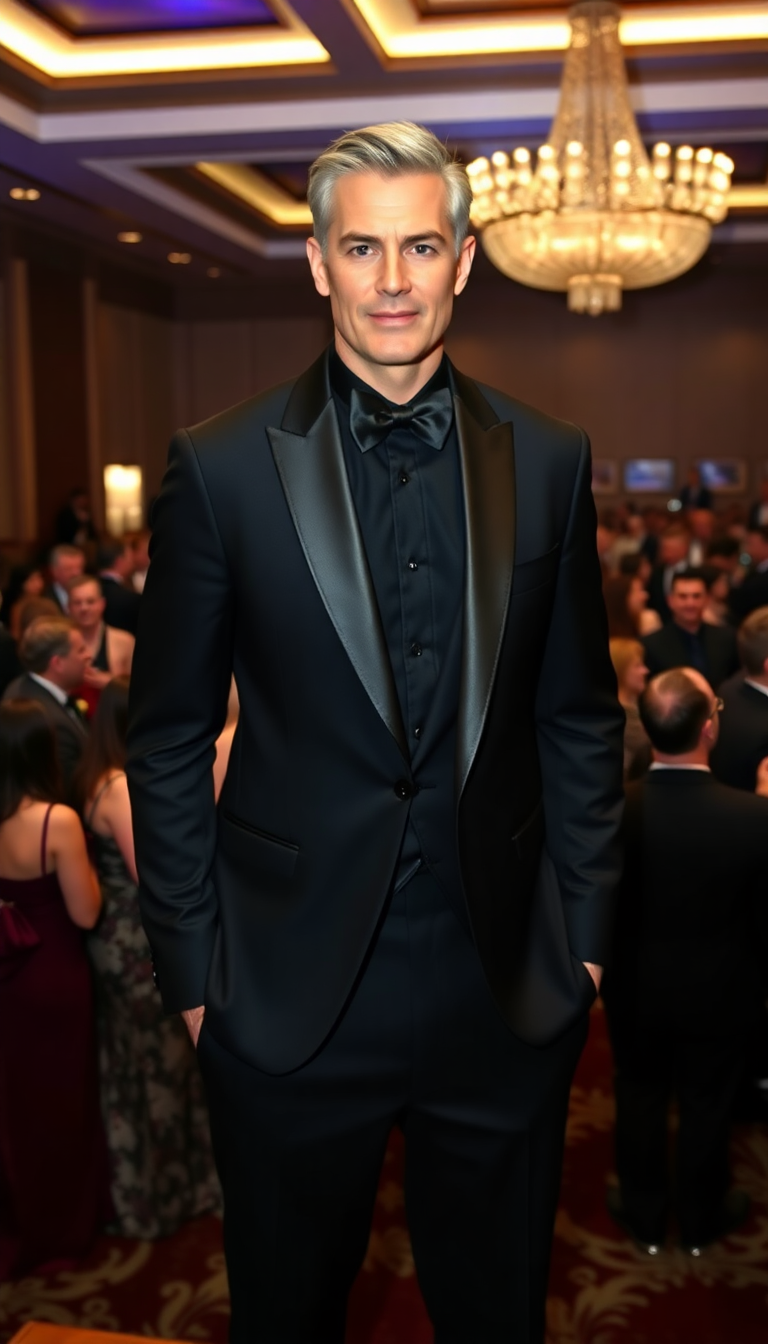


The Pixel Dojo Advantage
Why PixelDojo outperforms other options for face swap GIF creation
| Others | Pixel Dojo |
|---|---|
| Traditional face swap creation | Eliminate hours of manual editing in Photoshop or similar programs – AI automates realistic swaps and animation instantly with consistent high-quality outputs every time |
| Generic AI tools | Specialized face and character tools like LoRA Face Swap and video character swaps deliver superior realism, motion tracking, and GIF-ready exports compared to broad-purpose generators |
| Manual photo editing | Achieve professional animation and seamless blending without learning curves or expensive software – perfect results in minutes instead of frustrating trial-and-error sessions |
Loved by creators on PixelDojo
Real feedback from people using PixelDojo, pulled from our in-product surveys.
The overall quality of the site and it's amazing variety of tools. The continued updates of the UI. The unbelievable level of tech support.
THIS IS SO DOPE !
I have already recommended it to friends
All the tools, plus the guidance
Excellent tools. Ease of use. Well thought out interface. Wide variety of AI tools and features which are up to date with more added each month
I really like how the site is kept up to date, and the leaderboard (where I'm currently #11 most popular artist)
Explore more AI tools on PixelDojo
AI Tools
Compare & Switch
- Best AI Image Generators
- Best AI Video Generators
- Midjourney Alternatives
- Civitai Alternatives
- Runway Alternatives
- Leonardo Alternatives
- Pika Alternatives
- Luma Alternatives
- Magnific Alternatives
- Veo Alternatives
- Flux Alternatives
- Freepik Alternatives
- Seedance Alternatives
- Seedream Alternatives
- Pixverse Alternatives
- GPT Image Alternatives
- Synthesia Alternatives
- Playground Alternatives
- NightCafe Alternatives
- Canva AI Alternatives
- ElevenLabs Alternatives
- ComfyUI Alternatives
- Fal Alternatives
- Replicate Alternatives
Common Questions
Everything you need to know about face swap gif maker
How to make a face swap GIF with AI for free using PixelDojo?
Simply sign up for PixelDojo's free tier, navigate to the Characters & Faces section, and select the Face Swap tool. Upload your source face photo and a target GIF or image sequence. Add a descriptive prompt for natural results, generate, and download your custom face swap GIF instantly. No credit card required to start creating viral content.
What is the best AI face swap GIF maker for TikTok and Instagram Reels in 2026?
PixelDojo stands out with specialized tools like Face Swap combined with Kling Video Character Swap and WAN Video Character Swap. These deliver hyper-realistic face replacements with smooth motion perfect for short-form video platforms. Users report creating trending, shareable GIFs faster and with better quality than competitors.
Can I create realistic face swap GIFs from my own photos without technical skills?
Yes! PixelDojo's AI handles everything automatically. Upload clear photos of the faces involved, choose from templates or your own GIFs, and let tools like LoRA Face Swap ensure consistency across frames. The platform preserves natural expressions and lighting for professional-looking results anyone can achieve.
How does PixelDojo's face swap GIF maker compare to apps like Reface or DeepSwap?
PixelDojo offers more flexibility with 40+ integrated tools including advanced character consistency via LoRA Face Swap and seamless video-to-GIF workflows using tools like Video Upscaler and Extract Frame. Enjoy higher customization, batch processing options, and no limitations on creative styles while maintaining top-tier realism.
Is it possible to make multi-person face swap GIFs or group memes with AI?
Absolutely. Use PixelDojo's Face Swap or multi-face support in video character tools like WAN Video Character Swap to replace several faces in one GIF. Ideal for family memes, team celebrations, or fun group reactions that look completely natural in motion.
What trends are popular for AI face swap GIFs in 2026 and how can I create them?
Current trends include viral TikTok dances, gaming highlight reactions, celebrity meme swaps, and personalized brand content. With PixelDojo, start by selecting trending GIF templates in the library or uploading your own, apply Face Swap or Kling Video Character Swap, and add creative prompts for timely, engaging animations that perform well on social platforms.