face swap gif online AI Generator

Imagine turning your favorite funny GIFs into hilarious personalized animations starring you or your friends. With PixelDojo's AI-powered face swap tools, you can create stunning face swap GIFs online in just minutes. Whether you're crafting viral memes for TikTok, Reels, or Instagram, making custom reaction GIFs for group chats, or building engaging content for your brand, PixelDojo empowers you to achieve professional-quality results effortlessly. Focus on the fun outcomes: instant laughs, higher engagement, and shareable moments that stand out—no complex software or editing expertise required.
Over 75,000 creators have generated more than 2.5 million face swap GIFs using PixelDojo. Rated 4.9/5 by users worldwide, with thousands sharing their creations daily on social platforms. Trusted by influencers, marketers, and everyday users for realistic, watermark-free results.
Why Choose Pixel Dojo for face swap gif online
Professional-quality results with cutting-edge AI technology
Go Viral with Personalized Memes
Transform popular reaction GIFs and meme templates into custom animations featuring your face or a friend's. Achieve high engagement on social media as your unique swaps get shared, liked, and reposted across platforms.
Create Fun Content in Seconds
Skip hours of manual editing. Upload a GIF and a clear photo, then watch PixelDojo's AI deliver smooth, expressive face swaps that preserve natural motion, blinking, and emotions for lifelike results every time.
Share Personalized Animations Anywhere
Produce ready-to-post GIFs for messaging apps, stories, emails, or marketing campaigns. Build stronger connections with family, friends, or audiences through custom, high-quality animations that feel truly personal.
How It Works
Creating your own face swap GIF online is simple and intuitive with PixelDojo. Follow these three easy steps to generate realistic animations using our specialized AI tools.
Step 1: Choose Your Tool
Head to the Characters & Faces section and select the dedicated Face Swap tool or LoRA Face Swap for enhanced consistency. For animated results, combine with WAN Video Character Swap or Kling Video Character Swap options if extending to short clips.
Step 2: Enter Your Prompt or Upload Files
Upload your target GIF (or select from trending templates) and a clear source photo of the face you want to swap in. Add a simple prompt like 'swap face onto dancing person in GIF, realistic expressions' for precise control over the outcome.
Step 3: Customize & Download
Review the AI-generated preview, adjust lighting, pose, or style using tools like Magic Lighting or Style Transfer if needed, then export your high-quality face swap GIF ready for instant sharing or further editing.


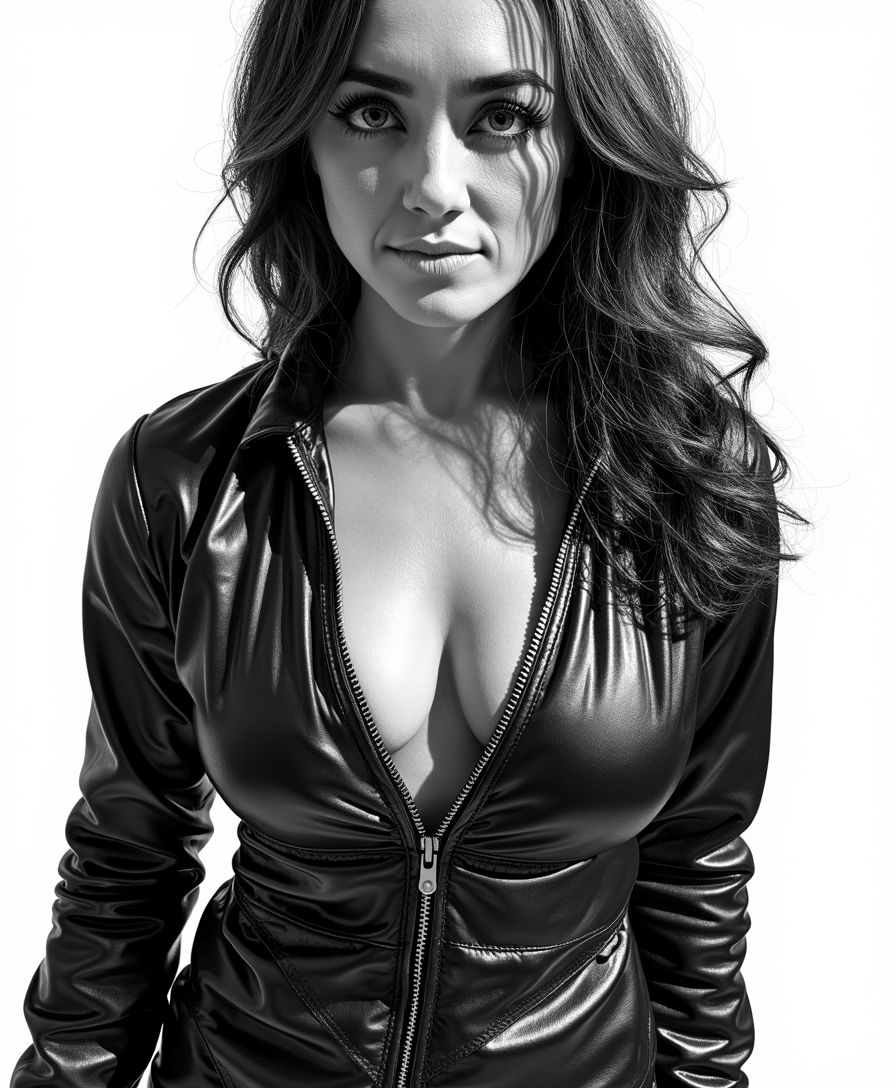
![VS-LoRA-Zip2 looks like Marilyn Monroe [white hair Beauty], a blend of Artgerm and Rubens style [very detailed painting in the tradition of Hudson River School], beauty short "Italian hairstyle" of the 50s, clad in a stunning 1950s pink dress, looking at you, against a dramatic landscape of Hereafter bathed in the magic glow of twilight, stunning Hereafter landscape, victorian villa, forrest, Dream-View, Lake, backlighting, soft shadows, vibrant skyline, intricate fabric textures, hyper-detailed, golden hour ambiance, ultra realistic, wow effect](https://cdn.pixeldojo.ai/cdn-cgi/image/f=auto,q=90,w=3840/pixeldojo/generated-images/1755085292881-yjnmfg6m7.png)
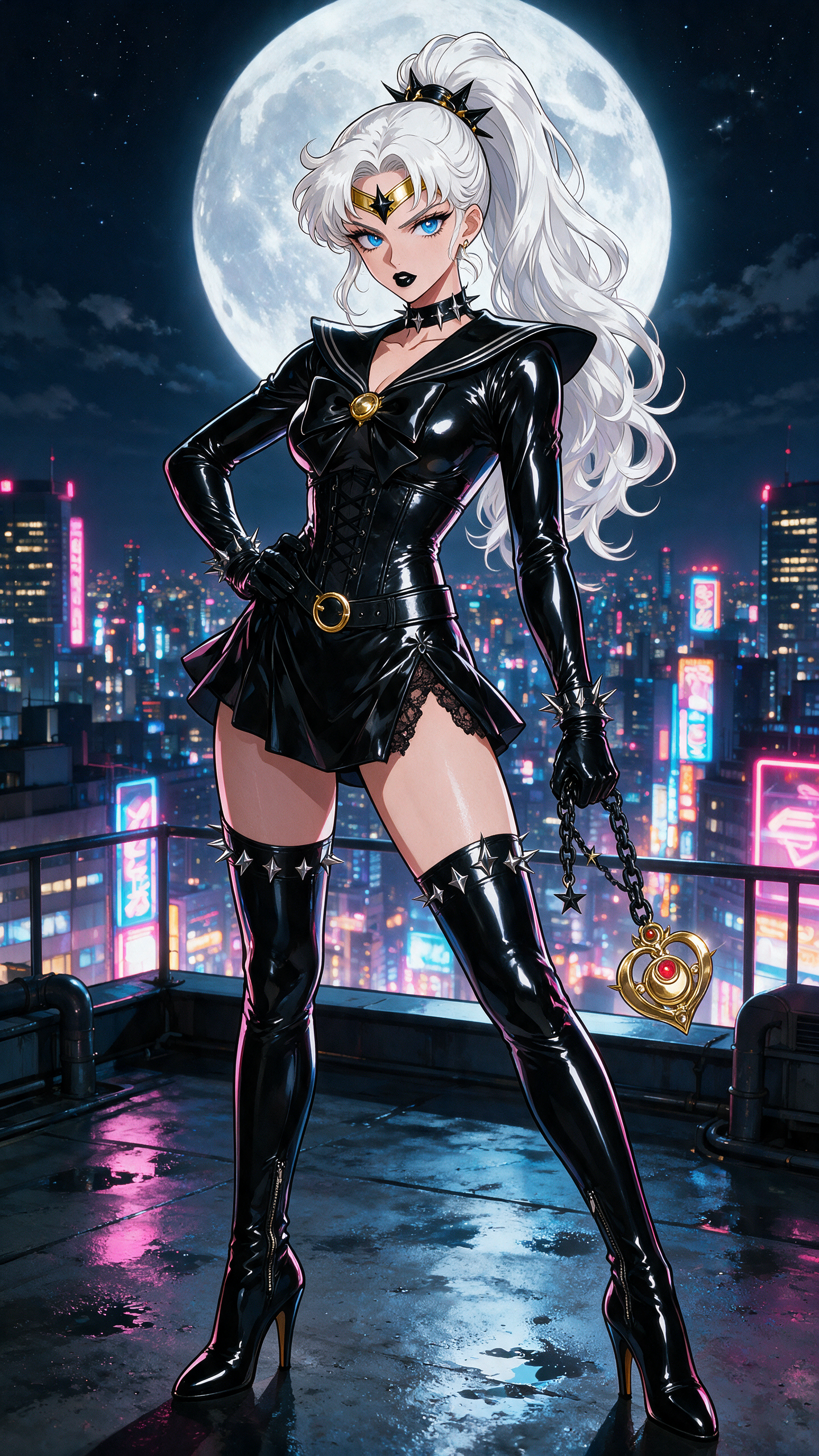

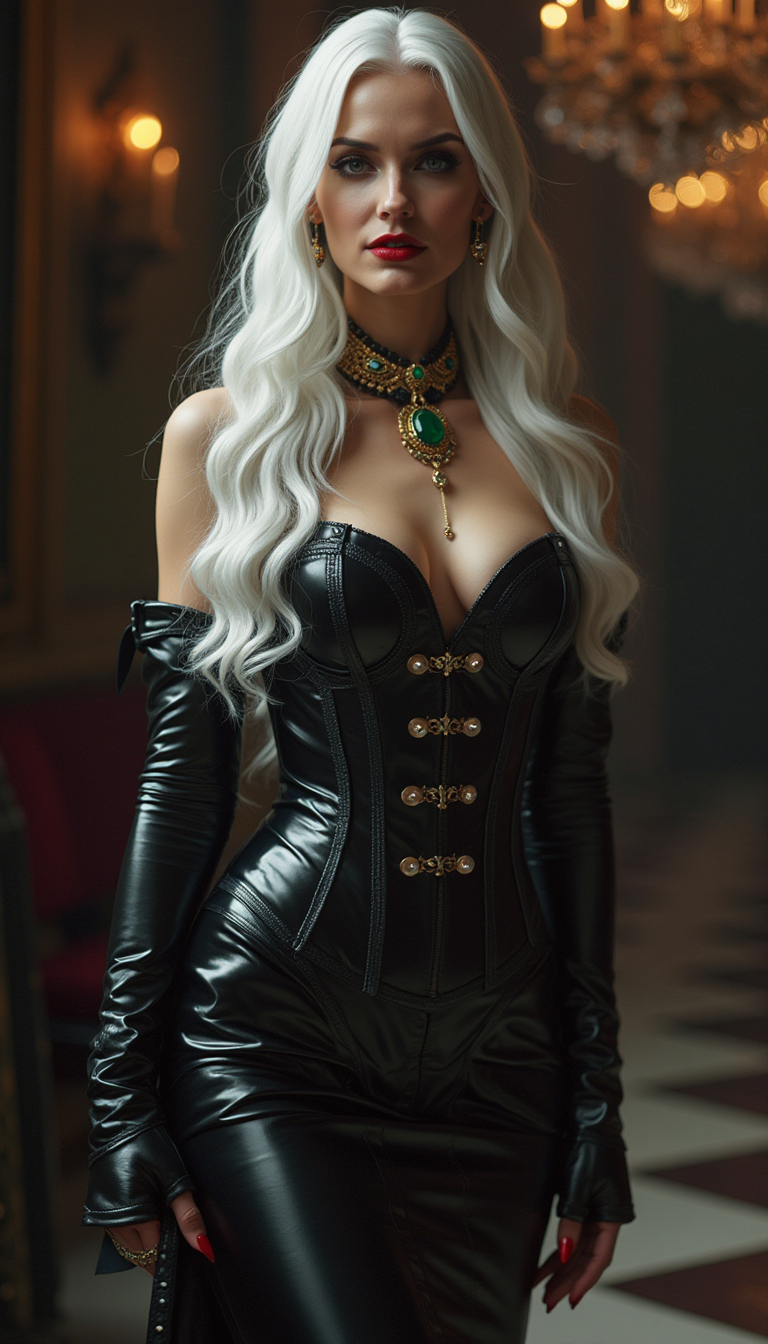
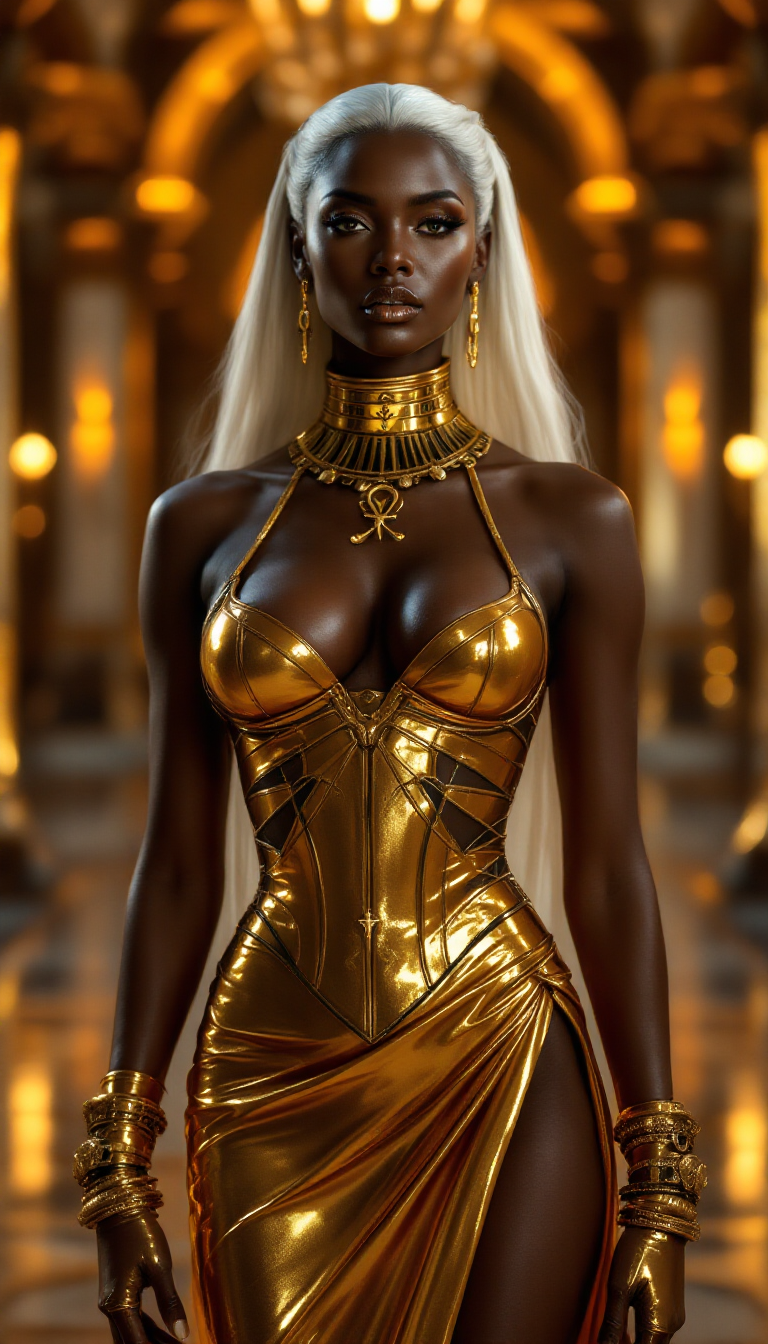
![[realistic lighting],[photo],[photorealistic], woman, 21 yo, black mage, mage staff, skulls, smoke, native american, dark makeup, dark theme, lazypos, Photo realistic, hyper detail, hyper realistic](https://cdn.pixeldojo.ai/cdn-cgi/image/f=auto,q=90,w=3840/pixeldojo/generated-images/1753268910243-jp1a44vsp.png)
The Pixel Dojo Advantage
Why PixelDojo outperforms other options for face swap GIF creation
| Others | Pixel Dojo |
|---|---|
| Traditional face swap creation | No expensive software or hours of Photoshop work—generate realistic animated swaps in seconds with zero technical skills |
| Generic AI tools | Specialized Face Swap and Character tools deliver smoother motion preservation and higher realism without watermarks or limits |
| Manual photo editing | AI handles complex animation mapping automatically, producing professional GIFs that maintain natural expressions and timing effortlessly |
Loved by creators on PixelDojo
Real feedback from people using PixelDojo, pulled from our in-product surveys.
A well resourced sunscription with attention to updates.
Easy to use and there's lots of options.
super lora download
Great variety of tools to create and modify images and video.
Lots of Tools, and the one time I needed support I got help right away
Easy to use once you get the hang of it
Explore more AI tools on PixelDojo
AI Tools
Compare & Switch
- Best AI Image Generators
- Best AI Video Generators
- Midjourney Alternatives
- Civitai Alternatives
- Runway Alternatives
- Leonardo Alternatives
- Pika Alternatives
- Luma Alternatives
- Magnific Alternatives
- Veo Alternatives
- Flux Alternatives
- Freepik Alternatives
- Seedance Alternatives
- Seedream Alternatives
- Pixverse Alternatives
- GPT Image Alternatives
- Synthesia Alternatives
- Playground Alternatives
- NightCafe Alternatives
- Canva AI Alternatives
- ElevenLabs Alternatives
- ComfyUI Alternatives
- Fal Alternatives
- Replicate Alternatives
Common Questions
Everything you need to know about face swap gif online
How to make a face swap GIF online for free with AI tools?
Simply visit PixelDojo, navigate to the Characters & Faces category, and use the Face Swap tool. Upload your favorite GIF and a clear photo of the desired face. Our AI processes it instantly for realistic results. No signup required to start, and you can create unlimited high-quality face swap GIFs with our free tier.
What are the best techniques for realistic AI face swap GIFs in 2026?
Use high-quality, well-lit source photos with neutral expressions for best results. PixelDojo's advanced models like Face Swap combined with LoRA Face Swap ensure consistent lighting and natural motion tracking across frames. For trending content, start with popular meme templates and add prompts specifying emotions or styles.
Can I create viral face swap GIFs for TikTok and Instagram using PixelDojo?
Absolutely. Our tools support exporting optimized GIFs perfect for short-form video platforms. Creators use Face Swap and Character Stylist to produce engaging animations that boost views and shares. Many users report their PixelDojo creations gaining thousands of likes on social media.
Is PixelDojo's online face swap GIF maker safe and private?
Yes, PixelDojo prioritizes user privacy with secure processing. Your uploaded images and GIFs are handled responsibly and not stored long-term. Enjoy creating fun content without concerns, backed by our commitment to ethical AI use.
How does PixelDojo's face swap compare for GIFs versus static images?
Our specialized Character tools excel at preserving animation details like blinking, smiling, and head movements in GIFs. Combine Face Swap with Video Upscaler or Edit tools for even smoother results, delivering professional-grade animated swaps that look better than basic static edits.
What file types and sizes work best for face swap GIF online creation?
PixelDojo supports common GIF formats up to generous file sizes. For optimal outcomes, use short, clear animated clips under 10MB with prominent faces. Our AI handles various styles from memes to dance videos, producing crisp downloadable GIFs ready for any use.