face swap ia AI Generator
Imagine instantly transforming any photo by swapping faces with perfect realism—no editing skills required. With PixelDojo's AI Face Swap IA tools, you can create hilarious memes, professional portraits, personalized gifts, and viral social media content in seconds. Whether you're a content creator looking to boost engagement, a marketer crafting unique campaigns, or simply having fun with friends and family, our platform delivers natural-looking results that preserve expressions, lighting, and skin tones flawlessly. Users achieve stunning outcomes like placing their face on celebrities, trying virtual hairstyles, or generating consistent character appearances across multiple images, all while saving hours compared to traditional methods.
Over 75,000 creators trust PixelDojo for face swap IA projects, generating more than 2 million realistic swaps last month alone. Rated 4.9/5 by thousands of users, with features loved by influencers and professionals worldwide. Cancel anytime, no long-term commitment.
Why Choose Pixel Dojo for face swap ia
Professional-quality results with cutting-edge AI technology
Create Viral Social Media Content in Minutes
Turn ordinary photos into shareable hits by swapping faces onto trending memes, celebrities, or fun scenarios. Achieve high engagement rates as your audience loves the realistic, laugh-out-loud results that stand out in feeds.
Generate Professional Headshots & Personalized Portraits
Swap faces onto professional templates or different outfits and backgrounds to create polished LinkedIn photos, resumes, or client presentations without expensive photoshoots or makeup sessions.
Explore Creative Ideas & Consistent Characters Effortlessly
Build entire series of images with the same face across styles, poses, or scenes using tools like Consistent Characters and LoRA Face Swap. Perfect for storyboarding, book illustrations, or brand mascots that maintain identity.
How It Works
Getting started with face swap IA on PixelDojo is simple and intuitive. Upload your source face and target image, select from advanced AI models, and generate photorealistic swaps tailored to your vision.
Step 1: Choose Your Tool
Head to the Characters & Faces section and select the dedicated Face Swap tool, or combine with Consistent Characters for multi-image projects and LoRA Face Swap for custom identity training. You can also start with Image to Image or Inpainting for precise control.
Step 2: Enter Your Prompt & Upload Images
Upload a clear source photo of the face you want to swap and the target image. Add a descriptive prompt like 'realistic face swap with natural lighting and matching skin tone' or specify details such as 'swap onto a professional business portrait in modern office setting'. Leverage tools like Flux.1 Studio or PonyXL for enhanced quality.
Step 3: Customize, Generate & Download
Adjust settings for lighting match, expression preservation, or style using Magic Lighting and Style Transfer if needed. Generate your swap instantly, preview results, and download high-resolution images. Use Reality Polisher for final touches or Background Remover for clean edits.
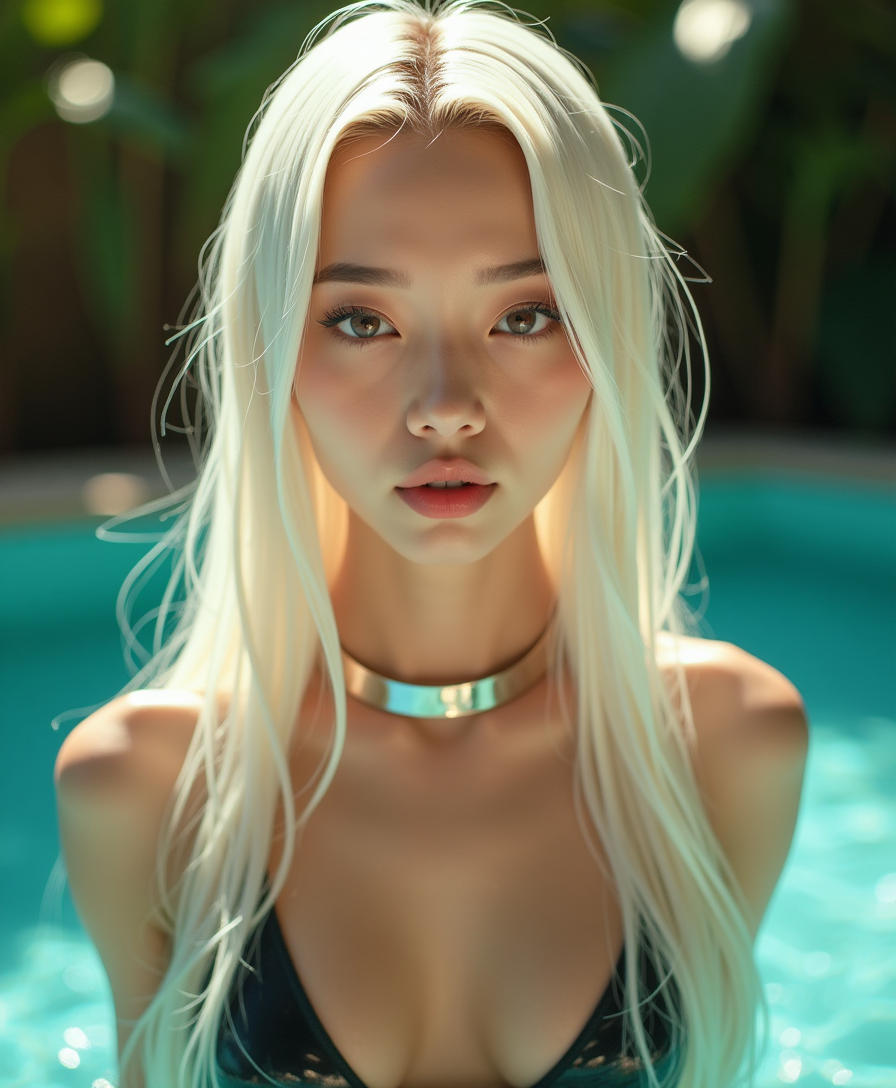
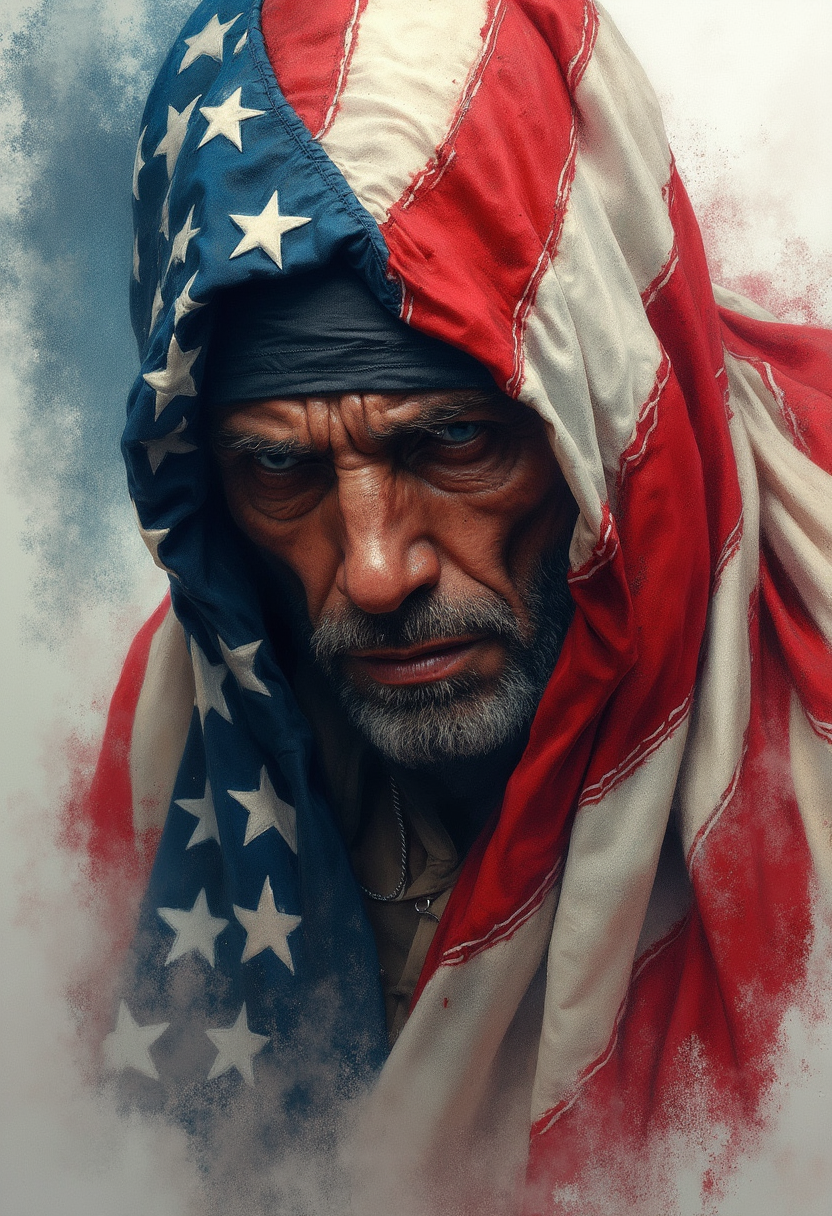
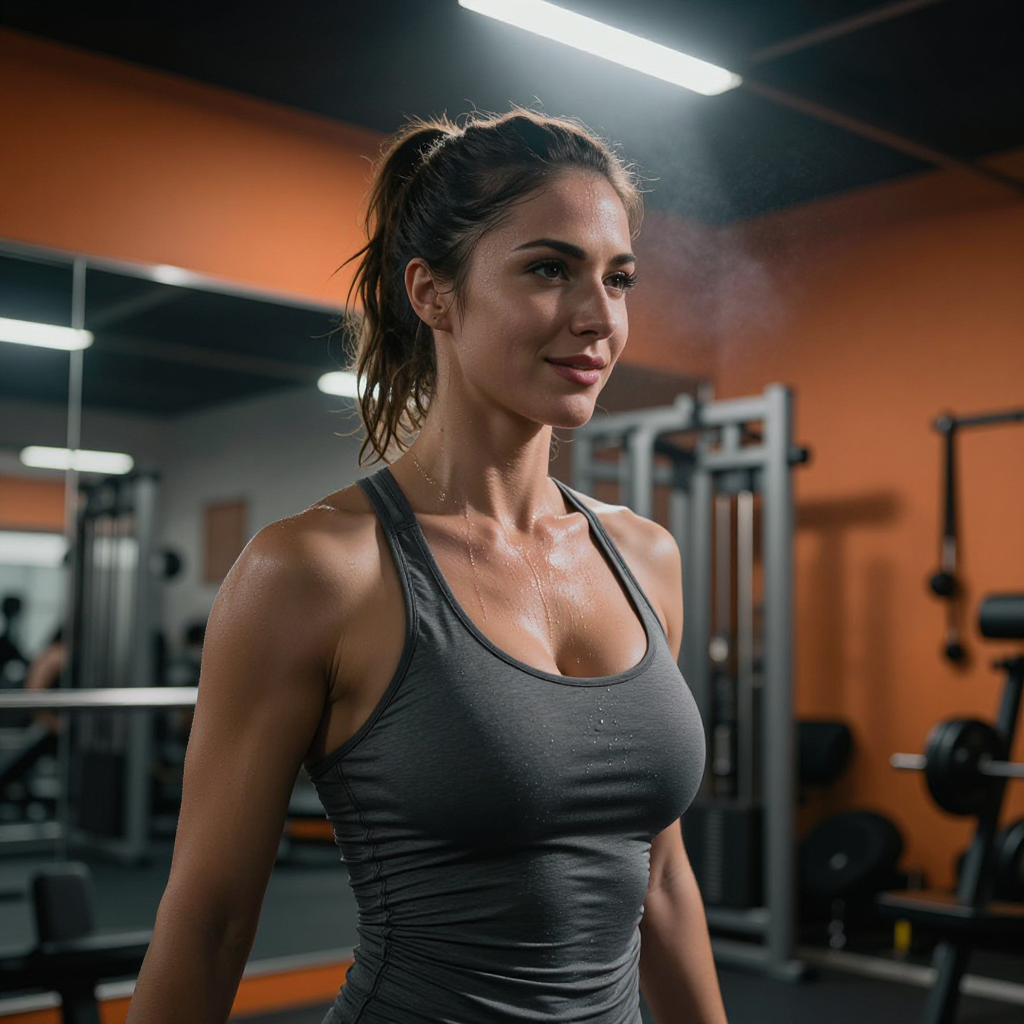
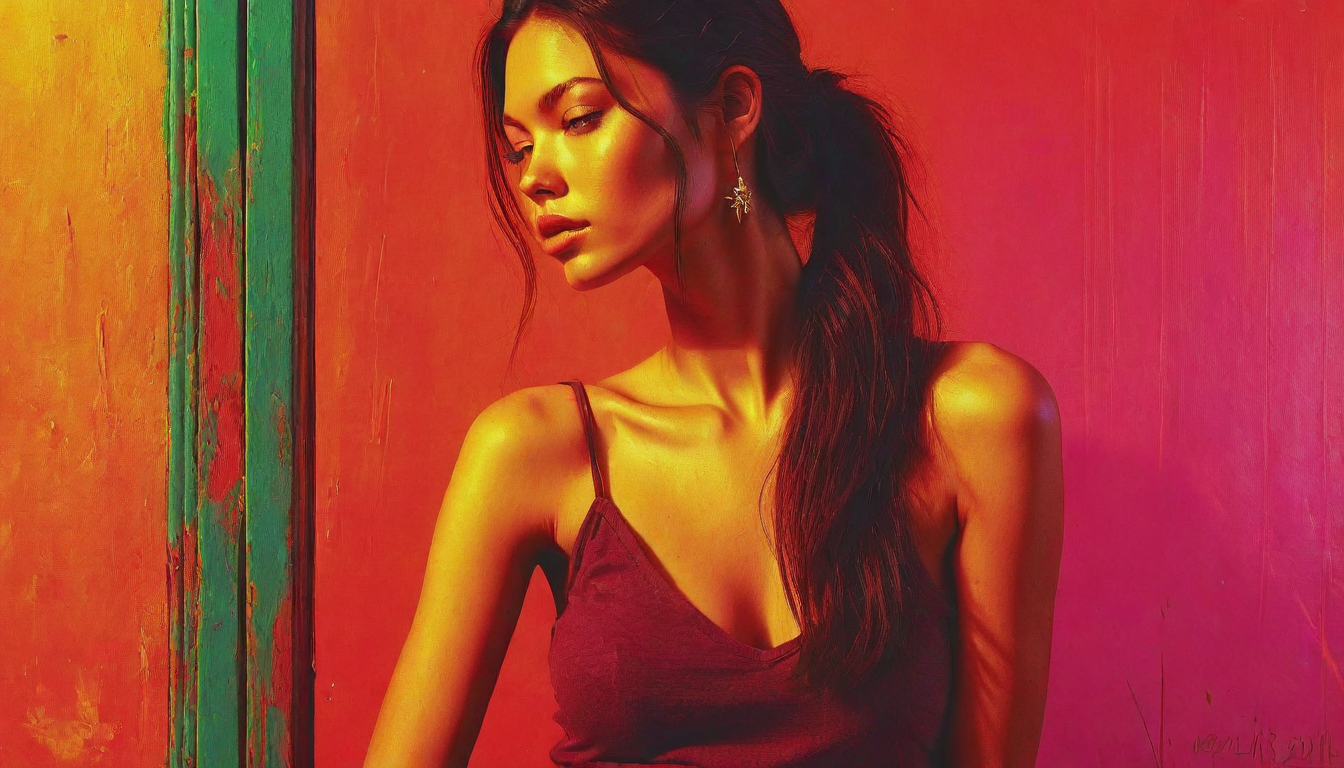
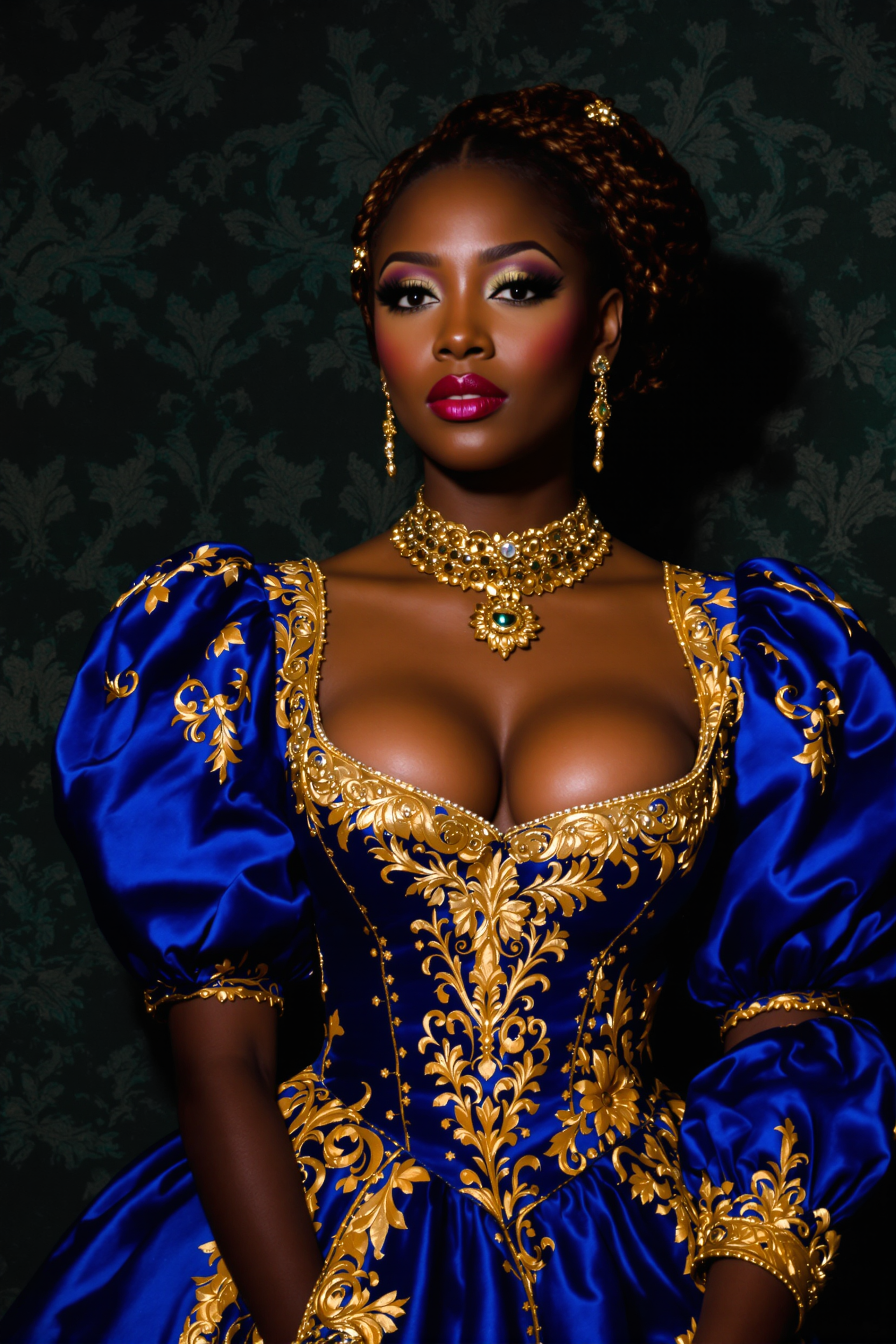
The Pixel Dojo Advantage
Why PixelDojo outperforms other options for face swap IA image generation
| Others | Pixel Dojo |
|---|---|
| Traditional face swap creation | Achieve professional-grade results in seconds instead of hours of manual Photoshop work, with AI handling complex lighting, angles, and blending automatically for natural outcomes every time. |
| Generic AI tools | Access specialized Face Swap and LoRA Face Swap tools alongside 40+ models like Flux.1 Studio and QWEN Image for superior identity preservation and customization not found in basic platforms. |
| Manual photo editing | Eliminate the need for advanced skills or expensive software—simply upload and generate realistic swaps that maintain expressions and details, freeing you to focus on creativity. |
Loved by creators on PixelDojo
Real feedback from people using PixelDojo, pulled from our in-product surveys.
So many different models to try out
You keep adding to it to stay up to date and that is GOLD.
very easy to use and good support
Very easy to use
super easy to use
it's very easy to use
Explore more AI tools on PixelDojo
AI Tools
Compare & Switch
- Best AI Image Generators
- Best AI Video Generators
- Midjourney Alternatives
- Civitai Alternatives
- Runway Alternatives
- Leonardo Alternatives
- Pika Alternatives
- Luma Alternatives
- Magnific Alternatives
- Veo Alternatives
- Flux Alternatives
- Freepik Alternatives
- Seedance Alternatives
- Seedream Alternatives
- Pixverse Alternatives
- GPT Image Alternatives
- Synthesia Alternatives
- Playground Alternatives
- NightCafe Alternatives
- Canva AI Alternatives
- ElevenLabs Alternatives
- ComfyUI Alternatives
- Fal Alternatives
- Replicate Alternatives
Common Questions
Everything you need to know about face swap ia
What is face swap IA and how does it work with PixelDojo?
Face swap IA refers to AI-powered face swapping techniques that use advanced models to seamlessly replace one person's face with another in images while preserving natural lighting, expressions, and skin tones. On PixelDojo, you simply upload your source face and target photo into the Face Swap tool, add a prompt describing the desired outcome, and generate photorealistic results using models like Flux.1 Studio or WAN Image. The process handles complex details automatically for professional-quality images every time.
How to create realistic AI face swaps in photos using PixelDojo tools?
To create realistic AI face swaps, start by selecting the Face Swap or LoRA Face Swap tool in the Characters & Faces category. Upload a high-quality source image of the face and your target photo. Use prompts that specify 'photorealistic, matching lighting and skin tone' for best results. Tools like Image to Image and Inpainting allow fine-tuning, while Reality Polisher enhances final output. Many users achieve indistinguishable results in under a minute.
Can I use face swap IA for professional headshots and business photos?
Absolutely. PixelDojo's Face Swap IA excels at professional applications. Swap your face onto various professional templates, outfits, or backgrounds using Consistent Characters to maintain identity across multiple images. Combine with Style Transfer or Magic Lighting to match corporate aesthetics. This approach helps you create polished LinkedIn profiles, client presentations, or marketing materials without costly photoshoots.
What are the best techniques for high-quality face swap IA results in 2026?
Latest techniques emphasize lighting and pose matching, high-resolution source images, and expression preservation. On PixelDojo, leverage the Face Swap tool with Flux.1 Studio or QWEN Image models, add detailed prompts for skin tone and shadows, and use Inpainting for edge blending. For consistency across series, try Consistent Characters or LoRA Face Swap. These methods deliver results that rival or exceed manual editing, focusing on natural integration.
Is PixelDojo's face swap IA suitable for creating memes and viral content?
Yes, it's perfect for memes and viral content. Users quickly swap faces onto popular templates, celebrities, or humorous scenarios to generate shareable images. The realistic outputs from tools like PonyXL and Seedream models ensure high engagement on platforms like Instagram, TikTok, and Twitter. Add text or further edits with Background Remover or Smart Resize for complete meme creation.
How does PixelDojo ensure ethical and high-quality face swap IA outputs?
PixelDojo prioritizes user-friendly tools that produce natural, high-fidelity results while encouraging responsible use. Features like precise control over lighting and expressions via Magic Lighting help avoid unnatural artifacts. With thousands of satisfied creators and easy cancellation, you can experiment freely. Always obtain consent for personal images and disclose AI use where appropriate for transparency.