face swap maker
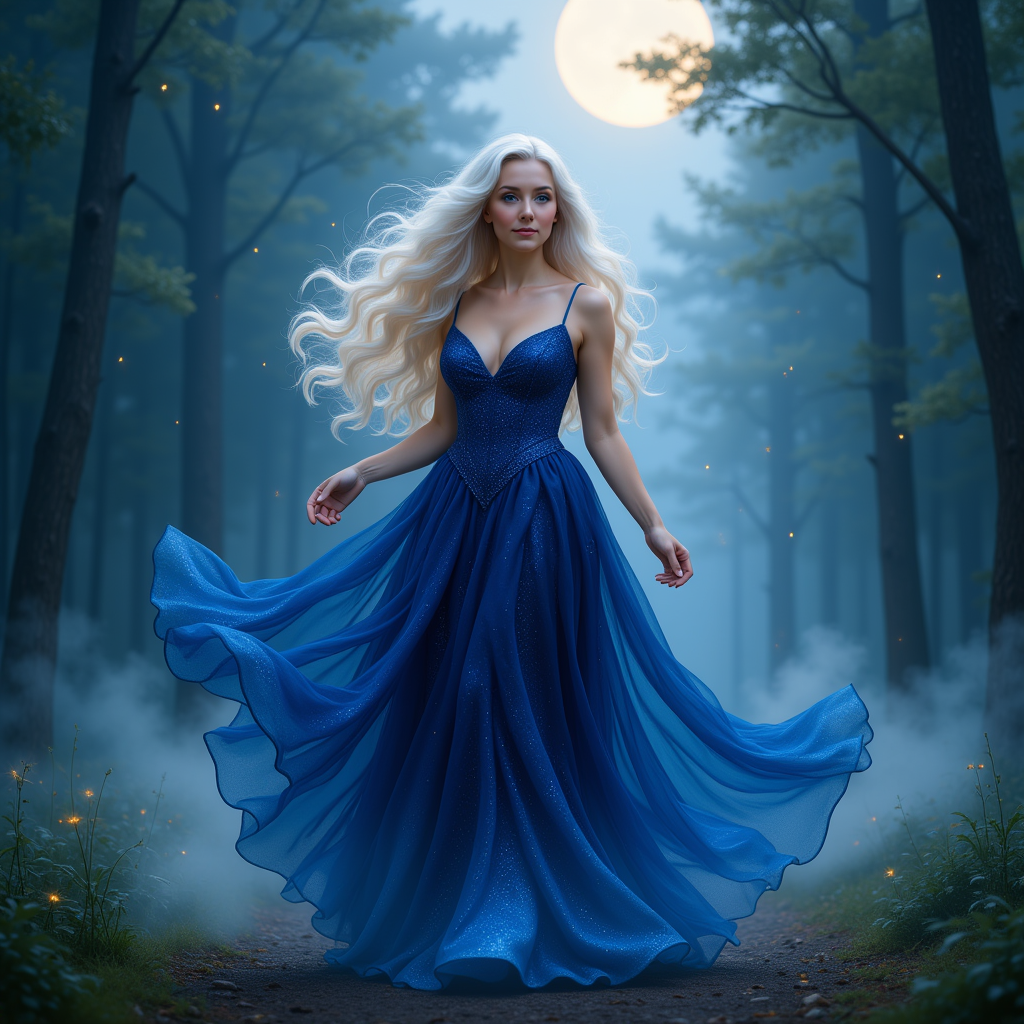
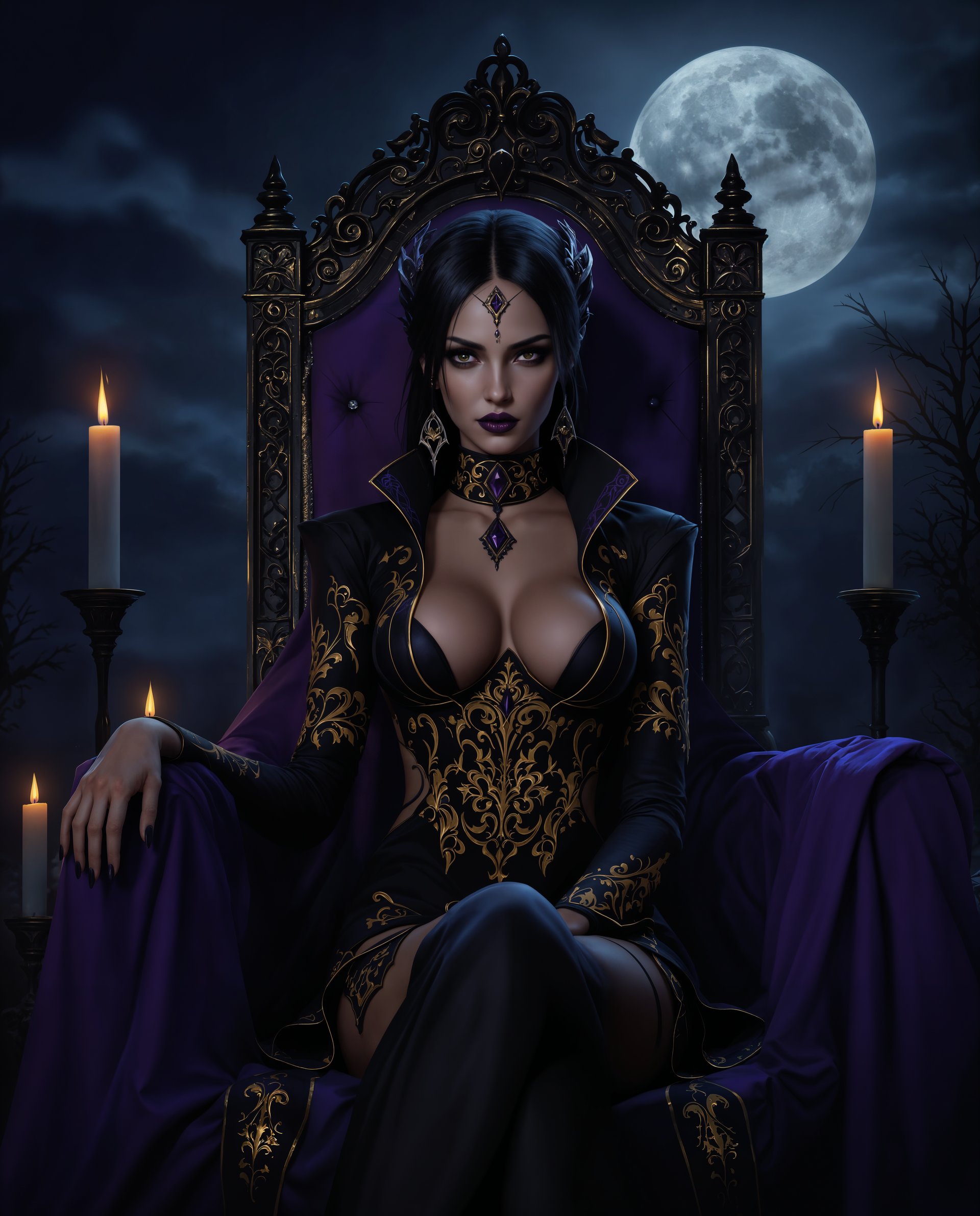
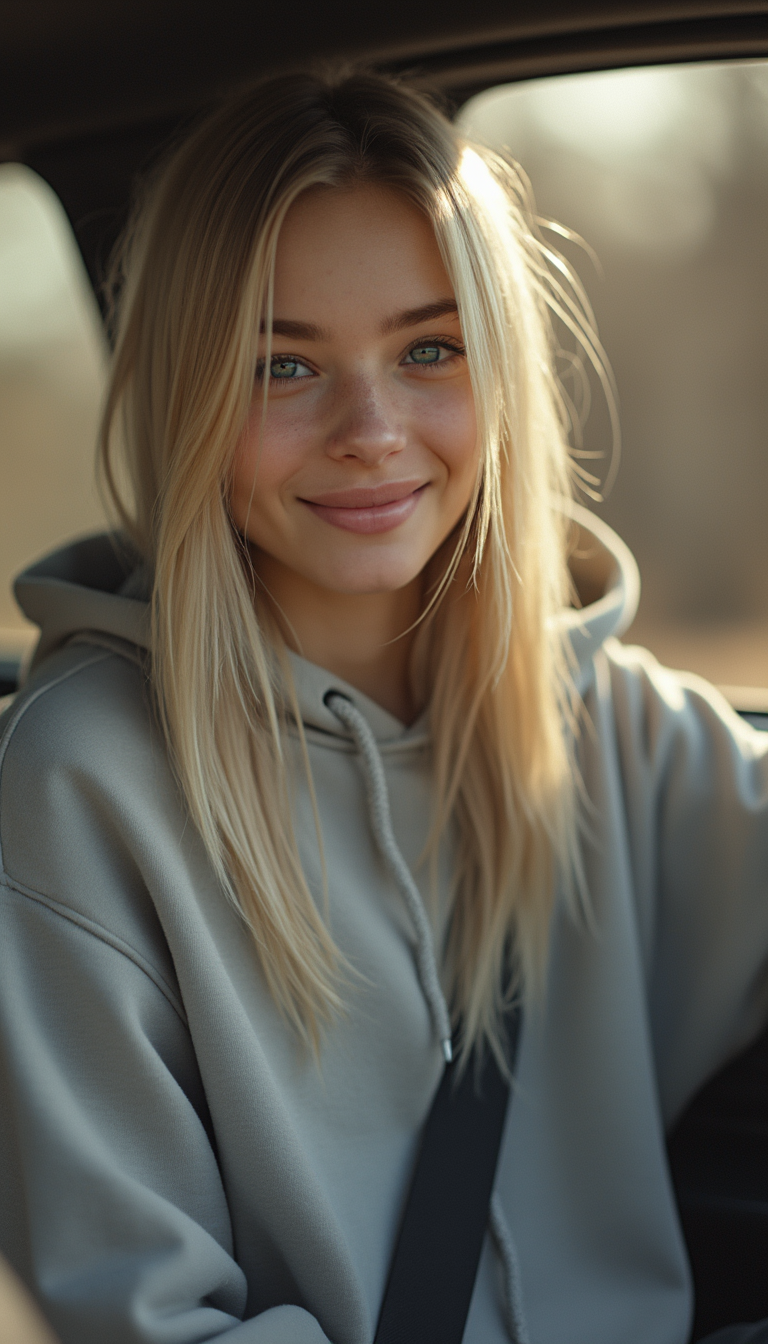
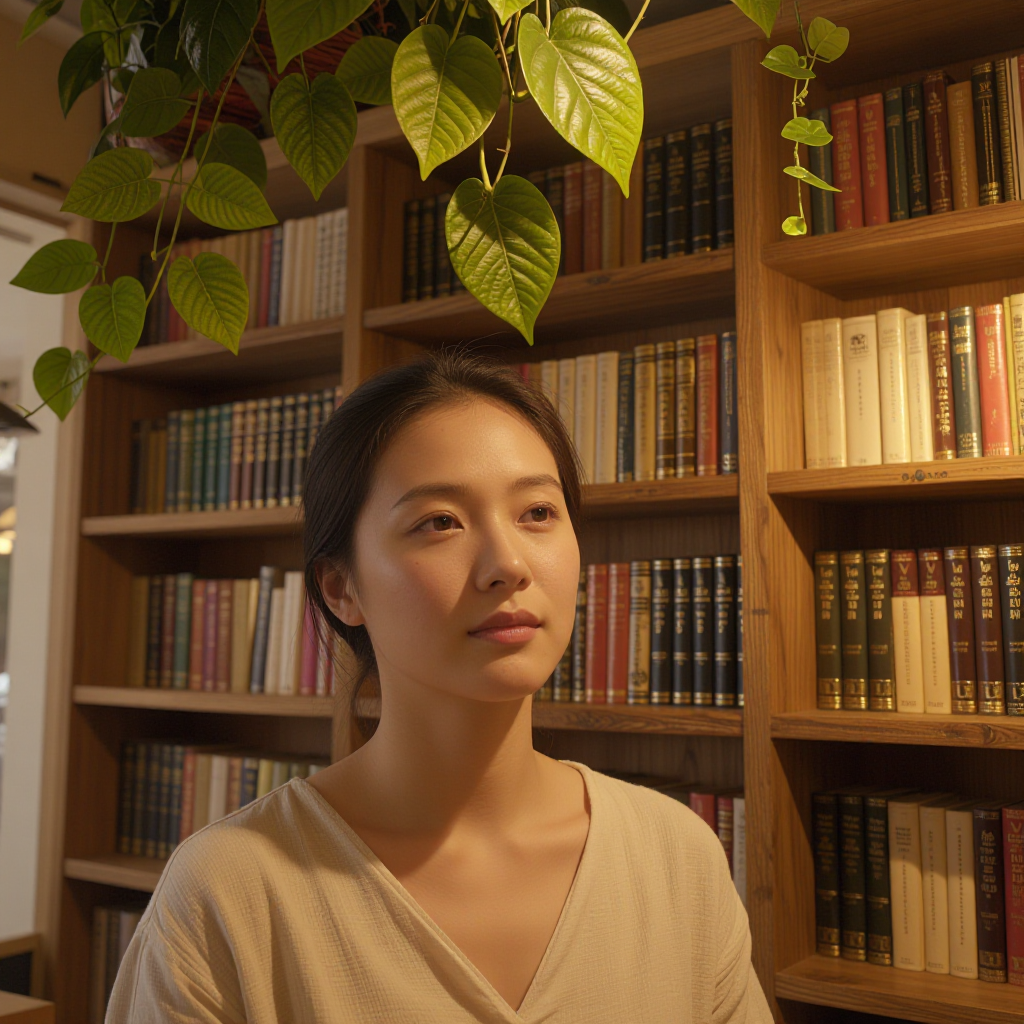
Imagine instantly placing your face on a celebrity, your friend on a movie poster, or creating personalized marketing visuals that captivate audiences. With PixelDojo's AI face swap maker, you achieve exactly that—seamless, photorealistic transformations that look completely natural. Whether you're a content creator building viral social media posts, a marketer generating targeted campaigns, or simply having fun with friends and family, you unlock endless creative possibilities without any technical expertise. Our advanced tools handle complex lighting, angles, expressions, and even video motion to deliver results that feel authentic every time. Stop struggling with manual edits or settling for obvious fakes. Start producing professional-grade face swaps that drive engagement, tell compelling stories, and bring your ideas to life in minutes.
Join over 75,000 creators who have generated millions of face swaps. Rated 4.9/5 by thousands of users. Trusted by influencers, brands, and agencies worldwide for consistent, high-quality results.
Why Choose Pixel Dojo for face swap maker
Professional-quality results with cutting-edge AI technology
Photorealistic Results Every Time
Your swapped faces blend seamlessly with perfect skin tones, lighting matches, and natural expressions—creating images and videos that look like they were captured in real life.
Creative Freedom Without Limits
Swap faces in single photos, group shots, or full videos. Maintain consistent characters across multiple scenes or try on outfits and poses instantly for unlimited storytelling options.
Professional Quality in Minutes
Produce Hollywood-level edits for social media, ads, or personal projects without hiring editors or learning complex software. Get share-worthy results on your first try.
How It Works
Creating stunning face swaps with PixelDojo is simple and intuitive. Follow these three steps to transform your images and videos using our specialized tools.
Step 1: Choose Your Tool
Head to the Characters & Faces section and select Face Swap for quick single swaps or LoRA Face Swap for highly accurate, consistent results across multiple images. For video projects, try Kling Video Character Swap or WAN Video Character Swap to handle motion seamlessly.
Step 2: Enter Your Prompt or Upload Images
Upload your source face photo and the target image or video. Add a simple description like 'swap this face onto the person in the video while matching the lighting and expression' to guide the AI. Use Consistent Characters or Pose Control for advanced customization.
Step 3: Customize & Download
Preview the results and refine with tools like Virtual Try-On, Magic Lighting, or Video Reframe. Adjust angles, enhance details, and export your high-resolution swapped image or video ready to share or use in projects.
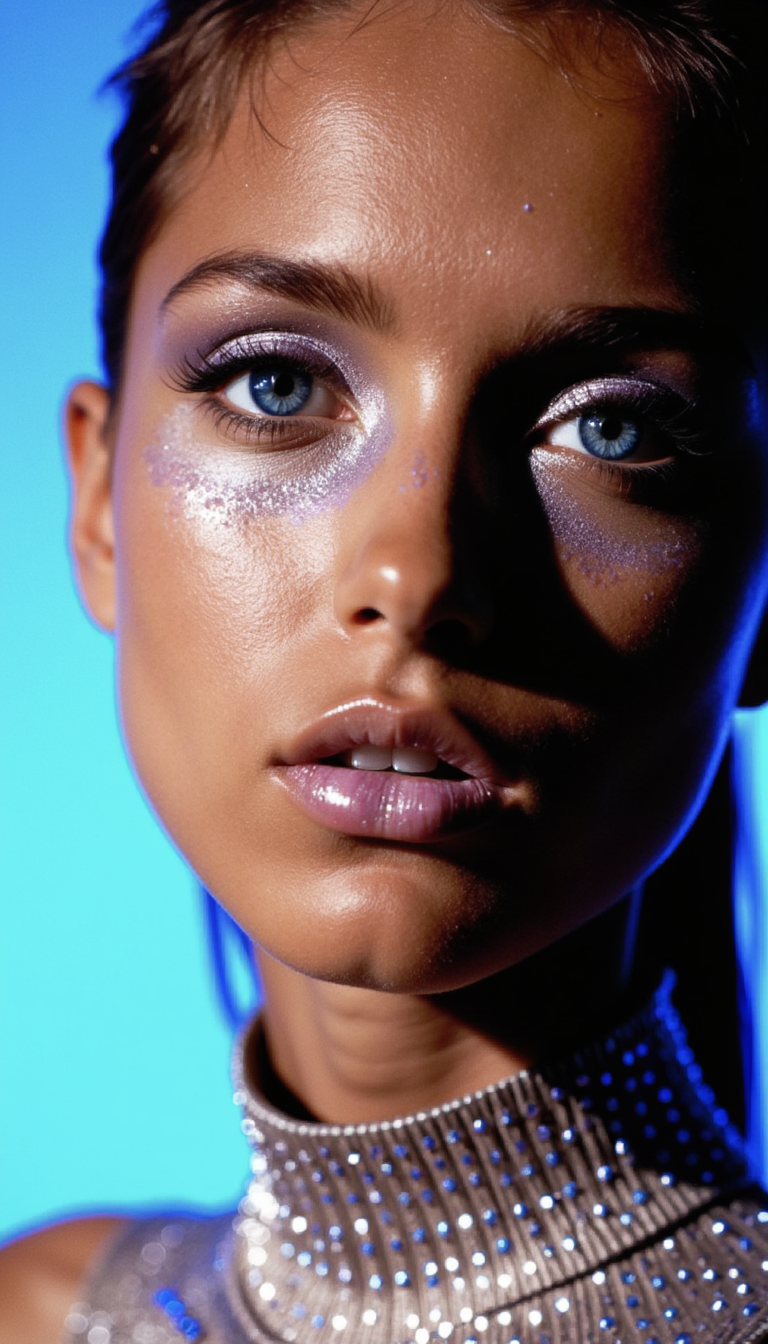
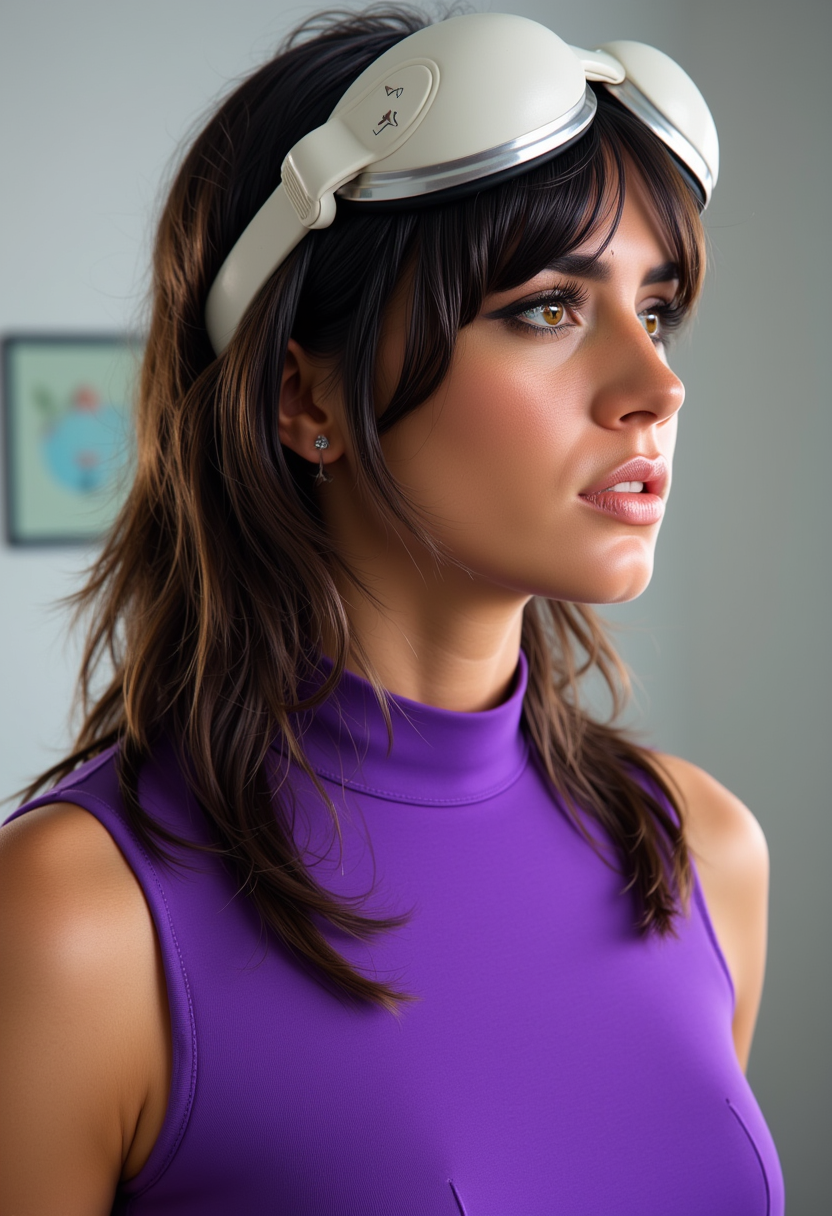
![Shadowrun Math Projection - A close-up of a person's face (Jessica Szohr) with set logical ambient background, DayGlo pink black holographic equations projected Crisis Point their skin. The background is Ghost and [Egyptian|Folk] , with the equations appearing Cinestill and ever-changing, creating a World of Warcraft and perfect symmetry mood](https://cdn.pixeldojo.ai/cdn-cgi/image/f=auto,q=90,w=3840/pixeldojo/generated-images/1743825092743-6uv9kpzp9.png)



The Pixel Dojo Advantage
Why PixelDojo outperforms other options for face swap image generation
| Others | Pixel Dojo |
|---|---|
| Traditional face swap creation | Complete projects in minutes instead of hours of manual work, with automatic lighting and expression matching that traditional methods can't achieve easily. |
| Generic AI tools | Access a full suite of integrated tools including video swaps, character consistency, and pose control all in one platform with superior blending quality. |
| Manual photo editing | Eliminate the need for expensive software or design skills—our AI handles complex blending, skin matching, and motion tracking automatically for professional results. |
Loved by creators on PixelDojo
Real feedback from people using PixelDojo, pulled from our in-product surveys.
Excellent website for creating all types of media
Very eay to use, works well to train SDXL loras.
The amazing tools
Top notch quality and strong prompt adherence.
A well resourced sunscription with attention to updates.
Easy to use and there's lots of options.
Explore more AI tools on PixelDojo
AI Tools
Compare & Switch
- Best AI Image Generators
- Best AI Video Generators
- Midjourney Alternatives
- Civitai Alternatives
- Runway Alternatives
- Leonardo Alternatives
- Pika Alternatives
- Luma Alternatives
- Magnific Alternatives
- Veo Alternatives
- Flux Alternatives
- Freepik Alternatives
- Seedance Alternatives
- Seedream Alternatives
- Pixverse Alternatives
- GPT Image Alternatives
- Synthesia Alternatives
- Playground Alternatives
- NightCafe Alternatives
- Canva AI Alternatives
- ElevenLabs Alternatives
- ComfyUI Alternatives
- Fal Alternatives
- Replicate Alternatives
Common Questions
Everything you need to know about face swap maker
How to create realistic AI face swaps in photos with PixelDojo?
Simply upload your source face and target photo to our Face Swap or LoRA Face Swap tool in the Characters & Faces section. The AI automatically detects landmarks, matches lighting and skin tones, and blends seamlessly. For even better results, add a prompt describing the desired expression or angle. Download your photorealistic swap in seconds.
Can I do AI face swaps in videos using PixelDojo?
Yes! Use Kling Video Character Swap or WAN Video Character Swap for high-quality video face swaps. These tools handle motion, expressions, and lighting frame-by-frame while preserving natural movement. Combine with Lip Sync or Video Autocaption for talking head videos that look authentic.
What makes PixelDojo's face swap maker better for consistent characters?
Our Consistent Characters and LoRA Face Swap tools let you maintain the same face identity across multiple images and scenes. Perfect for storytelling, virtual influencers, or brand campaigns. Add Pose Control to adjust body positions while keeping the face identical.
Is PixelDojo's AI face swap maker suitable for beginners?
Absolutely. No design experience needed. Our intuitive interface guides you through uploading images, adding simple prompts, and generating results. Built-in enhancers like Reality Polisher and Magic Lighting automatically fix any minor imperfections for professional-looking outputs every time.
How does PixelDojo handle lighting and angles in face swaps?
Advanced AI in our Face Swap tools analyzes and matches lighting direction, shadows, and skin tones automatically. For tricky angles, use Change Camera Angle or Pose Control before swapping. This ensures the swapped face integrates naturally without the 'sticker' effect common in lesser tools.
Can I use PixelDojo face swap for virtual try-on or marketing?
Yes! Virtual Try-On combined with Face Swap lets you visualize outfits, hairstyles, or even brand ambassadors on different faces. Marketers love it for creating personalized ads and diverse campaign visuals quickly and cost-effectively.