face swap multiple faces AI Generator

Imagine turning any group photo into a hilarious viral sensation or a polished professional asset in seconds. With PixelDojo, you can swap multiple faces in a single image to create shareable content that stands out, preserve perfect family memories, or showcase products with real client faces on professional models. Achieve stunning, realistic results without any editing skills or expensive software.
Loved by 50,000+ creators worldwide • 4.9/5 average rating from thousands of reviews • Over 2 million multi-face swaps generated this month • Trusted for both fun and professional projects
Why Choose Pixel Dojo for face swap multiple faces
Professional-quality results with cutting-edge AI technology
Create Viral Social Media Content
Swap faces in group photos to produce memes and reels that drive 67% higher engagement. Your friends, family, or followers will share these instantly shareable transformations.
Professional Marketing Made Simple
Place client or model faces onto product shots or campaign images. Hairstylists, fashion brands, and marketers deliver personalized visuals that convert viewers into customers.
Preserve Perfect Memories Instantly
Fix awkward expressions or missing people in reunion photos. Create flawless group portraits that capture everyone at their best for lasting family keepsakes.
How It Works
PixelDojo makes multi-face swapping effortless with dedicated tools like Face Swap and LoRA Face Swap. Upload once, select your faces, and generate realistic results in under a minute.
Step 1: Choose Your Tool
Select the Face Swap tool or LoRA Face Swap from the Characters & Faces section. These specialized tools are optimized for detecting and handling multiple faces in group images with precision.
Step 2: Enter Your Prompt & Upload Images
Upload your group photo containing multiple faces. Then upload reference images for the new faces you want to swap in. Use simple prompts like 'swap all faces with these references while keeping expressions natural' or specify which faces to target.
Step 3: Customize & Download
Review the AI-detected faces, select which ones to swap, adjust settings for lighting and pose consistency if needed, then generate. Download your high-resolution result or refine further with tools like Reality Polisher or Style Transfer.


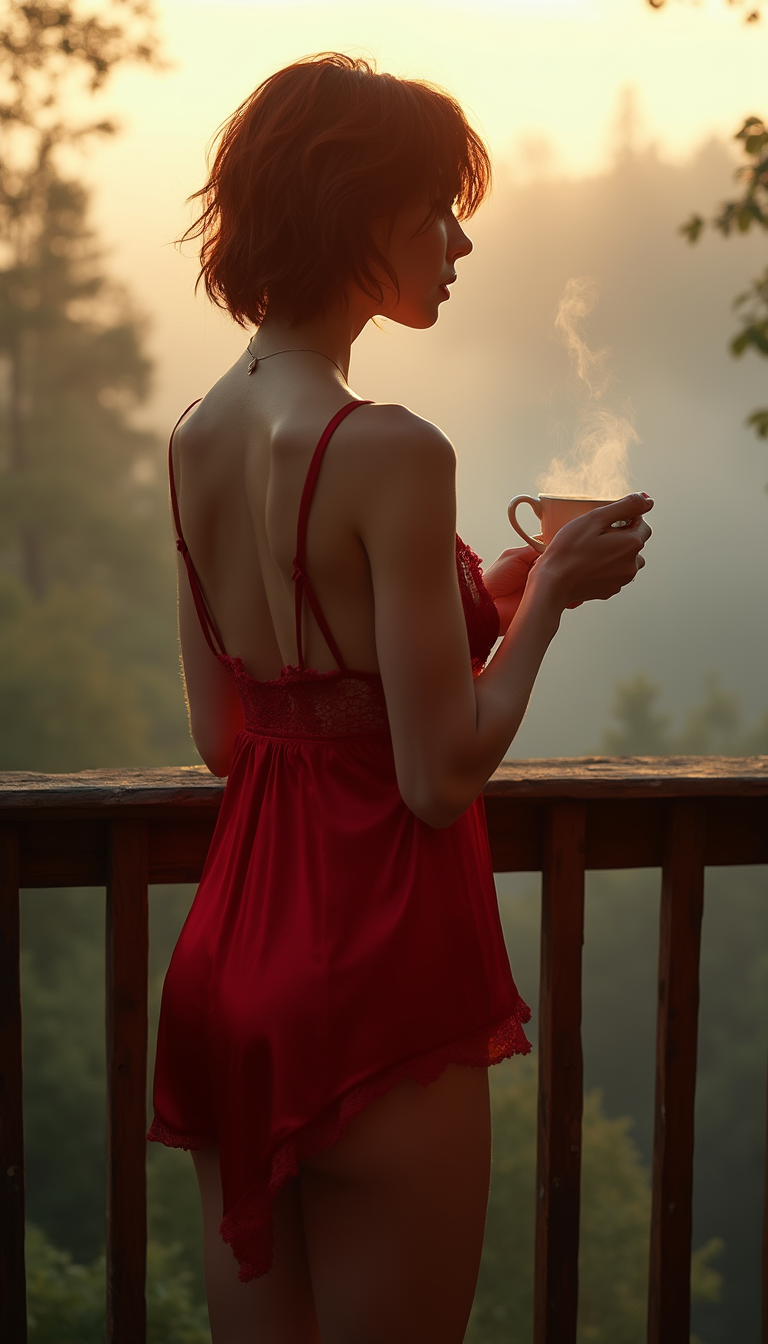
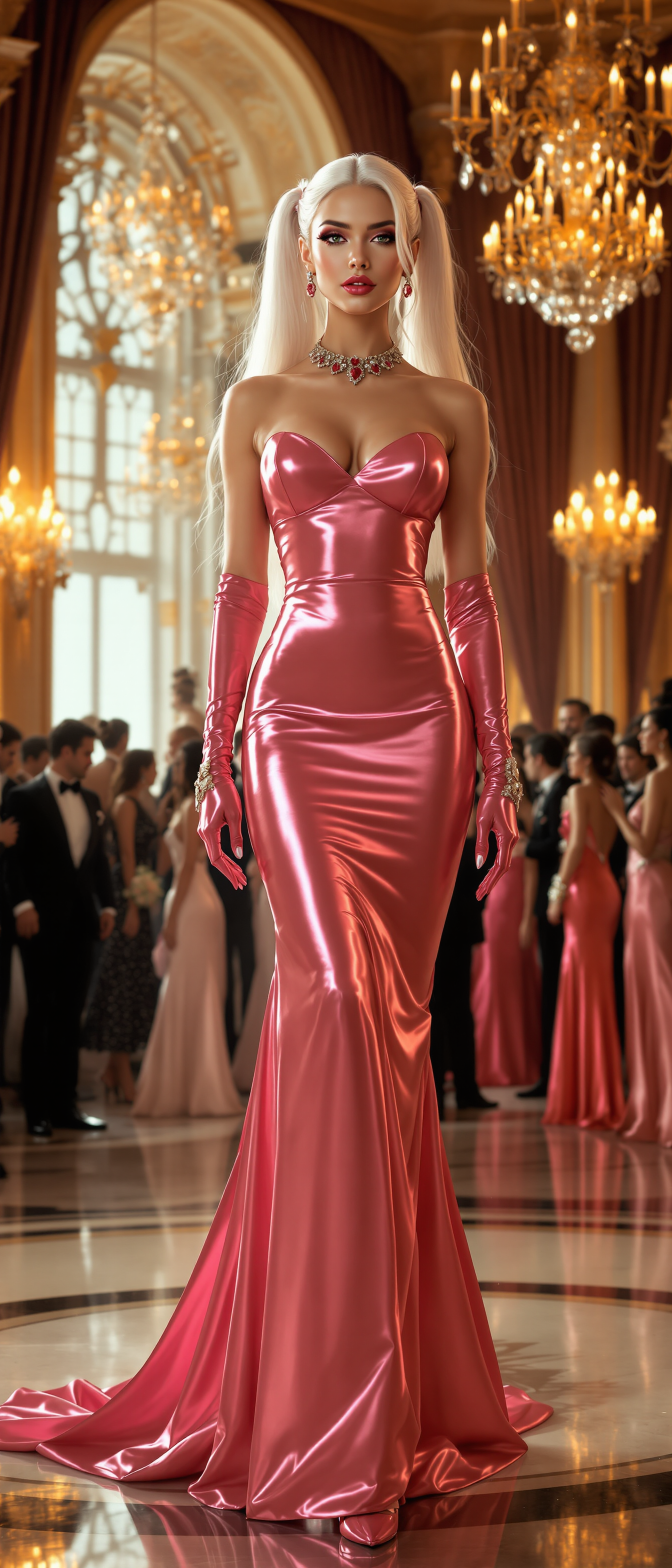
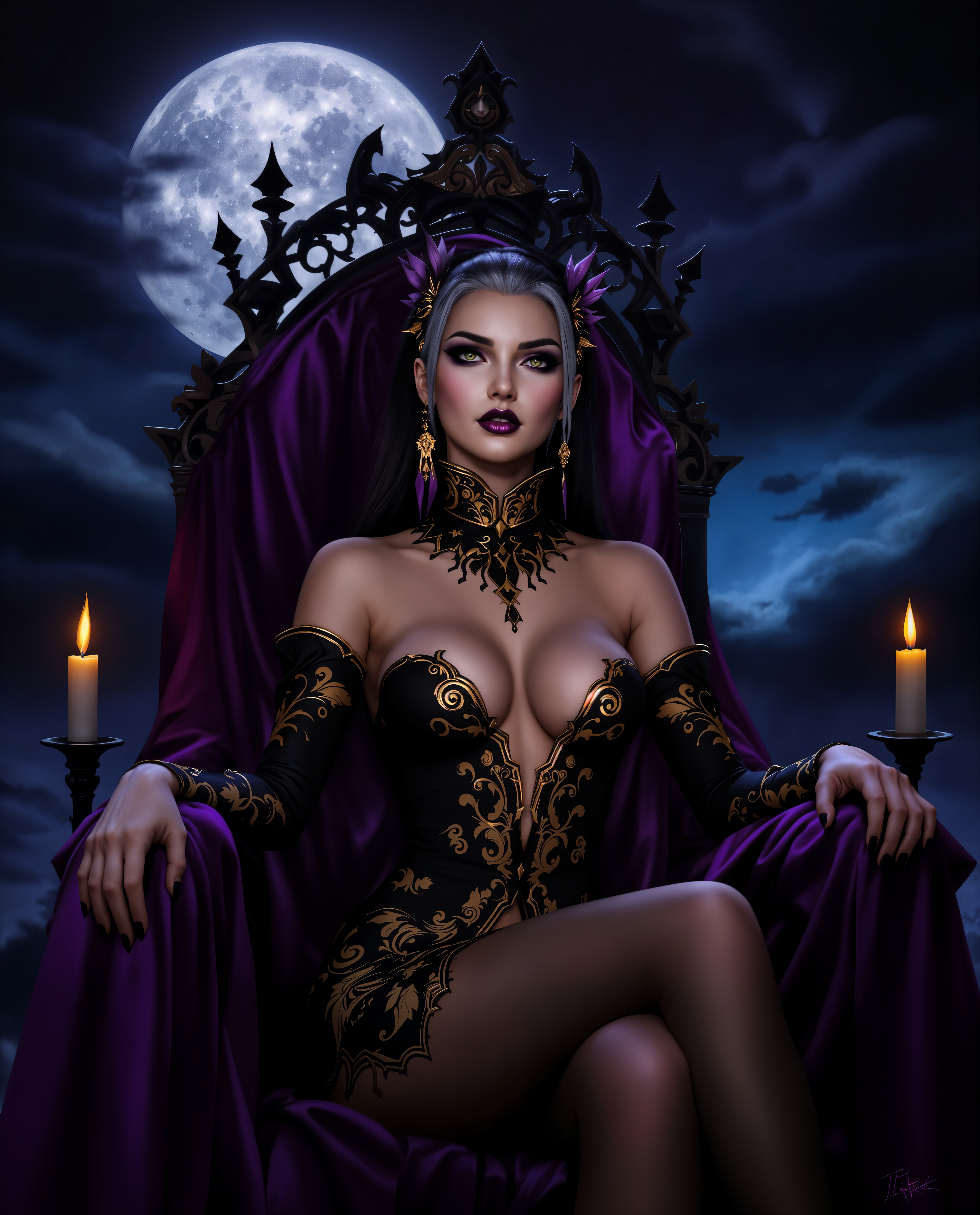
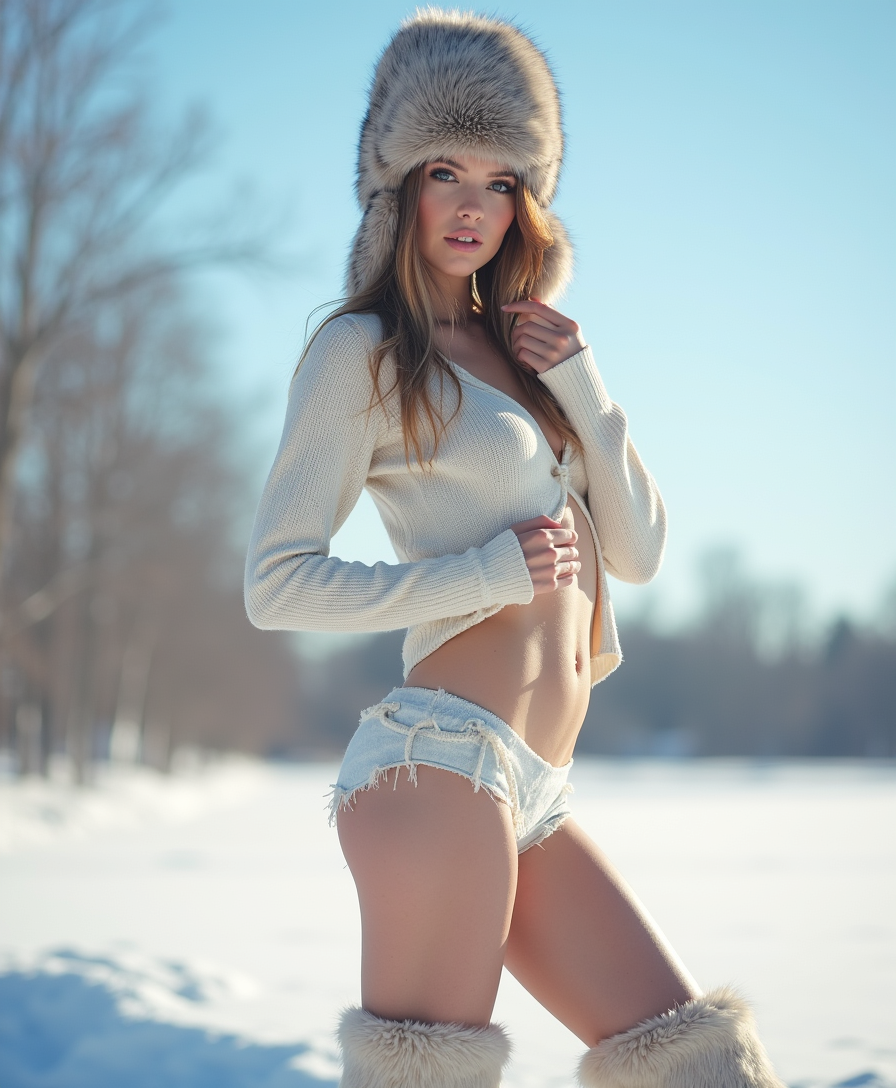
The Pixel Dojo Advantage
Why PixelDojo outperforms other options for multi-face swap image generation
| Others | Pixel Dojo |
|---|---|
| Traditional face swap creation | No hours of manual work or expensive software required – generate professional multi-face results in seconds with automatic detection and blending |
| Generic AI tools | Purpose-built Face Swap and LoRA Face Swap tools handle multiple faces accurately with consistent lighting, expressions, and skin tones across the entire group |
| Manual photo editing | AI handles complex blending, pose matching, and realism automatically so you get natural-looking results without technical expertise or pixel-by-pixel adjustments |
Loved by creators on PixelDojo
Real feedback from people using PixelDojo, pulled from our in-product surveys.
This is the best image generator I've used so far. Well done!
es facil de comprender asi uno no sea programador
amazing web site
phenomenal site. would highly recommend
Amazing features, easy to use, privacy
the number of options, and especially the quick response to questions on Discord
Explore more AI tools on PixelDojo
AI Tools
Compare & Switch
- Best AI Image Generators
- Best AI Video Generators
- Midjourney Alternatives
- Civitai Alternatives
- Runway Alternatives
- Leonardo Alternatives
- Pika Alternatives
- Luma Alternatives
- Magnific Alternatives
- Veo Alternatives
- Flux Alternatives
- Freepik Alternatives
- Seedance Alternatives
- Seedream Alternatives
- Pixverse Alternatives
- GPT Image Alternatives
- Synthesia Alternatives
- Playground Alternatives
- NightCafe Alternatives
- Canva AI Alternatives
- ElevenLabs Alternatives
- ComfyUI Alternatives
- Fal Alternatives
- Replicate Alternatives
Common Questions
Everything you need to know about face swap multiple faces
How to swap multiple faces in one photo with AI?
Upload your group photo to PixelDojo's Face Swap tool. The AI automatically detects all faces. Upload reference images for the new faces, select which ones to swap, and generate. Results preserve natural expressions, lighting, and skin tones for seamless multi-face swaps.
Can I swap more than two faces in a single group image?
Yes, PixelDojo's Face Swap and LoRA Face Swap tools support multiple faces in one image. Many users successfully swap 4+ faces in group photos with realistic results. The system detects and processes each face individually while maintaining consistency across the photo.
What's the best way to do multi face swap for social media content?
Use PixelDojo's Face Swap tool to create viral memes or themed group photos. Upload your original group shot and fun reference faces (celebrity looks, funny expressions, or themed characters). Generate and share directly – creators report significantly higher engagement on platforms like Instagram and TikTok.
How realistic are AI multiple face swaps in group photos?
PixelDojo delivers highly realistic results by matching lighting, angles, skin tones, and expressions. Tools like Reality Polisher further refine details. Users consistently achieve professional-grade swaps suitable for both personal fun and commercial marketing materials.
Can I use face swap multiple faces for marketing or client visuals?
Absolutely. Marketers and professionals use PixelDojo to place real client faces onto product models or campaign images. Consistent Characters and Face Swap tools ensure brand-aligned, high-quality results that help convert viewers by showing personalized previews.
Is there a limit to how many faces I can swap at once with PixelDojo?
PixelDojo's specialized tools handle multiple faces efficiently, with excellent results on group photos containing 4-6+ people. For very large groups, process in batches or use additional tools like Consistent Characters for extended control. Quality remains high regardless of quantity.