face swap pictures AI Generator

Imagine turning any ordinary photo into a hilarious meme, a personalized family portrait, or a professional marketing asset with just a few clicks. PixelDojo empowers you to create stunning face swap pictures that look completely real, helping you go viral on social media, captivate audiences with branded content, or simply bring laughter to your loved ones – all without any design experience or expensive software.
Over 75,000 creators have generated millions of face swap pictures with PixelDojo. 4.9/5 average rating from users worldwide. Trusted for viral social content, e-commerce campaigns, and creative projects by influencers, marketers, and families alike.
Why Choose Pixel Dojo for face swap pictures
Professional-quality results with cutting-edge AI technology
Go Viral with Shareable Social Content
Swap faces onto celebrities, friends, or trending characters to produce TikTok and Instagram hits that drive engagement, likes, and shares in minutes.
Build Consistent Brand Personas Effortlessly
Create uniform character faces across all marketing materials for global campaigns that feel authentic and save thousands on photoshoots.
Craft Personalized Memories and Gifts
Transform family photos with fun swaps or design unique keepsakes that capture emotions in creative, one-of-a-kind ways your loved ones will cherish.
How It Works
PixelDojo makes professional-grade face swap pictures accessible to everyone using specialized tools designed for speed and realism.
Step 1: Choose Your Tool
Navigate to the Characters & Faces section and select Face Swap for quick single-image results or LoRA Face Swap for consistent characters across multiple pictures.
Step 2: Enter Your Prompt
Upload a clear, well-lit source photo of the face you want to use and the target image. Add a brief description like 'natural lighting, front view' for optimal blending.
Step 3: Customize & Download
Generate your swap, refine details such as lighting or pose using additional tools like Magic Lighting or Pose Control if needed, then download the high-resolution result.


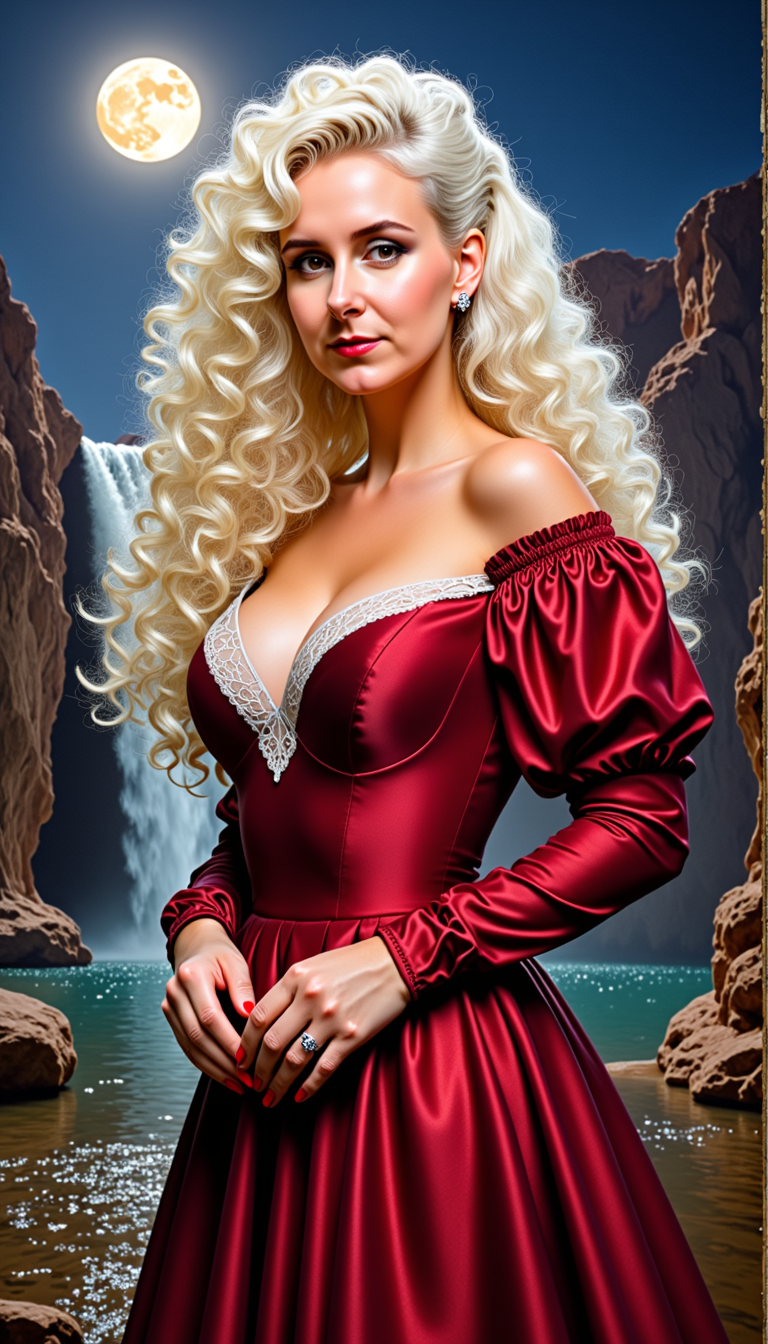
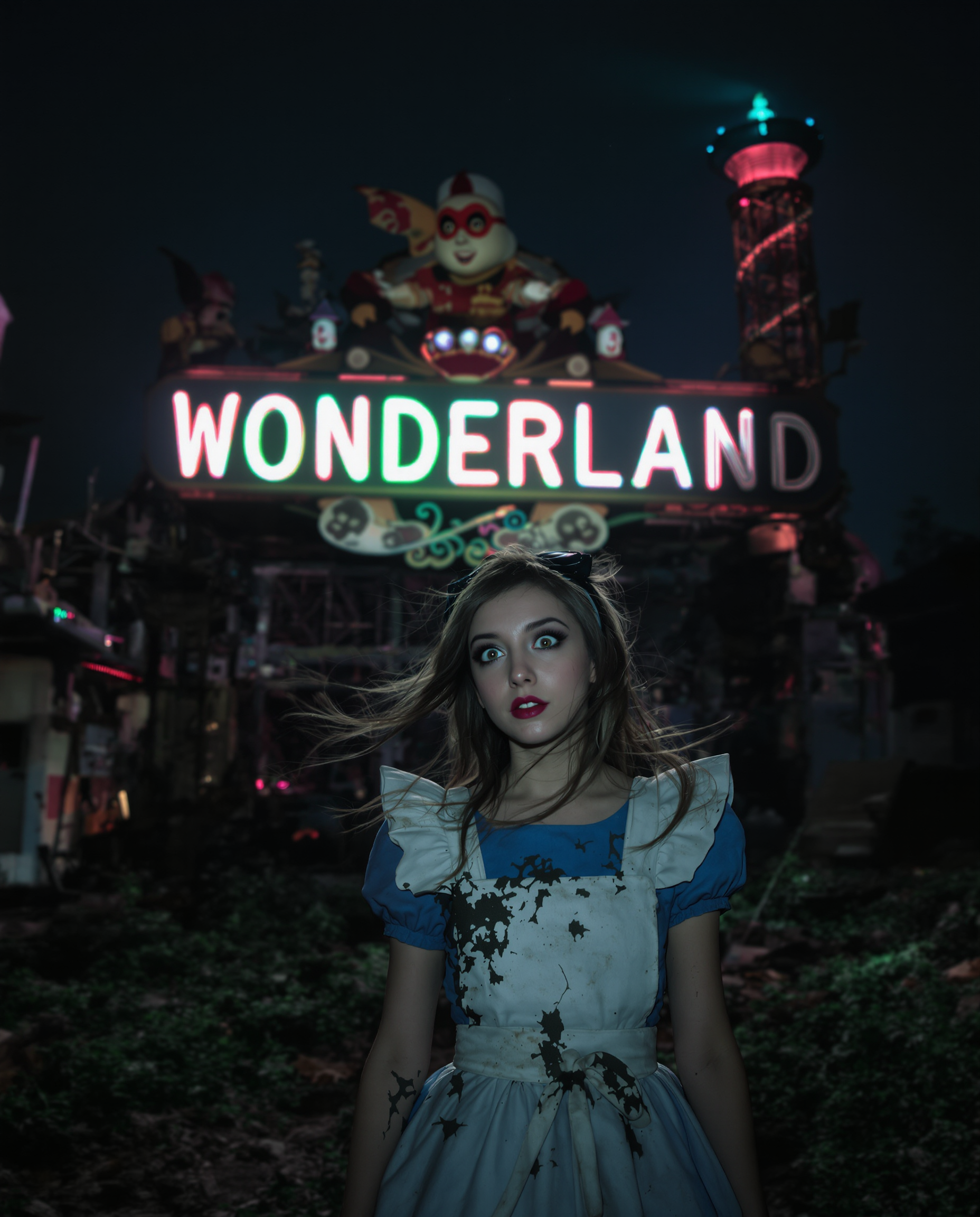

The Pixel Dojo Advantage
Why PixelDojo outperforms other options for face swap pictures
| Others | Pixel Dojo |
|---|---|
| Traditional face swap creation | Instant AI-powered results in seconds versus hours of manual editing and retouching |
| Generic AI tools | Dedicated Face Swap and LoRA Face Swap tools deliver superior identity preservation and realism tailored specifically for pictures |
| Manual photo editing | Photorealistic outputs with consistent lighting and angles every time, no advanced skills or expensive software required |
Loved by creators on PixelDojo
Real feedback from people using PixelDojo, pulled from our in-product surveys.
Awesome site with so many features
Love how I can almost create anything
The Flux Pro Ultra is just amazing!
Very easy to use, and they have fast wan 2.2 video generation with custom loras available.
The overall quality of the site and it's amazing variety of tools. The continued updates of the UI. The unbelievable level of tech support.
THIS IS SO DOPE !
Explore more AI tools on PixelDojo
AI Tools
Compare & Switch
- Best AI Image Generators
- Best AI Video Generators
- Midjourney Alternatives
- Civitai Alternatives
- Runway Alternatives
- Leonardo Alternatives
- Pika Alternatives
- Luma Alternatives
- Magnific Alternatives
- Veo Alternatives
- Flux Alternatives
- Freepik Alternatives
- Seedance Alternatives
- Seedream Alternatives
- Pixverse Alternatives
- GPT Image Alternatives
- Synthesia Alternatives
- Playground Alternatives
- NightCafe Alternatives
- Canva AI Alternatives
- ElevenLabs Alternatives
- ComfyUI Alternatives
- Fal Alternatives
- Replicate Alternatives
Common Questions
Everything you need to know about face swap pictures
How to create realistic face swap pictures with AI tools?
Upload clear, front-facing source and target photos to PixelDojo's Face Swap tool in the Characters & Faces section. The AI handles blending, lighting, and identity preservation automatically for photorealistic results in seconds. Refine with Magic Lighting or Style Transfer for perfect matches.
What are the best techniques for high-quality face swap pictures in 2026?
Start with well-lit, similar-angle photos. Use PixelDojo's Face Swap combined with Pose Control for dynamic poses and Reality Polisher for final touches. For consistency across series, LoRA Face Swap ensures the same face works seamlessly in multiple images.
Can I make face swap pictures for social media and marketing?
Absolutely. PixelDojo excels at creating viral-ready content with tools like Face Swap for quick memes and Consistent Characters for branded campaigns. Many users report massive engagement on Instagram, TikTok, and professional ads using these exact features.
How does PixelDojo ensure face swap pictures look natural and realistic?
Our specialized models analyze lighting, angles, and skin tones automatically. Tools like WAN Video Character Swap extensions and Character Stylist help maintain realism even in complex scenarios, delivering results that rival professional editing.
Is there a free way to try face swap pictures on PixelDojo?
Yes, start creating immediately with our accessible tools. Enjoy full access to Face Swap, LoRA Face Swap, and 40+ other AI tools with flexible plans you can cancel anytime – perfect for testing viral ideas or professional projects.
Can I swap faces in group photos or multiple images at once?
Yes! Use Pica AI-style group handling via our Face Swap tools or Consistent Characters for batch processing. Ideal for family portraits, team photos, or large marketing sets where you need the same face applied across many pictures seamlessly.