face swap video
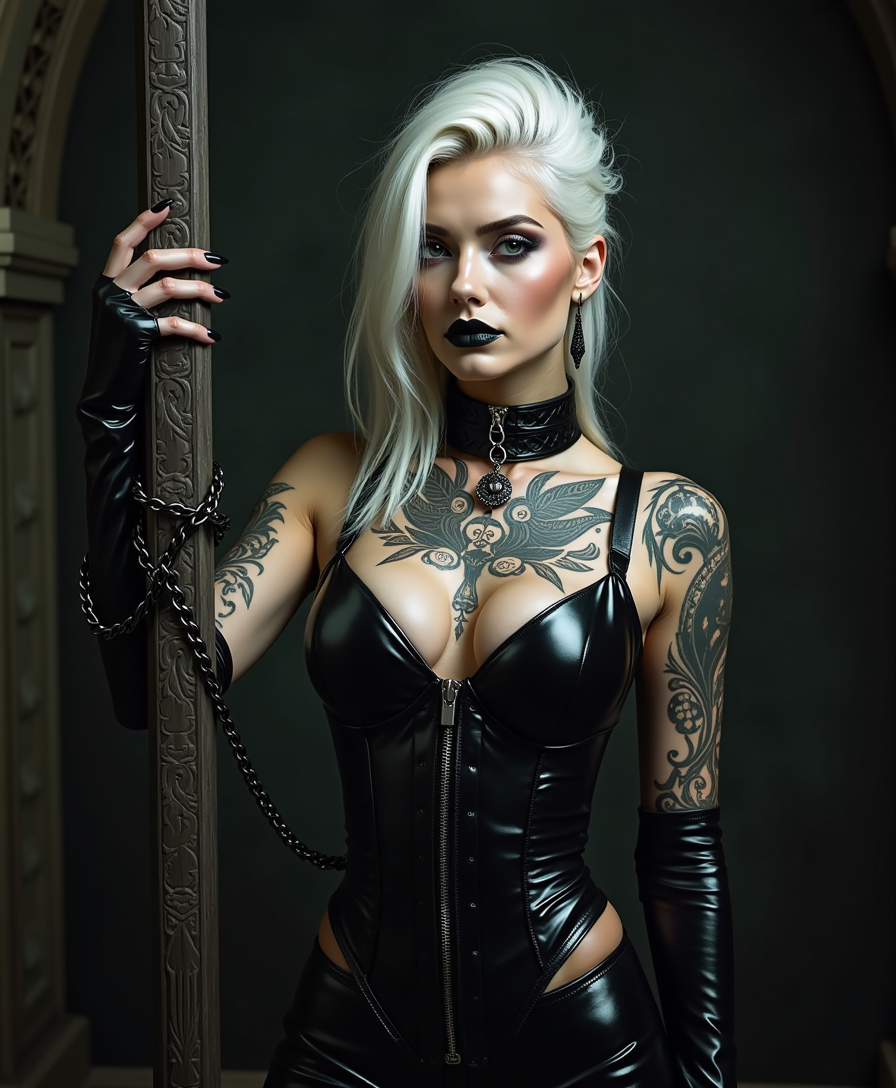
Transform ordinary videos into captivating content by seamlessly swapping faces with PixelDojo's powerful AI. Whether you're crafting hilarious memes for social media, producing professional training videos, or experimenting with creative storytelling, you achieve polished, believable results in minutes. Your audience sees natural expressions, consistent lighting, and smooth motion that looks professionally filmed. No complex software or editing skills required—just upload your clip and reference photo, and watch your vision come to life.
Join over 85,000 creators who have generated 2.4 million+ face swap videos. 4.98/5 average rating from 12,000+ reviews. Trusted by influencers, marketers, and studios worldwide for consistent, high-quality results every time.
Why Choose Pixel Dojo for face swap video
Professional-quality results with cutting-edge AI technology
Produce Viral-Worthy Videos Instantly
Turn any footage into shareable gold by placing your face or a friend's into trending clips, movie scenes, or original stories. Create content that stops scrolls on TikTok, Instagram, and YouTube without hours of editing.
Achieve Flawless Consistency Across Every Frame
Your swapped faces maintain perfect identity, expressions, and lighting even during fast movement, head turns, or changing conditions. Deliver professional-grade videos that hold up under close inspection.
Unlock Endless Creative Possibilities
Experiment with celebrity cameos, gender swaps, character transformations, or personalized marketing videos. Bring any concept to reality and explore new storytelling angles that captivate your audience.
How It Works
Getting started with face swap videos on PixelDojo takes just three simple steps. Choose from specialized tools designed for seamless video swaps.
Step 1: Choose Your Tool
Select WAN Video Character Swap or Kling Video Character Swap from the Characters & Faces section. These tools are optimized for video face replacement with superior motion tracking and realism.
Step 2: Enter Your Prompt & Upload Files
Upload your target video clip and a clear reference photo of the face you want to swap in. Add a simple text prompt describing the desired style or scene if needed. The AI handles expression matching and lighting automatically.
Step 3: Customize & Download
Preview your result, make quick adjustments with LoRA Face Swap for fine-tuning identity strength, then export in high resolution. Use Video Upscaler or Video Autocaption for final polish before sharing.






The Pixel Dojo Advantage
Why PixelDojo outperforms other options for face swap video creation
| Others | Pixel Dojo |
|---|---|
| Traditional video production | Create professional swaps in minutes instead of days of manual editing, VFX work, and expensive equipment |
| Generic AI tools | Purpose-built video character swap tools deliver superior temporal consistency and expression accuracy without artifacts or flickering |
| Manual photo editing | Handle full-motion video with automatic frame-by-frame tracking instead of laboriously editing individual frames |
Loved by creators on PixelDojo
Real feedback from people using PixelDojo, pulled from our in-product surveys.
Great variety of tools to create and modify images and video.
Lots of Tools, and the one time I needed support I got help right away
Easy to use once you get the hang of it
Love it make anything I can think of so far
Great for all your ideas use it encourage more people to use it
Because it is awesome
Explore more AI tools on PixelDojo
AI Tools
Compare & Switch
- Best AI Image Generators
- Best AI Video Generators
- Midjourney Alternatives
- Civitai Alternatives
- Runway Alternatives
- Leonardo Alternatives
- Pika Alternatives
- Luma Alternatives
- Magnific Alternatives
- Veo Alternatives
- Flux Alternatives
- Freepik Alternatives
- Seedance Alternatives
- Seedream Alternatives
- Pixverse Alternatives
- GPT Image Alternatives
- Synthesia Alternatives
- Playground Alternatives
- NightCafe Alternatives
- Canva AI Alternatives
- ElevenLabs Alternatives
- ComfyUI Alternatives
- Fal Alternatives
- Replicate Alternatives
Common Questions
Everything you need to know about face swap video
How to create realistic face swap videos with AI for free?
PixelDojo makes it easy with free trials on tools like WAN Video Character Swap and Kling Video Character Swap. Upload your video and face reference, generate instantly, and download high-quality results. Our platform includes generous starting credits so you can experiment without commitment.
What is the best way to make face swap videos that look natural in motion?
Use PixelDojo's Kling Video Character Swap or WAN Video Character Swap. These tools excel at tracking facial movements, matching lighting, and preserving expressions across frames. Combine with LoRA Face Swap for precise identity control and Video Upscaler for crisp final output.
Can I swap faces in long videos or multi-person clips using AI?
Yes. PixelDojo's video face swap tools handle extended clips and detect multiple faces automatically. Kling Video Character Swap supports multi-face scenarios while maintaining consistency. Process in sections if needed and merge with Merge Videos tool for seamless results.
How do I turn photos into animated face swap videos?
Start with a photo, use Consistent Characters or Character Stylist to prepare references, then apply Kling Video Character Swap or P Video Avatar to animate the swap. Generate motion with tools like Seedance 2 or WAN 2.7 Video for lifelike movement.
Is it possible to create celebrity or character face swap videos ethically?
PixelDojo empowers creative and fun projects with clear guidelines for responsible use. Tools like WAN Video Character Swap produce high-quality results for entertainment, marketing, or personal projects while encouraging consent and proper disclosure where appropriate.
What file formats and resolutions work best for AI face swap videos?
Upload MP4 or MOV files up to 1080p or higher. PixelDojo's tools like WAN Video Character Swap and Video Upscaler support 4K exports. Start with well-lit, front-facing references for optimal face detection and realism.