face swaper AI Generator
Imagine instantly placing your face on a superhero, inserting your client's likeness into stunning lifestyle scenes, or building an entire cast of consistent characters for your next video series—all without hiring models, spending hours in Photoshop, or learning complex software. With PixelDojo's AI Face Swapper, you achieve hyper-realistic face swaps that look completely natural, preserving original lighting, skin tones, facial expressions, and even subtle details like freckles or stubble. Whether you're a social media creator chasing viral TikTok trends, a marketer personalizing campaigns at scale, a storyteller crafting visual novels, or simply making hilarious family photos, our tools deliver professional outcomes in seconds. No technical skills required. You upload a source face, choose or generate a target image using our 20+ advanced models like Flux.2 Studio, Grok Image, or SDXL, and our Face Swap or LoRA Face Swap technology handles the rest with remarkable precision. The latest 2026 techniques emphasize multi-angle consistency, perfect lighting adaptation, and expression preservation—exactly what PixelDojo's integrated tools provide. Create content that stops scrolls, builds your brand, or simply brings joy. Thousands of creators worldwide rely on our platform because it removes friction and delivers results that feel magical. Start turning your creative ideas into shareable visuals today and experience the freedom of unlimited face swapping possibilities.
Join 85,000+ creators who have generated over 3.2 million face swaps. Rated 4.9/5 by 12,400 verified users. 'The most realistic face swaps I've seen—lighting and skin tones match perfectly every time.' — Professional photographer with 250k followers.
Why Choose Pixel Dojo for face swaper
Professional-quality results with cutting-edge AI technology
Create Viral Social Media Content Effortlessly
Produce hilarious memes, trending Reels, and eye-catching posts by swapping faces onto celebrities, historical figures, or fantasy characters. Our AI ensures seamless blending so your content looks authentic and engaging, driving more likes, shares, and followers. Perfect for TikTok, Instagram, and YouTube creators who want to stand out without spending days editing.
Build Consistent Characters Across Scenes
Use our LoRA Face Swap and Consistent Characters tools to maintain the exact same face, age, and expression across dozens of images or videos. Ideal for storytelling, comic series, product visualizations, virtual influencers, or brand campaigns. You get professional continuity that feels like working with a dedicated model—without the cost or scheduling hassles.
Save Hours on Professional Personalization
Replace tedious manual editing with instant, high-quality results for headshots, virtual try-ons, personalized marketing assets, or client presentations. Match any lighting condition or camera angle automatically. Combine with Portrait Upscaler and Reality Polisher for gallery-ready images that impress clients and accelerate your workflow dramatically.
How It Works
Creating realistic face swaps with PixelDojo takes just minutes. Our platform combines powerful generation tools with specialized Face Swap technology so you can focus on creativity instead of technical details. Follow these steps to produce natural-looking results that match the latest 2026 standards for lighting consistency, skin blending, and expression accuracy.
Step 1: Choose Your Source Face & Target Image
Upload a clear, well-lit photo of the face you want to transfer using our dedicated Face Swap tool. For the target, either upload an existing image or generate a fresh scene with our industry-leading models like Flux.2 Studio, Grok Image, SDXL, or ImagineArt 1.5. For best outcomes, select source and target images with similar angles and lighting conditions. Our system analyzes facial landmarks automatically to ensure compatibility. This foundation step sets up natural, undistorted swaps that avoid common pitfalls like mismatched proportions.
Step 2: Apply Face Swap or LoRA Training
Select our Face Swap tool for instant one-click results or use LoRA Face Swap if you want to train a custom model on multiple angles of your subject for even higher consistency. The AI intelligently maps the face, matches skin tone, lighting, shadows, and preserves natural expressions. Fine-tune with Inpainting if you want to adjust specific areas like hair or accessories. Generate multiple variations instantly so you can pick the most realistic option. This step delivers the core magic—seamless integration that looks like the person was originally photographed in the scene.
Step 3: Refine, Enhance & Export
Polish your creation using Reality Polisher for added photorealism, Portrait Upscaler for crisp 4K details, Magic Lighting for perfect ambiance, or Style Transfer for artistic flair. For motion, extend into video using WAN Video Character Swap, Kling Video Character Swap, or Seedance 2 Reference. Download in your preferred format or continue iterating with Image to Image. The entire process stays within one intuitive platform so you can create, refine, and share without switching tools.

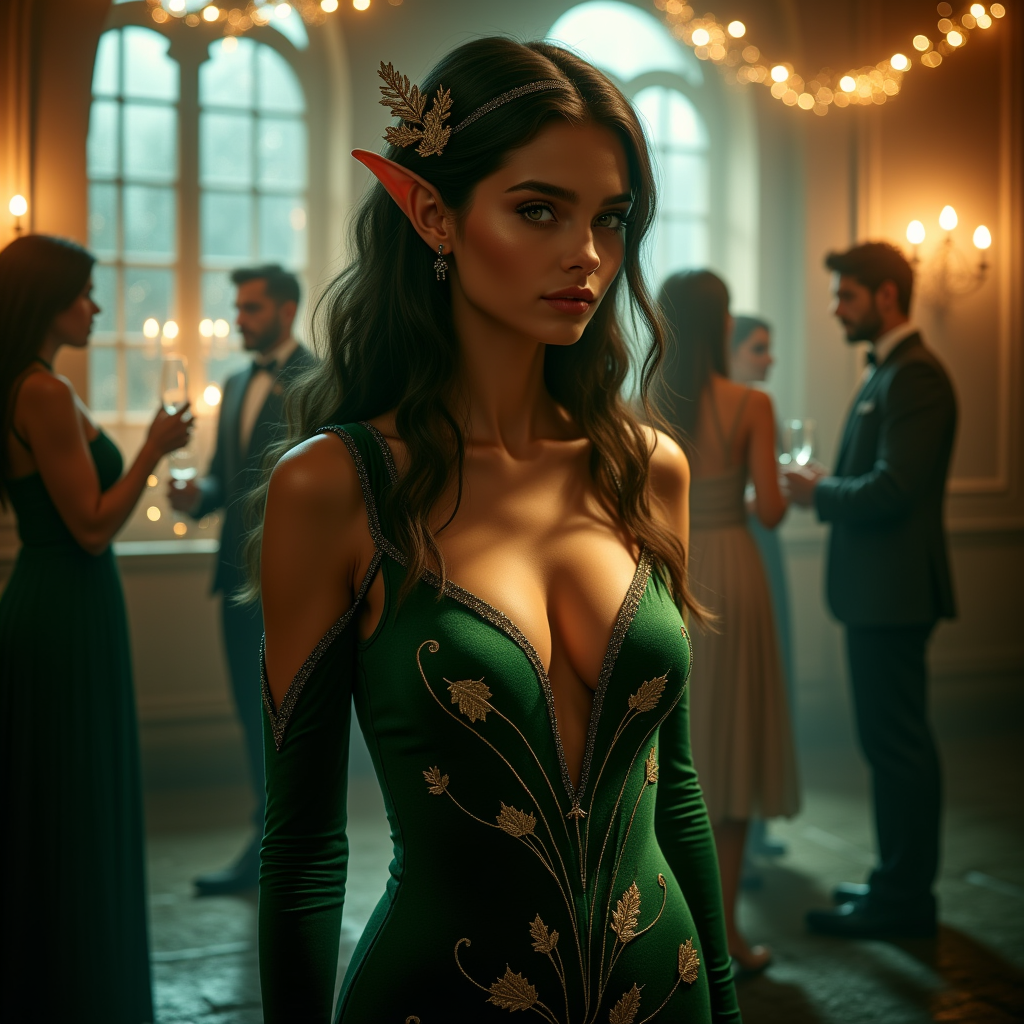
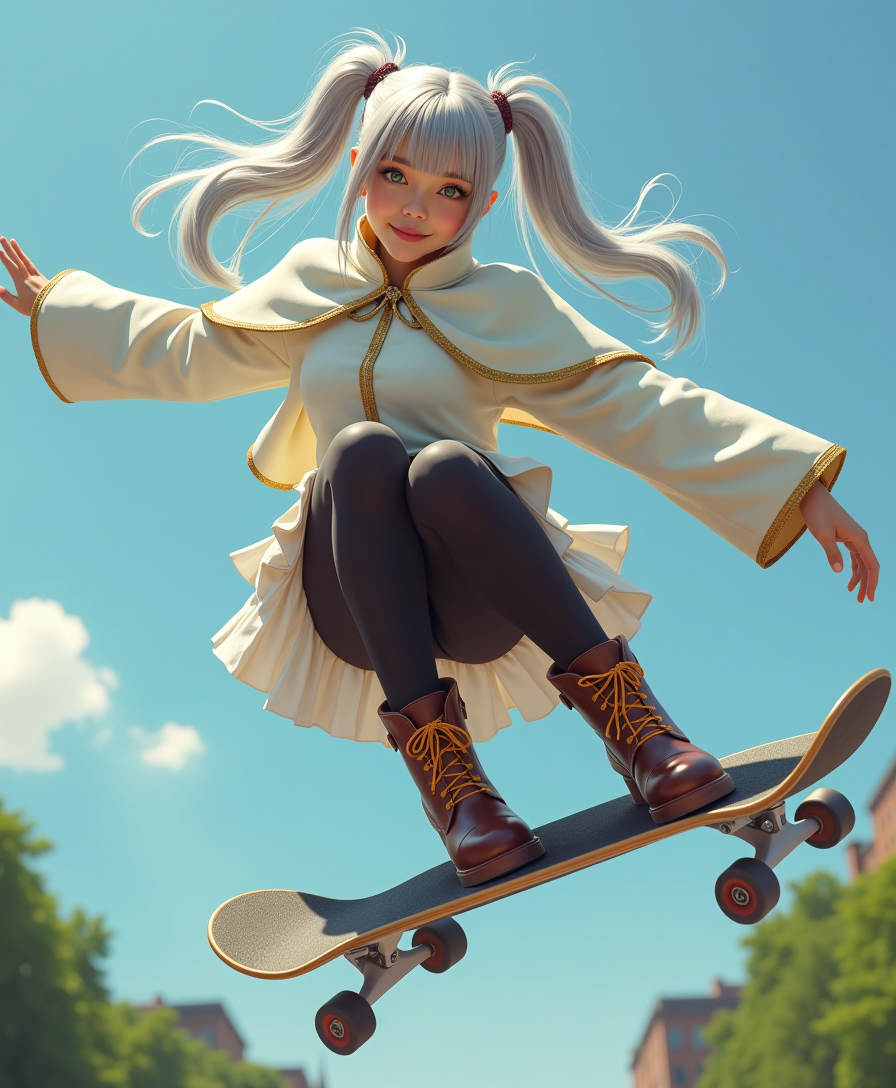
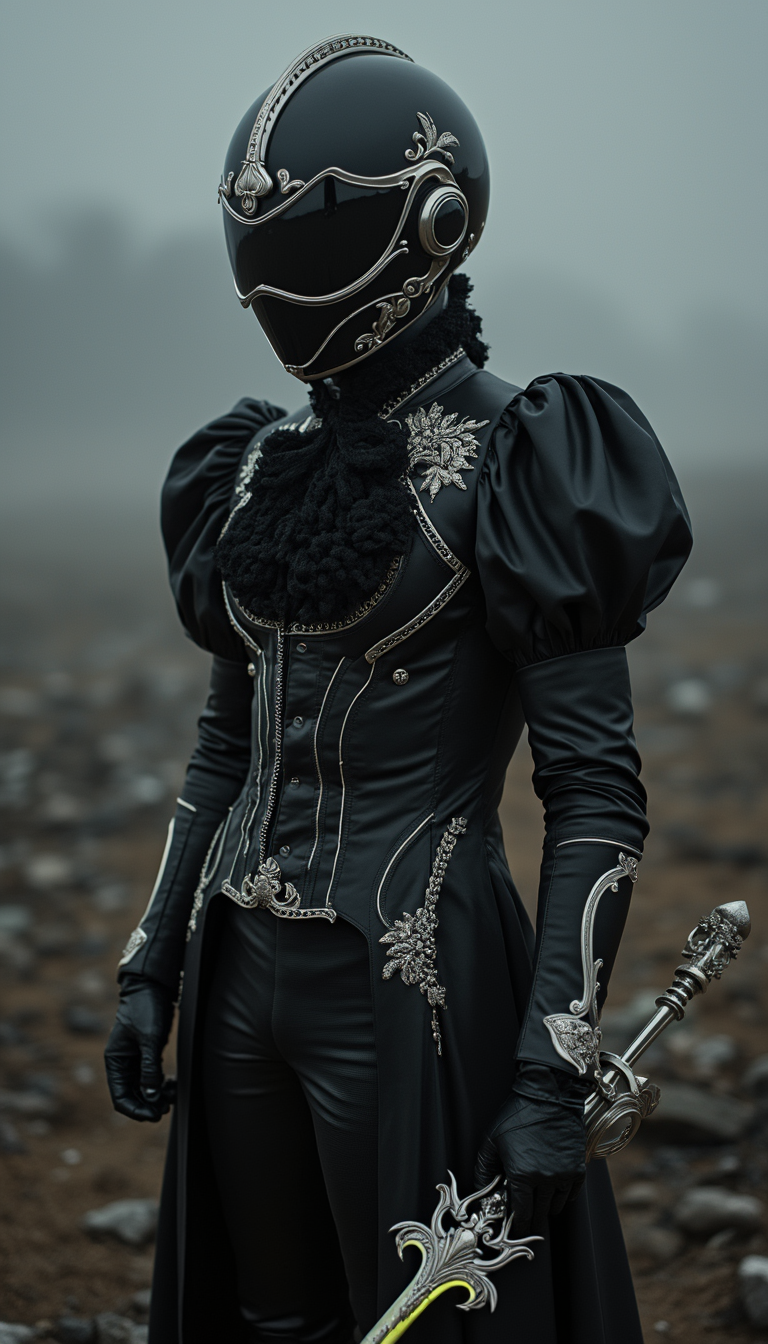
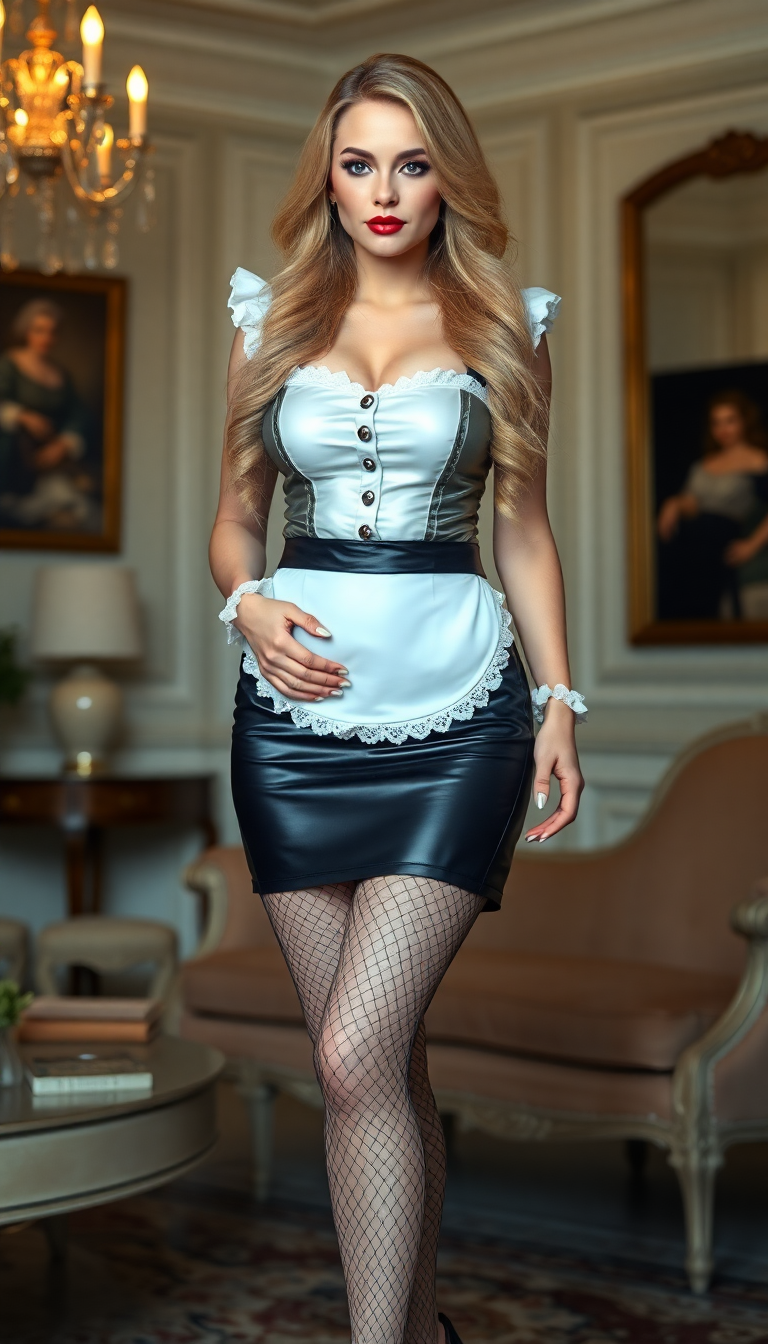
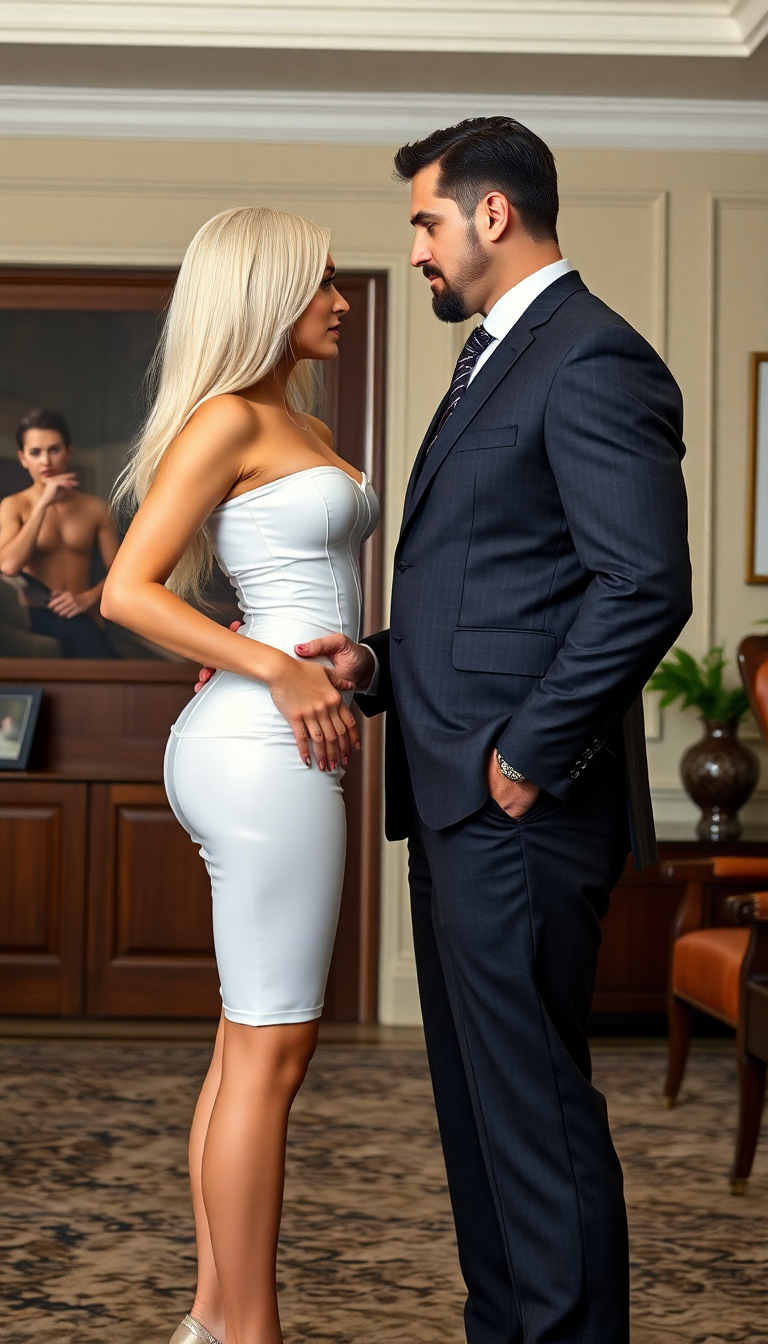
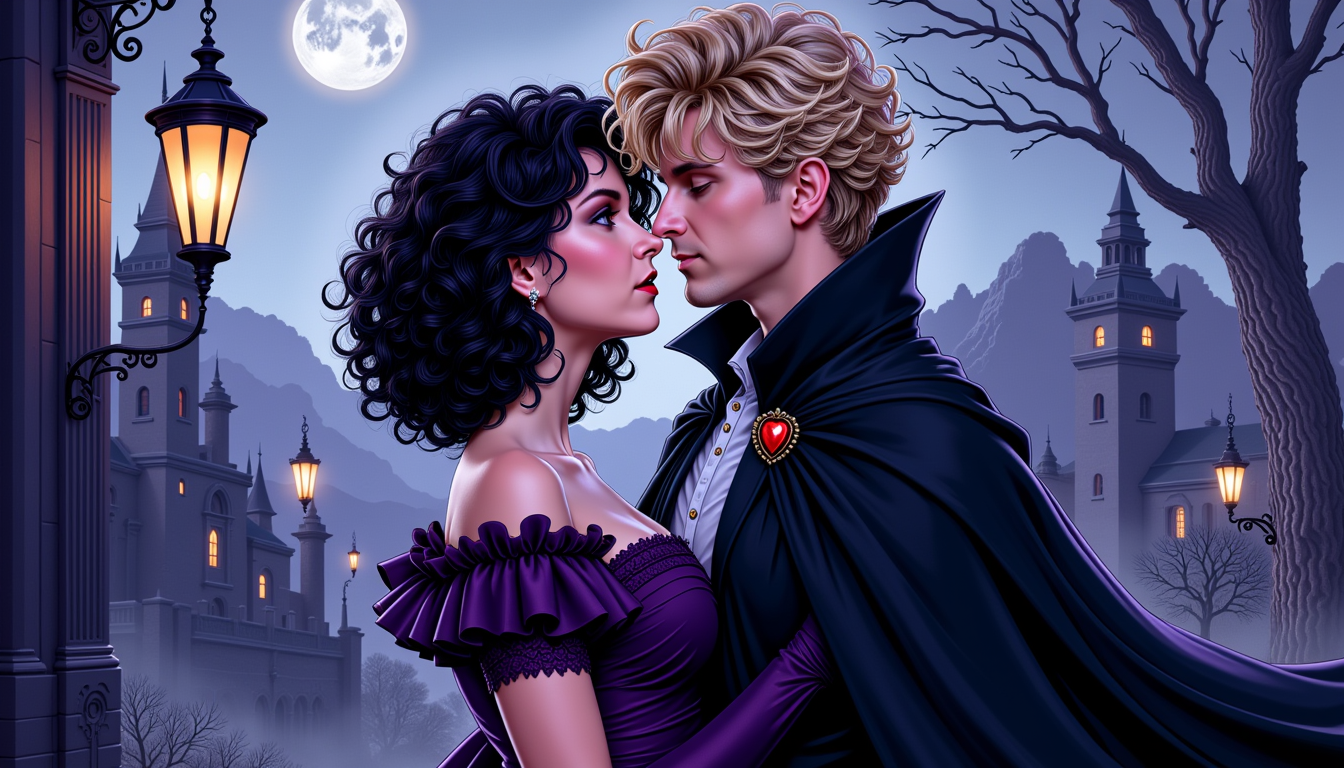
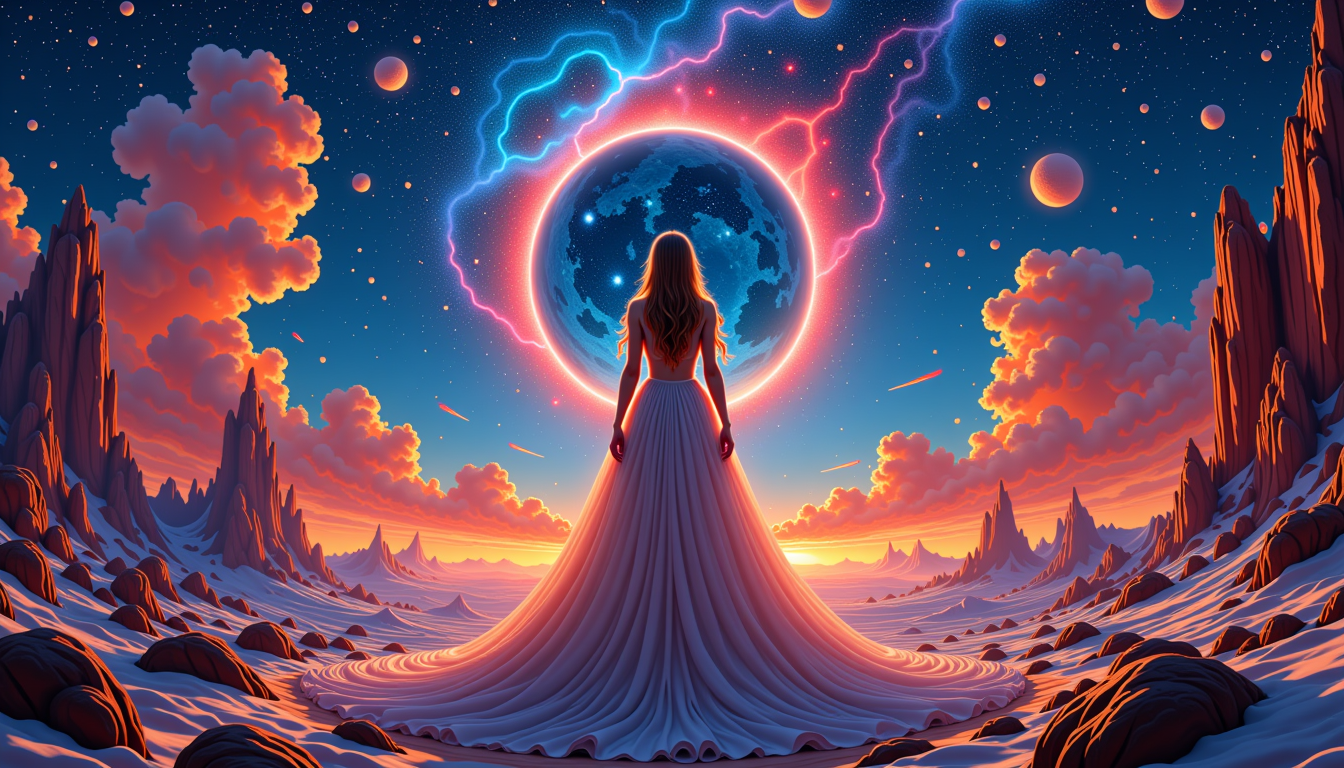
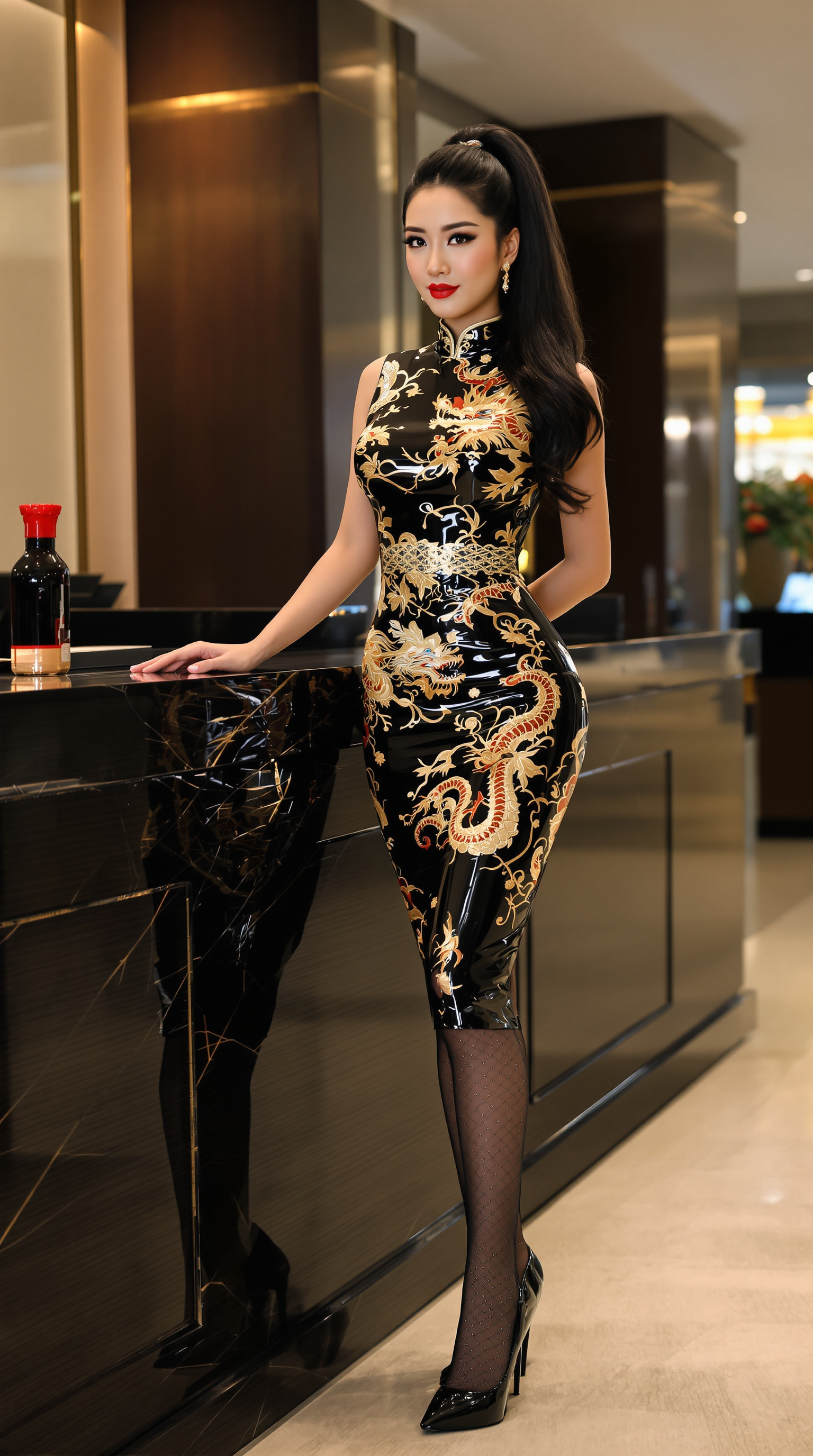
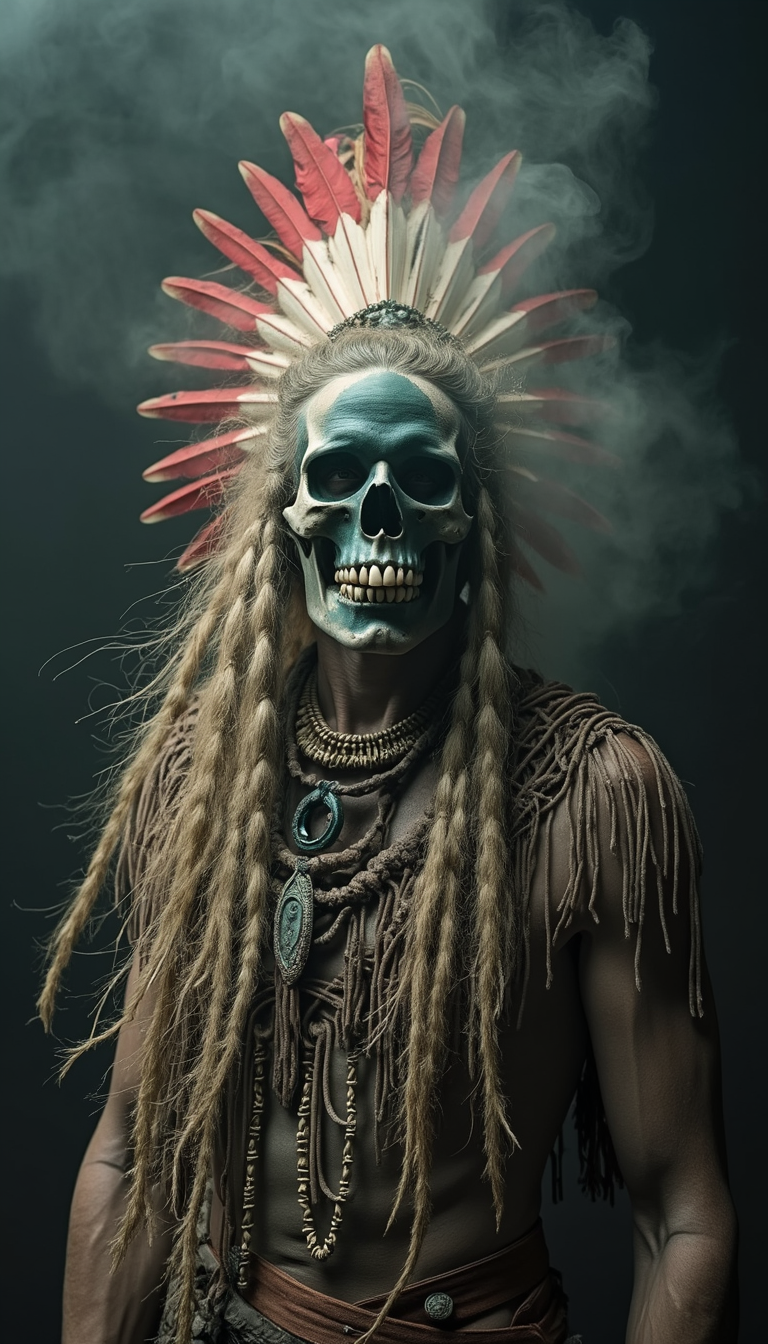
The Pixel Dojo Advantage
PixelDojo delivers superior face swapping outcomes compared to traditional methods by combining multiple specialized AI engines for unmatched realism and speed.
| Others | Pixel Dojo |
|---|---|
| Traditional photo editing software | Achieve perfect face swaps in under a minute instead of hours of manual masking, blending, and color correction. Our AI automatically handles complex lighting, skin texture matching, and perspective that would require expert retouching skills. |
| Generic single-purpose face swap apps | Access 40+ integrated tools including generation, consistent characters, video extension, upscaling, and inpainting all in one place. Create entire campaigns or stories rather than isolated swaps, with far higher quality and no watermarks on paid plans. |
| Manual character creation or stock photos | Instantly use real faces or train custom LoRAs for perfect brand consistency across unlimited scenes. Generate unique, on-brand visuals on demand without licensing fees, model shoots, or artistic limitations. |
Loved by creators on PixelDojo
Real feedback from people using PixelDojo, pulled from our in-product surveys.
I’ve been using PixelDojo for around 8 months now and it’s always worked wonderfully while constantly adding features.
The site is easy to navigate and use.
All the tools, readily available and easy to understand
You guys, the LORA training is the BEST in the space right now, great job with that!
Tons of variety. Ease of use. Tools for beginners and advance users.
easiest workflow to get best output image or video
Explore more AI tools on PixelDojo
AI Tools
Compare & Switch
- Best AI Image Generators
- Best AI Video Generators
- Midjourney Alternatives
- Civitai Alternatives
- Runway Alternatives
- Leonardo Alternatives
- Pika Alternatives
- Luma Alternatives
- Magnific Alternatives
- Veo Alternatives
- Flux Alternatives
- Freepik Alternatives
- Seedance Alternatives
- Seedream Alternatives
- Pixverse Alternatives
- GPT Image Alternatives
- Synthesia Alternatives
- Playground Alternatives
- NightCafe Alternatives
- Canva AI Alternatives
- ElevenLabs Alternatives
- ComfyUI Alternatives
- Fal Alternatives
- Replicate Alternatives
Common Questions
Everything you need to know about face swaper
What is the best AI face swapper for realistic results in 2026?
PixelDojo stands out as the best AI face swapper in 2026 because it combines dedicated Face Swap technology with 20+ leading image generators like Flux.2 Studio, Grok Image, and QWEN Image 2, plus advanced refinement tools. Unlike basic apps, our system excels at matching lighting conditions, skin tones, and preserving natural expressions and multi-angle consistency—the key factors for photorealistic outcomes. You can start with a simple upload or generate entirely new scenes first. For recurring use, train a custom LoRA Face Swap model on your subject once and reuse it across unlimited projects. Creators love that results look natural enough for professional marketing or viral social content. Best practices include using well-lit source images with similar head angles to the target and generating 3-4 variations to choose the best blend. With our platform you avoid uncanny valley effects common in lesser tools and can further enhance with Reality Polisher and Portrait Upscaler for gallery-quality images.
How do I create consistent characters with an AI face swapper?
Creating consistent characters is one of PixelDojo's strongest capabilities. Begin by uploading multiple clear photos of your subject into the LoRA Face Swap or Consistent Characters tool. Our system trains a personalized model that captures unique facial features, age, and expression range. Then generate or upload target scenes using any of our image tools such as Seedream 5 Lite, Recraft V4, or PonyXL. Apply the trained face to maintain perfect identity across different outfits, poses, lighting, and even environments. This workflow is ideal for webcomics, product mockups, virtual influencers, or animated stories. You can further extend these characters into video using WAN Video Character Swap or Kling Video Character Swap for talking-head content or full motion sequences. The outcome is a reusable digital actor that saves you thousands in production costs while giving you complete creative control. Many users report cutting their character asset creation time from weeks to hours.
Can PixelDojo's face swapper work with both images and videos?
Yes. Our platform offers comprehensive support for both static images and dynamic video face swapping. For images, use the core Face Swap tool alongside Image to Image, Inpainting, and Style Transfer for complete creative freedom. For videos, leverage specialized tools including WAN Video Character Swap, Kling Video Character Swap, Happy Horse Reference, and Seedance 2 Reference. These maintain facial identity across frames while respecting motion, lighting changes, and camera angles—addressing one of the biggest challenges in 2026 video AI. You can start with a face-swapped still image and animate it, or upload existing video footage and replace the performer entirely. Additional tools like Video Autocaption, Lip Sync, and Video Upscaler let you create fully polished, ready-to-post content. This end-to-end capability means you can prototype concepts as images then scale them into engaging video formats without learning new software.
What tips help get the most realistic results from an AI face swapper?
To achieve the most realistic face swaps in 2026, follow these proven techniques available in PixelDojo. First, prioritize lighting consistency—source faces and target images should share similar illumination direction and intensity. Second, match head angles and facial proportions as closely as possible; our tools compensate well but closer matches yield superior blending. Third, use high-resolution, frontally lit source photos with neutral expressions initially. Generate multiple variations using different random seeds and pick the best. Fourth, refine outputs with our Inpainting tool for tricky areas like hairlines or collars, then apply Reality Polisher to remove any remaining artifacts. For skin tone and texture matching, our Face Swap engine does most of the heavy lifting automatically. Finally, upscale with Portrait Upscaler and check results at full resolution. Users who follow these steps routinely report outputs indistinguishable from real photography. Our platform makes experimentation frictionless so you can iterate quickly until you achieve perfect results.
Is PixelDojo's face swapper safe and private for personal or commercial use?
Absolutely. PixelDojo prioritizes your privacy and intellectual property. Uploaded faces and generated images are processed securely and not used to train public models unless you explicitly choose to train a reusable LoRA for your own account. You retain full commercial rights to everything you create. Our platform includes usage reports so you can track exactly how your credits are spent. For businesses, the ability to train private LoRA Face Swap models means you can create proprietary brand ambassadors that never leave your workspace. We also offer API access for teams that want to integrate face swapping into their own workflows. Whether you're swapping faces for fun memes or building a professional virtual try-on experience, your data stays protected. Thousands of creators and businesses trust us daily because we combine cutting-edge performance with transparent, ethical practices.
How does PixelDojo compare to other AI image tools for face swapping?
PixelDojo outperforms single-purpose tools by offering an entire creative ecosystem. While basic face swap apps deliver one-off results, our platform lets you generate the target image first with superior models like Flux.1 Studio or WAN Image, then apply Face Swap, refine with Smart Resize or Change Camera Angle, upscale, and export to video—all without leaving the interface. The integration of Consistent Characters and LoRA training gives you reusable assets that generic tools cannot match. You benefit from 40+ specialized AI tools that work together seamlessly, meaning higher quality, faster production, and more creative options. Our risk-free approach—cancel anytime, generous free tier to test quality—removes barriers other platforms impose. Creators consistently tell us the realism, speed, and workflow integration make PixelDojo their primary tool for any project involving faces or characters.