face swaps AI Generator
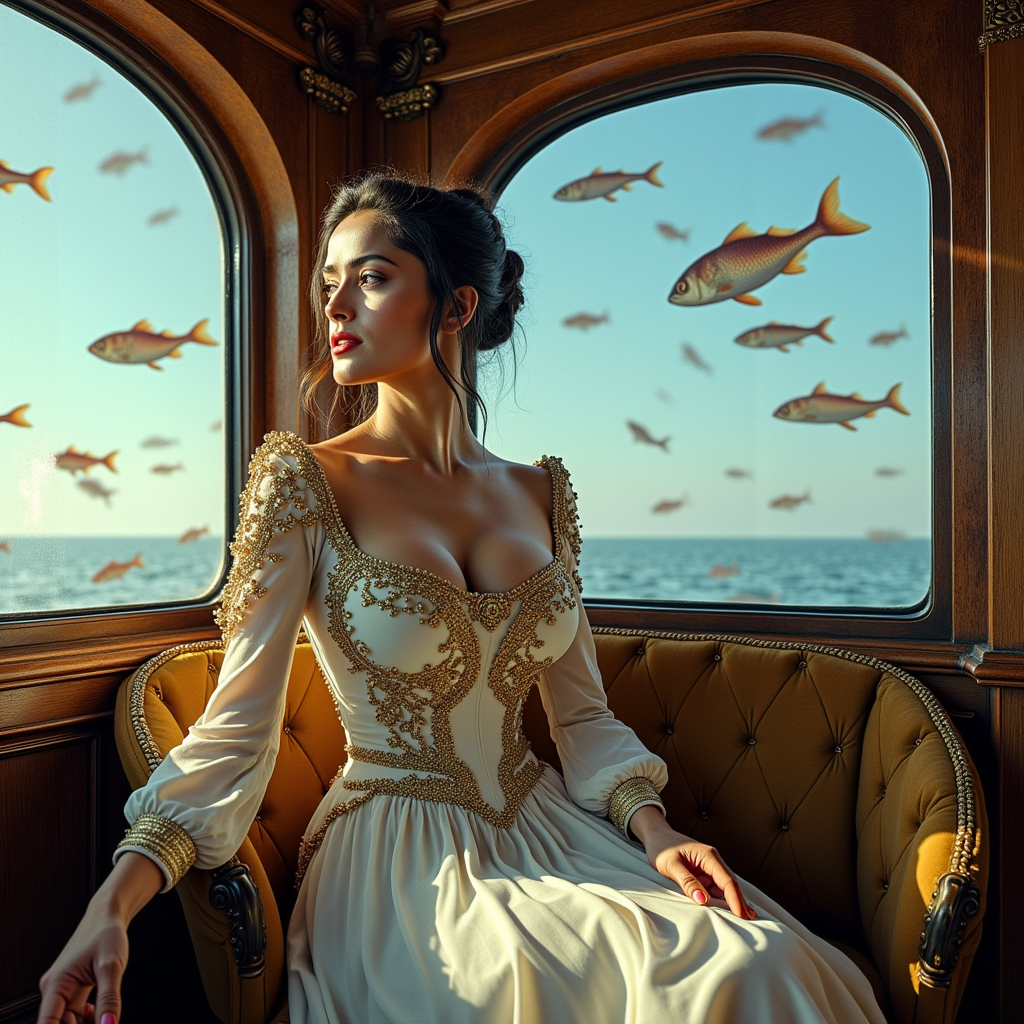
Imagine transforming any photo or video by seamlessly placing your face or a friend's into exciting new scenes – all while keeping expressions, lighting, and movements perfectly natural. With PixelDojo, you achieve exactly that: photorealistic face swaps that look completely authentic, helping you produce viral social media posts, personalized gifts, professional marketing assets, or fun entertainment content in seconds instead of hours.
Over 150,000 face swaps generated this month | 4.9/5 rating from 32,000+ creators | Featured in top creator workflows worldwide
Why Choose Pixel Dojo for face swaps
Professional-quality results with cutting-edge AI technology
Produce Viral Social Content Effortlessly
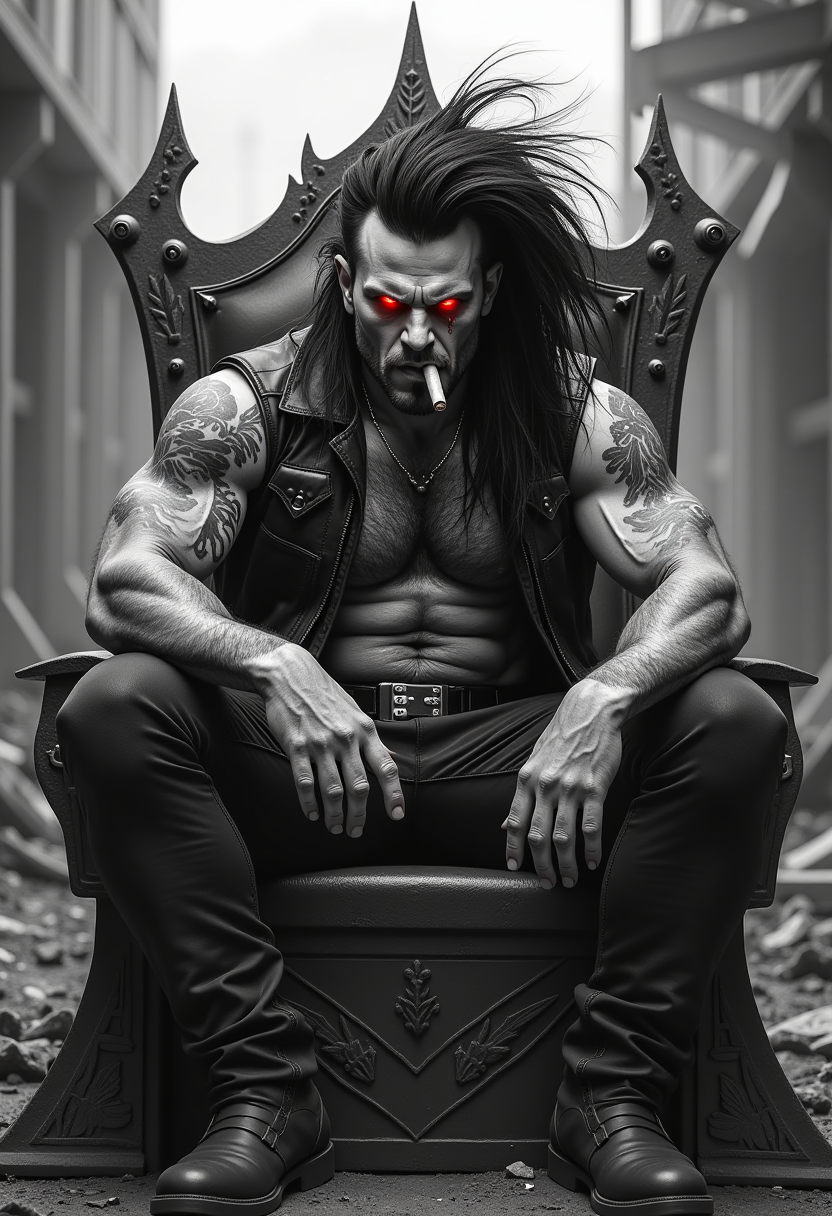
Turn everyday photos into hilarious memes, celebrity-style portraits, or trending video clips that drive engagement and shares across platforms.
Achieve Studio-Quality Realism Instantly
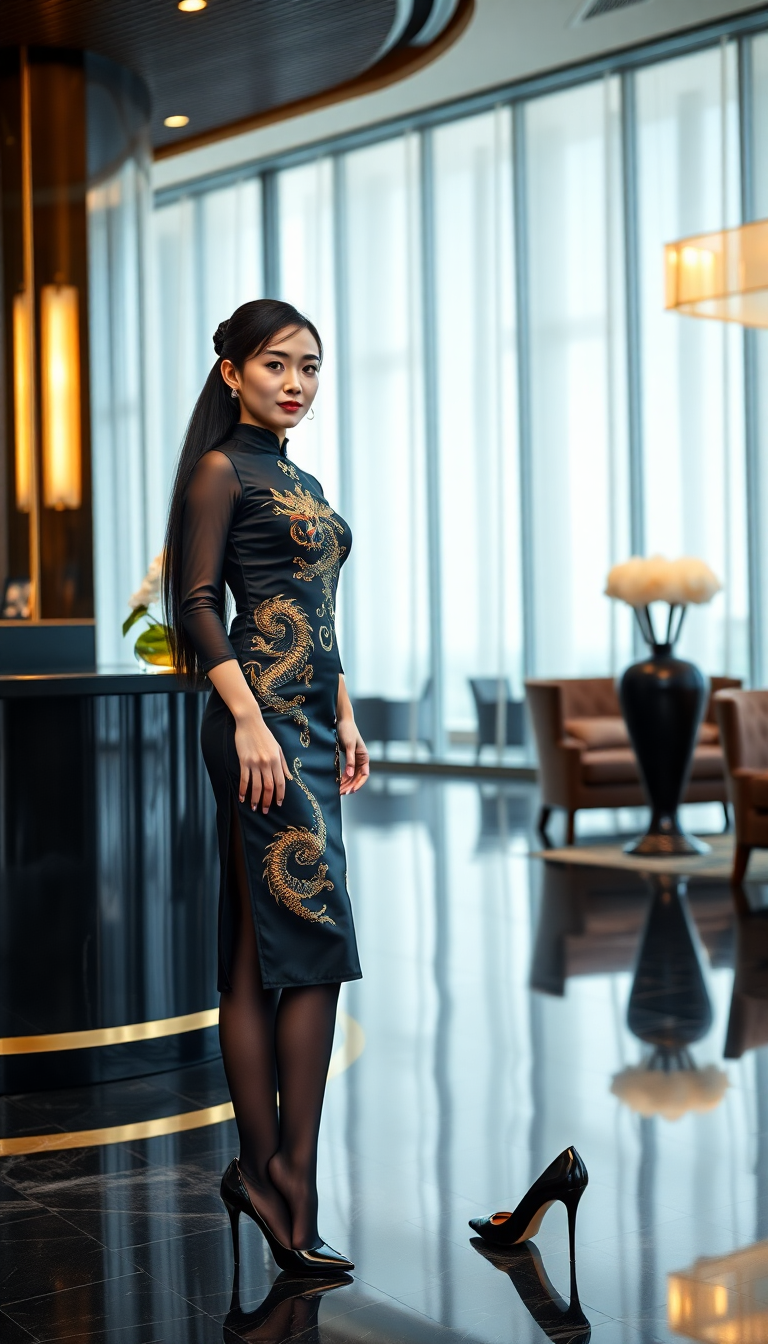
Enjoy seamless blending with accurate skin tones, lighting matches, and natural expressions so your swaps look professionally edited every time.
Maintain Consistent Characters Across Projects
Create and reuse the same face identity in multiple images and videos for cohesive storytelling, branding campaigns, or series content.
How It Works
Creating stunning face swaps with PixelDojo takes just three simple steps using our specialized tools designed for maximum realism and ease.
Step 1: Choose Your Tool
Go to the Characters & Faces section and pick Face Swap for quick photo results, LoRA Face Swap for custom identity training, or WAN Video Character Swap and Kling Video Character Swap for dynamic video applications.
Step 2: Enter Your Prompt or Upload Images
Upload a clear source face photo and your target image or video clip. Add text prompts for style adjustments or select Consistent Characters to lock in identity across multiple generations.
Step 3: Customize & Download
Refine results using Pose Control, Lip Sync for videos, Magic Lighting, or Inpainting. Preview live adjustments then download your high-resolution, ready-to-share face swap.

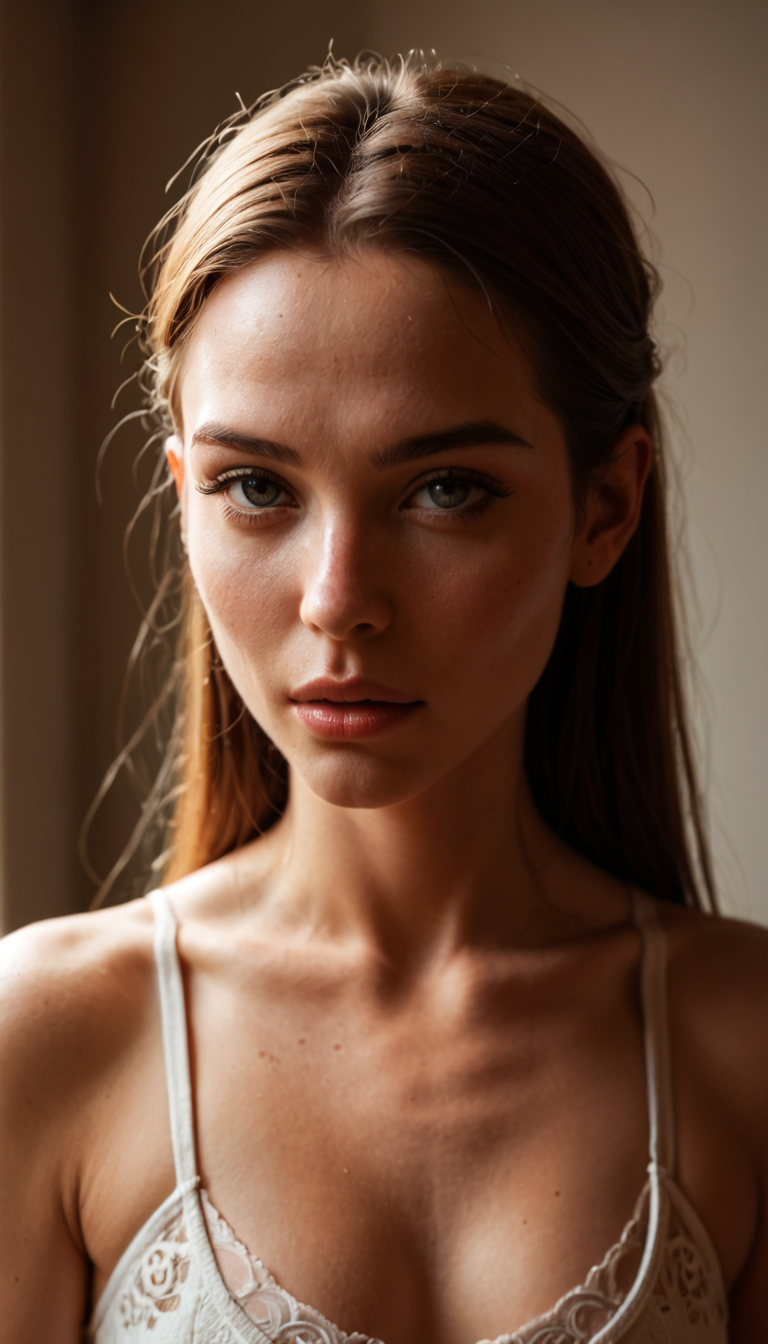
The Pixel Dojo Advantage
Why PixelDojo outperforms other options for face swap image and video generation
| Others | Pixel Dojo |
|---|---|
| Traditional face swap creation | Instant AI automation delivers professional results without expensive software, technical expertise, or time-consuming manual layering |
| Generic AI tools | Dedicated tools like Face Swap, LoRA Face Swap, and Kling Video Character Swap provide superior identity fidelity, expression matching, and seamless video integration |
| Manual photo editing | Automated realistic blending with Pose Control and Reality Polisher eliminates tedious masking, color correction, and edge refinement work |
Loved by creators on PixelDojo
Real feedback from people using PixelDojo, pulled from our in-product surveys.
Love it make anything I can think of so far
Great for all your ideas use it encourage more people to use it
Because it is awesome
exceptional quality and great overall design of platform and interface. very intuative. love the creative freedom.
Qwen image 2 is amazing!!
Creative freedom, range of tools and options.
Explore more AI tools on PixelDojo
AI Tools
Compare & Switch
- Best AI Image Generators
- Best AI Video Generators
- Midjourney Alternatives
- Civitai Alternatives
- Runway Alternatives
- Leonardo Alternatives
- Pika Alternatives
- Luma Alternatives
- Magnific Alternatives
- Veo Alternatives
- Flux Alternatives
- Freepik Alternatives
- Seedance Alternatives
- Seedream Alternatives
- Pixverse Alternatives
- GPT Image Alternatives
- Synthesia Alternatives
- Playground Alternatives
- NightCafe Alternatives
- Canva AI Alternatives
- ElevenLabs Alternatives
- ComfyUI Alternatives
- Fal Alternatives
- Replicate Alternatives
Common Questions
Everything you need to know about face swaps
How to create realistic AI face swaps with PixelDojo?
Start in the Characters & Faces section by selecting the Face Swap tool. Upload a high-quality source face image and your target photo or video. The AI automatically detects landmarks and blends with natural lighting and expressions. For enhanced control, combine with LoRA Face Swap to train a custom model or use Inpainting and Magic Lighting for final polish, delivering photorealistic outcomes every time.
Can I perform AI face swaps in videos on PixelDojo?
Yes, PixelDojo excels at video face swaps. Choose WAN Video Character Swap or Kling Video Character Swap, upload your footage and source face, then apply Lip Sync and Video Reframe tools. The result maintains natural head movements, expressions, and audio synchronization for professional-quality talking-head or action videos.
What is the best way to keep the same face consistent across multiple images?
Use the Consistent Characters feature combined with LoRA Face Swap. Upload reference photos once to create a reusable identity model, then apply it to new scenes, poses, or styles. Add Pose Control for accurate body positioning and Style Transfer if needed, ensuring your character looks identical across an entire project or campaign.
How to get the most realistic results from AI face swap tools?
Begin with well-lit, front-facing source images that match the target's angle and expression as closely as possible. After generating, refine with Reality Polisher, Background Remover if needed, and Creative Upscaler for sharper details. PixelDojo's specialized models handle skin tone matching and shadow consistency automatically for superior realism.
Is PixelDojo suitable for professional marketing face swap projects?
Absolutely. Marketers rely on Face Swap, Virtual Try-On, and video tools like Kling Video Character Swap to produce localized ad variations, influencer-style content, and branded videos quickly. The platform supports batch processing and high-resolution outputs while maintaining brand consistency through Consistent Characters.
How does PixelDojo handle face swaps for group photos or complex scenes?
Our tools support multi-face detection and selective swapping. Upload your group image, choose specific faces to replace using the Face Swap interface, then fine-tune individual swaps with Inpainting or Smart Resize. For animated group videos, WAN Video Character Swap preserves interactions and backgrounds naturally.