faces swap AI Generator
Imagine instantly placing your face on a celebrity, your friend into a movie scene, or creating consistent brand characters that look exactly like you. With PixelDojo's AI Face Swap tools, you achieve photorealistic results in seconds—no editing skills or expensive software required. Whether you're crafting viral social media content, personalizing gifts, or building professional marketing assets, our platform delivers seamless swaps that preserve lighting, angles, and expressions perfectly. Users worldwide are turning ordinary photos into share-worthy masterpieces, saving hours of manual work while unlocking endless creative possibilities.
Join over 75,000 creators who have generated more than 2.5 million face swaps this month. Rated 4.9/5 stars from 12,000+ reviews. Trusted by influencers, marketers, and hobbyists for consistently realistic results.
Why Choose Pixel Dojo for faces swap
Professional-quality results with cutting-edge AI technology
Create Viral Social Content Effortlessly
Swap faces into trending memes, TikTok dances, or reaction images to boost engagement and grow your following fast. Our tools match lighting and expressions for results that look completely real.
Build Consistent Characters for Your Brand
Generate multiple images or videos featuring the exact same face across different poses, outfits, and scenes. Perfect for virtual influencers, ad campaigns, or personalized storytelling without reshooting.
Professional Results Without Any Skills
Produce studio-quality headshots, group photo edits, or virtual try-ons in minutes. Advanced AI handles complex details like skin tones, shadows, and angles automatically for natural-looking outcomes every time.
How It Works
Getting started with realistic face swaps on PixelDojo is simple and intuitive. Our specialized tools like Face Swap and LoRA Face Swap make professional results accessible to everyone.
Step 1: Choose Your Tool
Head to the Characters & Faces section and select the dedicated Face Swap tool for quick single swaps or LoRA Face Swap for training a custom model that maintains perfect identity across multiple generations. You can also explore Consistent Characters for ongoing projects.
Step 2: Enter Your Prompt and Upload References
Upload your source face photo and the target image or describe the scene with a detailed prompt. For best results, use well-lit, front-facing references. PixelDojo's AI automatically matches lighting, pose, and expressions while preserving details.
Step 3: Customize & Download
Review the generated swap, adjust parameters like intensity or style if needed, and refine with additional tools such as Magic Lighting or Background Remover. Download high-resolution images ready for sharing or further editing.
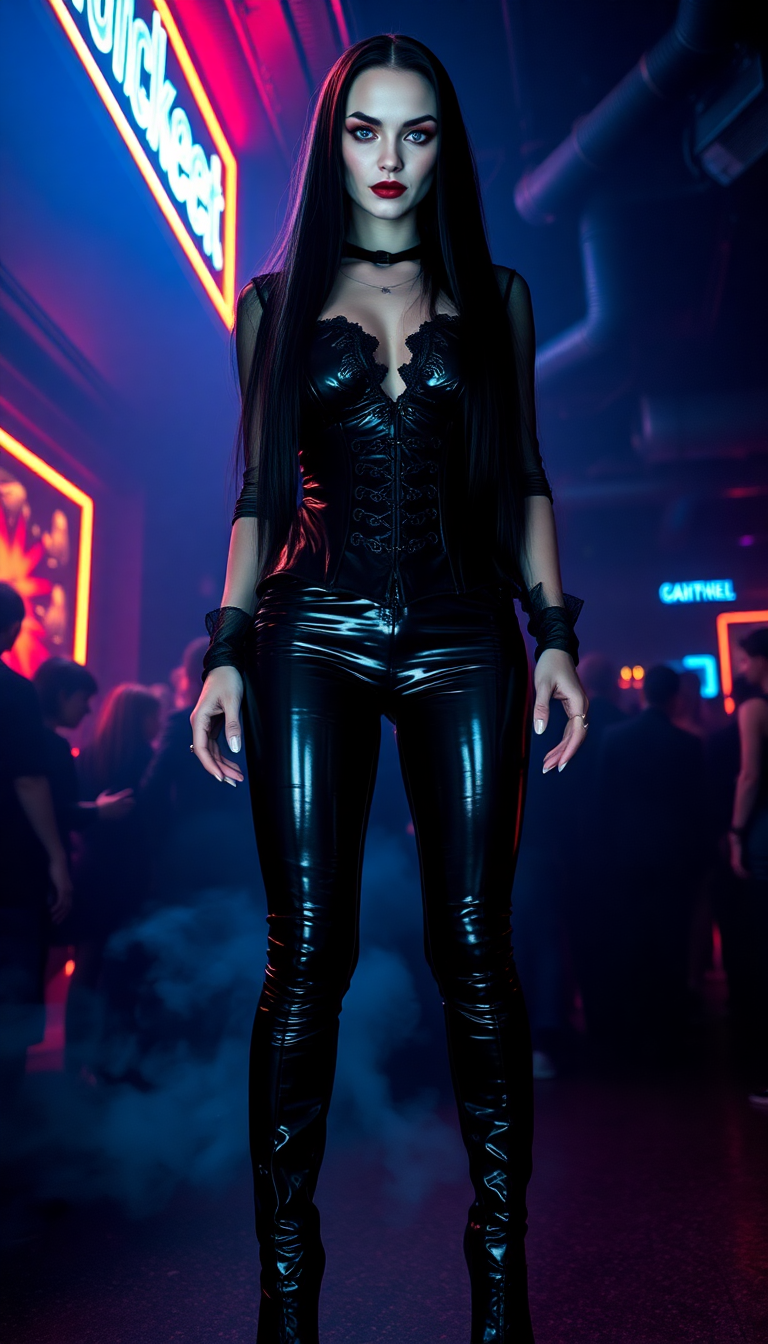
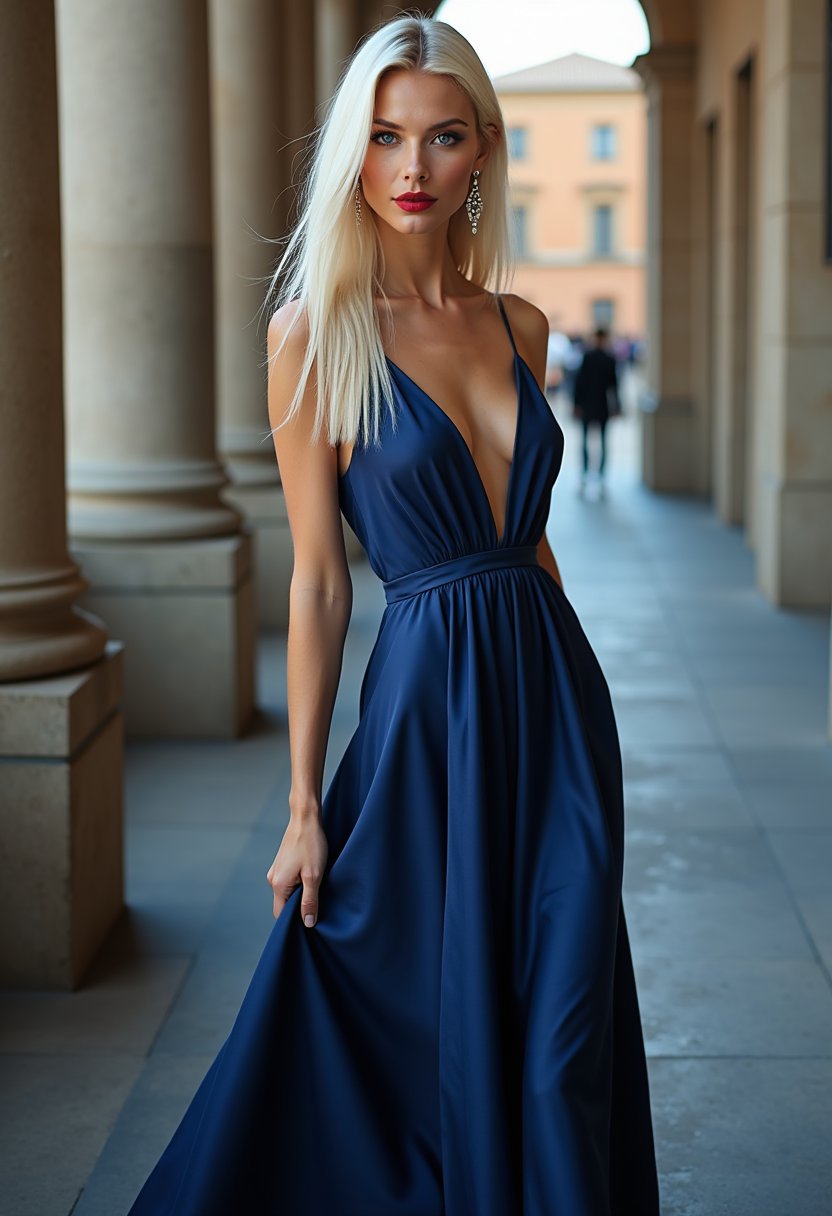
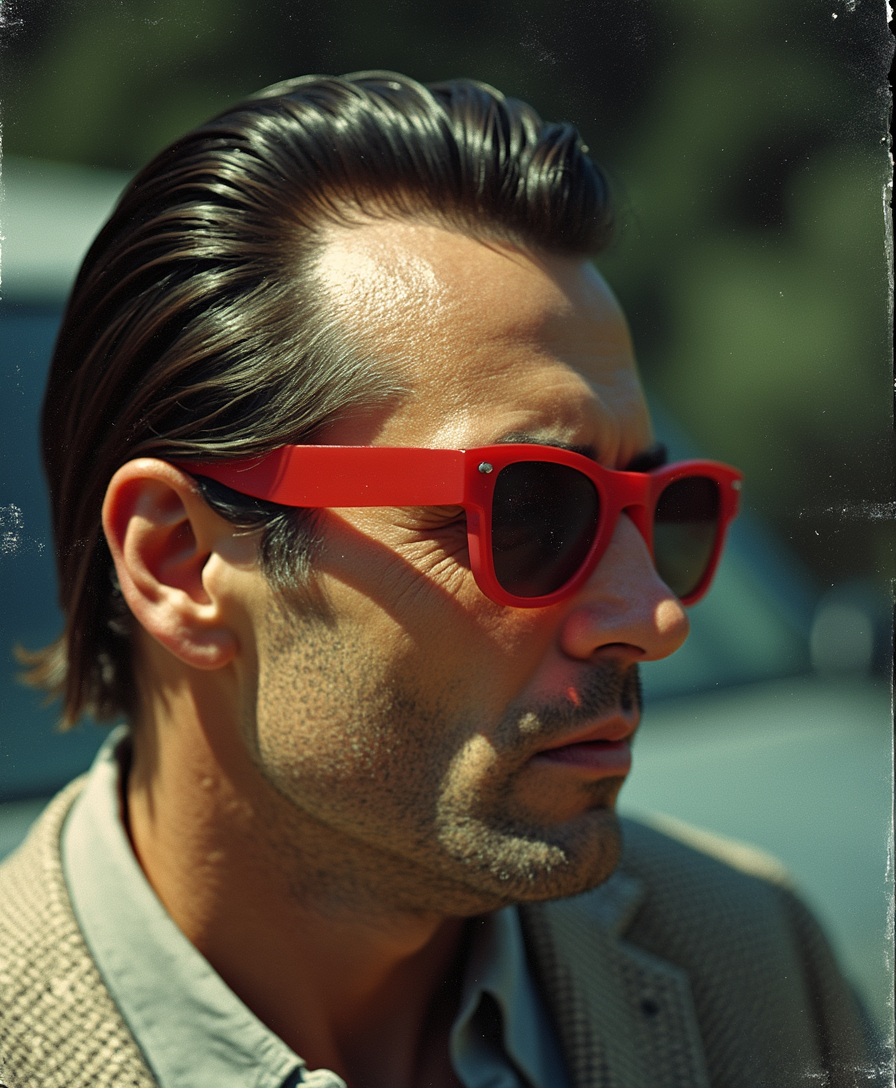
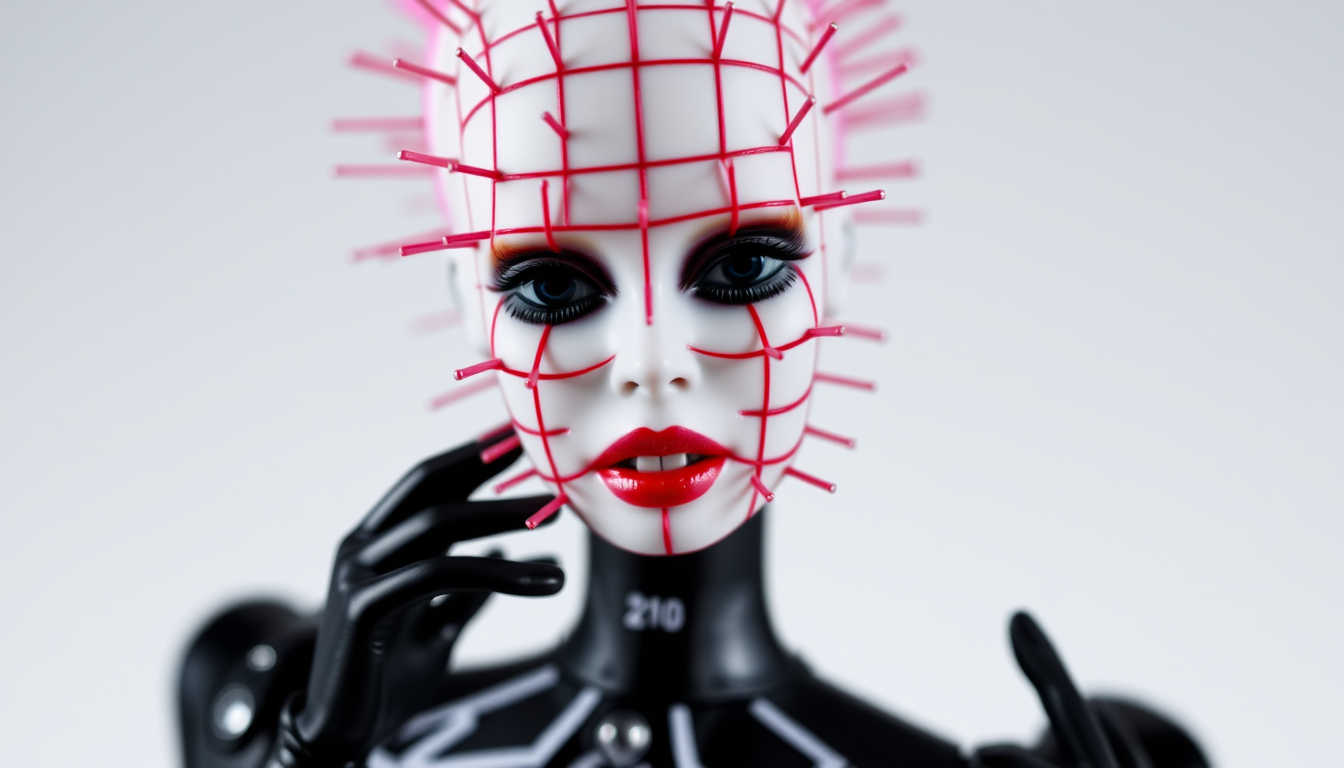
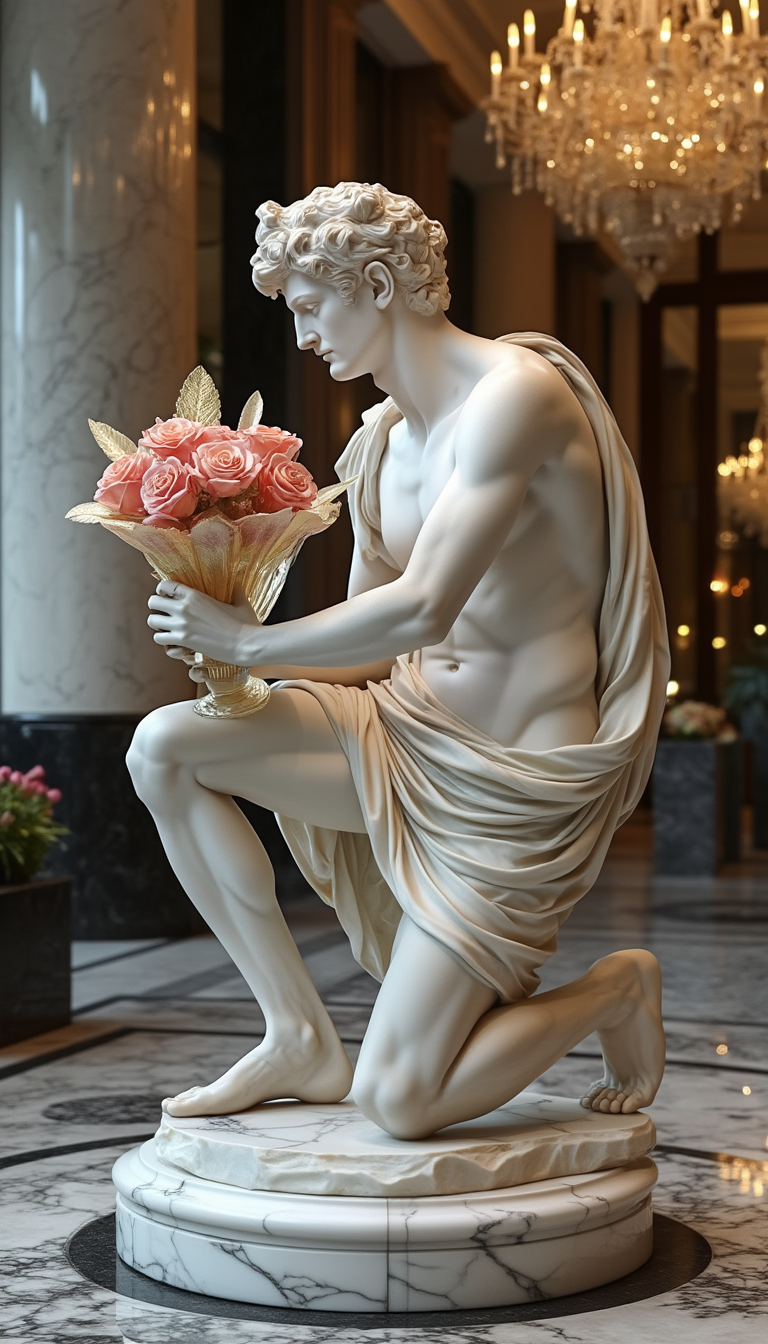
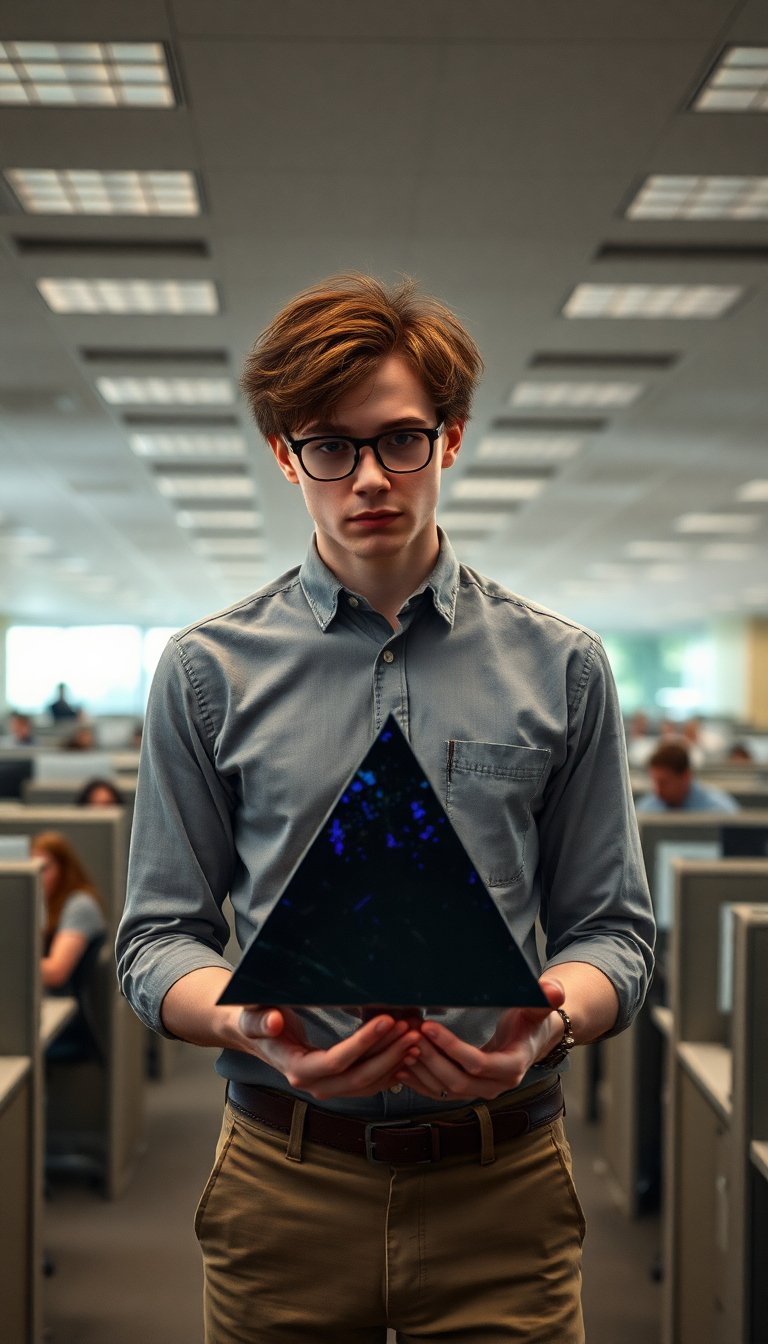
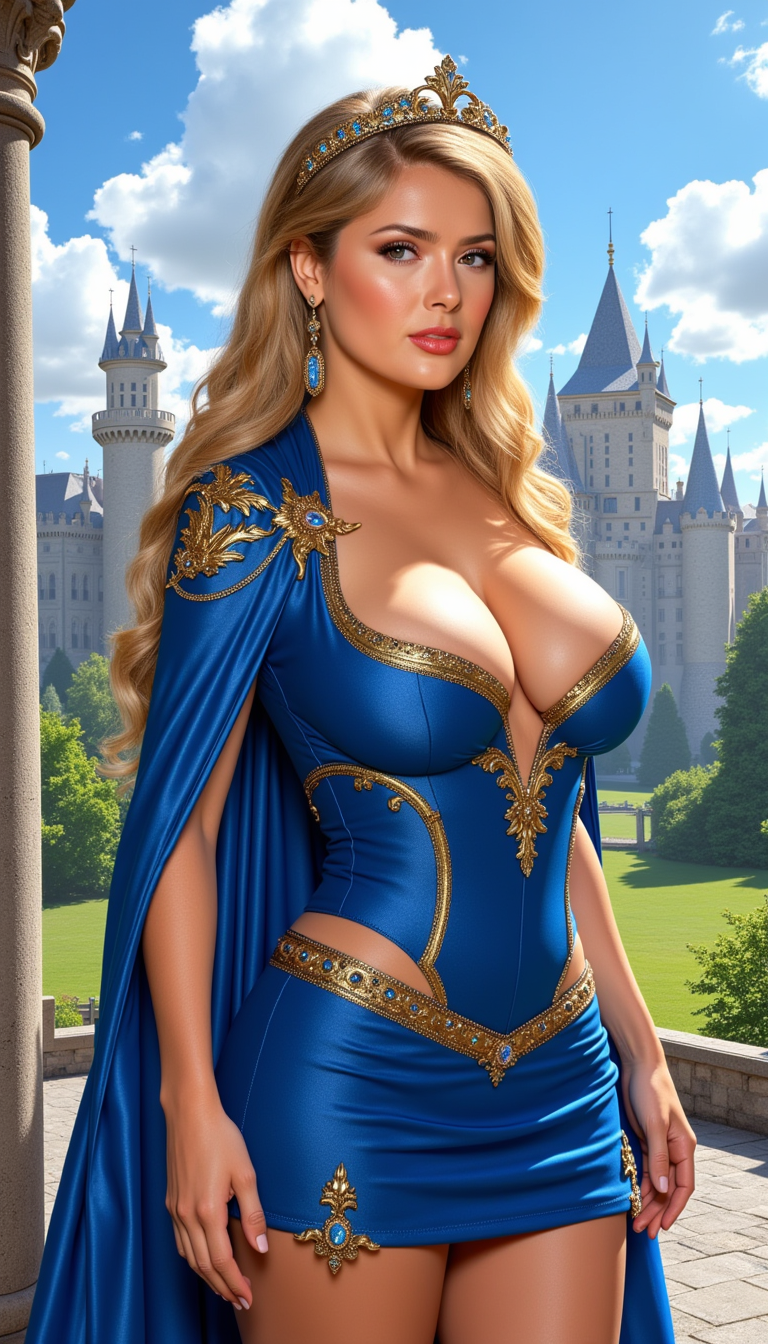
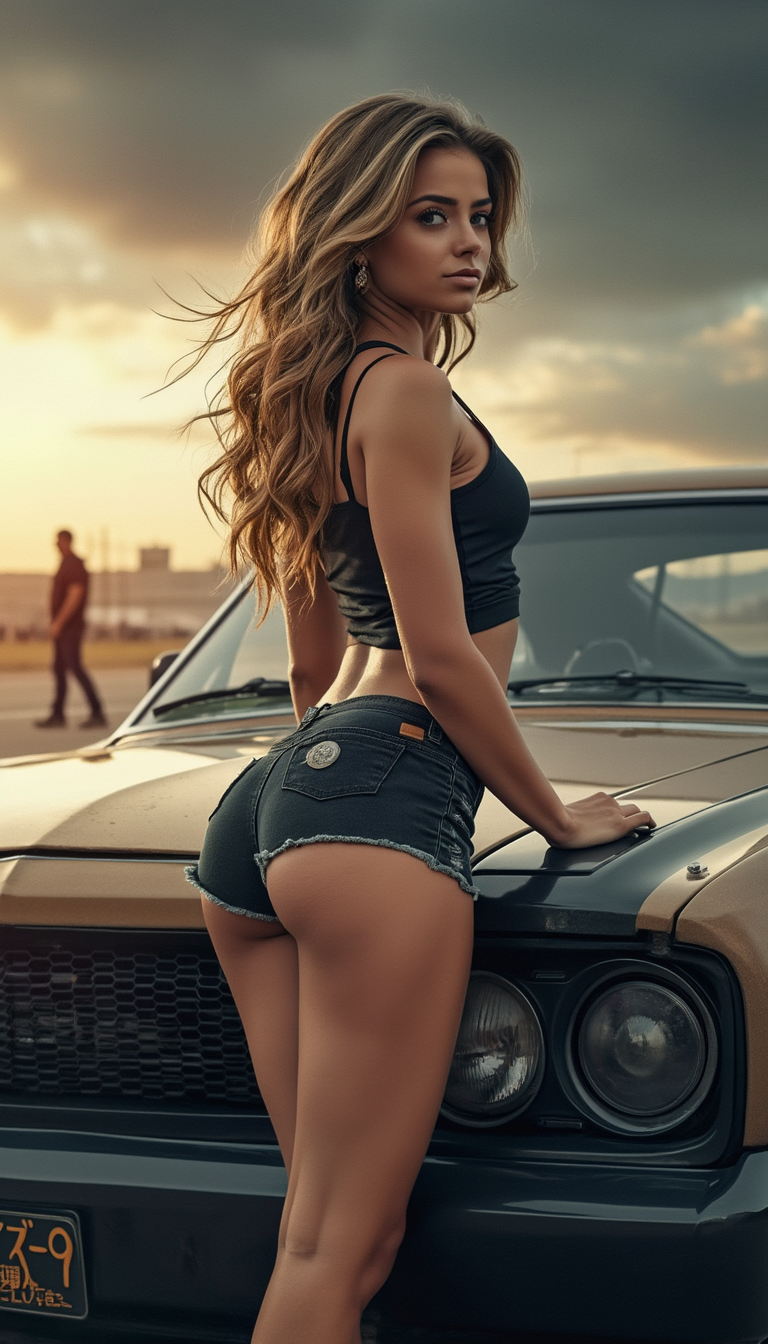

The Pixel Dojo Advantage
Why PixelDojo outperforms other options for face swap image generation
| Others | Pixel Dojo |
|---|---|
| Traditional face swap creation | Achieve Hollywood-level realism in seconds instead of hours of manual Photoshop work or hiring expensive editors. |
| Generic AI tools | Specialized Face Swap and LoRA Face Swap tools deliver superior identity preservation and lighting accuracy tailored specifically for faces. |
| Manual photo editing | No technical skills needed—our AI handles complex blending, angle correction, and expression matching automatically for flawless results. |
Loved by creators on PixelDojo
Real feedback from people using PixelDojo, pulled from our in-product surveys.
Love it make anything I can think of so far
Great for all your ideas use it encourage more people to use it
Because it is awesome
exceptional quality and great overall design of platform and interface. very intuative. love the creative freedom.
Qwen image 2 is amazing!!
Creative freedom, range of tools and options.
Explore more AI tools on PixelDojo
AI Tools
Compare & Switch
- Best AI Image Generators
- Best AI Video Generators
- Midjourney Alternatives
- Civitai Alternatives
- Runway Alternatives
- Leonardo Alternatives
- Pika Alternatives
- Luma Alternatives
- Magnific Alternatives
- Veo Alternatives
- Flux Alternatives
- Freepik Alternatives
- Seedance Alternatives
- Seedream Alternatives
- Pixverse Alternatives
- GPT Image Alternatives
- Synthesia Alternatives
- Playground Alternatives
- NightCafe Alternatives
- Canva AI Alternatives
- ElevenLabs Alternatives
- ComfyUI Alternatives
- Fal Alternatives
- Replicate Alternatives
Common Questions
Everything you need to know about faces swap
How to create realistic AI face swaps with PixelDojo for social media?
Simply upload a clear reference photo of the face you want to use and your target image into the Face Swap tool. PixelDojo's advanced AI matches lighting, angles, and expressions automatically. For repeated use, train a custom model with LoRA Face Swap. Results are photorealistic and perfect for viral TikTok, Instagram, or meme content.
What is the best way to swap faces in group photos using AI tools?
Use PixelDojo's Face Swap or Consistent Characters tools. Upload the group photo and individual reference faces. The AI handles multiple swaps seamlessly while preserving natural interactions and lighting across the entire image. Add Virtual Try-On for clothing consistency if needed.
Can I use PixelDojo for professional headshot face swaps without looking fake?
Absolutely. Our Face Swap and LoRA Face Swap tools excel at professional applications by accurately transferring skin tones, hair, and lighting. Combine with Portrait Upscaler or Magic Lighting for polished, studio-quality results that look completely authentic.
How does PixelDojo handle face swap in videos compared to images?
Extend your image swaps to video using integrated tools like WAN Video Character Swap or Kling Video Character Swap. These maintain identity across frames with natural motion and lip sync. Start with a Face Swap image and animate it effortlessly.
Is PixelDojo's face swap safe and ethical for personal use?
Yes, we prioritize responsible use with built-in guidelines. Always obtain consent when swapping others' faces. Our platform focuses on creative and fun applications like memes, personal projects, and brand content. All generations include options for ethical disclaimers.
What tips ensure the most natural-looking AI face swaps on PixelDojo?
Use high-resolution, well-lit reference photos with similar angles to the target. PixelDojo's AI excels at matching these automatically, but for optimal results, avoid heavy occlusions like hands over faces. Experiment with multiple generations and refine using Style Transfer or Reality Polisher for perfect blends.