facesawp AI Generator
Imagine instantly placing your face on a celebrity, swapping looks in family photos, or creating personalized marketing visuals that captivate your audience. With PixelDojo's AI Face Swap tools, you achieve photorealistic results that preserve lighting, expressions, and natural skin tones—no technical expertise required. Whether you're crafting viral social media content, enhancing professional headshots, or producing engaging video edits, PixelDojo empowers you to bring your creative visions to life quickly and effortlessly. Focus on the outcomes that matter: more engaging posts, personalized campaigns, and hours saved compared to traditional editing.
Over 75,000 creators worldwide trust PixelDojo for face swaps, generating more than 2 million swaps monthly. Our users rate us 4.9/5 for quality and ease of use, with thousands sharing their transformations on social platforms every day.
Why Choose Pixel Dojo for facesawp
Professional-quality results with cutting-edge AI technology
Create Viral Social Media Content in Minutes
Swap faces to produce hilarious memes, celebrity lookalikes, or fun family portraits that boost engagement and shares on Instagram, TikTok, and beyond.
Personalize Marketing and Branding Materials
Generate customized visuals for campaigns by swapping faces onto models or avatars, helping you reach diverse audiences without costly photoshoots.
Achieve Professional-Quality Results Effortlessly
Produce seamless, photorealistic swaps that match lighting, pose, and expressions perfectly—ideal for headshots, virtual try-ons, or creative projects.
How It Works
Getting started with AI face swaps on PixelDojo is simple and intuitive. Follow these three steps to create stunning transformations using our specialized tools.
Step 1: Choose Your Tool
Select the Face Swap tool or LoRA Face Swap from the Characters & Faces section. For consistent results across multiple images, try Consistent Characters or Virtual Try-On to maintain identity while swapping faces.
Step 2: Enter Your Prompt and Upload Images
Upload your source face photo and the target image or video. Describe the desired outcome in natural language, such as 'swap this face onto the person in the suit with matching lighting and expression' for precise control.
Step 3: Customize & Download
Review the generated swap, adjust details like pose or lighting using tools such as Pose Control or Magic Lighting if needed, then download your high-resolution result in seconds.



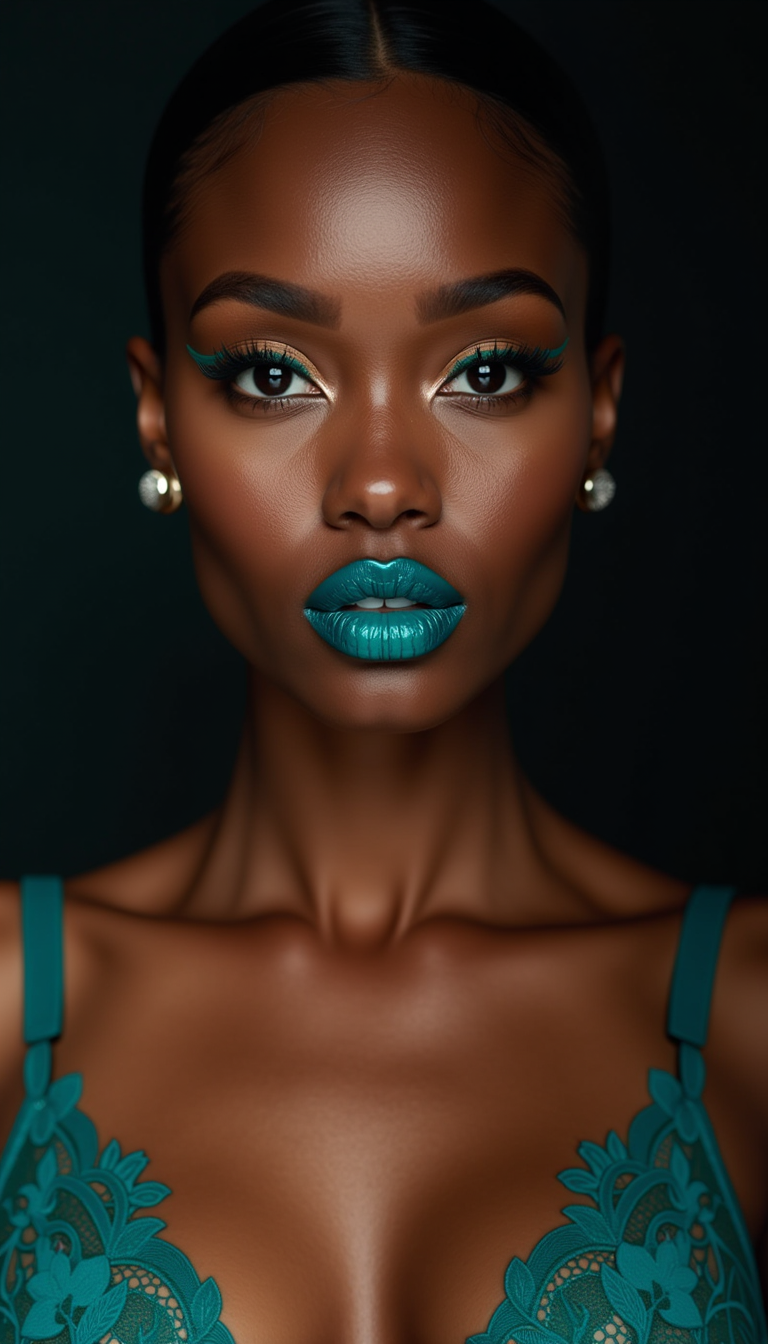

The Pixel Dojo Advantage
Why PixelDojo outperforms other options for AI face swap image generation
| Others | Pixel Dojo |
|---|---|
| Traditional face swap creation | No need for expensive software or hours of manual work—achieve professional results in seconds with automated AI precision |
| Generic AI tools | Specialized Face Swap and LoRA Face Swap tools deliver superior identity preservation and natural blending compared to basic generators |
| Manual photo editing | Skip complex layering and masking—PixelDojo handles seamless integration automatically while letting you refine with intuitive controls |
Loved by creators on PixelDojo
Real feedback from people using PixelDojo, pulled from our in-product surveys.
super lora download
Great variety of tools to create and modify images and video.
Lots of Tools, and the one time I needed support I got help right away
Easy to use once you get the hang of it
Love it make anything I can think of so far
Great for all your ideas use it encourage more people to use it
Explore more AI tools on PixelDojo
AI Tools
Compare & Switch
- Best AI Image Generators
- Best AI Video Generators
- Midjourney Alternatives
- Civitai Alternatives
- Runway Alternatives
- Leonardo Alternatives
- Pika Alternatives
- Luma Alternatives
- Magnific Alternatives
- Veo Alternatives
- Flux Alternatives
- Freepik Alternatives
- Seedance Alternatives
- Seedream Alternatives
- Pixverse Alternatives
- GPT Image Alternatives
- Synthesia Alternatives
- Playground Alternatives
- NightCafe Alternatives
- Canva AI Alternatives
- ElevenLabs Alternatives
- ComfyUI Alternatives
- Fal Alternatives
- Replicate Alternatives
Common Questions
Everything you need to know about facesawp
How does AI face swap work for realistic photo results?
PixelDojo's Face Swap tool uses advanced AI to analyze facial features, lighting, and expressions from your source image and seamlessly blend them into the target photo. Upload clear front-facing images for best results, then let our AI handle the rest—preserving natural skin tones and poses automatically.
Can I do AI face swap on videos with PixelDojo?
Yes! Use our WAN Video Character Swap or Kling Video Character Swap tools for high-quality video face swaps. These maintain lip sync and motion consistency across frames, perfect for creating engaging talking-head videos or fun transformations.
What are the best tips for high-quality AI face swap images?
For optimal results, choose source and target images with similar lighting, angles, and expressions. Use PixelDojo's Pose Control or Magic Lighting tools to fine-tune mismatches. High-resolution uploads and clear faces lead to the most photorealistic swaps.
Is PixelDojo's face swap tool free to try?
Absolutely—start with our free tier to generate several face swaps. Upgrade for unlimited access to advanced features like LoRA Face Swap for consistent character identities across multiple projects.
How do I create consistent characters using face swap AI?
Leverage the Consistent Characters and LoRA Face Swap tools together. Train a quick LoRA on your face or reference, then apply swaps across different scenes and styles while keeping the identity intact every time.
What makes PixelDojo better than other face swap apps for professionals?
PixelDojo combines Face Swap with powerful editing tools like Inpainting, Style Transfer, and Reality Polisher. This lets you not only swap faces but refine the entire image for professional marketing, e-commerce, or entertainment use cases.