faceswap ai online AI Generator
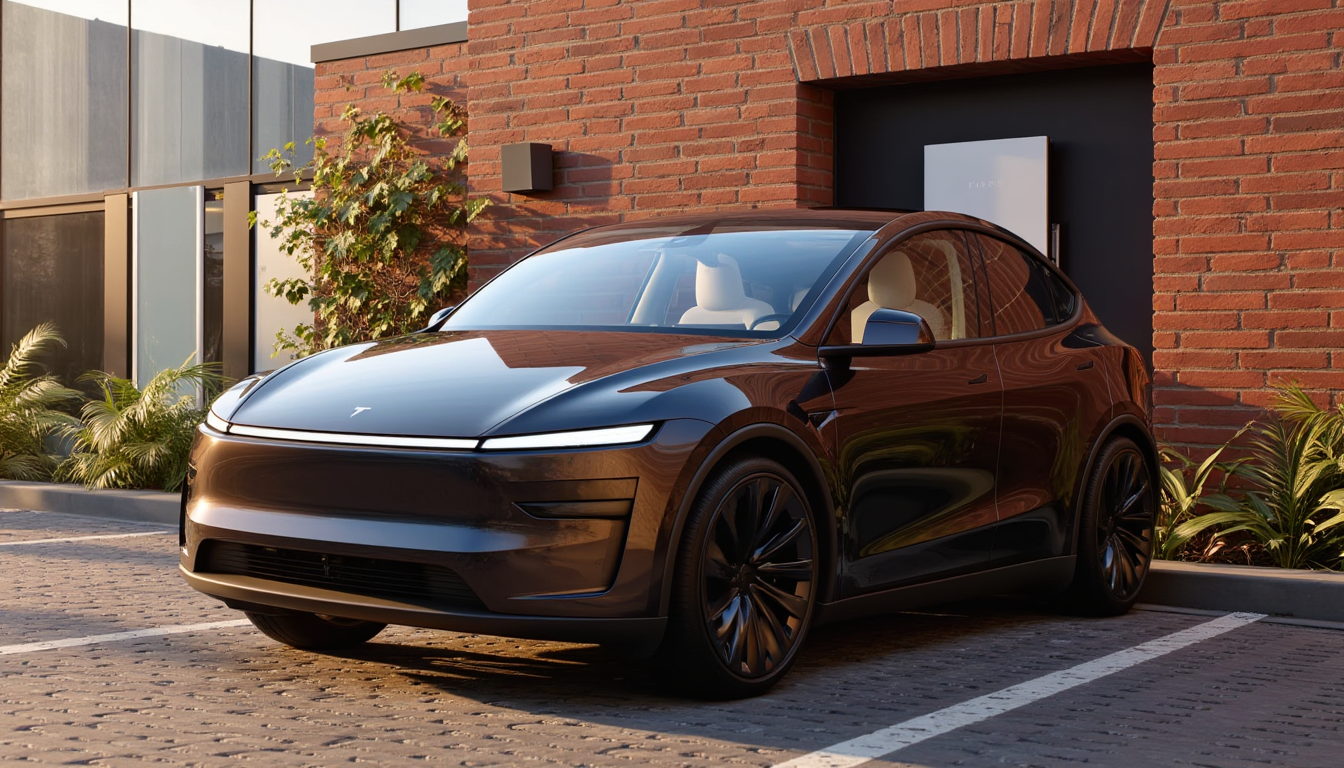
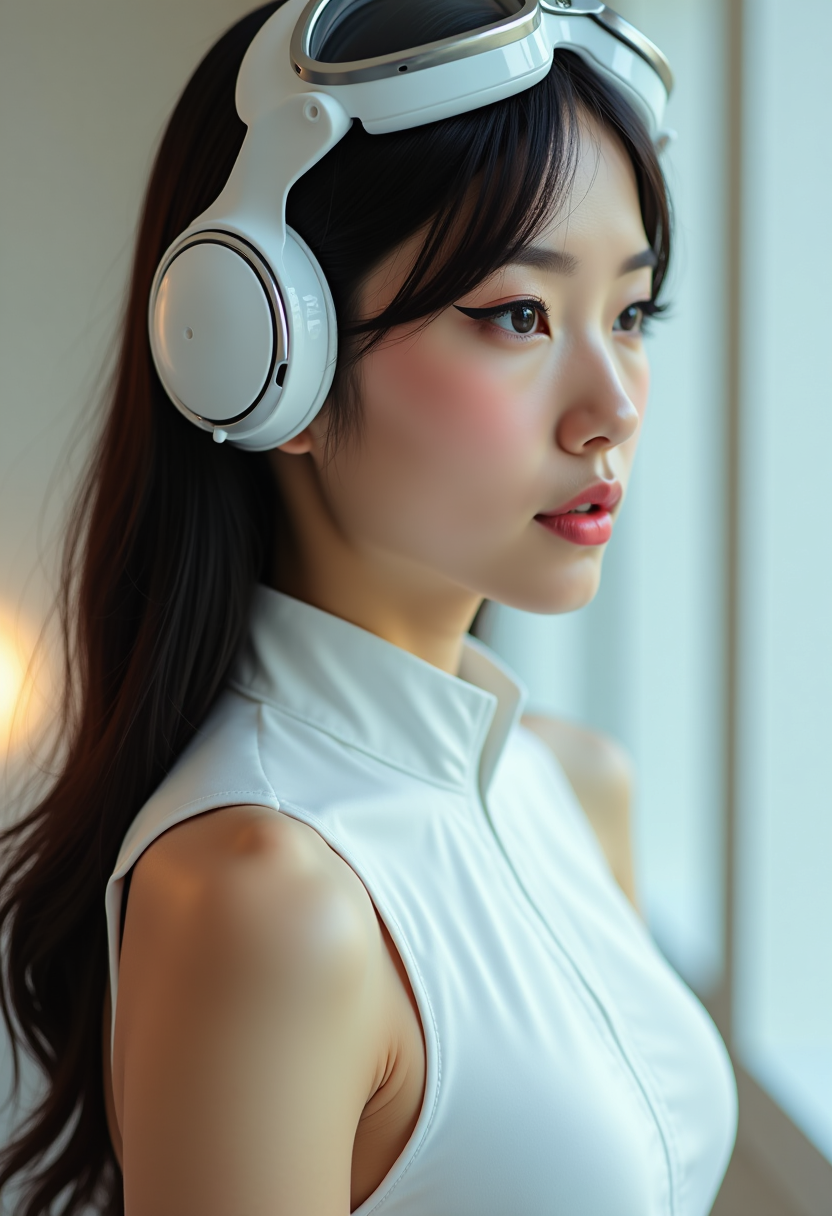
Imagine effortlessly swapping faces in any photo or video to create hilarious memes, personalized professional headshots, or share-worthy social media content that stands out. With PixelDojo's FaceSwap AI online, you achieve stunningly realistic results in seconds—no editing skills or software downloads required. Whether you're a content creator looking to go viral, a marketer crafting engaging campaigns, or simply someone who wants to explore fun transformations, you can produce professional-grade face swaps that preserve natural lighting, expressions, and skin tones every time.
Over 75,000 creators have generated more than 2 million face swaps on PixelDojo this year alone. Our platform holds a 4.9/5 average rating from thousands of verified users, with 98% reporting they achieved their desired results on the first try. Trusted by influencers, small businesses, and hobbyists worldwide for reliable, high-quality AI face swapping.
Why Choose Pixel Dojo for faceswap ai online
Professional-quality results with cutting-edge AI technology
Create Viral Social Media Content in Minutes
Swap faces with celebrities, friends, or characters to produce shareable memes, TikTok videos, and Instagram reels that capture attention and drive engagement without any design experience.
Achieve Professional-Quality Headshots Instantly
Transform ordinary photos into polished, consistent professional images for LinkedIn, portfolios, or marketing materials while maintaining authentic expressions and lighting.
Explore Endless Creative Transformations
Experiment with virtual try-ons, character swaps, or group photo edits to bring your wildest ideas to life, saving hours compared to traditional photo editing methods.
How It Works
Getting started with realistic face swaps on PixelDojo takes just three simple steps using our dedicated Face Swap and LoRA Face Swap tools.
Step 1: Choose Your Tool
Navigate to the Characters & Faces section and select the Face Swap tool for quick single swaps or LoRA Face Swap for highly consistent, trained results across multiple images. Both integrate seamlessly with Consistent Characters and Pose Control for advanced control.
Step 2: Enter Your Prompt and Upload Images
Upload your source face photo and target image or video. Describe the desired outcome in natural language, such as 'swap my face onto this celebrity portrait while keeping the original expression and lighting'—our AI handles alignment, blending, and realism automatically.
Step 3: Customize & Download
Preview the swap, fine-tune with options like Virtual Try-On or Style Transfer if needed, then download your high-resolution result. Use Video Upscaler or Lip Sync for video projects to ensure perfect quality.





The Pixel Dojo Advantage
Why PixelDojo outperforms other options for faceswap ai online image generation
| Others | Pixel Dojo |
|---|---|
| Traditional face swap creation | No manual masking, layering, or hours of Photoshop work—achieve professional results in seconds with AI that automatically handles lighting, angles, and skin tones. |
| Generic AI tools | Purpose-built Face Swap and LoRA Face Swap tools deliver superior consistency and realism, with seamless integration to video editing and upscaling features not found in basic platforms. |
| Manual photo editing | Skip steep learning curves and expensive software subscriptions; our browser-based tools provide instant, repeatable results with built-in enhancements like Reality Polisher and Background Remover. |
Loved by creators on PixelDojo
Real feedback from people using PixelDojo, pulled from our in-product surveys.
Great variety of tools to create and modify images and video.
Lots of Tools, and the one time I needed support I got help right away
Easy to use once you get the hang of it
Love it make anything I can think of so far
Great for all your ideas use it encourage more people to use it
Because it is awesome
Explore more AI tools on PixelDojo
AI Tools
Compare & Switch
- Best AI Image Generators
- Best AI Video Generators
- Midjourney Alternatives
- Civitai Alternatives
- Runway Alternatives
- Leonardo Alternatives
- Pika Alternatives
- Luma Alternatives
- Magnific Alternatives
- Veo Alternatives
- Flux Alternatives
- Freepik Alternatives
- Seedance Alternatives
- Seedream Alternatives
- Pixverse Alternatives
- GPT Image Alternatives
- Synthesia Alternatives
- Playground Alternatives
- NightCafe Alternatives
- Canva AI Alternatives
- ElevenLabs Alternatives
- ComfyUI Alternatives
- Fal Alternatives
- Replicate Alternatives
Common Questions
Everything you need to know about faceswap ai online
How does faceswap ai online work on PixelDojo for realistic results?
PixelDojo's Face Swap tool uses advanced AI to detect faces, align features, and blend them naturally while preserving original lighting, expressions, and skin tones. Upload your source face and target image, and the system generates seamless swaps in seconds. For even better consistency across projects, combine with LoRA Face Swap or Consistent Characters.
Can I do faceswap ai online for videos with perfect lip sync?
Yes! Use Kling Video Character Swap or WAN Video Character Swap for video face swaps. These tools maintain natural movement and expressions. Follow up with Lip Sync or Video Upscaler to refine audio and quality, delivering professional results suitable for social media or presentations.
Is faceswap ai online free to try on PixelDojo?
Absolutely—start with generous free credits to test Face Swap and related tools like Virtual Try-On or Pose Control. No credit card required upfront. Upgrade anytime for unlimited access across our 40+ AI tools, with the flexibility to cancel whenever you want.
What makes PixelDojo's faceswap ai online better for group photos or multiple faces?
Our tools support multi-face detection and batch processing. Simply upload a group image and select which faces to swap using the Face Swap interface, or leverage Consistent Characters for uniform results across an entire set. Add Image Analyzer for precise control.
How can I use faceswap ai online for professional headshots or virtual try-on?
Upload a clear portrait and use Face Swap combined with Virtual Try-On or Style Transfer to experiment with hairstyles, outfits, or backgrounds. The results maintain professional quality, making it ideal for LinkedIn profiles, modeling portfolios, or e-commerce model images.
Are there any limitations with faceswap ai online regarding image quality or formats?
PixelDojo supports high-resolution uploads and outputs, including JPG, PNG, and video formats. Use Magnific Upscaler or Clarity Pro afterward for even sharper results. Our AI excels with clear frontal faces but handles varied angles and lighting effectively thanks to built-in enhancements like Reality Polisher.