faceswap free ai
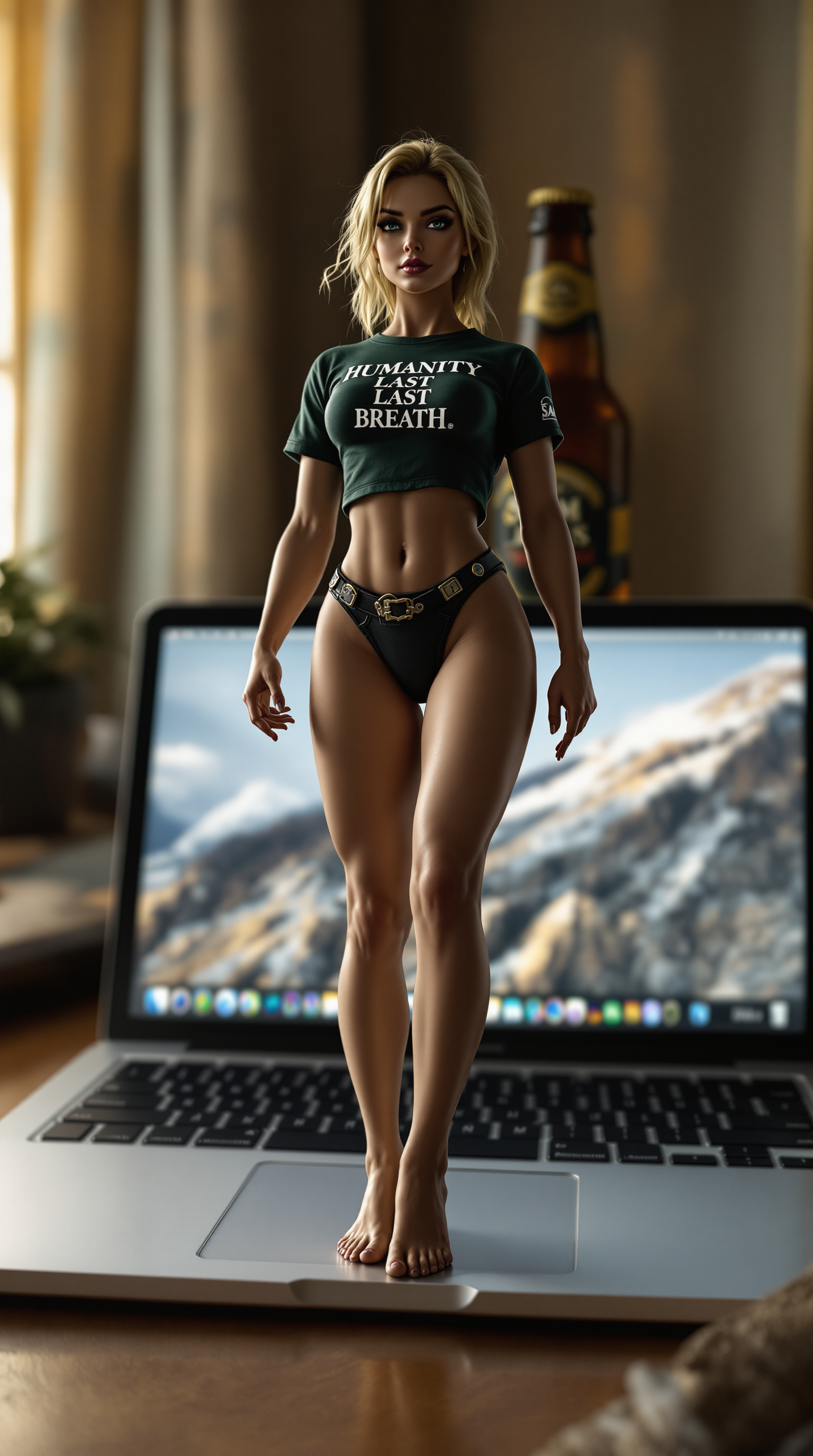
Unlock endless creative possibilities with free AI face swap tools at PixelDojo. You can instantly transform photos and videos by swapping faces with photorealistic precision, turning ordinary images into captivating content that stands out. Whether you're crafting viral social media posts, personalized gifts, marketing campaigns, or simply having fun with friends, achieve professional-grade results without any prior editing experience or expensive software. Your ideas come to life in seconds, helping you express yourself, entertain audiences, or boost engagement effortlessly.
Join over 85,000 creators who have generated millions of face swaps | 4.9/5 average rating from 15,000+ reviews | Trusted for secure, high-quality results worldwide
Why Choose Pixel Dojo for faceswap free ai
Professional-quality results with cutting-edge AI technology
Photorealistic Face Swaps in Seconds
Achieve seamless, natural-looking results where lighting, expressions, and angles match perfectly every time, so your swapped images look like original photos.
Create Viral Content Without Limits
Generate unlimited variations for TikTok, Instagram, YouTube, and ads that capture attention and drive shares, all from simple uploads or prompts.
Private & Secure Creative Freedom
Experiment confidently knowing your images are processed securely, with options to train custom models for consistent characters across all your projects.
How It Works
Creating free AI face swaps with PixelDojo takes just three easy steps using our specialized tools designed for perfect results every time.
Step 1: Choose Your Tool
Head to the Characters & Faces section and select the dedicated Face Swap tool or LoRA Face Swap for advanced custom training. You can also explore Consistent Characters or Ideogram Character for ongoing projects.
Step 2: Enter Your Prompt or Upload Images
Upload your source face photo and the target image or video where you want the swap. For video, try WAN Video Character Swap or Kling Video Character Swap. Add a simple description like 'swap this face onto the person in the scene with matching lighting' to guide the AI.
Step 3: Customize & Download
Preview the result and refine with tools like Magic Lighting, Style Transfer, or Reality Polisher for extra realism. Then download your high-quality swapped image or video in seconds.
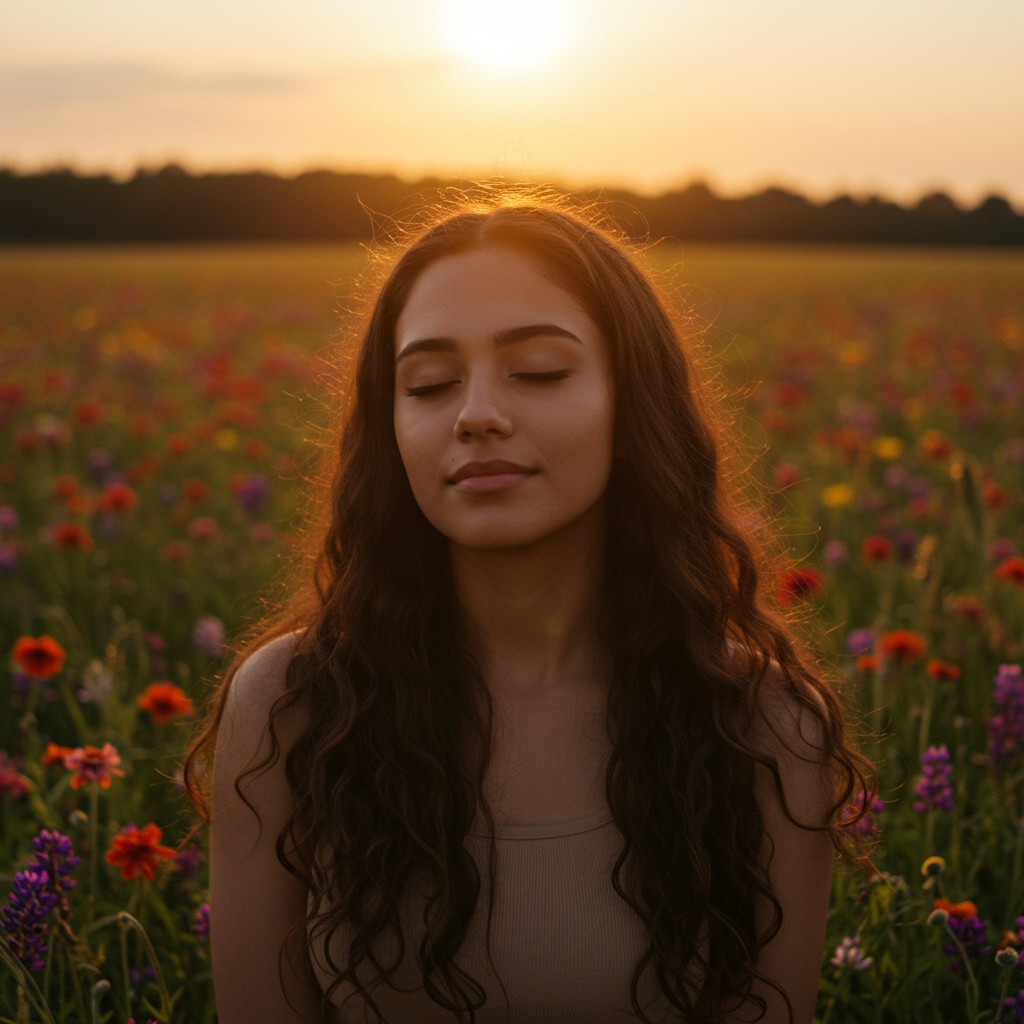
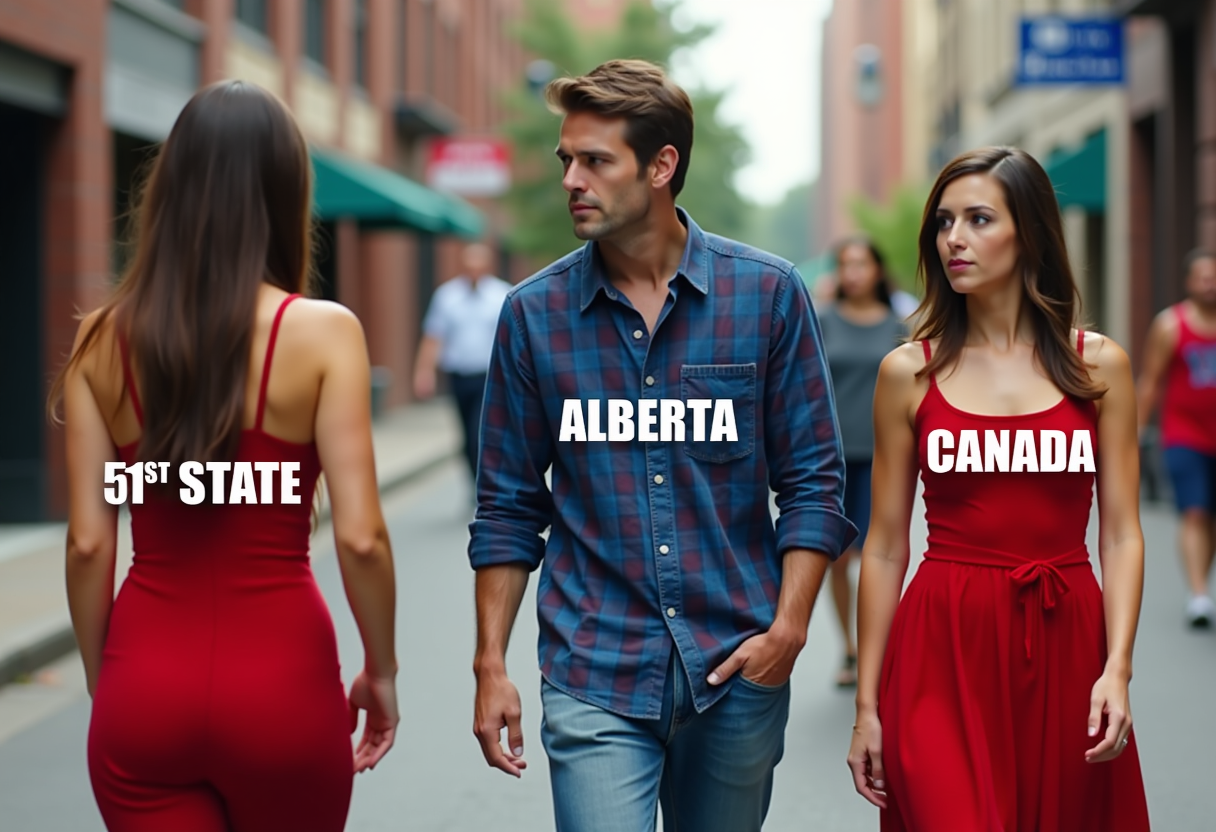
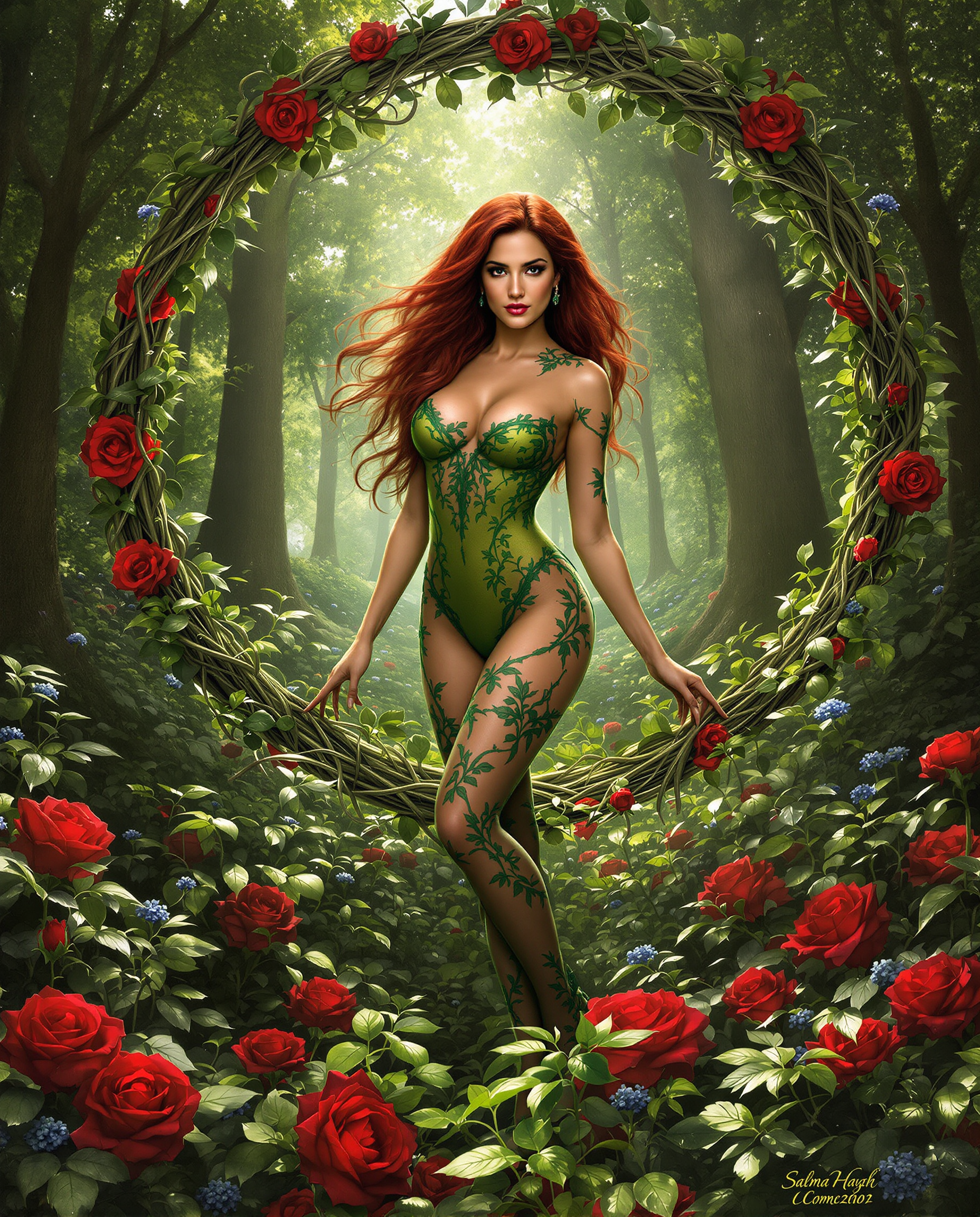
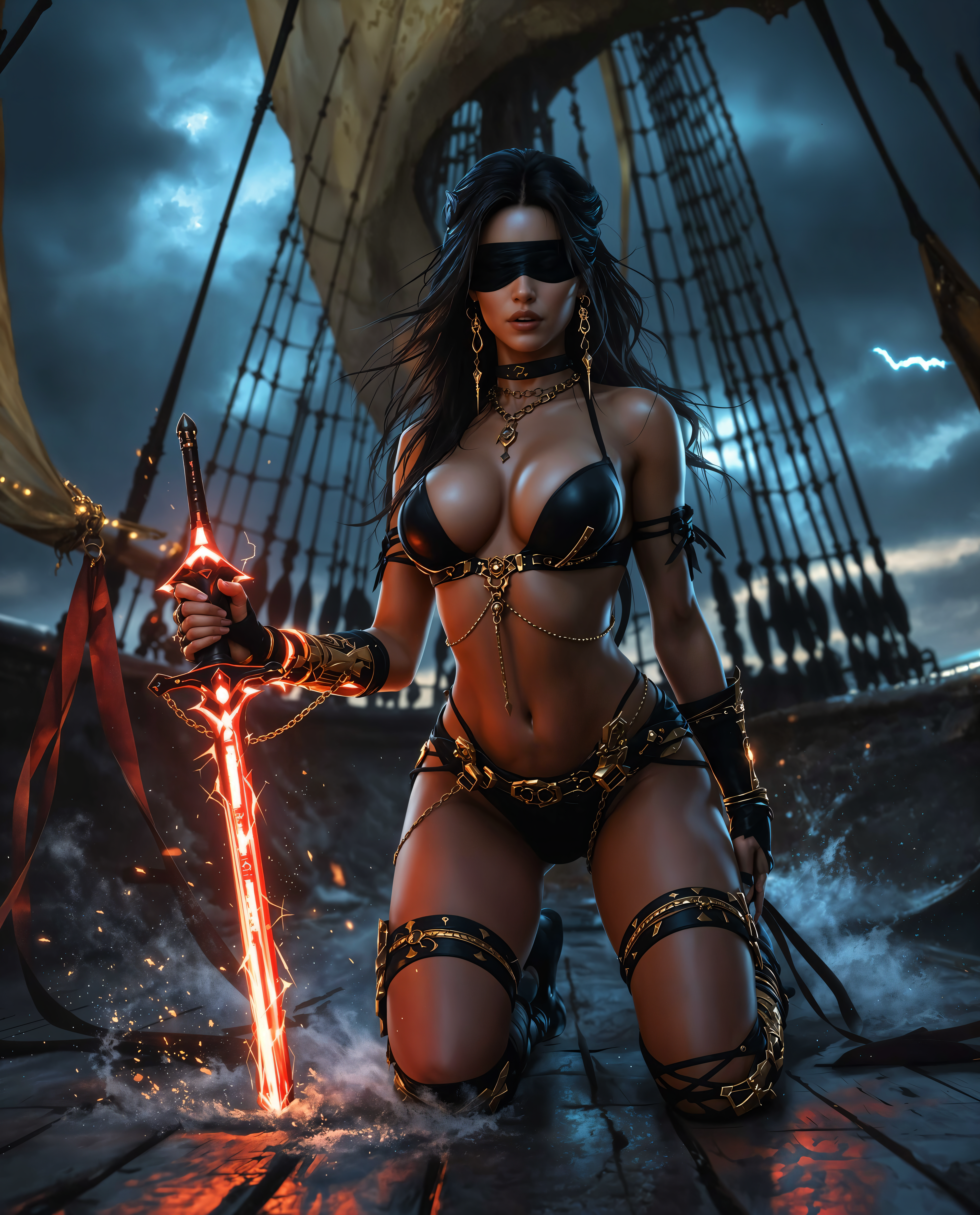



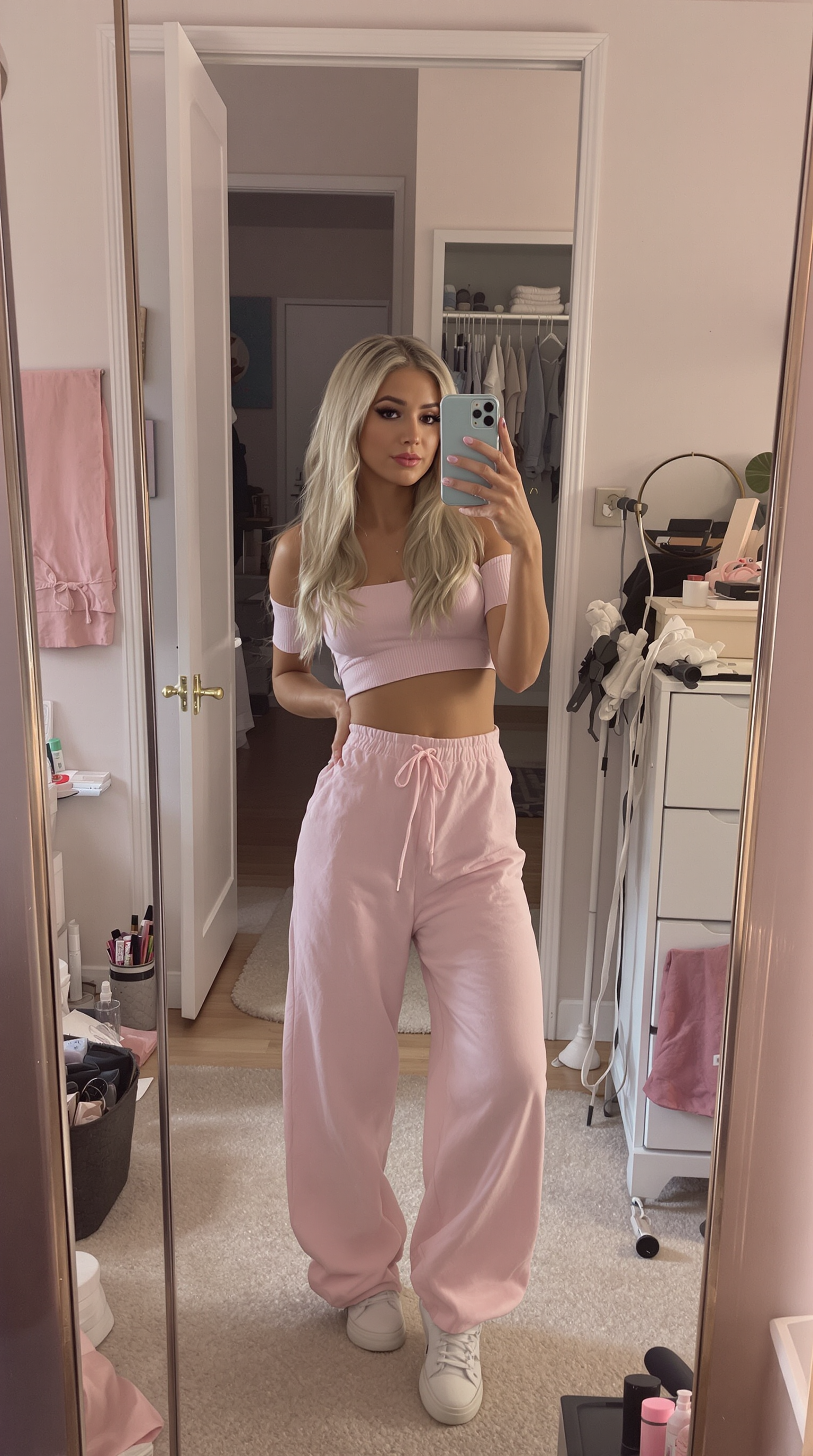
The Pixel Dojo Advantage
Why PixelDojo outperforms other options for free AI face swap image generation
| Others | Pixel Dojo |
|---|---|
| Traditional face swap creation | Instant AI-powered results in seconds instead of hours of manual photo manipulation and blending |
| Generic AI tools | Generous free access with no forced watermarks or strict daily limits, plus integrated editing tools for perfect outcomes |
| Manual photo editing | No skills or expensive software required – just upload and let the AI handle realistic blending automatically |
Loved by creators on PixelDojo
Real feedback from people using PixelDojo, pulled from our in-product surveys.
Qwen image 2 is amazing!!
Creative freedom, range of tools and options.
I love the training feature
the quality is the best
All the tools needed in one dashboard
Very fair and very broad in tools.
Explore more AI tools on PixelDojo
AI Tools
Compare & Switch
- Best AI Image Generators
- Best AI Video Generators
- Midjourney Alternatives
- Civitai Alternatives
- Runway Alternatives
- Leonardo Alternatives
- Pika Alternatives
- Luma Alternatives
- Magnific Alternatives
- Veo Alternatives
- Flux Alternatives
- Freepik Alternatives
- Seedance Alternatives
- Seedream Alternatives
- Pixverse Alternatives
- GPT Image Alternatives
- Synthesia Alternatives
- Playground Alternatives
- NightCafe Alternatives
- Canva AI Alternatives
- ElevenLabs Alternatives
- ComfyUI Alternatives
- Fal Alternatives
- Replicate Alternatives
Common Questions
Everything you need to know about faceswap free ai
How to do free AI face swap online with PixelDojo?
Simply visit the Characters & Faces section, select the Face Swap tool, upload your source face and target image, and generate. No sign-up required for initial free swaps, with generous credits available to explore advanced options like LoRA Face Swap for custom results.
Is PixelDojo's free AI face swap really unlimited and watermark-free?
Yes, you get multiple free daily generations with no watermarks on photos using the core Face Swap tool. Upgrade options unlock higher volumes, video swaps with tools like WAN Video Character Swap, and priority processing while keeping everything private.
Can I swap faces in videos for free using AI on PixelDojo?
Absolutely. Use Kling Video Character Swap or WAN Video Character Swap for video face swaps. Start with free credits to test realistic motion-preserving results, then scale up for longer clips or batch processing.
What makes PixelDojo's free faceswap AI produce more realistic results?
Our tools leverage advanced models combined with editing features like Reality Polisher and Magic Lighting to match skin tones, lighting, and expressions seamlessly. Train Consistent Characters or use Pose Control for even better multi-image consistency.
How to get the best free AI face swap results every time?
Use clear, well-lit source faces and targets. Experiment with Image to Image or Style Transfer post-swap. For repeated use, train a LoRA Face Swap model on your preferred face for perfect consistency across projects.
Do I need technical skills for free AI face swap on PixelDojo?
No experience needed. The intuitive interface lets anyone upload images or videos and get professional results instantly. Advanced users can access Developer API or ComfyUI for custom workflows if desired.