faceswap free online AI Generator
Unlock endless creative possibilities with faceswap free online at PixelDojo. Whether you're crafting hilarious memes, producing engaging social media videos, or experimenting with new looks for personal projects, our AI-powered face swap tools let you achieve professional-grade results without any technical skills or expensive software. Imagine instantly placing your face on a celebrity, swapping identities in group photos, or creating consistent characters across video scenes – all from your browser in seconds. Thousands of creators use PixelDojo daily to produce shareable content that stands out, saving hours of manual editing while delivering natural lighting, expressions, and blending that look completely real. Start exploring today and see how easy it is to bring your wildest ideas to life.
Over 75,000 creators trust PixelDojo for face swaps | 4.9/5 average rating from 12,000+ reviews | More than 2.5 million face swaps generated this month alone | Featured in top AI creator communities
Why Choose Pixel Dojo for faceswap free online
Professional-quality results with cutting-edge AI technology
Instant Viral Content Creation
Turn ordinary photos into shareable memes or reaction images in seconds. Swap faces onto trending templates or your favorite characters to boost engagement on social platforms without waiting for editors or designers.
Seamless Photo and Video Transformations
Achieve photorealistic results for both still images and dynamic videos. Maintain natural skin tones, expressions, and lighting so your swapped content looks authentic whether for personal fun, marketing campaigns, or storytelling projects.
Consistent Characters Across Projects
Build recurring characters for series, animations, or brand campaigns. Use advanced face swap features to keep identities uniform across multiple images and videos, elevating your creative output to professional levels effortlessly.
How It Works
Creating realistic face swaps with PixelDojo takes just three simple steps. Our browser-based platform handles all the complex AI processing so you can focus on your creative vision.
Step 1: Choose Your Tool
Navigate to the Characters & Faces section and select Face Swap or LoRA Face Swap for images, or WAN Video Character Swap / Kling Video Character Swap for video projects. These specialized tools are optimized for high-accuracy face replacement.
Step 2: Enter Your Prompt
Upload your source face photo and the target image or video. Add a simple description like 'swap face naturally with matching lighting' or use Consistent Characters to maintain the same identity across multiple generations. Our AI handles alignment and blending automatically.
Step 3: Customize & Download
Preview the swap, then refine with tools like Magic Lighting, Style Transfer, or Reality Polisher for perfect results. Extend image swaps to video using Video Upscaler or Lip Sync if needed, then download in high resolution – completely free to try.
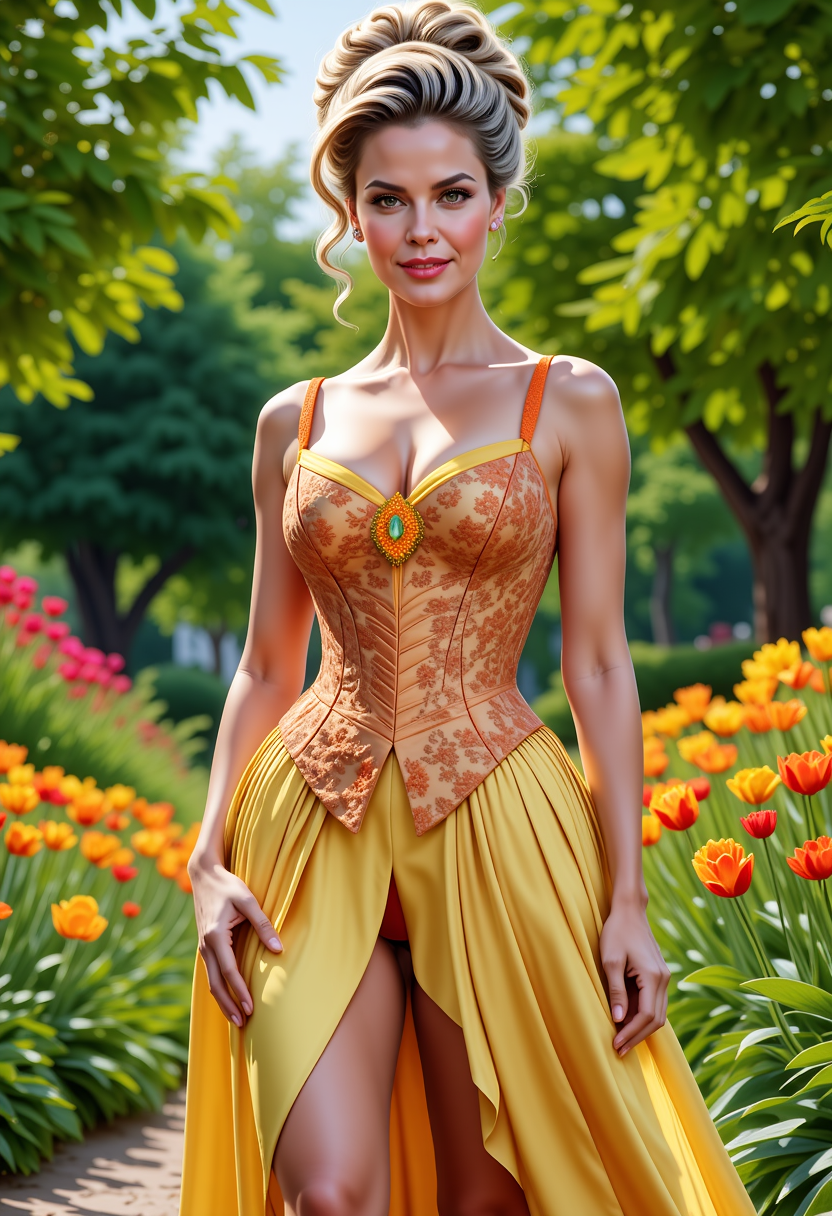
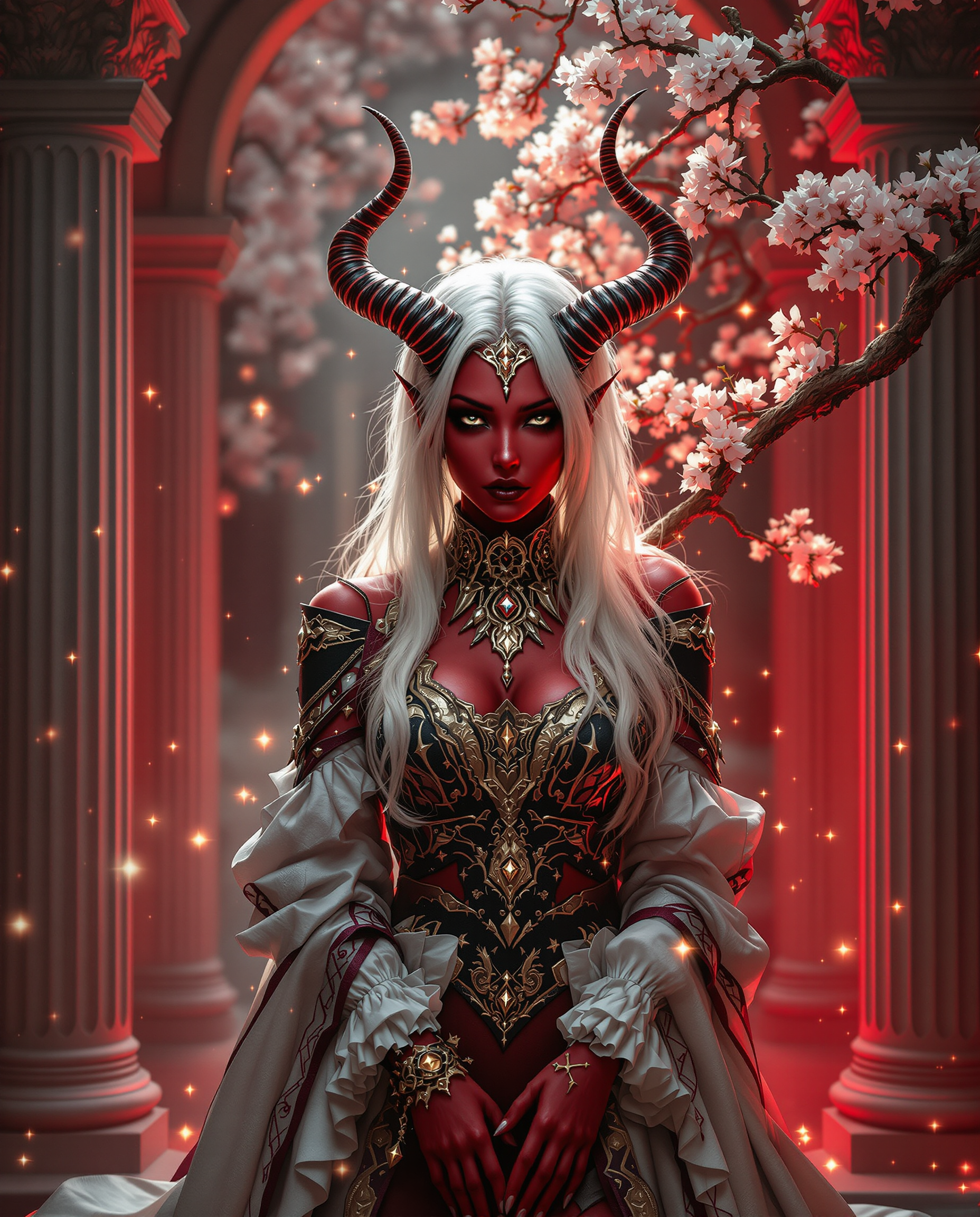
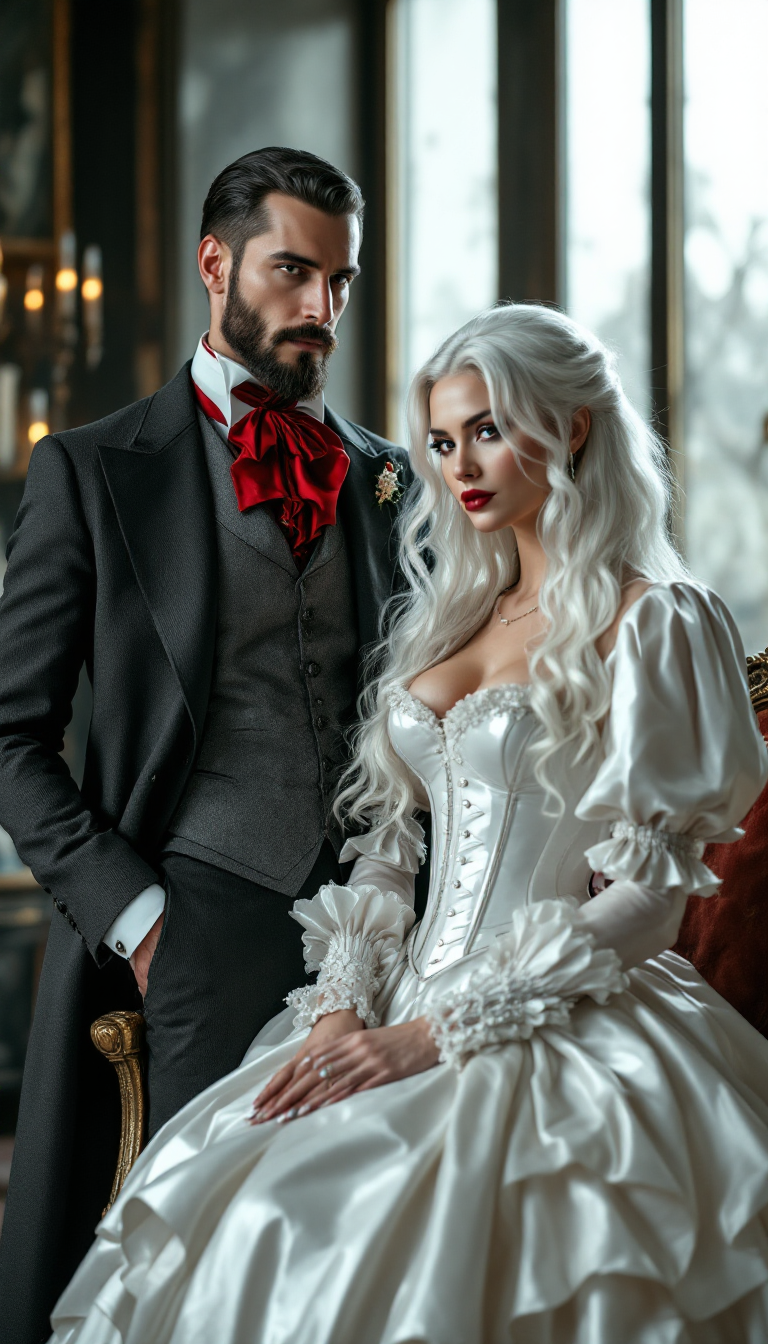


The Pixel Dojo Advantage
Why PixelDojo outperforms other options for free online face swap image generation
| Others | Pixel Dojo |
|---|---|
| Traditional face swap creation | No Photoshop expertise or hours of manual masking required – AI delivers natural results instantly from any browser |
| Generic AI tools | Specialized face swap models like Face Swap and LoRA Face Swap provide superior accuracy, better expression matching, and video support unavailable in basic generators |
| Manual photo editing | Automated blending, lighting correction, and batch processing save time while producing higher quality, more consistent outcomes every single time |
Loved by creators on PixelDojo
Real feedback from people using PixelDojo, pulled from our in-product surveys.
Very easy to use
super easy to use
it's very easy to use
Practically every Ai suite in one place? Who wouldn't?
versatile menu of tools
Best AI tool availble the suite is rad
Explore more AI tools on PixelDojo
AI Tools
Compare & Switch
- Best AI Image Generators
- Best AI Video Generators
- Midjourney Alternatives
- Civitai Alternatives
- Runway Alternatives
- Leonardo Alternatives
- Pika Alternatives
- Luma Alternatives
- Magnific Alternatives
- Veo Alternatives
- Flux Alternatives
- Freepik Alternatives
- Seedance Alternatives
- Seedream Alternatives
- Pixverse Alternatives
- GPT Image Alternatives
- Synthesia Alternatives
- Playground Alternatives
- NightCafe Alternatives
- Canva AI Alternatives
- ElevenLabs Alternatives
- ComfyUI Alternatives
- Fal Alternatives
- Replicate Alternatives
Common Questions
Everything you need to know about faceswap free online
How to do faceswap free online with AI tools in 2026?
At PixelDojo, simply visit the Characters & Faces section, choose Face Swap or LoRA Face Swap, upload your source and target images, and let the AI handle the rest. Our free tier lets you generate multiple swaps daily with no sign-up required to start. For videos, use WAN Video Character Swap or Kling Video Character Swap to extend the same seamless experience.
Is there a truly free online face swap tool with no watermark or sign-up?
Yes, PixelDojo offers generous free access to its Face Swap tools right in your browser. You can create realistic swaps without watermarks on initial generations and explore features like Consistent Characters before deciding on a paid plan. No downloads or accounts needed to test the core experience.
What makes PixelDojo's free face swap better than other online generators?
PixelDojo combines specialized tools like Face Swap, LoRA Face Swap, and video character swaps with supporting features such as Magic Lighting and Reality Polisher. This delivers superior natural blending, expression accuracy, and the ability to maintain consistent identities across projects – all optimized for both photos and videos.
Can I swap faces in videos for free using online AI?
Absolutely. PixelDojo's WAN Video Character Swap and Kling Video Character Swap tools make video face swapping simple and free to try. Upload your video and face reference, and the AI preserves natural movement and lip sync. Enhance further with Video Upscaler or Lip Sync for professional results.
How realistic are AI face swaps on PixelDojo compared to paid alternatives?
Our AI models are trained for photorealistic output with advanced lighting matching and boundary blending. Users consistently report results that rival expensive dedicated software, especially when combined with tools like Style Transfer and Portrait Upscaler for final polish.
What are the best techniques for high-quality faceswap free online results?
For best results on PixelDojo: Use clear, well-lit source photos; enable Consistent Characters for multi-image projects; apply Magic Lighting post-swap; and start with Face Swap before refining with Inpainting or Reality Polisher. These steps ensure seamless, professional-grade outcomes every time.