faceswap io AI Generator
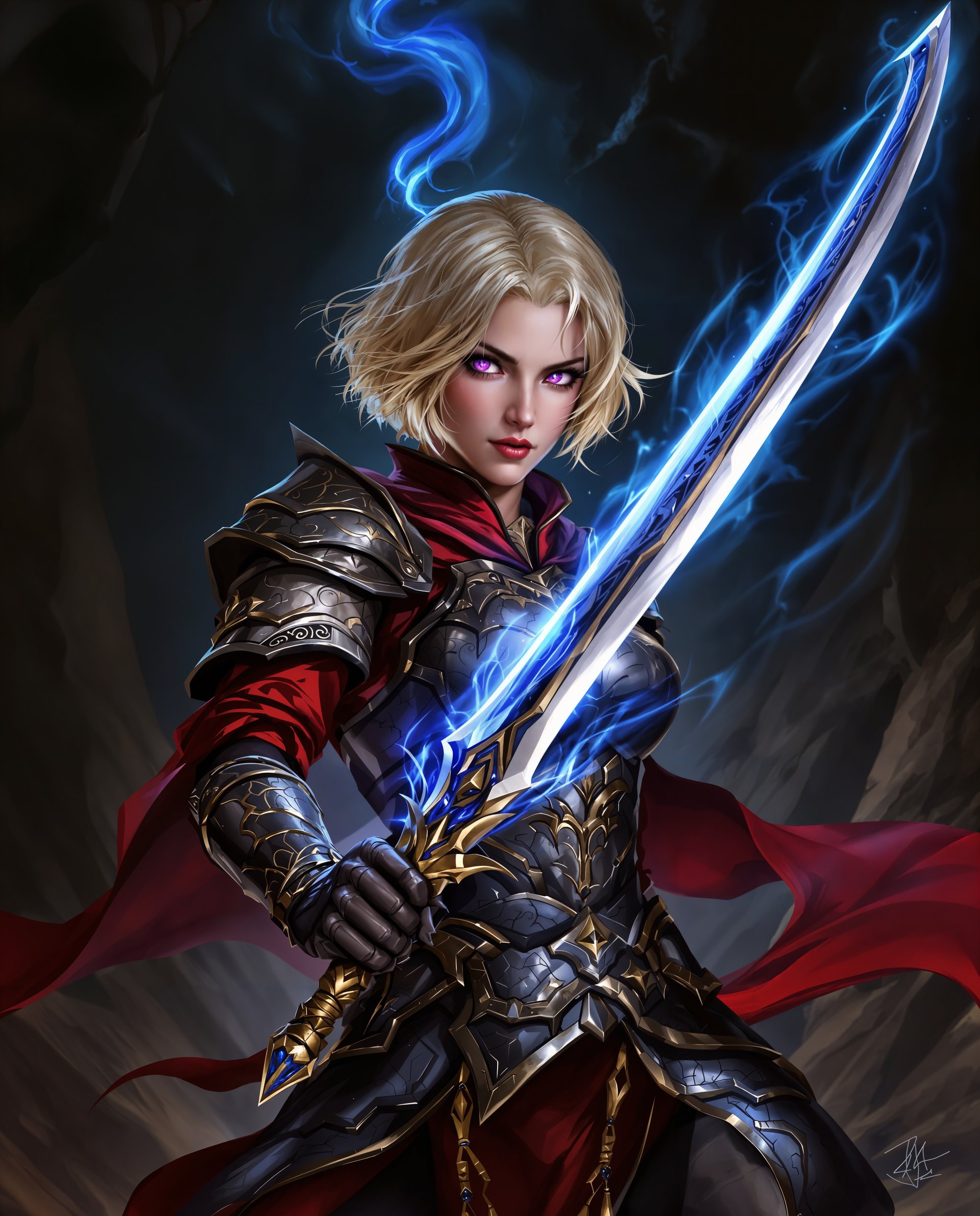
With PixelDojo's Faceswap IO tools, you can instantly place your face or any reference face into photos, videos, and creative scenes with breathtaking realism. Whether you're crafting viral social media posts, building consistent characters for stories, or exploring fun transformations, our advanced AI delivers natural-looking results that preserve expressions, lighting, and details. Achieve professional-grade face swaps without any technical skills or expensive software – just upload, swap, and download.
Loved by over 75,000 creators worldwide • 4.9/5 average rating from 12,000+ reviews • Trusted for 500,000+ face swaps monthly • 40+ cutting-edge AI tools, cancel anytime
Why Choose Pixel Dojo for faceswap io
Professional-quality results with cutting-edge AI technology
Ultra-Realistic Results Every Time
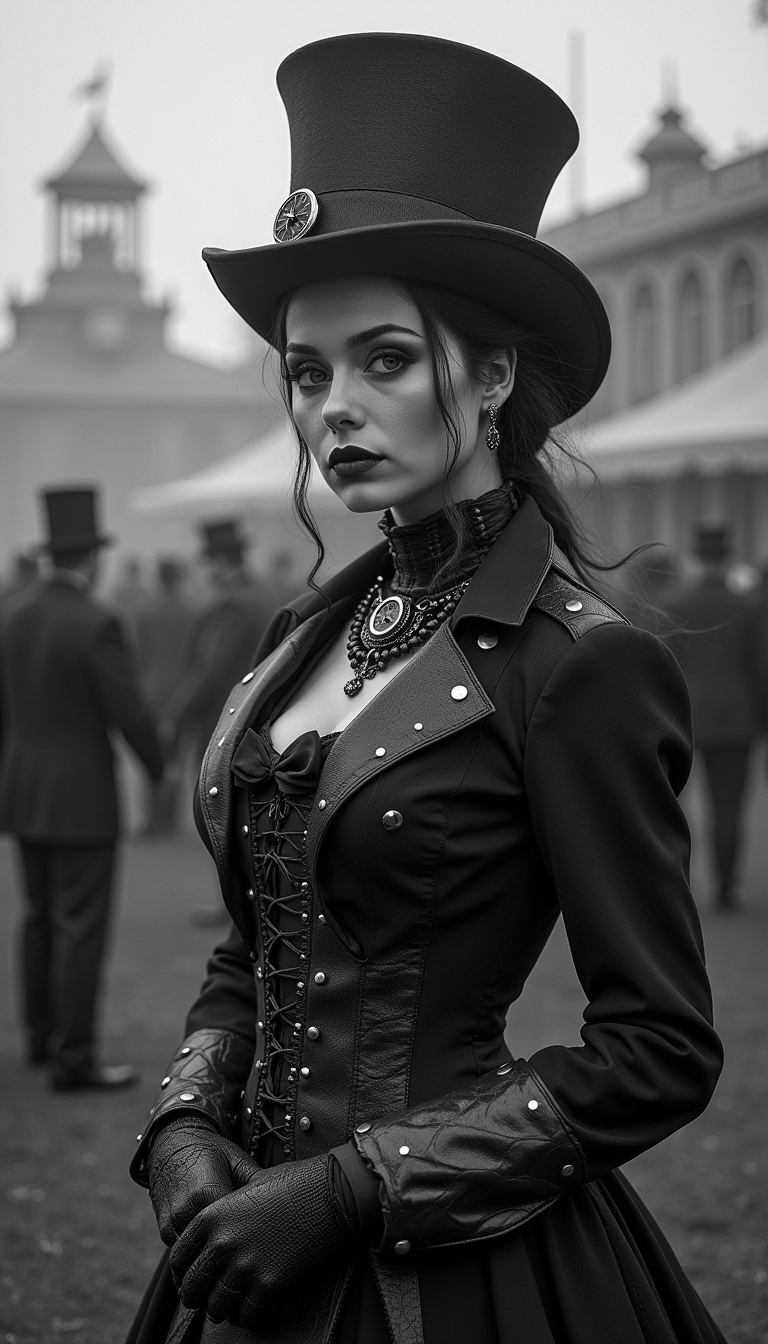
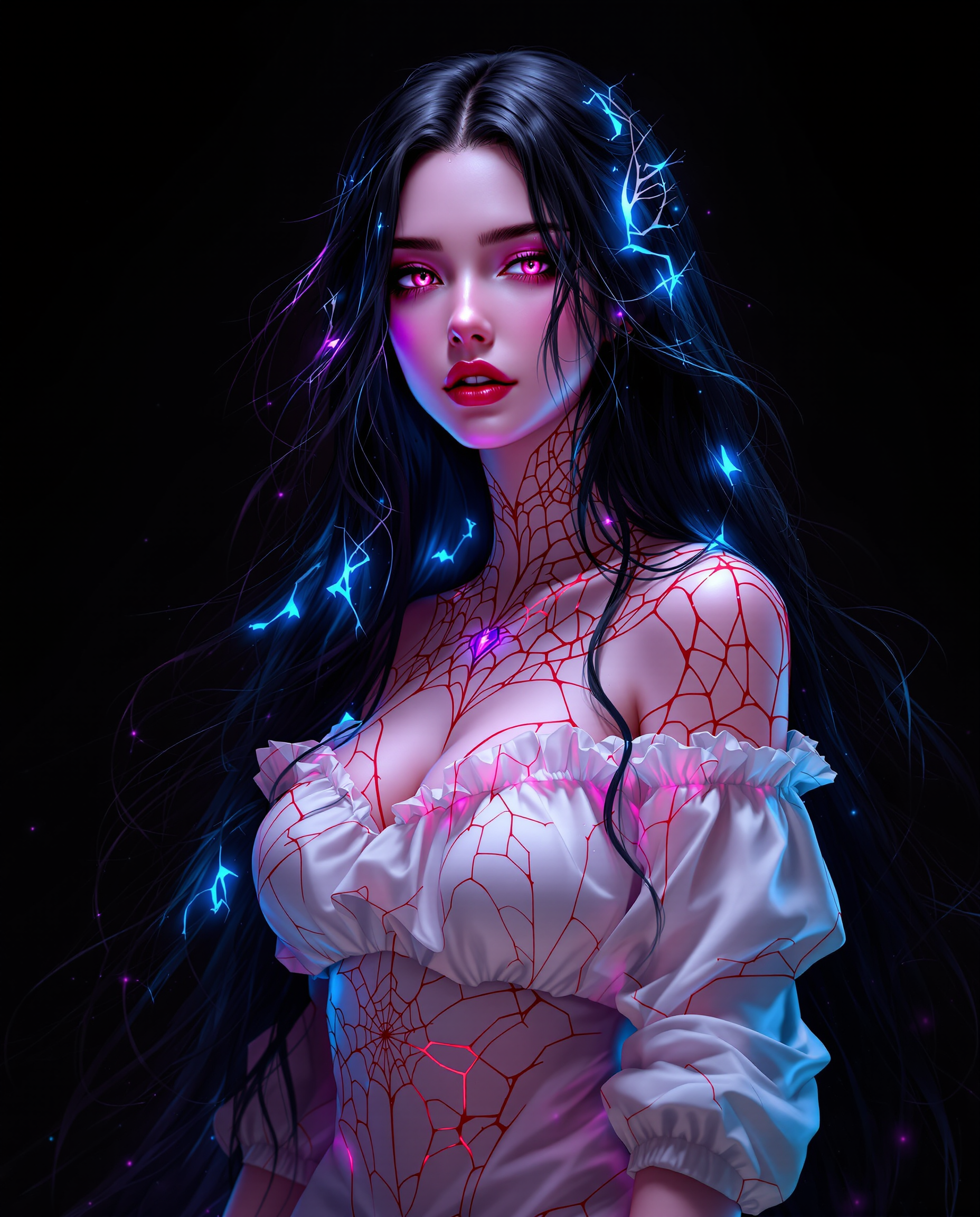
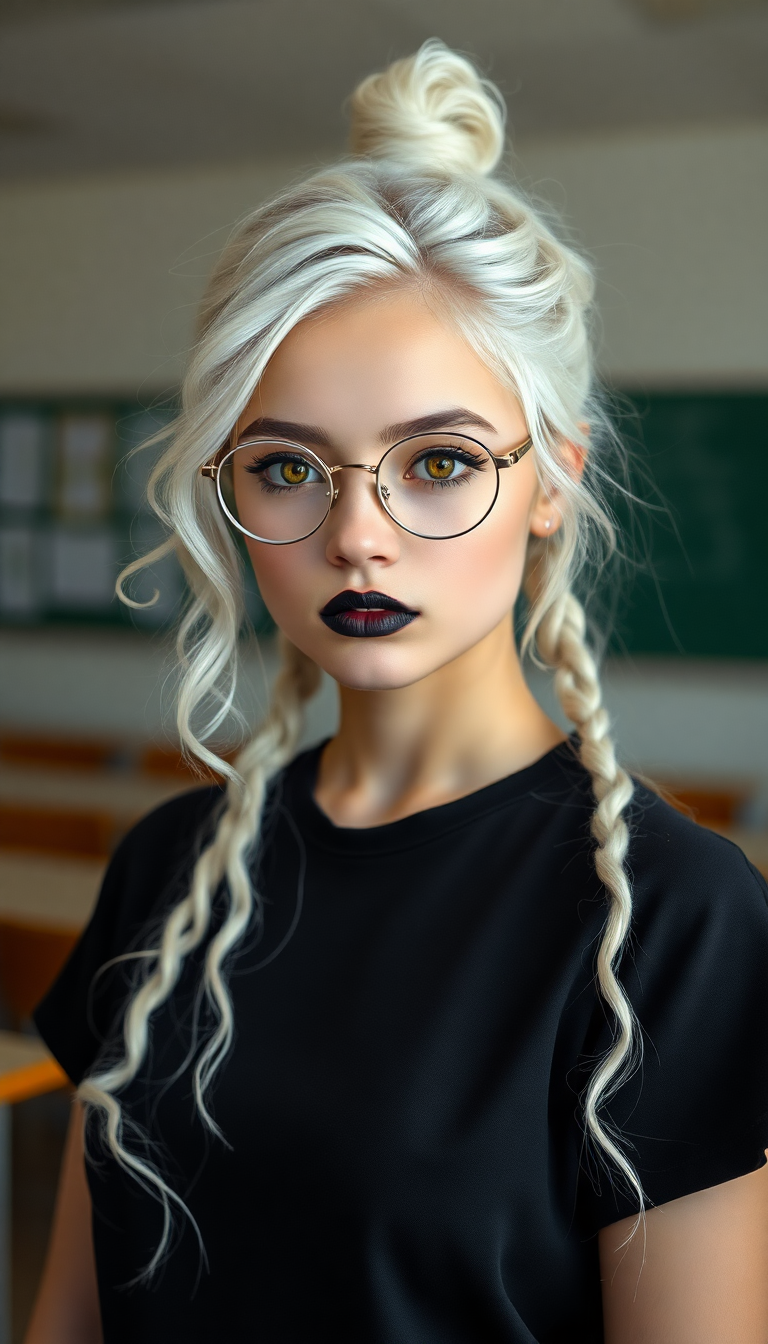
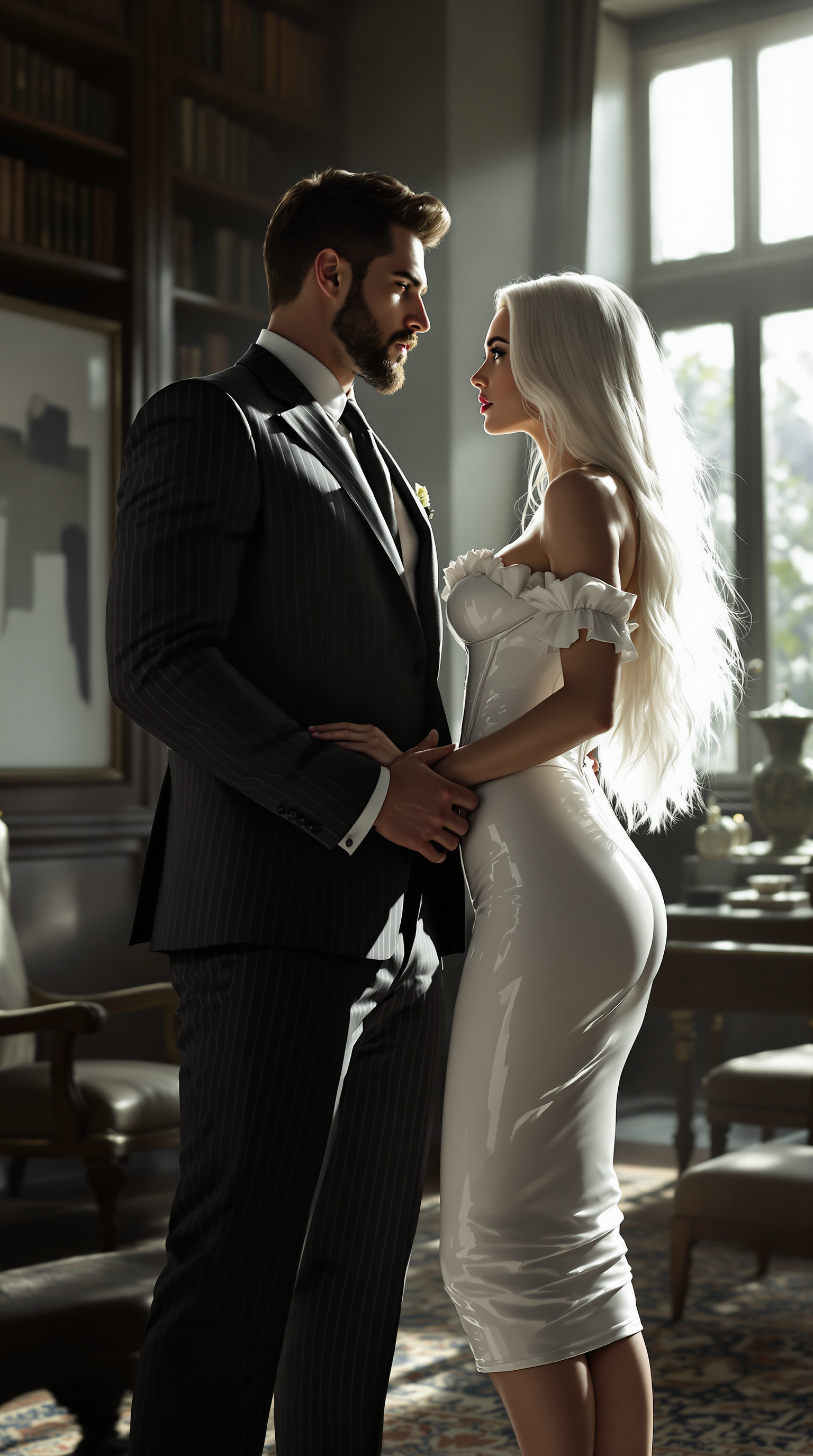
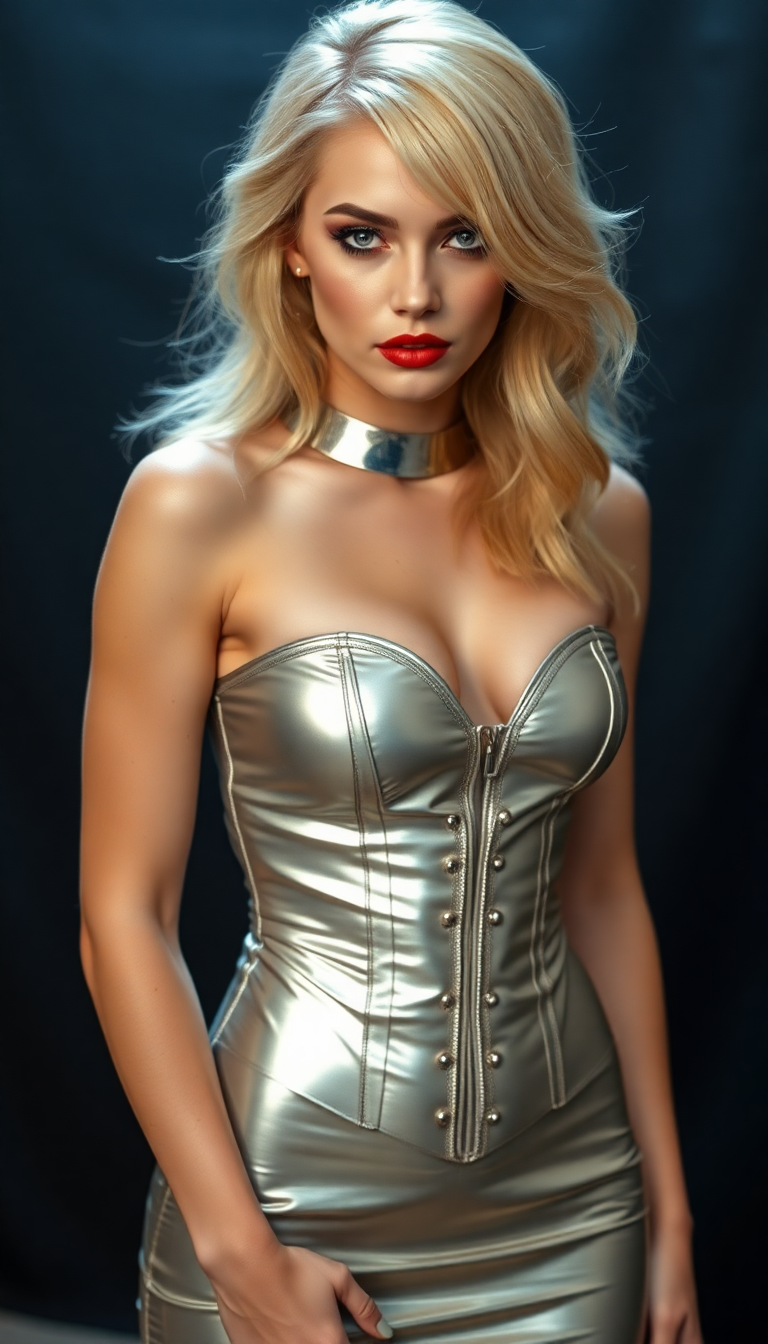
Produce face swaps so natural they look like original photos. Perfect skin blending, accurate lighting, and preserved emotions help you create content that fools even close friends and family.
Instant Creativity for Any Project
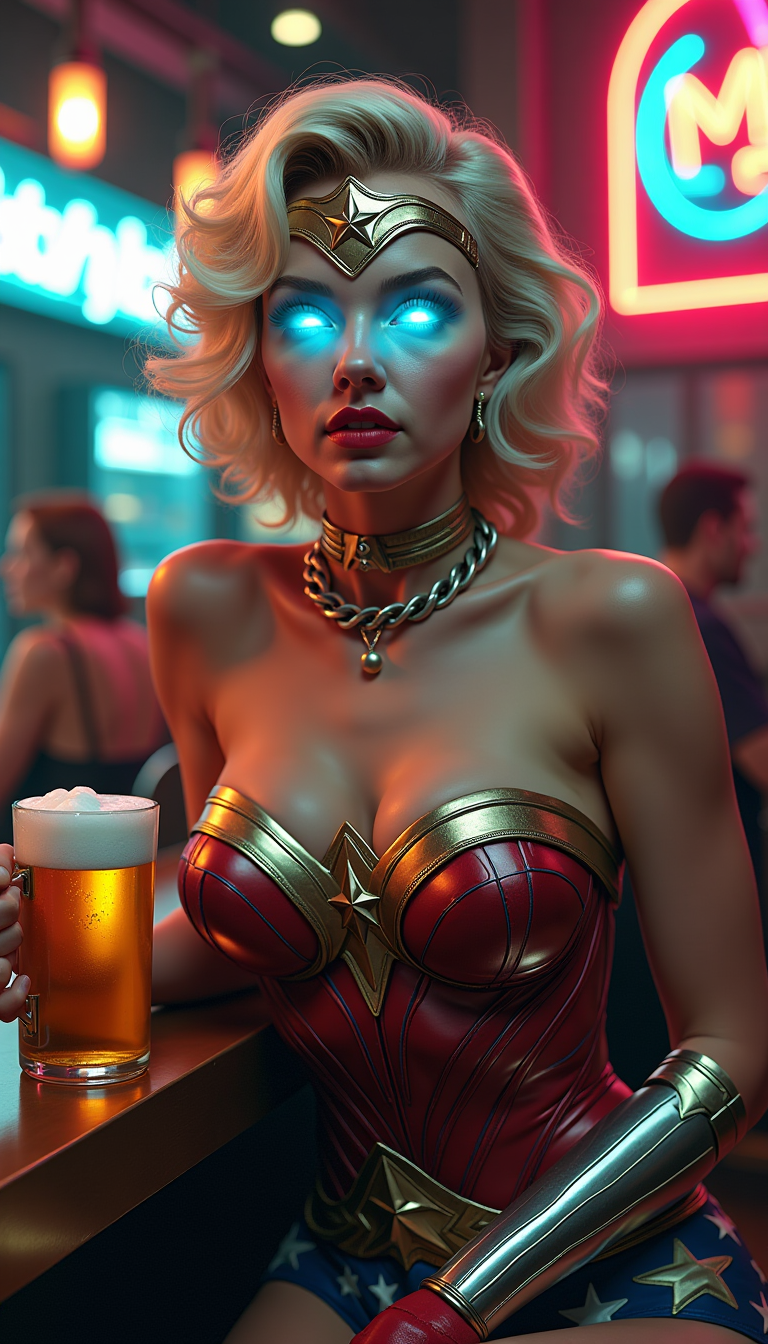
Swap faces in seconds for memes, professional headshots, brand campaigns, or video content. Turn a single photo into dozens of variations for social media, marketing, or personal projects without reshooting.
Consistent Characters Across All Media
Maintain the same face and identity across multiple images and videos. Build entire storylines, product campaigns, or personal portfolios with flawless character consistency every time.
How It Works
Creating professional face swaps with PixelDojo takes just three simple steps using our dedicated Faceswap IO tools.
Step 1: Choose Your Tool
Select the Face Swap or LoRA Face Swap tool from the Characters & Faces section. For videos, try WAN Video Character Swap or Kling Video Character Swap to handle motion and expressions seamlessly.
Step 2: Enter Your Prompt & Upload Images
Upload your source face image and target scene or video. Add a simple prompt like 'swap this face onto the person in the photo while matching lighting and expression' for precise control.
Step 3: Customize & Download
Adjust strength, pose, or style with Consistent Characters or Pose Control. Preview the realistic swap, then download your high-resolution result or extend to video with Video Upscaler.



The Pixel Dojo Advantage
Why PixelDojo outperforms other options for faceswap io image generation
| Others | Pixel Dojo |
|---|---|
| Traditional faceswap io creation | No manual masking or hours of editing – achieve flawless results in seconds with AI that handles lighting, angles, and blending automatically |
| Generic AI tools | Specialized Faceswap IO features like LoRA Face Swap and video character tools deliver superior consistency and realism tailored specifically for face swapping |
| Manual photo editing | Skip expensive software and steep learning curves – our intuitive tools produce professional outcomes instantly without any prior experience |
Loved by creators on PixelDojo
Real feedback from people using PixelDojo, pulled from our in-product surveys.
The site is easy to navigate and use.
All the tools, readily available and easy to understand
You guys, the LORA training is the BEST in the space right now, great job with that!
Tons of variety. Ease of use. Tools for beginners and advance users.
easiest workflow to get best output image or video
awesome functionality, UX, constant flood of improvements, discord interactivity
Explore more AI tools on PixelDojo
AI Tools
Compare & Switch
- Best AI Image Generators
- Best AI Video Generators
- Midjourney Alternatives
- Civitai Alternatives
- Runway Alternatives
- Leonardo Alternatives
- Pika Alternatives
- Luma Alternatives
- Magnific Alternatives
- Veo Alternatives
- Flux Alternatives
- Freepik Alternatives
- Seedance Alternatives
- Seedream Alternatives
- Pixverse Alternatives
- GPT Image Alternatives
- Synthesia Alternatives
- Playground Alternatives
- NightCafe Alternatives
- Canva AI Alternatives
- ElevenLabs Alternatives
- ComfyUI Alternatives
- Fal Alternatives
- Replicate Alternatives
Common Questions
Everything you need to know about faceswap io
How does faceswap io work on PixelDojo for realistic results?
PixelDojo's Faceswap IO uses advanced AI models including Face Swap and LoRA Face Swap to analyze facial landmarks, lighting, and expressions from your source image. It then seamlessly maps the new face onto the target while preserving natural movement and details. Upload two images, select your tool, and generate ultra-realistic swaps in seconds.
Can I do faceswap io on videos with PixelDojo?
Yes! Use WAN Video Character Swap, Kling Video Character Swap, or Happy Horse Video Edit for high-quality video face swaps. These tools maintain lip sync, head movements, and lighting consistency across frames, perfect for creating engaging short-form content or extended clips.
What makes PixelDojo's faceswap io better than other online tools?
PixelDojo offers 40+ specialized tools like Consistent Characters, Pose Control, and Virtual Try-On alongside Face Swap. You get superior blending, character consistency across multiple images, and easy video extensions – all in one platform with no watermarks or hidden fees.
Is faceswap io safe and ethical to use on PixelDojo?
Absolutely. We emphasize responsible use with clear guidelines for consent. All generated content includes metadata for authenticity. Focus on creative projects, fun memes, or approved brand work to ensure ethical application of our powerful Faceswap IO tools.
How many faces can I swap at once with faceswap io on PixelDojo?
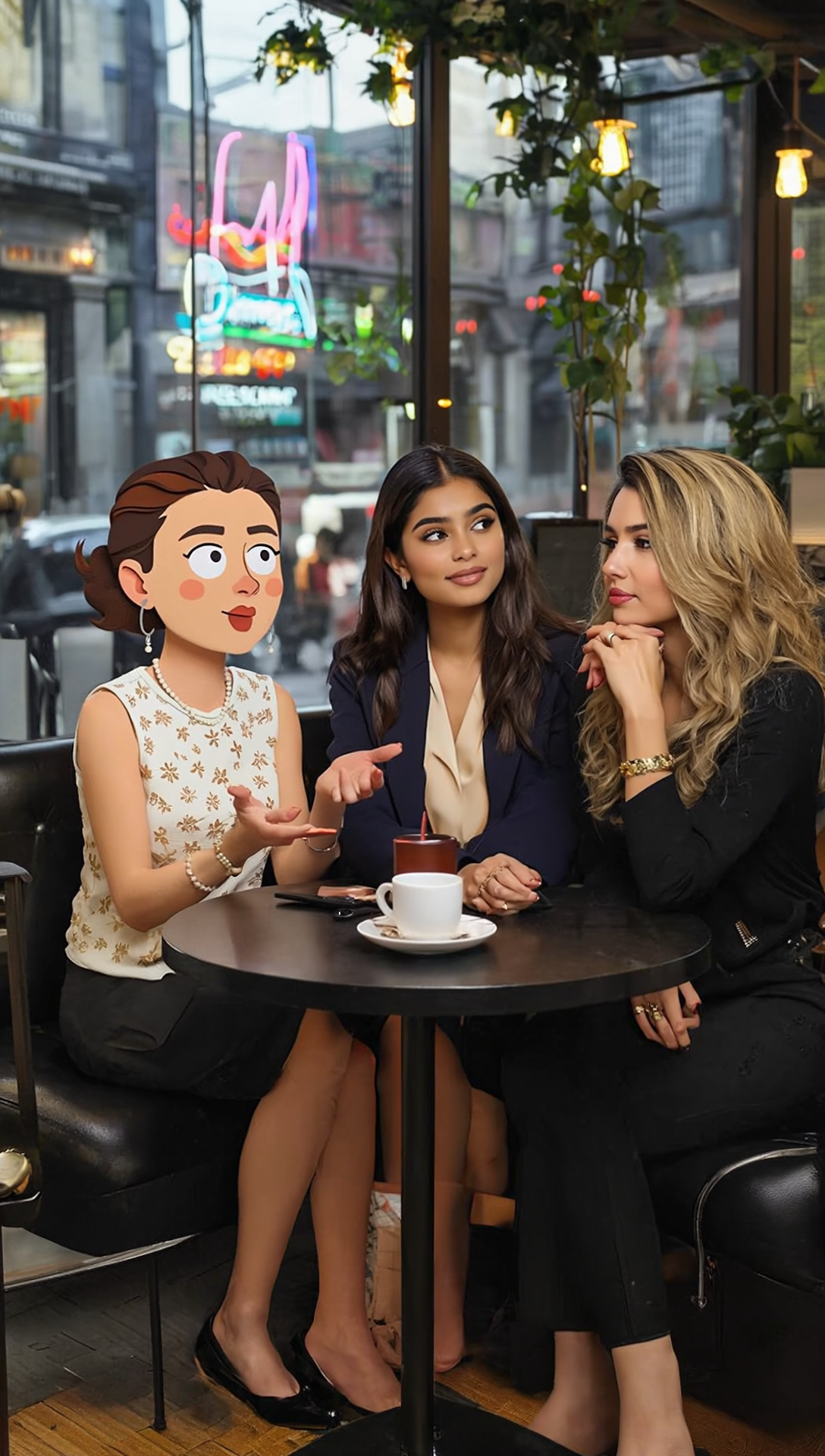
Our Multi-face capabilities via Face Swap and Consistent Characters let you handle group photos or complex scenes. Upload multiple reference faces and apply them selectively, or use LoRA Face Swap for precise control over several subjects in a single generation.
Do I need any experience to use faceswap io AI on PixelDojo?
No experience required. Our intuitive interface guides you through every step with preset prompts and one-click options. Beginners achieve professional results immediately, while advanced users can fine-tune with detailed controls like Style Transfer and Magic Lighting.