faceswapper AI Generator

Imagine effortlessly placing your face on any character, celebrity, or scene to create content that stops the scroll. With PixelDojo's AI Face Swapper, you achieve photorealistic results in seconds that look completely natural. Whether building a personal brand with consistent character appearances, crafting viral social media videos, or turning family photos into hilarious keepsakes, you unlock creative freedom without needing design skills or expensive software. Focus on the outcomes: more engaging content, faster production, and professional-looking results that captivate your audience.
Over 75,000 creators have produced more than 2 million face swaps on PixelDojo. Average rating of 4.9/5 from 12,000+ reviews. Trusted by content creators, marketers, and influencers for reliable, high-quality results every time.
Why Choose Pixel Dojo for faceswapper
Professional-quality results with cutting-edge AI technology
Viral Social Media Content in Minutes
Generate share-worthy memes, reels, and TikToks by swapping faces onto trending templates or celebrities. Watch your engagement soar as followers share your unique, eye-catching creations across platforms.
Consistent Characters for Stories & Brands
Maintain perfect likeness across dozens of images and videos using tools like Consistent Characters and LoRA Face Swap. Build recognizable personas for series, marketing campaigns, or virtual influencers without costly photoshoots.
Fun Personal Transformations & Gifts
Swap faces in family portraits, create custom avatars, or produce personalized video messages. Deliver memorable gifts and experiences that bring smiles and strengthen connections with loved ones.
How It Works
PixelDojo makes professional-quality face swapping accessible to everyone. Follow these simple steps to start creating stunning results right away.
Step 1: Choose Your Tool
Head to the Characters & Faces section and select the dedicated Face Swap tool or LoRA Face Swap for advanced control. You can also combine with Consistent Characters or Virtual Try-On for even more options tailored to your project.
Step 2: Upload Your Images & Set Prompt
Upload your source face photo and the target image or video. Add a simple text prompt describing the desired style, lighting, or expression. PixelDojo's AI handles alignment, skin tone matching, and natural blending automatically.
Step 3: Customize, Generate & Download
Fine-tune options like pose control, expression transfer, or multi-face support if needed. Click generate to preview high-resolution results, then download your perfect face swap ready for sharing or further editing.






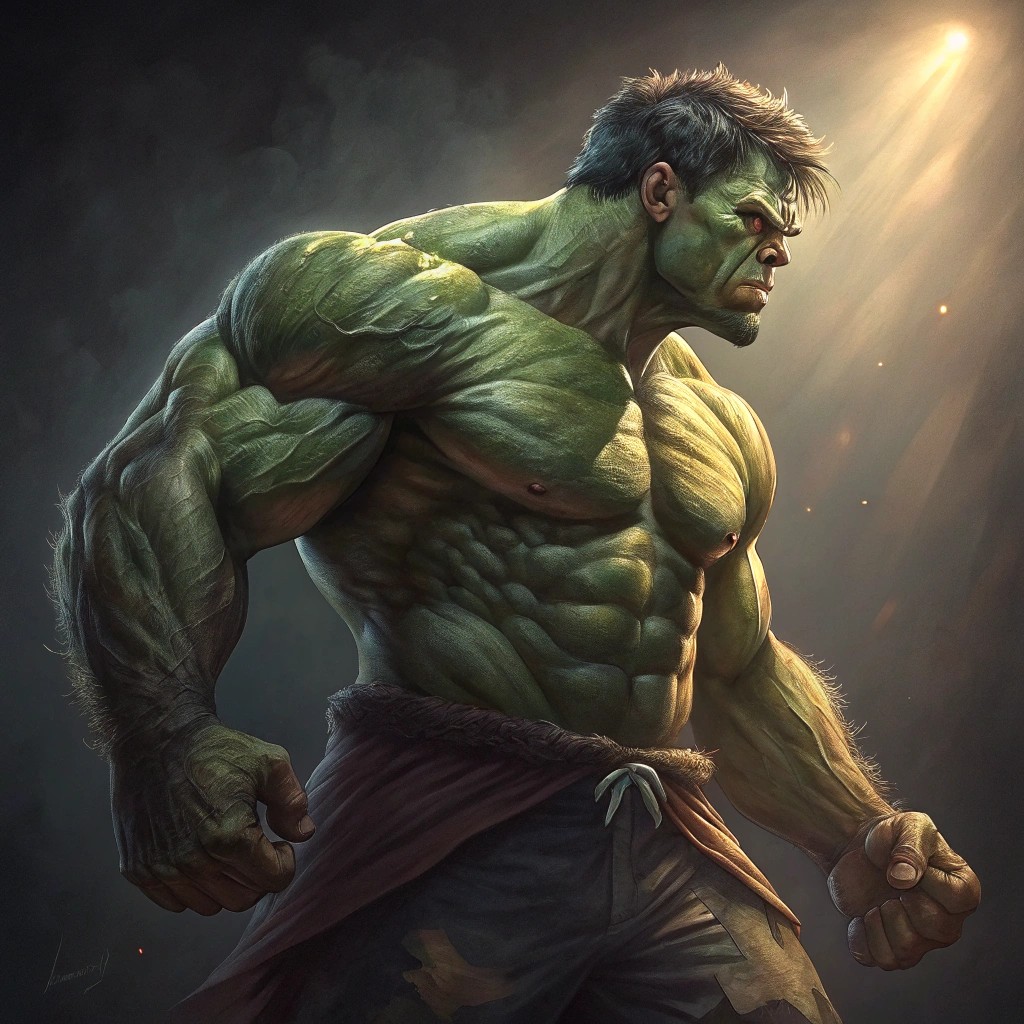
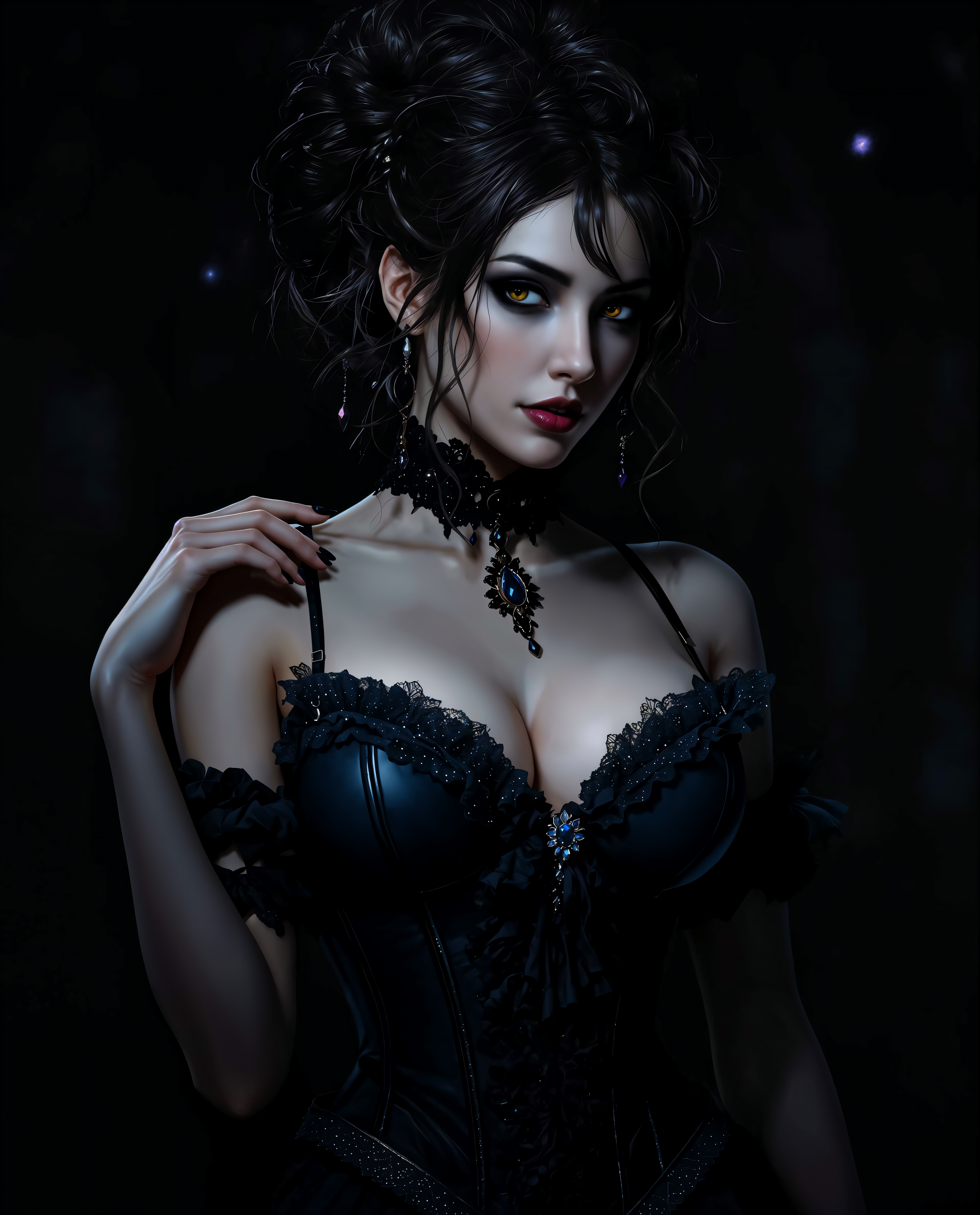
The Pixel Dojo Advantage
Why PixelDojo outperforms other options for AI face swapper image and video generation
| Others | Pixel Dojo |
|---|---|
| Traditional face swap creation | Deliver professional results in seconds instead of hours of manual editing, with automatic lighting and expression matching that looks completely natural. |
| Generic AI tools | Access specialized Face Swap and LoRA Face Swap tools plus seamless integration with video editors, upscalers, and character consistency features all in one platform. |
| Manual photo editing | Eliminate the need for advanced skills or expensive software. Achieve consistent, high-quality swaps across multiple images and videos with just a few clicks. |
Loved by creators on PixelDojo
Real feedback from people using PixelDojo, pulled from our in-product surveys.
Great site and so much fun to use!
very useful set of tools for image creation, upscaling and enhancement
ease of use, variety of tools, high quality trainings, and a well-maintained discord channel
Ease of use, friendliness and support of the owner, continued innovation.
it is an amazing site to create a pics and vids for those who don't have the hardware themselves
good tools in one place
Explore more AI tools on PixelDojo
AI Tools
Compare & Switch
- Best AI Image Generators
- Best AI Video Generators
- Midjourney Alternatives
- Civitai Alternatives
- Runway Alternatives
- Leonardo Alternatives
- Pika Alternatives
- Luma Alternatives
- Magnific Alternatives
- Veo Alternatives
- Flux Alternatives
- Freepik Alternatives
- Seedance Alternatives
- Seedream Alternatives
- Pixverse Alternatives
- GPT Image Alternatives
- Synthesia Alternatives
- Playground Alternatives
- NightCafe Alternatives
- Canva AI Alternatives
- ElevenLabs Alternatives
- ComfyUI Alternatives
- Fal Alternatives
- Replicate Alternatives
Common Questions
Everything you need to know about faceswapper
How to create realistic AI face swaps with PixelDojo faceswapper?
Simply upload your source face and target image to the dedicated Face Swap tool in the Characters & Faces section. Add a descriptive prompt for lighting and style, then generate. PixelDojo automatically handles blending, skin tone, and expressions for photorealistic results in seconds.
Can I swap faces in videos using PixelDojo's AI face swapper?
Yes! Use Face Swap combined with video tools like Kling Video Character Swap or WAN Video Character Swap. Upload your video and face reference to create seamless swaps that maintain natural movements, expressions, and lighting throughout the clip.
What makes PixelDojo's faceswapper better for consistent character creation?
Pair the Face Swap tool with Consistent Characters and LoRA Face Swap features. This ensures your swapped face maintains the exact same likeness, pose control, and style across an entire series of images or videos for storytelling or branding projects.
Is PixelDojo's AI face swapper suitable for professional marketing use?
Absolutely. Marketers use it for virtual try-ons, global casting variations, and personalized content. The advanced blending and high-resolution output make results indistinguishable from real photos, perfect for campaigns and e-commerce.
How does PixelDojo handle different angles and lighting in face swaps?
Our AI models are trained on diverse datasets to match head pose, lighting, and shadows automatically. Tools like Pose Control and Magic Lighting further refine results so swaps look natural even in challenging side profiles or dramatic lighting conditions.
Can beginners use PixelDojo faceswapper without any experience?
Yes, the intuitive interface requires no prior skills. Upload images, type a simple prompt, and generate. Thousands of first-time users create professional-quality face swaps on their very first try thanks to smart automation and helpful presets.