faceswapper ai
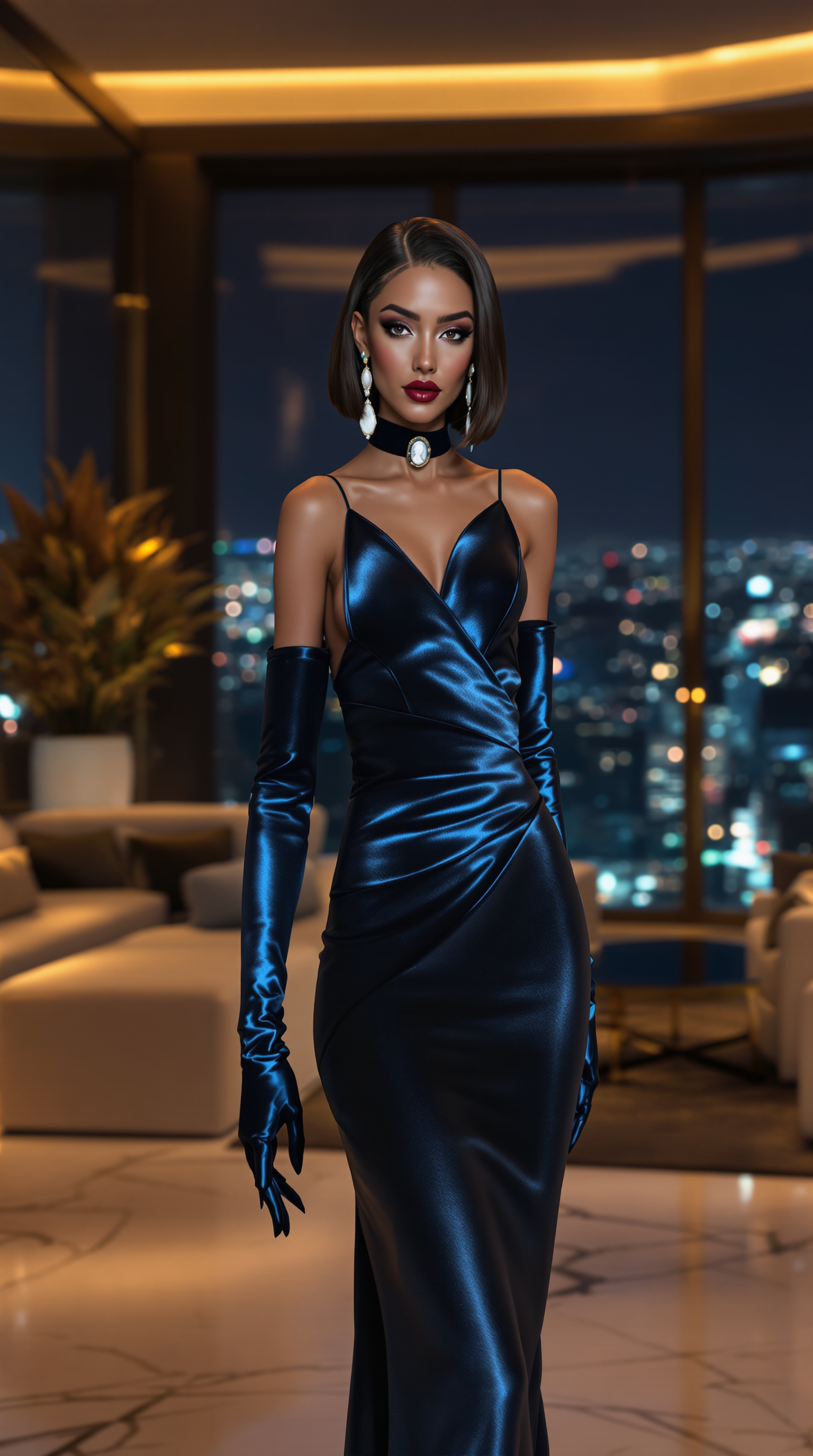
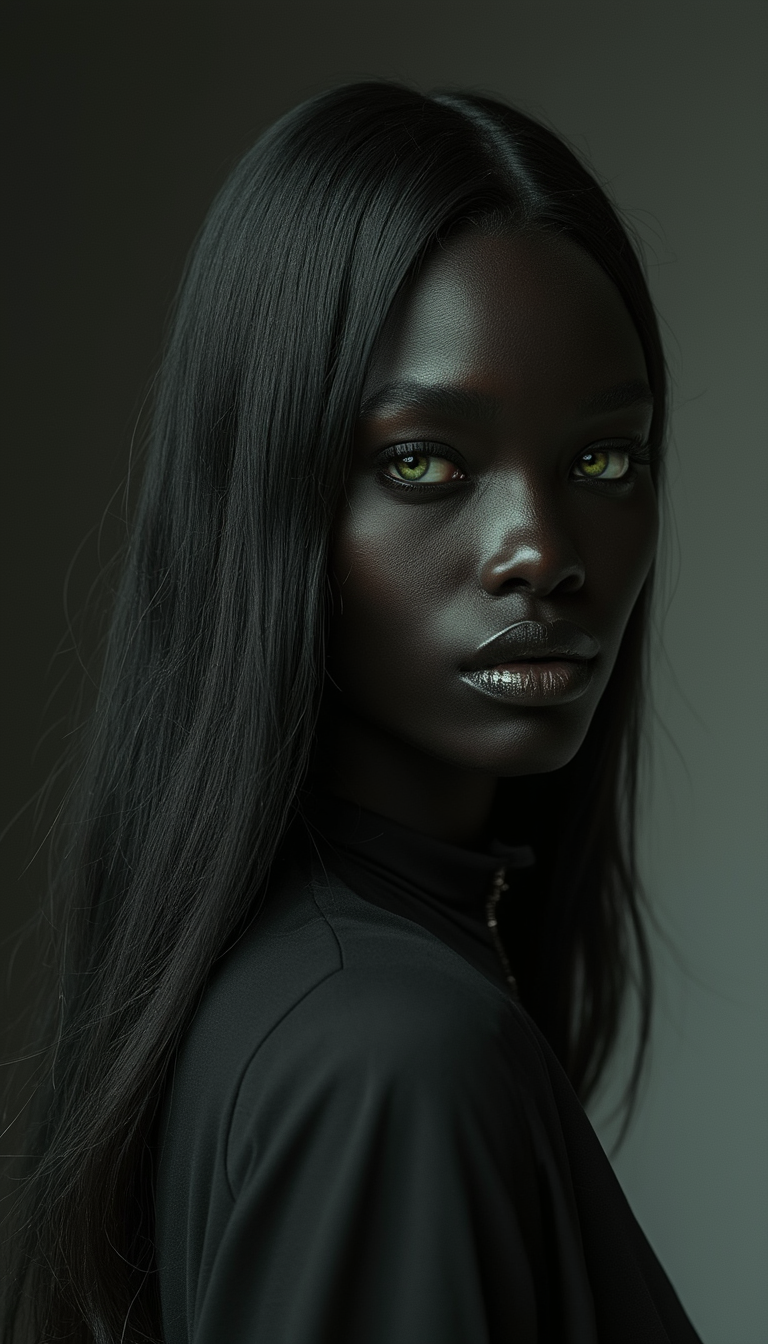
With PixelDojo's faceswapper AI, you can instantly replace faces in any photo to create personalized, photorealistic images that look completely natural. Whether you're designing custom avatars, trying on outfits virtually, crafting viral memes, or building consistent characters for stories and marketing, our advanced tools deliver professional-grade results without expensive photoshoots or editing skills. Achieve lifelike lighting matches, perfect expressions, and multi-angle consistency that turns ordinary pictures into standout creations you can share or sell.
Join over 50,000 creators who generated 2M+ faceswapped images last month. 4.9/5 average rating from thousands of users. Trusted by marketers, influencers, and designers worldwide for hyper-realistic results every time.
Why Choose Pixel Dojo for faceswapper ai
Professional-quality results with cutting-edge AI technology
Create Personalized Content That Stands Out
Swap your face onto models, celebrities, or scenes to produce unique social media posts, thumbnails, and ads that capture attention and drive engagement without hiring photographers.
Save Hours on Professional Edits
Generate flawless face swaps with automatic lighting, angle, and expression matching in seconds, freeing you to focus on creative ideas instead of tedious manual adjustments.
Build Consistent Characters for Any Project
Maintain perfect face identity across multiple images and angles for stories, branding, e-commerce visuals, or video content that feels cohesive and professional.
How It Works
Getting started with faceswapper AI on PixelDojo takes just three simple steps using our specialized character tools.
Step 1: Choose Your Tool
Select LoRA Face Swap or Flux Pro Virtual Try-On from the Characters & Faces section to access powerful face replacement capabilities tailored for photorealistic results.
Step 2: Enter Your Prompt
Upload your source photo and target face image, then describe the desired scene like 'professional headshot in modern office with natural window lighting' using Virtual Try-On or Consistent Characters for precise control.
Step 3: Customize & Download
Adjust style, lighting, or angle with Character Stylist, generate variations, then download your high-resolution faceswapped image ready for social media or print.
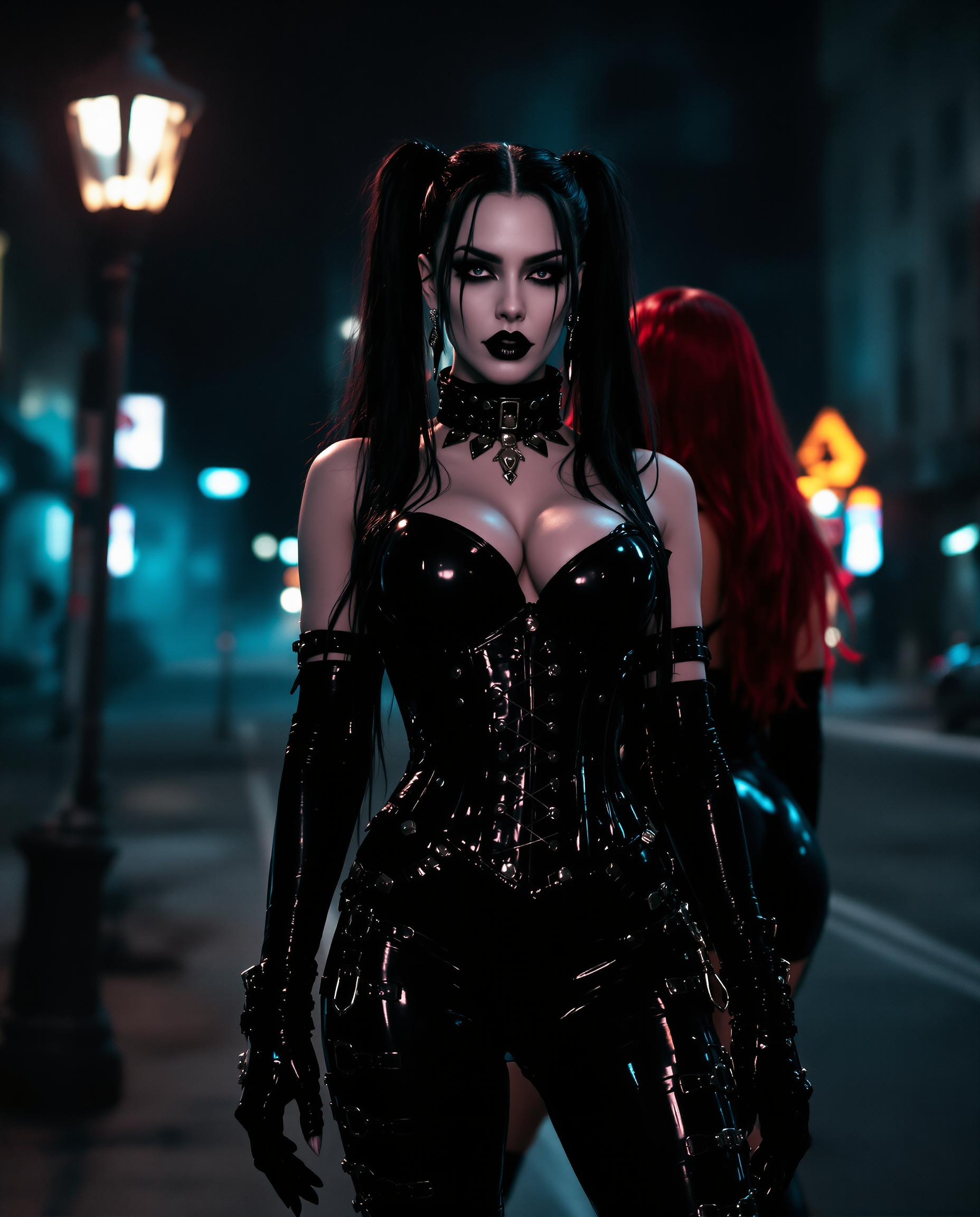
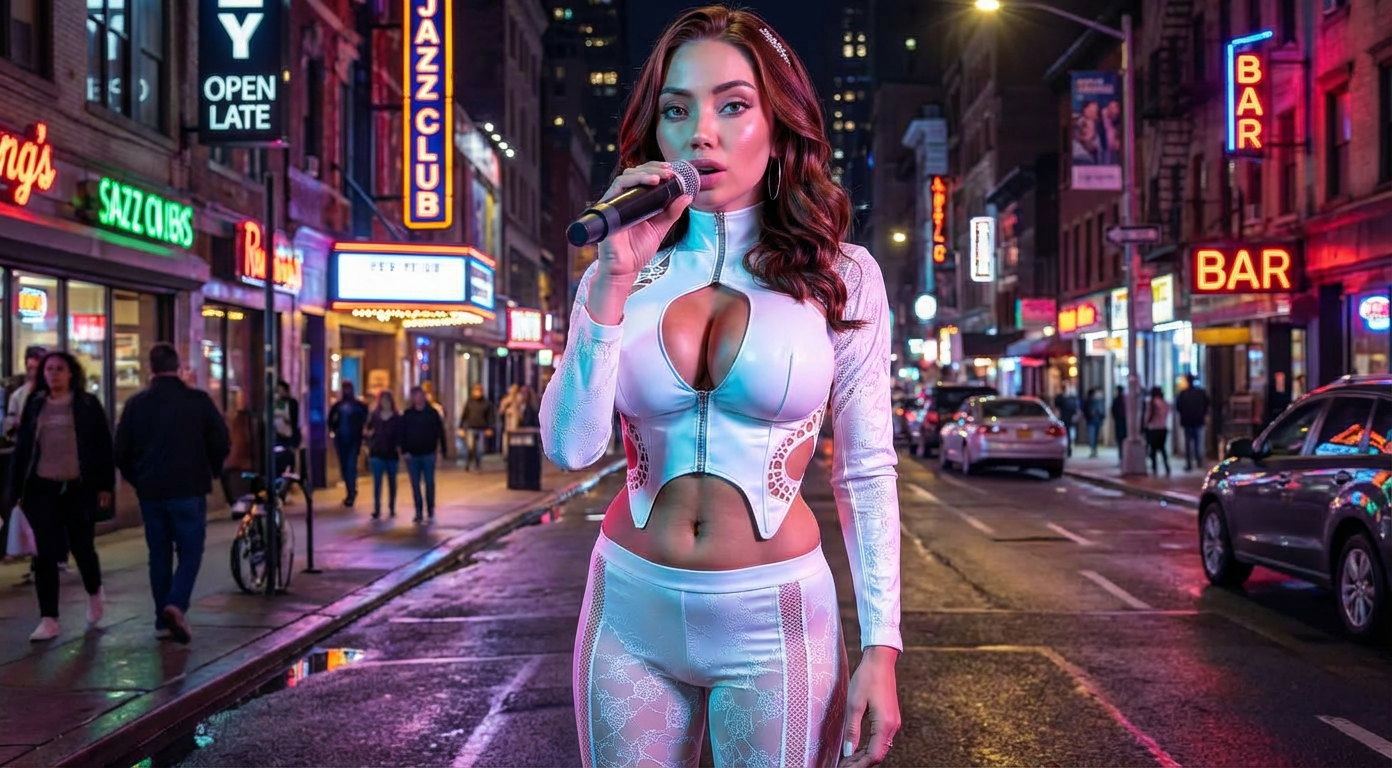
The Pixel Dojo Advantage
Why PixelDojo outperforms other options for faceswapper AI image generation
| Others | Pixel Dojo |
|---|---|
| Traditional face swap creation | No need for manual photo editing software or expensive professional services - achieve studio-quality swaps instantly with AI precision |
| Generic AI tools | Specialized LoRA Face Swap and Virtual Try-On deliver superior identity consistency and lighting accuracy that generic generators simply can't match |
| Manual photo editing | Eliminate hours of painstaking work with automatic facial landmark detection and seamless blending that produces natural results every time |
Loved by creators on PixelDojo
Real feedback from people using PixelDojo, pulled from our in-product surveys.
All the tools, readily available and easy to understand
You guys, the LORA training is the BEST in the space right now, great job with that!
Tons of variety. Ease of use. Tools for beginners and advance users.
easiest workflow to get best output image or video
awesome functionality, UX, constant flood of improvements, discord interactivity
Awesome site with so many features
Explore more AI tools on PixelDojo
AI Tools
Compare & Switch
- Best AI Image Generators
- Best AI Video Generators
- Midjourney Alternatives
- Civitai Alternatives
- Runway Alternatives
- Leonardo Alternatives
- Pika Alternatives
- Luma Alternatives
- Magnific Alternatives
- Veo Alternatives
- Flux Alternatives
- Freepik Alternatives
- Seedance Alternatives
- Seedream Alternatives
- Pixverse Alternatives
- GPT Image Alternatives
- Synthesia Alternatives
- Playground Alternatives
- NightCafe Alternatives
- Canva AI Alternatives
- ElevenLabs Alternatives
- ComfyUI Alternatives
- Fal Alternatives
- Replicate Alternatives
Common Questions
Everything you need to know about faceswapper ai
How does faceswapper AI create realistic face swaps without artifacts?
PixelDojo's LoRA Face Swap and Flux Pro Virtual Try-On use advanced anchor point mapping and dynamic light matching to blend faces seamlessly, preserving natural shadows, skin tones, and expressions for photorealistic outcomes.
Can I use faceswapper AI for virtual clothing try-ons?
Yes, our Virtual Try-On and Flux Pro Virtual Try-On tools let you swap faces onto models wearing different outfits, helping you visualize styles on yourself or clients with perfect facial consistency.
What makes PixelDojo's faceswapper AI better for consistent characters?
Tools like Consistent Characters and Character Stylist maintain exact facial features across multiple angles and scenes, ideal for creating series of images for books, ads, or social campaigns.
Is faceswapper AI suitable for creating viral social media content?
Absolutely - generate meme-ready swaps, celebrity-style edits, or fun transformations in seconds that perform exceptionally well on platforms like TikTok, Instagram, and YouTube.
How do I ensure ethical use of faceswapper AI on PixelDojo?
We encourage responsible creation for personal fun, marketing, and creative projects. All generations include watermarks on free tiers, and we provide guidelines to respect likeness rights.
Can faceswapper AI handle group photos or multiple faces?
Yes, our tools support multi-face swaps and group consistency, letting you replace several faces in one image while keeping natural interactions and lighting intact.