fal.ai alternative studio

Generated on PixelDojo. Produced by PixelDojo's generation pipeline.
You want professional studio-quality images that look like they came from a high-end photoshoot, but you don't want to wrestle with developer APIs, GPU setups or complicated code. PixelDojo is the fal.ai alternative studio built for creators like you. Generate photorealistic portraits, product shots, fashion editorials and cinematic scenes in minutes using the same cutting-edge models, all inside a beautiful, no-code interface. Achieve perfect lighting, consistent characters and commercial-ready results that convert browsers into buyers. Whether you're building a brand, launching products or telling visual stories, you walk away with assets that look expensive, feel authentic and save you weeks of traditional production time.
Real image examples generated on PixelDojo
Every example below was produced on PixelDojo. Hover to see the prompt.
A poised female AI assistant in a minimalist white suit
flux
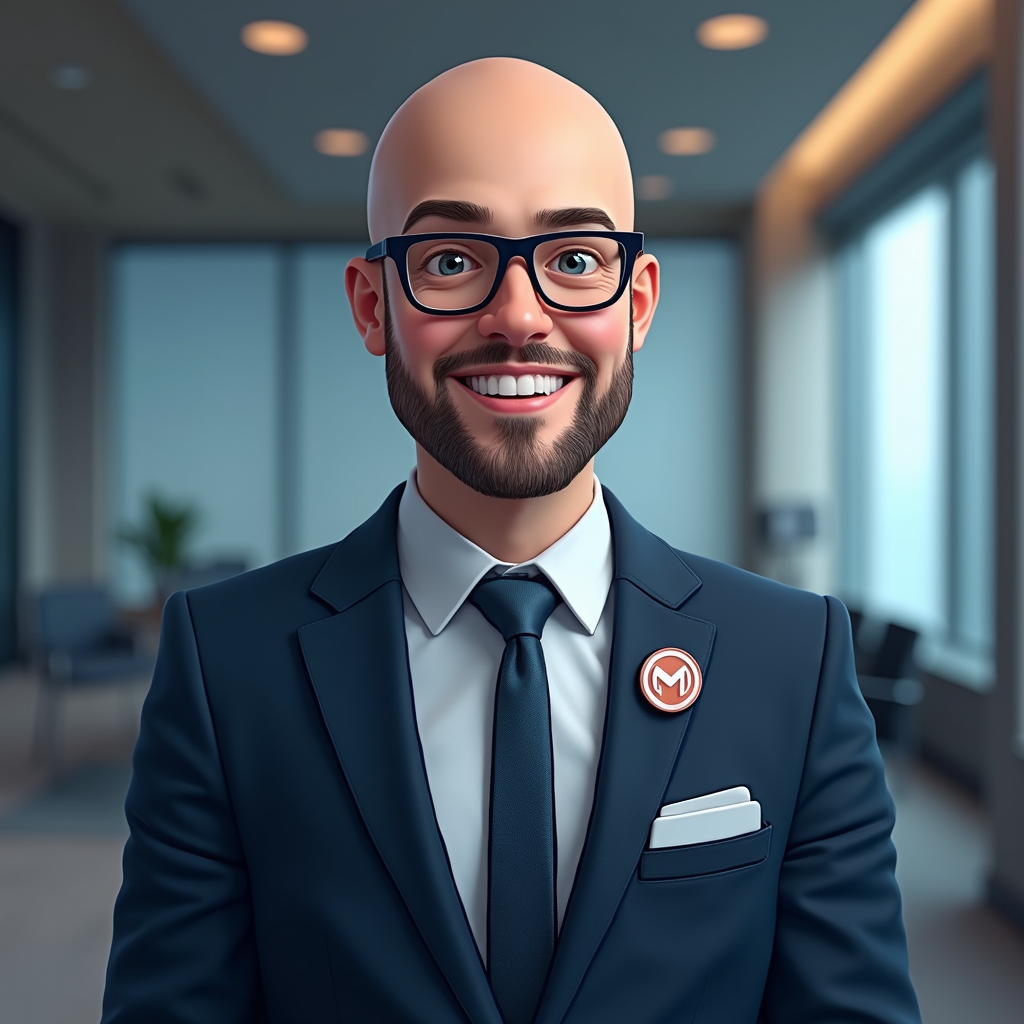
Create a crisp
flux-studio

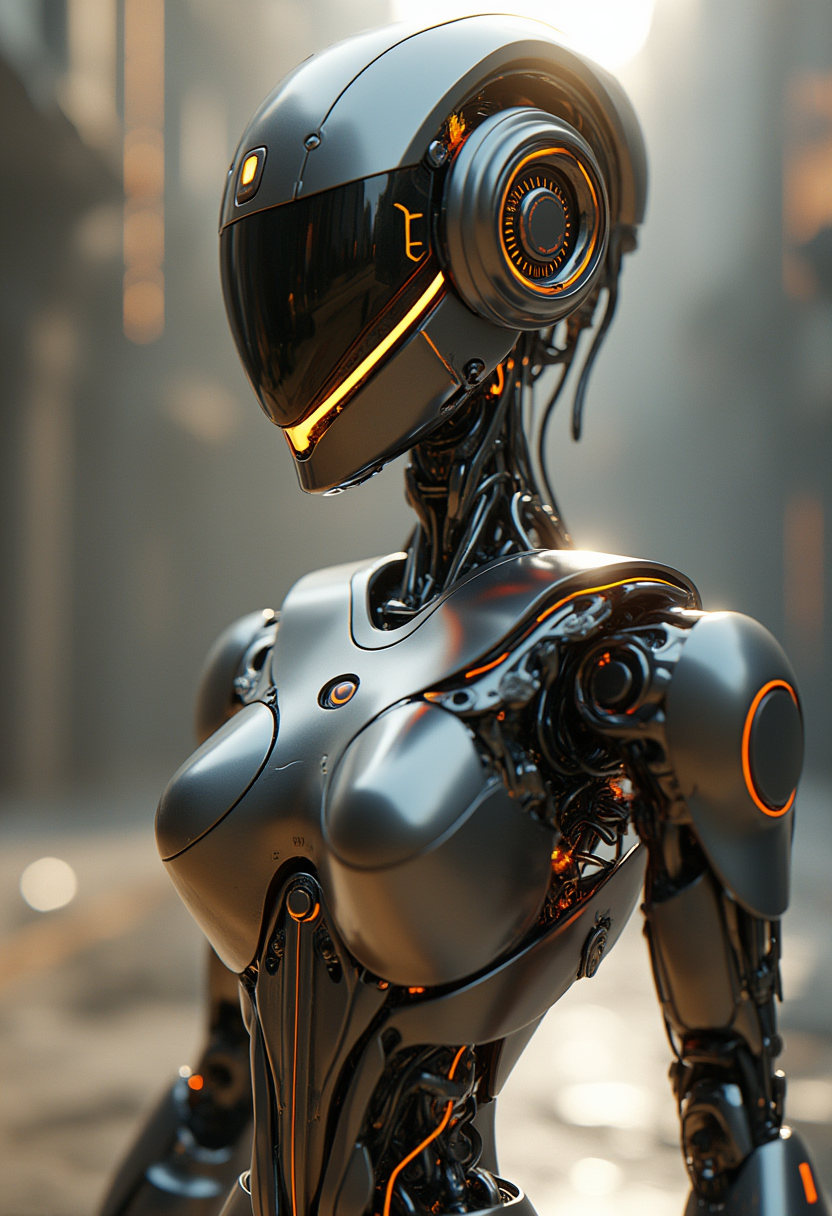
A highly detailed
stable-diffusion
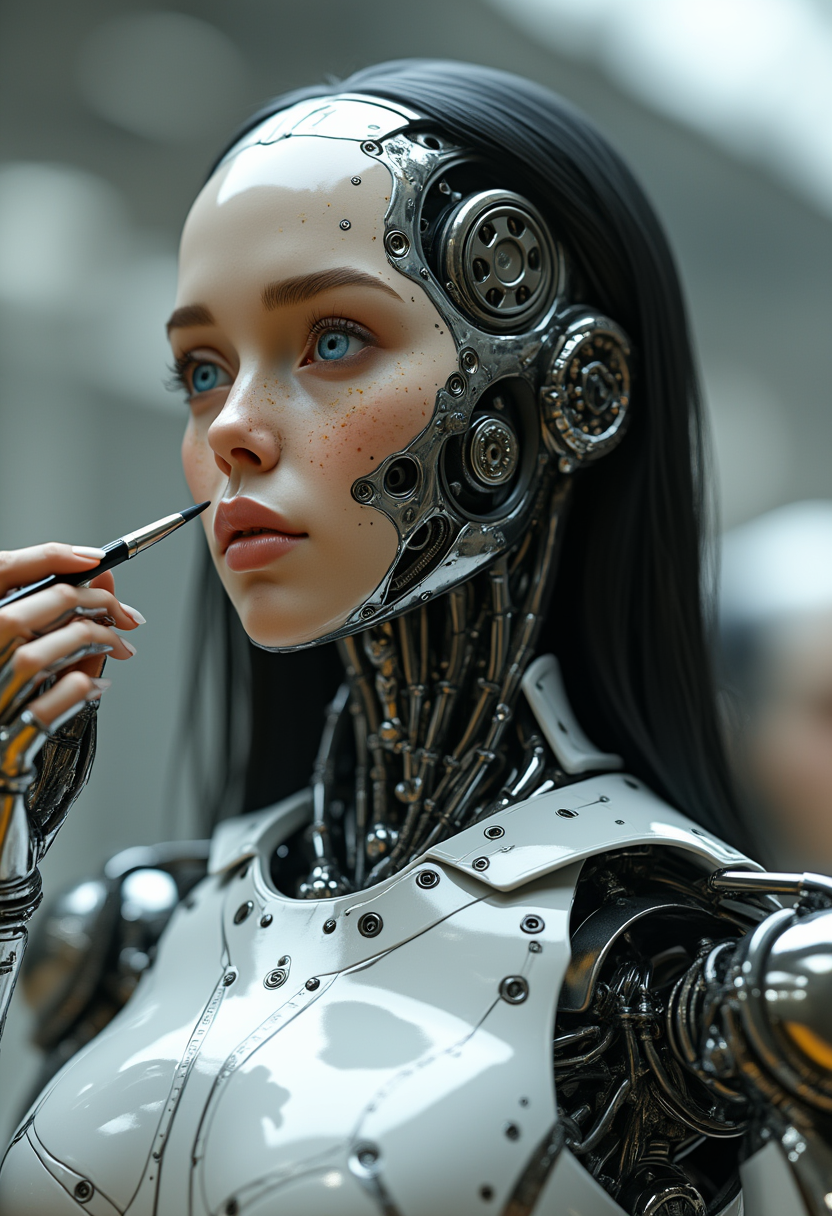
Modern Robot 7 years old girl
flux
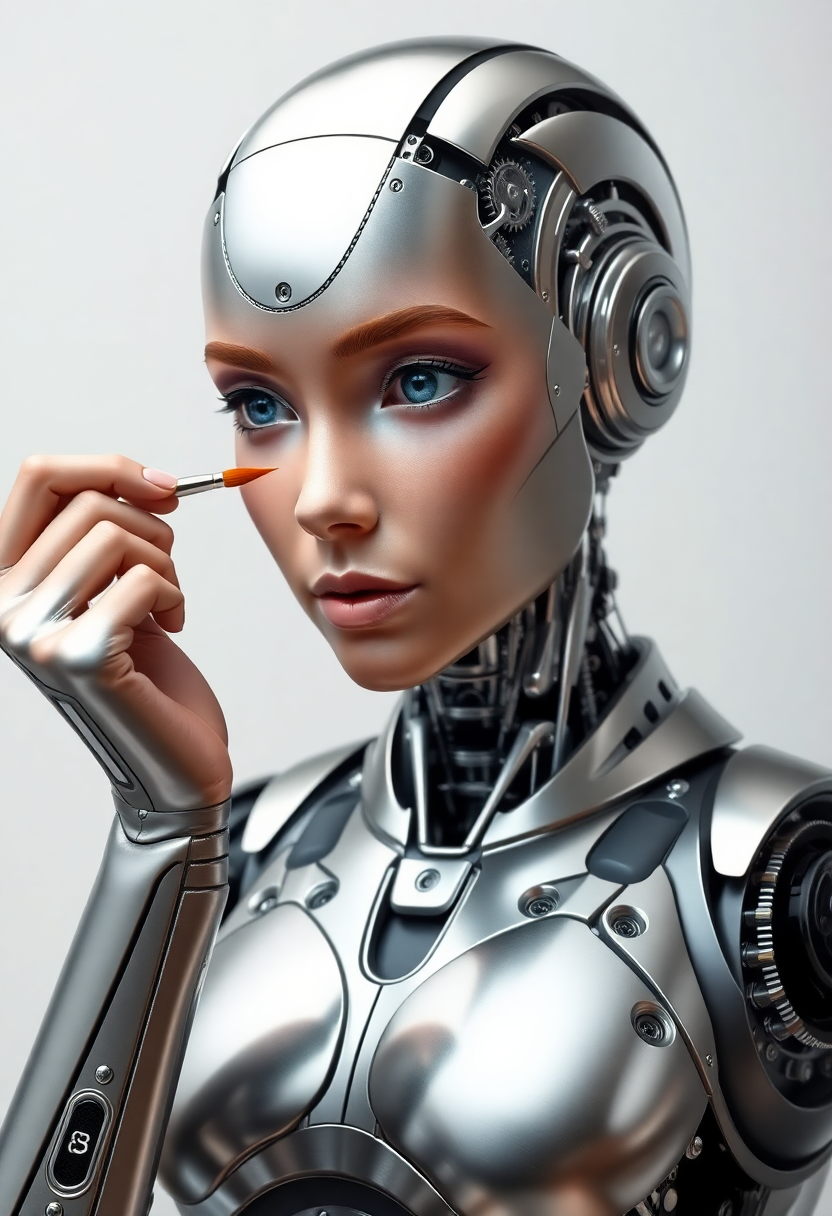
A hyper-realistic female robot with a sleek
flux
A hyper-realistic female robot with a sleek
flux
Models you can run on PixelDojo for fal.ai alternative studio
Switch models without switching tools. Each one runs in the same PixelDojo studio.
What you can do with fal.ai alternative studio on PixelDojo
Multi-model image studio
We give creators a single studio to generate images with multiple models and prompt workflows. You can compare outputs and keep working without hopping between separate fal.ai-style endpoints.
Prompt to finished stills
We support text-to-image generation with controls for size, style, and seed so you can lock a look and rerun it. Results stay in your project so you can refine rather than start over.
Edit and iterate in place
We include inpainting, variations, and upscale-style follow-ups on generated frames. You can fix regions, try alternate takes, and keep a clear history of each pass.
Creator-ready exports
We let you download stills in common formats and organize generations by project. Teams can reuse prompts and settings when they need consistent image batches.
Loved by thousands of creators worldwide who generate millions of studio-quality images every month. 40+ cutting-edge AI tools in one platform. Average 4.9 rating from professional photographers, marketers and designers who switched from complex APIs.
Why Choose Pixel Dojo for fal.ai alternative studio
Professional-quality results with cutting-edge AI technology
Studio-Perfect Lighting and Realism in Every Shot
You get images that rival professional photography studios. Control Rembrandt lighting, golden-hour warmth, high-key fashion setups and dramatic shadows with simple prompts. Flux.2 Studio and Nano Banana 2 deliver skin texture, fabric detail and environmental accuracy so realistic that clients can't tell the difference. Launch campaigns, e-commerce catalogs and social content that look premium without booking a real studio or hiring a photographer.
One-Click Access to Every Leading Model You Need
Stop jumping between platforms. Inside PixelDojo you instantly use Flux.2 Studio, Krea Image, GPT Image 2, Grok Image, Seedream 5, QWEN Image 2, Ideogram 4 and more. Generate, then immediately edit with Inpainting, Style Transfer, Magic Lighting or Background Remover. Train custom characters with Flux Trainer or create consistent faces across an entire series. You finish complete projects in a single session instead of stitching together multiple tools.
From Idea to Download-Ready Asset in Under Five Minutes
You skip the learning curve of APIs and serverless deployments. Type a prompt, tweak camera angle or lighting, upscale with Magnific Upscaler or Clarity Pro, then download in any format. Add Video Autocaption or Merge Videos if you need motion. Thousands of creators already produce client work, product mockups and marketing assets this way every day. Cancel anytime, so there's zero risk while you explore the full studio.
How It Works
Creating professional studio images on PixelDojo is as simple as describing what you see in your mind. Follow these three steps and you'll have commercial-ready files ready to use.
Step 1: Choose Your Studio Tool
Open PixelDojo and select Flux.2 Studio for photorealistic control, Nano Banana 2 for fast vibrant results, or Krea Image for artistic direction. These tools sit alongside GPT Image 2, Seedream 4.5 and Recraft V4.1 so you can match the exact look your project needs. No API keys or code required.
Step 2: Enter Your Prompt and Refine
Describe the scene in everyday language: 'professional product shot of luxury watch on marble, cinematic lighting, 85mm lens, shallow depth of field'. Add reference images if you want character consistency. Use Change Camera Angle or Magic Lighting to adjust on the fly. The models understand studio terminology so you get exactly the mood and composition you imagined.
Step 3: Customize, Enhance and Download
Apply Inpainting to fix tiny details, run Reality Polisher for extra realism, then upscale with P-Image Upscale or Portrait Upscaler. Export in high resolution, ready for print or web. Save the prompt and settings so you can recreate the same look for an entire campaign. Your first professional studio image is ready in minutes.
The Pixel Dojo Advantage
Why PixelDojo outperforms other options for studio image generation
| Others | Pixel Dojo |
|---|---|
| Traditional studio photography | You skip location fees, equipment rental, model bookings and post-production delays. Generate unlimited variations of lighting, angles and styling in the time it takes to set up one real shot. Keep every image commercially usable without extra licensing. |
| Generic AI tools | You get dedicated studio-focused models like Flux.2 Studio plus a full editing suite (Inpainting, Style Transfer, Background Remover) that generic tools lack. Character consistency, precise lighting control and one-click upscaling turn rough generations into finished professional assets. |
| Manual photo editing | You replace hours of masking, compositing and retouching with instant Magic Lighting, Reality Polisher and Image Outpainting. What used to take a skilled editor an afternoon now happens in seconds, letting you iterate faster and deliver more work to clients. |
Loved by creators on PixelDojo
Real feedback from people using PixelDojo, pulled from our in-product surveys.
All the tools needed in one dashboard
Very fair and very broad in tools.
Accurate results
Great site and so much fun to use!
very useful set of tools for image creation, upscaling and enhancement
ease of use, variety of tools, high quality trainings, and a well-maintained discord channel
Explore more AI tools on PixelDojo
AI Tools
Compare & Switch
- Best AI Image Generators
- Best AI Video Generators
- Midjourney Alternatives
- Civitai Alternatives
- Runway Alternatives
- Leonardo Alternatives
- Pika Alternatives
- Luma Alternatives
- Magnific Alternatives
- Veo Alternatives
- Flux Alternatives
- Freepik Alternatives
- Seedance Alternatives
- Seedream Alternatives
- Pixverse Alternatives
- GPT Image Alternatives
- Synthesia Alternatives
- Playground Alternatives
- NightCafe Alternatives
- Canva AI Alternatives
- ElevenLabs Alternatives
- ComfyUI Alternatives
- Fal Alternatives
- Replicate Alternatives
Common Questions
Everything you need to know about fal.ai alternative studio
What makes PixelDojo the best fal.ai alternative studio for image generation?
PixelDojo gives you the same powerful models you would access through a developer API, but wrapped in an intuitive studio interface. You generate with Flux.2 Studio, Nano Banana 2, Krea Image and Seedream 5, then immediately edit, upscale and organize everything without writing a single line of code. Creators who previously used APIs now finish entire campaigns inside PixelDojo because the workflow is faster and more visual.
Can I create consistent characters and studio lighting like a professional photographer?
Yes. Use Consistent Characters, Character Sheets and Ideogram Character together with Flux.2 Studio or WAN Image. Lock a face or product once, then generate it under any lighting setup, camera angle or environment. Magic Lighting and Change Camera Angle let you refine the look until it matches a real studio session. Thousands of marketers already use this for e-commerce and brand campaigns.
How does PixelDojo compare to using a raw API for studio-quality images?
An API is great if you are building software. If you just want beautiful images, PixelDojo removes all the technical overhead. You still get the latest models (GPT Image 2, QWEN Image 2, Recraft V4.1) plus extras like Virtual Try-On, Face Swap, Video Autocaption and model training with Flux Trainer. Everything lives in one dashboard so you stay in creative flow instead of debugging endpoints.
Which PixelDojo tools are best for photorealistic studio product photography?
Start with Flux.2 Studio or Seedream 5 for the most realistic materials and lighting. Follow up with Background Remover, Image Outpainting and Magnific Upscaler. For fashion or apparel, add Flux Pro Virtual Try-On. These combinations produce catalog-ready shots that look like they were captured in a $10,000-a-day studio.
Is there a free way to try PixelDojo as a fal.ai alternative studio?
You can start creating immediately. The platform includes 40+ tools and you can cancel anytime. Many creators generate their first professional images within the first session and never go back to complicated setups. All images you create are yours to use commercially.
Can I train my own models or keep brand consistency across a whole campaign?
Absolutely. Use Flux Trainer, QWEN Trainer or SDXL Trainer to teach the AI your specific products, faces or art style. Combine with Character Stylist and LoRA Face Swap so every image in a series looks like it belongs together. This is how agencies produce cohesive visual identities without shooting hundreds of real photos.