flux 2 dev online AI Generator

Generated on PixelDojo. Produced by PixelDojo's generation pipeline.
You can now turn simple ideas into photorealistic product photographs, consistent brand characters that stay identical across dozens of scenes, and infographics packed with perfectly readable text—all in seconds from your browser. Flux 2 Dev online at PixelDojo delivers studio-grade results without photoshoots, expensive equipment or hours of manual work. Flux.2 Studio gives you real-world lighting, accurate materials, precise hex colors and multi-reference control so your products, models and styles remain locked in. Pair it with Image to Image, Inpainting, Reality Polisher and P-Image Upscale to refine every detail, then take stills into video with Flux 3 Video or Kling Video. You produce campaign-ready assets that look photographed, convert better and scale infinitely. No GPU, no installs, just professional outcomes you can download and use immediately.
Real image examples generated on PixelDojo
Every example below was produced on PixelDojo. Hover to see the prompt.
Add a log edited with Flux Kontext Dev
flux-studio
FLUX Video Upscale Lola talking-head Friday 9am
seedance-2-5
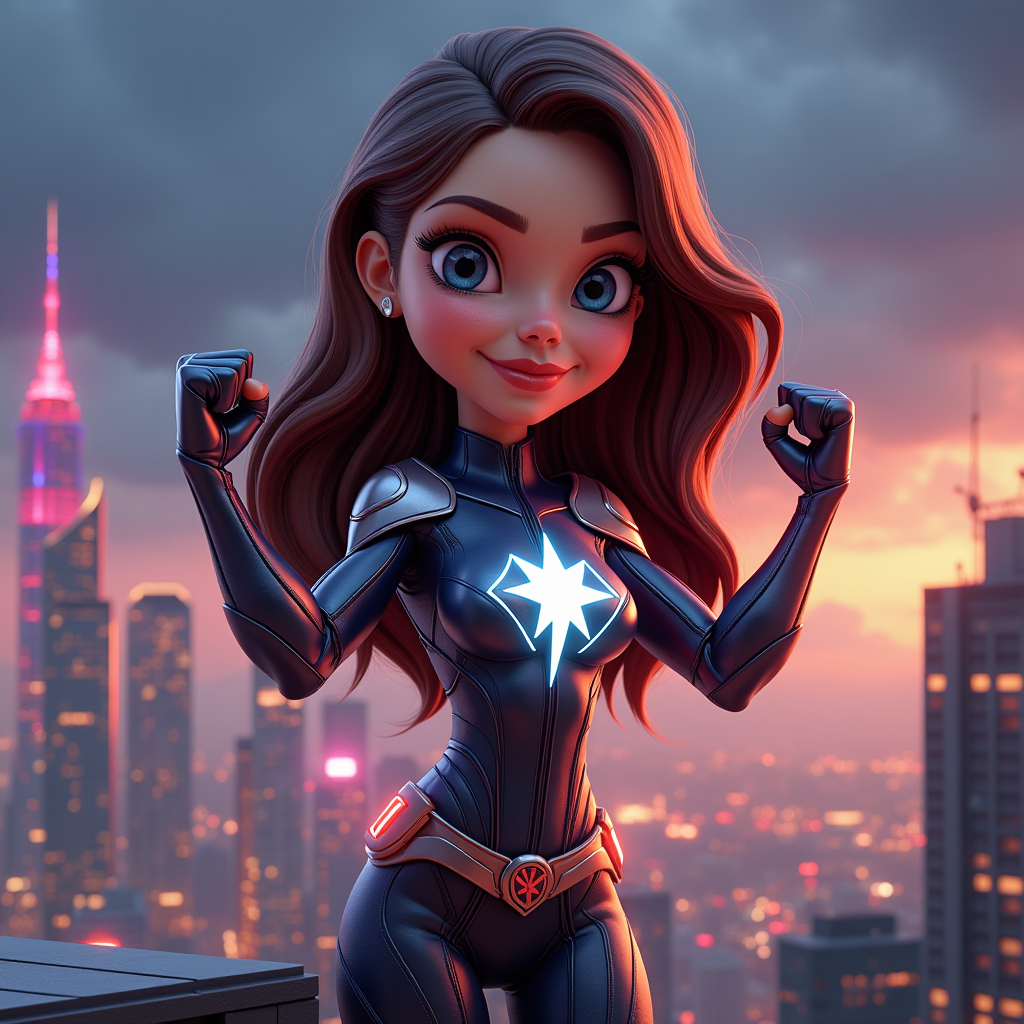
A 3D caricature of a superheroine with exaggerated features
flux
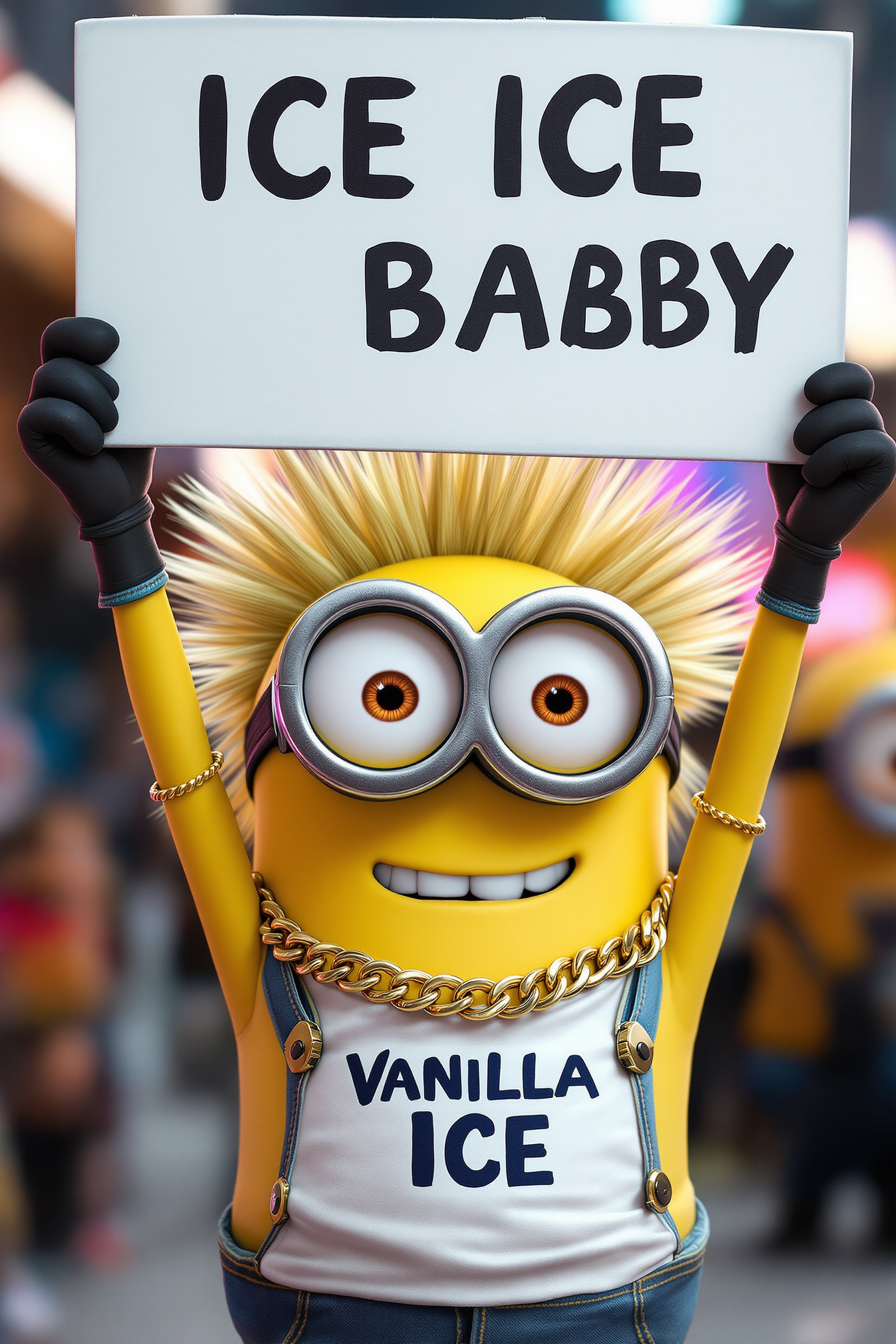
Create an image of a minion dressed like the singer ICE
flux
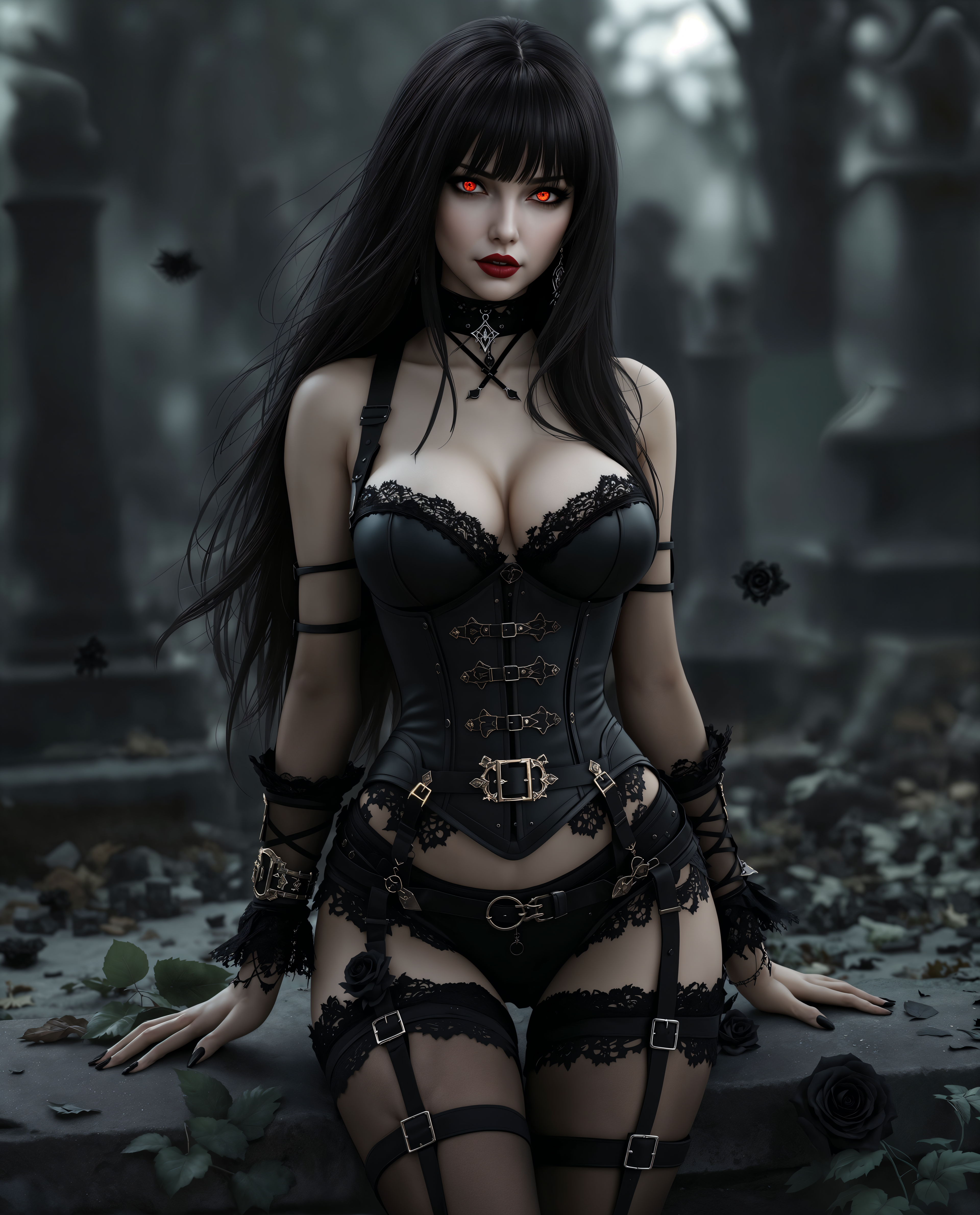
flux 2 dev online on PixelDojo
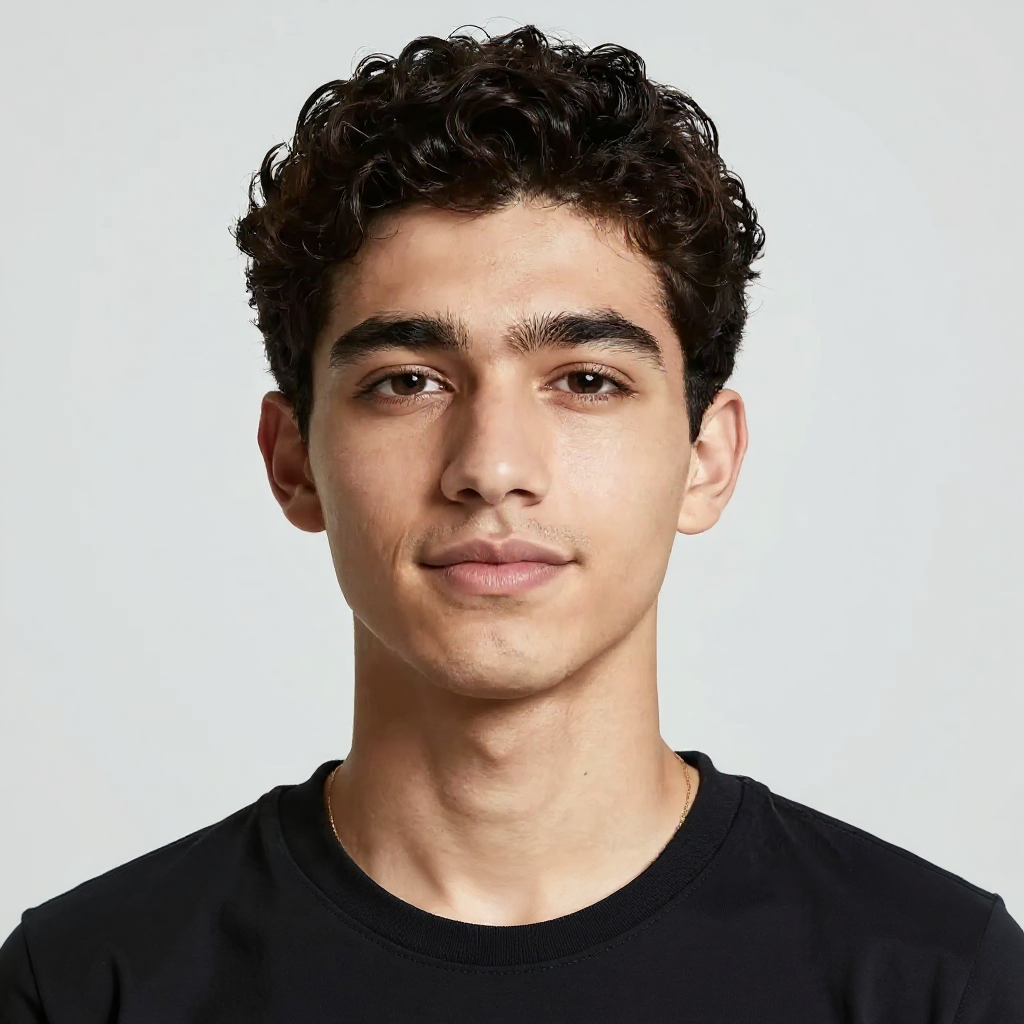
The same person painting at an art studio easel
consistent-characters
Models you can run on PixelDojo for flux 2 dev online
Switch models without switching tools. Each one runs in the same PixelDojo studio.
What you can do with flux 2 dev online on PixelDojo
Flux 2 Dev in Browser
We host Flux 2 Dev so you can generate images from text without installing local models or GPU drivers. Open a session, enter a prompt, and receive stills you can keep working with.
Prompt Control and Variants
We let you adjust prompts, seeds, and related settings to explore different compositions from the same idea. You can compare outputs and pick the frames that fit your project.
Iterate Without Local Setup
We keep generation online so you can refine wording and retry shots from any machine with a browser. That helps you stay in the loop when you are away from a dedicated workstation.
Download Ready Image Files
We provide downloads of the images you generate so you can drop them into editing, storyboards, or client reviews. You own the files you export from your session.
Loved by thousands of creators worldwide who rely on PixelDojo’s 40+ cutting-edge AI tools every day. Join them, create without limits and cancel anytime if it isn’t the perfect fit.
Why Choose Pixel Dojo for flux 2 dev online
Professional-quality results with cutting-edge AI technology
Studio-Quality Product Photos Without the Studio
You generate e-commerce images with authentic lighting, textures and brand-exact hex colors using Flux.2 Studio. Drop your product into any setting, tweak the view with Change Camera Angle, remove backgrounds instantly and polish realism with Reality Polisher so shoppers see photos, not AI.
Characters and Products That Stay Perfectly Consistent
Upload multiple reference images in Flux.2 Studio and your character, product or style remains identical across an entire series. Combine with Consistent Characters, Character Sheets and Face Swap so every ad, social post and video still matches, then animate with WAN Video Character Swap when you need motion.
Readable Text, Posters and UI Mockups That Actually Work
Flux 2 Dev renders crisp, spelled-correct text in quotes inside your prompt. You create posters, infographics and interface designs that look designed, not generated. Refine layouts with Inpainting or Style Transfer, then upscale with Magnific Upscaler or Clarity Pro for print and screen-ready files.
How It Works
You create professional Flux 2 Dev images online in three fast steps on PixelDojo. Cloud power means you skip hardware hassles and jump straight to results.
Step 1: Choose Your Tool
Log into PixelDojo and open Generate Images. Select Flux.2 Studio for the latest Flux 2 Dev photorealism and multi-reference editing. If you want a custom look, train first with Flux 2 Trainer. Already have a photo? Start in Image to Image or Inpainting instead. Everything lives in one dashboard alongside Nano Banana 2, GPT Image 2 and dozens more tools.
Step 2: Enter Your Prompt
Write a natural-language brief: subject first, then action, lighting (golden hour or studio softbox), camera (85mm f/1.8, rule of thirds), materials and hex colors such as #C0A062. Put any text in quotes. Upload one to six reference images for character or product lock. Flux.2 Studio follows complex instructions and real-world physics so your first result is already close to final.
Step 3: Customize & Download
Review the high-resolution output, then refine locally with Inpainting, Magic Lighting, Style Transfer or Background Remover. Change the camera angle, outpaint the canvas or run Reality Polisher for extra realism. Upscale with P-Image Upscale or Portrait Upscaler, swap faces if needed, and export. Send the still into Flux 3 Video, Kling Video or Seedance when you want motion. Iterate freely—your credits stay flexible.
The Pixel Dojo Advantage
PixelDojo turns Flux 2 Dev online into a complete production pipeline that beats traditional methods, generic generators and slow manual editing.
| Others | Pixel Dojo |
|---|---|
| Traditional photography and photoshoots | You skip location scouting, talent fees, lighting setups and post-production days. Generate unlimited on-brand variations in Flux.2 Studio, then perfect lighting and details with Magic Lighting and Reality Polisher so every shot is ready to sell. |
| Generic AI image tools | Flux.2 Studio plus PixelDojo’s dedicated suite—Consistent Characters, Flux 2 Trainer, Change Camera Angle, Inpainting and integrated upscalers—delivers tighter prompt following, better photorealism and true multi-image consistency that one-click generators cannot match. |
| Manual photo editing software | Hours of compositing and retouching disappear. You generate or edit in Flux.2 Studio, then finish with Image Outpainting, Background Remover and Clarity Pro. The model already understands physics and lighting, so the result looks captured, not constructed. |
Loved by creators on PixelDojo
Real feedback from people using PixelDojo, pulled from our in-product surveys.
It has all the tools I can think of...
deployment rate of splendid features is incredible. Legend
large selection of tools on one platform
the amount you can do on this site
all in one place
It is a lot of fun to uae and easy too.
Explore more AI tools on PixelDojo
AI Tools
Compare & Switch
- Best AI Image Generators
- Best AI Video Generators
- Midjourney Alternatives
- Civitai Alternatives
- Runway Alternatives
- Leonardo Alternatives
- Pika Alternatives
- Luma Alternatives
- Magnific Alternatives
- Veo Alternatives
- Flux Alternatives
- Freepik Alternatives
- Seedance Alternatives
- Seedream Alternatives
- Pixverse Alternatives
- GPT Image Alternatives
- Synthesia Alternatives
- Playground Alternatives
- NightCafe Alternatives
- Canva AI Alternatives
- ElevenLabs Alternatives
- ComfyUI Alternatives
- Fal Alternatives
- Replicate Alternatives
Common Questions
Everything you need to know about flux 2 dev online
How do I generate photorealistic images with Flux 2 Dev online?
Open Flux.2 Studio on PixelDojo, write a structured prompt that names the subject, lighting, camera lens and hex colors, then add reference images if you need consistency. The model outputs high-resolution photoreal scenes grounded in real lighting and materials. Polish with Reality Polisher, upscale with P-Image Upscale and you have campaign assets in minutes. No local GPU required.
What is the best Flux 2 Dev online tool for keeping characters consistent?
Flux.2 Studio lets you feed multiple reference images so the same face, outfit or product appears identically every time. Layer on Consistent Characters, Character Sheets and Face Swap or LoRA Face Swap for even tighter control. When you need video, WAN Video Character Swap or Kling Video Character Swap keeps the identity locked. All inside PixelDojo’s 40+ tool ecosystem.
Can I create images with accurate, readable text using Flux 2 Dev online?
Yes. Place the exact wording in quotes inside your prompt and Flux.2 Studio renders clean, correctly spelled typography for posters, ads, infographics and UI mockups. Refine any area with Inpainting, then upscale with Magnific Upscaler or Clarity Pro. Recraft V4.1 and Ideogram 4 sit alongside if you want extra design options.
Do I need a powerful computer or GPU to use Flux 2 Dev online?
No. PixelDojo runs Flux.2 Studio entirely in the cloud, so you get 32-billion-parameter quality from any laptop, tablet or phone. You avoid the massive VRAM requirements of local installs and can start, pause or cancel anytime. Thousands of creators already work this way.
How can I train a custom Flux 2 style or character online?
Use PixelDojo’s Flux 2 Trainer. Upload your images, train a LoRA or custom checkpoint, then generate inside Flux.2 Studio with your new model. Combine the result with Style Transfer, Character Stylist or Virtual Try-On for brand-unique looks that stay consistent across stills and video.
Which PixelDojo tools work best after I generate a Flux 2 Dev image?
Edit with Image to Image, Inpainting, Change Camera Angle, Magic Lighting, Background Remover and Image Outpainting. Enhance with Reality Polisher, P-Image Upscale, Magnific Upscaler or Portrait Upscaler. Turn stills into video with Flux 3 Video, Kling Video, Seedance or WAN 2.7 Video. Add audio, 3D or API access whenever you need. Everything lives in one account you can cancel anytime.