Flux 2 Max 4MP resolution AI Generator
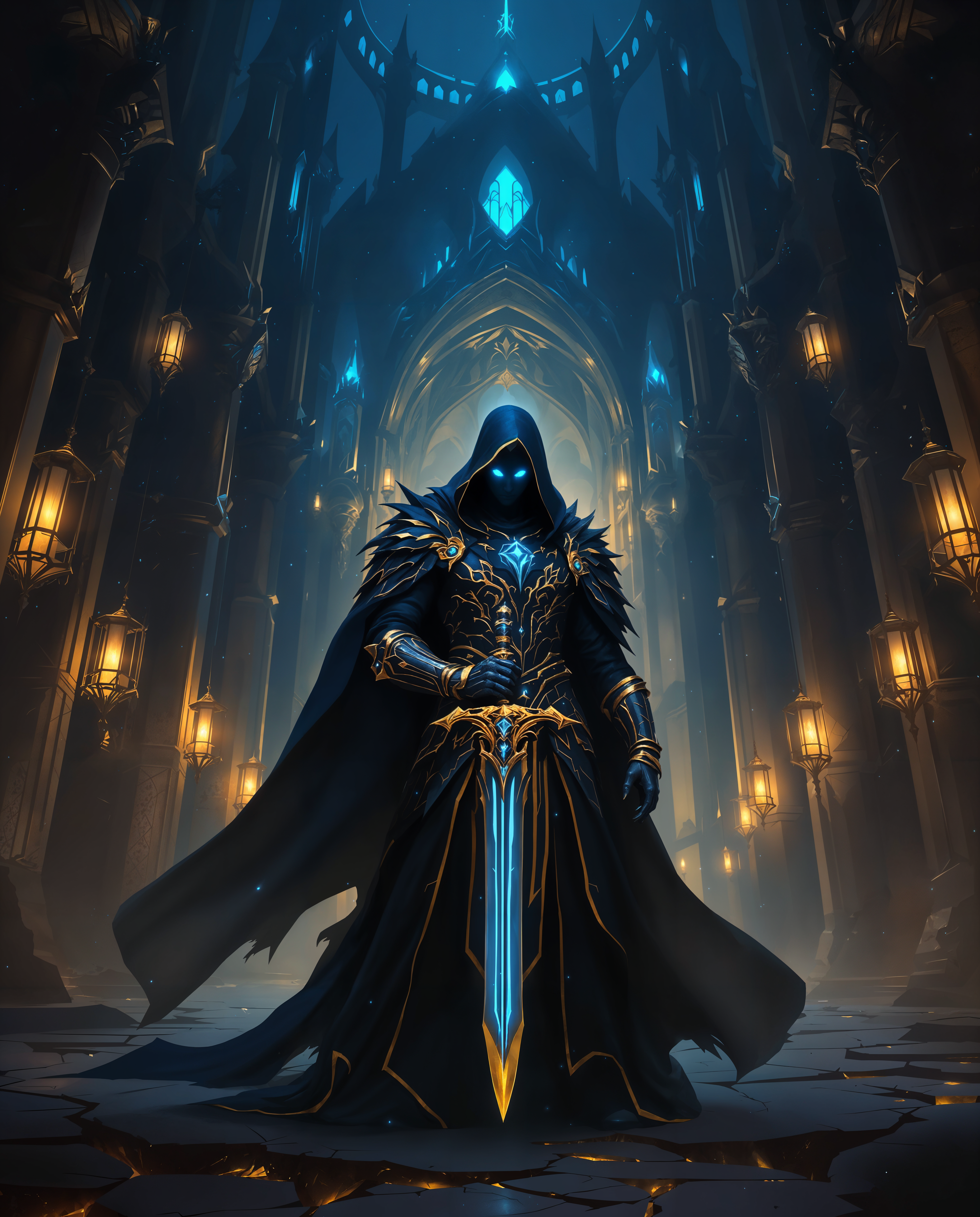
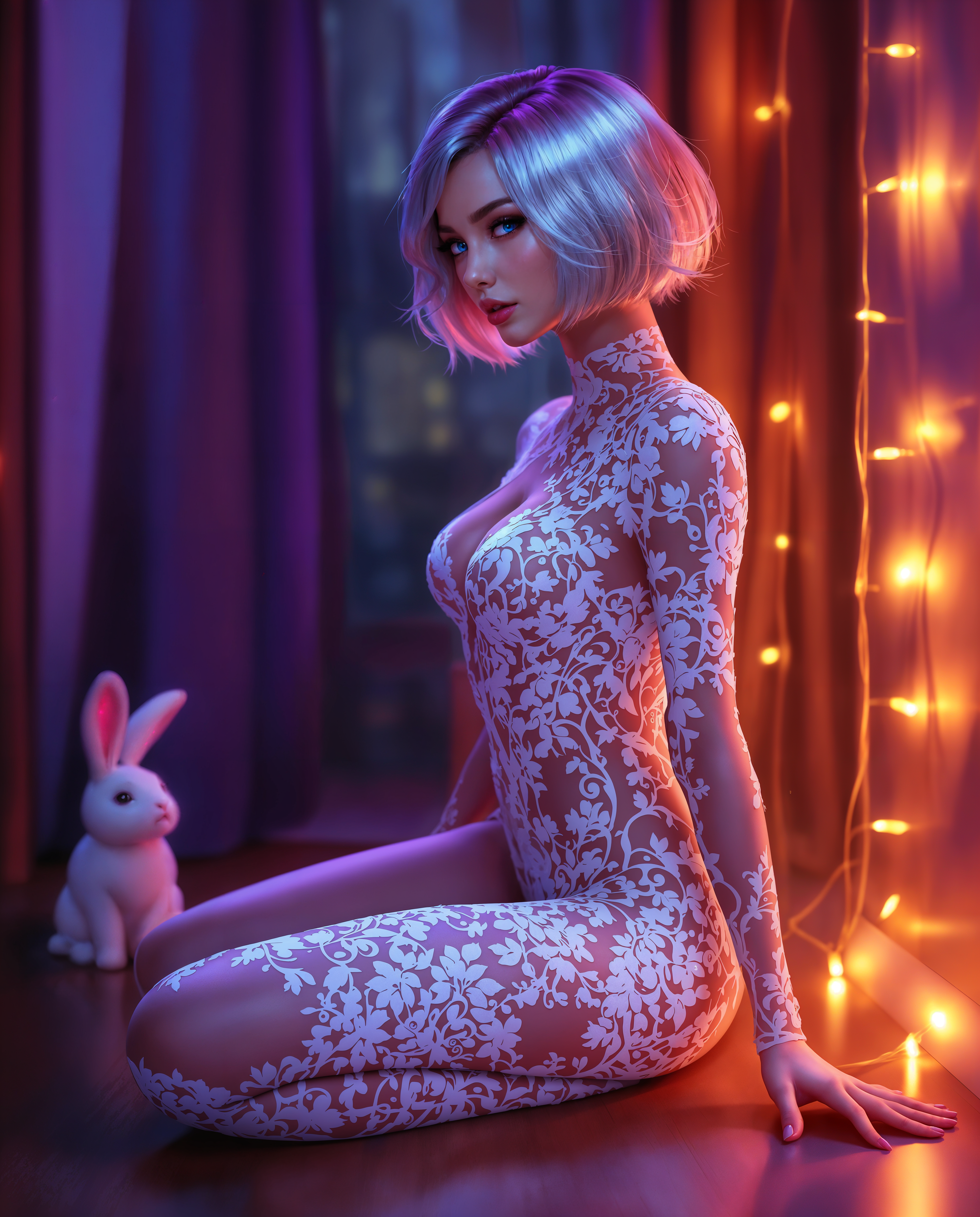
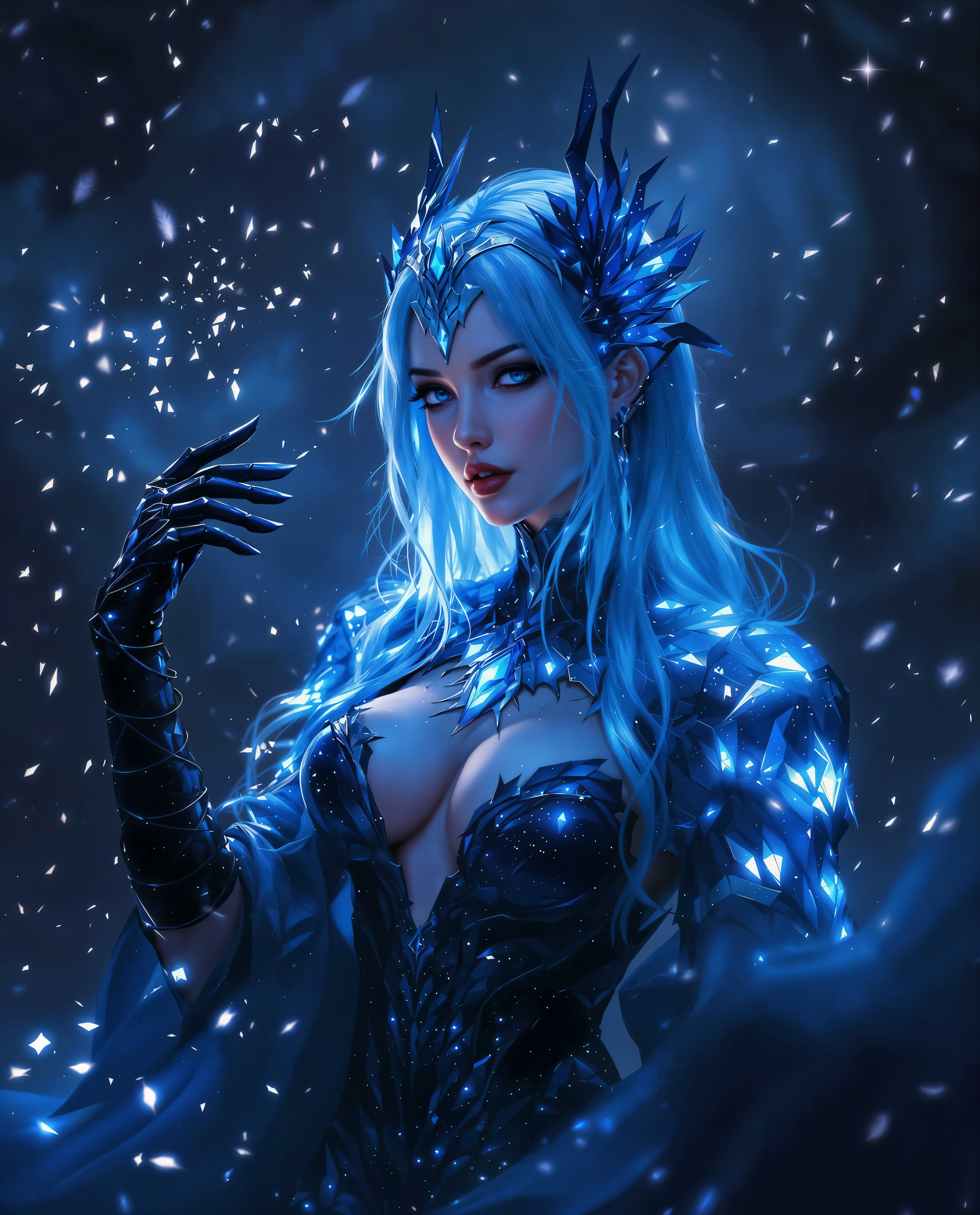
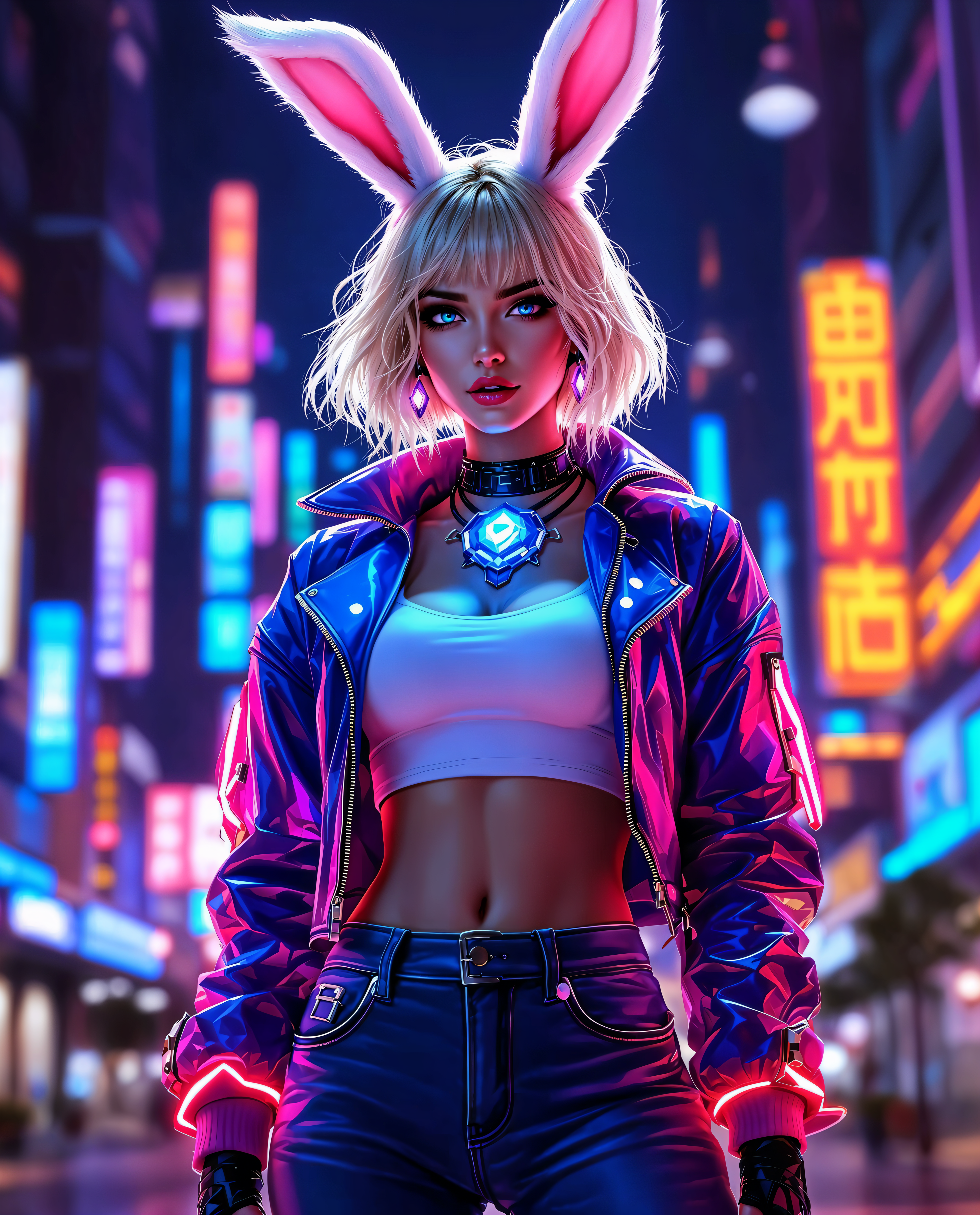
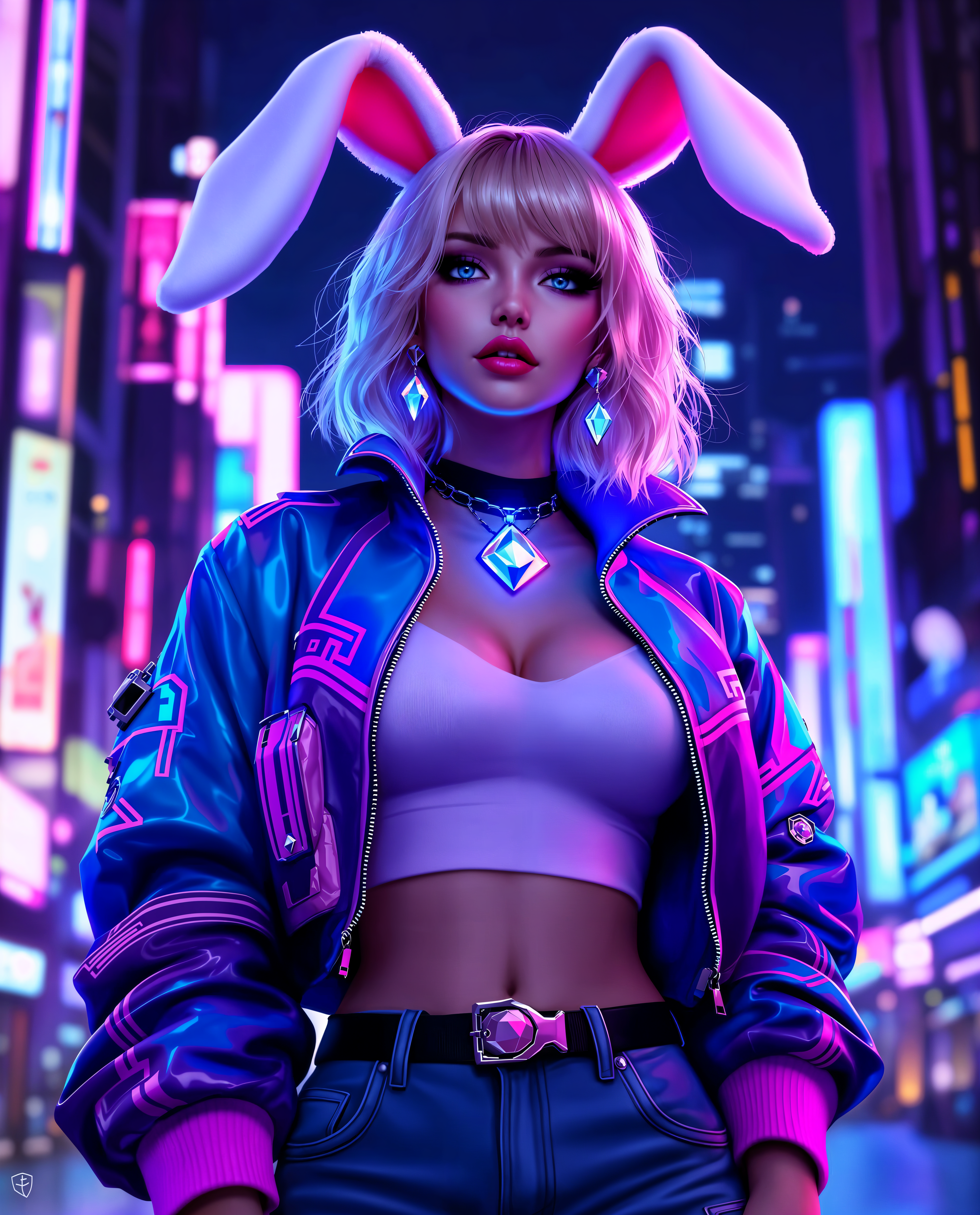
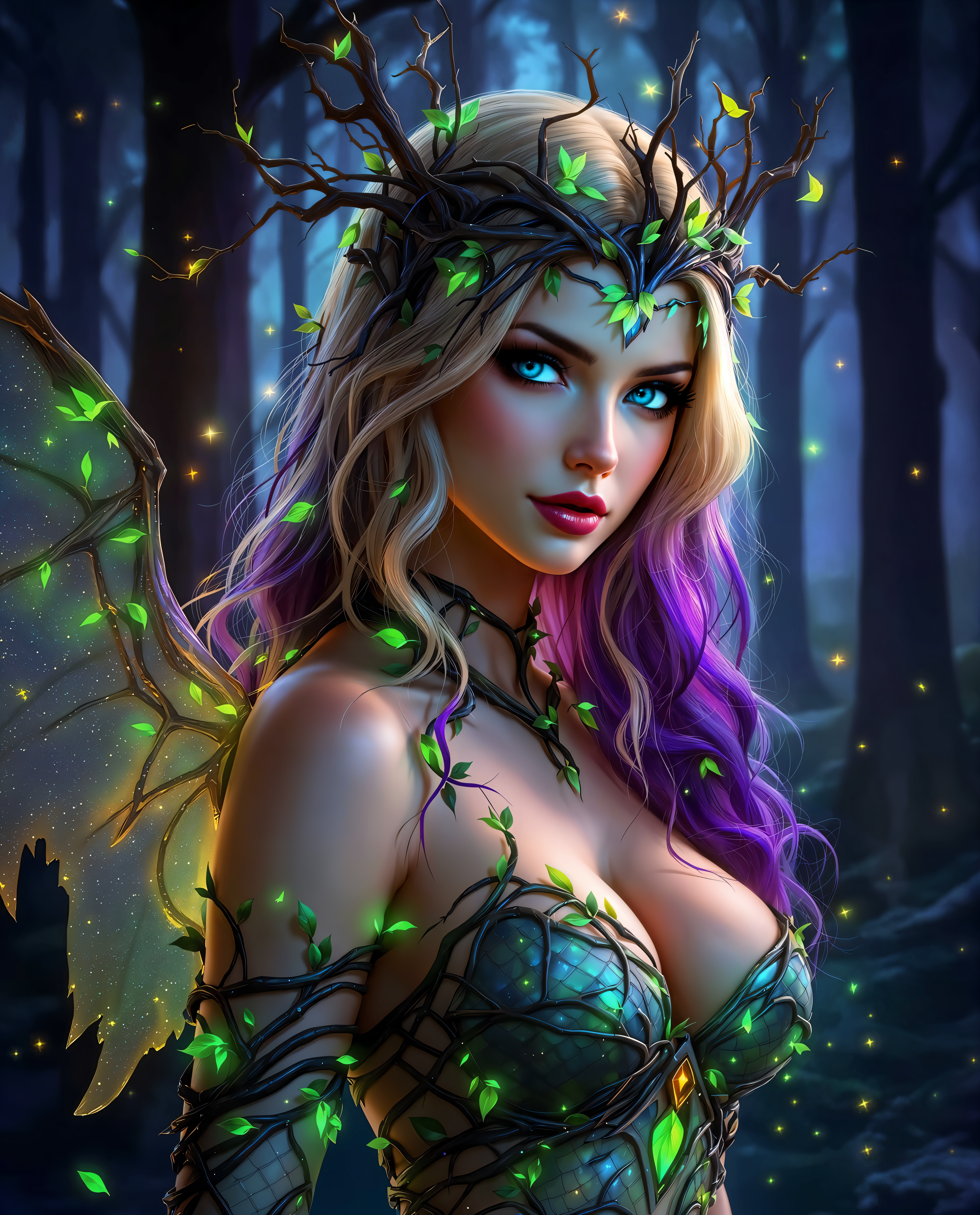
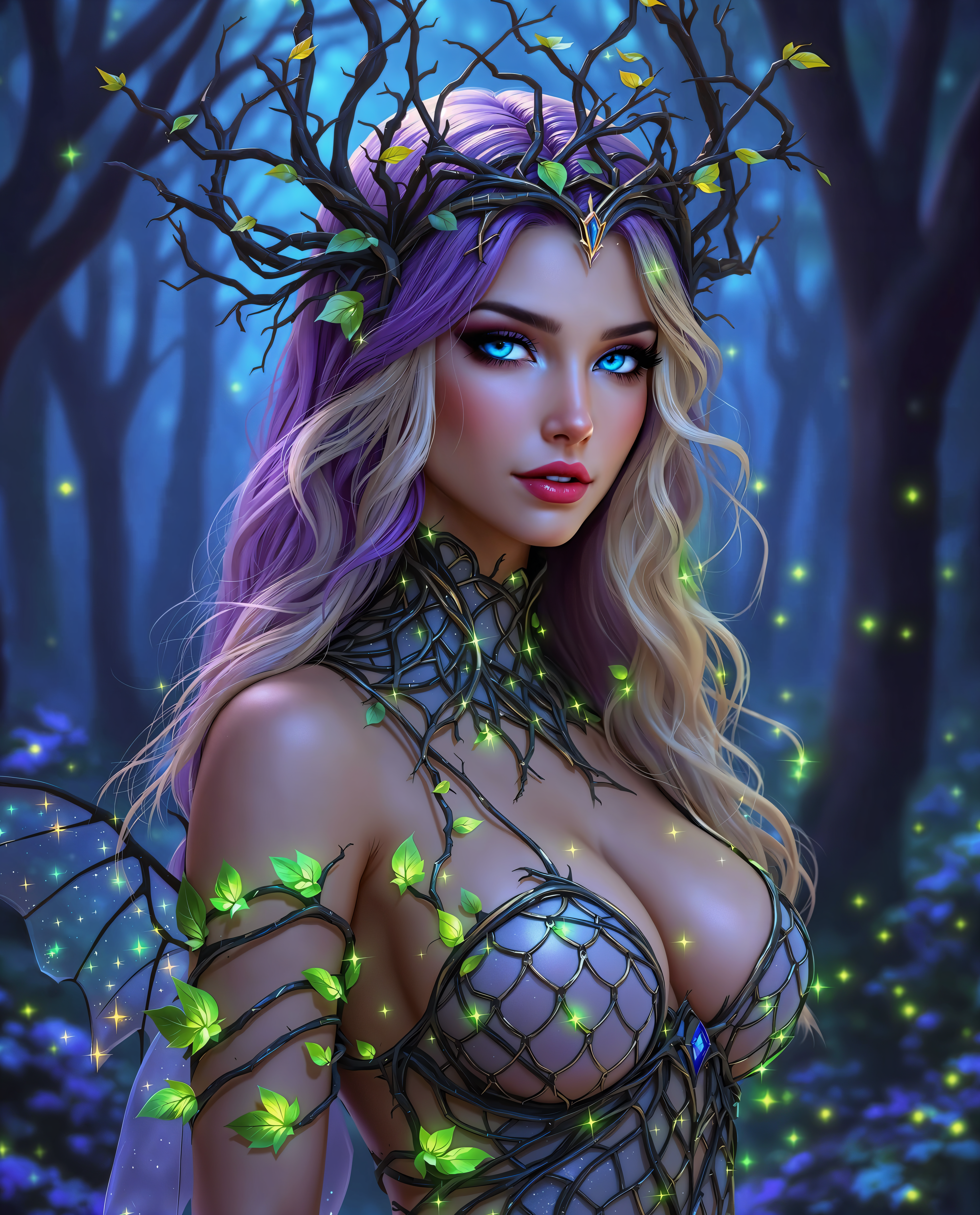
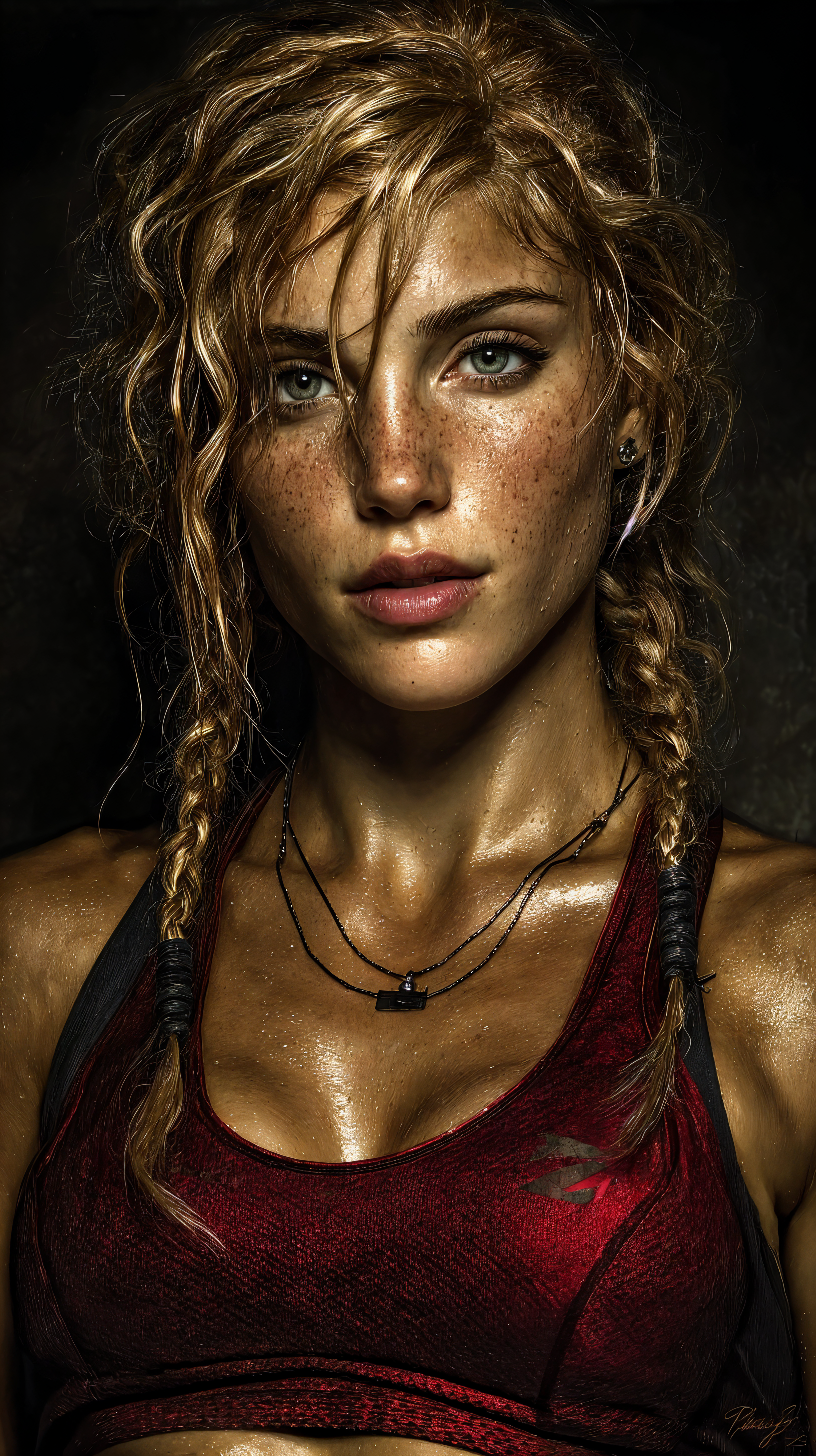
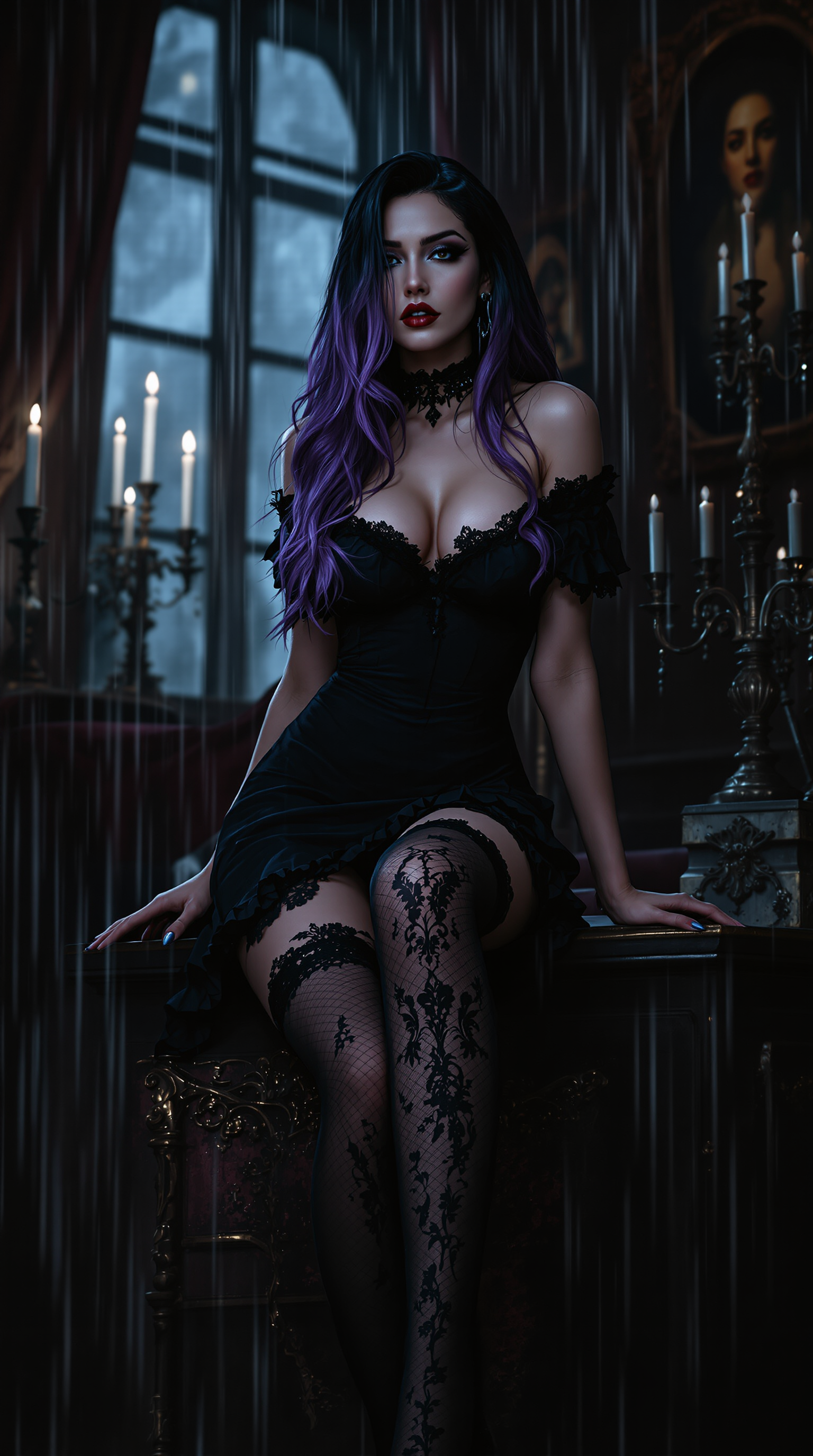
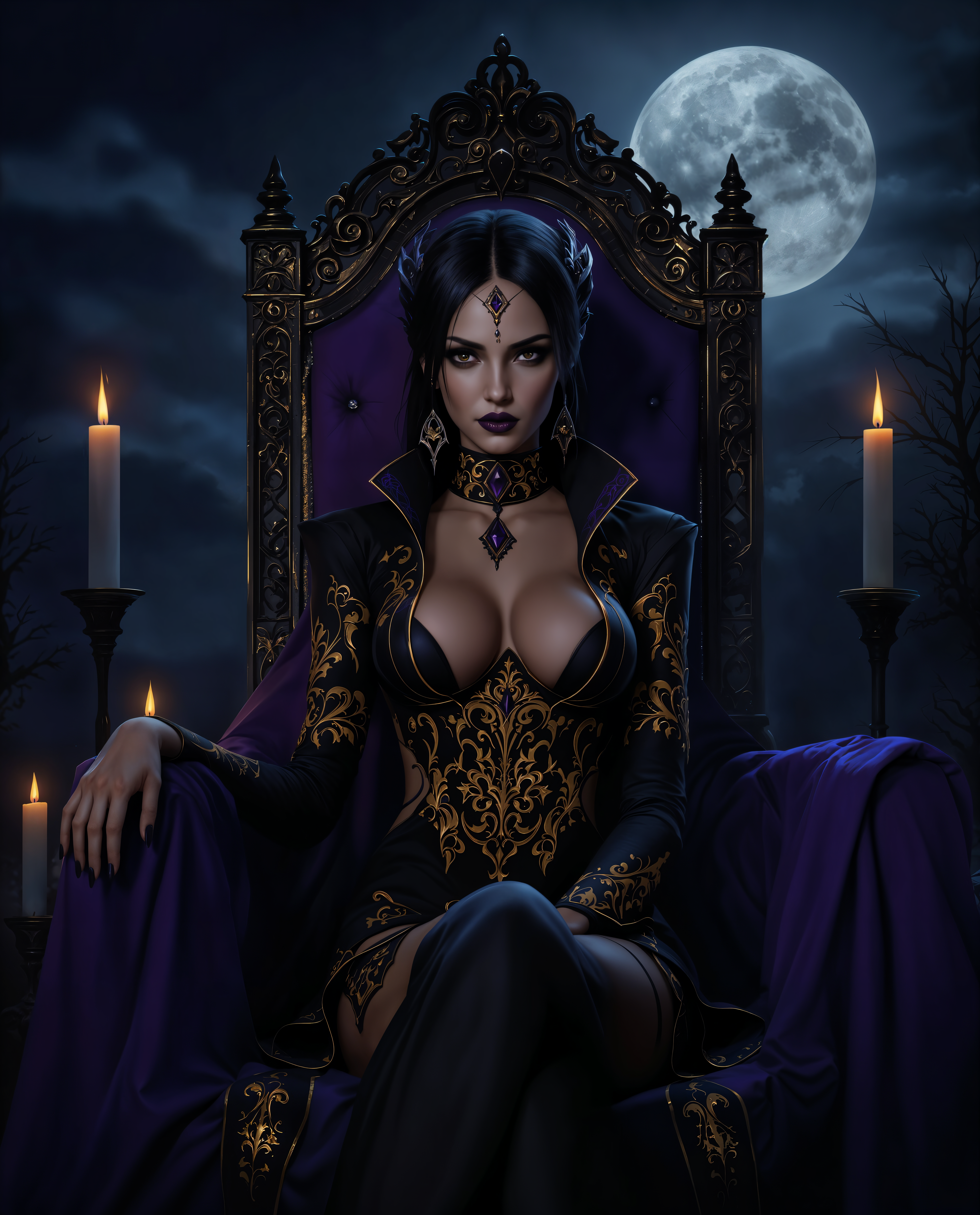
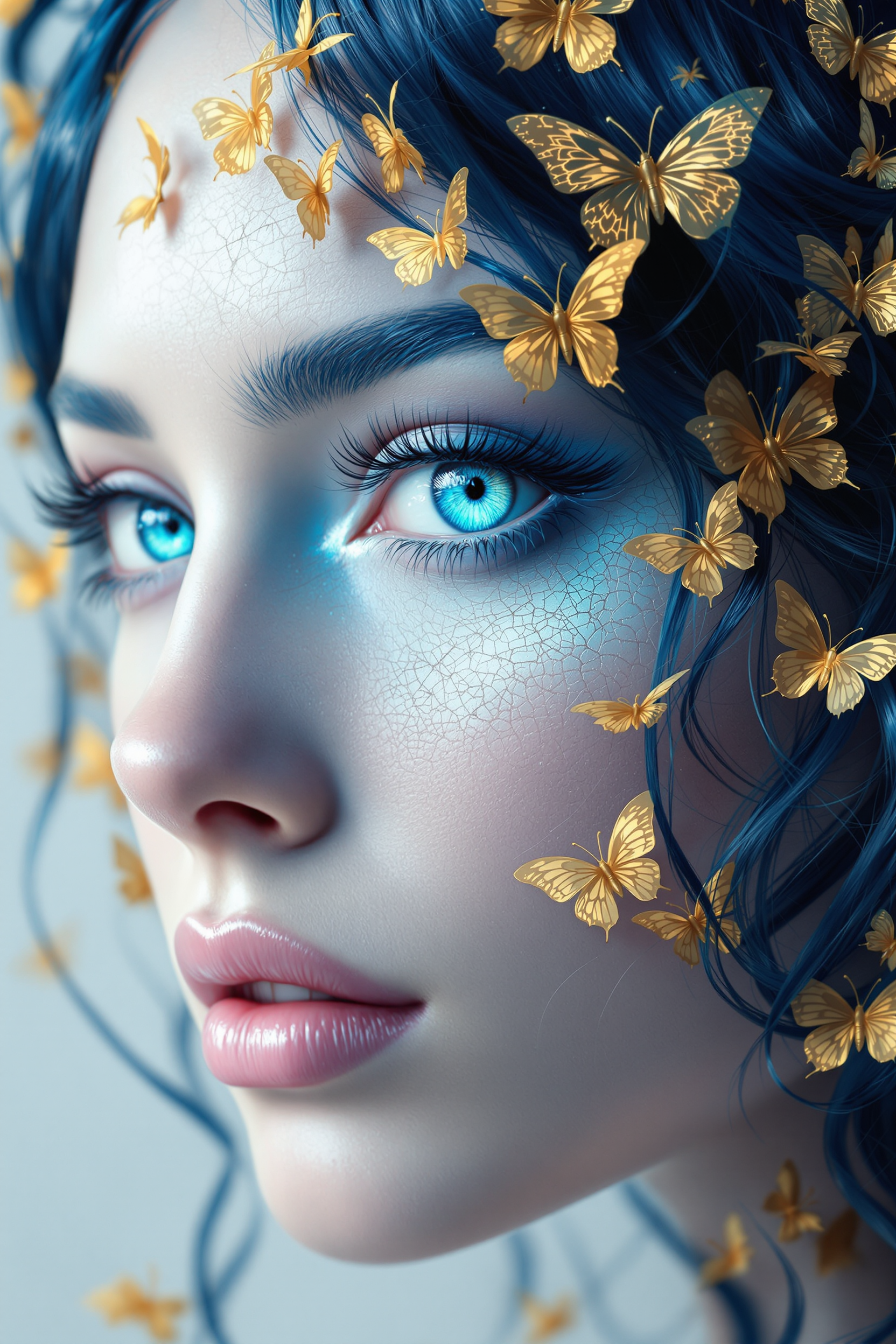
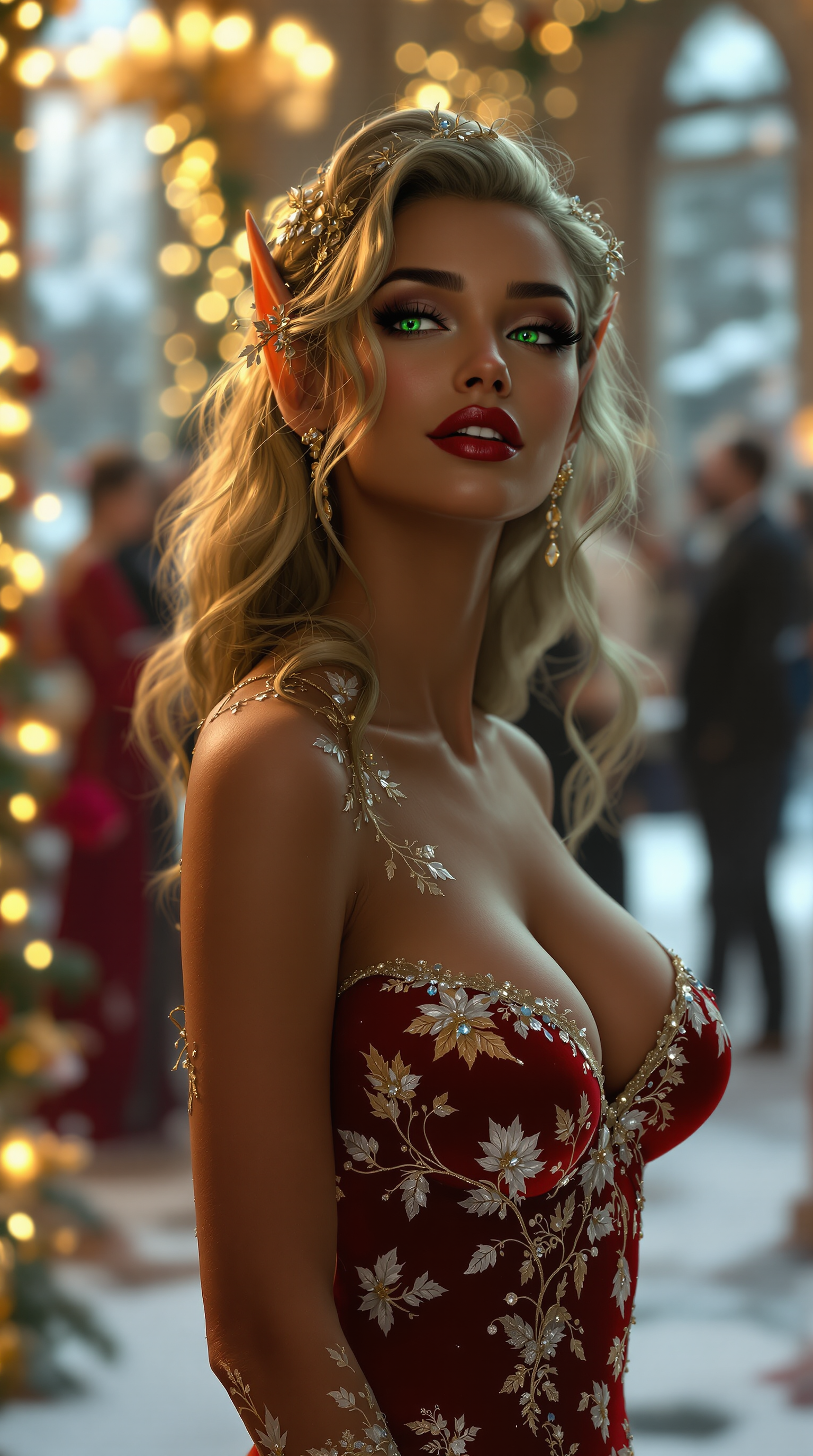
Elevate your creative projects with PixelDojo's Flux 2 Max, the cutting-edge AI image generator that delivers stunning 4MP photorealistic images. Whether you're a marketer, designer, or content creator, Flux 2 Max empowers you to produce high-resolution visuals that captivate and engage your audience, all with unprecedented ease and speed.
Join over 10,000 satisfied creators who have transformed their visual content with Flux 2 Max. Rated 4.9/5 for quality and ease of use.
Why Choose Pixel Dojo for Flux 2 Max 4MP resolution
Professional-quality results with cutting-edge AI technology
Unmatched Image Quality
Generate ultra-high-resolution images up to 4MP, ensuring every detail is crisp and lifelike, perfect for professional use.
Consistent Visuals Across Projects
Utilize up to 10 reference images to maintain character, product, and style consistency across all your creative assets.
Effortless Text Integration
Create images with clear, legible text, ideal for posters, infographics, and UI mockups without the usual AI-generated distortions.
How It Works
Creating high-resolution images with Flux 2 Max is a straightforward process designed to fit seamlessly into your workflow.
Step 1: Choose Your Tool
Select Flux 2 Max from PixelDojo's suite of AI tools to begin your image generation journey.
Step 2: Enter Your Prompt
Describe your desired image in detail, specifying elements like subject, style, and composition. For example, 'A serene mountain landscape at sunrise with vibrant colors.'
Step 3: Customize & Download
Adjust parameters such as resolution (up to 4MP), aspect ratio, and output format. Once satisfied, generate and download your high-quality image.

The Pixel Dojo Advantage
Discover why PixelDojo's Flux 2 Max stands out in the realm of AI image generation.
| Others | Pixel Dojo |
|---|---|
| Traditional Image Creation | Eliminate the need for expensive equipment and extensive time investment; generate professional-quality images in seconds. |
| Generic AI Tools | Achieve higher resolution outputs with superior detail and consistency, surpassing the capabilities of standard AI image generators. |
| Manual Photo Editing | Reduce reliance on complex editing software; create and edit images with intuitive AI-driven processes. |
Loved by creators on PixelDojo
Real feedback from people using PixelDojo, pulled from our in-product surveys.
very easy to use and good support
Very easy to use
super easy to use
it's very easy to use
Practically every Ai suite in one place? Who wouldn't?
versatile menu of tools
Explore more AI tools on PixelDojo
AI Tools
Compare & Switch
- Best AI Image Generators
- Best AI Video Generators
- Midjourney Alternatives
- Civitai Alternatives
- Runway Alternatives
- Leonardo Alternatives
- Pika Alternatives
- Luma Alternatives
- Magnific Alternatives
- Veo Alternatives
- Flux Alternatives
- Freepik Alternatives
- Seedance Alternatives
- Seedream Alternatives
- Pixverse Alternatives
- GPT Image Alternatives
- Synthesia Alternatives
- Playground Alternatives
- NightCafe Alternatives
- Canva AI Alternatives
- ElevenLabs Alternatives
- ComfyUI Alternatives
- Fal Alternatives
- Replicate Alternatives
Common Questions
Everything you need to know about Flux 2 Max 4MP resolution
How does Flux 2 Max achieve 4MP image resolution?
Flux 2 Max utilizes advanced AI algorithms optimized for high-resolution output, allowing it to generate images up to 4 megapixels with exceptional detail and clarity.
Can I use multiple reference images with Flux 2 Max?
Yes, Flux 2 Max supports up to 10 reference images, enabling you to maintain consistency in characters, products, and styles across your projects.
Is text rendering clear in images generated by Flux 2 Max?
Absolutely. Flux 2 Max excels at rendering clear and legible text, making it ideal for creating posters, infographics, and UI mockups without distortion.
What output formats are available with Flux 2 Max?
Flux 2 Max offers multiple output formats, including WebP, JPG, and PNG, allowing you to choose the best format for your specific needs.
How fast is the image generation process with Flux 2 Max?
Flux 2 Max is optimized for speed, capable of generating high-resolution images in approximately 6 seconds on high-end GPUs, facilitating rapid creative workflows.
Can I adjust the aspect ratio of images in Flux 2 Max?
Yes, Flux 2 Max supports dynamic aspect ratios, allowing you to customize the dimensions of your images to fit various platforms and project requirements.