Flux 2 Max advanced editing AI Generator
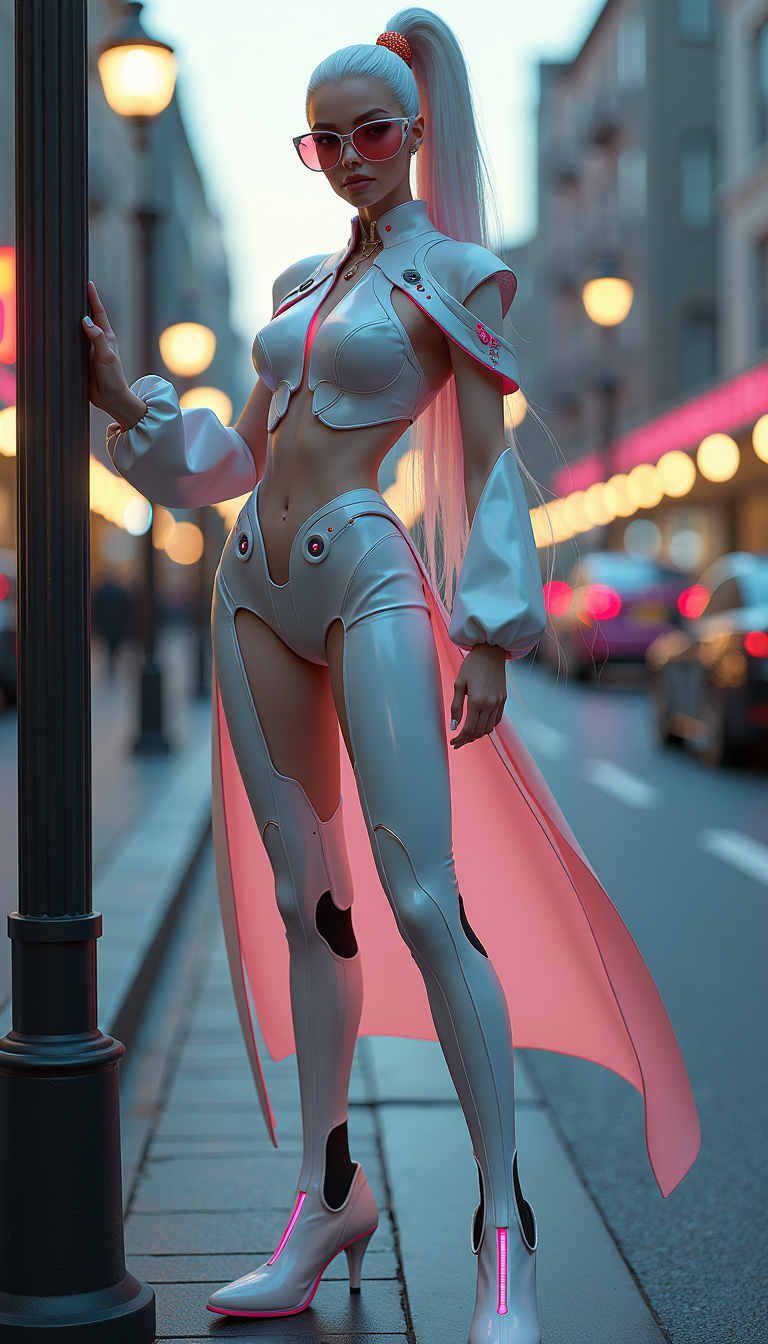
Imagine taking any photo and turning it into a masterpiece with surgical precision – removing unwanted objects, expanding scenes seamlessly, swapping styles instantly, or boosting resolution to 8K without losing detail. With Flux 2 Max advanced editing on PixelDojo.ai, you achieve these pro-level transformations in minutes, not hours. No design degree needed. Creators, marketers, and artists use our Flux.2 Studio, Inpainting, Image to Image, and Flux 2 Model Trainer to deliver jaw-dropping visuals that captivate audiences and drive results. Unlock your creative potential today and see your ideas come alive with unmatched control and quality.
Loved by 100K+ creators worldwide | 4.9/5 stars from 5K+ reviews | 10M+ images edited | Featured in top design communities
Why Choose Pixel Dojo for Flux 2 Max advanced editing
Professional-quality results with cutting-edge AI technology
Pinpoint Precision Edits
Erase distractions, add elements exactly where needed, or reshape objects flawlessly using Inpainting and Image to Image – perfect for product photos, portraits, or social media that demand perfection without manual tweaking.
Seamless Scene Expansion
Extend horizons, fill backgrounds, or create panoramic views effortlessly with Outpainting and Flux.2 Studio, turning ordinary shots into epic landscapes or immersive designs that wow viewers.
Custom Style Mastery
Apply artistic styles, adjust lighting with Magic Lighting, or train personalized models via Flux 2 Model Trainer – craft unique visuals that match your brand and stand out in crowded feeds.
How It Works
Dive into Flux 2 Max advanced editing with PixelDojo's seamless workflow. Upload your image, describe changes, and let AI handle the heavy lifting – results rival professional studios.
Step 1: Choose Your Tool
Head to PixelDojo's dashboard, select Flux.2 Studio for base edits or specialized tools like Inpainting for targeted fixes, Image to Image for full transformations, or Outpainting from the Archive to expand canvases instantly.
Step 2: Enter Your Prompt
Upload your starting image, then craft a detailed prompt like 'remove the crowd from the beach background and add a sunset sky' or 'expand the cityscape to the left with modern skyscrapers.' Leverage Flux 2 Max techniques like mask-based inpainting for precision or style transfer prompts for creative twists.
Step 3: Customize & Download
Fine-tune with sliders for strength, resolution via Creative Upscaler, or LoRAs via Inpainting with LoRAs. Generate variations, preview in real-time, then download high-res files ready for print, web, or social – all powered by Flux.2 Studio's latest trends in photorealistic control.
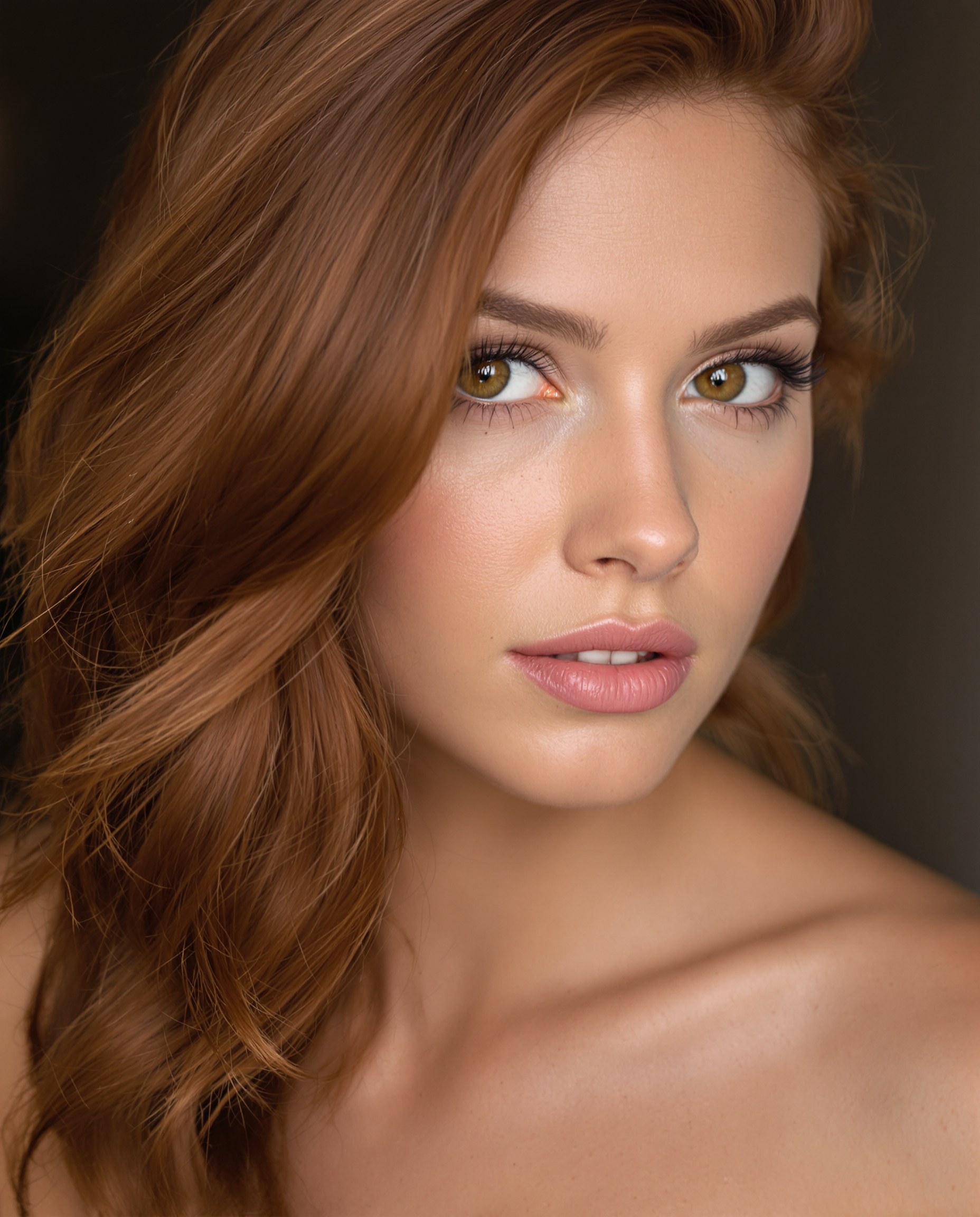
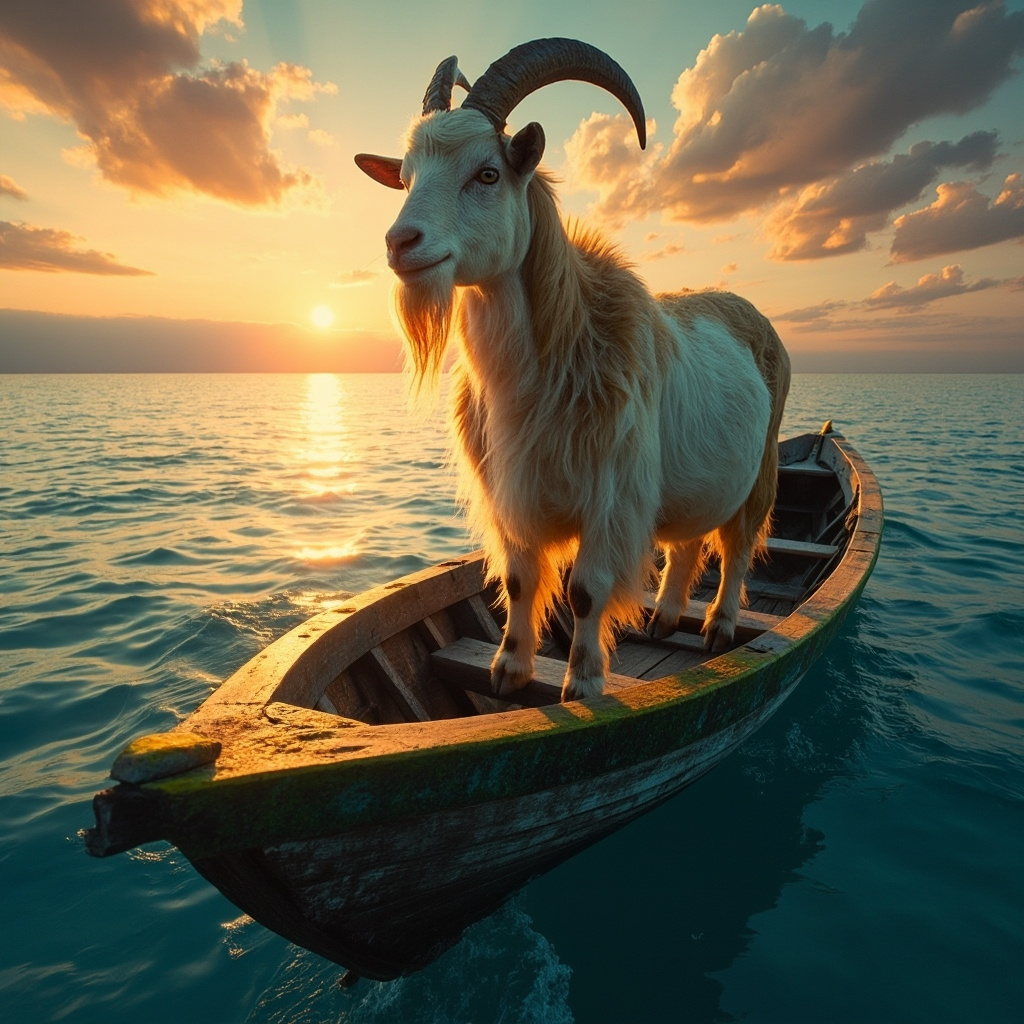
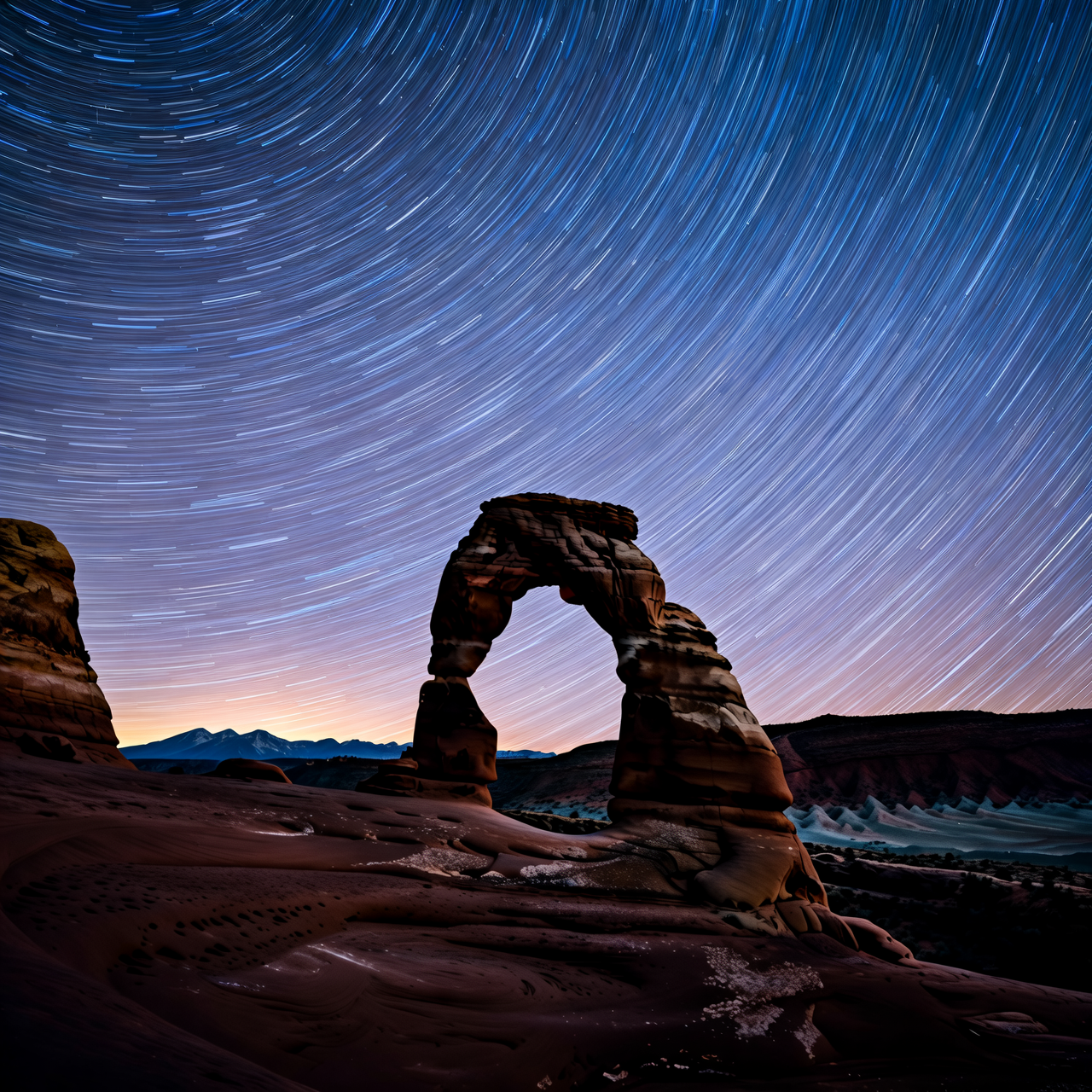

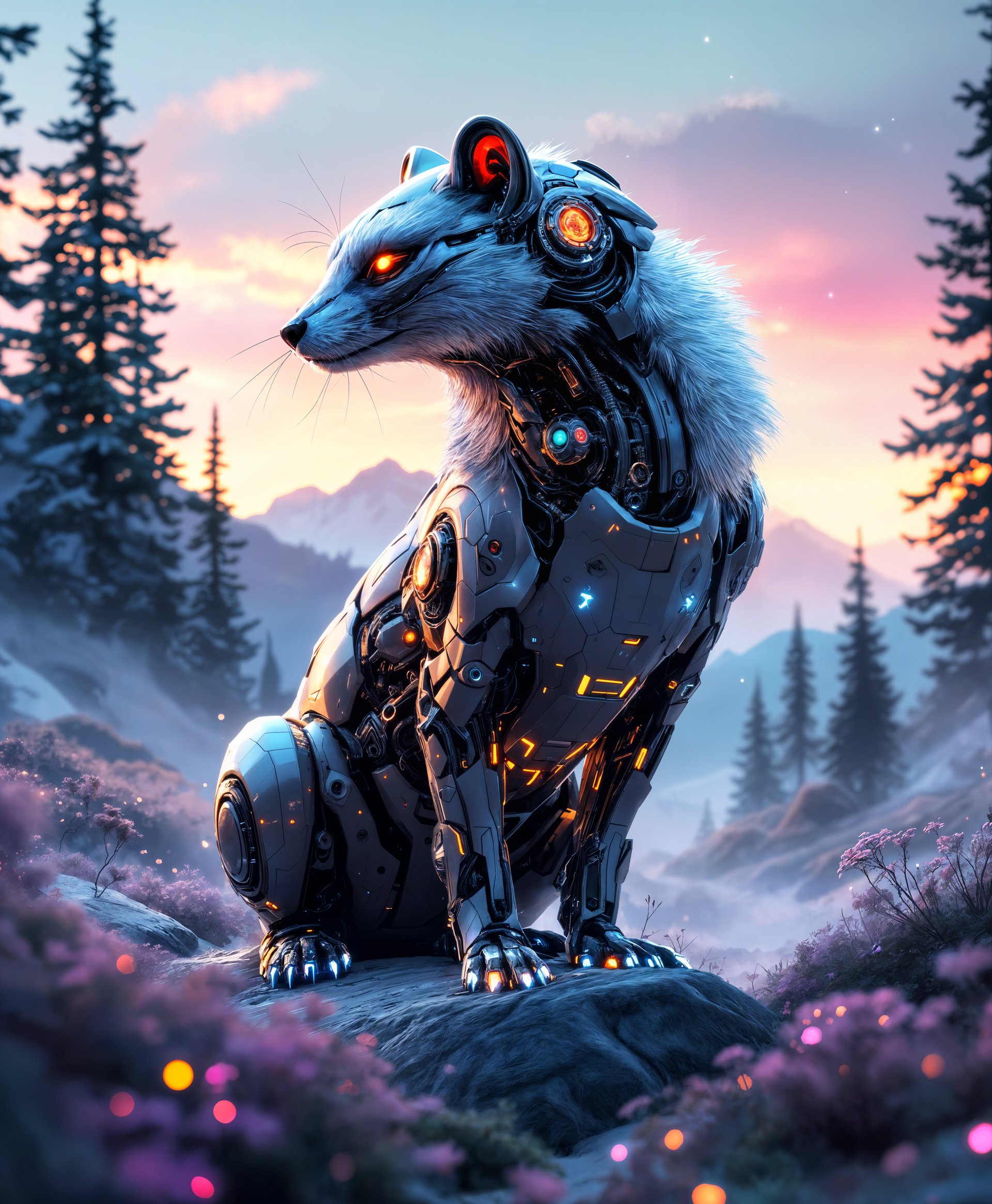
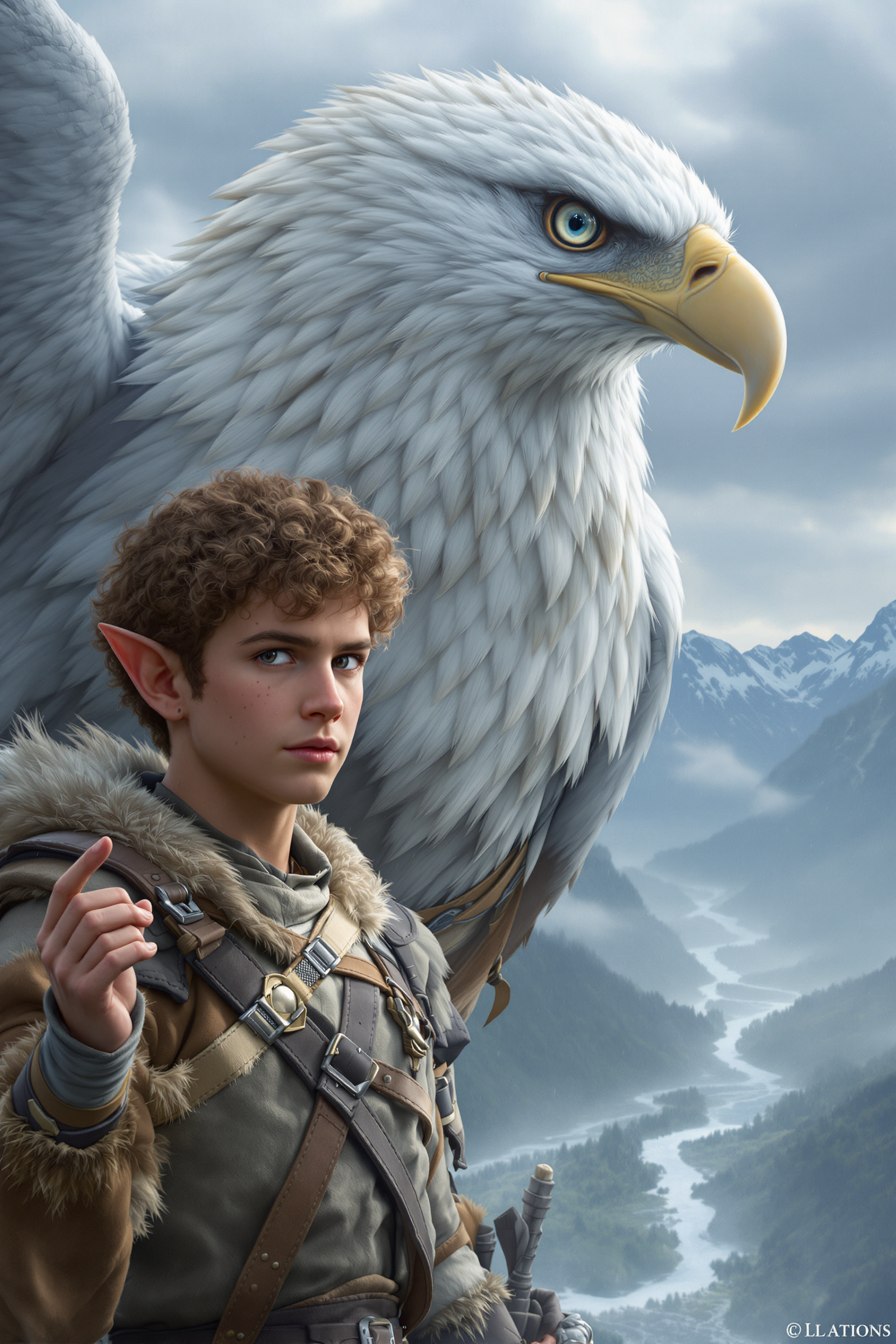
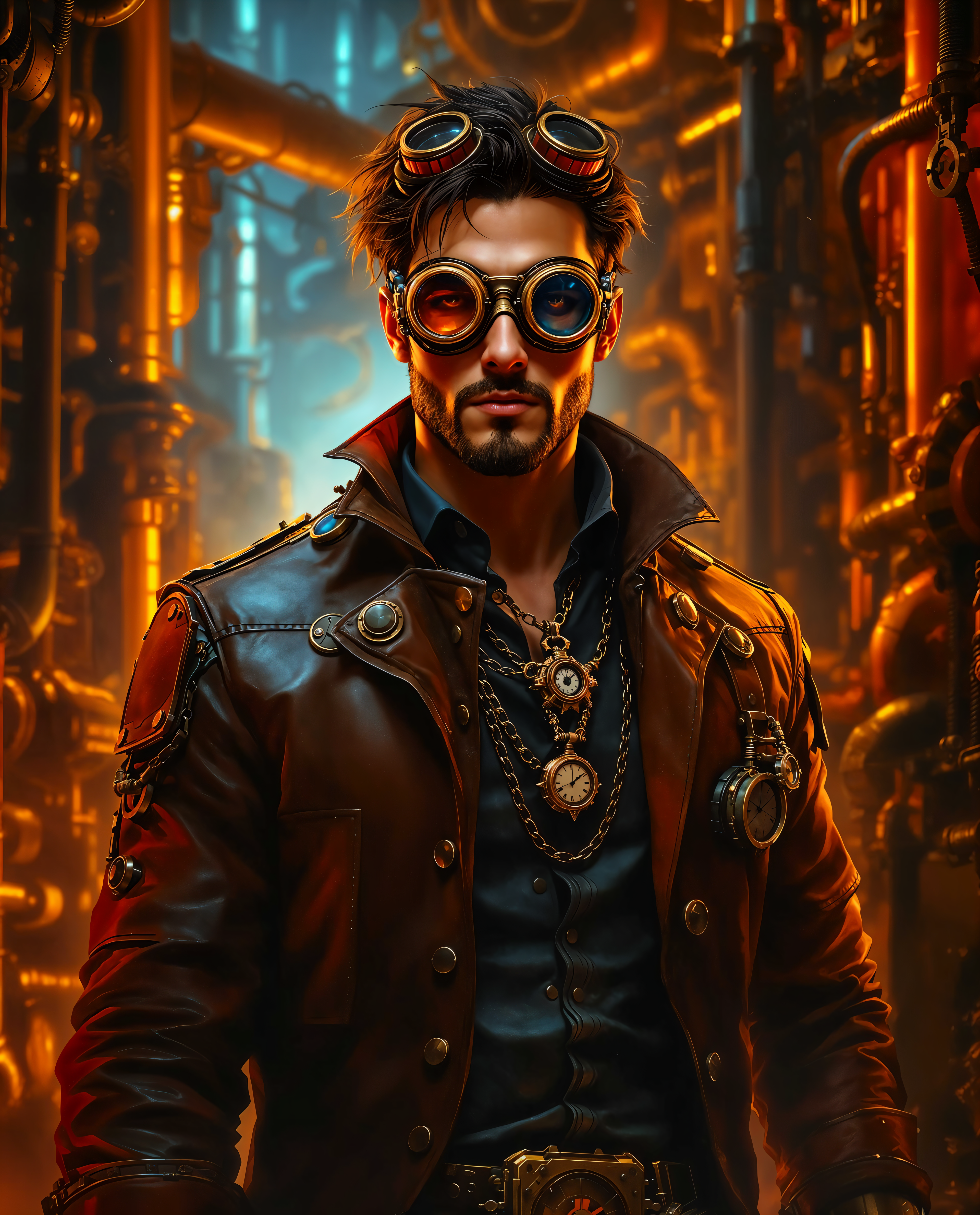
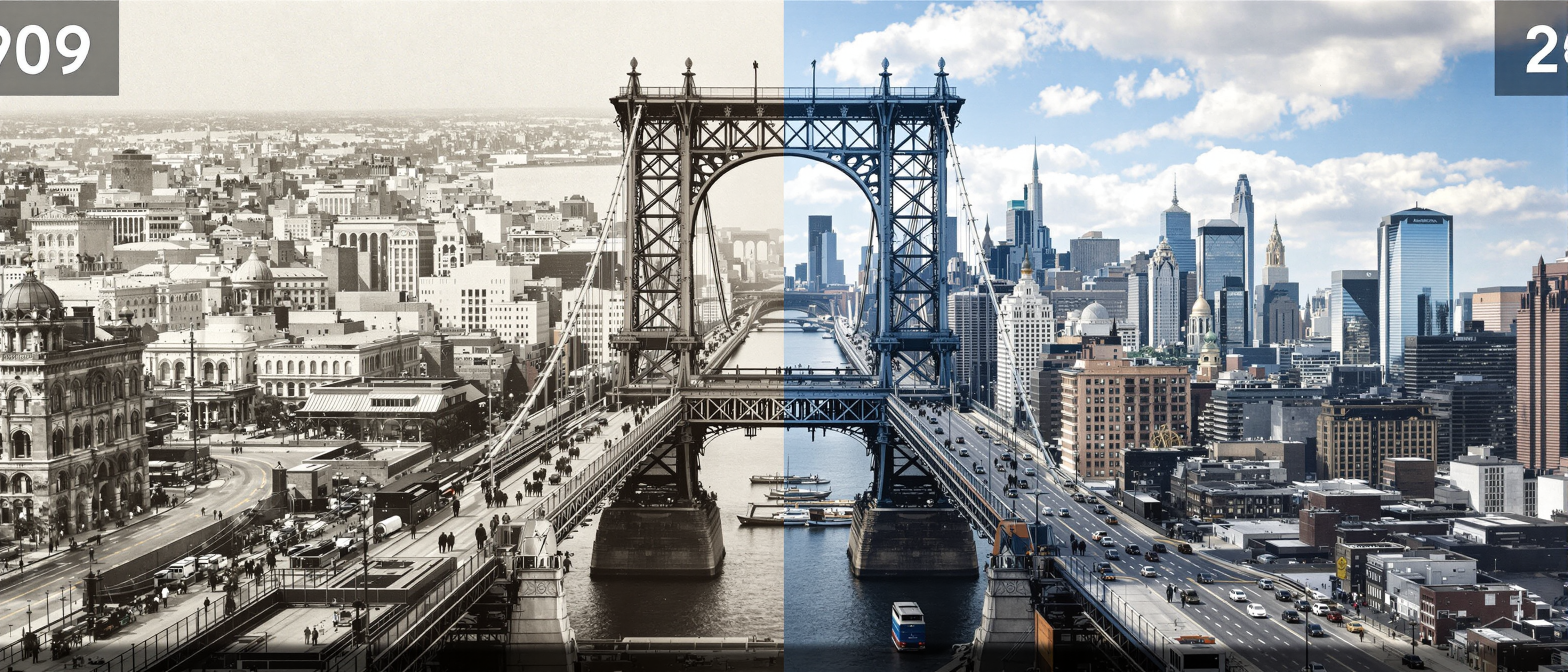
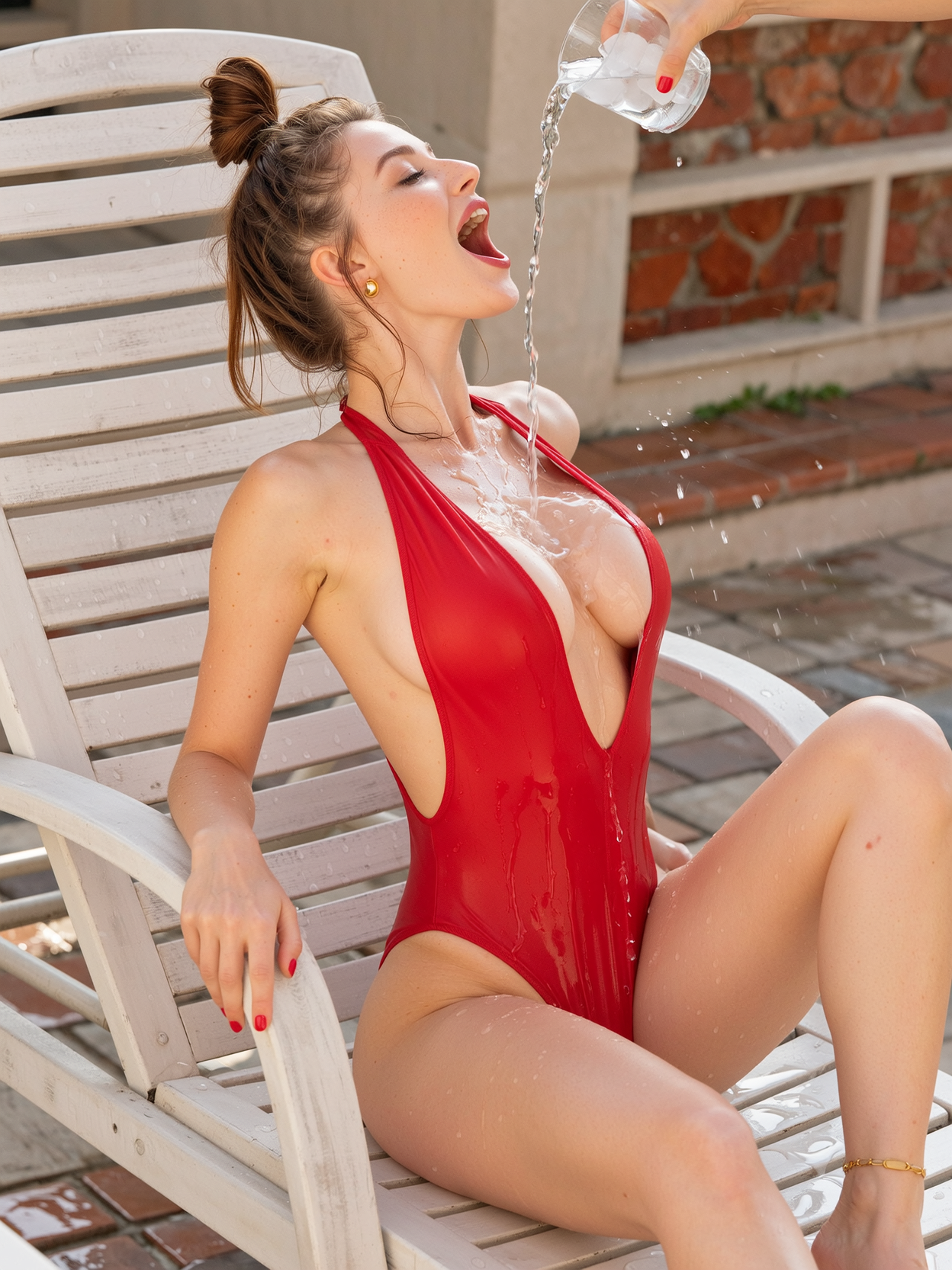
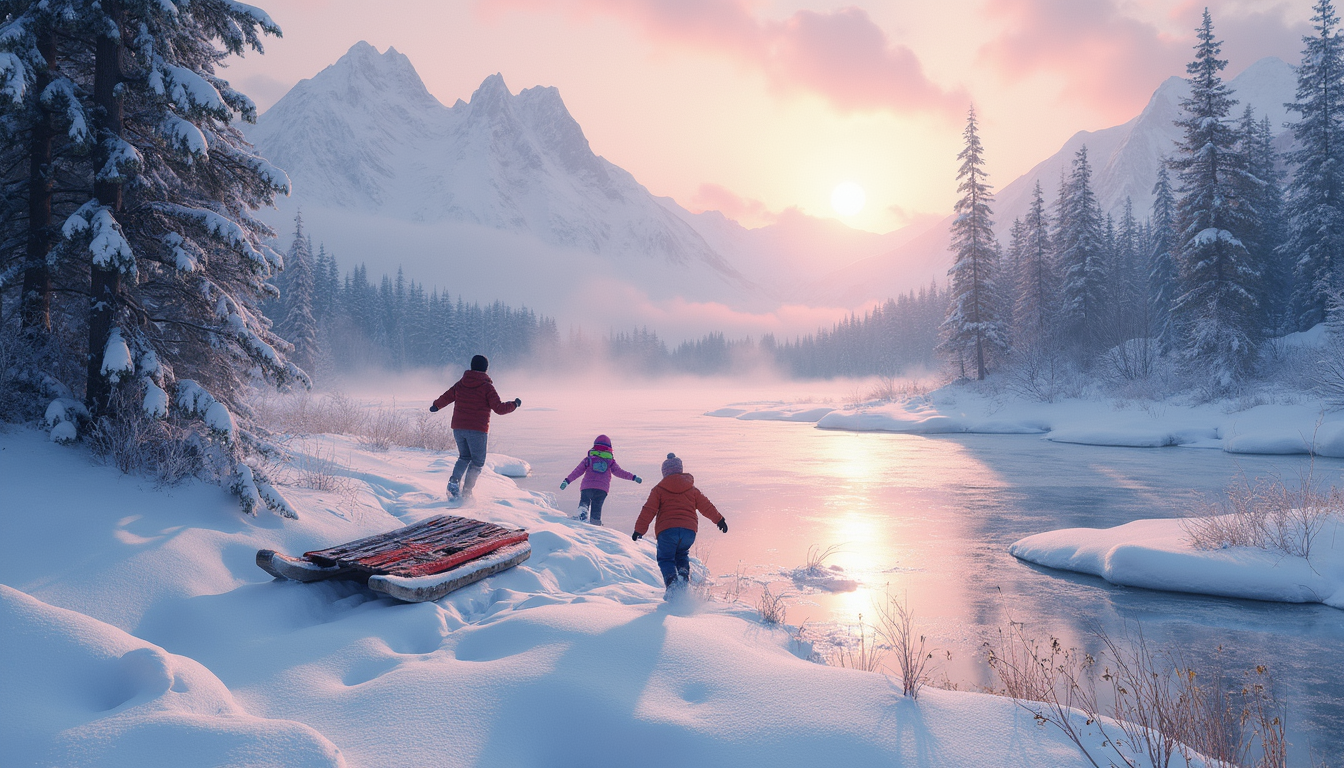
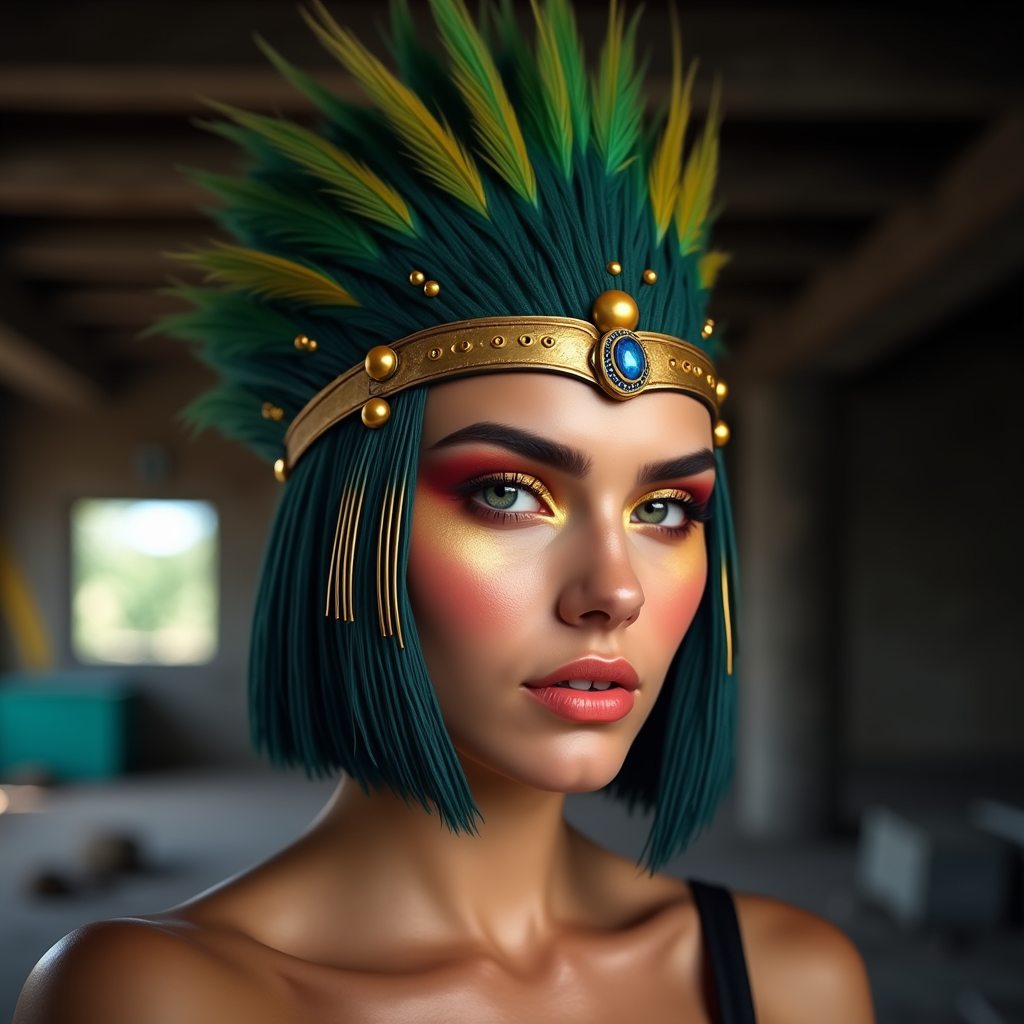
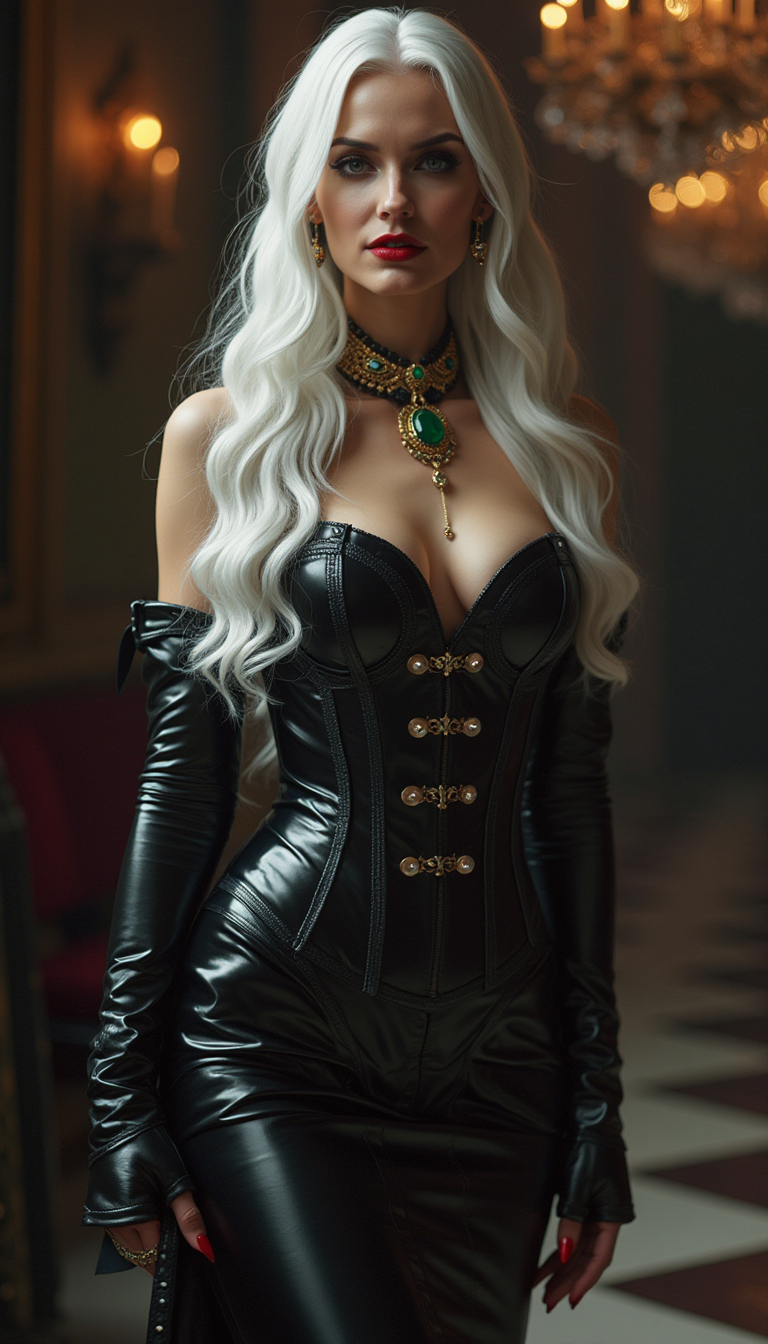
The Pixel Dojo Advantage
Why PixelDojo outperforms other options for Flux 2 Max advanced editing image generation
| Others | Pixel Dojo |
|---|---|
| Traditional editing software | Skip hours of layer masking and cloning – get instant, intelligent edits with Flux.2 Studio that adapt to your image's context for natural results every time. |
| Generic AI tools | Access Flux 2 Max-specific advanced techniques like superior inpainting and model training, unavailable elsewhere, for edits that maintain consistency across batches. |
| Manual photo editing | Eliminate trial-and-error guesswork; PixelDojo's Image Analyzer and Pose Control deliver precise outcomes in one click, saving you days of work. |
Loved by creators on PixelDojo
Real feedback from people using PixelDojo, pulled from our in-product surveys.
exceptional quality and great overall design of platform and interface. very intuative. love the creative freedom.
Qwen image 2 is amazing!!
Creative freedom, range of tools and options.
I love the training feature
the quality is the best
All the tools needed in one dashboard
Explore more AI tools on PixelDojo
AI Tools
Compare & Switch
- Best AI Image Generators
- Best AI Video Generators
- Midjourney Alternatives
- Civitai Alternatives
- Runway Alternatives
- Leonardo Alternatives
- Pika Alternatives
- Luma Alternatives
- Magnific Alternatives
- Veo Alternatives
- Flux Alternatives
- Freepik Alternatives
- Seedance Alternatives
- Seedream Alternatives
- Pixverse Alternatives
- GPT Image Alternatives
- Synthesia Alternatives
- Playground Alternatives
- NightCafe Alternatives
- Canva AI Alternatives
- ElevenLabs Alternatives
- ComfyUI Alternatives
- Fal Alternatives
- Replicate Alternatives
Common Questions
Everything you need to know about Flux 2 Max advanced editing
What is Flux 2 Max advanced editing and how can I use it on PixelDojo?
Flux 2 Max advanced editing refers to cutting-edge techniques like precise inpainting, outpainting, and style transfers powered by Flux.2 Studio on PixelDojo. You upload an image, mask areas via Inpainting, prompt changes (e.g., 'add dramatic lighting'), and generate pro results. Trends show it's ideal for photorealistic fixes, with PixelDojo's Flux 2 Model Trainer letting you customize for recurring projects – all in a no-code interface.
How does Flux 2 Max inpainting work for advanced image editing on PixelDojo?
PixelDojo's Inpainting tool with Flux.2 Studio uses mask-based editing: brush over areas to change, enter prompts like 'replace hat with crown in photorealistic style.' It fills seamlessly using context-aware AI, outperforming basics with Flux's superior understanding of depth and lighting. Combine with Inpainting with LoRAs for branded consistency.
What are the best Flux 2 Max advanced editing techniques for outpainting images?
For outpainting on PixelDojo, use the Archive's Outpainting tool with Flux.2 Studio: prompt 'extend forest edge with misty mountains matching original lighting.' Latest trends emphasize directional control and style matching – generate 360° views or banners effortlessly. Upscale afterward with Creative Upscaler for print-ready files.
Can I train custom models for Flux 2 Max advanced editing techniques?
Yes! PixelDojo's Flux 2 Model Trainer lets you upload 10-20 images of your style (e.g., vintage portraits), train in minutes, then apply via Inpainting or Image to Image. This delivers hyper-consistent edits, perfect for character design or product lines – a game-changer for personalized Flux 2 Max workflows.
How to achieve photorealistic results with Flux 2 Max advanced editing on PixelDojo?
Leverage Magic Lighting and Change Camera Angle post-generation in Flux.2 Studio. Prompt with specifics like 'realistic golden hour lighting, sharp details, Canon EOS style.' Use Image Analyzer for insights, then refine – users report 95% realism boost, ideal for ads or portraits without stock photo costs.
Is Flux 2 Max advanced editing suitable for video or character consistency?
Absolutely. Edit stills with Flux tools, then animate via WAN 2.2 Animate or LTX-2 Video. For characters, combine Consistent Characters and Pose Control with Flux inpainting for frame-perfect sequences. Trends highlight this for social reels – PixelDojo's full suite ensures edits translate smoothly to motion.