Flux 2 Max editing consistency AI Generator

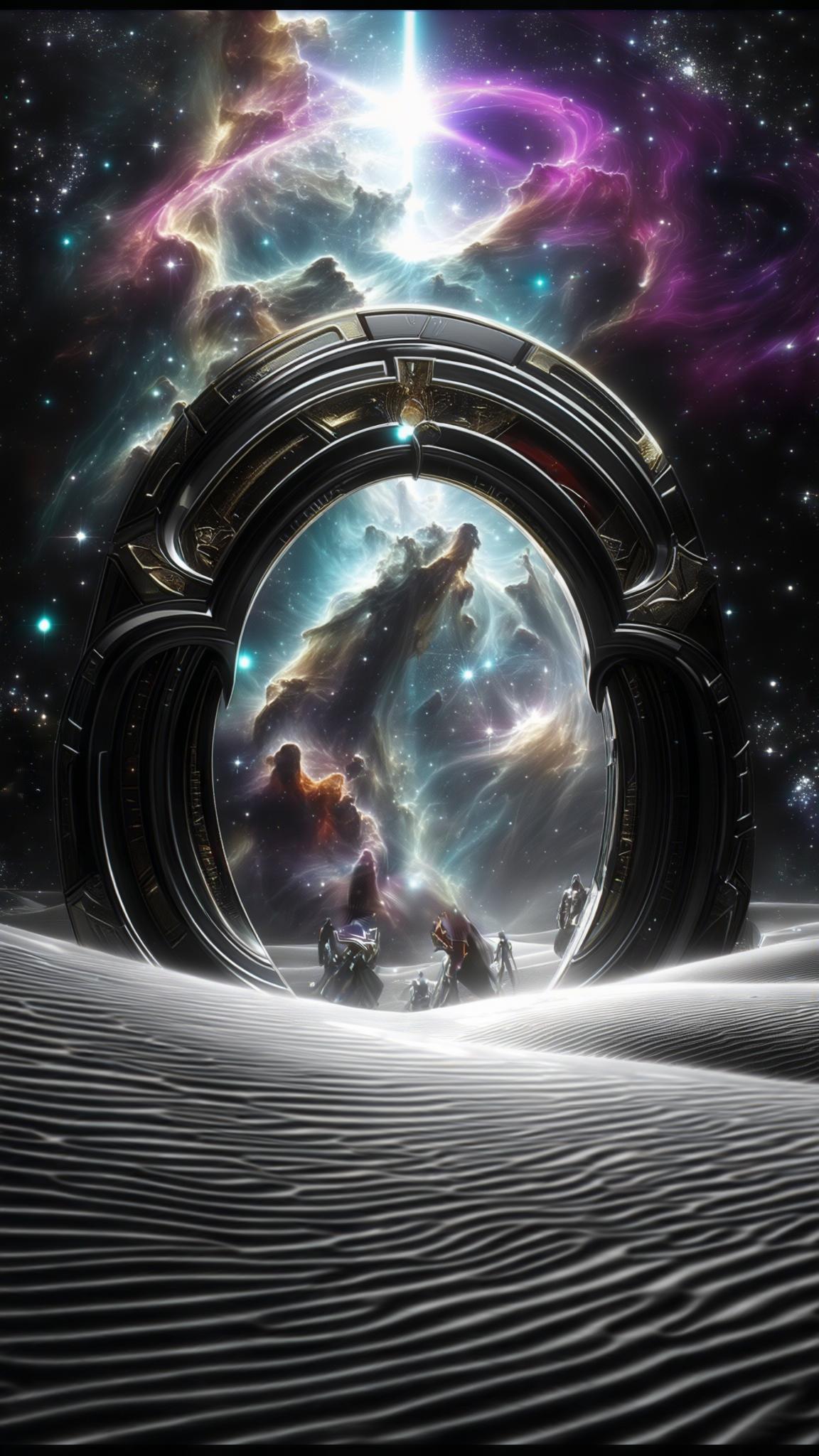
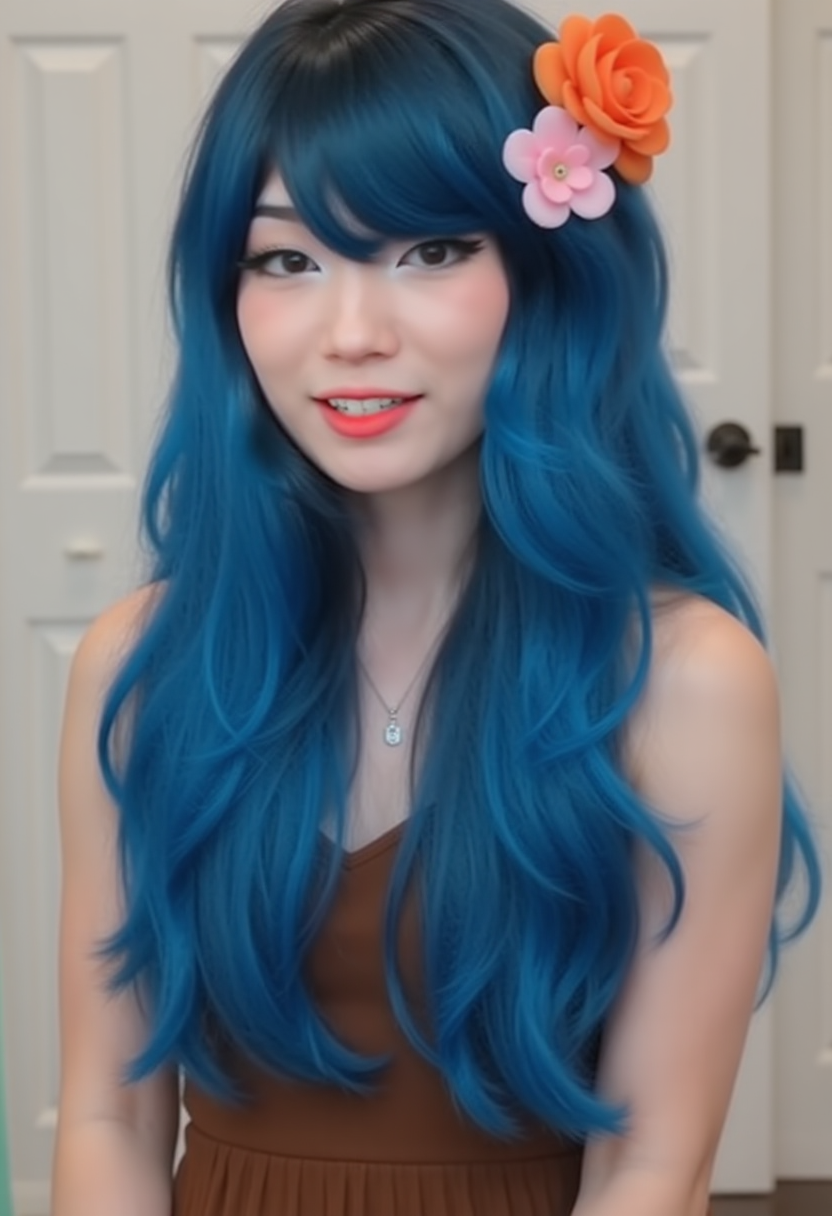
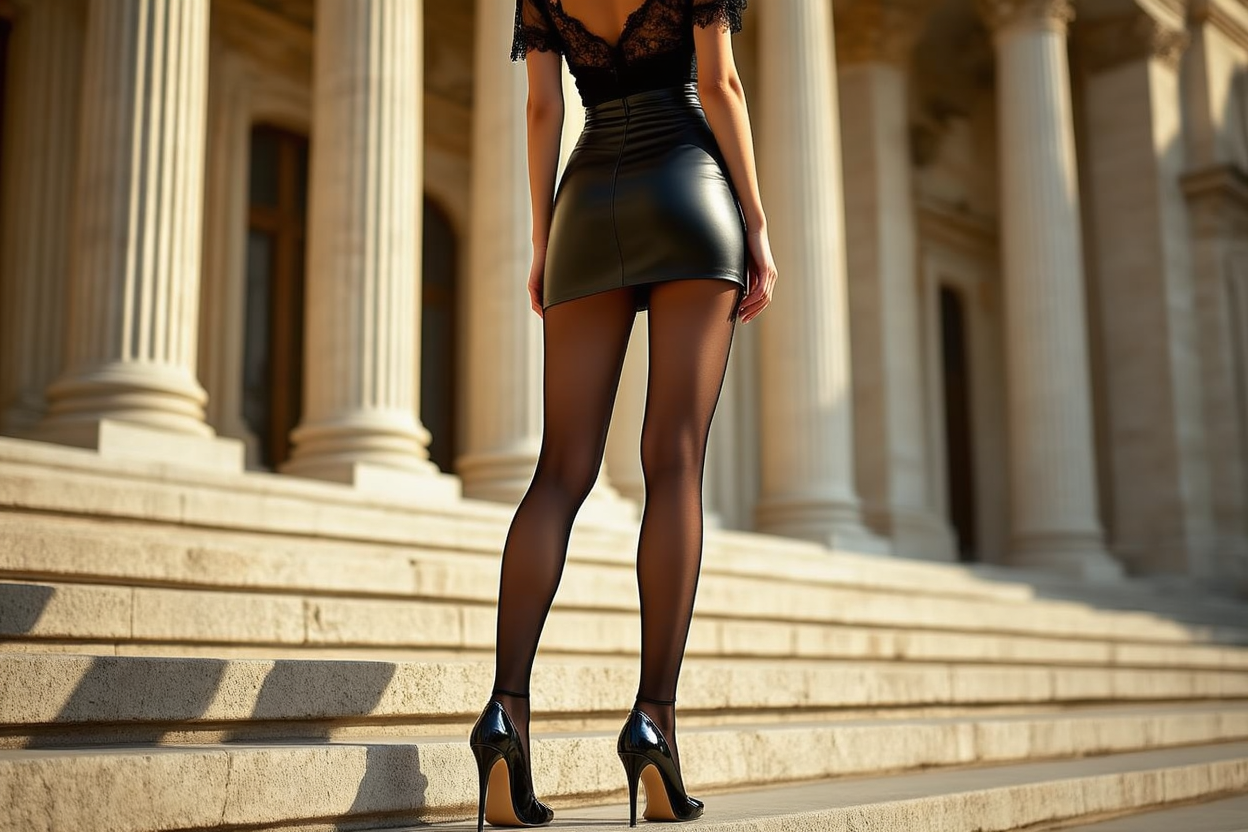
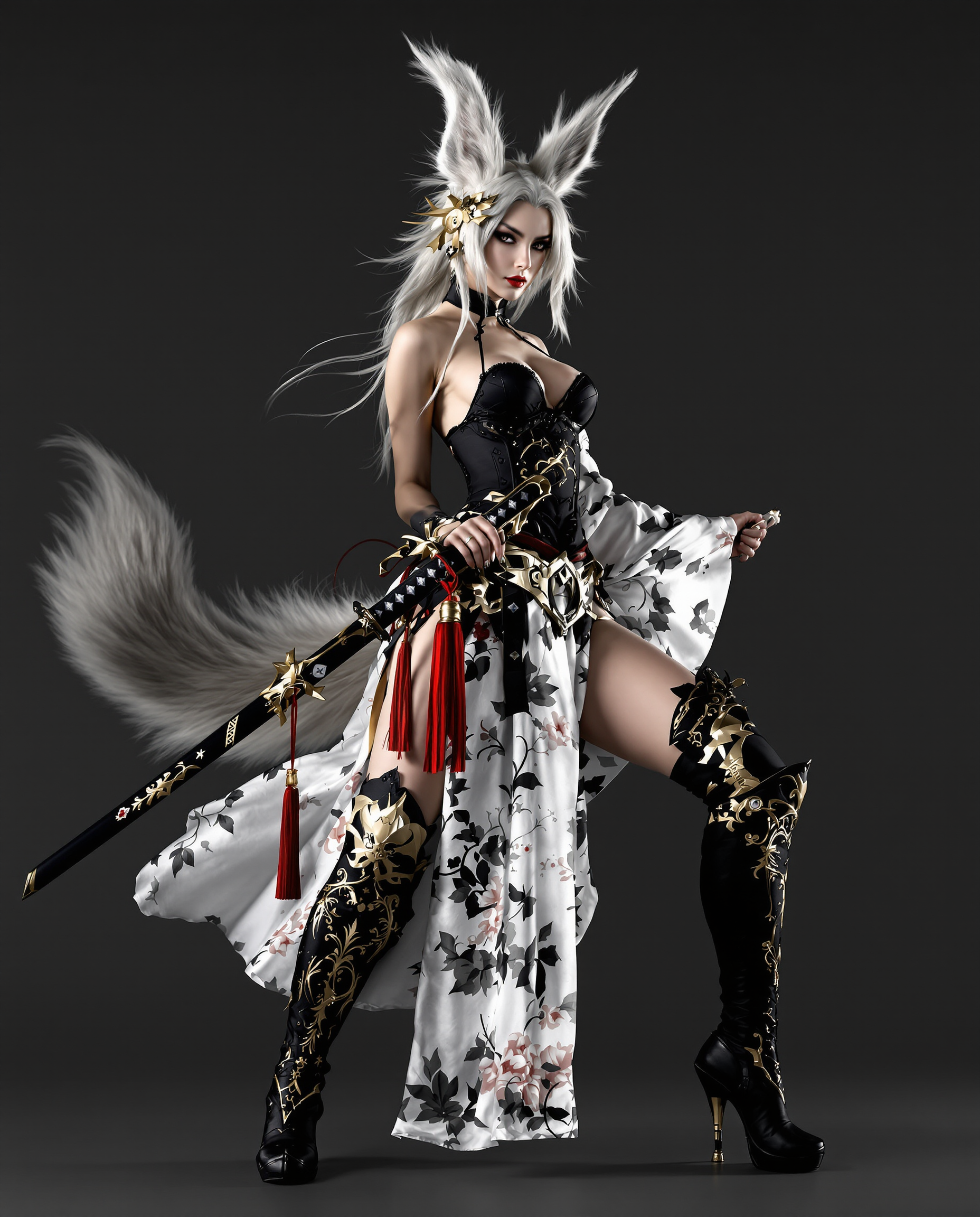
In the realm of AI-generated imagery, maintaining consistency across edits is paramount for professional-quality results. Flux 2 Max empowers you to achieve seamless character and style uniformity, ensuring your creative projects maintain a cohesive and polished appearance.
Trusted by thousands of creators worldwide, Flux 2 Max boasts a 4.8/5 average rating for its unparalleled editing consistency and user-friendly interface.
Why Choose Pixel Dojo for Flux 2 Max editing consistency
Professional-quality results with cutting-edge AI technology
Maintain Character Consistency
Ensure your characters retain their unique features across multiple edits, preserving identity and coherence.
Achieve Precise Style Matching
Apply consistent artistic styles to your images, aligning with your project's aesthetic vision.
Streamline Editing Workflows
Reduce manual adjustments with AI-driven consistency, saving time and enhancing productivity.
How It Works
Creating consistent AI-generated images with Flux 2 Max is a straightforward process:
Step 1: Select Your Base Image
Choose the initial image you wish to edit or use as a reference for generating new content.
Step 2: Input Your Editing Instructions
Provide clear, concise prompts detailing the desired edits while specifying elements to remain unchanged.
Step 3: Generate and Review
Initiate the editing process and review the output to ensure consistency and accuracy.





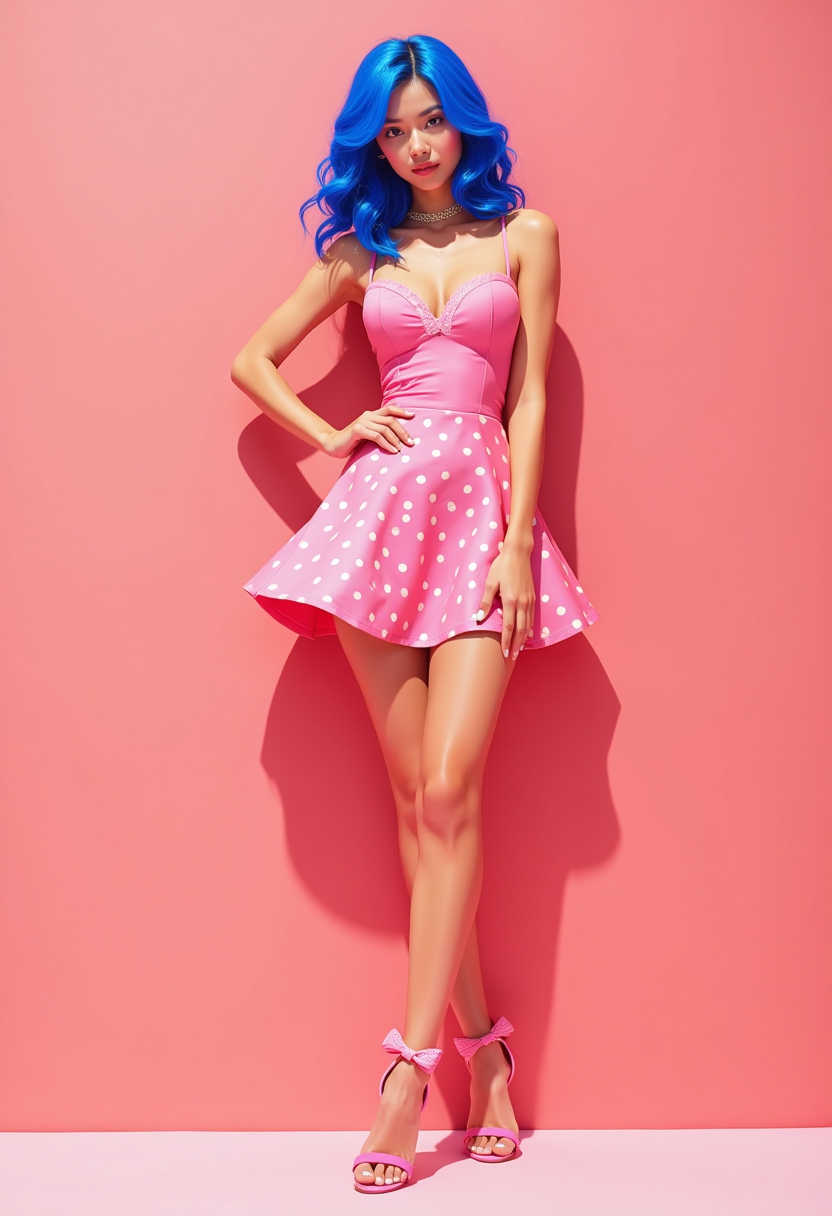
The Pixel Dojo Advantage
Why Flux 2 Max stands out in AI image editing:
| Others | Pixel Dojo |
|---|---|
| Traditional Image Editing Software | Automates consistency across edits, reducing manual effort and potential errors. |
| Basic AI Image Generators | Offers advanced control over character and style consistency, surpassing generic AI tools. |
| Manual Photo Editing | Significantly accelerates the editing process while maintaining high-quality, consistent results. |
Loved by creators on PixelDojo
Real feedback from people using PixelDojo, pulled from our in-product surveys.
Top notch quality and strong prompt adherence.
A well resourced sunscription with attention to updates.
Easy to use and there's lots of options.
super lora download
Great variety of tools to create and modify images and video.
Lots of Tools, and the one time I needed support I got help right away
Explore more AI tools on PixelDojo
AI Tools
Compare & Switch
- Best AI Image Generators
- Best AI Video Generators
- Midjourney Alternatives
- Civitai Alternatives
- Runway Alternatives
- Leonardo Alternatives
- Pika Alternatives
- Luma Alternatives
- Magnific Alternatives
- Veo Alternatives
- Flux Alternatives
- Freepik Alternatives
- Seedance Alternatives
- Seedream Alternatives
- Pixverse Alternatives
- GPT Image Alternatives
- Synthesia Alternatives
- Playground Alternatives
- NightCafe Alternatives
- Canva AI Alternatives
- ElevenLabs Alternatives
- ComfyUI Alternatives
- Fal Alternatives
- Replicate Alternatives
Common Questions
Everything you need to know about Flux 2 Max editing consistency
How does Flux 2 Max ensure character consistency in AI-generated images?
Flux 2 Max utilizes advanced algorithms to preserve unique character features across edits, maintaining identity and coherence throughout your project.
Can I apply specific artistic styles consistently using Flux 2 Max?
Yes, Flux 2 Max allows you to apply and maintain specific artistic styles across your images, ensuring a cohesive aesthetic aligned with your vision.
Is Flux 2 Max suitable for professional design workflows?
Absolutely. Flux 2 Max is designed to meet the demands of professional designers, offering tools that streamline workflows and enhance productivity.
How user-friendly is Flux 2 Max for beginners?
Flux 2 Max features an intuitive interface and straightforward processes, making it accessible for users of all experience levels.
Can I edit multiple images simultaneously with Flux 2 Max?
Yes, Flux 2 Max supports batch processing, allowing you to apply consistent edits across multiple images efficiently.
What file formats does Flux 2 Max support for editing?
Flux 2 Max supports a variety of image formats, including JPEG, PNG, and TIFF, providing flexibility for your editing needs.