Flux 2 Max storyboards AI Generator

Bring your scripts to life effortlessly with PixelDojo's Flux 2 Max. This advanced AI tool enables you to generate professional-quality storyboards in minutes, streamlining your pre-production process and enhancing collaboration with your team.
Trusted by over 10,000 creators worldwide, PixelDojo boasts a 4.9★ average rating and offers 40+ cutting-edge AI tools. Cancel anytime.
Why Choose Pixel Dojo for Flux 2 Max storyboards
Professional-quality results with cutting-edge AI technology
Accelerate Pre-Production
Generate draft storyboards in minutes from your script—cut your planning time by up to 80% so you can get into production faster.
Professional Quality Visuals Without Drawing Skills
Use advanced tools like Flux 2 Max to craft clean panels, consistent characters, and cinematic lighting—even if you’re not an artist.
Enhance Team Collaboration
Share AI-generated storyboards with your team to align creative direction early in production, reducing misunderstandings and revisions.
How It Works
Creating professional storyboards with Flux 2 Max is simple and efficient. Follow these steps to bring your vision to life:
Step 1: Choose Your Tool
Log in to your PixelDojo account and select 'Flux 2 Max' from the 'Create Images' section.
Step 2: Enter Your Prompt
Input a detailed description of your scene, including characters, setting, and mood. For example: 'A young woman in her mid-20s walking confidently down a busy city street at sunset.'
Step 3: Customize & Download
Review the generated storyboard panels. Use editing features to adjust elements as needed, then download the final storyboard for your project.




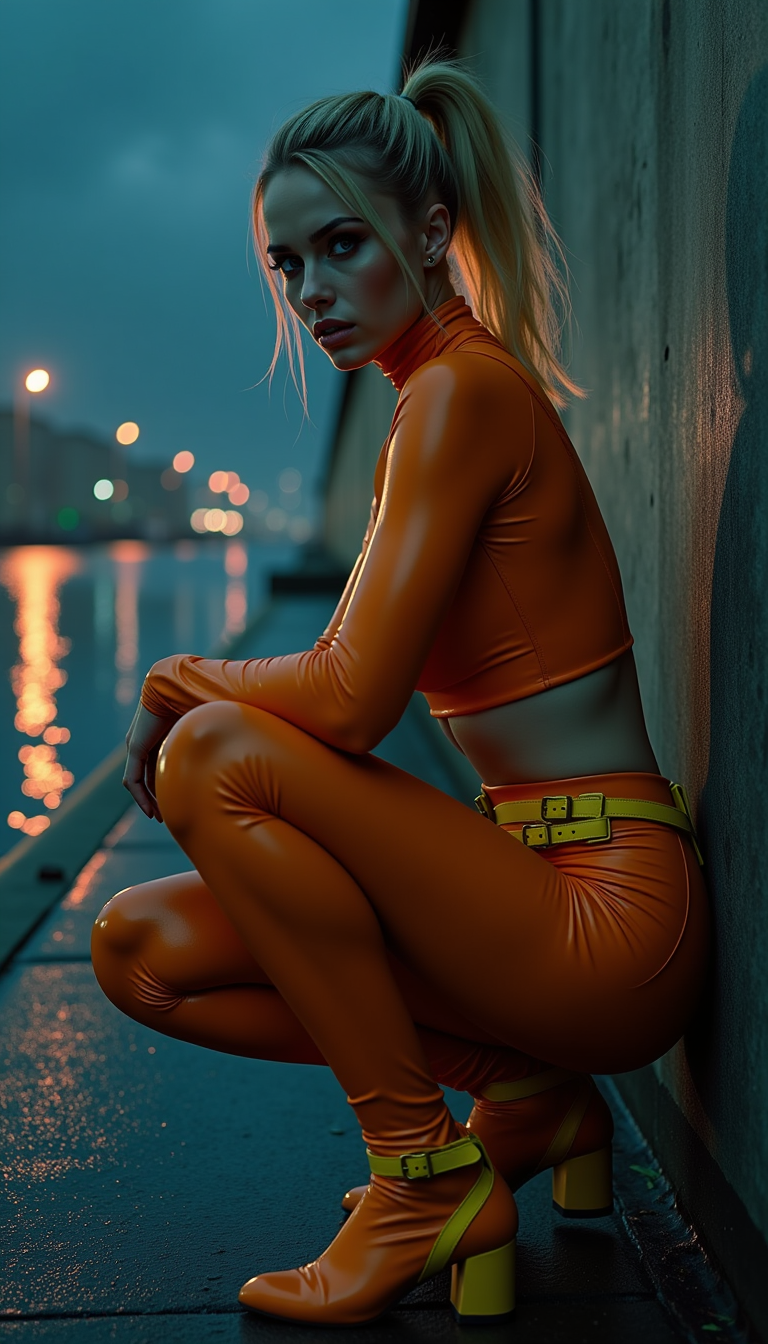


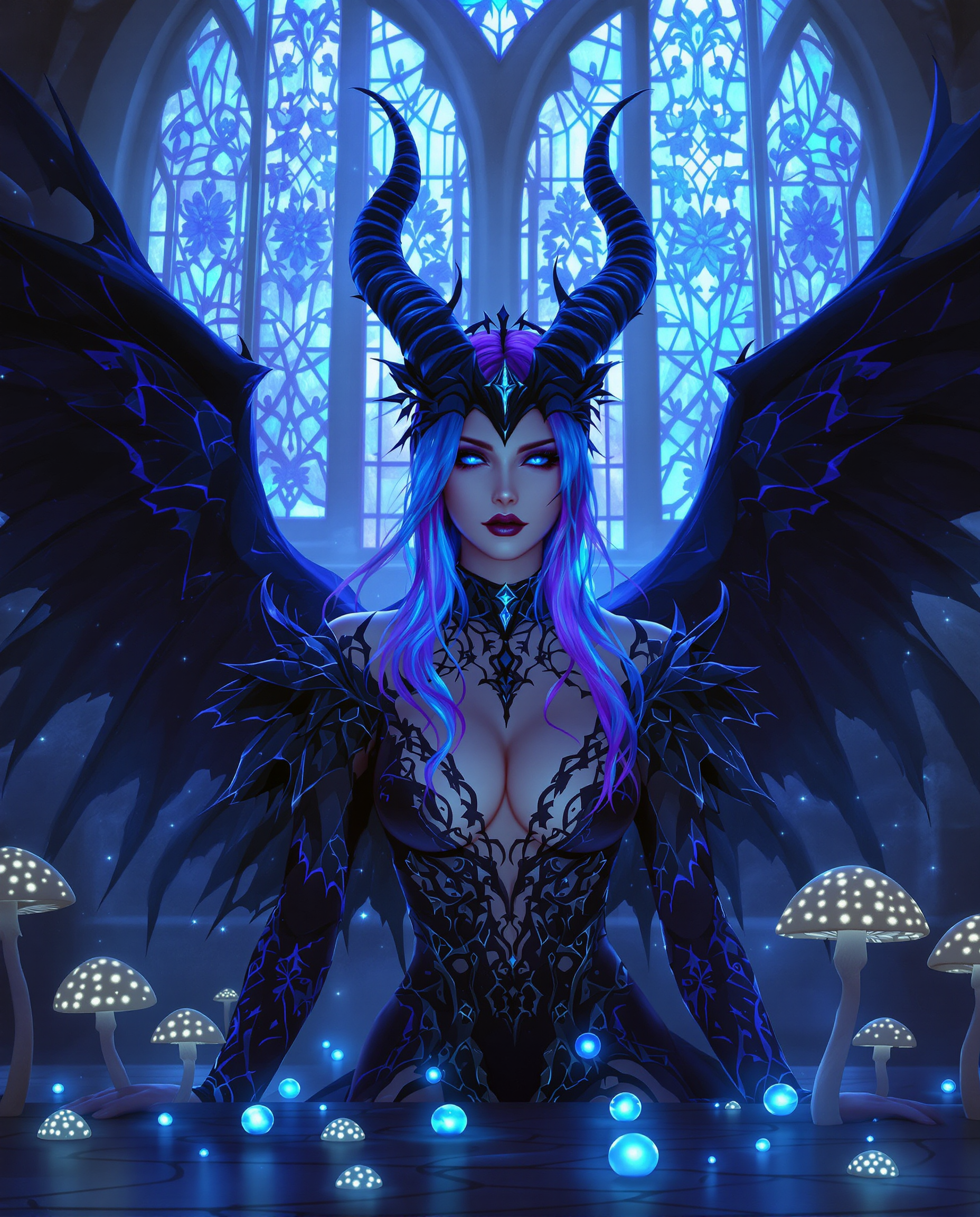



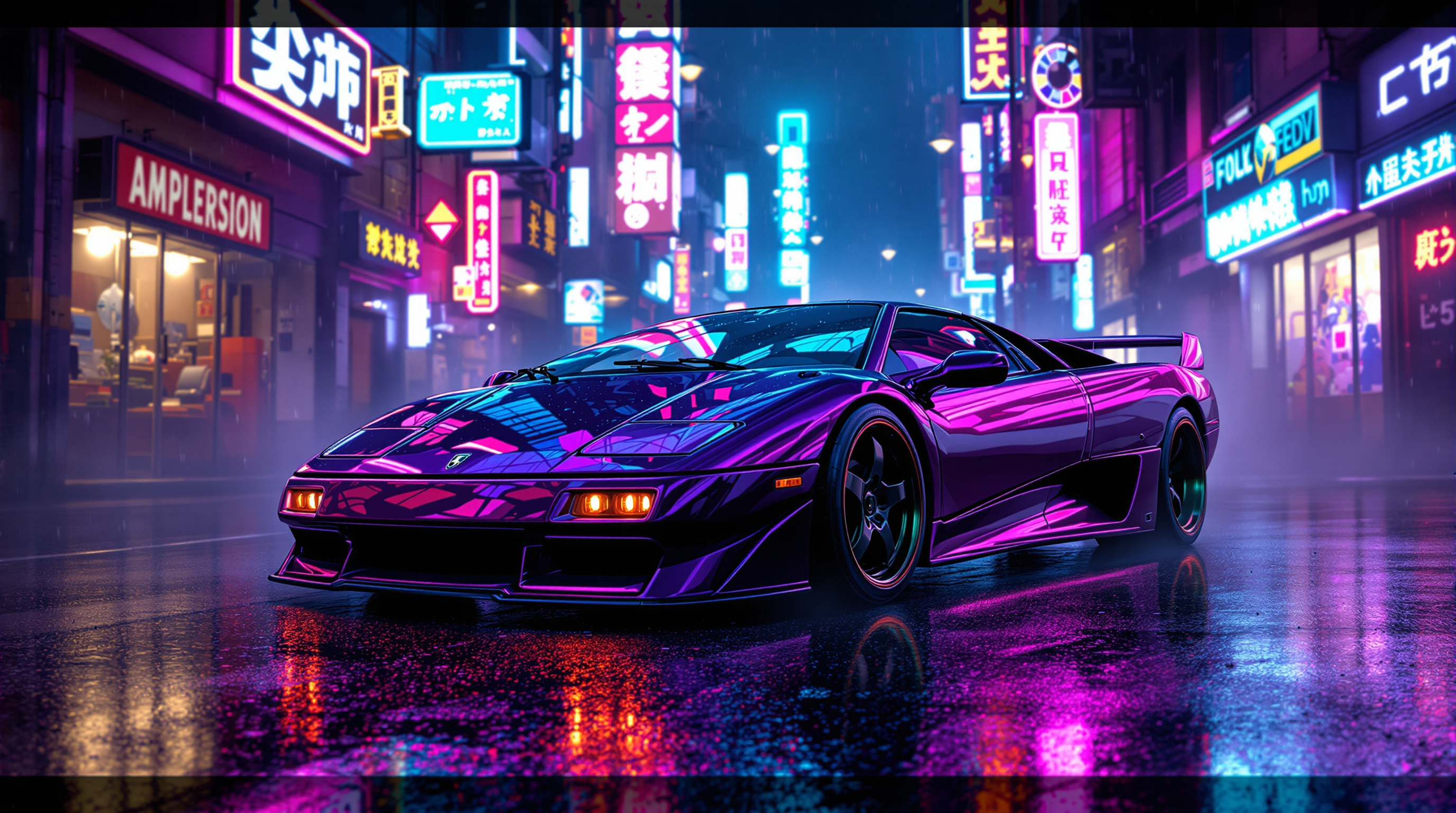

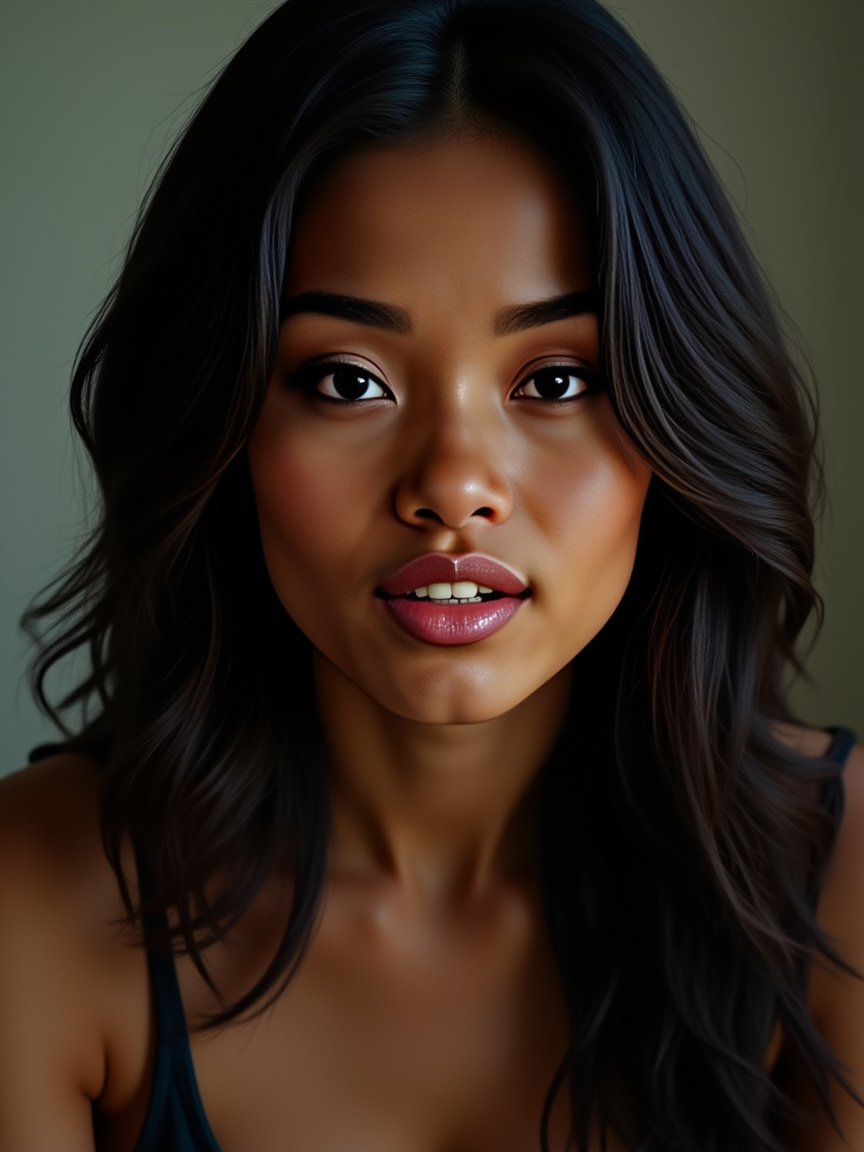
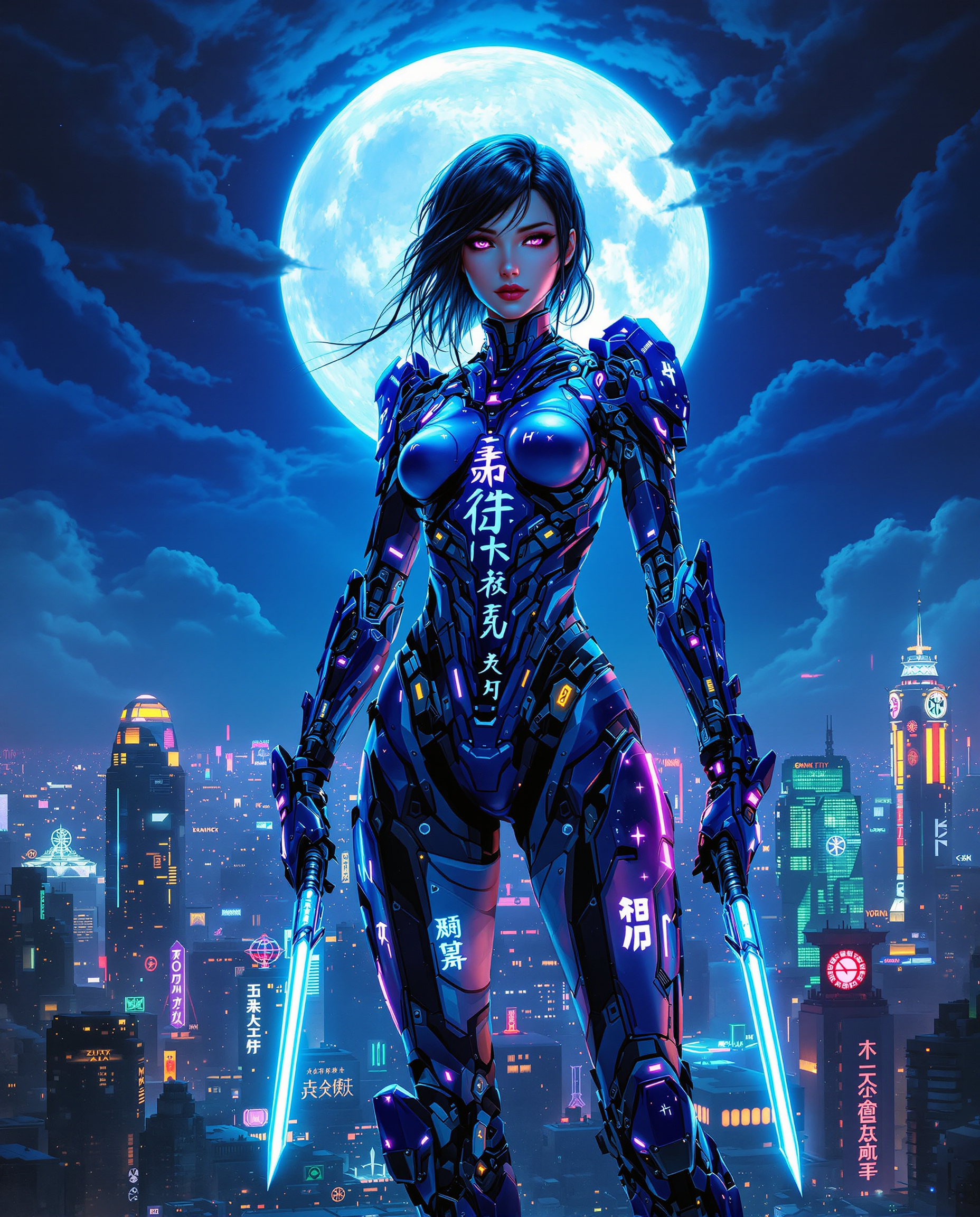
The Pixel Dojo Advantage
Why PixelDojo outperforms other options for AI storyboard generation
| Others | Pixel Dojo |
|---|---|
| Traditional Storyboard Creation | Significantly reduces time and effort compared to manual sketching, allowing for rapid iteration and refinement. |
| Generic AI Tools | Offers specialized features tailored for storyboard creation, ensuring consistent character representation and scene coherence. |
| Manual Photo Editing | Eliminates the need for extensive photo editing skills, providing an intuitive interface for seamless storyboard generation. |
Loved by creators on PixelDojo
Real feedback from people using PixelDojo, pulled from our in-product surveys.
Lots of Tools, and the one time I needed support I got help right away
Easy to use once you get the hang of it
Love it make anything I can think of so far
Great for all your ideas use it encourage more people to use it
Because it is awesome
exceptional quality and great overall design of platform and interface. very intuative. love the creative freedom.
Explore more AI tools on PixelDojo
AI Tools
Compare & Switch
- Best AI Image Generators
- Best AI Video Generators
- Midjourney Alternatives
- Civitai Alternatives
- Runway Alternatives
- Leonardo Alternatives
- Pika Alternatives
- Luma Alternatives
- Magnific Alternatives
- Veo Alternatives
- Flux Alternatives
- Freepik Alternatives
- Seedance Alternatives
- Seedream Alternatives
- Pixverse Alternatives
- GPT Image Alternatives
- Synthesia Alternatives
- Playground Alternatives
- NightCafe Alternatives
- Canva AI Alternatives
- ElevenLabs Alternatives
- ComfyUI Alternatives
- Fal Alternatives
- Replicate Alternatives
Common Questions
Everything you need to know about Flux 2 Max storyboards
How does Flux 2 Max ensure character consistency across storyboard panels?
Flux 2 Max utilizes advanced AI algorithms to maintain consistent character appearances and styles throughout all storyboard panels, ensuring visual coherence.
Can I edit the generated storyboard panels to fit my specific needs?
Yes, PixelDojo provides editing features that allow you to adjust elements within the generated storyboard panels to better align with your vision.
Is Flux 2 Max suitable for users without artistic skills?
Absolutely. Flux 2 Max is designed to be user-friendly, enabling individuals without drawing skills to create professional-quality storyboards effortlessly.
How does PixelDojo's AI storyboard generator compare to traditional methods?
PixelDojo's AI tools significantly reduce the time and effort required for storyboard creation compared to traditional manual sketching, allowing for rapid iteration and refinement.
Can I collaborate with my team using the storyboards created with Flux 2 Max?
Yes, you can easily share the AI-generated storyboards with your team to align creative direction early in production, reducing misunderstandings and revisions.
What file formats are available for exporting the generated storyboards?
PixelDojo allows you to export your storyboards in various formats suitable for sharing and presentation, ensuring compatibility with your workflow.