flux 2 pro black forest labs AI Generator
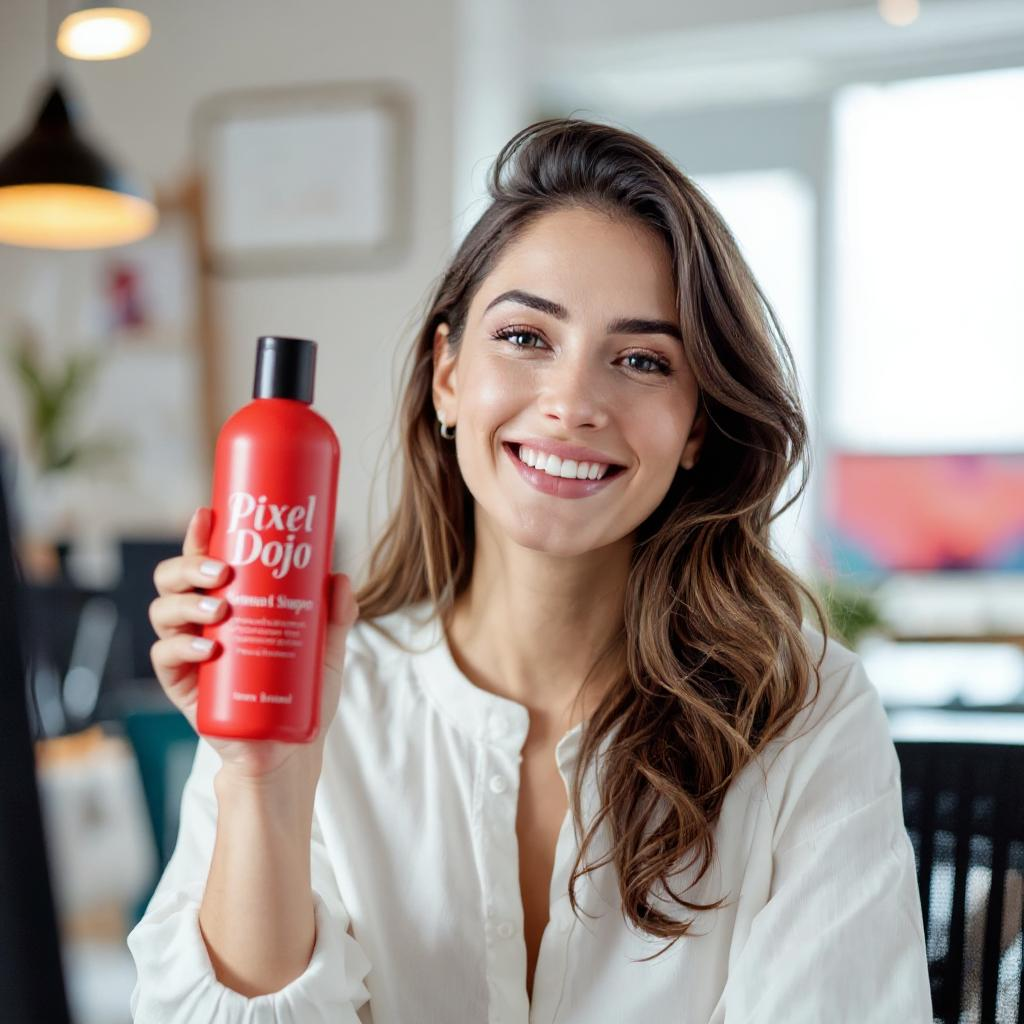
Generated on PixelDojo. Produced by PixelDojo's generation pipeline.
You can now produce photorealistic images that look like they came straight from a professional photoshoot, without ever booking a studio or hiring a photographer. With FLUX.2 Pro from Black Forest Labs available in PixelDojo's Flux.2 Studio, you generate 4-megapixel visuals featuring real-world lighting, accurate physics, sharp textures, and readable text in seconds. Keep the exact same character, product, or brand style across hundreds of assets using multi-reference control. Whether you need e-commerce product shots, marketing campaign visuals, editorial photography, infographics, or UI mockups, you achieve production-ready results that convert visitors and save you time and money. PixelDojo puts this frontier model at your fingertips alongside 40+ other cutting-edge tools so you can iterate, edit, and scale your creative output immediately.
Real image examples generated on PixelDojo
Every example below was produced on PixelDojo. Hover to see the prompt.
Holding a red shampoo bottle that reads "Pixel Dojo" edited with Flux Kontext Max
flux-studio
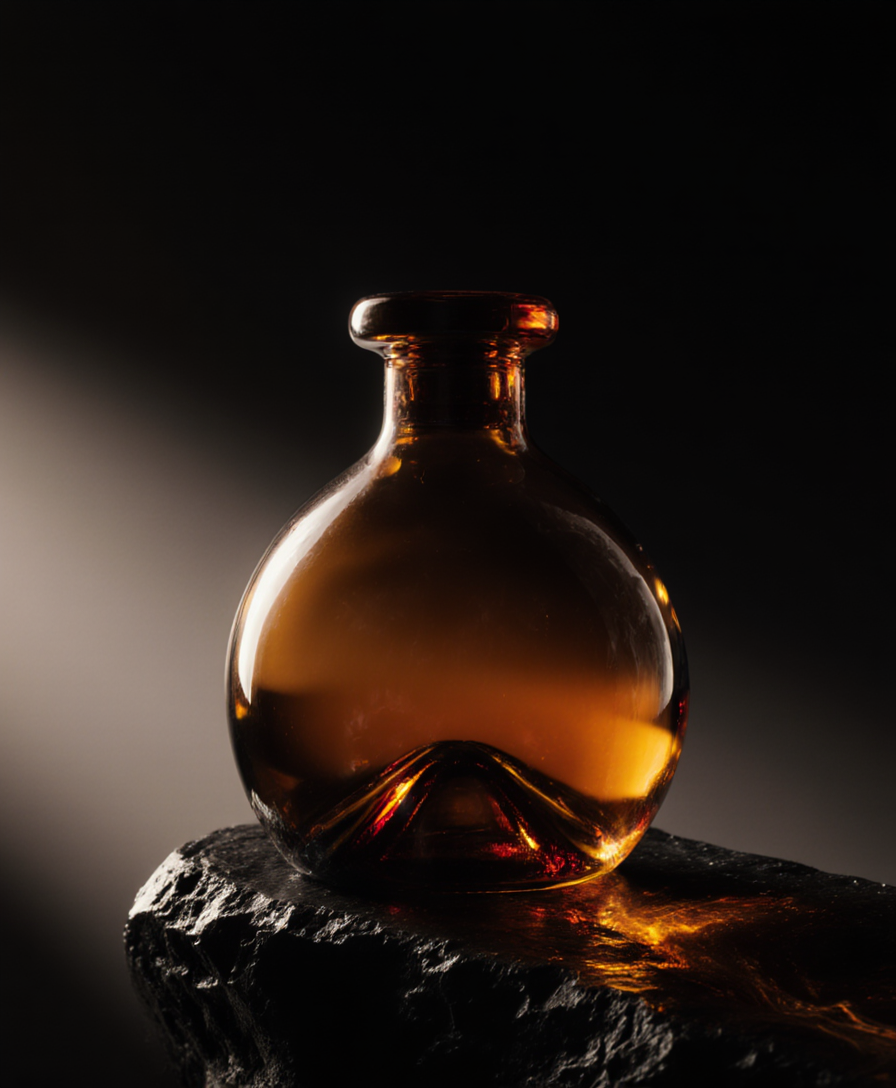
Fs-product
image-to-image

Add a log edited with Flux Kontext Dev
flux-studio
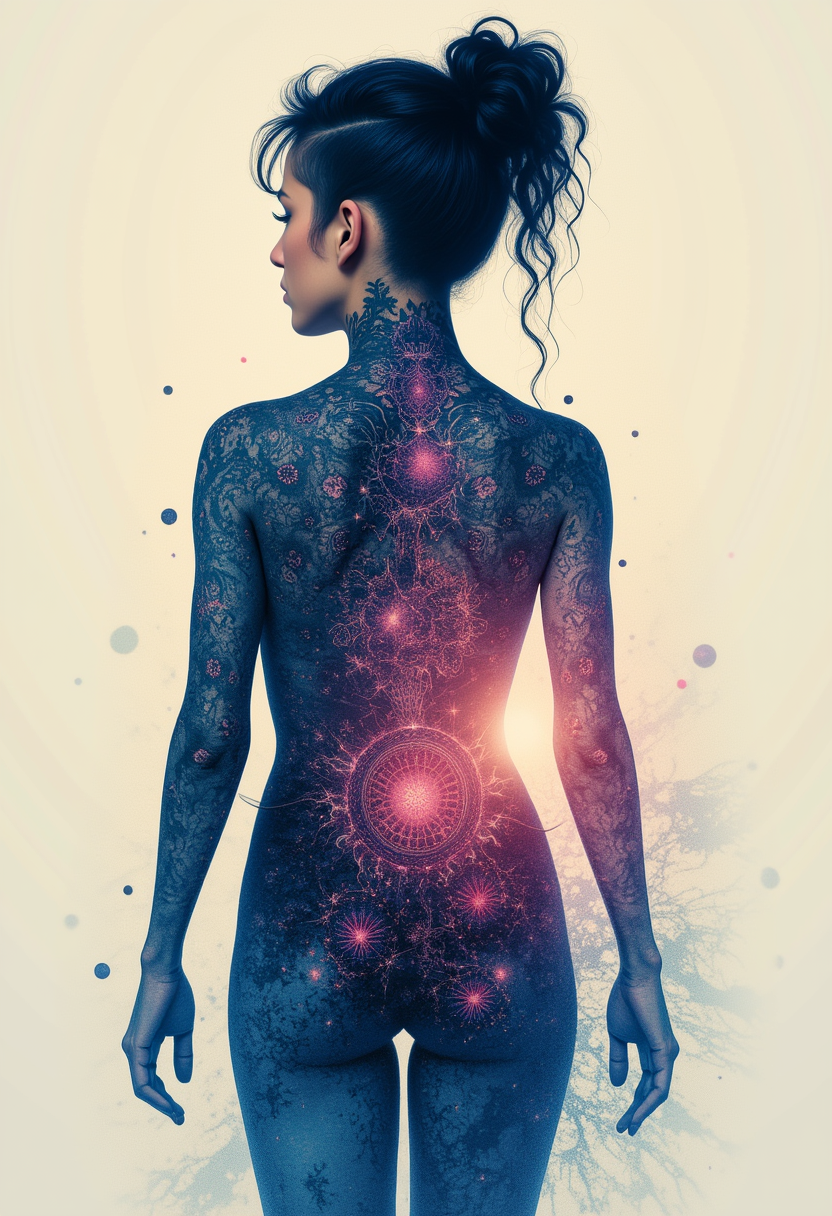
Kira-Lux-Flux
flux
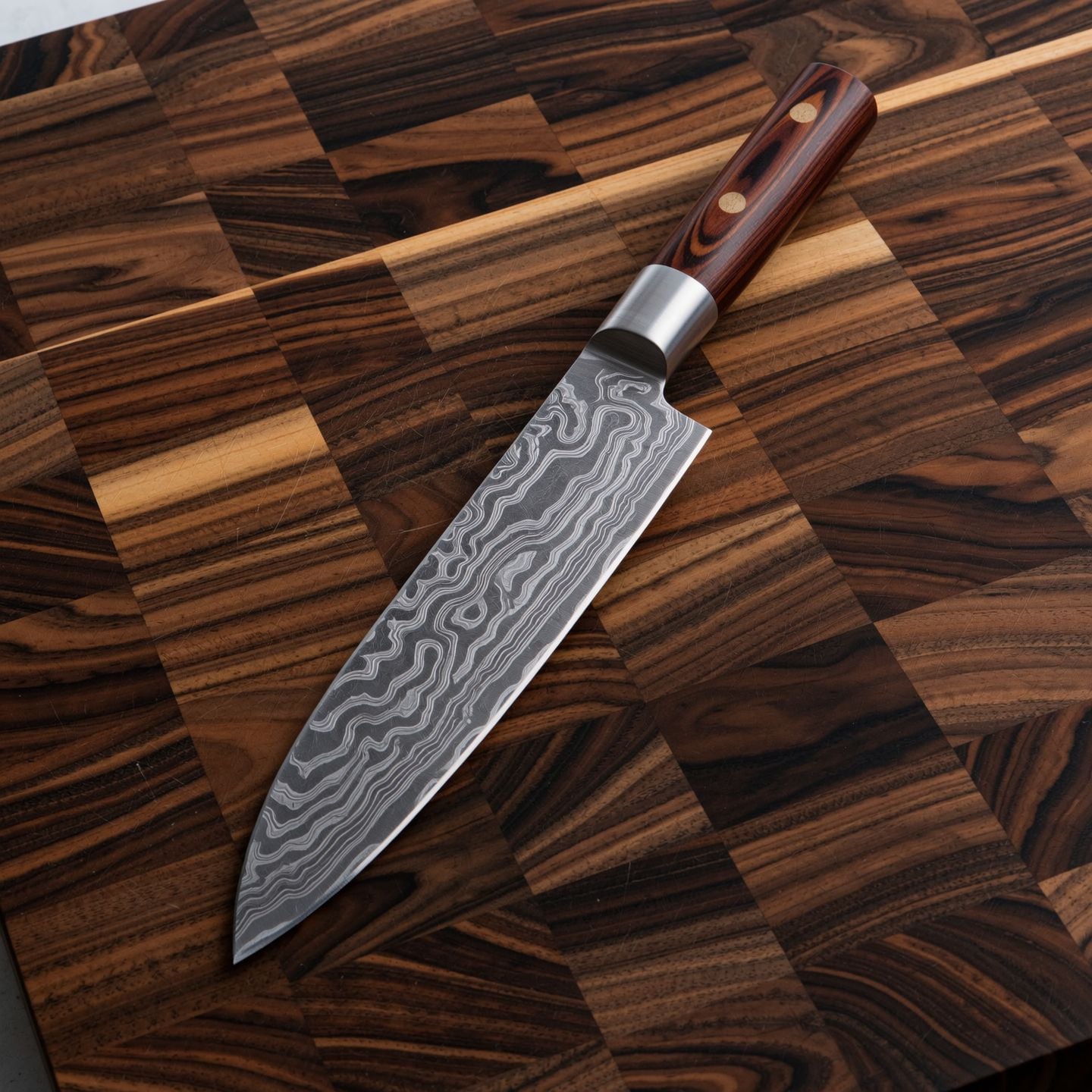
Wi-product
image-to-image
Product spot: a matte black wireless headphone rotates slowly on a stone plinth
wan-3-0-video
Models you can run on PixelDojo for flux 2 pro black forest labs
Switch models without switching tools. Each one runs in the same PixelDojo studio.
What you can do with flux 2 pro black forest labs on PixelDojo
Flux 2 Pro Access
We run Flux 2 Pro from Black Forest Labs so you can generate images from text prompts in PixelDojo without setting up the model yourself.
Prompt Driven Image Generation
Describe subject, composition, lighting, and style. We return still images that follow those instructions using Flux 2 Pro.
Studio Iteration Workflow
We let you revise prompts and generate new takes so you can compare options and lock a frame that fits the brief.
Downloads For Creator Work
We provide generated stills you can save and use in concept art, posts, decks, and other production pipelines.
Loved by thousands of creators worldwide. Access 40+ cutting-edge AI tools including Flux.2 Studio, Flux 2 Trainer, and full editing suites. Cancel anytime.
Why Choose Pixel Dojo for flux 2 pro black forest labs
Professional-quality results with cutting-edge AI technology
Photorealistic Images That Convert Like Real Photos
You generate images with natural lighting, accurate material textures, realistic skin, fabrics, and physics that look indistinguishable from professional photography. Perfect for product listings, ads, and social content that drive sales without expensive shoots.
Unbreakable Consistency Across Entire Campaigns
You maintain the identical face, product, lighting, and style across dozens or hundreds of variations by uploading multiple reference images. Create cohesive brand assets, character series, and marketing sets in one session using Flux.2 Studio and Consistent Characters.
Print-Ready 4MP Resolution with Perfect Typography
You output high-resolution images up to 4 megapixels with crisp, readable text, logos, and infographics that work in production. Combine with P-Image Upscale or Magnific Upscaler for even larger formats ready for print, web, and packaging.
How It Works
Creating professional FLUX.2 Pro images on PixelDojo takes just three simple steps. You start in Flux.2 Studio, describe your vision in natural language, add references if needed, then refine with our full suite of editing and enhancement tools.
Step 1: Choose Your Tool
Open PixelDojo and select Flux.2 Studio from the Generate Images section. For custom styles or your own datasets, start with Flux 2 Trainer to fine-tune a model first. You can also combine with Flux.1 Studio for additional creative options. This gives you instant access to Black Forest Labs' production-grade 32-billion parameter model optimized for photorealism and consistency.
Step 2: Enter Your Prompt
Describe your image using natural language: start with the subject, add action or pose, then style, setting, lighting, and camera details. Specify hex colors like #C0C0C0 for brand accuracy, quote exact text for typography, and mention lighting such as golden hour or Rembrandt. Upload up to eight reference images for character, product, or style lock-in. Flux.2 Studio follows structured prompts exceptionally well and supports JSON-style control for complex scenes.
Step 3: Customize & Download
Review your 4MP result, then refine using Image to Image, Inpainting, Change Camera Angle, Style Transfer, Magic Lighting, or Background Remover. Enhance further with P-Image Upscale, Magnific Upscaler, or Reality Polisher. Download in PNG or JPEG, or send directly to video tools like Flux 3 Video. Your images are ready for campaigns, stores, or print in minutes.
The Pixel Dojo Advantage
Why PixelDojo outperforms other options for FLUX.2 Pro image generation
| Others | Pixel Dojo |
|---|---|
| Traditional photography and photoshoots | You generate unlimited photorealistic variations in seconds instead of days of location scouting, lighting setups, and post-production, at a fraction of the cost while maintaining perfect consistency. |
| Generic AI image tools | You get dedicated Flux.2 Studio access with superior photorealism, multi-reference character lock, 4MP output, and production-grade text rendering plus a complete editing and upscaling suite all in one place. |
| Manual photo editing software | You create from scratch or transform existing images with AI-powered Inpainting, Style Transfer, and Reality Polisher instead of hours of layer work, masking, and retouching. |
Loved by creators on PixelDojo
Real feedback from people using PixelDojo, pulled from our in-product surveys.
Creative freedom, range of tools and options.
I love the training feature
the quality is the best
All the tools needed in one dashboard
Very fair and very broad in tools.
Accurate results
Explore more AI tools on PixelDojo
AI Tools
Compare & Switch
- Best AI Image Generators
- Best AI Video Generators
- Midjourney Alternatives
- Civitai Alternatives
- Runway Alternatives
- Leonardo Alternatives
- Pika Alternatives
- Luma Alternatives
- Magnific Alternatives
- Veo Alternatives
- Flux Alternatives
- Freepik Alternatives
- Seedance Alternatives
- Seedream Alternatives
- Pixverse Alternatives
- GPT Image Alternatives
- Synthesia Alternatives
- Playground Alternatives
- NightCafe Alternatives
- Canva AI Alternatives
- ElevenLabs Alternatives
- ComfyUI Alternatives
- Fal Alternatives
- Replicate Alternatives
Common Questions
Everything you need to know about flux 2 pro black forest labs
What is FLUX.2 Pro and how do I use it on PixelDojo for photorealistic images?
FLUX.2 Pro is Black Forest Labs' 32-billion parameter production model that delivers 4-megapixel photorealistic images with excellent prompt following, real-world lighting, and multi-reference support. On PixelDojo you simply open Flux.2 Studio, enter a natural-language description, optionally add reference images, and generate. You can then edit with Image to Image or Inpainting and upscale with our dedicated tools. No technical setup required.
How can I keep the same character or product consistent across many FLUX.2 Pro images?
Upload multiple reference photos (up to eight) directly in Flux.2 Studio. The model locks identity, lighting, and style so you can generate dozens of variations of the same person, product, or scene. Pair this with PixelDojo's Consistent Characters and Character Sheets tools for even stronger long-term campaigns. This replaces expensive reshoots and model bookings.
Does FLUX.2 Pro on PixelDojo render readable text and logos accurately?
Yes. FLUX.2 Pro excels at complex typography, infographics, UI mockups, and multilingual text. Put the exact wording in quotation marks in your prompt and specify hex colors for brand matching. You get production-ready results that previously required specialist tools, then refine with Background Remover or Style Transfer if needed.
What resolution and quality can I expect from FLUX.2 Pro images on PixelDojo?
You generate natively up to 4 megapixels with photorealistic detail, sharp textures, and stable lighting. After generation, use P-Image Upscale, Magnific Upscaler, or Clarity Pro to go even larger for print, billboards, or high-end web use. The output is ready for professional workflows without extra processing.
What are the best prompting techniques for FLUX.2 Pro photorealistic results?
Write in natural language rather than keyword lists. Structure as subject + action + style + context + lighting + camera. Specify lighting (golden hour, Rembrandt, softbox), lens (85mm f/1.8), and hex colors. Front-load the most important elements. Flux.2 Studio does not use negative prompts, so describe exactly what you want to see. Medium-length prompts of 30-80 words usually deliver the best balance.
Can I train my own custom FLUX.2 models or use the API on PixelDojo?
Yes. Use Flux 2 Trainer to fine-tune models on your own images for unique brand styles or characters. Developers can access the same models through PixelDojo's Developer API, generate API keys, and buy credits as needed. Everything stays inside one platform so you can move from training to generation to video without switching tools.