flux 2 pro generator

Generated on PixelDojo. Produced by PixelDojo's generation pipeline.
You can now produce magazine-quality product photography, on-brand marketing campaigns with identical characters across dozens of shots, and print-ready assets with crystal-clear text—all from a simple description. PixelDojo's Flux 2 Pro generator inside Flux.2 Studio delivers photorealistic results that look like they came from a professional studio photoshoot. Launch campaigns faster, sell more products online, and impress clients without hiring photographers, designers, or waiting days for revisions. Your ideas become high-converting visuals in seconds, helping you scale e-commerce catalogs, social ads, and editorial content effortlessly.
Real image examples generated on PixelDojo
Every example below was produced on PixelDojo. Hover to see the prompt.
Fs-product
image-to-image
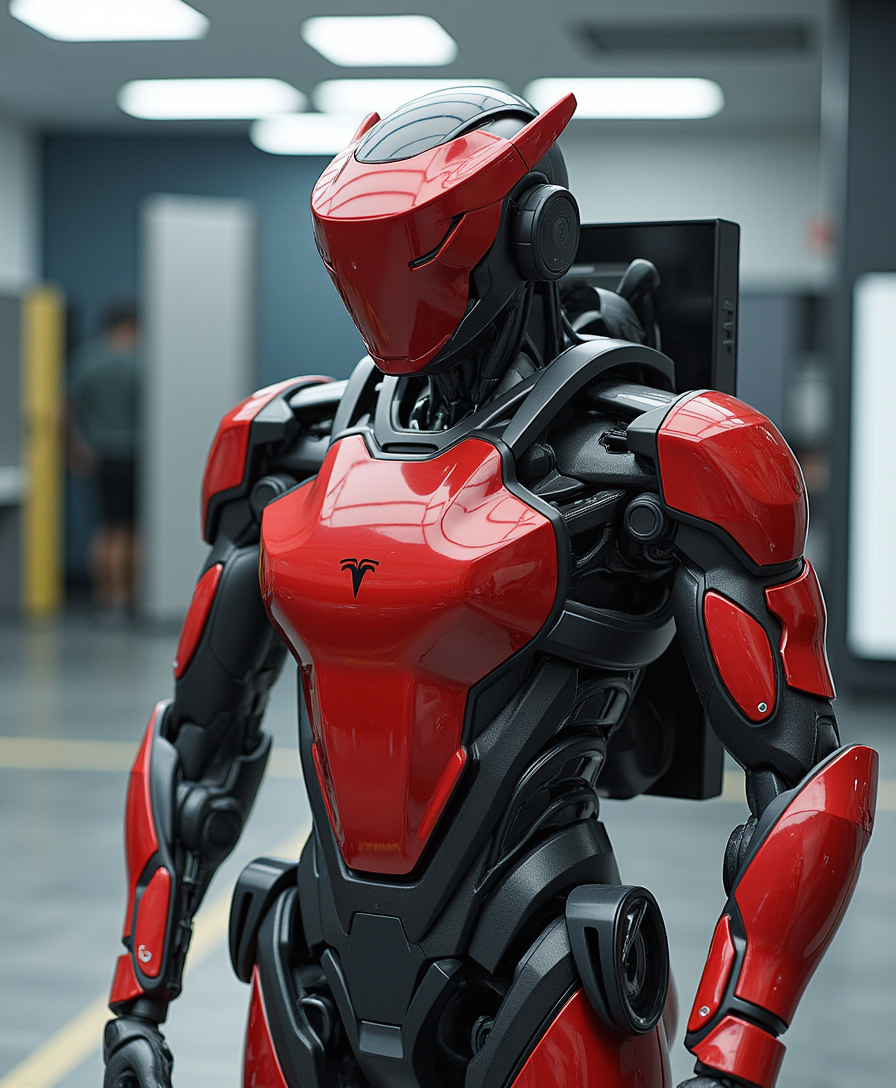
T3SLAMDLYJNP3R
flux

T3SLAMDLYJNP3R
flux
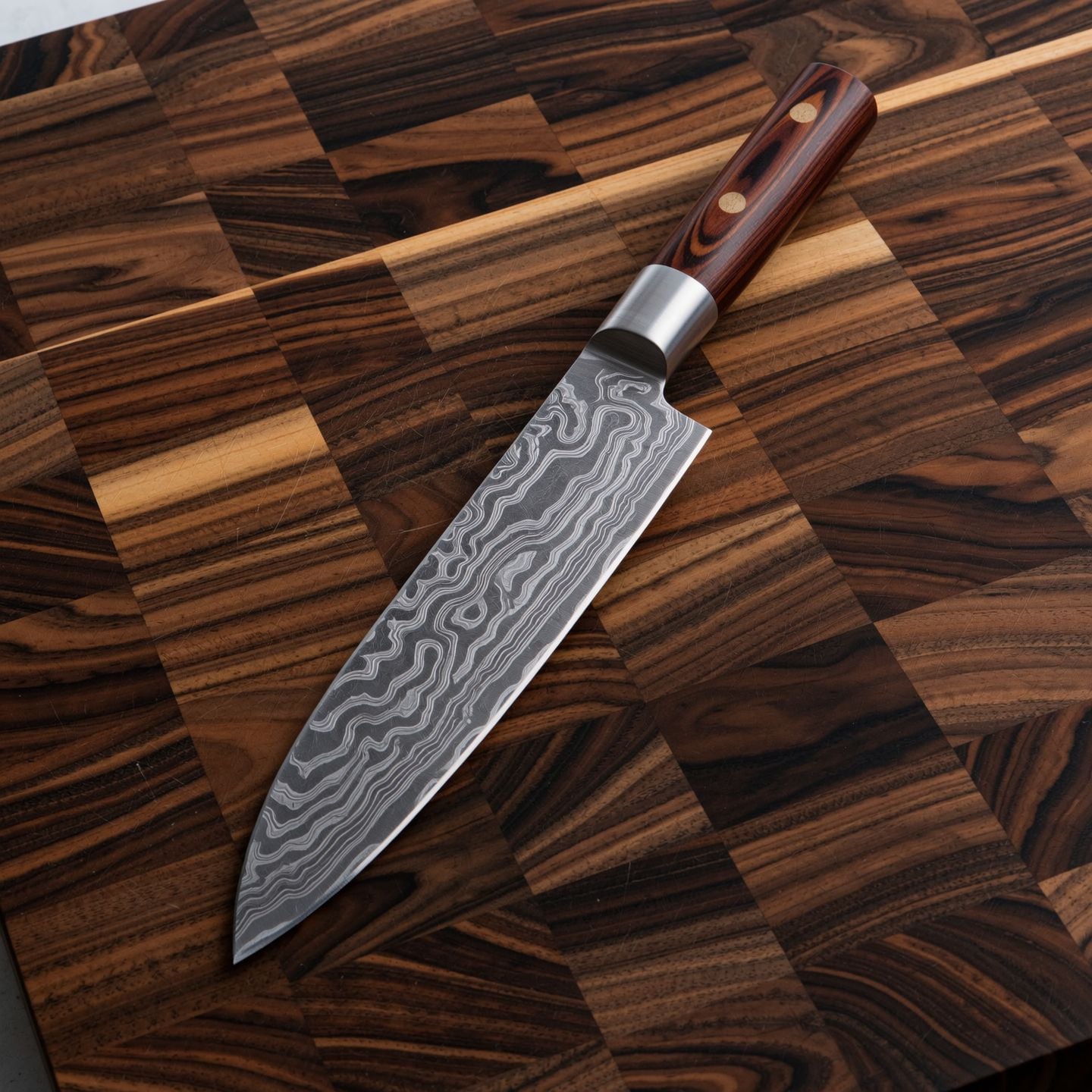
Wi-product
image-to-image

Holding a red shampoo bottle that reads "Pixel Dojo" edited with Flux Kontext Max
flux-studio
Pv-product
image-to-video
Models you can run on PixelDojo for flux 2 pro generator
Switch models without switching tools. Each one runs in the same PixelDojo studio.
What you can do with flux 2 pro generator on PixelDojo
Flux 2 Pro Access
We host Flux 2 Pro so you can generate still images from text prompts with strong subject and style following.
Prompt and Parameter Control
You set prompts, aspect ratios, and generation settings, then iterate until the frame matches the brief.
Reference Guided Results
We let you steer output with references and constraints so characters, products, and layouts stay consistent across takes.
Export Ready Image Files
You download finished stills for decks, posts, and production without leaving the PixelDojo workspace.
Join thousands of creators generating millions of images monthly on PixelDojo. Rated highly by users worldwide for professional results. Access 40+ cutting-edge AI tools loved by thousands of creators, cancel anytime.
Why Choose Pixel Dojo for flux 2 pro generator
Professional-quality results with cutting-edge AI technology
Photorealistic Product Shots That Convert
Generate e-commerce and lifestyle images with natural lighting, sharp textures on fabrics and metals, and exact brand colors via hex codes. Your products look real, boosting click-through rates and sales without expensive photoshoots.
Consistent Characters for Entire Campaigns
Upload reference photos and create unlimited variations where faces, outfits, and products stay identical. Build cohesive ad series, storyboards, and fashion editorials that feel like a real photoshoot from one character.
Readable Text and Print-Ready High-Res Assets
Produce infographics, packaging, UI mockups, and signs with legible typography every time. Output up to 4MP resolution plus easy upscaling so your visuals stay sharp on websites, print, and large displays.
How It Works
Creating professional flux 2 pro images on PixelDojo takes minutes using Flux.2 Studio for generation, multi-reference editing, and seamless refinements with complementary tools.
Step 1: Choose Your Tool
Sign in to PixelDojo and open Generate Images. Select Flux.2 Studio for Flux 2 Pro quality. For unique styles or characters, train first with Flux 2 Trainer using a handful of your photos, then apply in Studio. Pair with Consistent Characters or Character Sheets for even stronger identity lock.
Step 2: Enter Your Prompt
Write a natural-language description starting with the main subject, then action, lighting, camera details, and context. Example: A silver luxury watch on white marble, golden hour side lighting, shot on Hasselblad X2D 80mm lens, metal in hex #C0C0C0, crisp reflections. Upload 1-8 reference images for character or product consistency. Quote any text you want rendered exactly.
Step 3: Customize & Download
Pick aspect ratio, generate, then refine with Image to Image, Inpainting, or Change Camera Angle. Enhance lighting via Magic Lighting, remove backgrounds, or upscale with P-Image Upscale or Magnific Upscaler. Download instantly in high resolution ready for your campaign.
The Pixel Dojo Advantage
Why PixelDojo outperforms other options for flux 2 pro image generation
| Others | Pixel Dojo |
|---|---|
| Traditional photography and studios | Get unlimited photorealistic variations in seconds instead of days of scheduling, travel, and reshoots. Control every lighting and angle detail from your desk while keeping costs near zero. |
| Generic AI image tools | Enjoy superior photorealism, reliable text rendering, and true multi-reference consistency across characters and products. Flux.2 Studio plus dedicated trainers and editors deliver production-ready output other platforms cannot match at this speed. |
| Manual photo editing software | Skip hours of masking, lighting corrections, and compositing. Describe the change in plain language and let Flux.2 Studio handle realistic materials, shadows, and spatial logic automatically. |
Loved by creators on PixelDojo
Real feedback from people using PixelDojo, pulled from our in-product surveys.
Lots of Tools, and the one time I needed support I got help right away
Easy to use once you get the hang of it
Love it make anything I can think of so far
Great for all your ideas use it encourage more people to use it
Because it is awesome
exceptional quality and great overall design of platform and interface. very intuative. love the creative freedom.
Explore more AI tools on PixelDojo
AI Tools
Compare & Switch
- Best AI Image Generators
- Best AI Video Generators
- Midjourney Alternatives
- Civitai Alternatives
- Runway Alternatives
- Leonardo Alternatives
- Pika Alternatives
- Luma Alternatives
- Magnific Alternatives
- Veo Alternatives
- Flux Alternatives
- Freepik Alternatives
- Seedance Alternatives
- Seedream Alternatives
- Pixverse Alternatives
- GPT Image Alternatives
- Synthesia Alternatives
- Playground Alternatives
- NightCafe Alternatives
- Canva AI Alternatives
- ElevenLabs Alternatives
- ComfyUI Alternatives
- Fal Alternatives
- Replicate Alternatives
Common Questions
Everything you need to know about flux 2 pro generator
What is the best flux 2 pro generator for photorealistic product photography?
PixelDojo's Flux.2 Studio is the go-to flux 2 pro generator for product shots. You describe the scene, lighting, and camera in natural language, add hex brand colors, and receive images with natural light falloff, accurate textures, and studio-quality detail. Combine with Image to Image or Reality Polisher for even more polish, then upscale for print catalogs that convert.
How do I create consistent characters with a flux 2 pro generator?
In PixelDojo Flux.2 Studio, upload up to eight reference photos of your character or product. The model locks identity, clothing, and style across every new generation. Use Consistent Characters or Character Sheets first if you want a reusable library, then generate campaign variations, pose changes, or scene swaps while faces stay identical.
Can the flux 2 pro generator render readable text and typography in images?
Yes. Place the exact wording in quotes inside your prompt, such as a neon sign reading 'Open Late'. Flux.2 Studio handles complex typography, infographics, packaging, and UI mockups with high accuracy. Keep text short and prominent for best results, then refine with Inpainting if needed.
What resolution and quality can I expect from PixelDojo's flux 2 pro generator?
Native output reaches 4 megapixels, perfect for print and large displays. After generation, apply P-Image Upscale, Magnific Upscaler, or Creative Upscaler for even higher resolution while preserving photorealistic detail, sharp text, and natural textures.
What are the best prompting techniques for flux 2 pro generator results?
Write in flowing natural language, 30-80 words, starting with the subject. Specify lighting direction and quality, camera and lens (shot on Sony A7IV 35mm f/1.4), materials, and hex colors. No negative prompts needed—describe what you want. Front-load the most important element and quote any on-image text.
Is there a flux 2 pro generator I can try without long-term commitment?
PixelDojo gives you Flux.2 Studio plus 40+ cutting-edge AI tools including Flux 2 Trainer, Inpainting, and video options. Loved by thousands of creators worldwide, you can cancel anytime. Generate your first professional images today and see the difference immediately.