flux 3 video examples

Unlock the power of Flux 3 video examples to transform your ideas into professional, cinematic AI-generated videos complete with native synchronized audio. Whether you're crafting marketing campaigns, storytelling shorts, educational explainers, historical recreations, or product demos, PixelDojo's Flux 3 Video tool lets you produce up to 20-second clips from simple text prompts, images, or references in minutes. Achieve Hollywood-quality results with multi-shot sequences, realistic motion, multilingual dialogue, and perfect audio matching—without cameras, crews, or editing suites. Creators worldwide use these Flux 3 video examples as inspiration to boost engagement, accelerate content production, and bring visions to life effortlessly. Start generating your own standout videos today and see the difference in quality and speed.
Loved by thousands of creators worldwide with 40+ cutting-edge AI tools. Join marketers, filmmakers, and brands producing viral-ready content daily—cancel anytime, risk-free.
Why Choose Pixel Dojo for flux 3 video examples
Professional-quality results with cutting-edge AI technology
Produce Cinematic Stories in Minutes
Turn a single sentence into multi-shot 20-second videos with native audio, realistic physics, and emotional depth—perfect for trailers, ads, or social content that captivates audiences instantly.
Achieve Perfect Audio-Visual Sync Every Time
Generate dialogue, sound effects, ambience, and music that match every motion and lip-sync flawlessly across languages, elevating your Flux 3 video examples to professional broadcast standards.
Scale Content Creation Without Limits
Create endless variations for marketing, education, or entertainment using text, images, or keyframes—combine with PixelDojo's editing and upscaling tools for polished, ready-to-publish results that drive conversions.
How It Works
Creating stunning Flux 3 video examples on PixelDojo is simple and intuitive. Follow these steps to go from idea to downloadable video using our dedicated Flux 3 Video tool and supporting features.
Step 1: Choose Your Tool
Log into PixelDojo and select Flux 3 Video from the Generate Videos section. Optionally start with an image from tools like Flux.2 Studio, Seedream 5, or Ideogram 4, or pair with Marketing Studio for branded content. Explore related options like Kling Video or WAN 2.7 Video for variety.
Step 2: Enter Your Prompt
Describe your vision in natural language—simple like 'a 1969 documentary about Woodstock' or detailed with camera moves, actions, style, and audio cues. Upload a starting image or keyframes for image-to-video. Use draft mode for quick previews, then refine for full quality with native audio.
Step 3: Customize & Download
Generate your video, then enhance with Edit Videos tools like Kling Video Edit, WAN 2.7 Video Edit, Video Upscaler, or Video Autocaption. Add characters via Consistent Characters or Face Swap, merge clips, and download in high resolution. Iterate freely and export for any platform.






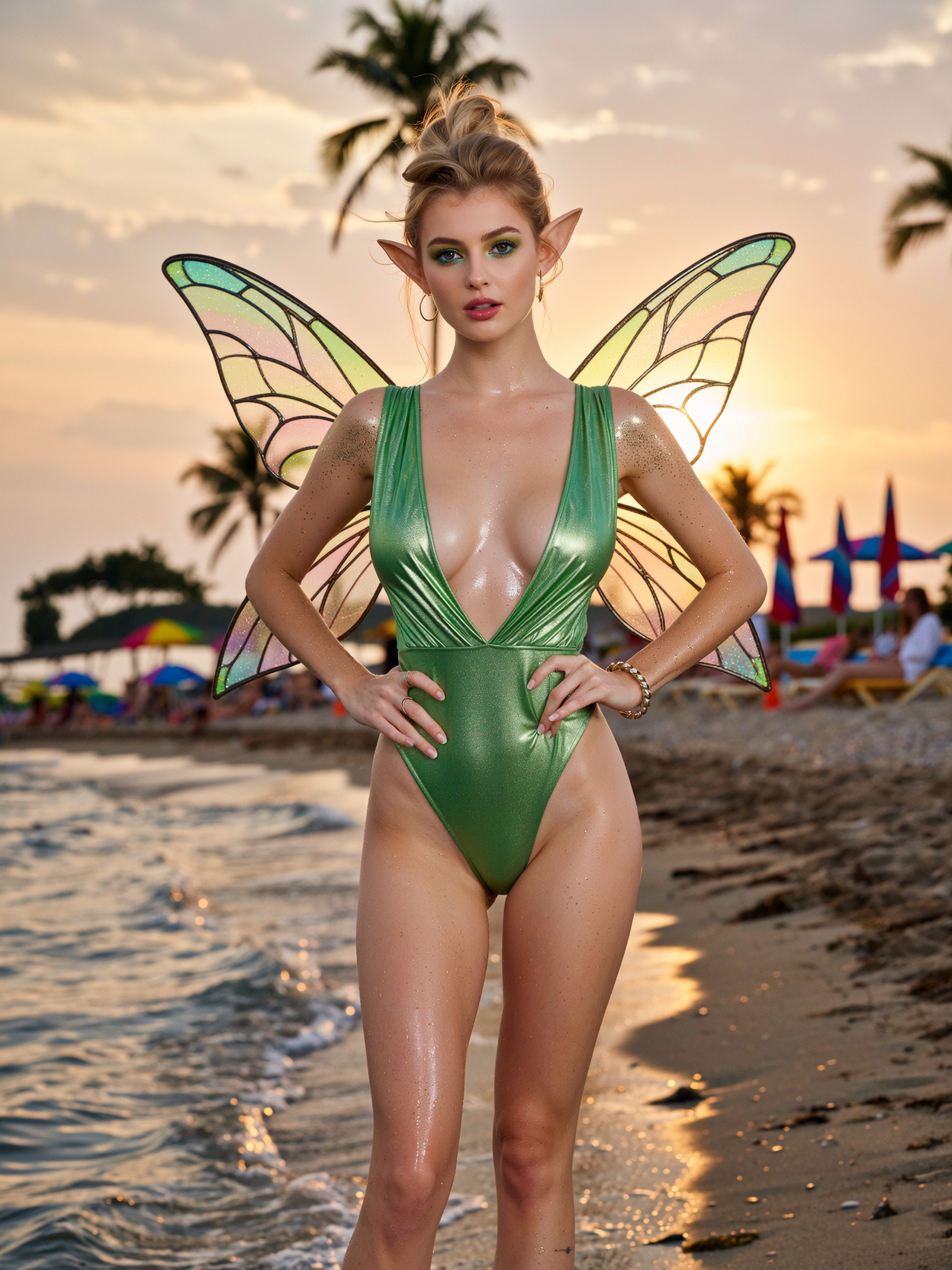
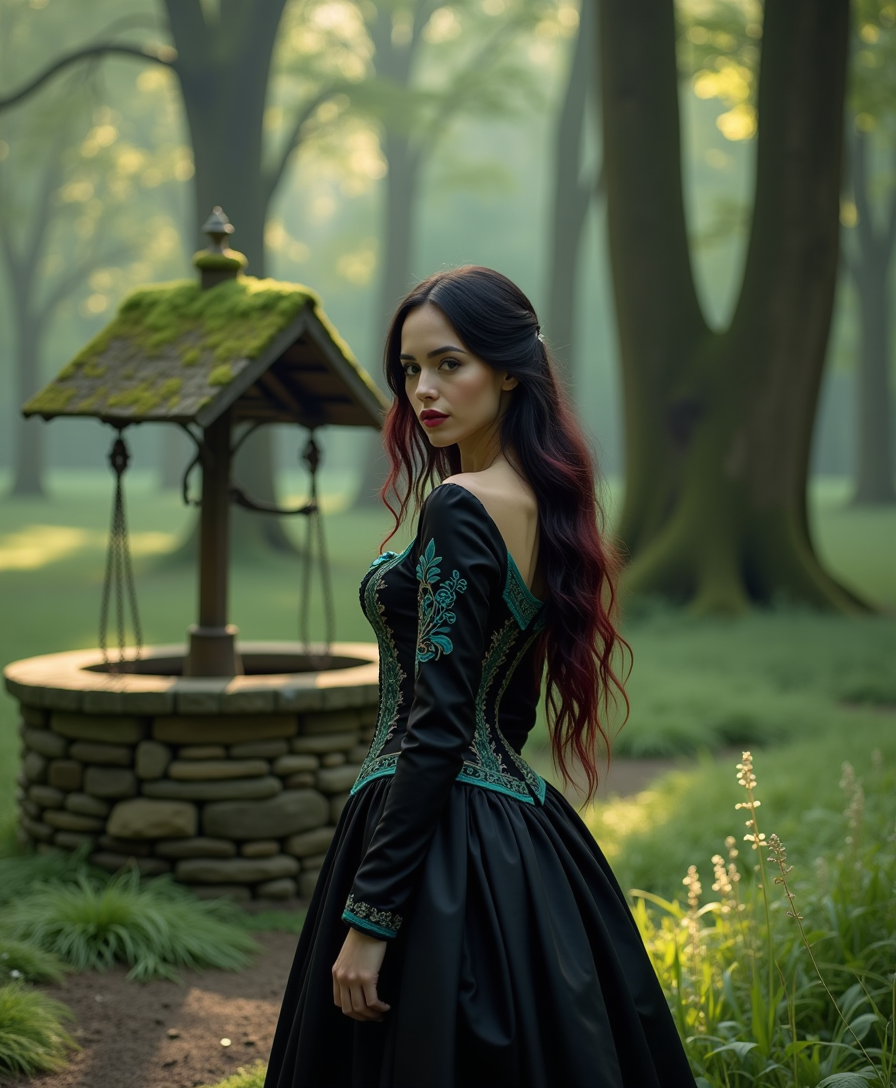

The Pixel Dojo Advantage
Why PixelDojo outperforms other options for Flux 3 video examples and AI video generation
| Others | Pixel Dojo |
|---|---|
| Traditional video production | Skip expensive shoots, actors, and post-production—generate complete 20-second videos with audio in minutes for a fraction of the cost and time, ideal for rapid prototyping and high-volume content. |
| Generic AI tools | Access specialized Flux 3 Video alongside 40+ integrated tools for images, editing, upscaling, characters, and more in one seamless platform, delivering superior coherence, style diversity, and end-to-end workflows. |
| Manual photo or video editing | Automate complex multi-shot sequences, lip-sync, and audio generation that would take hours manually—focus on creativity while PixelDojo handles realism, consistency, and polish with one-click enhancements. |
Loved by creators on PixelDojo
Real feedback from people using PixelDojo, pulled from our in-product surveys.
it is an amazing site to create a pics and vids for those who don't have the hardware themselves
good tools in one place
Prompt updates, strong features, and a community that is always willing to help and hear/act on professional feedback. I've never had a better experience.
user friendly all in one thing
I really like the schedule of AI work performed!
The best tools for IA on the web !
Explore more AI tools on PixelDojo
AI Tools
Compare & Switch
- Best AI Image Generators
- Best AI Video Generators
- Midjourney Alternatives
- Civitai Alternatives
- Runway Alternatives
- Leonardo Alternatives
- Pika Alternatives
- Luma Alternatives
- Magnific Alternatives
- Veo Alternatives
- Flux Alternatives
- Freepik Alternatives
- Seedance Alternatives
- Seedream Alternatives
- Pixverse Alternatives
- GPT Image Alternatives
- Synthesia Alternatives
- Playground Alternatives
- NightCafe Alternatives
- Canva AI Alternatives
- ElevenLabs Alternatives
- ComfyUI Alternatives
- Fal Alternatives
- Replicate Alternatives
Common Questions
Everything you need to know about flux 3 video examples
What are the best Flux 3 video examples I can create on PixelDojo?
You can generate highly realistic historical documentaries, cinematic trailers from simple book titles, product explainers, music performances, nature scenes, anime-style clips, multi-shot ads, and multilingual dialogues. Popular examples include period news reports, construction process visualizations, action sequences with consistent characters, and emotional storytelling shorts—all with native audio up to 20 seconds. Combine with PixelDojo's image generators like Flux.2 Studio or Seedream 5 for starting frames and editing tools for perfection.
How do I write effective prompts for Flux 3 video examples?
Keep prompts concise yet descriptive: include subject, action over time, setting, camera movement, style, and audio details like dialogue or effects. Simple one-liners like 'a 1980s documentary about the Loch Ness monster' often yield amazing multi-shot results with era-accurate visuals and sound. For control, structure as shot type + subject + performance + ambience + audio. PixelDojo's Flux 3 Video handles complex instructions and world knowledge effortlessly, and you can iterate with draft mode before full renders.
Can I create Flux 3 videos from images or existing clips on PixelDojo?
Yes! Use image-to-video by uploading a starting frame from tools like GPT Image 2, Ideogram 4, or your own photos, or provide keyframes for controlled transitions. Video-to-video and continuation modes let you extend clips while maintaining characters and style. Pair with WAN Reference to Video, Kling Reference to Video, or Happy Horse Reference for even more options, then refine with Edit Videos features like Grok Video Edit or Seedance 2 Video Edit.
What makes Flux 3 video generation stand out for marketing and content creators?
Flux 3 Video delivers native audio sync, multi-shot coherence in a single generation, strong facial expressions, typography, diverse styles from camcorder to cinematic, and multilingual lip-sync. On PixelDojo, you get this plus Marketing Studio for branded consistency, upscalers like Magnific Upscaler or Video Upscaler for pro resolution, character tools for brand ambassadors, and seamless integration—enabling rapid A/B testing of ads, social clips, and explainers that convert viewers into customers.
How long are Flux 3 videos and what resolutions can I achieve?
Generate clips up to 20 seconds with native audio in HD (720p), then upscale to Full HD or higher using PixelDojo's Video Upscaler, Clarity Pro, or Creative Upscaler. Create longer sequences by chaining clips with agentic tools or Merge Videos. Draft mode lets you preview quickly and cheaply before committing to full quality, ensuring efficient workflows for all your Flux 3 video examples.
Is there a risk-free way to try Flux 3 video examples on PixelDojo?
Absolutely. PixelDojo offers 40+ cutting-edge AI tools loved by thousands of creators worldwide. Start creating immediately with flexible plans you can cancel anytime. Explore Flux 3 Video alongside VEO 3.1, Kling Video, LTX-2 Video, Seedance 2, and full suites for images, editing, 3D, audio, and model training—no long-term commitment required. Generate your first video today and experience the outcomes firsthand.