flux krea AI Generator
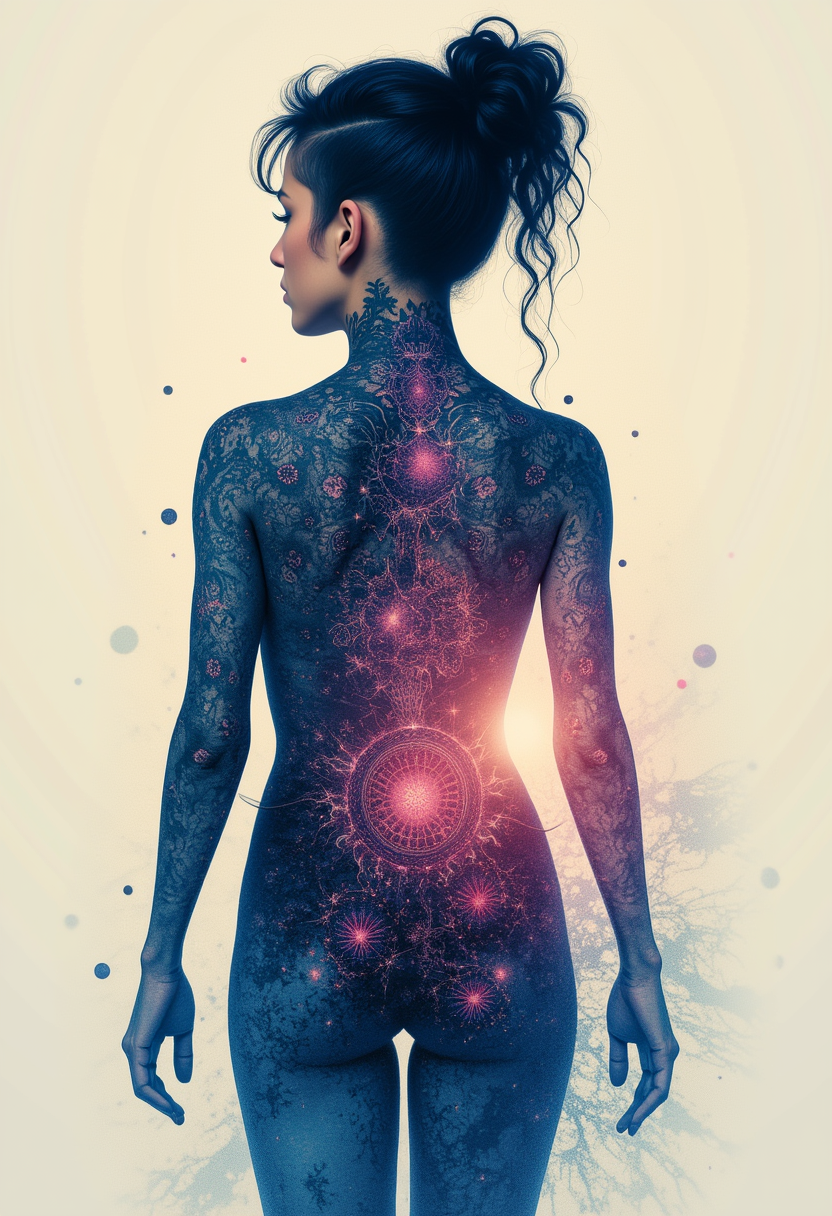
Generated on PixelDojo. Produced by PixelDojo's generation pipeline.
You want images that look like they came from a high-end photoshoot, not a computer. With Flux Krea on PixelDojo you get exactly that: photorealistic fashion editorials, cinematic product shots and natural portraits that feel alive. No oversaturated glow, no plastic skin, just balanced lighting, real textures and distinctive style that makes your work stand out. Imagine briefing a concept in the morning and having a full campaign set ready by lunch. You describe the mood, the clothing, the lighting and PixelDojo’s Krea Image and Flux.1 Studio tools deliver four variations in seconds. Then you refine with Image to Image, Style Transfer or Magic Lighting until every frame matches your vision. Thousands of creators already use these same tools to produce client-ready assets without hiring a studio or waiting days for retouching. Whether you need consistent character looks across a lookbook, branded product mockups that feel photographed on location, or atmospheric scenes for storytelling, Flux Krea gives you the aesthetic control that used to require expensive equipment and a full crew. You keep full commercial rights, iterate as many times as you like, and walk away with files ready for print, social or video. PixelDojo puts 40+ cutting-edge AI tools in one place so you never leave the platform to finish the job.
Real image examples generated on PixelDojo
Every example below was produced on PixelDojo. Hover to see the prompt.
Kira-Lux-Flux
flux

Add a log edited with Flux Kontext Dev
flux-studio
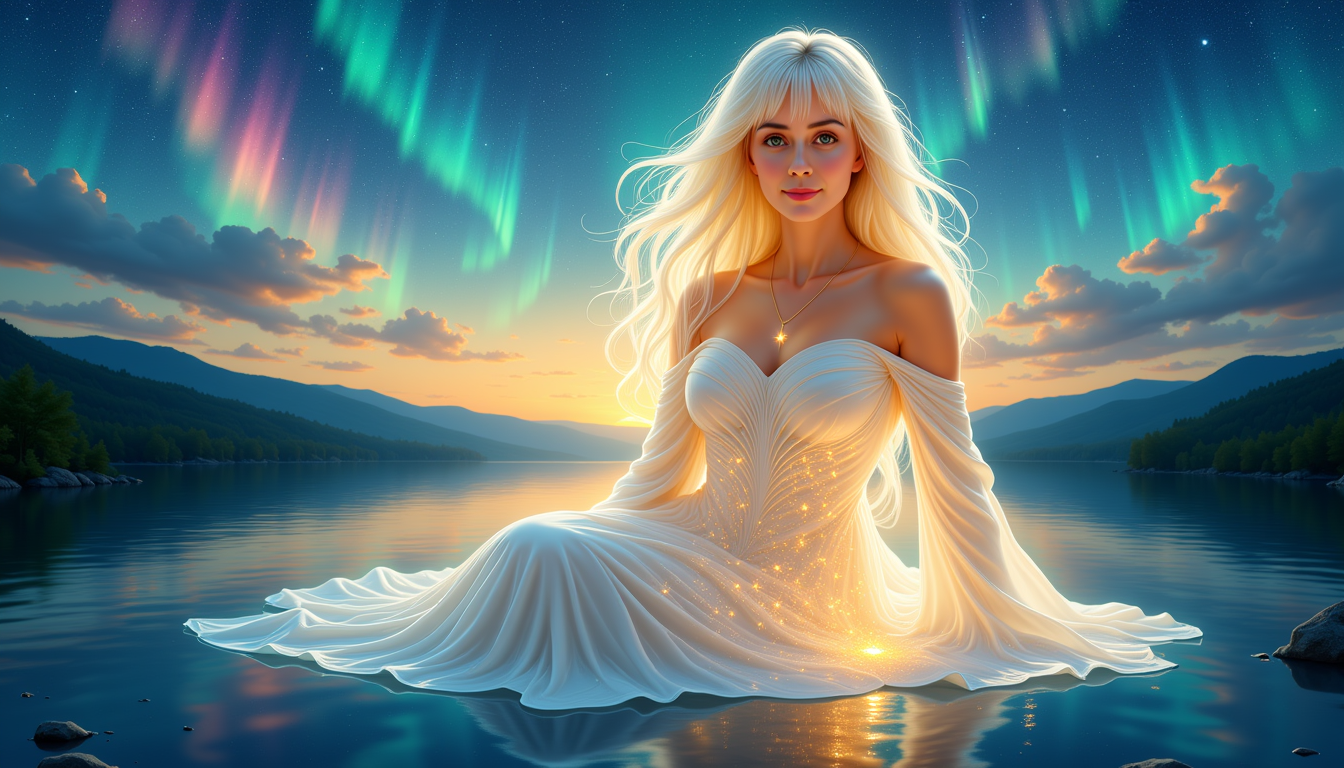
flux krea on PixelDojo
stable-diffusion
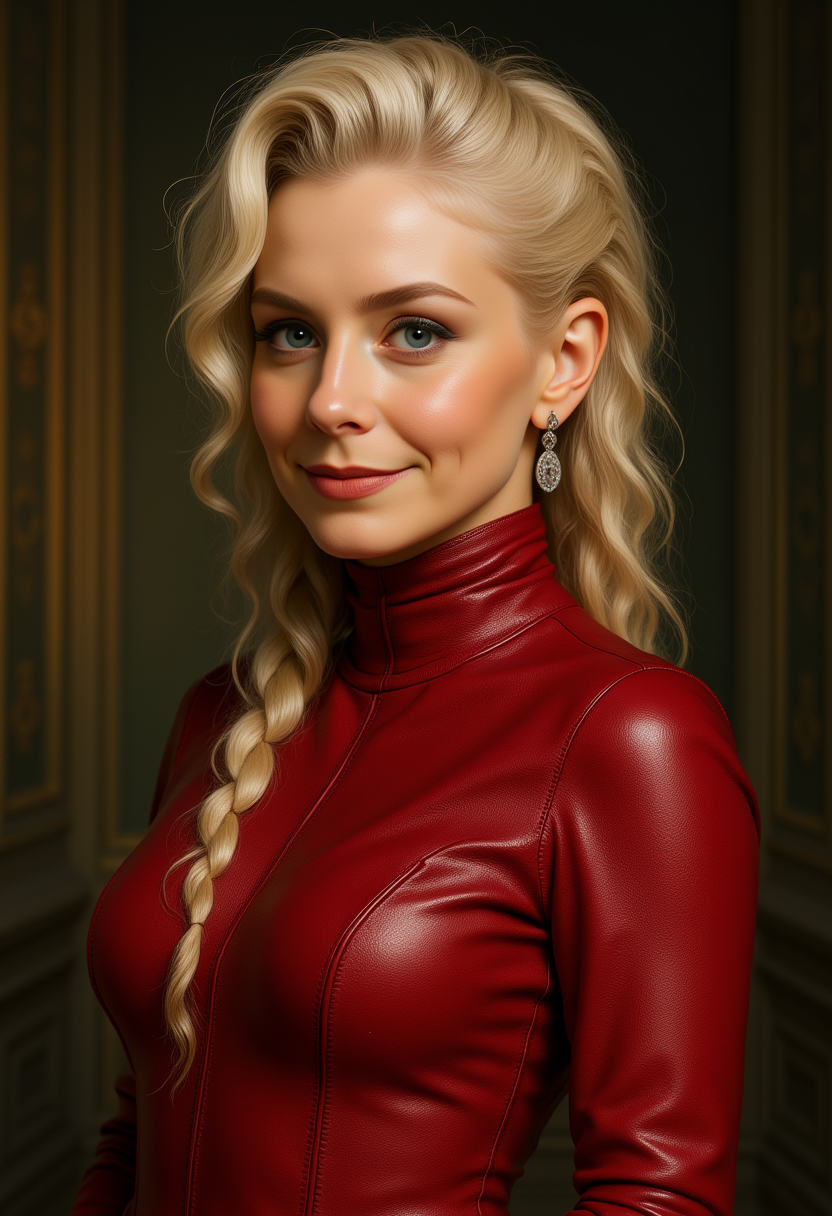
Kira-Lux-Flux
flux
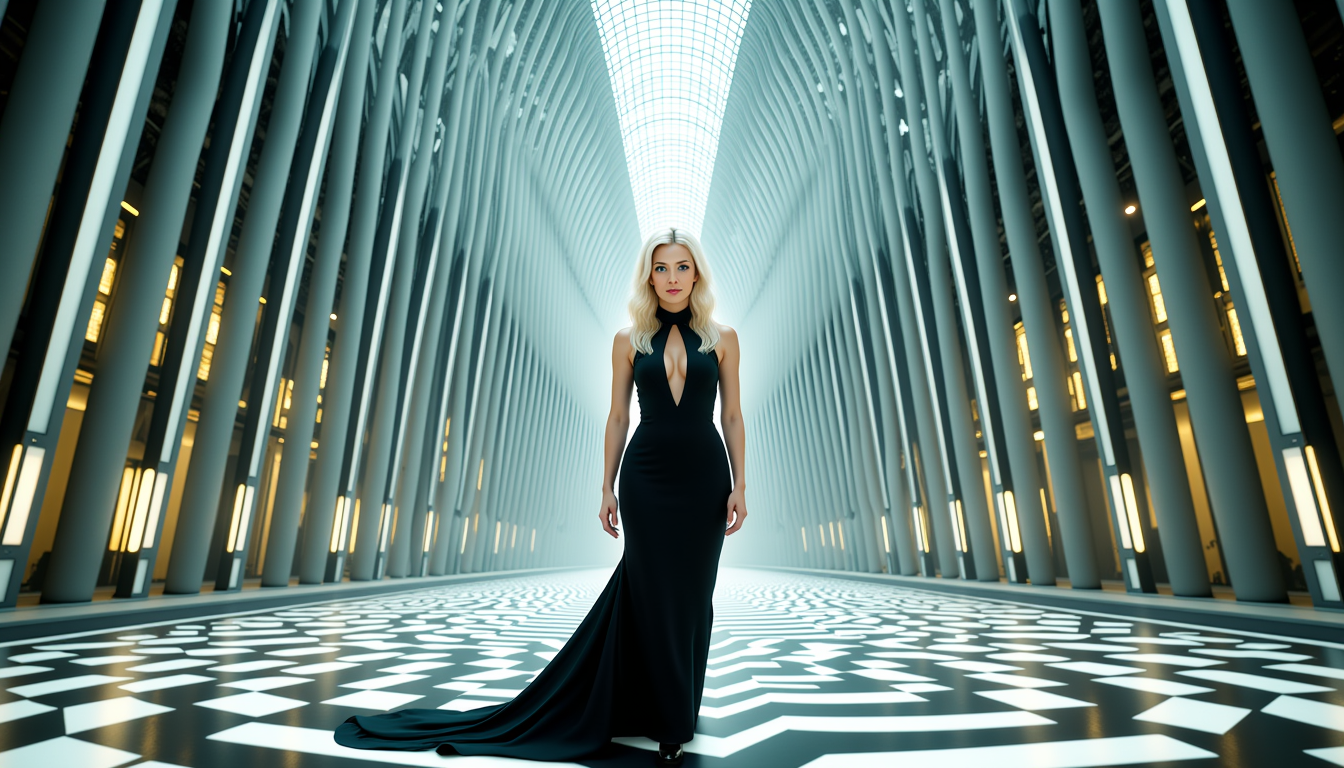
Kira Lux
stable-diffusion
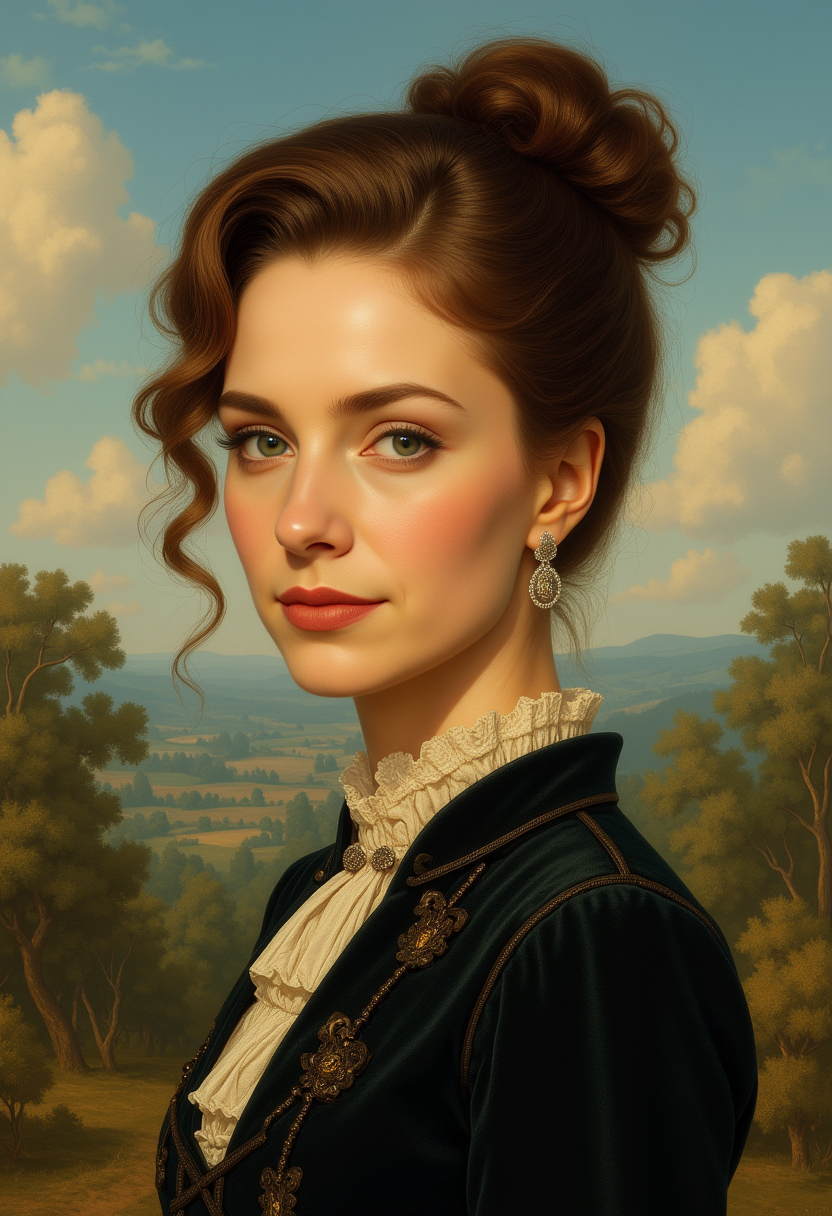
Kira-Lux-Flux
flux
Models you can run on PixelDojo for flux krea
Switch models without switching tools. Each one runs in the same PixelDojo studio.
What you can do with flux krea on PixelDojo
Flux Krea image generation
We run Flux Krea so you can turn text prompts into still images with the model’s typical look and detail. You keep drafts in one place and regenerate until the frame fits the brief.
Prompt and style control
We let you steer subject, composition, lighting, and mood through prompts and optional references. You can lock a look across a set of images without starting from scratch each time.
Iterate without leaving the studio
We support variations, regenerations, and prompt tweaks on the same job. You compare outputs side by side and keep the versions you want to use.
Export ready stills
We deliver generated images you can download for mockups, concept art, and production boards. You choose what to keep, share, or send to the next step in your workflow.
Loved by thousands of creators worldwide. 40+ cutting-edge AI tools. Cancel anytime.
Why Choose Pixel Dojo for flux krea
Professional-quality results with cutting-edge AI technology
Photoreal Images That Never Look Artificial
You get natural skin, fabric drape and lighting that clients actually believe. Flux Krea’s distinctive aesthetic removes the typical AI sheen so your fashion shots, portraits and product images look like they were captured by a professional photographer. Pair Krea Image with Reality Polisher and Portrait Upscaler to deliver print-ready files that win approvals on the first round.
Build Custom Brand Looks in Minutes, Not Weeks
Train or apply LoRAs inside Flux.1 Studio and Flux.2 Studio to lock in your exact color palette, character faces or product styling. Generate an entire seasonal collection that stays perfectly consistent. Then use Consistent Characters and Character Sheets so every new image matches the last. You own the look, you control the output, and you skip the endless revision cycles.
Go From Brief to Final Asset Before Lunch
Flux Krea is built for speed. Generate four high-quality options, pick the winner, then refine with Inpainting, Change Camera Angle or Background Remover. Upscale with P-Image Upscale or Magnific Upscaler and export. What used to take a photoshoot plus three days of editing now happens in one sitting. You stay in flow, your clients stay impressed, and your calendar stays free.
How It Works
Creating Flux Krea images on PixelDojo is as simple as describing what you want. The platform handles the rest so you can focus on the creative outcome instead of settings.
Step 1: Choose Your Tool
Open Generate Images and select Krea Image for the classic Flux Krea aesthetic or Flux.1 Studio / Flux.2 Studio when you need extra LoRA control and speed. These tools are optimized for photoreal fashion, editorial and cinematic work. You can also start from an existing photo with Image to Image if you already have a reference.
Step 2: Enter Your Prompt
Write a natural description: subject, clothing, pose, lighting and mood. Flux Krea responds best to clear, photographic language such as “35mm, golden hour, silk fabric catching the light.” Add a style reference or LoRA if you have a brand look. Generate four variations at once so you can compare instantly.
Step 3: Customize & Download
Pick your favorite, then use Inpainting, Style Transfer, Magic Lighting or Change Camera Angle to perfect details. Upscale with Clarity Pro or Portrait Upscaler. Download in the resolution you need or send straight to Marketing Studio for social crops. Everything stays inside PixelDojo so you never lose quality or time.
The Pixel Dojo Advantage
Why PixelDojo outperforms other options for Flux Krea image generation
| Others | Pixel Dojo |
|---|---|
| Traditional photography and styling | You skip location scouting, model casting, lighting setups and post-production bills. Generate unlimited variations in the exact aesthetic you want, then refine in minutes instead of days. |
| Generic AI tools | PixelDojo gives you dedicated Krea Image, Flux.1 Studio and Flux.2 Studio plus a full editing suite (Inpainting, Style Transfer, Reality Polisher). You get the distinctive Flux Krea look plus the control to make it yours, all in one place. |
| Manual photo editing | Instead of hours in retouching software you describe the change once and the AI applies it consistently across the set. You keep creative direction while the platform handles the pixel work. |
Loved by creators on PixelDojo
Real feedback from people using PixelDojo, pulled from our in-product surveys.
A "one-stop-shop" for creators! Thanks!!
Lots of different tools. It's easy to purchase more credits.
Amazing performance!
Excellent website for creating all types of media
Very eay to use, works well to train SDXL loras.
The amazing tools
Explore more AI tools on PixelDojo
AI Tools
Compare & Switch
- Best AI Image Generators
- Best AI Video Generators
- Midjourney Alternatives
- Civitai Alternatives
- Runway Alternatives
- Leonardo Alternatives
- Pika Alternatives
- Luma Alternatives
- Magnific Alternatives
- Veo Alternatives
- Flux Alternatives
- Freepik Alternatives
- Seedance Alternatives
- Seedream Alternatives
- Pixverse Alternatives
- GPT Image Alternatives
- Synthesia Alternatives
- Playground Alternatives
- NightCafe Alternatives
- Canva AI Alternatives
- ElevenLabs Alternatives
- ComfyUI Alternatives
- Fal Alternatives
- Replicate Alternatives
Common Questions
Everything you need to know about flux krea
How do I generate photorealistic Flux Krea fashion images on PixelDojo?
Select Krea Image or Flux.1 Studio, describe the garment, pose, lighting and location in plain language, then generate. Use Style Transfer or a custom LoRA to lock in your brand colors. Refine with Magic Lighting and Portrait Upscaler. Most users have a client-ready hero shot in under ten minutes.
What is the best way to keep character consistency with Flux Krea?
Start in Flux.2 Studio or Flux.1 Studio, apply a LoRA Face Swap or use Consistent Characters. Generate a Character Sheet first, then reference it in every new prompt. PixelDojo’s tools remember the face, clothing style and lighting so your entire campaign stays on-brand without extra work.
Can I use Flux Krea images commercially with PixelDojo?
Yes. Every image you create on PixelDojo is yours to use commercially. Combine Flux Krea generation with Marketing Studio, Video Autocaption or Virtual Try-On to produce full campaigns, ads and social assets without additional licensing steps.
How do I avoid the typical AI look when using Flux Krea?
Flux Krea was specifically refined for natural textures and balanced exposure. On PixelDojo you further enhance this with Reality Polisher and Clarity Pro. Keep prompts photographic rather than overly artistic and the results look like real photographs rather than generated art.
Which PixelDojo tools work best together with Flux Krea for product shots?
Generate the base image in Krea Image, then use Image to Image plus Background Remover for clean cut-outs. Apply Flux Pro Virtual Try-On or Change Camera Angle for additional views. Finish with P-Image Upscale so the files are ready for e-commerce or print catalogs.
Is there a free way to try Flux Krea image generation on PixelDojo?
Yes. Sign up and you can start generating immediately. PixelDojo offers 40+ cutting-edge AI tools including Krea Image, Flux.1 Studio and Flux.2 Studio. You can cancel anytime, so there is zero risk to test the quality and speed for your own projects.