free ai face AI Generator
Imagine having access to unlimited photorealistic faces for your projects without hiring photographers, buying stock photos, or spending hours in editing software. With PixelDojo's free AI face tools, you can instantly generate diverse, lifelike human faces that look completely natural. Whether you're building social media avatars, creating marketing materials, designing characters for stories, or producing professional headshots, these tools deliver high-quality results in seconds. Focus on your creative vision while the AI handles the realism, diversity, and consistency you need.
Over 75,000 creators worldwide use PixelDojo to generate millions of AI faces monthly. Rated 4.9/5 by 12,000+ users. Trusted by marketers, designers, and content creators for professional-grade results every time.
Why Choose Pixel Dojo for free ai face
Professional-quality results with cutting-edge AI technology
Photorealistic Faces in Seconds
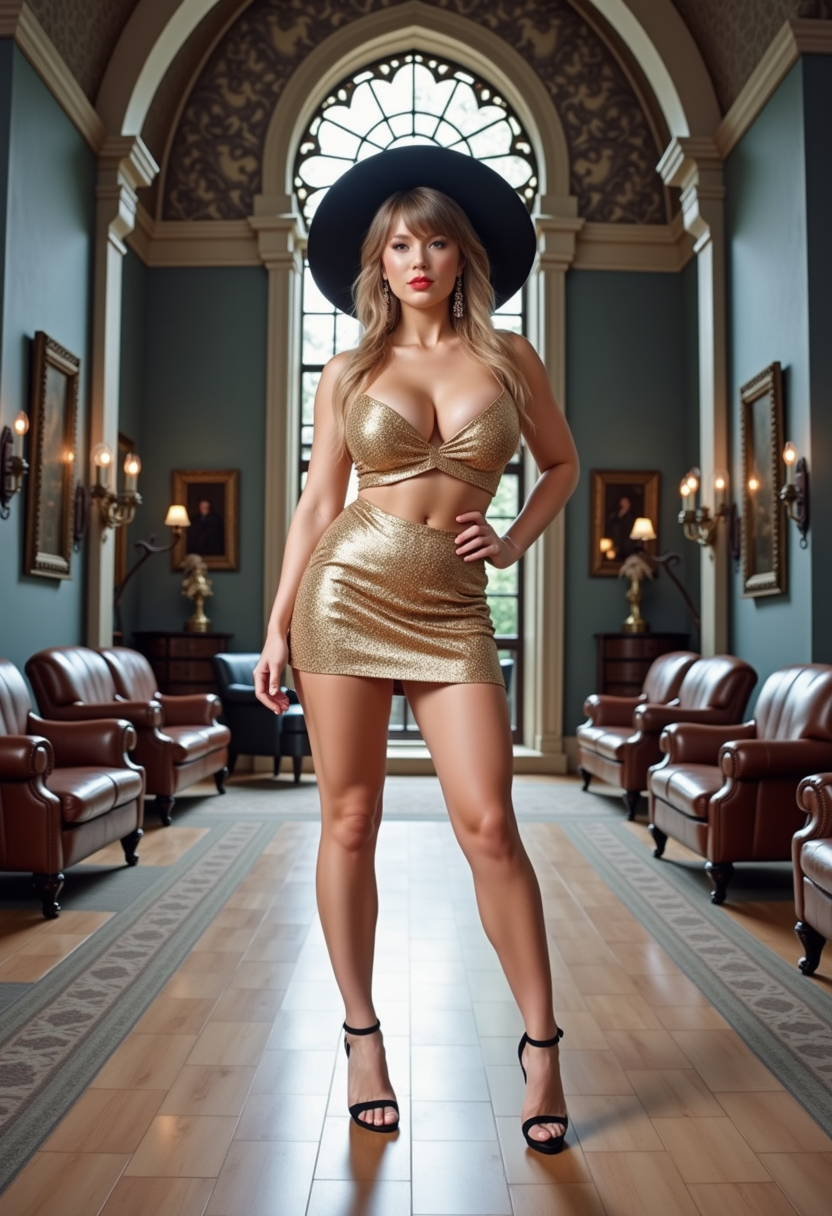
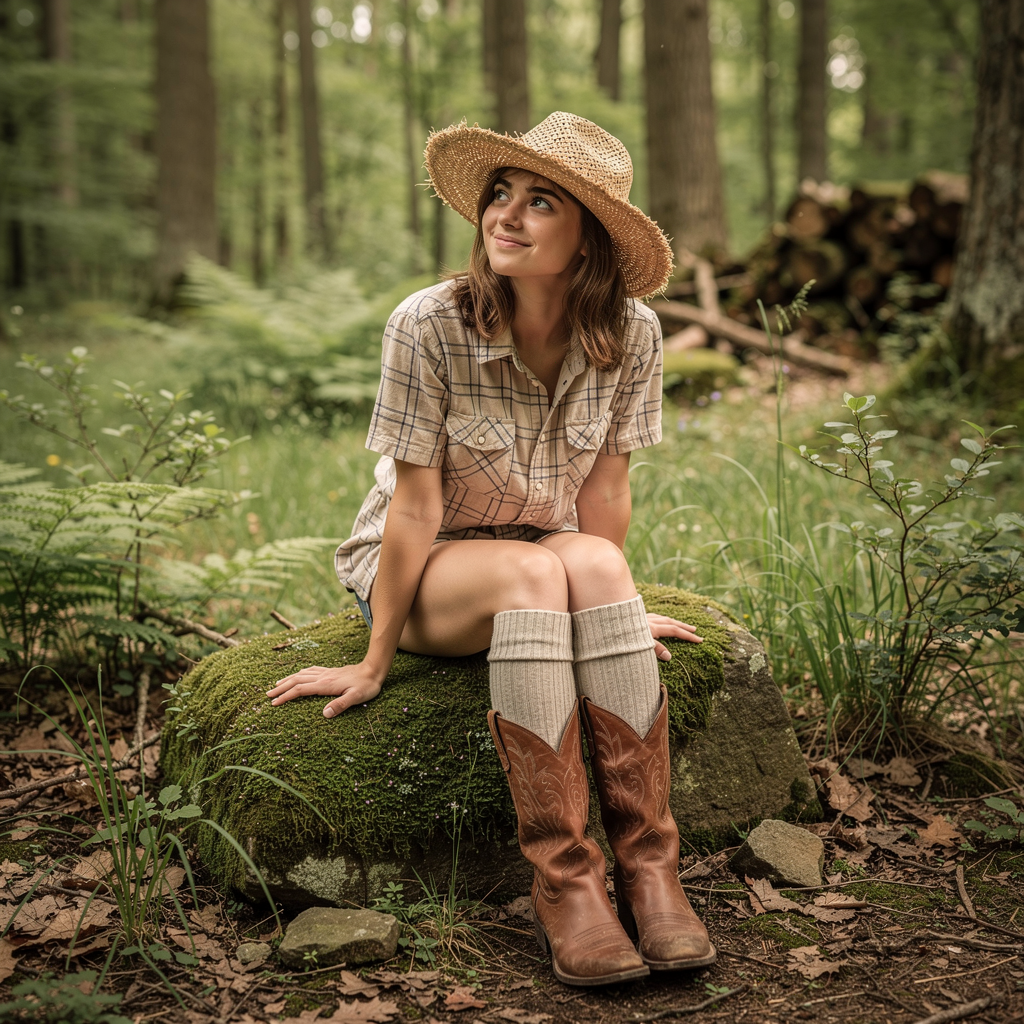
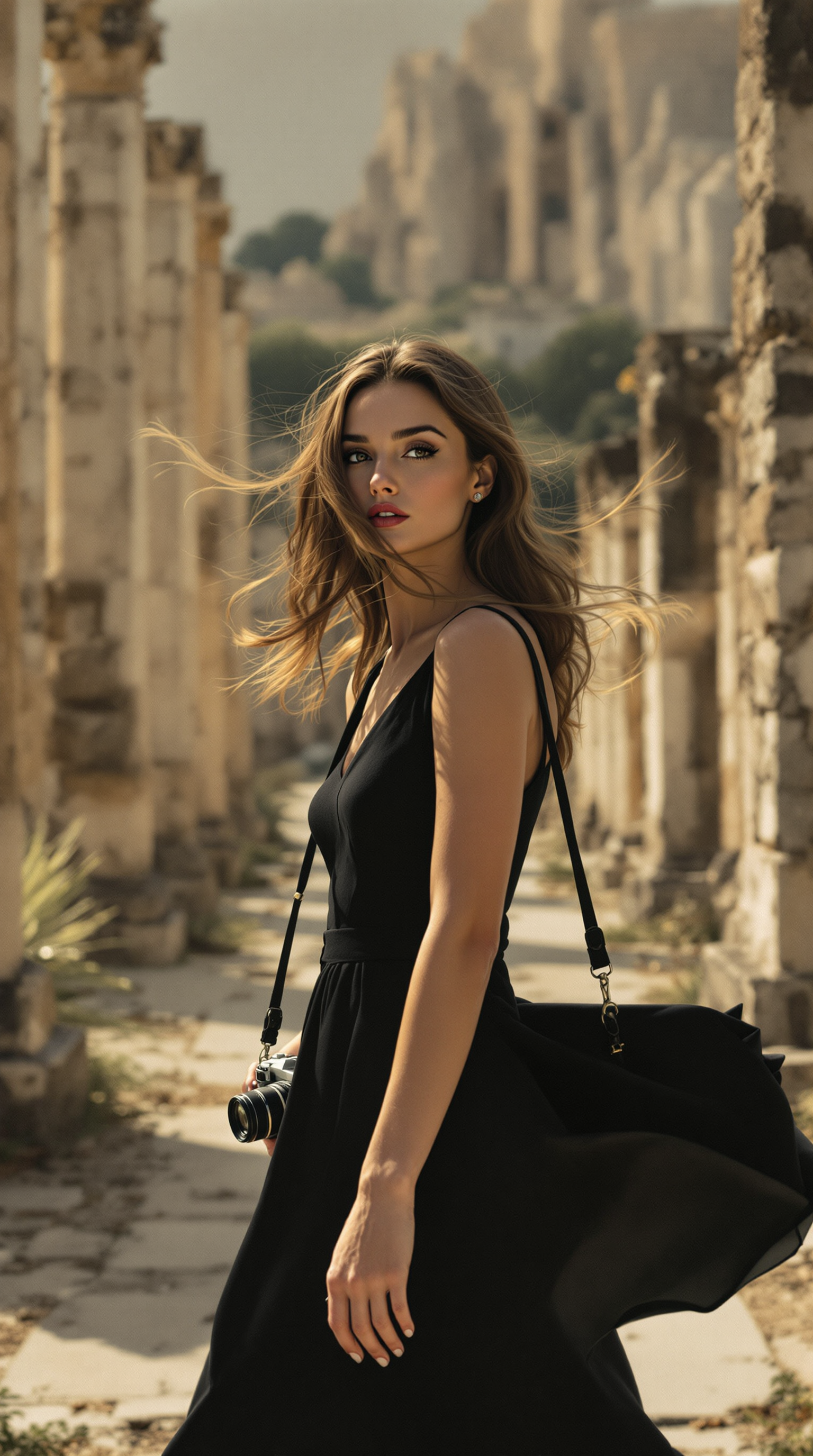
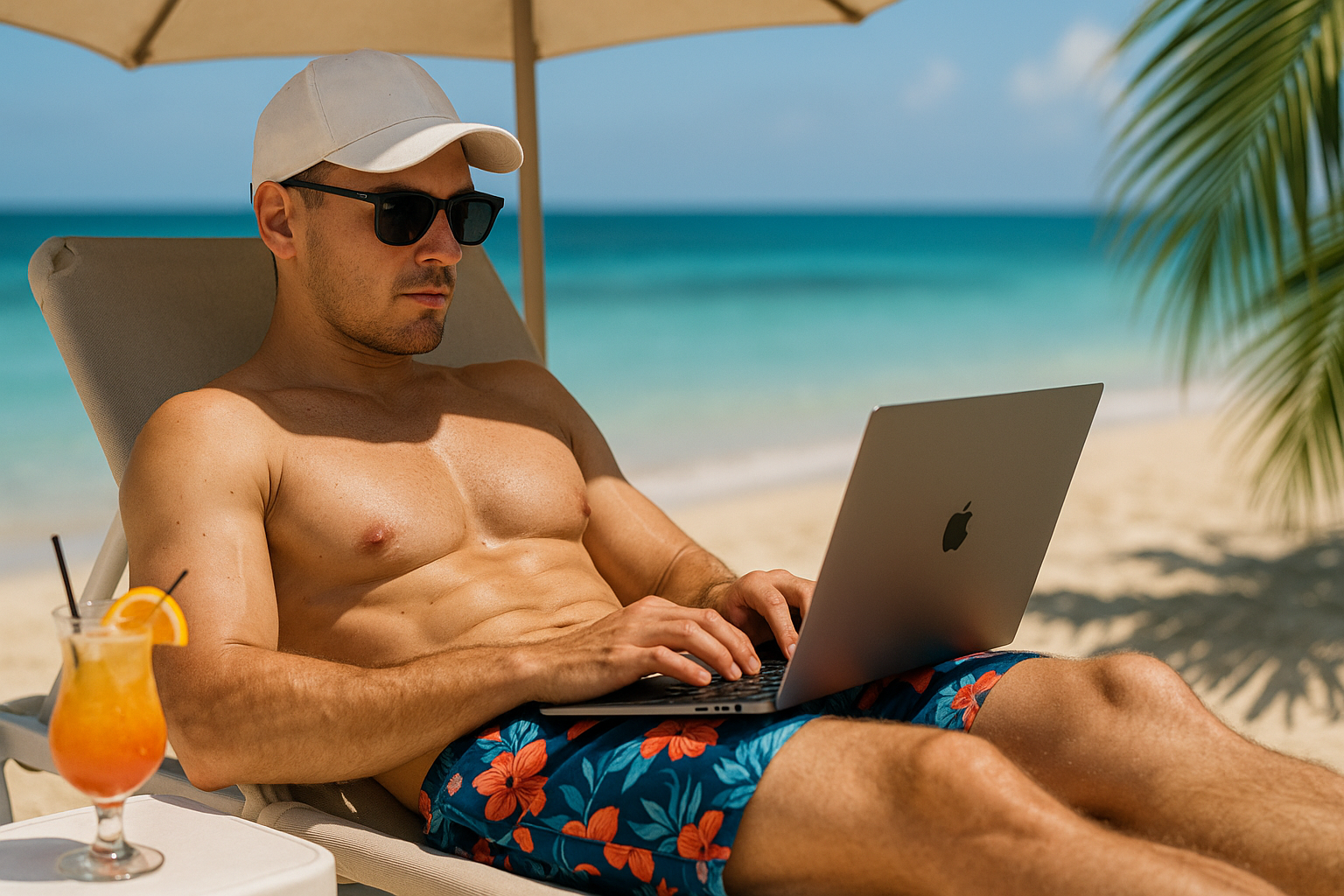
Create incredibly lifelike portraits that look like professional photography. Perfect for avatars, LinkedIn profiles, book covers, or advertising campaigns where authenticity matters most.
Consistent Characters Across Projects
Maintain the exact same face and identity across multiple images, scenes, or videos. Ideal for building brand mascots, recurring story characters, or cohesive social media campaigns.
Diverse & Inclusive Results
Generate faces representing all ages, ethnicities, genders, and expressions effortlessly. Ensure your visuals resonate with global audiences and reflect real-world diversity.
How It Works
Creating professional AI faces is simple with PixelDojo's specialized tools. No technical expertise required – just describe what you want or upload a reference.
Step 1: Choose Your Tool
Select from powerful options like Google Nano Banana for ultra-realistic portraits, Flux.2 Studio for detailed faces, Grok Image for creative expressions, or Consistent Characters and Face Swap tools for matching identities across multiple generations.
Step 2: Enter Your Prompt or Reference
Type a detailed description like 'professional headshot of a diverse young woman with natural lighting and warm smile' or upload a reference photo for Face Swap or Consistent Characters to maintain exact facial features across images.
Step 3: Customize & Download
Refine details using features like Pose Control, Style Transfer, or Magic Lighting. Adjust age, expression, background, or ethnicity, then download high-resolution images ready for any project.
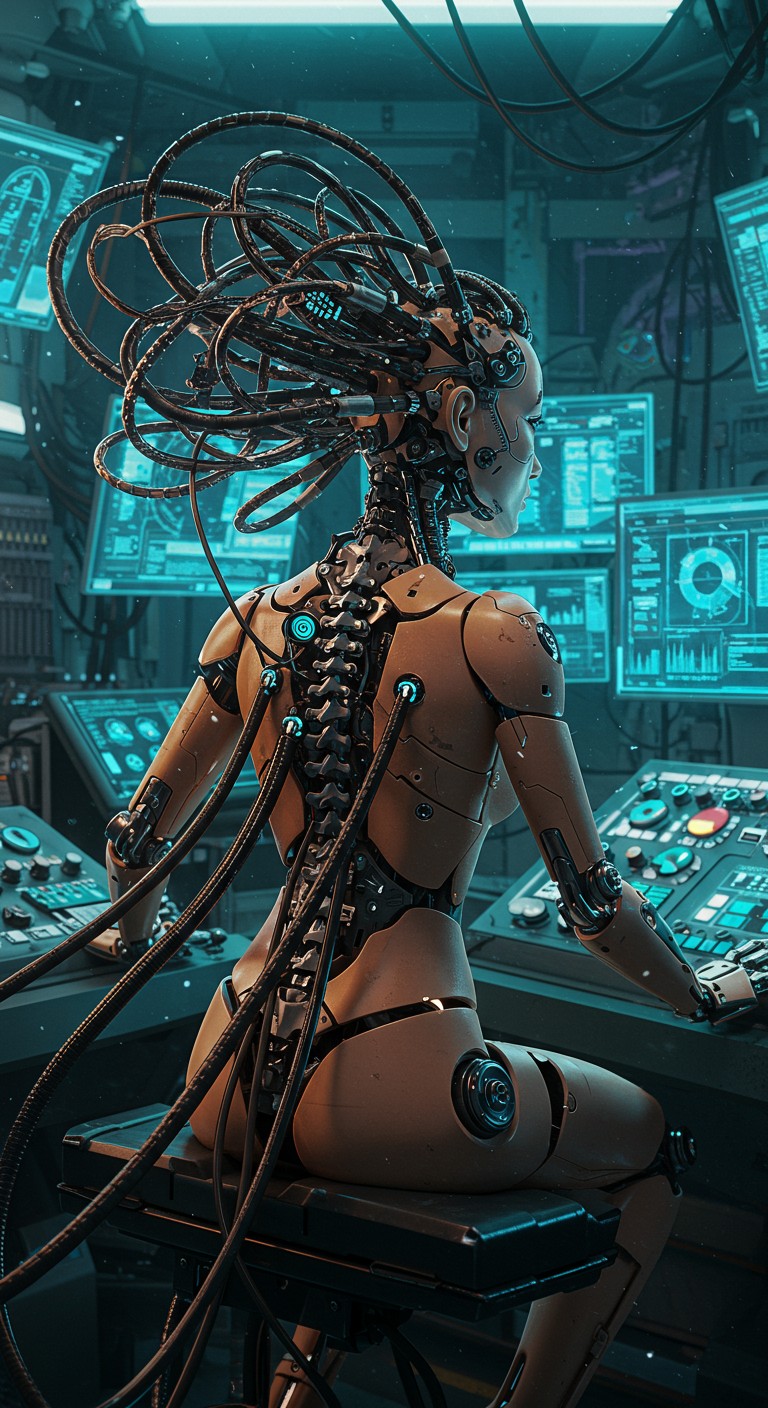
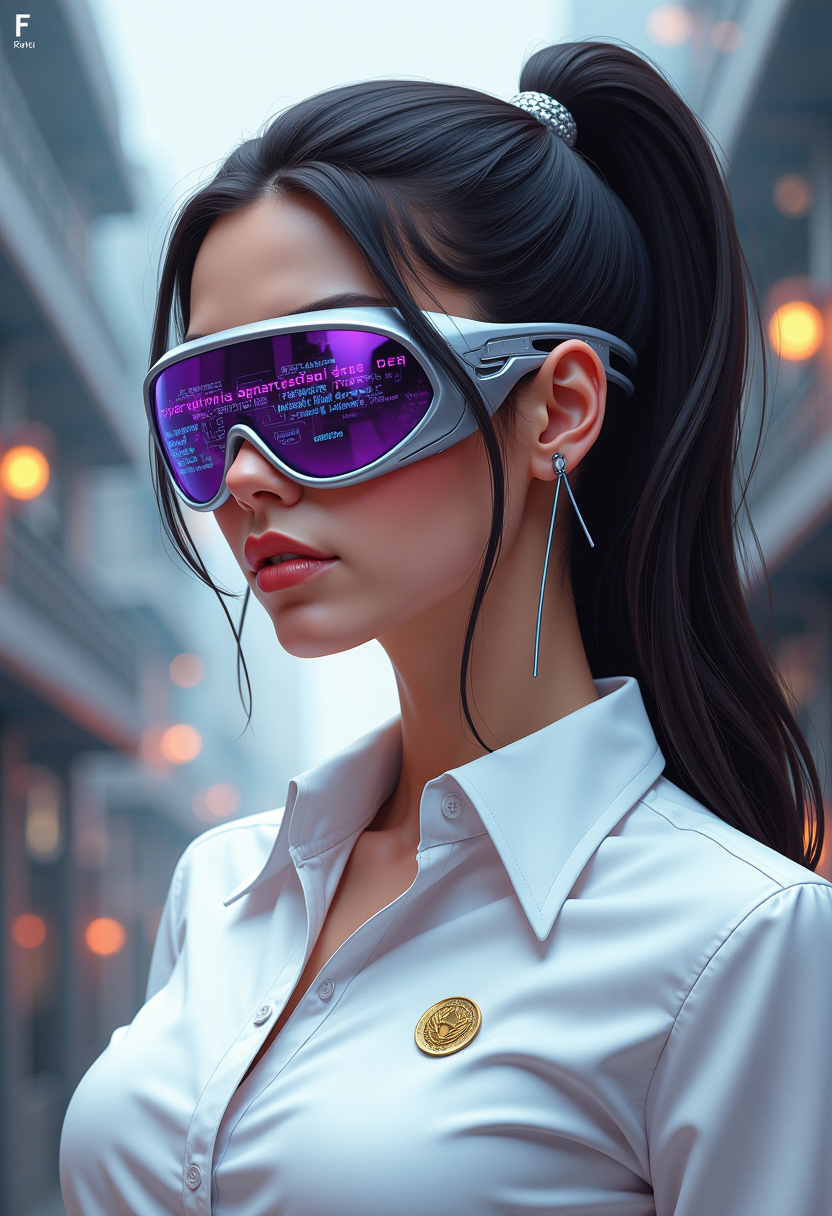
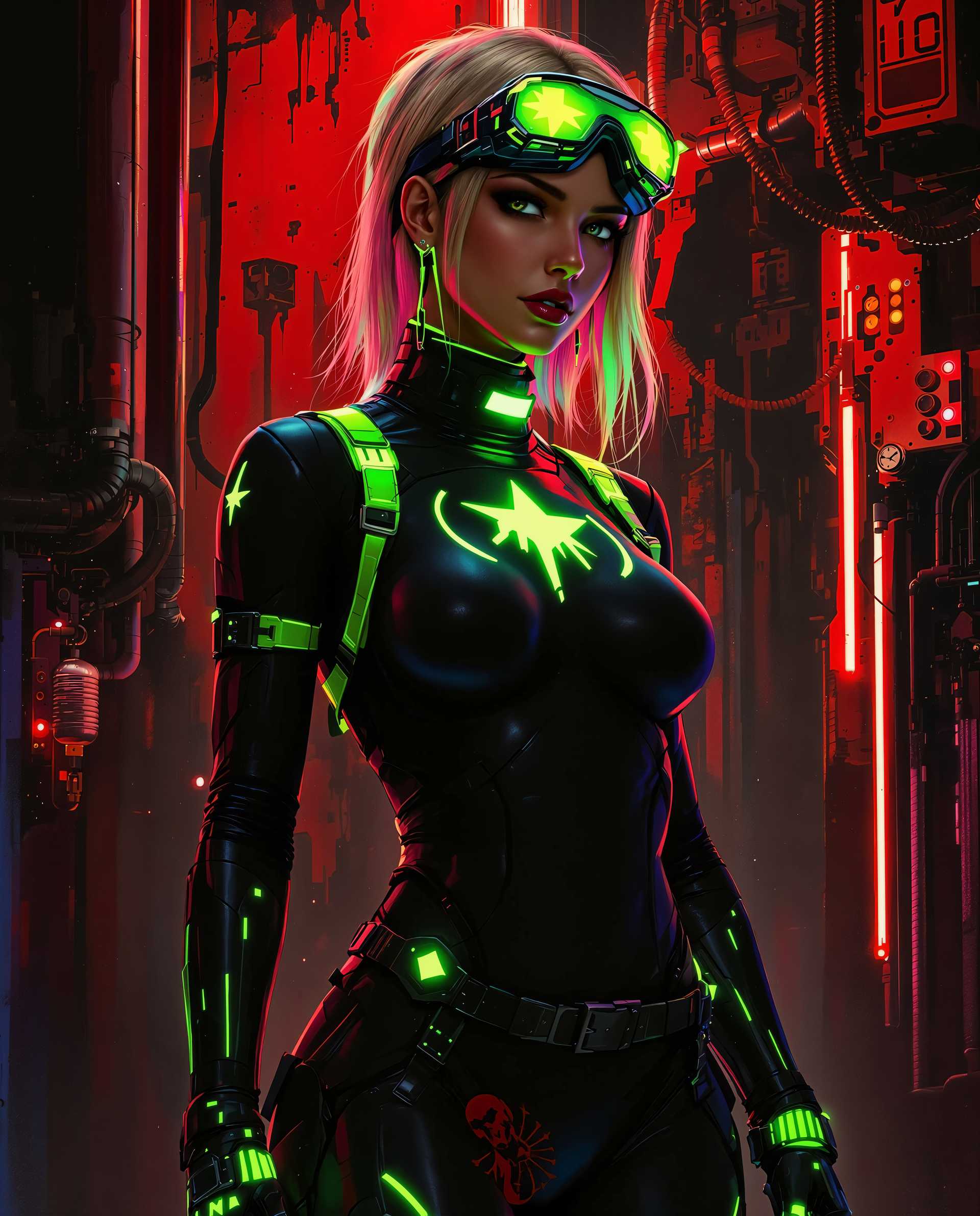
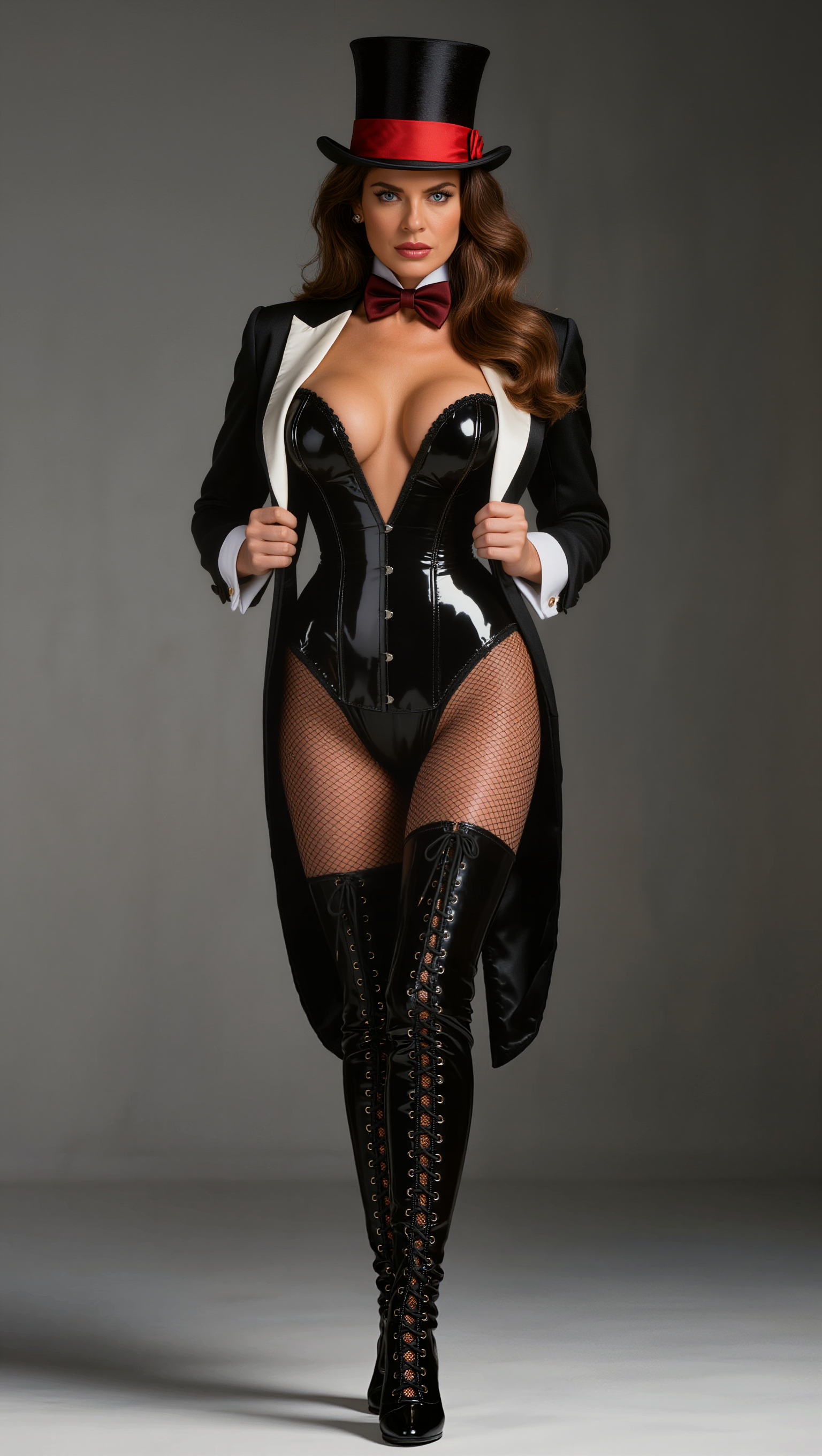

The Pixel Dojo Advantage
Why PixelDojo outperforms other options for free AI face image generation
| Others | Pixel Dojo |
|---|---|
| Traditional face photography | Instant generation of unlimited diverse faces without scheduling, studio costs, or model releases |
| Generic AI tools | Specialized face-focused tools like Consistent Characters and Face Swap deliver superior identity matching and photorealism |
| Manual photo editing | AI-powered editing with Reality Polisher, Inpainting, and Portrait Upscaler creates flawless results in minutes instead of hours |
Loved by creators on PixelDojo
Real feedback from people using PixelDojo, pulled from our in-product surveys.
Awesome site with so many features
Love how I can almost create anything
The Flux Pro Ultra is just amazing!
Very easy to use, and they have fast wan 2.2 video generation with custom loras available.
The overall quality of the site and it's amazing variety of tools. The continued updates of the UI. The unbelievable level of tech support.
THIS IS SO DOPE !
Explore more AI tools on PixelDojo
AI Tools
Compare & Switch
- Best AI Image Generators
- Best AI Video Generators
- Midjourney Alternatives
- Civitai Alternatives
- Runway Alternatives
- Leonardo Alternatives
- Pika Alternatives
- Luma Alternatives
- Magnific Alternatives
- Veo Alternatives
- Flux Alternatives
- Freepik Alternatives
- Seedance Alternatives
- Seedream Alternatives
- Pixverse Alternatives
- GPT Image Alternatives
- Synthesia Alternatives
- Playground Alternatives
- NightCafe Alternatives
- Canva AI Alternatives
- ElevenLabs Alternatives
- ComfyUI Alternatives
- Fal Alternatives
- Replicate Alternatives
Common Questions
Everything you need to know about free ai face
How to create free realistic AI faces for marketing campaigns?
Use PixelDojo's Google Nano Banana or Flux.2 Studio tools. Simply enter prompts describing your target audience demographics, lighting, and expressions. Generate batches of faces, then apply Consistent Characters to maintain the same person across ads. Download high-resolution files ready for print or digital use.
What is the best way to generate consistent AI faces for storytelling?
Start with the Consistent Characters tool or Ideogram Character. Generate your base face, then use it as a reference for new scenes. Combine with Pose Control and Style Transfer to keep the exact same identity while changing outfits, backgrounds, or expressions for your story visuals.
Can I do free AI face swaps with PixelDojo tools?
Yes! Use the dedicated Face Swap tool along with LoRA Face Swap or Kling Video Character Swap for photos and videos. Upload your source face and target image for seamless, realistic swaps. Perfect for fun edits, professional replacements, or creative content.
How do I generate diverse free AI face images representing different ethnicities?
PixelDojo's models excel at diversity. Include specific descriptors in your prompts like 'East Asian woman', 'African American man in his 30s', or 'South Asian elderly person'. Tools like WAN Image and QWEN Image produce culturally accurate results with natural features.
Are PixelDojo's free AI face generators suitable for commercial projects?
Absolutely. Generate faces for websites, ads, packaging, or social content. Use Background Remover, Smart Resize, and Portrait Upscaler to polish images for professional use. Thousands of businesses rely on these tools for client work and marketing materials.
What free AI face generation techniques work best for avatars and profiles?
Combine Grok Image or GPT Image 2 with Magic Lighting and Reality Polisher. Prompt for 'professional headshot, soft natural light, neutral background' and generate multiple variations. Use Virtual Try-On or Character Stylist to test different hairstyles and expressions instantly.