free ai portrait generator

Create professional-quality AI portraits and headshots in minutes without expensive photoshoots or photography skills. With PixelDojo's free AI portrait generator, you upload a selfie or describe your vision and instantly produce studio-worthy images perfect for LinkedIn profiles, resumes, social media, or personal branding. Achieve consistent characters across all your visuals, experiment with endless styles, and deliver photorealistic results that look like they were taken in a professional studio. Whether you need polished corporate headshots or artistic portraits, you get unlimited creative freedom to build your visual identity effortlessly.
Join over 50,000 creators and professionals who trust PixelDojo for their AI portraits. Rated 4.9/5 by thousands of users, with more than 2 million portraits generated this month alone. Cancel anytime – no long-term commitments required.
Why Choose Pixel Dojo for free ai portrait generator
Professional-quality results with cutting-edge AI technology
Professional Headshots Without the Studio Cost
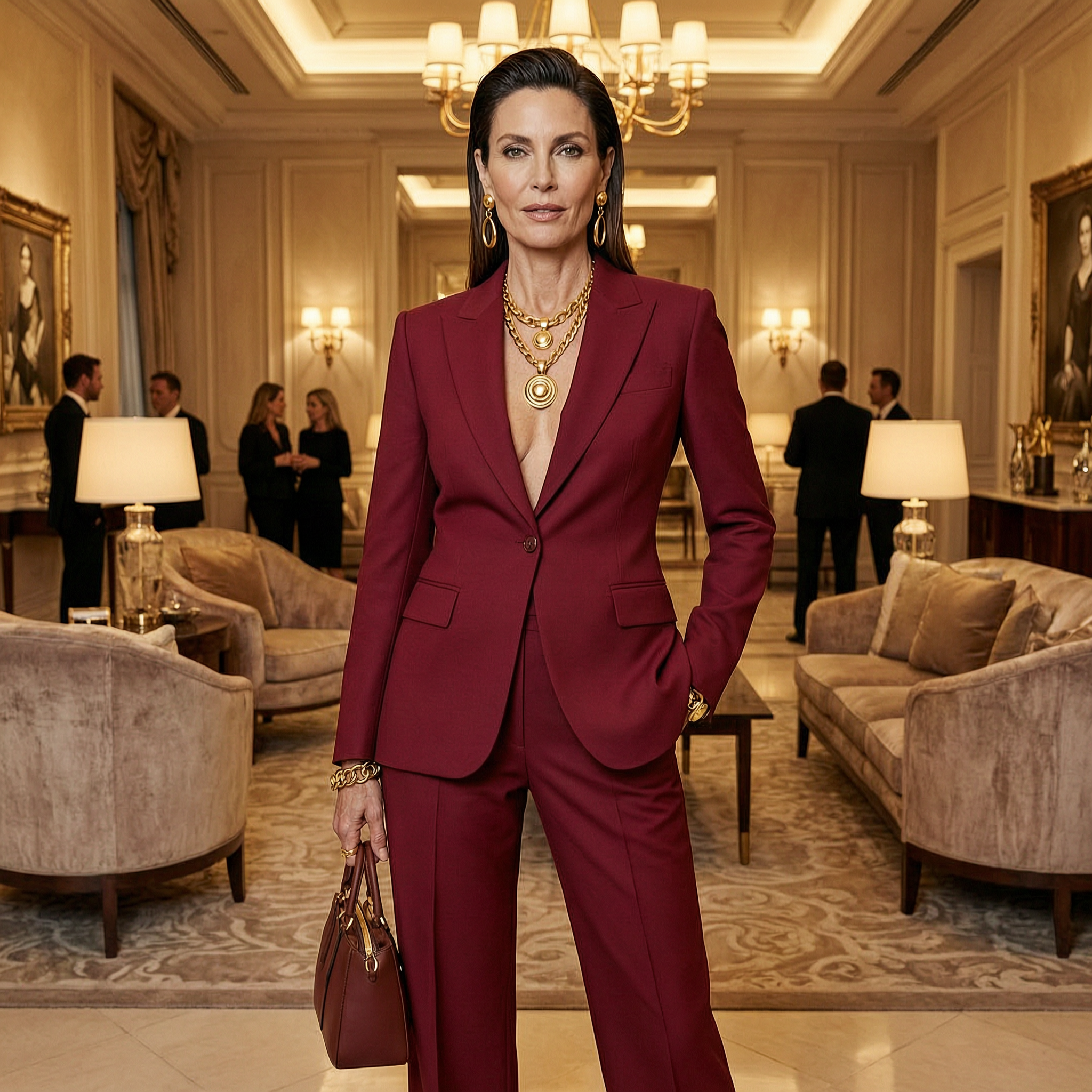
Turn everyday selfies into polished, LinkedIn-ready headshots with realistic lighting, skin textures, and expressions. Save hundreds on photography sessions while getting multiple variations in seconds.
Consistent Characters for Your Brand
Maintain the exact same face, hairstyle, and features across every portrait and marketing asset. Build a cohesive personal or business brand that stands out on all platforms.
Instant Style Experimentation
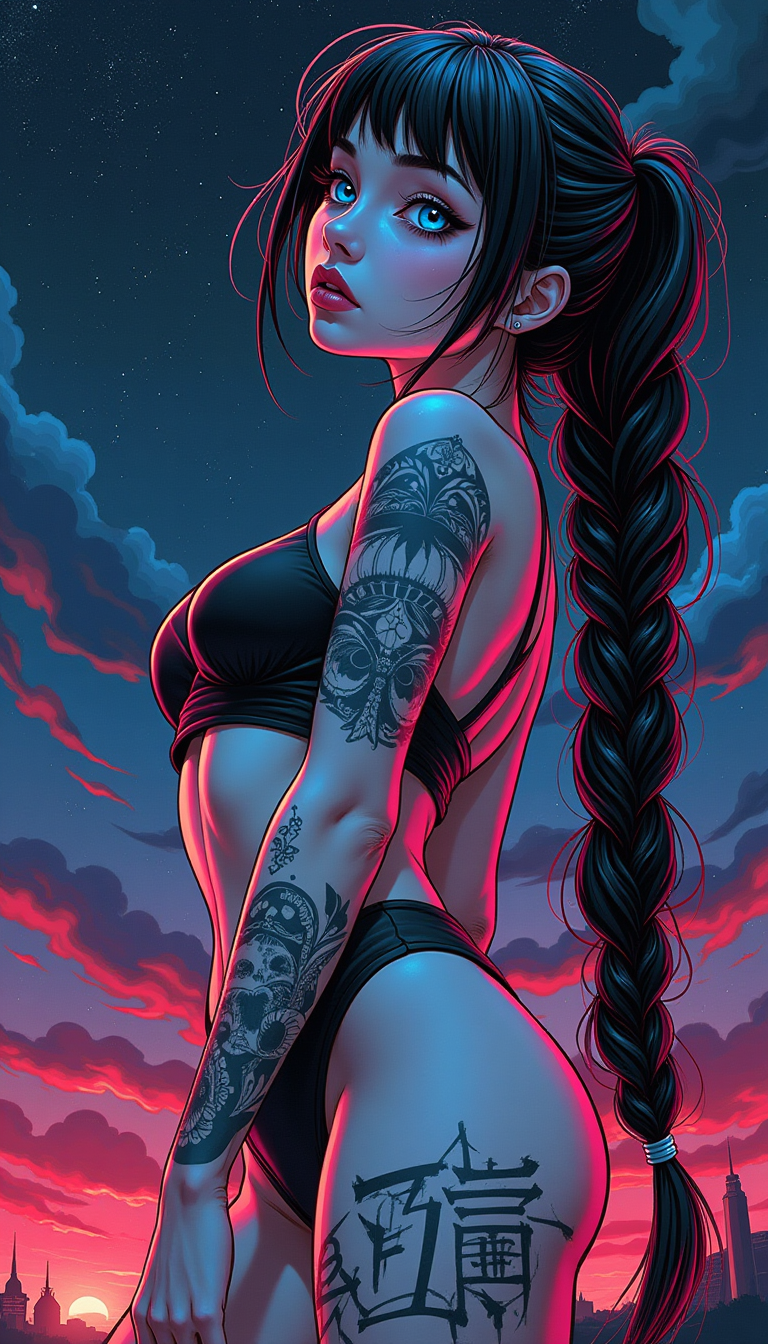
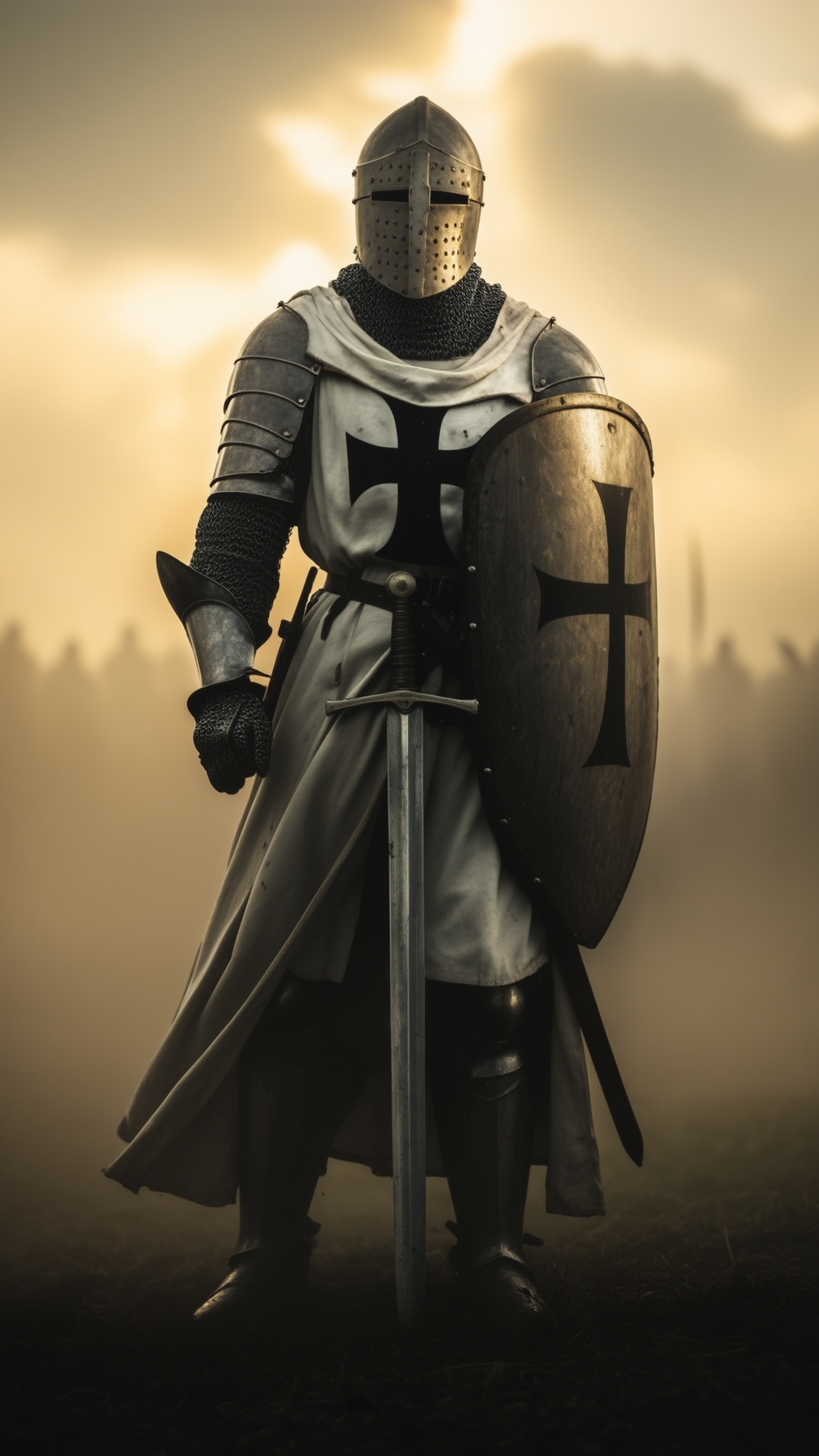
Quickly test corporate, artistic, vintage, or fantasy portrait styles on the same character. Find the perfect look for your project and iterate until it matches your vision perfectly.
How It Works
Creating professional AI portraits with PixelDojo takes just three simple steps using our powerful free tools.
Step 1: Choose Your Tool
Select from specialized portrait tools like Consistent Characters for repeatable faces, Flux.2 Studio or Google Nano Banana for photorealistic generation, or Portrait Upscaler for enhancing details. These tools are optimized for high-quality face rendering and natural expressions.
Step 2: Enter Your Prompt or Upload Reference
Describe your ideal portrait in natural language, such as 'professional woman in navy blazer, soft studio lighting, confident smile, LinkedIn style' or upload 1-5 selfies. Tools like Flux.2 Studio and Seedream 5 Lite handle text-to-portrait or image-to-portrait seamlessly for accurate results.
Step 3: Customize & Download
Refine with editing tools like Style Transfer, Magic Lighting, Background Remover, or Face Swap. Use Portrait Upscaler and Magnific Upscaler for ultra-sharp details, then download your high-resolution portraits ready for any use.


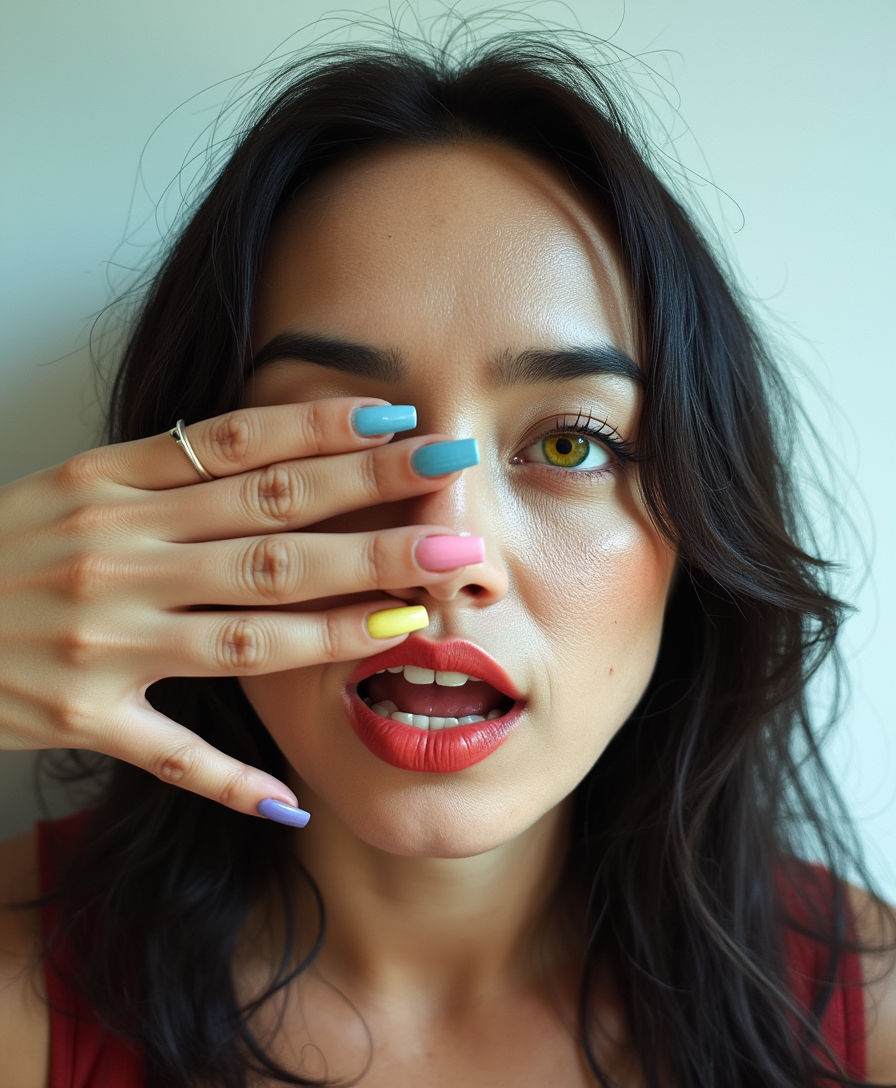
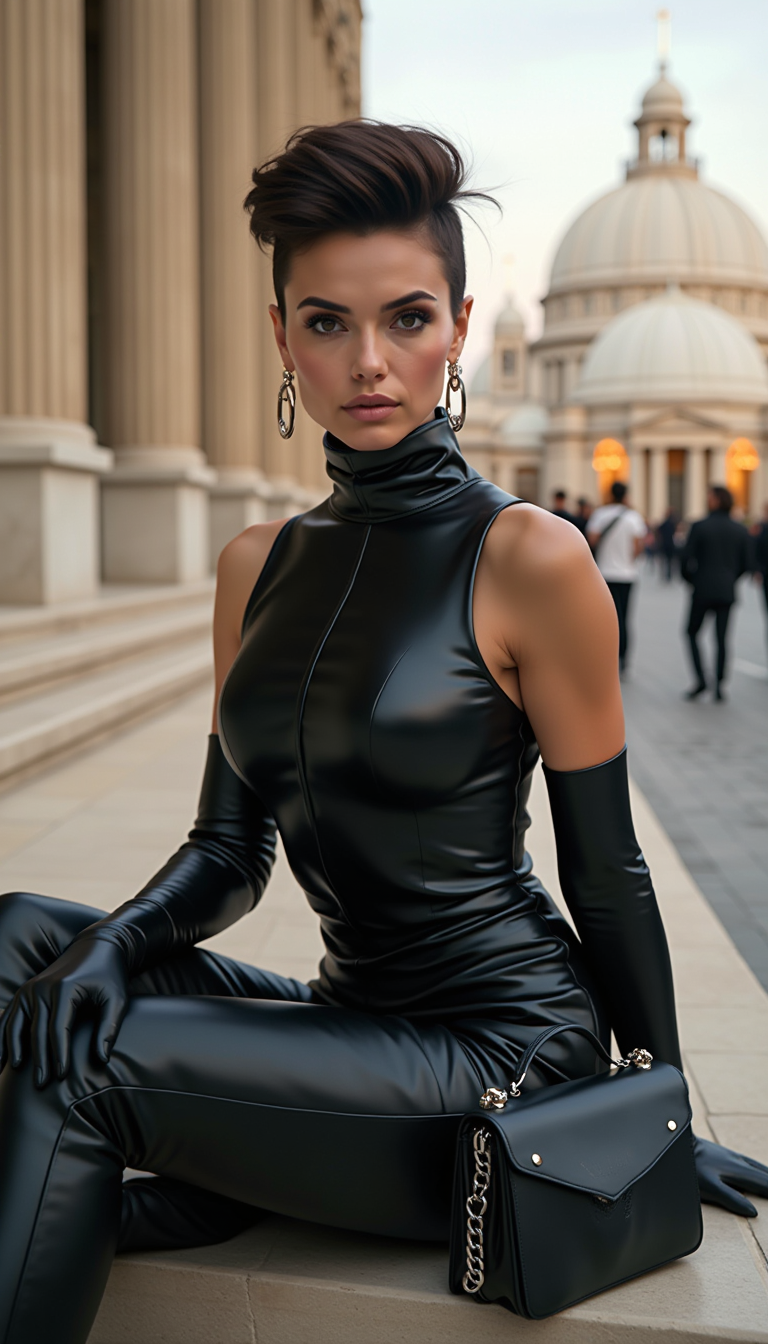
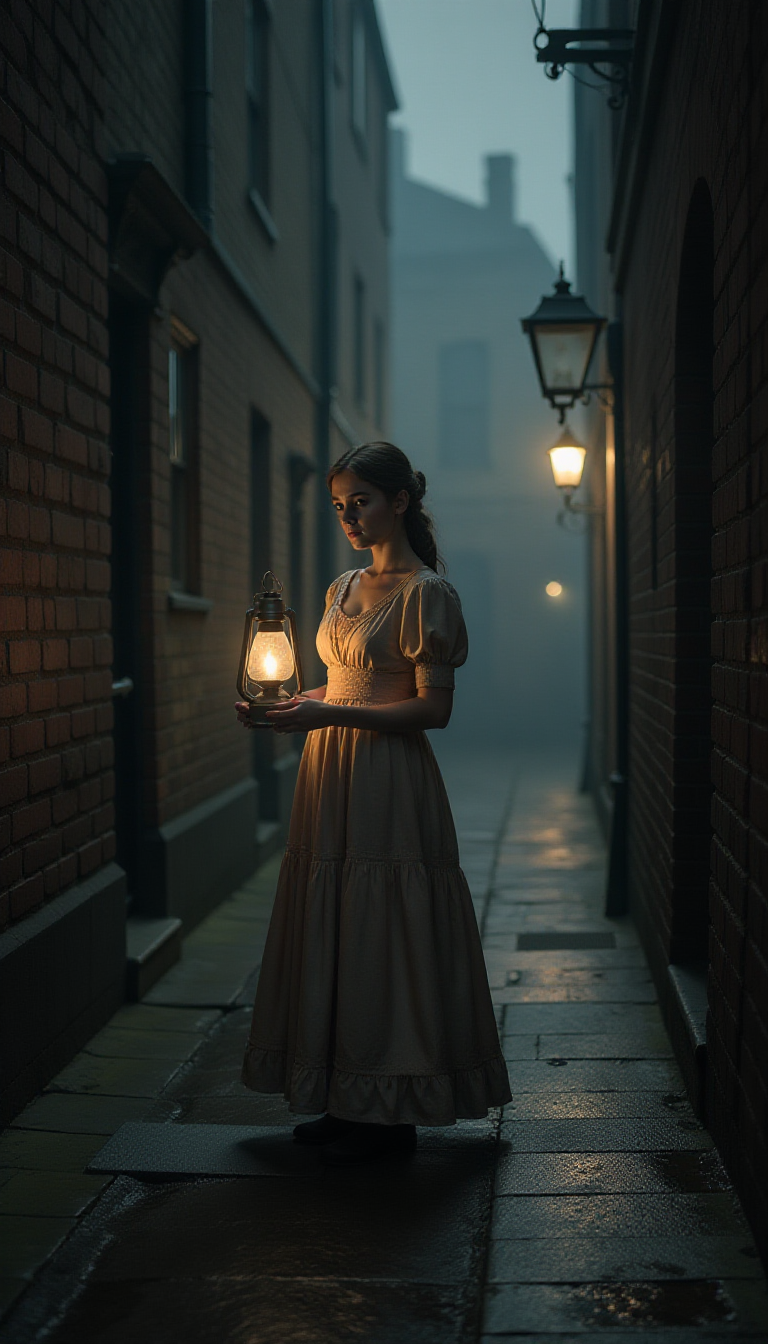
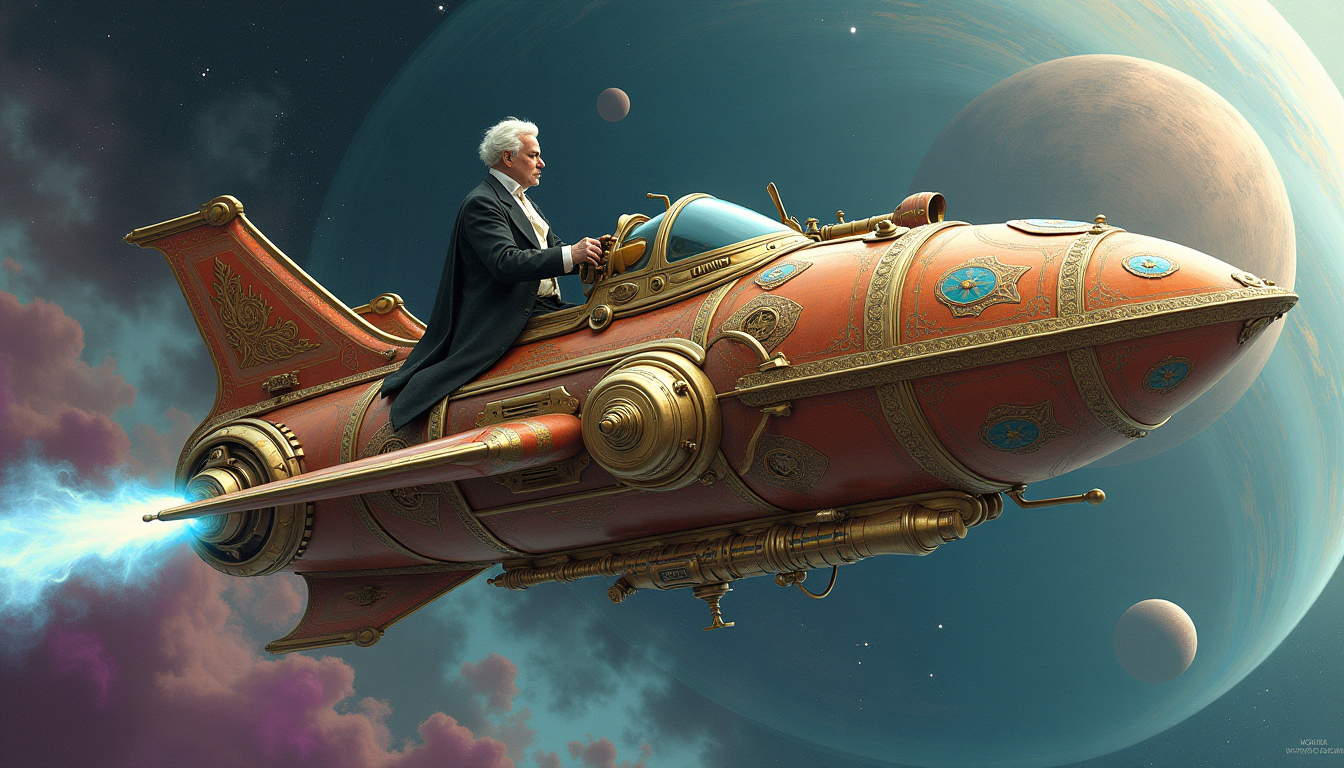
The Pixel Dojo Advantage
Why PixelDojo outperforms other options for free AI portrait generation
| Others | Pixel Dojo |
|---|---|
| Traditional portrait photography | Create unlimited professional headshots in minutes for free instead of booking costly studio sessions that take hours or days |
| Generic AI tools | Access specialized portrait tools like Consistent Characters and Portrait Upscaler plus 40+ models for superior face accuracy and consistency |
| Manual photo editing | Generate and refine portraits instantly with AI-powered edits like lighting adjustments and style transfers instead of hours of tedious manual work |
Loved by creators on PixelDojo
Real feedback from people using PixelDojo, pulled from our in-product surveys.
Love you guys!!
Trained my Lora super fast. Still working out how to creat content wit it, but I love it so far.
I love this app
It has all the tools I can think of...
deployment rate of splendid features is incredible. Legend
large selection of tools on one platform
Explore more AI tools on PixelDojo
AI Tools
Compare & Switch
- Best AI Image Generators
- Best AI Video Generators
- Midjourney Alternatives
- Civitai Alternatives
- Runway Alternatives
- Leonardo Alternatives
- Pika Alternatives
- Luma Alternatives
- Magnific Alternatives
- Veo Alternatives
- Flux Alternatives
- Freepik Alternatives
- Seedance Alternatives
- Seedream Alternatives
- Pixverse Alternatives
- GPT Image Alternatives
- Synthesia Alternatives
- Playground Alternatives
- NightCafe Alternatives
- Canva AI Alternatives
- ElevenLabs Alternatives
- ComfyUI Alternatives
- Fal Alternatives
- Replicate Alternatives
Common Questions
Everything you need to know about free ai portrait generator
How does a free AI portrait generator work for professional headshots?
PixelDojo's free AI portrait generator uses advanced models like Flux.2 Studio, Google Nano Banana, and Seedream 5 Lite to transform your text prompts or uploaded selfies into photorealistic headshots. Simply choose a tool, describe or reference your desired look, and generate multiple professional options instantly with natural lighting and expressions.
Can I create consistent AI characters for free across multiple portraits?
Yes! Use the Consistent Characters and Ideogram Character tools to lock in a specific face and features. Generate endless variations for LinkedIn, websites, or campaigns while keeping the same person looking identical every time – all at no cost with PixelDojo's free access.
What makes PixelDojo's free AI portrait generator better for realistic results?
Our specialized tools including Portrait Upscaler, Face Swap, and Magic Lighting deliver superior skin textures, accurate facial details, and studio-quality lighting. Combine with Bria 3.2 or Recraft V4.1 for commercial-safe, highly realistic portraits that avoid common AI artifacts.
Is it really free to generate unlimited AI portraits and headshots?
PixelDojo offers generous free access to over 40 AI tools including portrait generators. Create as many images as you need with options to upgrade only if you want extra features. No hidden fees, and you can cancel anytime.
How do I edit or enhance my AI generated portraits for free?
After generation, apply free editing tools like Image to Image, Inpainting, Style Transfer, Background Remover, and Portrait Upscaler. Fine-tune lighting with Magic Lighting or change angles instantly to perfect every portrait before downloading.
Can beginners create high-quality AI portraits without any experience?
Absolutely. PixelDojo's intuitive interface guides you through choosing tools like Flux.2 Studio or QWEN Image 2, entering simple prompts, and customizing with one-click edits. Thousands of users with zero design experience produce professional results on their first try.