free ai tattoo generator
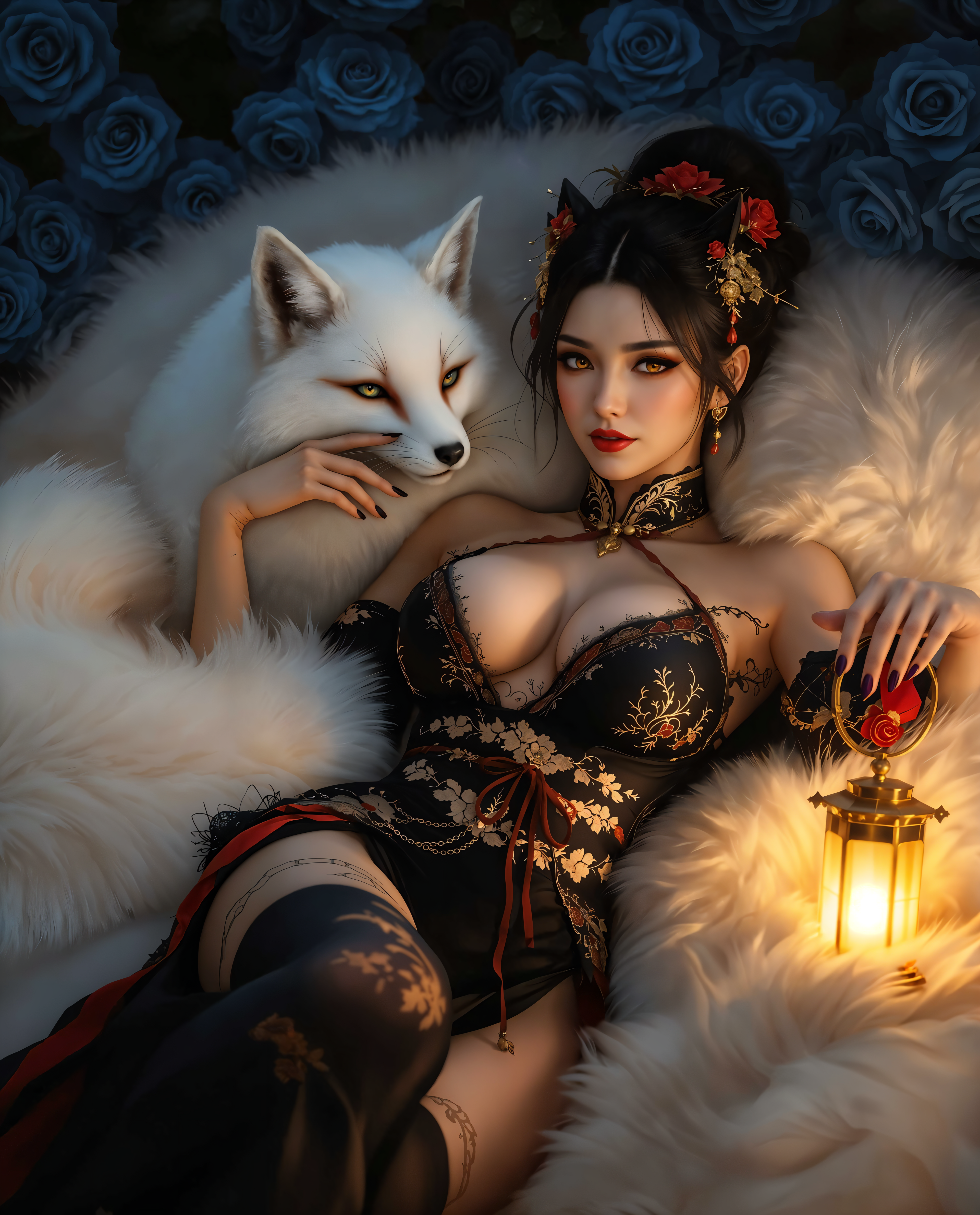
Imagine seeing your dream tattoo come to life in seconds—without picking up a needle or waiting weeks for an artist. With PixelDojo's free AI tattoo generator, you can explore endless custom designs, test styles like micro-realism, blackwork, and Japanese irezumi, and visualize exactly how your ink will look before committing. Whether you're a first-timer seeking inspiration or a tattoo enthusiast refining your next piece, our tools deliver professional-grade results that spark creativity and confidence. Focus on what matters: bringing your unique vision to skin with zero risk and maximum freedom.
Over 120,000 creators have generated 650,000+ tattoo designs this year alone. Rated 4.9/5 by tattoo lovers worldwide, with thousands sharing their PixelDojo creations on social media. Trusted by artists and enthusiasts for fast, free, high-quality results.
Why Choose Pixel Dojo for free ai tattoo generator
Professional-quality results with cutting-edge AI technology
Instant Endless Inspiration
Generate thousands of unique tattoo concepts in minutes, from minimalist fine-line to bold traditional styles, so you never run out of ideas for your next ink.
Studio-Quality Designs Ready to Ink
Create crisp, detailed artwork that tattoo artists love—perfect linework, shading, and composition that translates directly to skin without extra edits.
Risk-Free Visualization & Try-On
Preview designs on your body, refine with precision edits, and experiment with placement and colors before ever booking an appointment.
How It Works
Creating stunning tattoo designs with PixelDojo is simple and completely free to start. Use our powerful image generation and editing tools to turn ideas into reality in three easy steps.
Step 1: Choose Your Tool
Select from top image generators like Flux.2 Studio, Grok Image, or QWEN Image 2 to begin your free AI tattoo generator session. These tools excel at creating clean, tattoo-specific line art and styles.
Step 2: Enter Your Prompt
Describe your vision using natural language: combine subject, style, placement, and mood. Example: 'Wolf head in profile, minimalist fine-line tattoo, small size for inner forearm, clean single continuous line, black ink only, elegant and subtle.' Add details like micro-realism or ornamental elements for trending 2026 looks.
Step 3: Customize & Download
Refine instantly using Edit Images tools like Inpainting for precise changes, Style Transfer for new aesthetics, or Background Remover for clean stencils. Use Magic Lighting or Smart Resize for perfect proportions, then download high-res files ready for your artist.
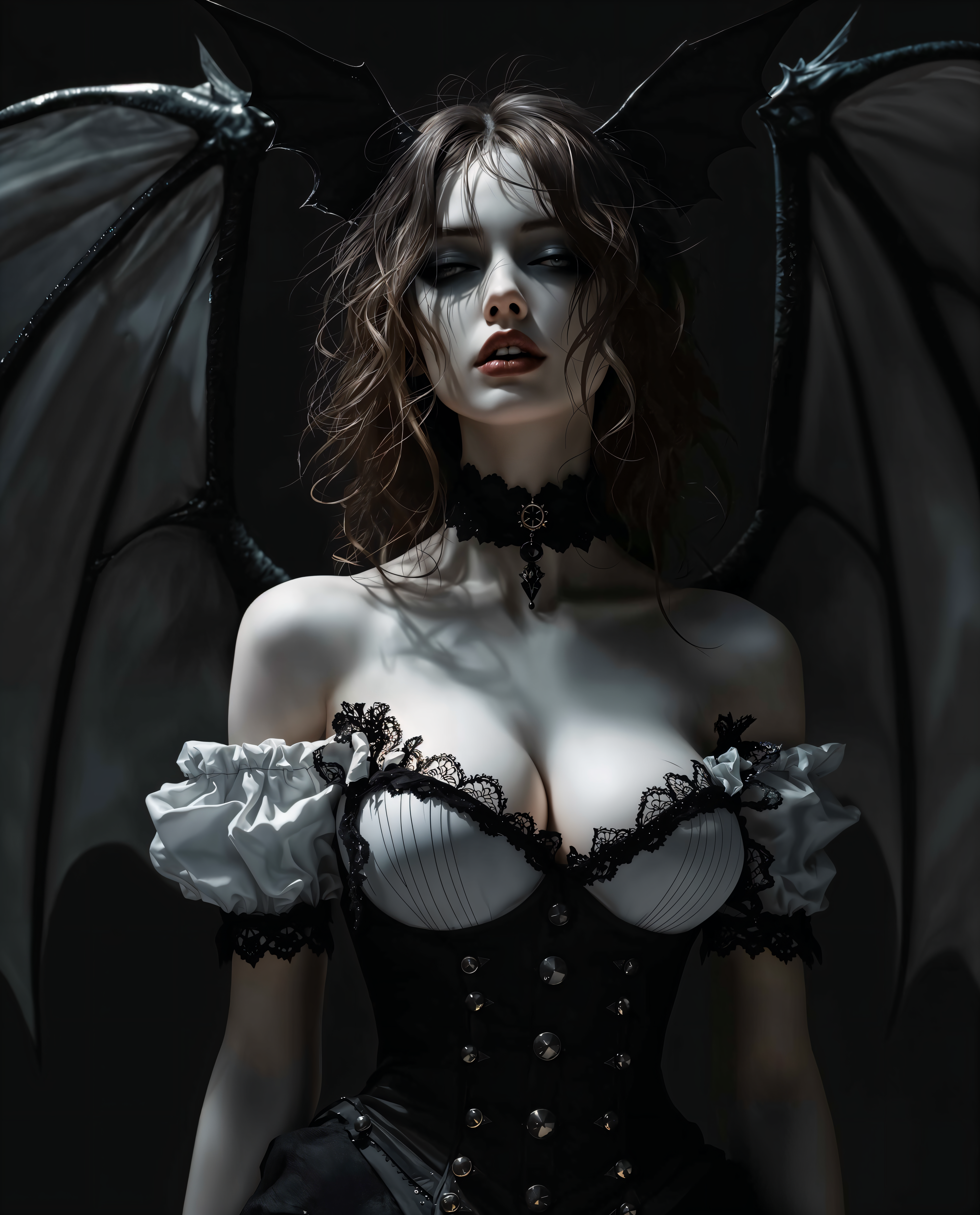
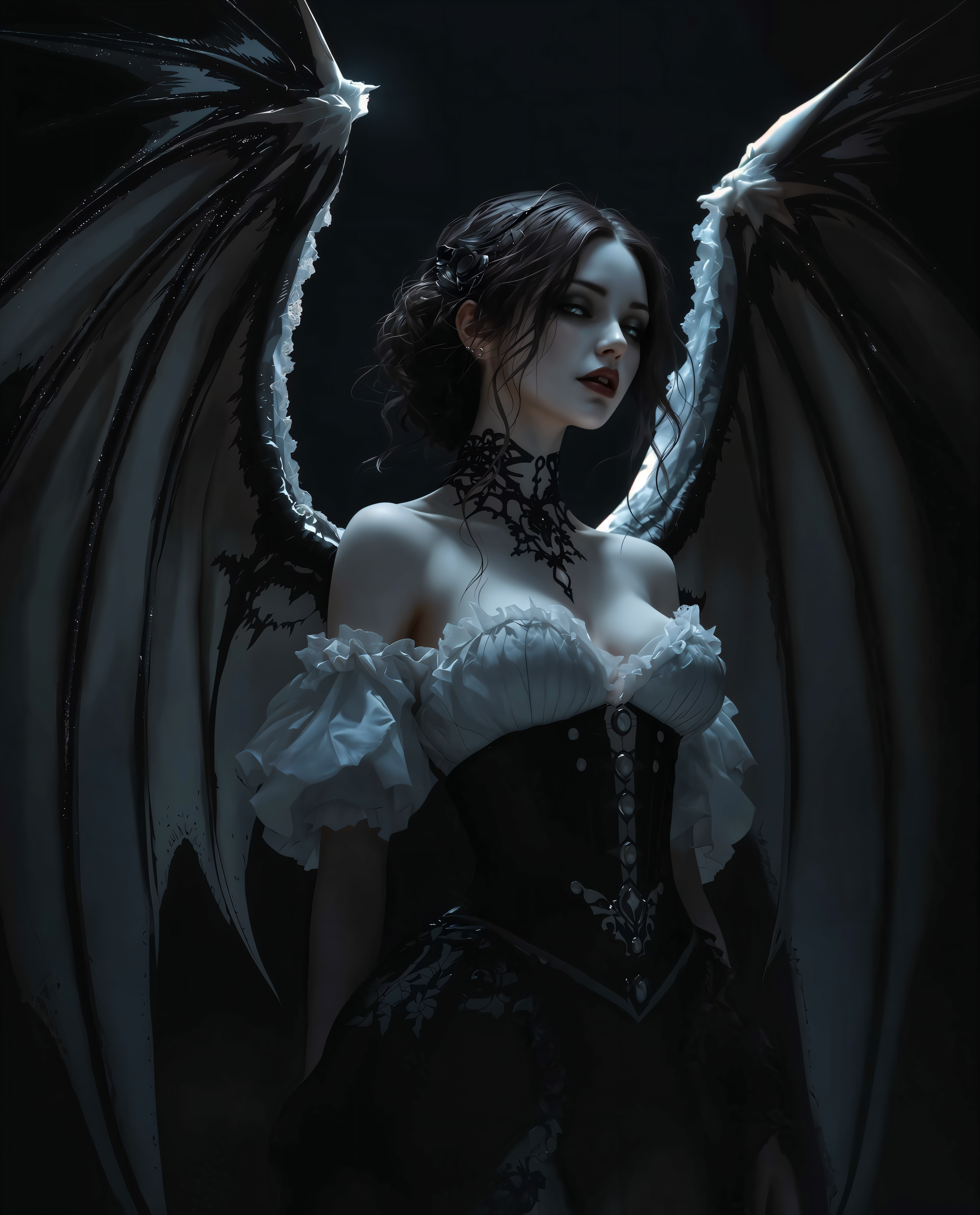
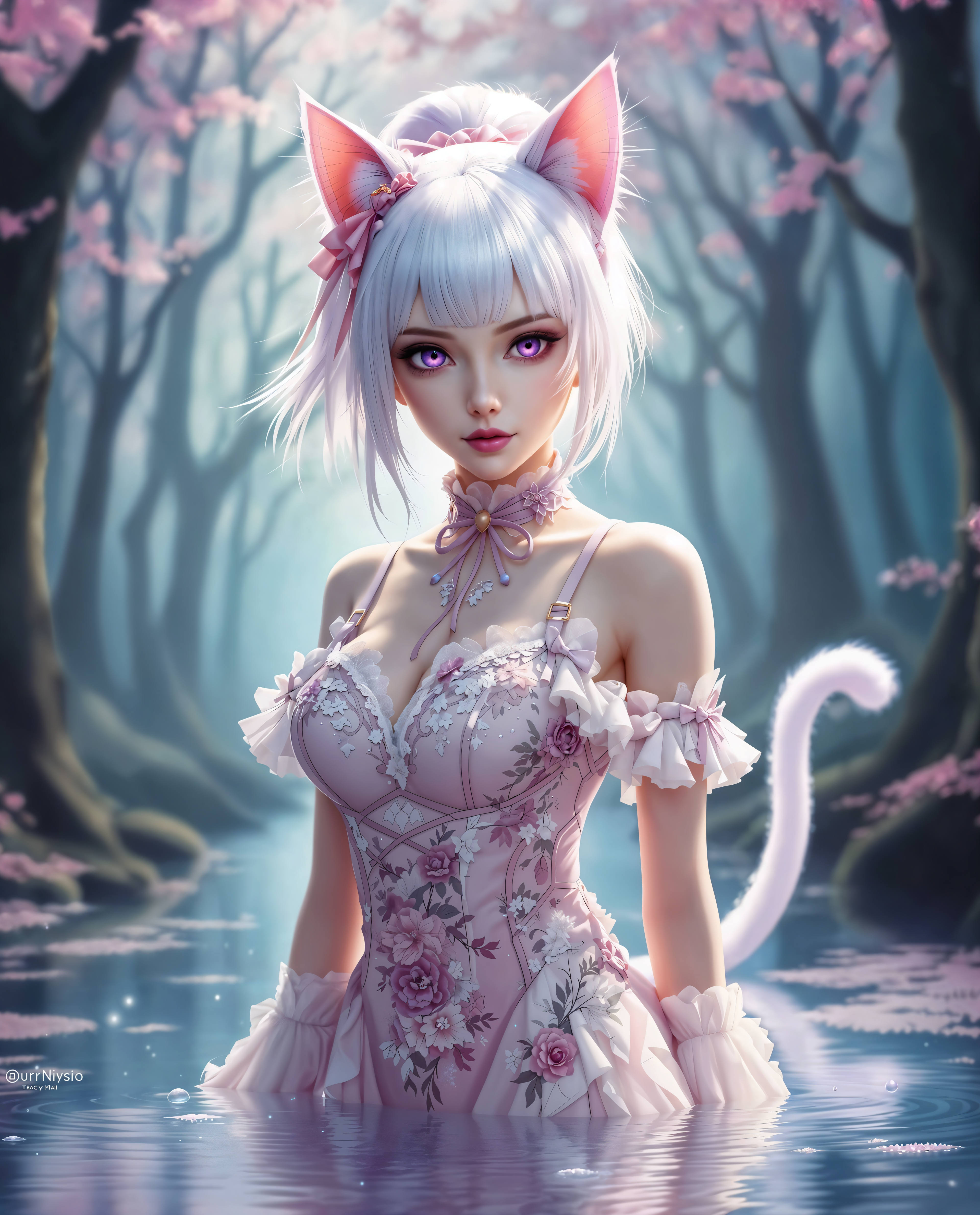
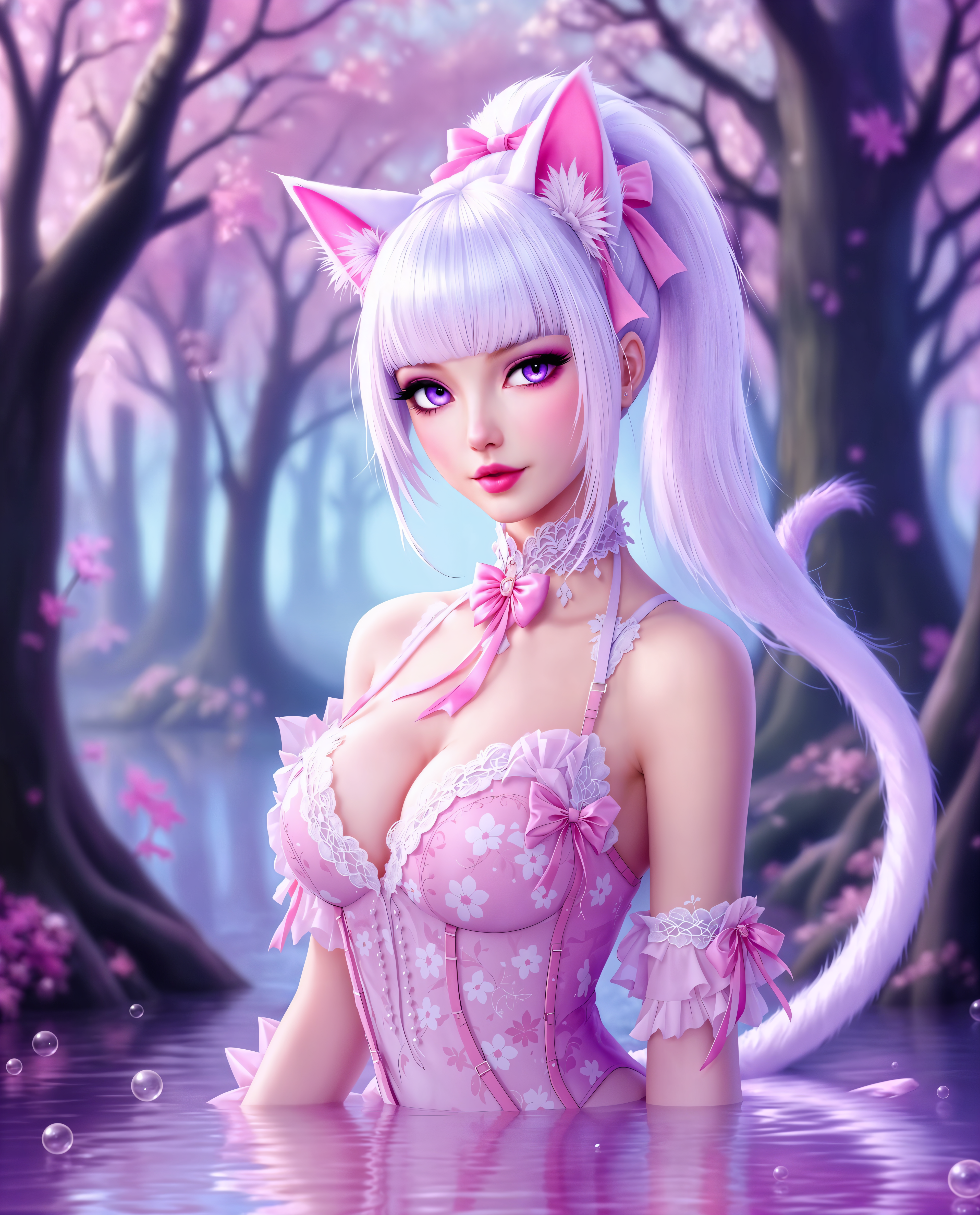
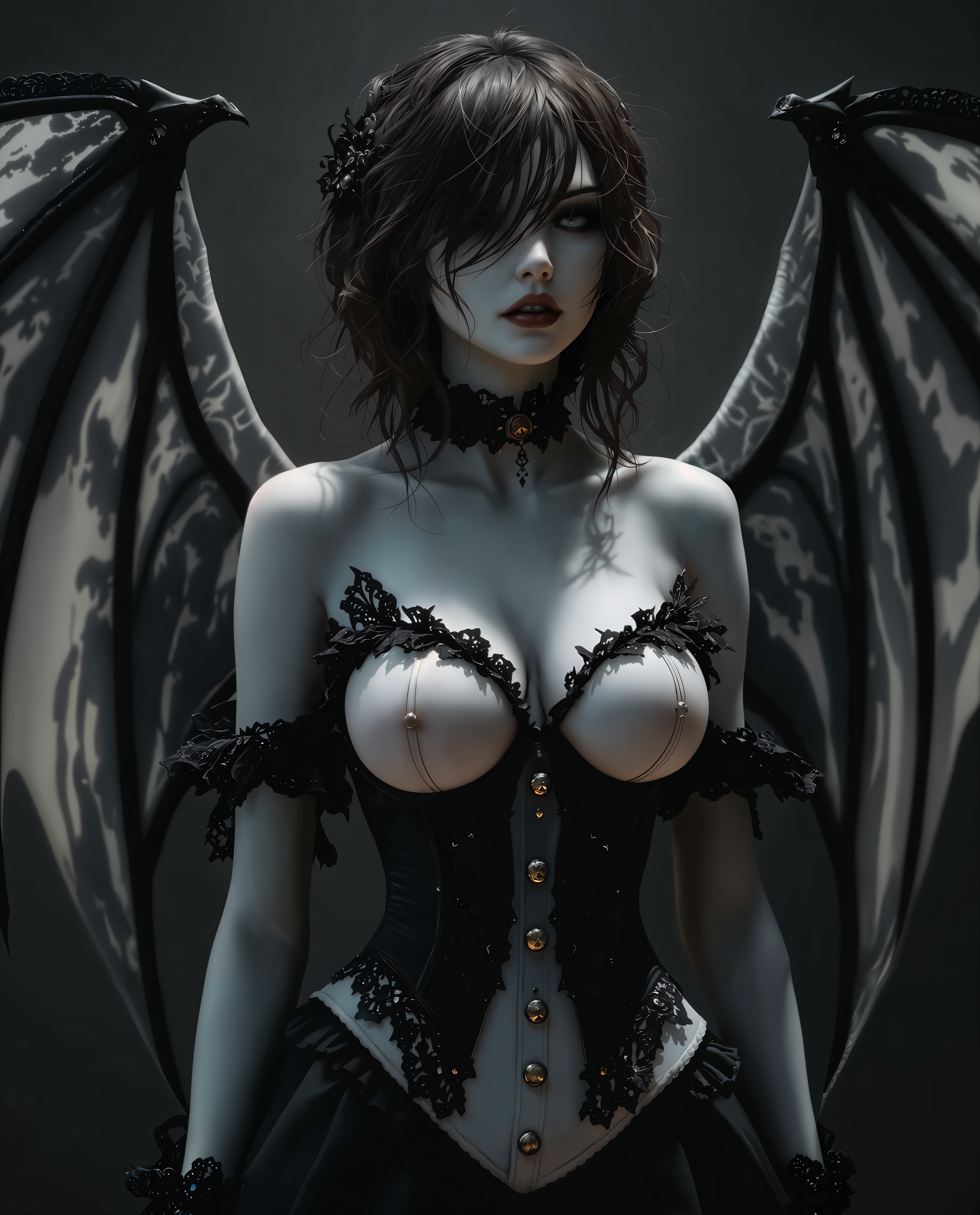
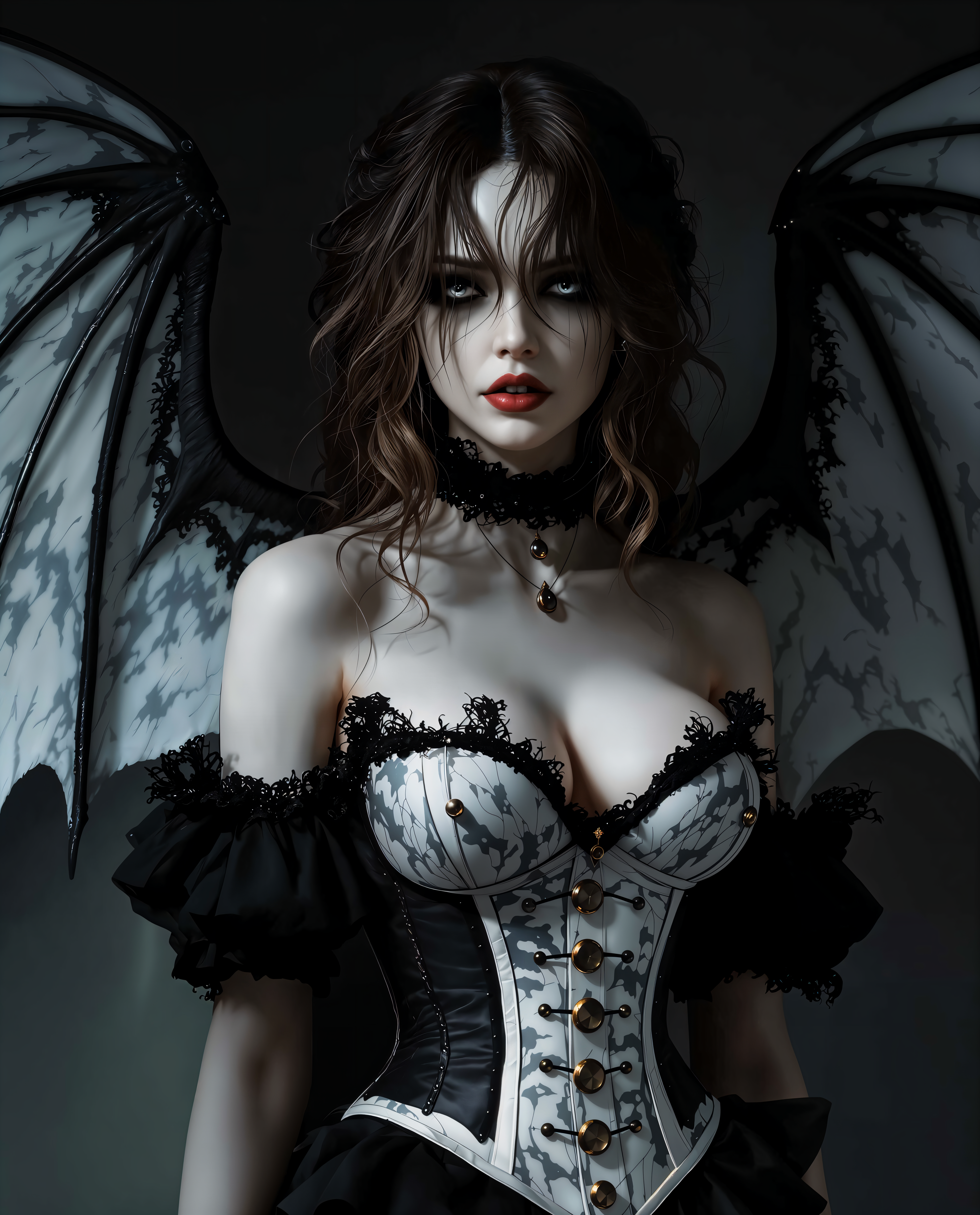
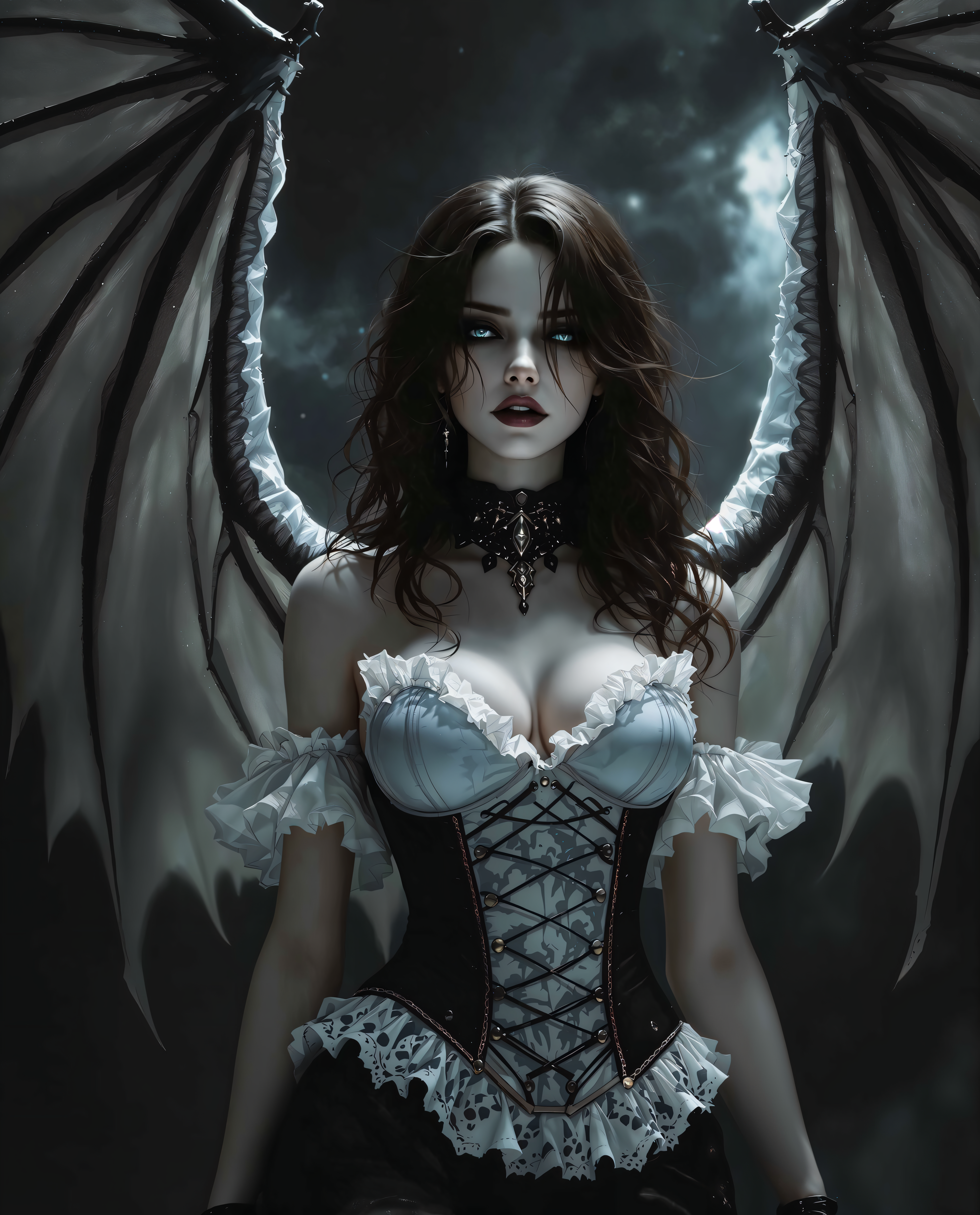
The Pixel Dojo Advantage
Why PixelDojo outperforms other options for tattoo image generation
| Others | Pixel Dojo |
|---|---|
| Traditional tattoo creation | Skip weeks of consultations and revisions—generate and iterate on dozens of designs instantly for free, arriving at your artist with a clear, approved vision. |
| Generic AI tools | Access 40+ specialized tools including Flux.2 Studio and Grok Image optimized for crisp tattoo linework, plus dedicated editing like Inpainting and Style Transfer for tattoo-perfect results. |
| Manual photo editing | Achieve professional tattoo aesthetics in minutes instead of hours—no drawing skills needed, with AI handling shading, composition, and style consistency automatically. |
Loved by creators on PixelDojo
Real feedback from people using PixelDojo, pulled from our in-product surveys.
versatile menu of tools
Best AI tool availble the suite is rad
Versatility quality, value, ROI, innovation
variety of tools available and prompt tools
A "one-stop-shop" for creators! Thanks!!
Lots of different tools. It's easy to purchase more credits.
Explore more AI tools on PixelDojo
AI Tools
Compare & Switch
- Best AI Image Generators
- Best AI Video Generators
- Midjourney Alternatives
- Civitai Alternatives
- Runway Alternatives
- Leonardo Alternatives
- Pika Alternatives
- Luma Alternatives
- Magnific Alternatives
- Veo Alternatives
- Flux Alternatives
- Freepik Alternatives
- Seedance Alternatives
- Seedream Alternatives
- Pixverse Alternatives
- GPT Image Alternatives
- Synthesia Alternatives
- Playground Alternatives
- NightCafe Alternatives
- Canva AI Alternatives
- ElevenLabs Alternatives
- ComfyUI Alternatives
- Fal Alternatives
- Replicate Alternatives
Common Questions
Everything you need to know about free ai tattoo generator
How does a free AI tattoo generator work for creating realistic designs?
PixelDojo's free AI tattoo generator uses advanced models like Flux.2 Studio and Grok Image to interpret your text prompts and produce highly detailed, realistic tattoo artwork. Simply describe your subject, style (such as micro-realism or blackwork), and details, then refine with tools like Inpainting for perfect shading and line precision—all at no cost to start.
What are the best prompts for a free AI tattoo generator in 2026?
Effective prompts follow the formula: subject + style + composition + mood. For example, 'Botanical peony sleeve in ornamental style, flowing around forearm, delicate fine lines, soft black and grey shading, elegant and timeless.' PixelDojo tools like QWEN Image 2 and WAN Image handle these complex prompts to deliver trending 2026 results instantly.
Can I try on tattoo designs virtually with a free AI tattoo generator?
Yes! After generating your design with tools like Grok Image, use Edit Images features such as Image to Image or Virtual Try-On to preview how it looks on your skin. Upload a photo of your body part and adjust placement, size, or color with Smart Resize and Pose Control for realistic visualizations before committing.
Is PixelDojo's free AI tattoo generator truly unlimited for new users?
Get started with generous free credits on our 40+ tools including Flux.2 Studio, Seedream 4.5, and Bria 3.2. Generate unlimited variations during your trial, then enjoy flexible plans with the ability to cancel anytime. No credit card required to explore tattoo ideas.
How do I refine AI-generated tattoo designs for professional quality?
Use PixelDojo's powerful Edit Images suite: Inpainting to fix or enhance specific areas, Style Transfer to switch between blackwork and watercolor, Magic Lighting for dramatic shading, and Clarity Pro for crisp details. These steps ensure your designs are artist-ready and match trending styles like dark academia or Japanese irezumi.
What trending tattoo styles can I create with a free AI tattoo generator?
Explore 2026 favorites including micro-realism, ornamental, botanical, dark academia, fine-line minimalism, and traditional Japanese irezumi. Our tools like Hunyuan Image 3 and Recraft V4.1 specialize in clean linework and rich details, helping you generate authentic, high-impact designs that stand out.