free photo enhancer
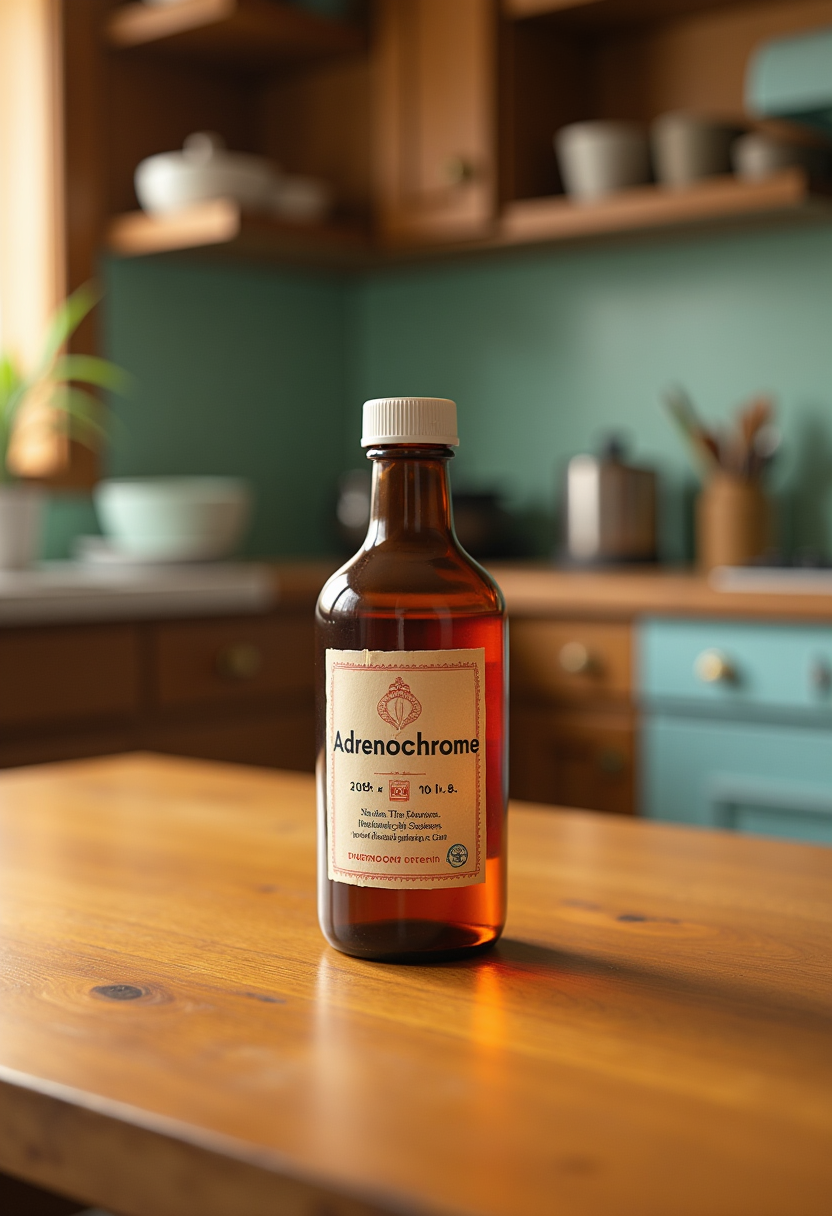
Imagine turning every blurry snapshot, faded family photo, or low-resolution image into a crisp, vibrant masterpiece in seconds. PixelDojo's free photo enhancer empowers you to achieve professional-grade results without expensive software or hours of manual editing. Whether you're a photographer preparing prints, a content creator optimizing for social media, or someone preserving precious memories, our AI tools deliver sharp details, natural colors, and enhanced clarity that make your photos stand out. Experience the freedom of unlimited enhancements with access to over 40 cutting-edge AI tools, loved by thousands of creators worldwide – try it today and cancel anytime.
Over 75,000 creators have enhanced more than 2.5 million photos using PixelDojo. Average rating of 4.9/5 from verified users. Featured in top creator communities for delivering consistent, artifact-free results that rival paid professional services.
Why Choose Pixel Dojo for free photo enhancer
Professional-quality results with cutting-edge AI technology
Revive Old and Damaged Photos
Breathe life back into faded family albums or scratched prints. PixelDojo's Reality Polisher and Image Analyzer recover lost details, correct colors, and remove imperfections, transforming cherished memories into display-worthy treasures you can proudly share or print.
Upscale Low-Resolution Images to 4K+
Enlarge small or pixelated photos for large prints, websites, or high-definition displays. Tools like P-Image Upscale, Magnific Upscaler, and Creative Upscaler intelligently add realistic details while preserving textures, ensuring your images look sharp and professional at any size.
Create Flawless Portraits and Product Shots
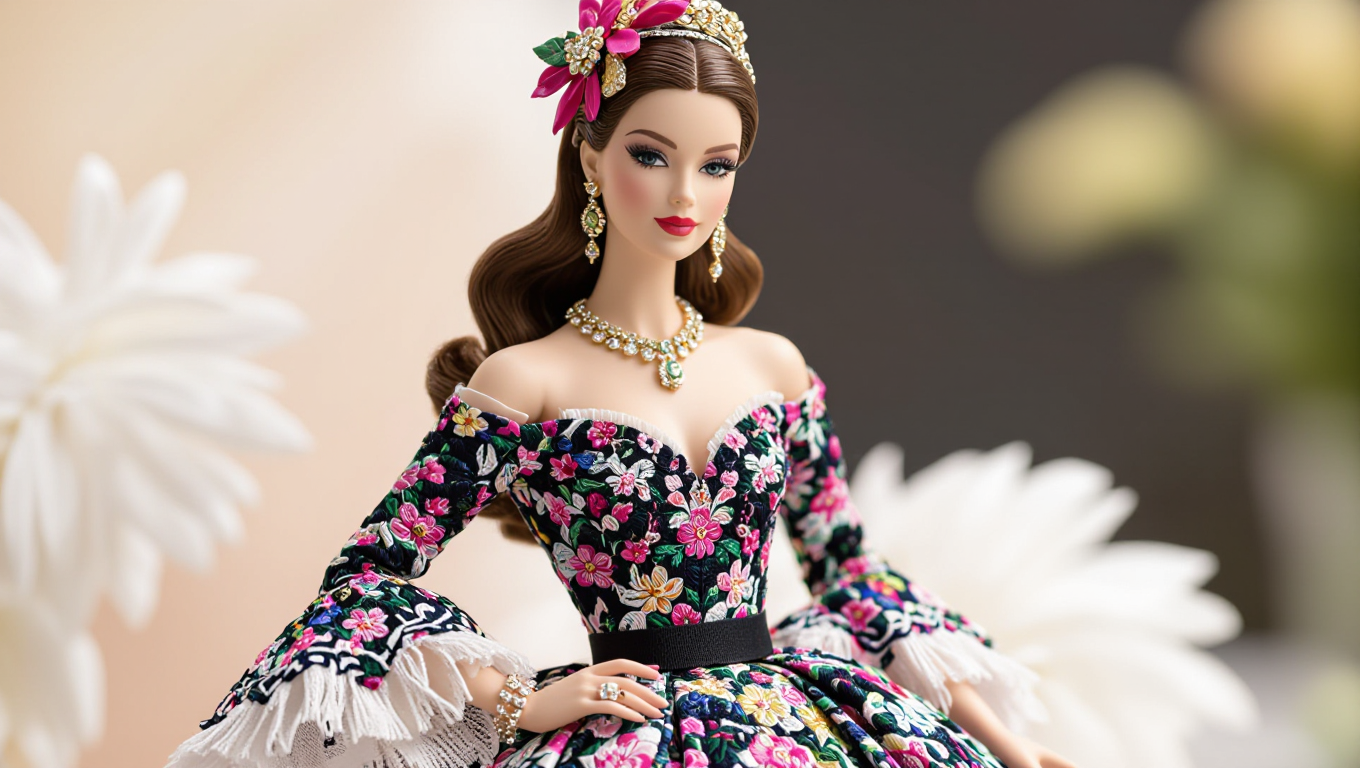
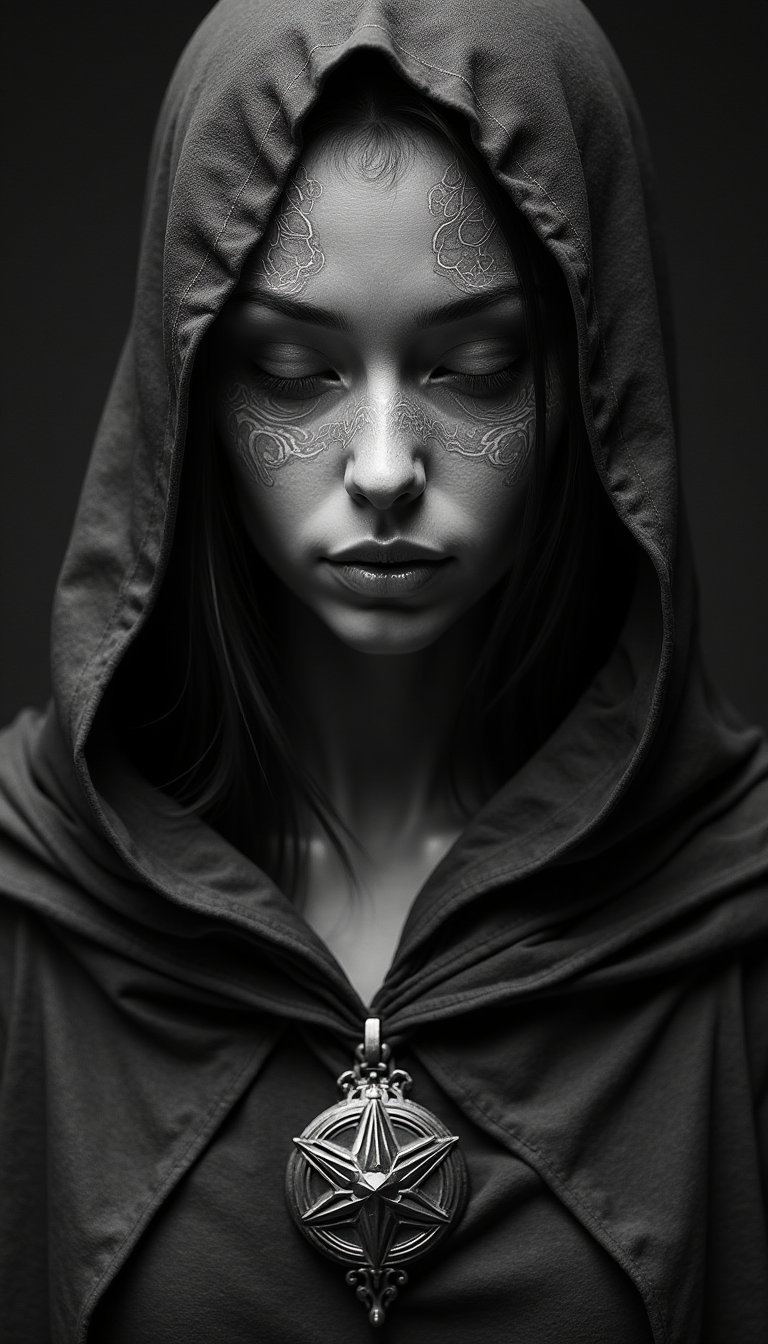
Perfect skin tones, sharpen eyes, and enhance lighting in portraits or product images. Portrait Upscaler and Clarity Pro deliver natural-looking results that make subjects pop, helping you produce scroll-stopping content for marketing, social media, or personal projects without retouching skills.
How It Works
Creating enhanced photos with PixelDojo's free photo enhancer is straightforward and requires no technical expertise. In just three simple steps, you'll go from ordinary images to extraordinary results using our specialized AI tools.
Step 1: Choose Your Tool
Browse the Upscale & Enhance section and select the perfect free photo enhancer for your needs, such as P-Image Upscale for general enlargement, Magnific Upscaler for creative detail addition, Clarity Pro for overall sharpness, or Portrait Upscaler for people-focused images. Each tool is optimized for specific outcomes like noise reduction or texture preservation.
Step 2: Enter Your Prompt or Upload Image
Upload your photo directly or describe desired enhancements like 'sharpen details, boost colors, remove noise while keeping natural look'. Advanced options in tools like Reality Polisher let you target specific areas such as faces or backgrounds for precise control and optimal free photo enhancer results.
Step 3: Customize & Download
Preview the AI-enhanced version in real-time, fine-tune settings like resolution or intensity, then download your high-quality result instantly. No watermarks on free enhancements, and you can process multiple images quickly to build your portfolio or complete projects efficiently.



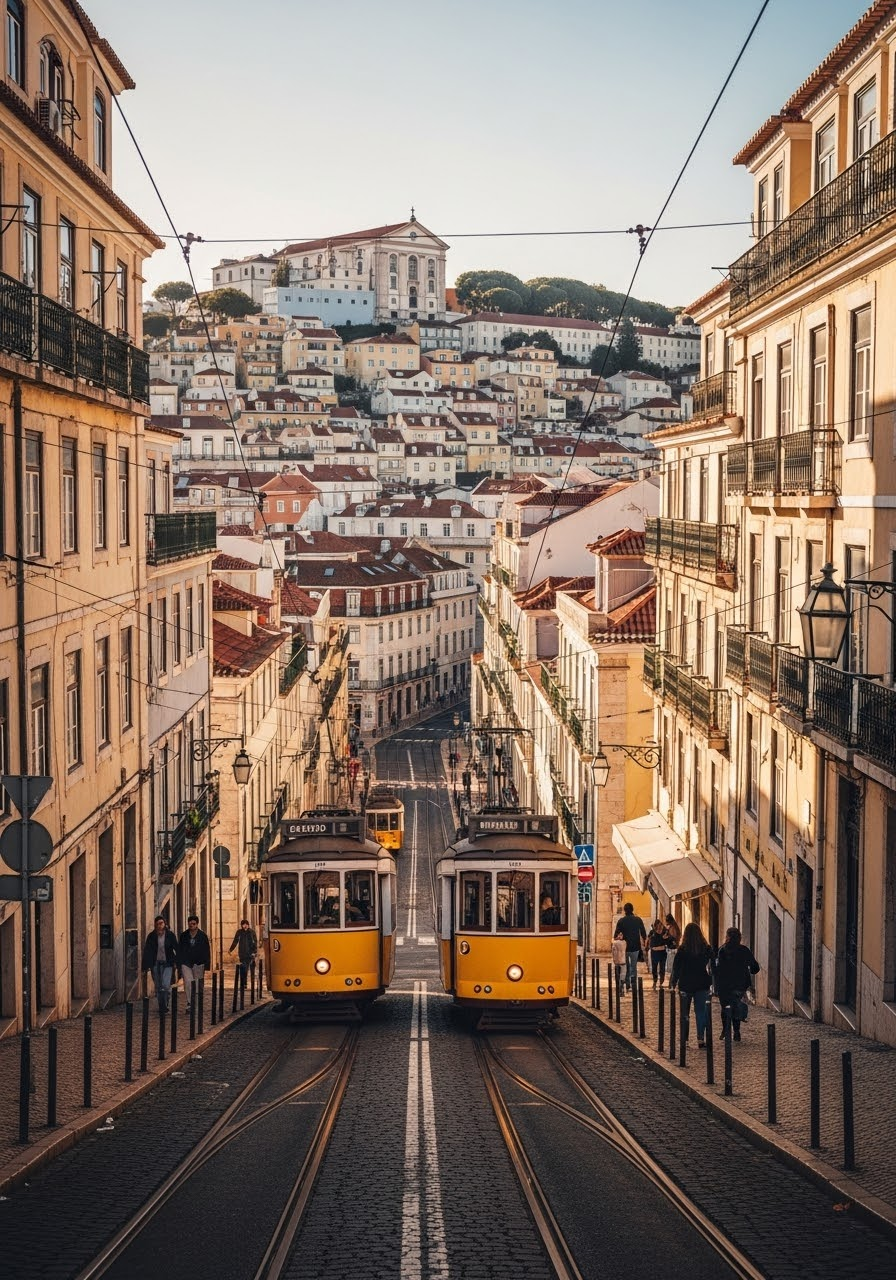
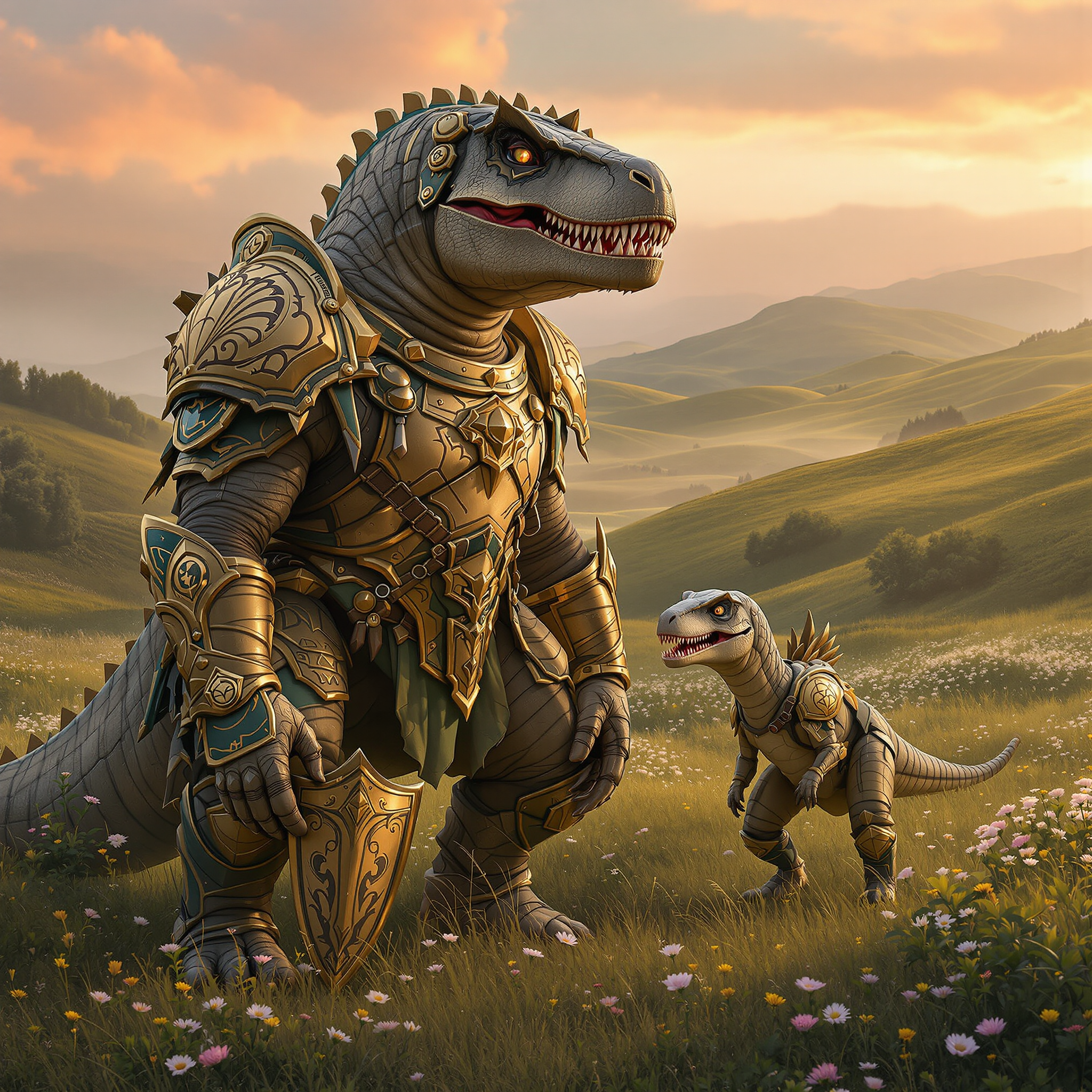
The Pixel Dojo Advantage
Why PixelDojo outperforms other options for free photo enhancer image generation
| Others | Pixel Dojo |
|---|---|
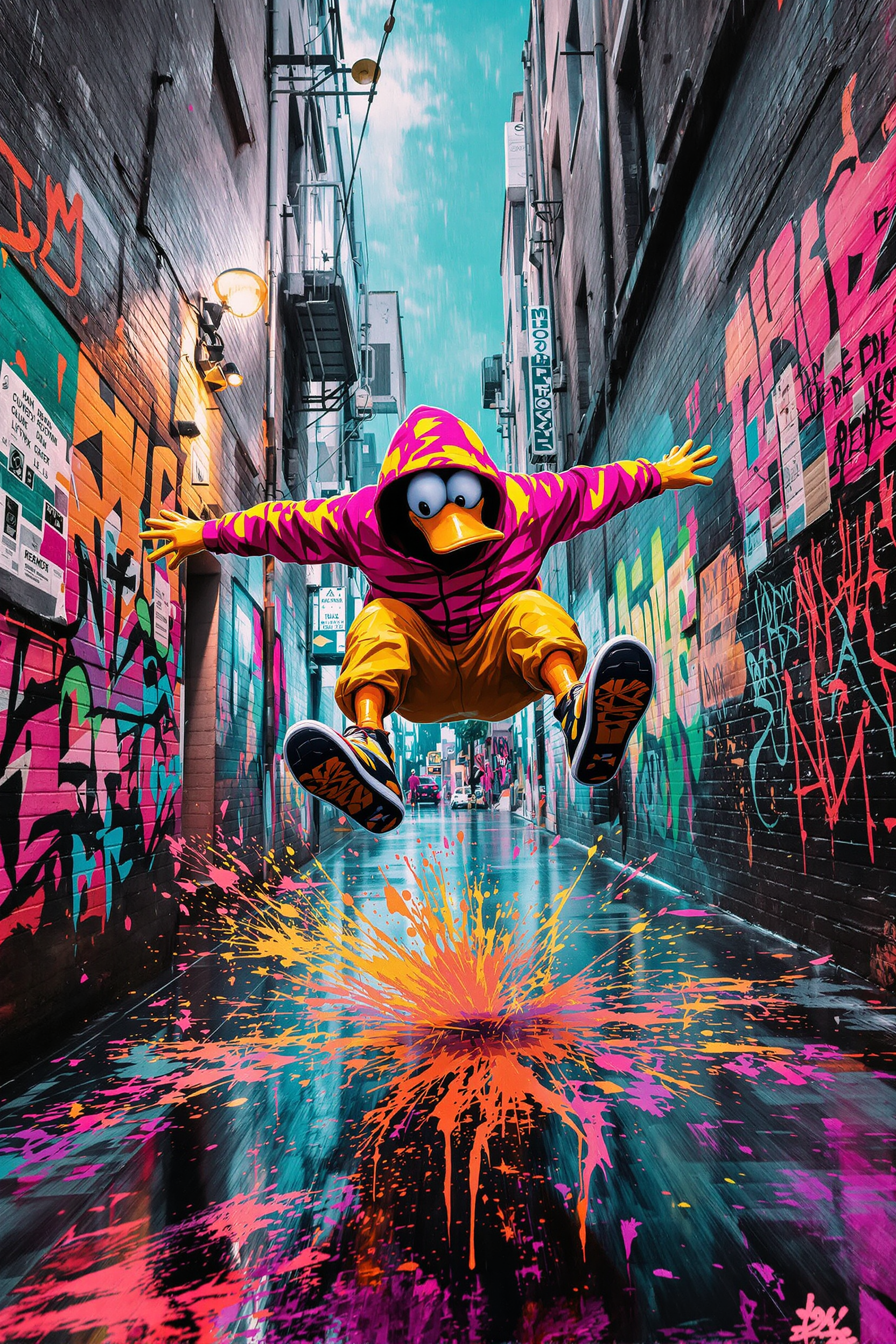
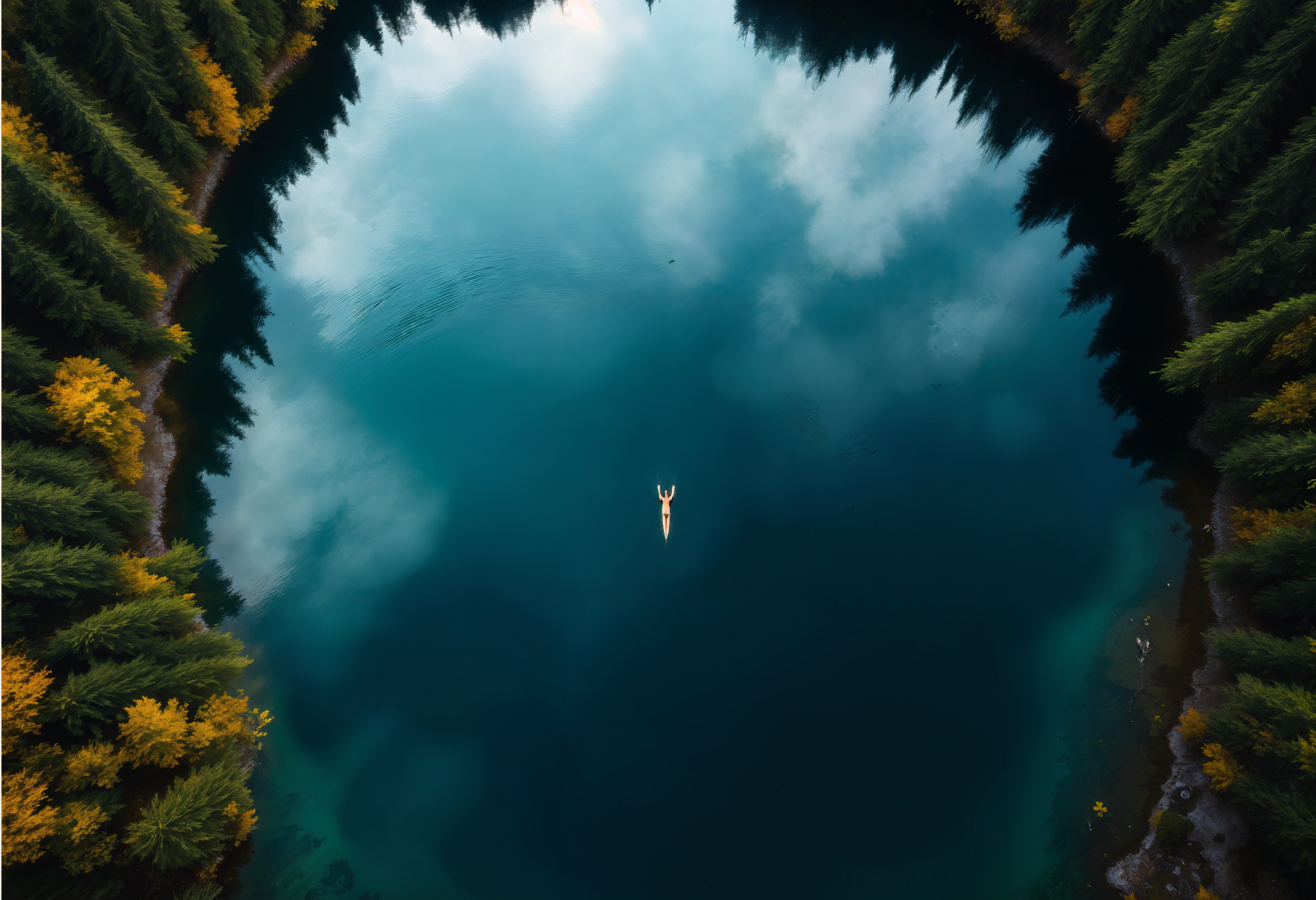
| Traditional photo enhancement | Instant AI-powered results in seconds versus hours of manual adjustments, with consistent professional quality every time |
| Generic AI tools | Specialized free tools like Magnific Upscaler and Portrait Upscaler deliver targeted, high-fidelity enhancements without limits or watermarks |
| Manual photo editing | No steep learning curve or expensive subscriptions – achieve expert-level clarity, upscaling, and restoration automatically with reliable outcomes |
Loved by creators on PixelDojo
Real feedback from people using PixelDojo, pulled from our in-product surveys.
I really like how the site is kept up to date, and the leaderboard (where I'm currently #11 most popular artist)
This is the best image generator I've used so far. Well done!
es facil de comprender asi uno no sea programador
amazing web site
phenomenal site. would highly recommend
Amazing features, easy to use, privacy
Explore more AI tools on PixelDojo
AI Tools
Compare & Switch
- Best AI Image Generators
- Best AI Video Generators
- Midjourney Alternatives
- Civitai Alternatives
- Runway Alternatives
- Leonardo Alternatives
- Pika Alternatives
- Luma Alternatives
- Magnific Alternatives
- Veo Alternatives
- Flux Alternatives
- Freepik Alternatives
- Seedance Alternatives
- Seedream Alternatives
- Pixverse Alternatives
- GPT Image Alternatives
- Synthesia Alternatives
- Playground Alternatives
- NightCafe Alternatives
- Canva AI Alternatives
- ElevenLabs Alternatives
- ComfyUI Alternatives
- Fal Alternatives
- Replicate Alternatives
Common Questions
Everything you need to know about free photo enhancer
How to enhance old photos with free AI photo enhancer online?
Simply upload your vintage image to PixelDojo's free photo enhancer using tools like Reality Polisher or P-Image Upscale. The AI automatically recovers faded colors, sharpens details, and removes scratches while preserving authentic textures. Thousands of users have restored family heirlooms this way, achieving print-ready results in under a minute without any cost or signup barriers.
What is the best free AI photo enhancer for upscaling blurry images to 4K?
PixelDojo's Magnific Upscaler and Creative Upscaler stand out for turning blurry or low-resolution photos into stunning 4K+ images. These free tools intelligently reconstruct details and maintain natural appearances, making them ideal for photographers and creators who need high-quality enlargements for prints, websites, or social content without artifacts.
Can I use a free photo enhancer to improve portrait photos professionally?
Yes, PixelDojo's Portrait Upscaler and Clarity Pro are designed specifically for portraits. They enhance skin smoothness, eye sharpness, and lighting naturally while keeping realistic features intact. Users report professional studio-like results that boost engagement on social media and marketing materials, all available for free with flexible cancellation.
Is there a truly free AI image enhancer without watermarks or limits?
PixelDojo provides unlimited free enhancements using its suite of 40+ tools including P-Image Upscale and Reality Polisher. No watermarks appear on outputs, and you can process as many photos as needed. This risk-free approach lets you experiment fully before committing, with the option to cancel anytime.
How does PixelDojo's free photo enhancer compare for restoring damaged images?
Our Image Analyzer combined with Reality Polisher excels at repairing scratches, noise, and color loss in damaged photos. The AI analyzes content intelligently to fill gaps realistically, delivering results that look untouched. This makes it perfect for archivists and hobbyists seeking high-quality restorations quickly and at no cost.
What techniques make AI photo enhancement effective for product photography?
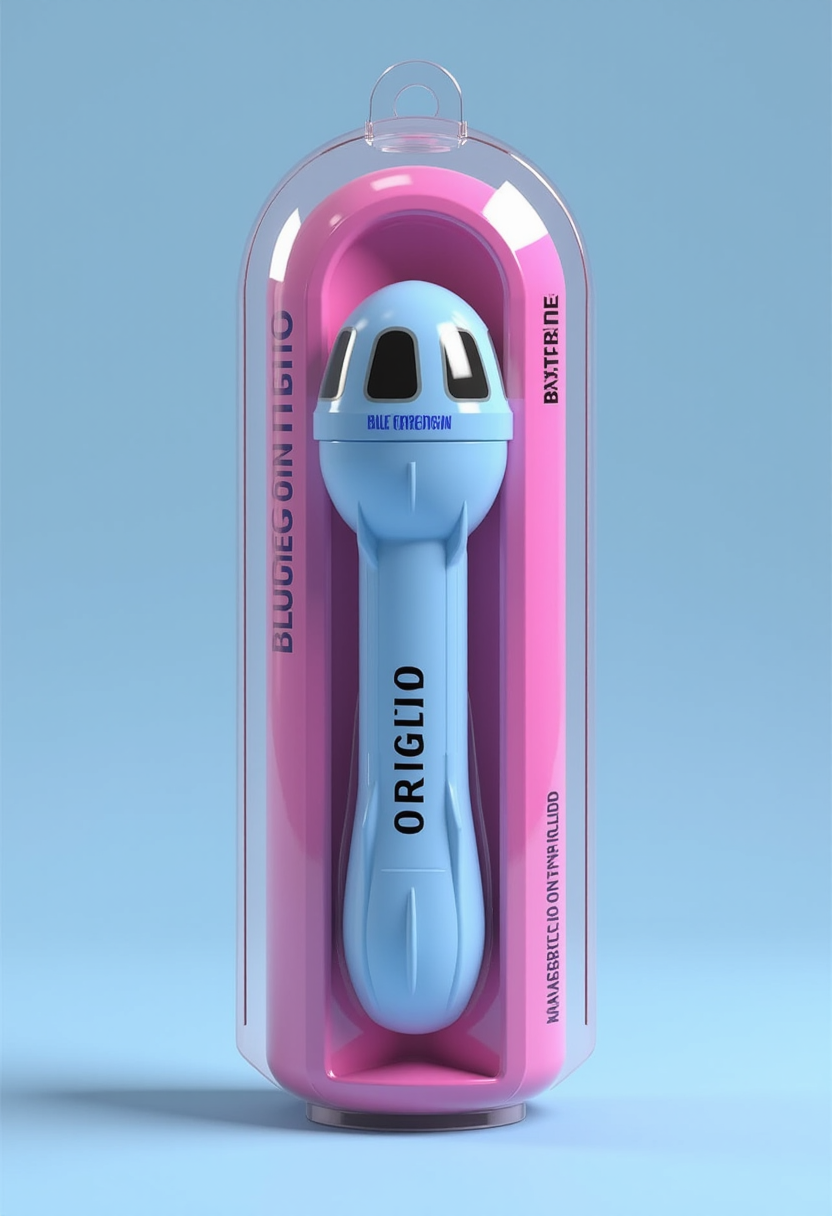
For product shots, use Creative Upscaler or Clarity Pro to boost sharpness, adjust lighting, and upscale for e-commerce. These tools preserve fine textures like fabric or metal while enhancing overall clarity. Creators achieve conversion-boosting visuals that stand out in marketplaces, all through PixelDojo's accessible free platform.