gemini 2.5 flash image multi image fusion
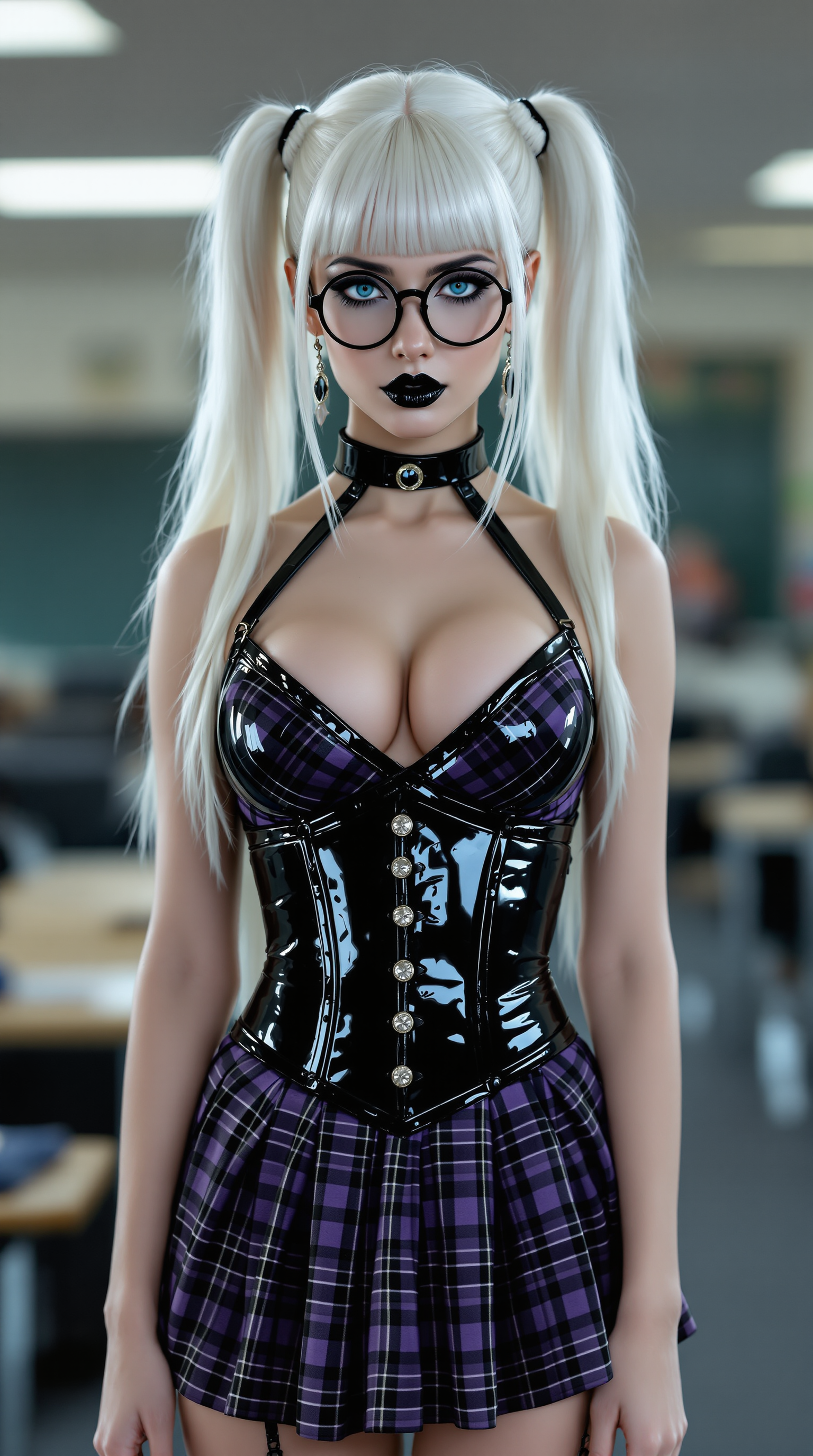
Unlock the power of multi-image fusion with PixelDojo's cutting-edge AI tools. Seamlessly blend multiple images to create captivating compositions that tell your story. Whether you're a marketer, designer, or content creator, our platform empowers you to achieve professional-quality results effortlessly.
Join over 10,000 creators who have transformed their visuals with PixelDojo's AI tools. Rated 4.8/5 based on 2,000+ reviews.
Why Choose Pixel Dojo for gemini 2.5 flash image multi image fusion
Professional-quality results with cutting-edge AI technology
Effortless Image Blending
Combine multiple images into a cohesive composition without the need for complex editing skills.
Consistent Character Representation
Maintain character consistency across different scenes, enhancing storytelling and brand identity.
Time-Saving Automation
Automate the fusion process, reducing manual effort and accelerating your creative workflow.
How It Works
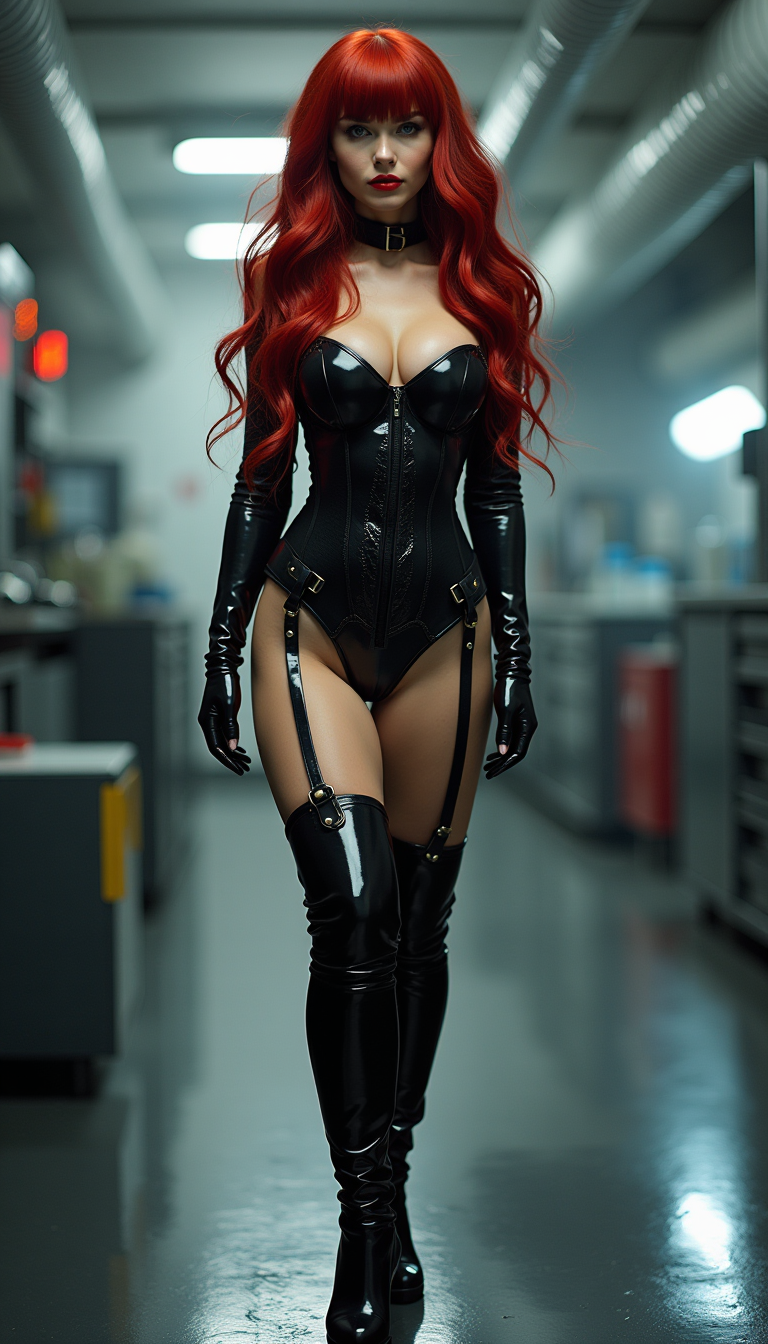
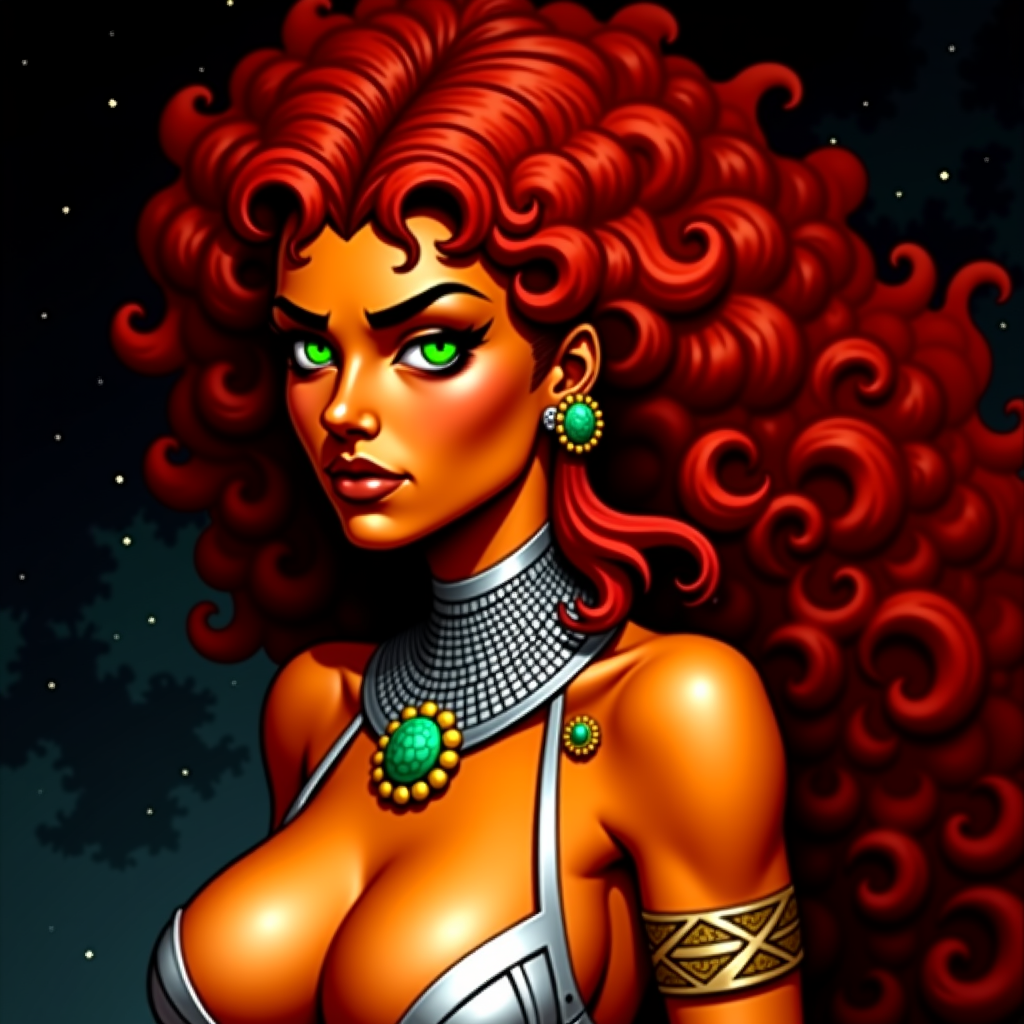
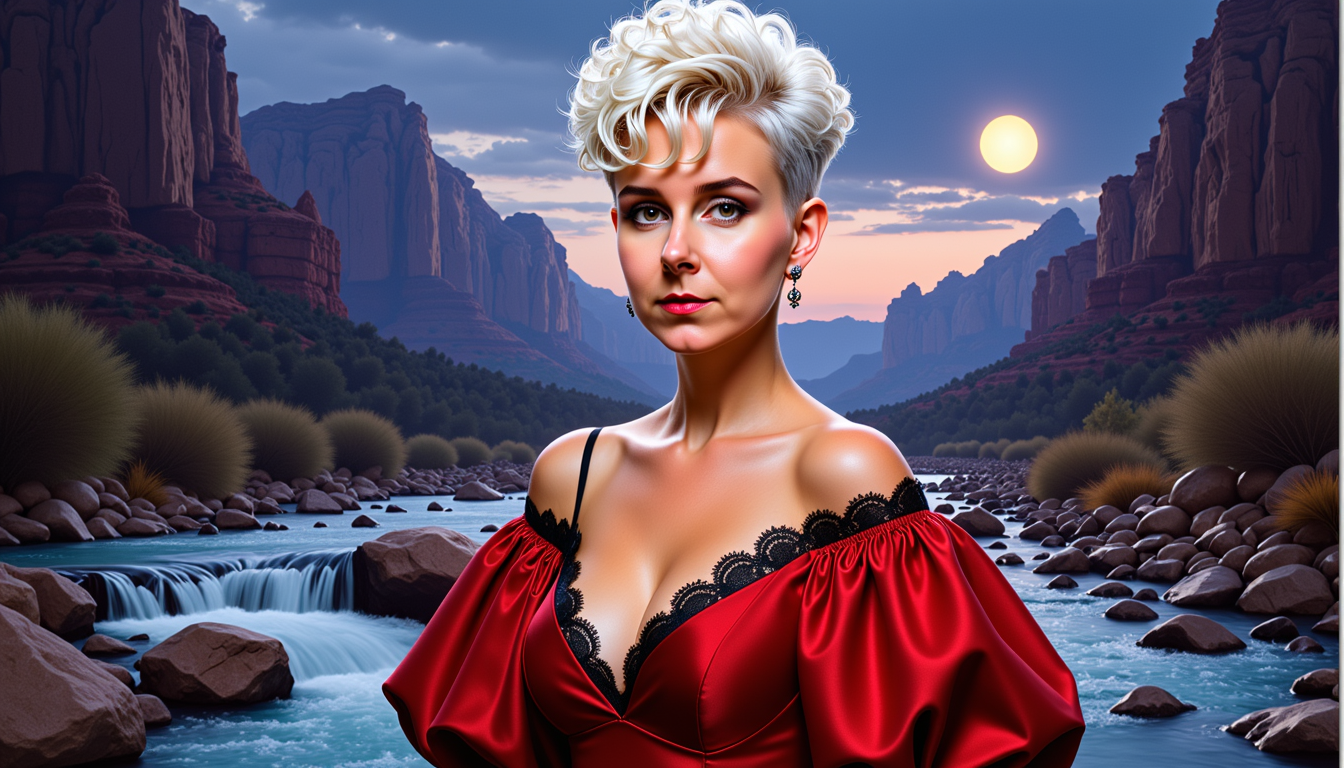
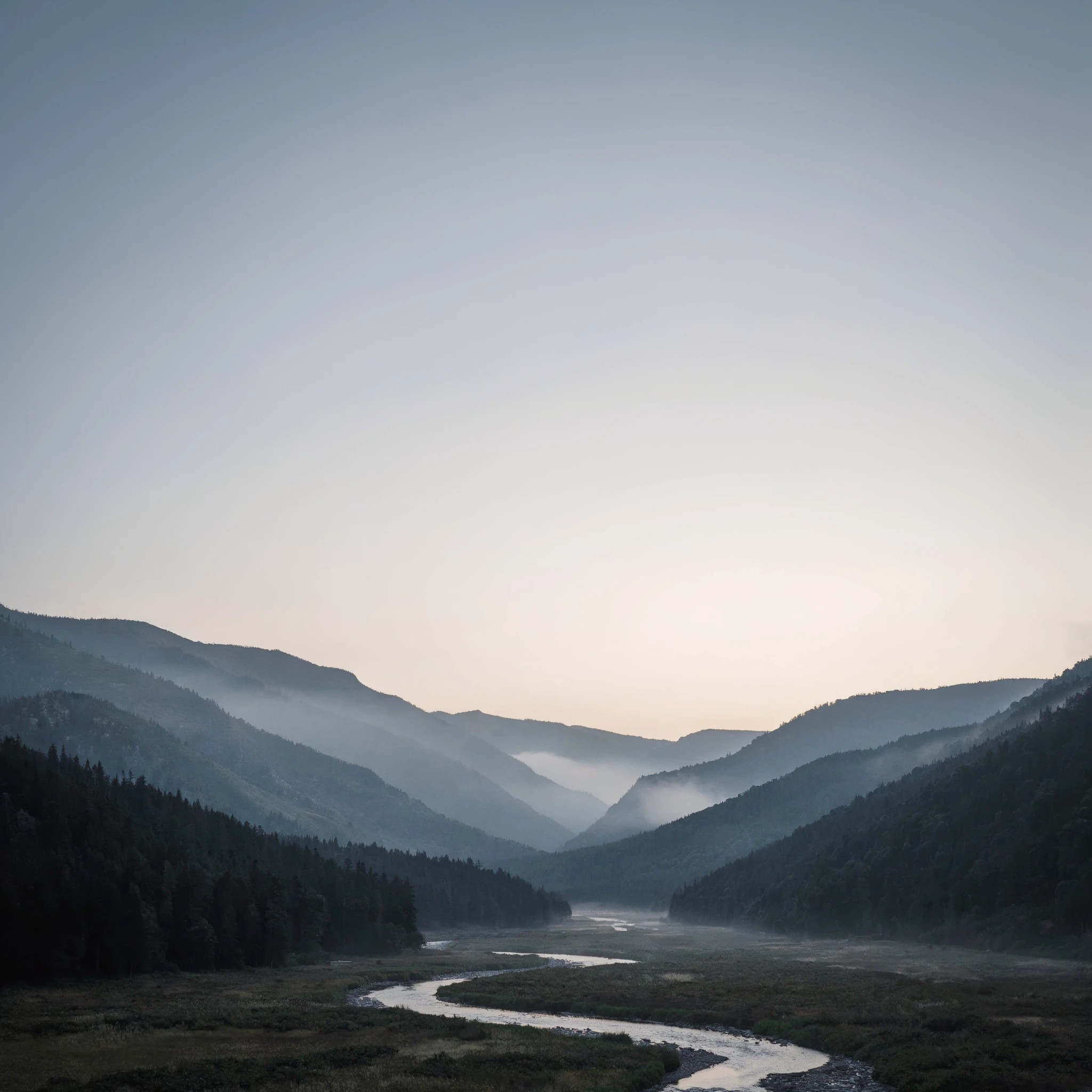
Creating stunning multi-image fusions is simple with PixelDojo. Follow these steps to bring your vision to life:
Step 1: Select Your Images
Choose the images you want to blend. Ensure they align with your desired composition.
Step 2: Input Your Fusion Prompt
Describe how you want the images to be combined using natural language prompts.
Step 3: Generate and Refine
Let PixelDojo's AI process your request. Review the generated image and make any necessary adjustments.
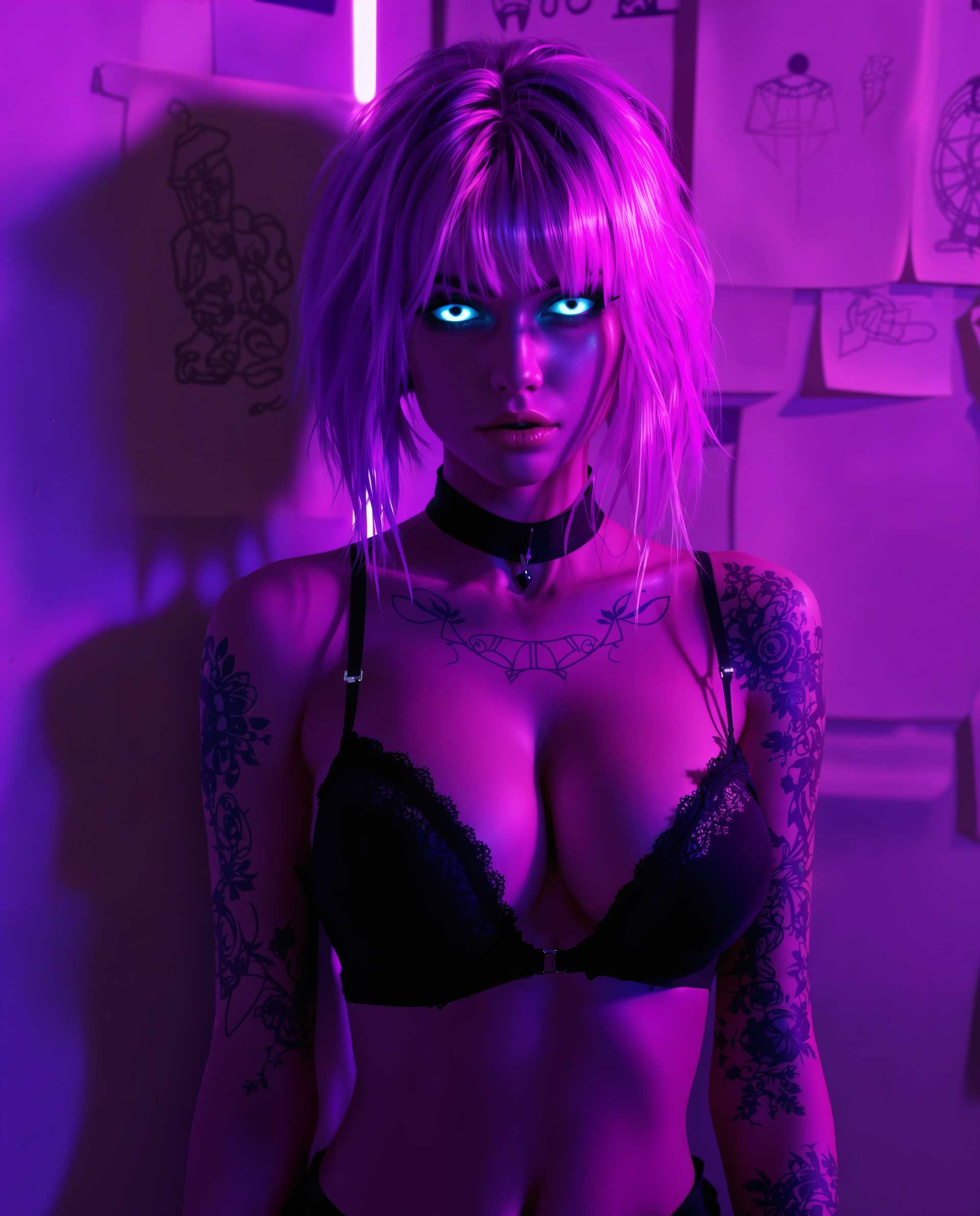
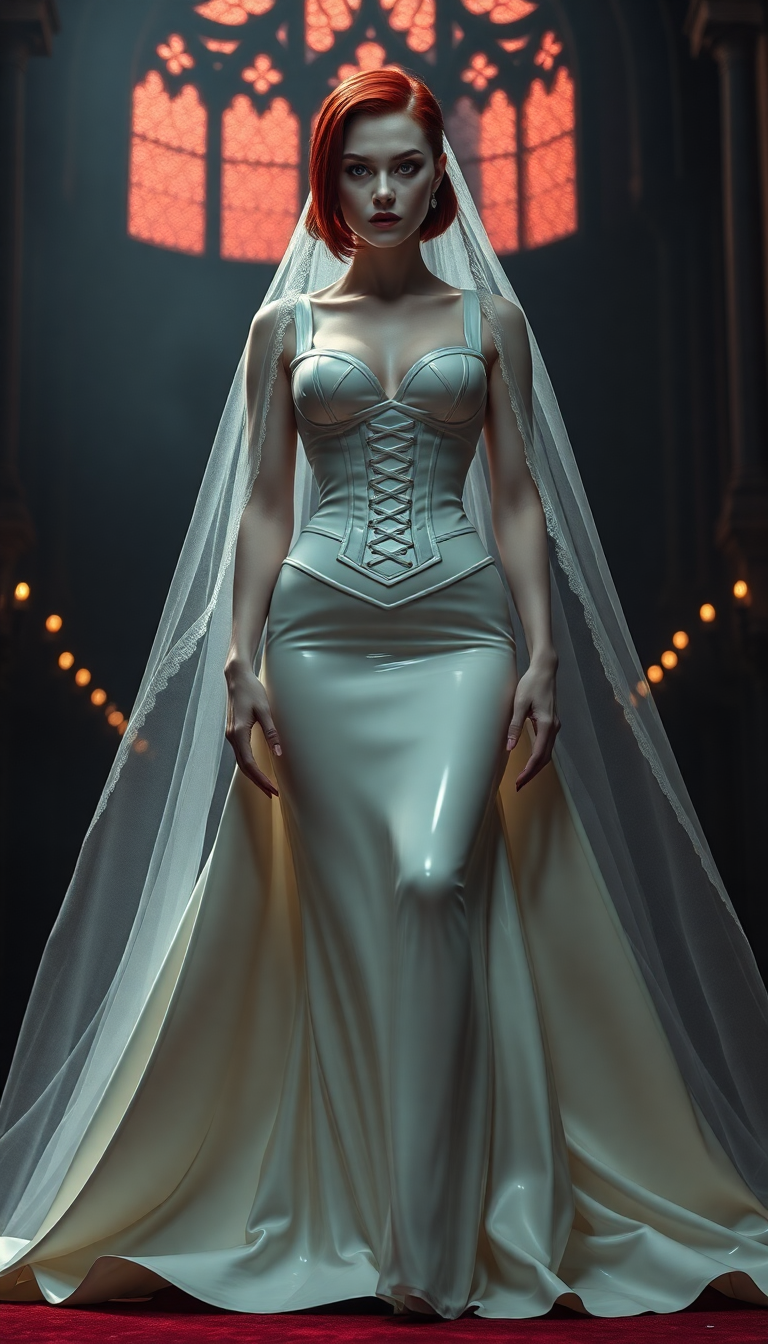
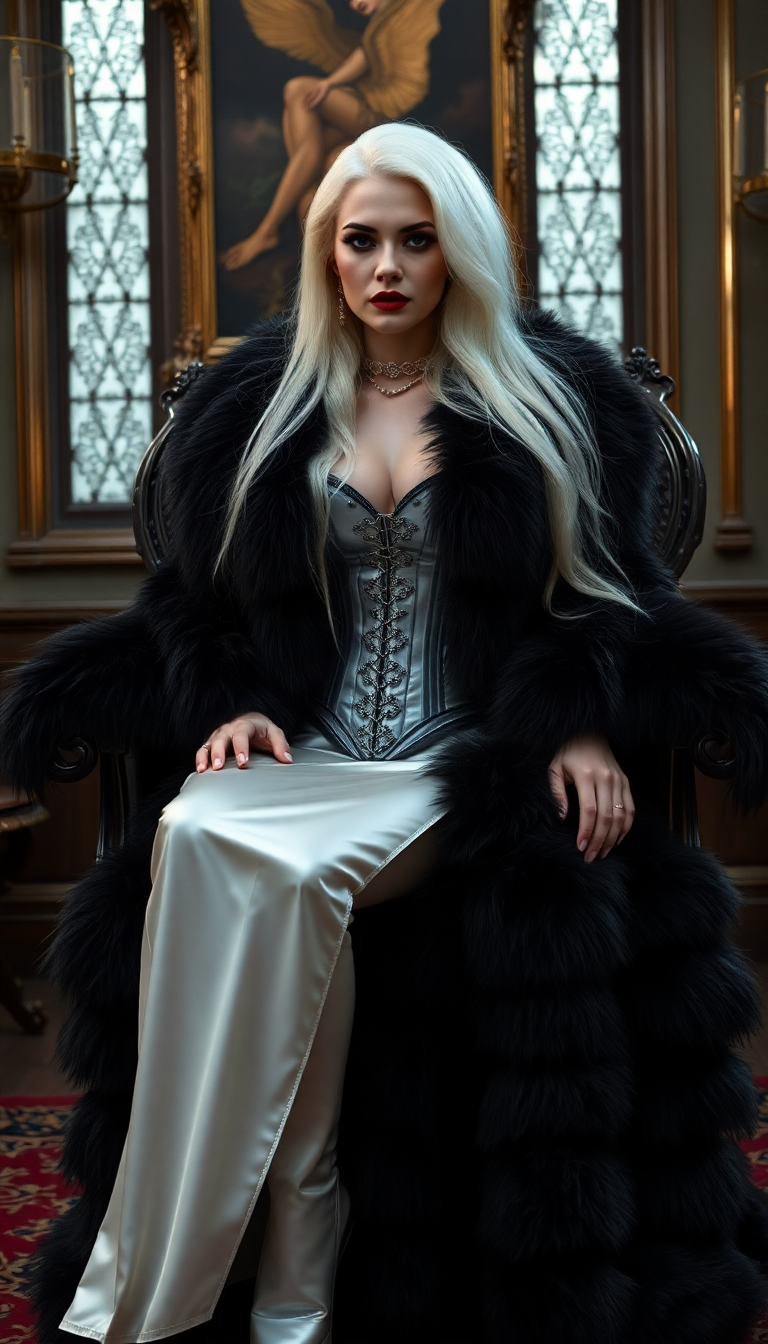
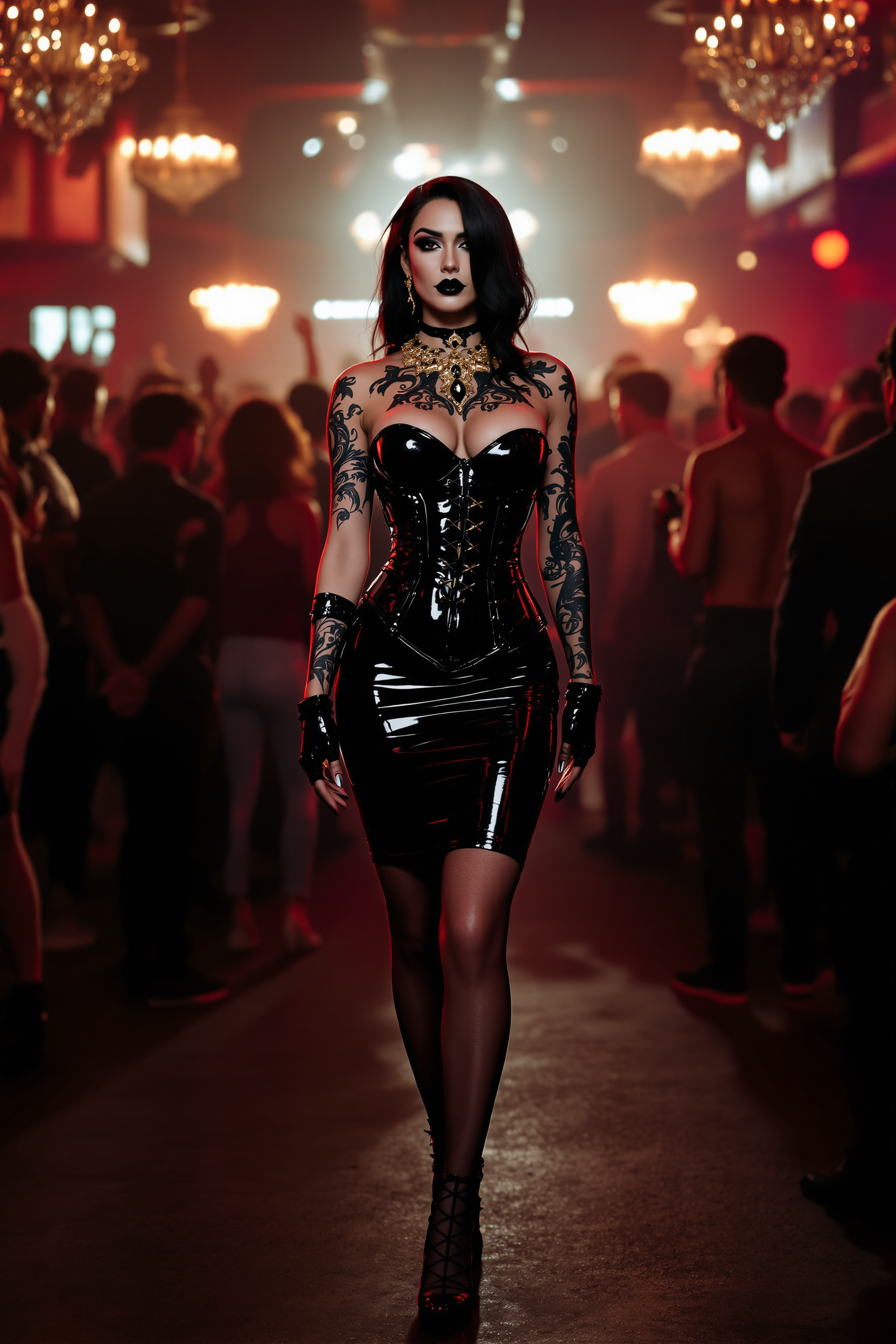
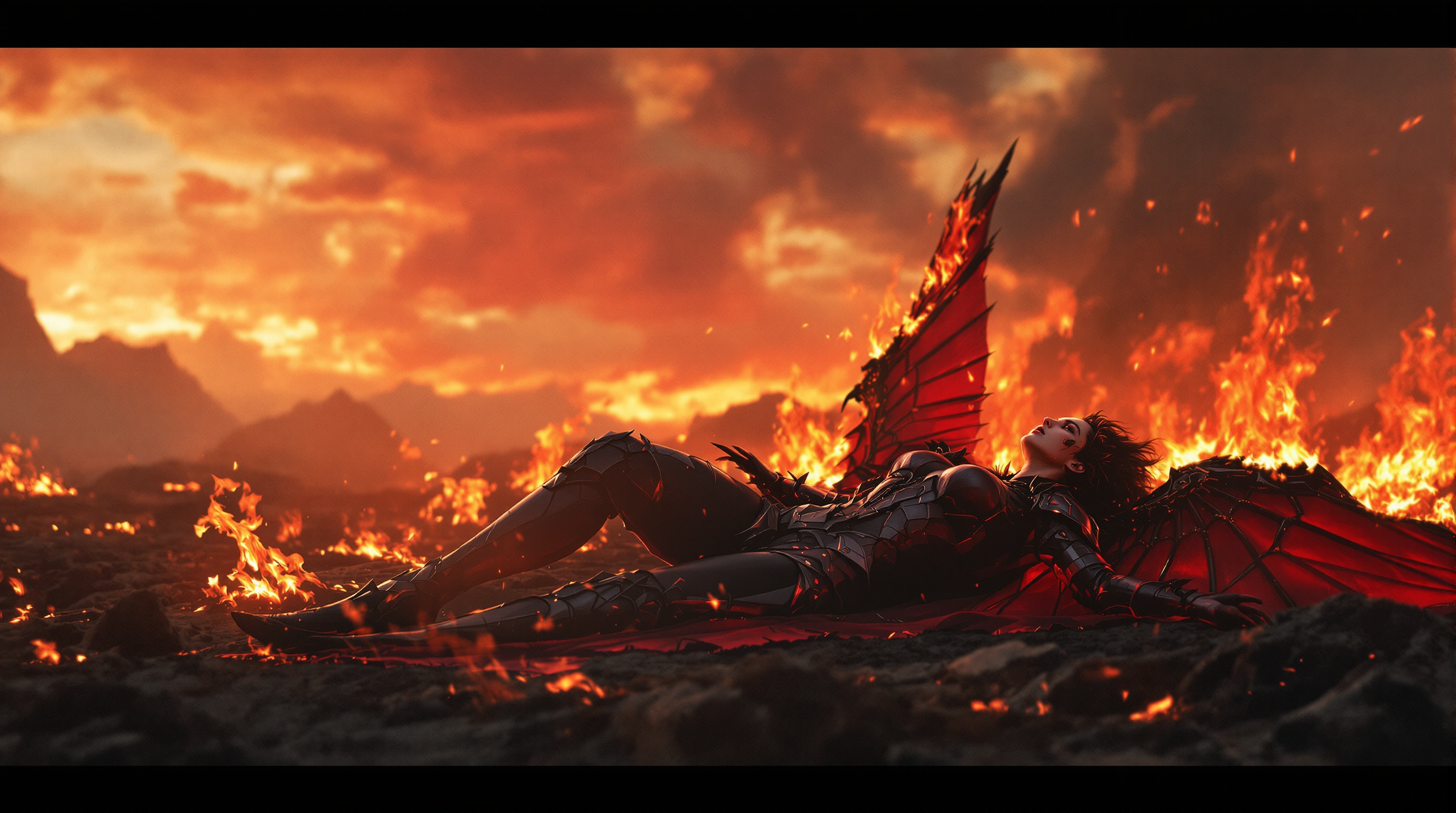
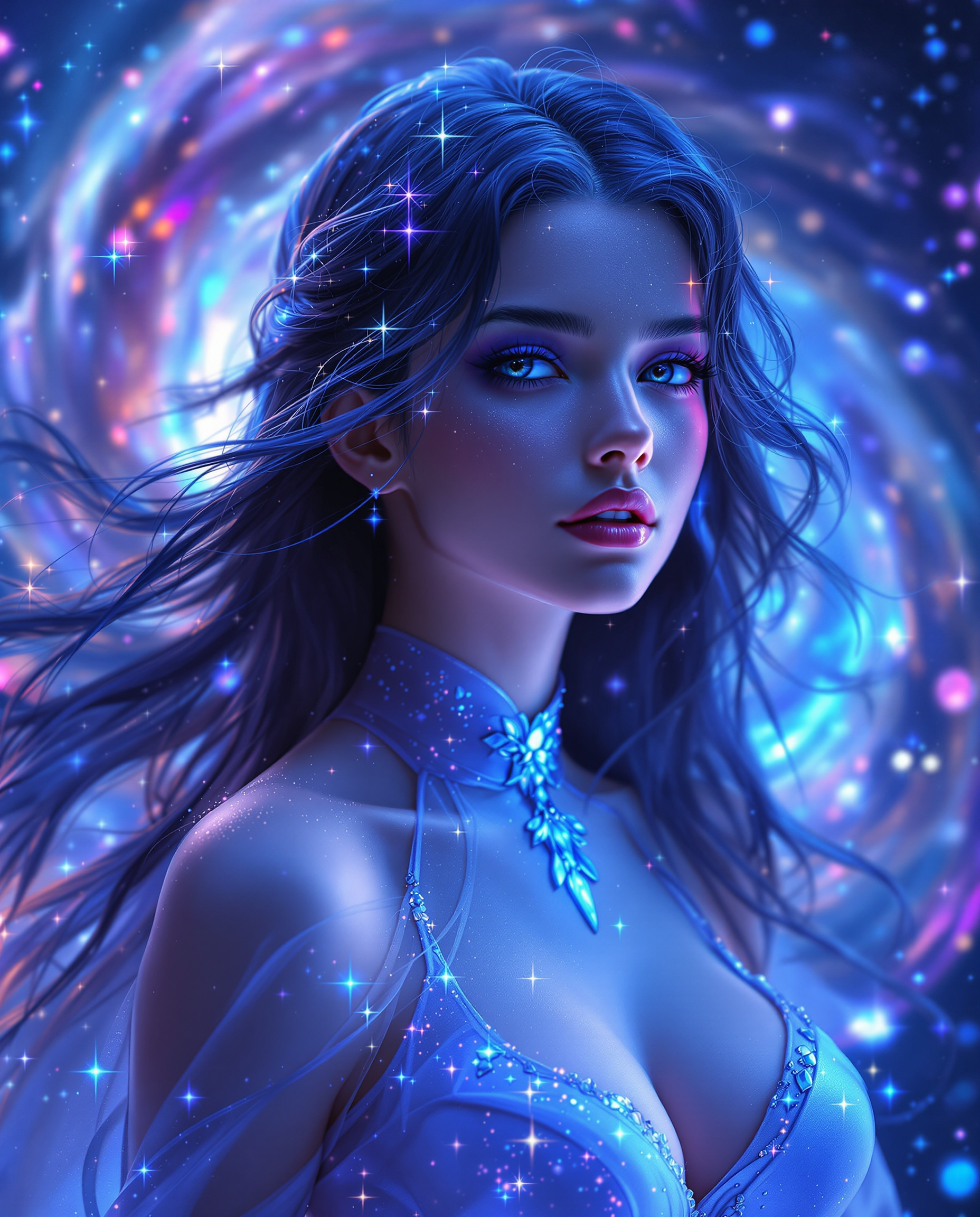
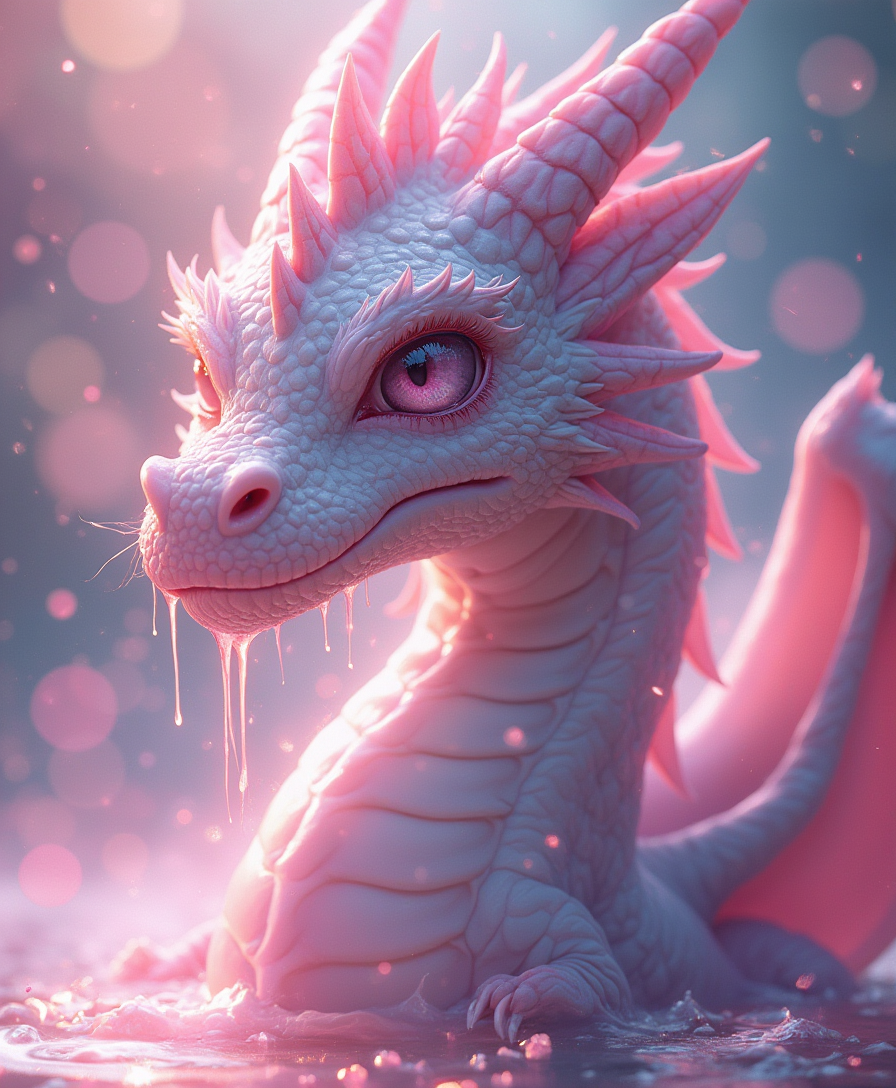
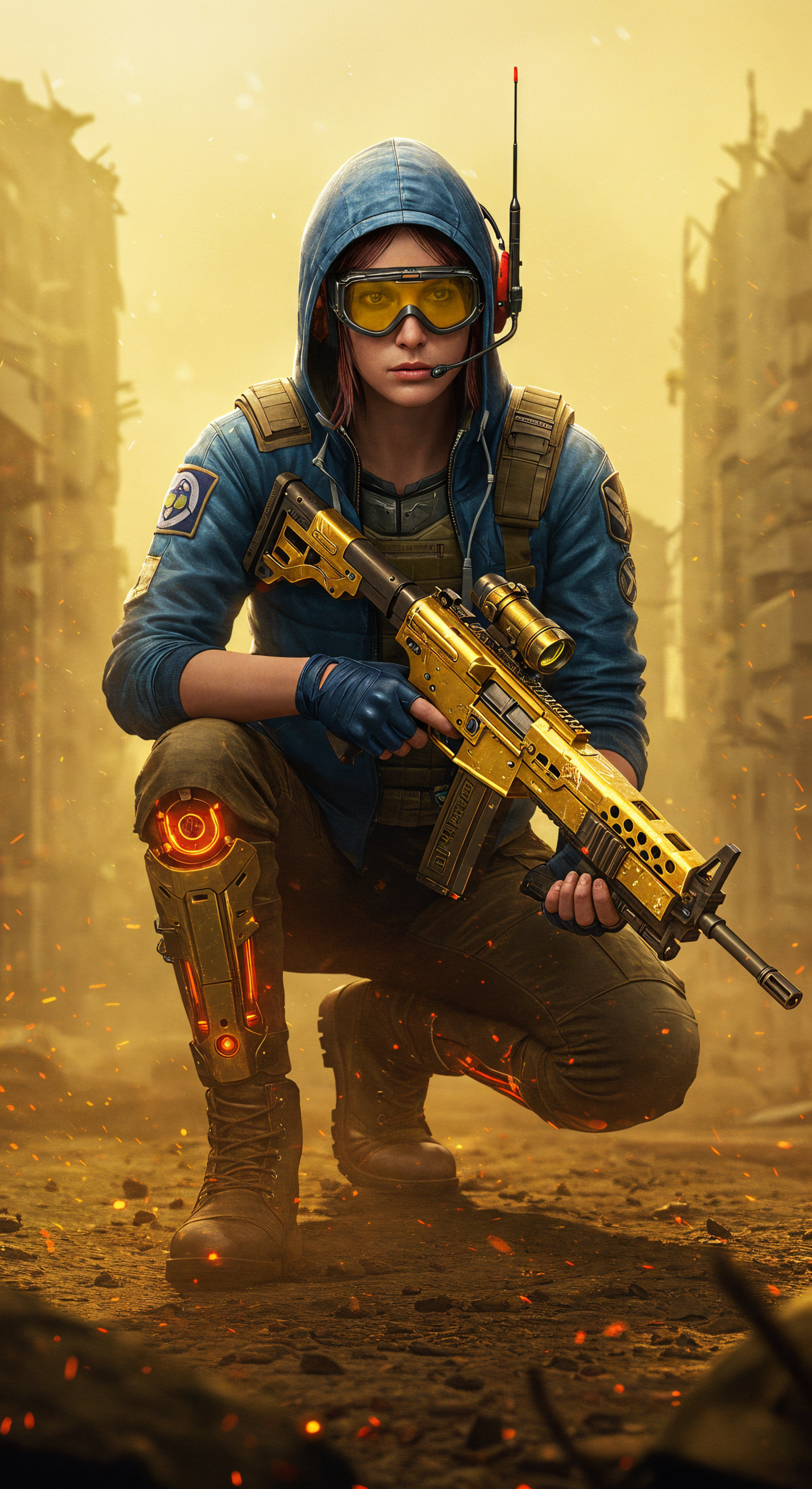
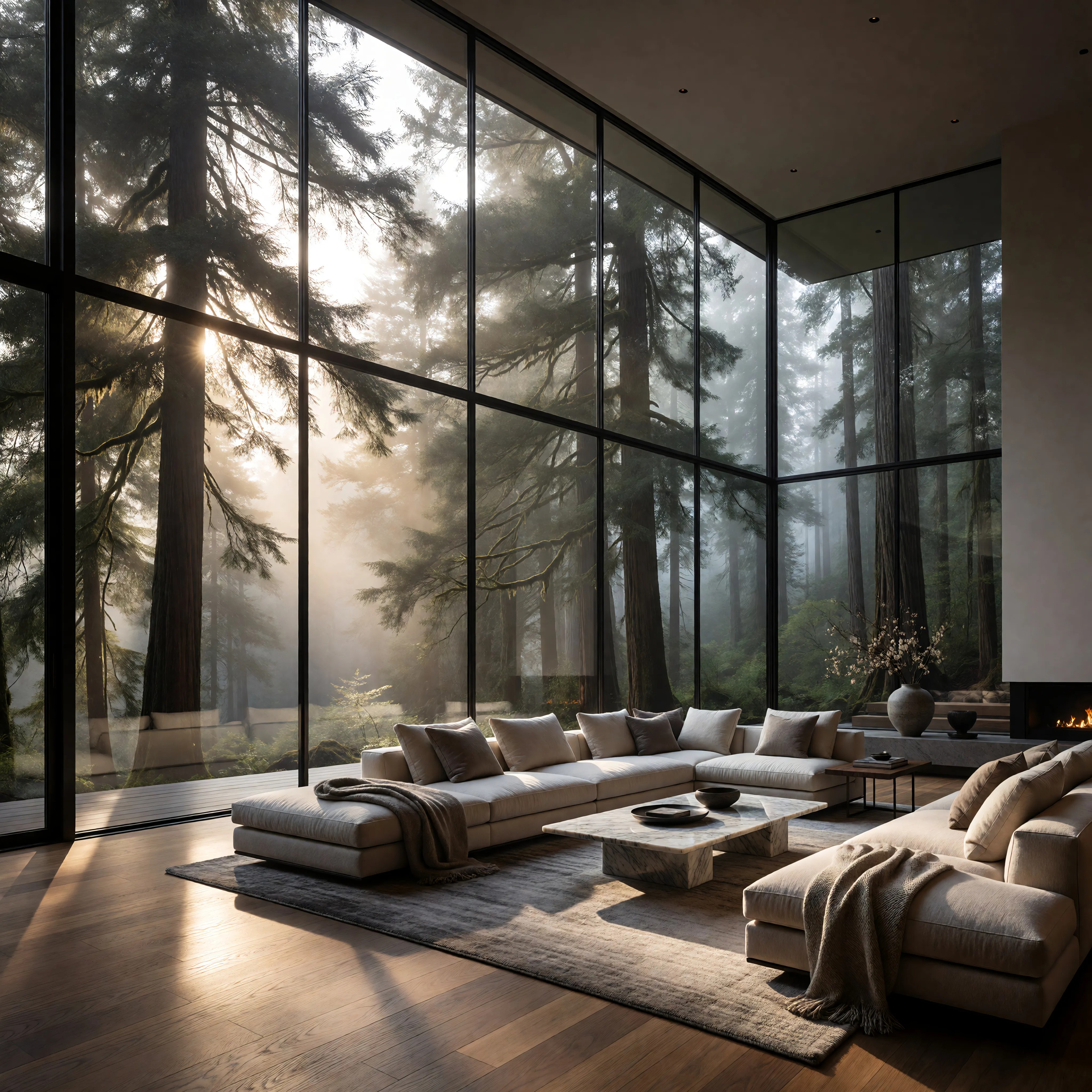
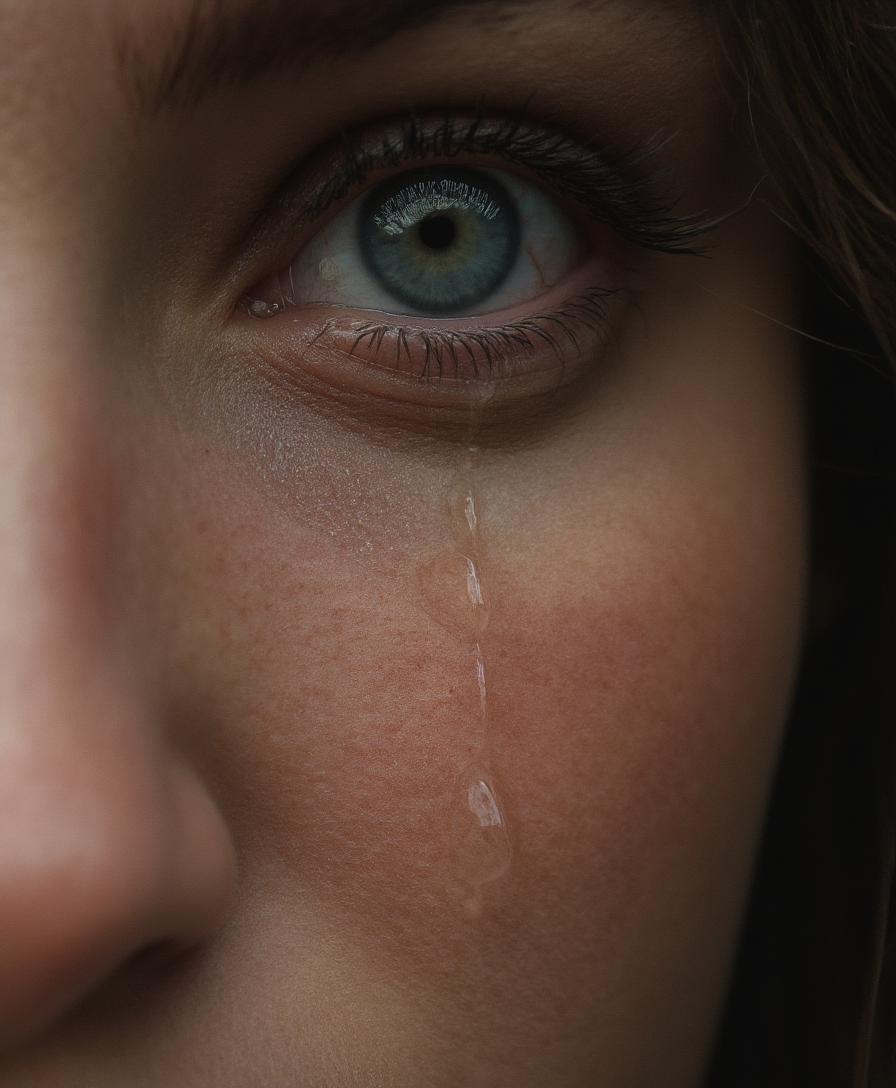
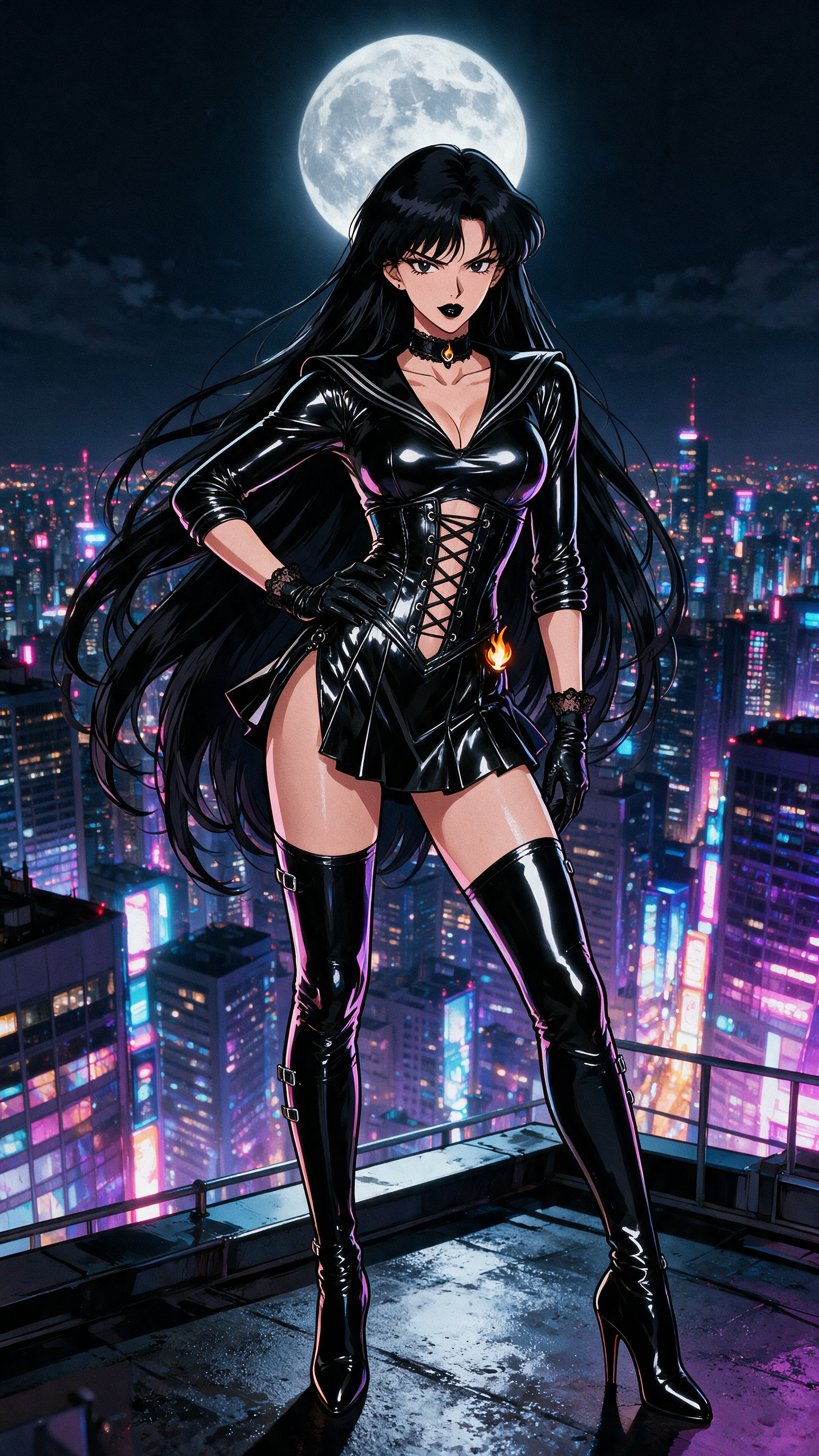
The Pixel Dojo Advantage
Why PixelDojo outperforms other options for multi-image fusion:
| Others | Pixel Dojo |
|---|---|
| Traditional Photo Editing Software | Eliminates the steep learning curve and time-consuming manual blending processes. |
| Generic AI Tools | Offers specialized multi-image fusion capabilities with higher accuracy and consistency. |
| Manual Graphic Design | Automates complex tasks, allowing you to focus on creativity rather than technical execution. |
Loved by creators on PixelDojo
Real feedback from people using PixelDojo, pulled from our in-product surveys.
ease of use, variety of tools, high quality trainings, and a well-maintained discord channel
Ease of use, friendliness and support of the owner, continued innovation.
it is an amazing site to create a pics and vids for those who don't have the hardware themselves
good tools in one place
Prompt updates, strong features, and a community that is always willing to help and hear/act on professional feedback. I've never had a better experience.
user friendly all in one thing
Explore more AI tools on PixelDojo
AI Tools
Compare & Switch
- Best AI Image Generators
- Best AI Video Generators
- Midjourney Alternatives
- Civitai Alternatives
- Runway Alternatives
- Leonardo Alternatives
- Pika Alternatives
- Luma Alternatives
- Magnific Alternatives
- Veo Alternatives
- Flux Alternatives
- Freepik Alternatives
- Seedance Alternatives
- Seedream Alternatives
- Pixverse Alternatives
- GPT Image Alternatives
- Synthesia Alternatives
- Playground Alternatives
- NightCafe Alternatives
- Canva AI Alternatives
- ElevenLabs Alternatives
- ComfyUI Alternatives
- Fal Alternatives
- Replicate Alternatives
Common Questions
Everything you need to know about gemini 2.5 flash image multi image fusion
How does PixelDojo's multi-image fusion work?
PixelDojo utilizes advanced AI algorithms to analyze and blend multiple images based on your descriptive prompts, ensuring seamless and natural-looking compositions.
Can I maintain character consistency across different images?
Yes, our AI tools are designed to preserve character features and styles across various scenes, enhancing storytelling and brand consistency.
Do I need prior editing experience to use PixelDojo?
No, PixelDojo is user-friendly and requires no prior editing experience. Our intuitive interface guides you through the process effortlessly.
Is there a limit to the number of images I can fuse?
While there are no strict limits, for optimal results, we recommend fusing up to three images at a time.
Can I edit the fused image after generation?
Absolutely! PixelDojo allows you to make further adjustments to the fused image to meet your specific requirements.
What file formats are supported for image fusion?
PixelDojo supports common image formats such as JPEG, PNG, and BMP for both input and output.