gemini 2.5 flash image prompt guide
![=== Scene ===
Tone: generate an 8-second, hyper-realistic, seamlessly looping video capturing the raw power and physics of a single moment in a street basketball game, rendered in extreme slow motion., {"type":"High-speed sports cinematography, played back in extreme slow motion","duration_seconds":8,"looping":"true, seamless loop","pacing":"Intense, powerful, and dramatic. The slow motion turns a split-second action into a detailed ballet of force.","animated_elements":[{"element":"Ball Impact and Deformation","description":"The primary animation. A defender's hand forcefully impacts the top of a basketball. In slow motion, we see the defender's fingers digging into the pebbled leather, the ball visibly compressing and deforming under the force. The ball's backspin momentarily stops and reverses as it's knocked away. This entire impact and recoil sequence forms the loop."},{"element":"Sweat and Particle Dynamics","description":"The explosive impact sends a fine spray of sweat droplets flying from both the hand and the ball's surface. The droplets hang in the air like tiny jewels in the bright sun. Dust and microscopic rubber particles from the court are kicked up by the motion."},{"element":"Anatomical Realism","description":"The muscles and tendons in the defender's forearm and hand are seen contracting with extreme force. Veins bulge on the skin's surface. The skin on the fingertips whitens from the pressure against the ball."},{"element":"Background Motion","description":"Through the chain-link fence in the deep background, the blurred figures of spectators are seen reacting to the play, their movements also in slow motion, adding to the atmosphere."}]}, {"style":"Hyperrealistic, gritty sports documentary style, emulating the aesthetic of a high-end Nike commercial or a feature film.","camera_setup":{"camera":"Phantom VEO 4K High-Speed Camera","lens":"100mm Telephoto Prime Lens","perspective":"Static, locked-down shot from a very low angle, looking up at the point of impact. This heroic angle makes the action feel monumental and powerful.","description":"The sun is high in the sky, creating high-contrast, sharp-edged shadows. This intense light creates brilliant specular highlights on the sweat-glistened skin and the curved surface of the basketball, emphasizing every texture."},"composition":{"framing":"A tight, dynamic composition focused entirely on the collision between the hand and the ball. The chain-link fence in the background creates a gritty, geometric pattern that cages the action."}}
=== Subject ===
Description: {"base_subject":"An extreme close-up, slow-motion shot of a hand blocking a basketball at the apex of a shot on an iconic urban court.","key_details":[{"element":"The Hand and Arm","description":"The hand of a highly athletic basketball player. The skin glistens with a realistic sheen of sweat, and we can clearly see skin pores, calluses, and the fine lines of the knuckles. The hand is powerful and expressive."},{"element":"The Basketball","description":"A well-worn, official Spalding basketball. The pebbled texture is rendered in extreme detail, with dirt and scuff marks lodged in the grooves. The printed logos are slightly faded from use."},{"element":"The Environment","description":"The background is the iconic, green, tight-mesh chain-link fence of 'The Cage'. The fence is slightly rusted in places. Through the links, the blurred shapes of spectators and the red brick of surrounding Village buildings are visible."}]}](https://cdn.pixeldojo.ai/cdn-cgi/image/f=auto,q=90,w=3840/pixeldojo/generated-images/1755022319397-statbzxup.png)
Transform your creative ideas into stunning visuals with PixelDojo's advanced AI tools. By mastering Gemini 2.5 Flash image prompts, you can generate high-quality images that align perfectly with your vision. Whether you're a designer, marketer, or content creator, PixelDojo empowers you to bring your concepts to life effortlessly.
Join over 10,000 creators who have generated more than 1 million images using PixelDojo's AI tools. Rated 4.8/5 by our satisfied users.
Why Choose Pixel Dojo for gemini 2.5 flash image prompt guide
Professional-quality results with cutting-edge AI technology
Effortless Image Creation
Generate high-quality images quickly by simply inputting descriptive prompts, saving you time and effort.
Consistent Character Representation
Maintain character consistency across multiple images, ensuring cohesive storytelling and branding.
Precise Image Editing
Make targeted transformations using natural language prompts, allowing for intuitive and accurate edits.
How It Works
Creating stunning images with PixelDojo is a straightforward process. Follow these steps to bring your ideas to life:
Step 1: Choose Your Tool
Select the 'Flux Studio' tool from PixelDojo's suite to access Gemini 2.5 Flash capabilities.
Step 2: Enter Your Prompt
Input a detailed description of the image you want to create. For example, 'A serene sunset over a mountain range with a clear blue sky.'
Step 3: Customize & Download
Review the generated image, make any necessary adjustments using the editing features, and download the final version.
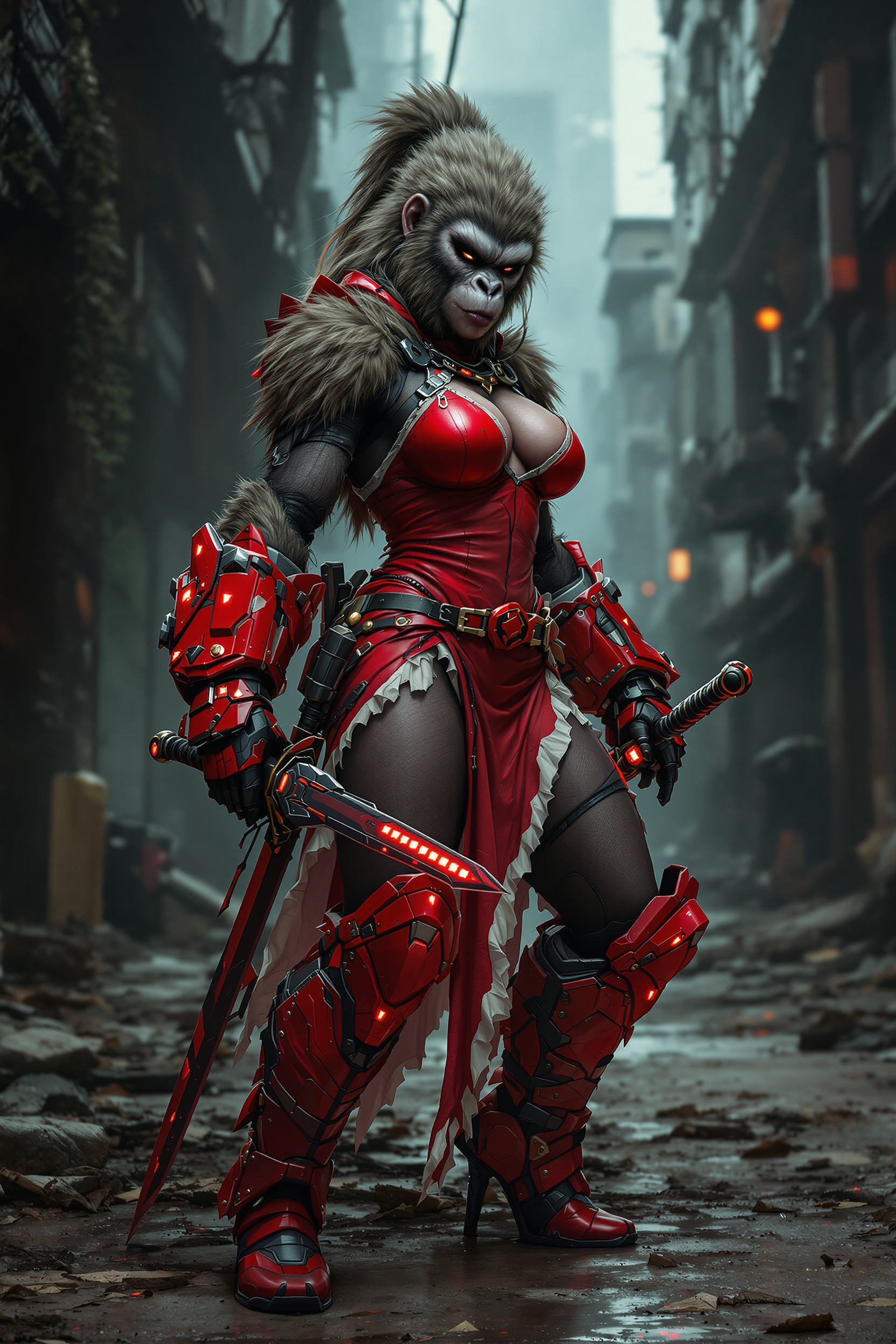






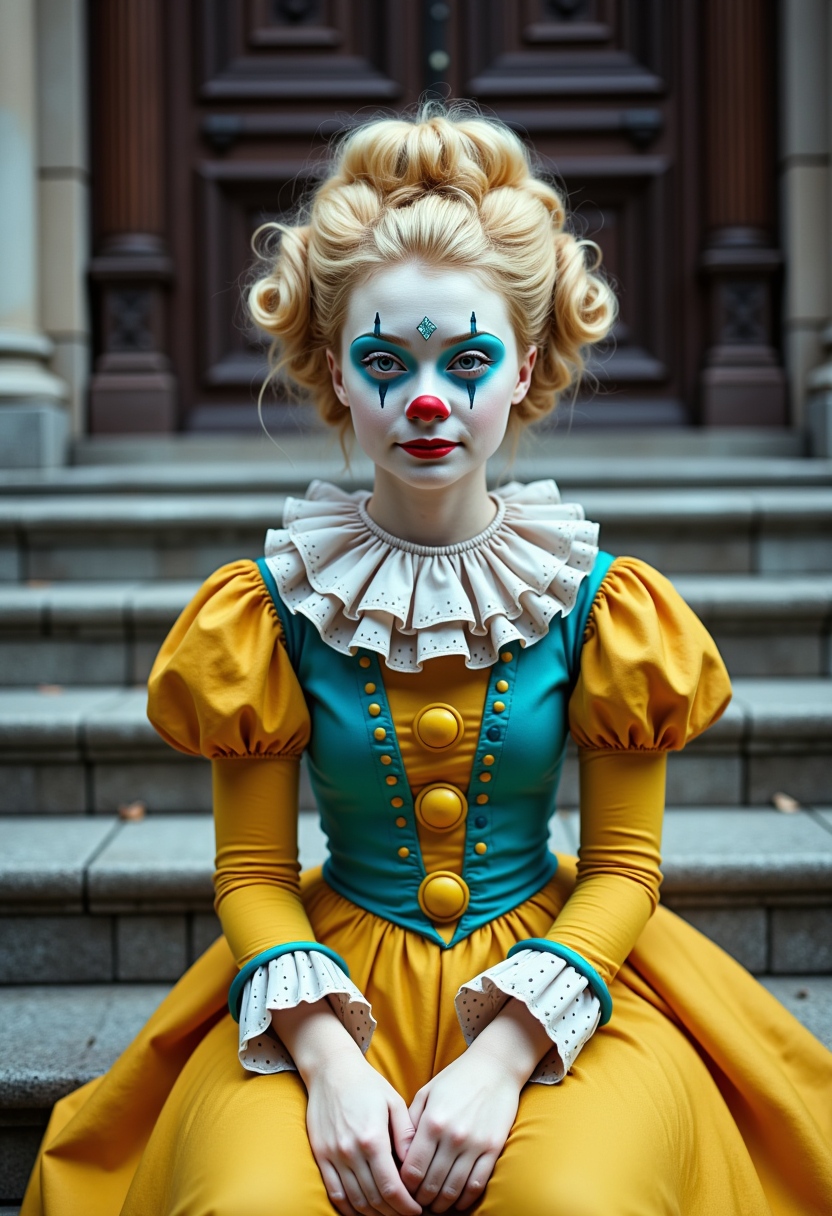





![Create an image of [Marvin the Martian] as a fairy. He is wearing a a white tutu. The wings and the tutu and the toe shoes are light pink. Show a ballet studio with bars in the background.](https://cdn.pixeldojo.ai/cdn-cgi/image/f=auto,q=90,w=3840/pixeldojo/generated-images/1734486222157-7m25zu639.png)
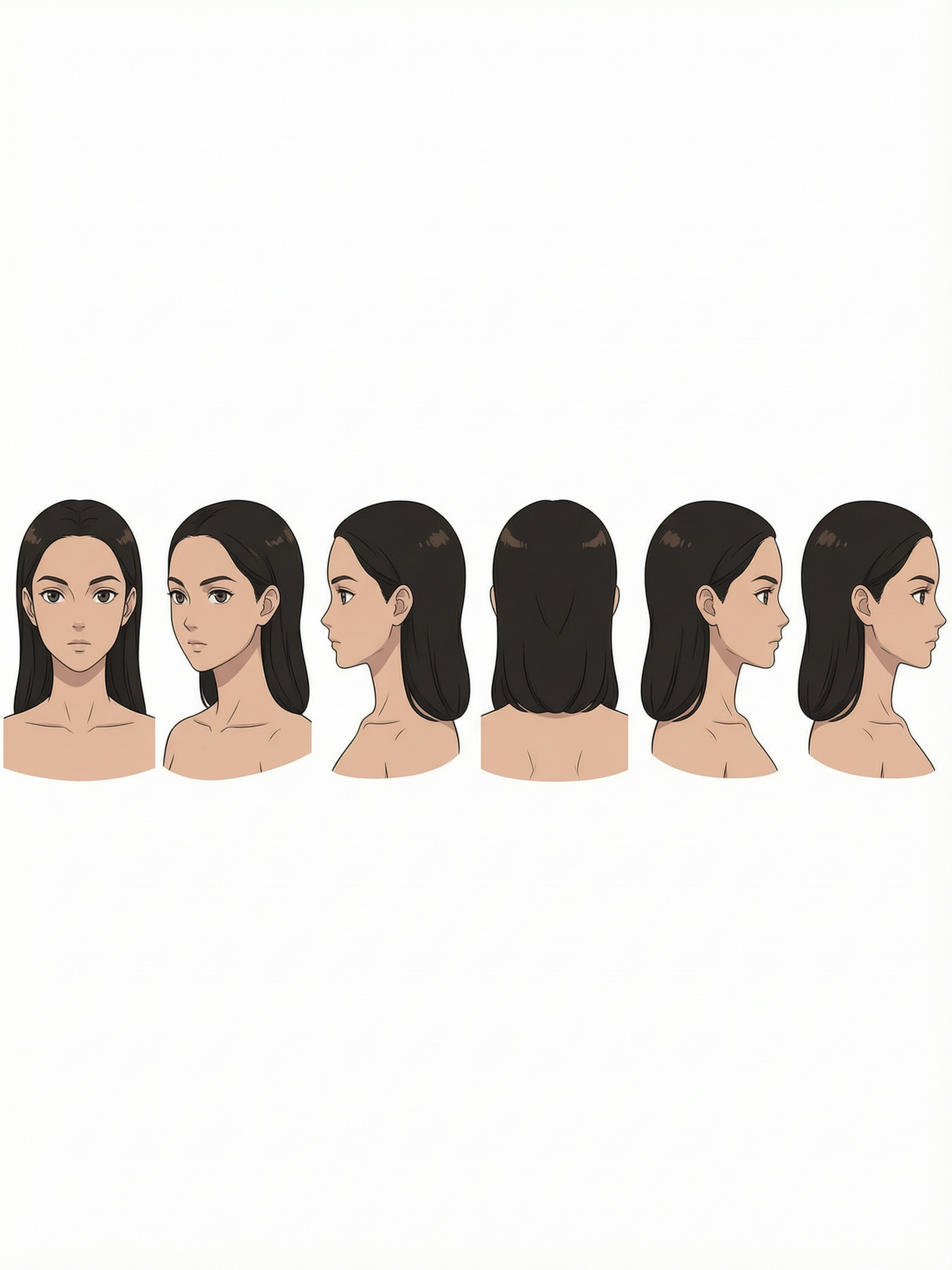

The Pixel Dojo Advantage
Why PixelDojo outperforms other options for AI image generation:
| Others | Pixel Dojo |
|---|---|
| Traditional Image Creation | Eliminates the need for manual design skills, allowing anyone to create professional images effortlessly. |
| Generic AI Tools | Offers specialized tools like 'Flux Studio' tailored for Gemini 2.5 Flash prompts, ensuring higher quality outputs. |
| Manual Photo Editing | Reduces the time and complexity involved in editing, providing intuitive prompt-based transformations. |
Loved by creators on PixelDojo
Real feedback from people using PixelDojo, pulled from our in-product surveys.
Best AI tool availble the suite is rad
Versatility quality, value, ROI, innovation
variety of tools available and prompt tools
A "one-stop-shop" for creators! Thanks!!
Lots of different tools. It's easy to purchase more credits.
Amazing performance!
Explore more AI tools on PixelDojo
AI Tools
Compare & Switch
- Best AI Image Generators
- Best AI Video Generators
- Midjourney Alternatives
- Civitai Alternatives
- Runway Alternatives
- Leonardo Alternatives
- Pika Alternatives
- Luma Alternatives
- Magnific Alternatives
- Veo Alternatives
- Flux Alternatives
- Freepik Alternatives
- Seedance Alternatives
- Seedream Alternatives
- Pixverse Alternatives
- GPT Image Alternatives
- Synthesia Alternatives
- Playground Alternatives
- NightCafe Alternatives
- Canva AI Alternatives
- ElevenLabs Alternatives
- ComfyUI Alternatives
- Fal Alternatives
- Replicate Alternatives
Common Questions
Everything you need to know about gemini 2.5 flash image prompt guide
How does PixelDojo utilize Gemini 2.5 Flash for image generation?
PixelDojo integrates Gemini 2.5 Flash within tools like 'Flux Studio' to interpret your prompts and generate high-quality images that match your descriptions.
Can I edit images after they are generated?
Yes, PixelDojo provides editing features that allow you to make adjustments to the generated images to better fit your needs.
Is there a limit to the number of images I can create?
PixelDojo offers various subscription plans to suit different needs, including options with unlimited image generation.
Do I need prior design experience to use PixelDojo?
No, PixelDojo is designed to be user-friendly, allowing individuals without design experience to create professional-quality images.
How accurate are the images generated from prompts?
PixelDojo's integration with Gemini 2.5 Flash ensures high accuracy in interpreting prompts and generating images that closely match your descriptions.
Can I use PixelDojo for commercial projects?
Yes, images created with PixelDojo can be used for commercial purposes, subject to the terms of service.