Ghibli Studio Style AI Generator
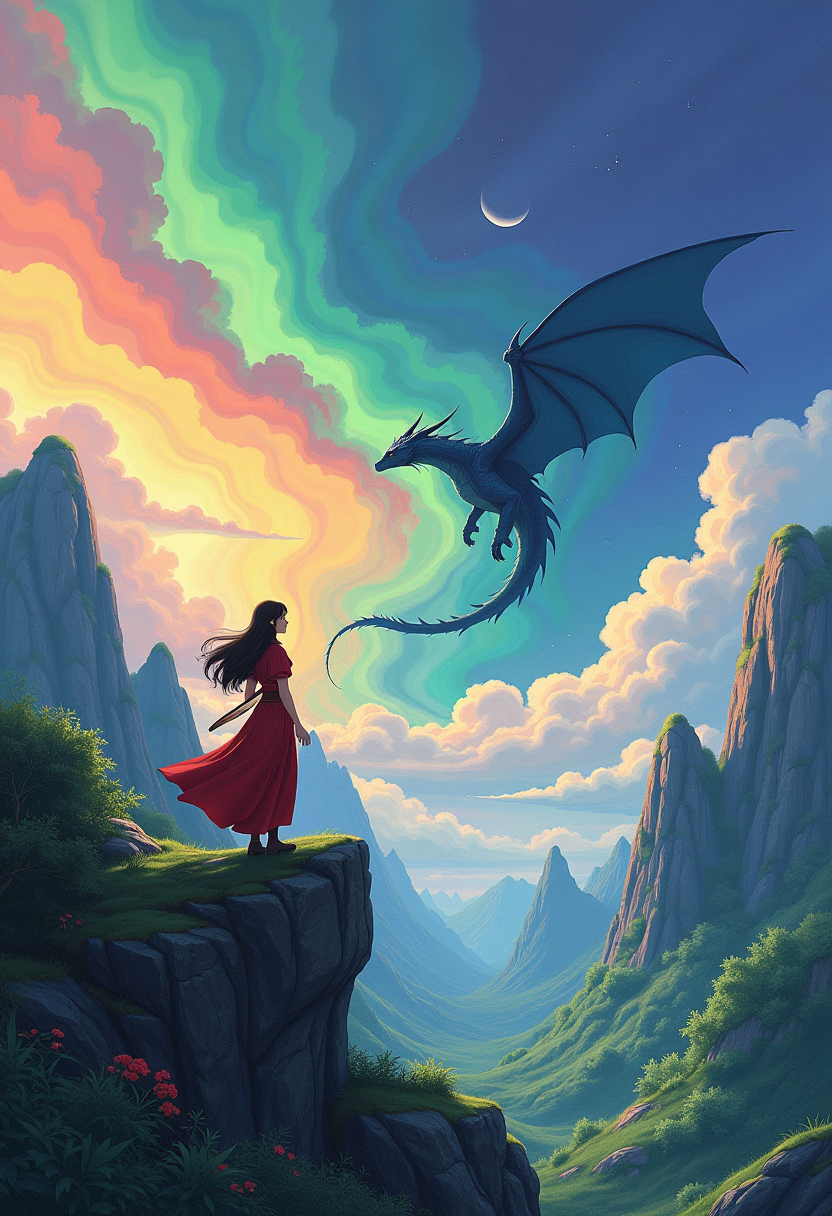
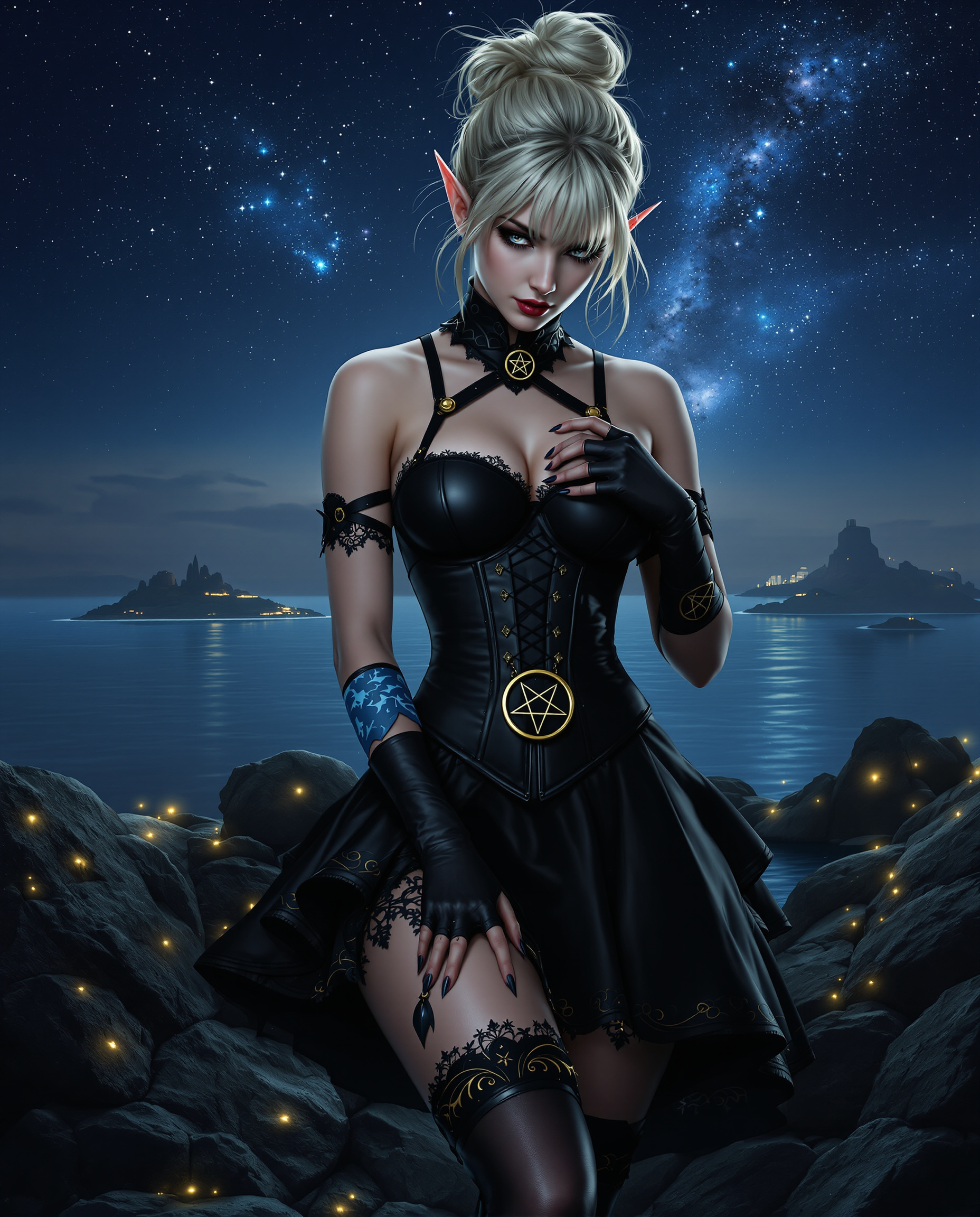
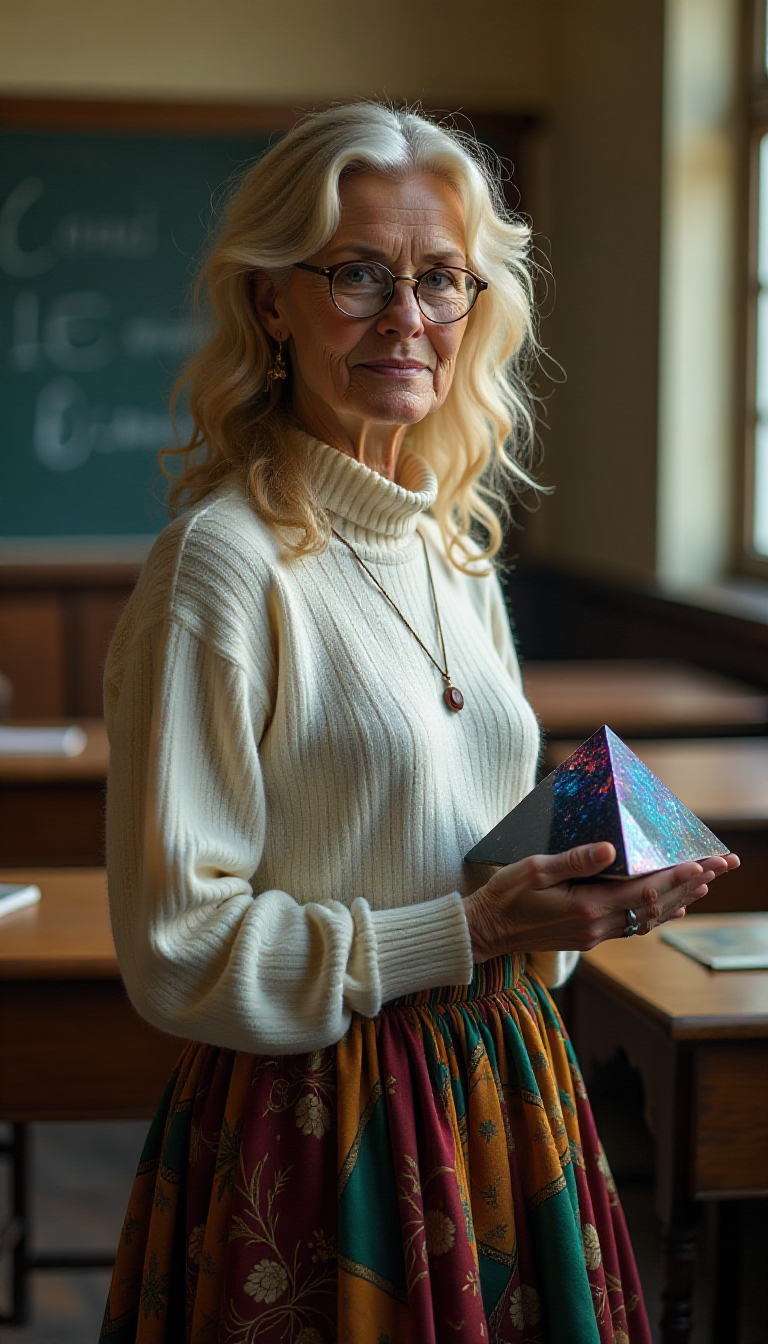
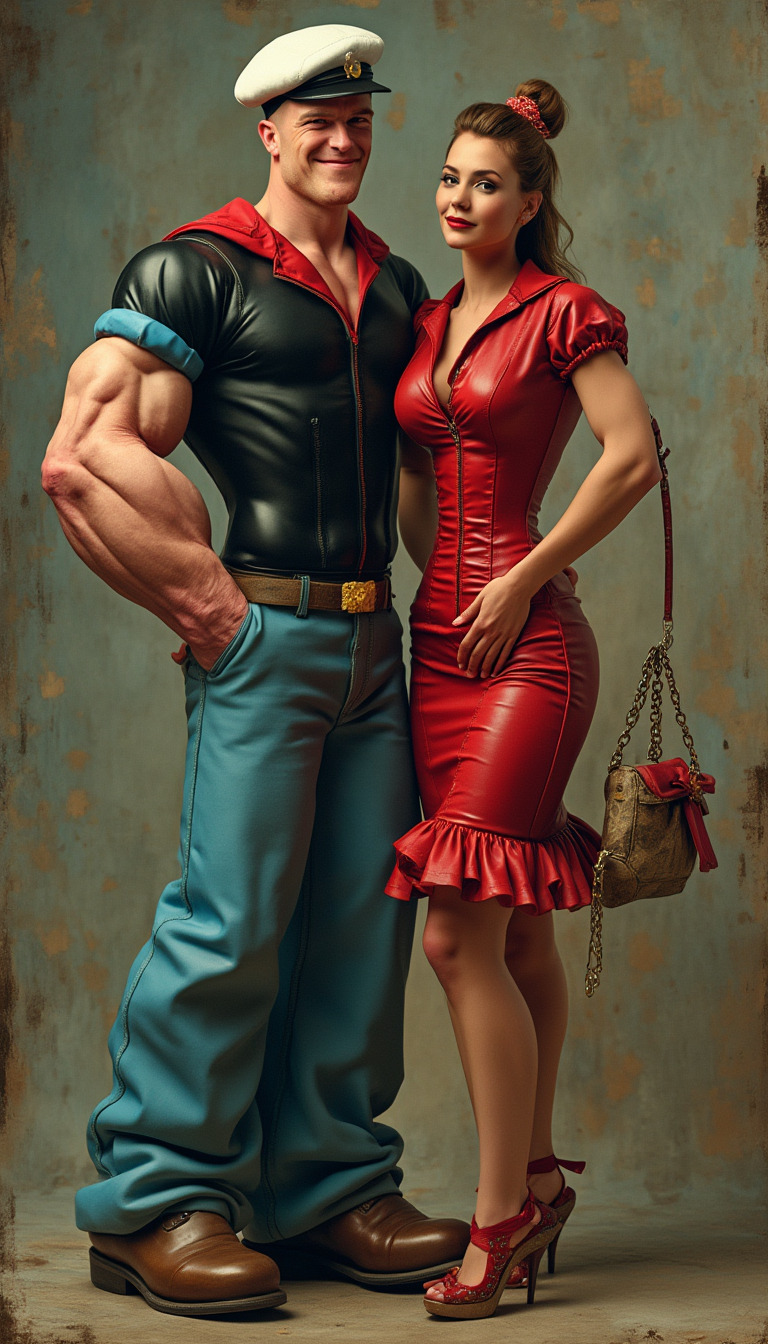
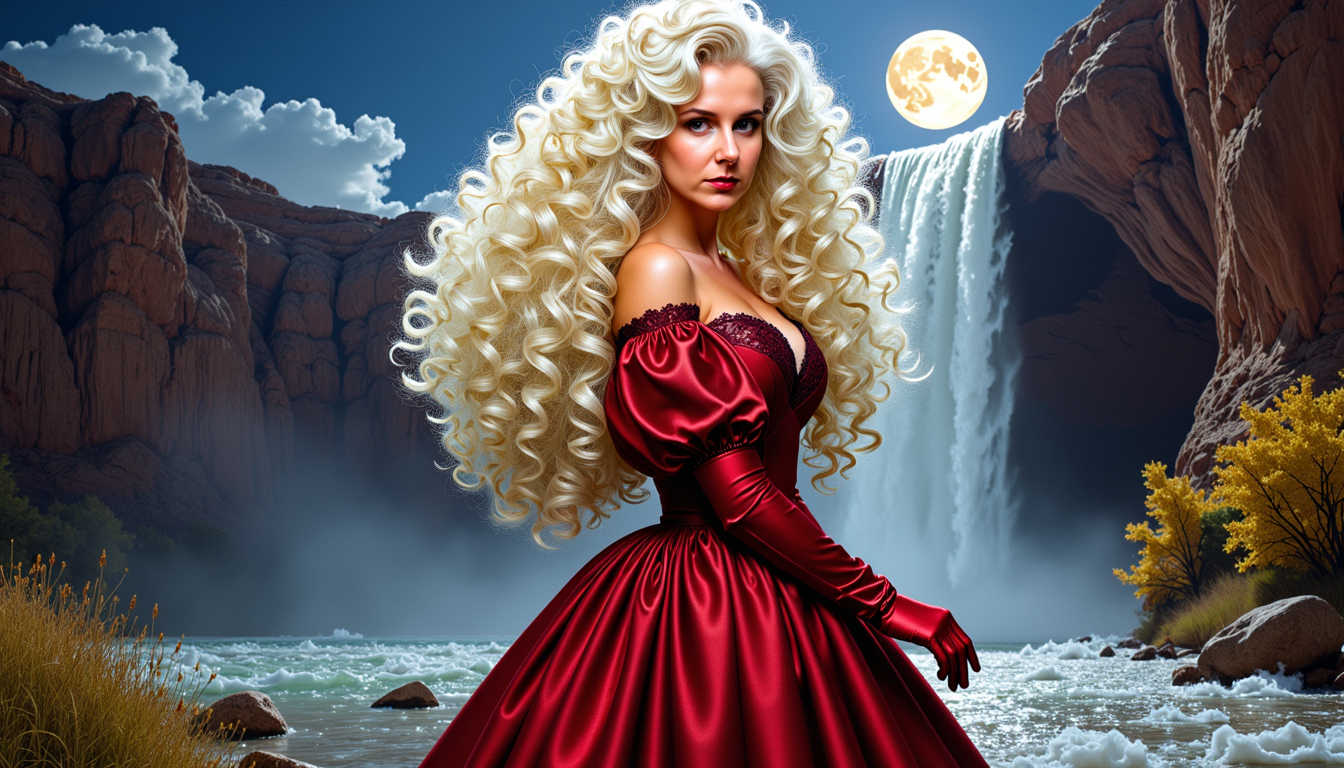
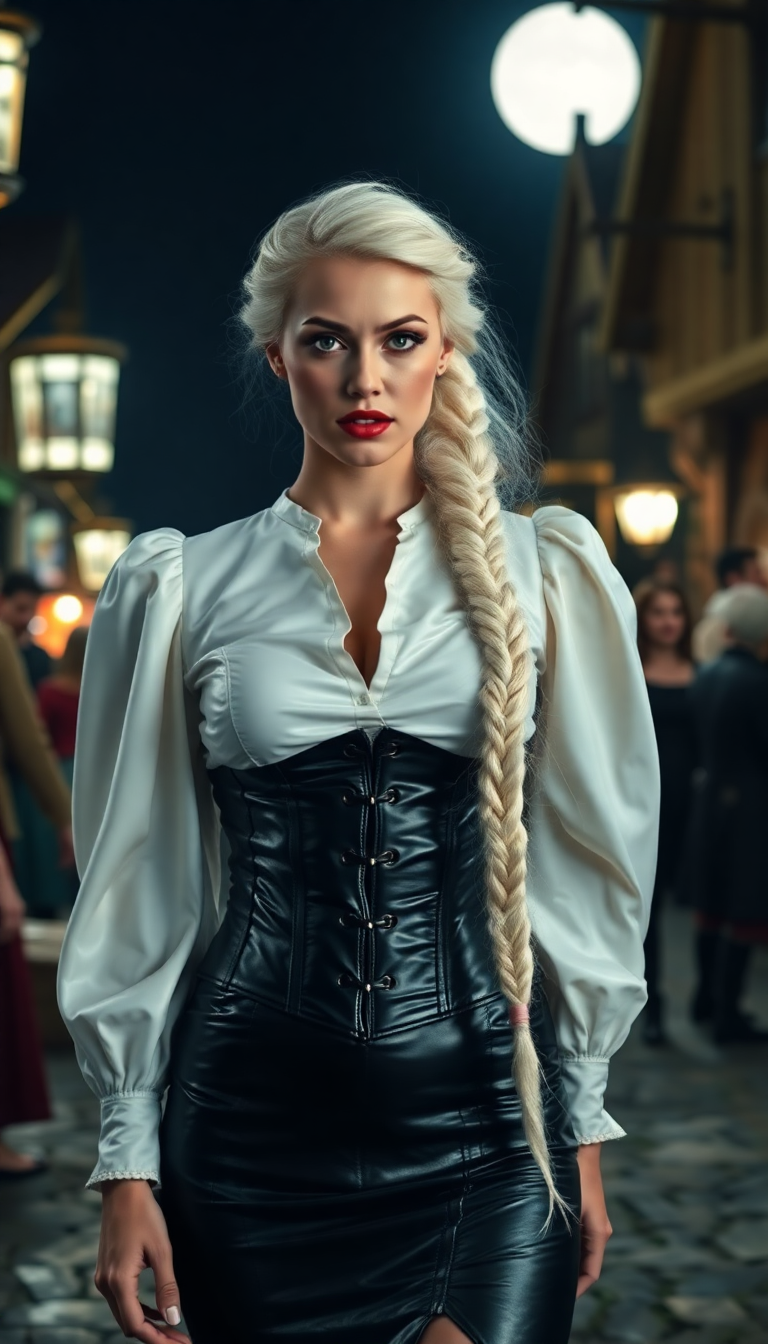
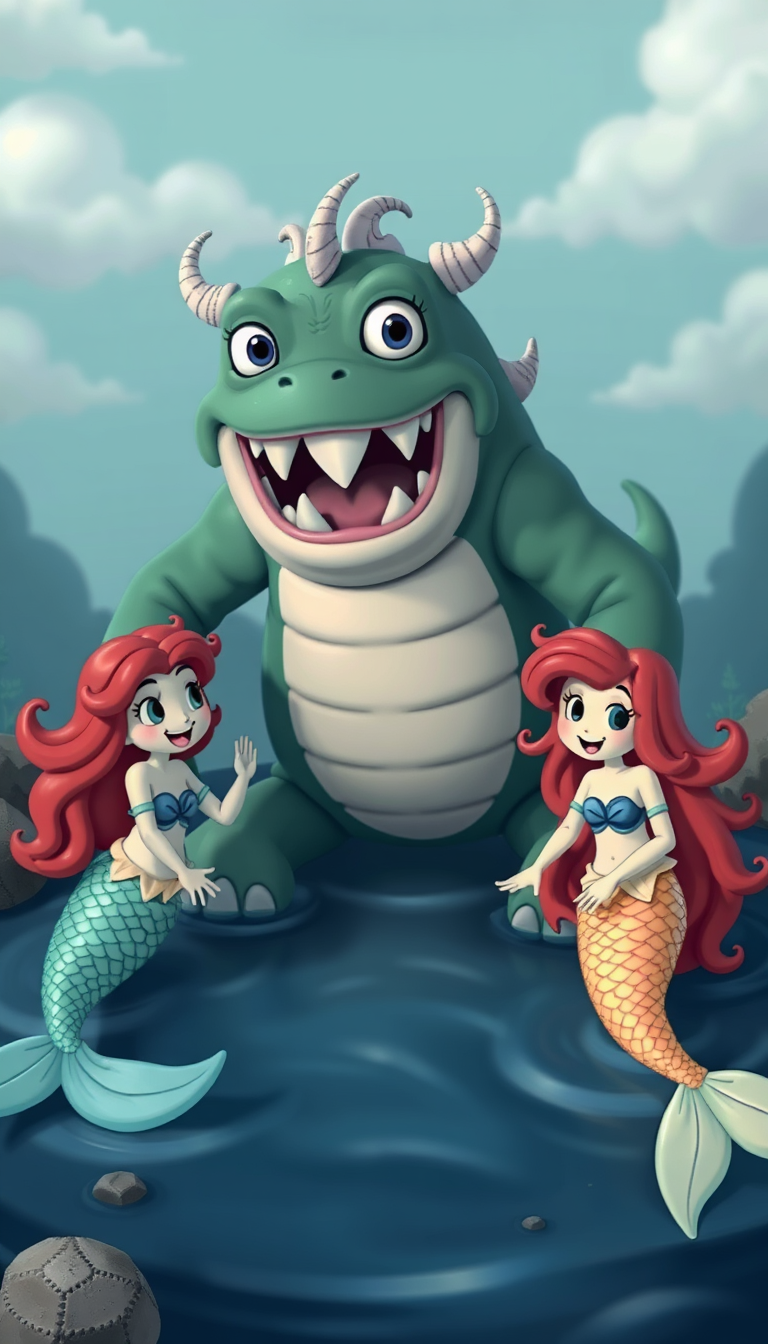
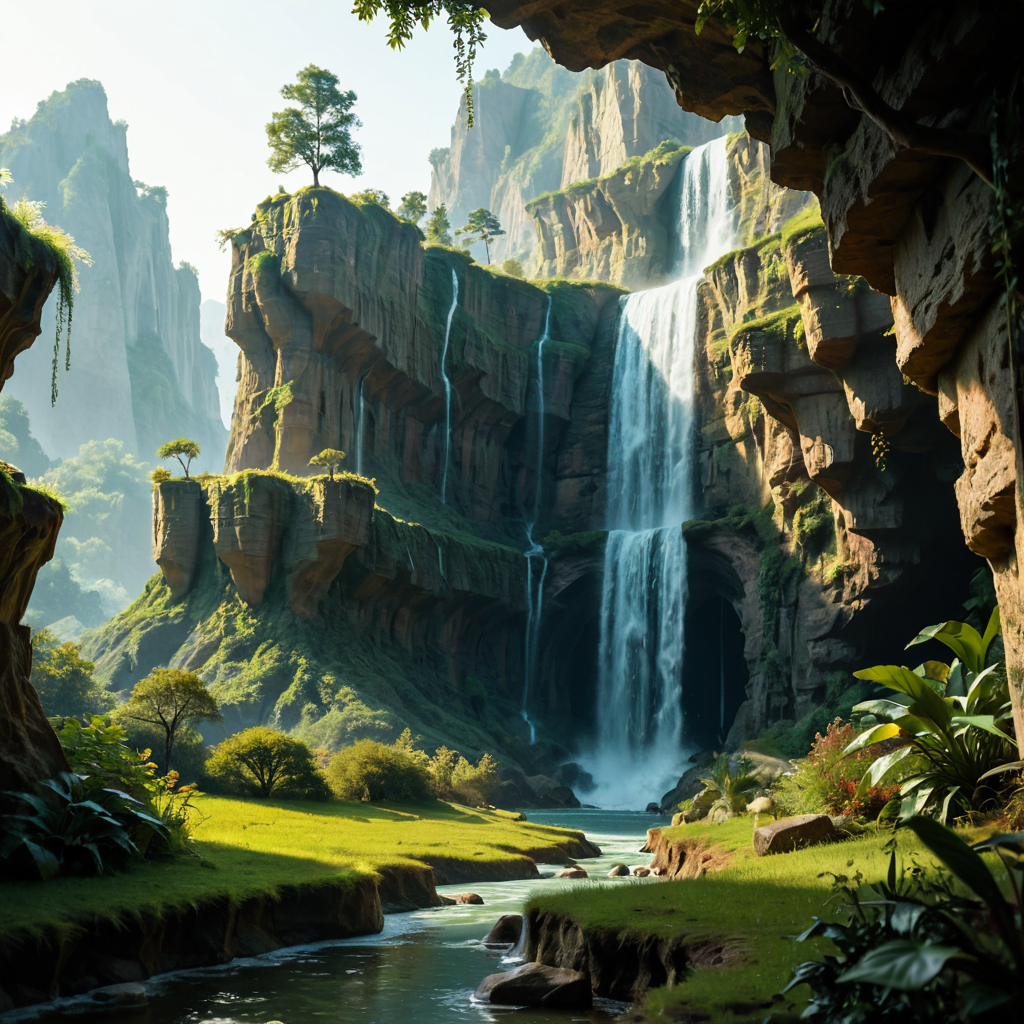
Immerse yourself in the whimsical world of Ghibli Studio by creating your own enchanting images. With PixelDojo's advanced AI tools, you can effortlessly transform your ideas into captivating Ghibli-style art, bringing your imagination to life like never before.
Join over 10,000 creators who have crafted more than 50,000 Ghibli-style images using PixelDojo's AI tools.
Why Choose Pixel Dojo for Ghibli Studio Style
Professional-quality results with cutting-edge AI technology
Effortless Creativity
Generate stunning Ghibli-style images without any prior artistic skills.
Time-Saving
Create high-quality artwork in minutes, streamlining your creative process.
Unlimited Possibilities
Explore endless themes and concepts, from serene landscapes to magical creatures.
How It Works
Creating Ghibli-style art with PixelDojo is simple and intuitive. Follow these steps to bring your visions to life:
Step 1: Choose Your Tool
Select the 'Flux Creator' from PixelDojo's suite of AI tools to begin your Ghibli-style image creation.
Step 2: Enter Your Prompt
Describe your desired scene in detail. For example: 'A peaceful village at sunset, in the style of Studio Ghibli, warm colors, soft lighting.'
Step 3: Customize & Download
Review the generated image, make any necessary adjustments, and download your high-resolution Ghibli-style artwork.
The Pixel Dojo Advantage
Why PixelDojo outperforms other options for Ghibli-style image generation
| Others | Pixel Dojo |
|---|---|
| Traditional Art Creation | No need for years of training; create professional-quality art instantly. |
| Generic AI Tools | Specifically designed to emulate the unique Ghibli aesthetic with precision. |
| Manual Photo Editing | Automates the process, saving hours of meticulous editing. |
Loved by creators on PixelDojo
Real feedback from people using PixelDojo, pulled from our in-product surveys.
Love it make anything I can think of so far
Great for all your ideas use it encourage more people to use it
Because it is awesome
exceptional quality and great overall design of platform and interface. very intuative. love the creative freedom.
Qwen image 2 is amazing!!
Creative freedom, range of tools and options.
Explore more AI tools on PixelDojo
AI Tools
Compare & Switch
- Best AI Image Generators
- Best AI Video Generators
- Midjourney Alternatives
- Civitai Alternatives
- Runway Alternatives
- Leonardo Alternatives
- Pika Alternatives
- Luma Alternatives
- Magnific Alternatives
- Veo Alternatives
- Flux Alternatives
- Freepik Alternatives
- Seedance Alternatives
- Seedream Alternatives
- Pixverse Alternatives
- GPT Image Alternatives
- Synthesia Alternatives
- Playground Alternatives
- NightCafe Alternatives
- Canva AI Alternatives
- ElevenLabs Alternatives
- ComfyUI Alternatives
- Fal Alternatives
- Replicate Alternatives
Common Questions
Everything you need to know about Ghibli Studio Style
How can I create Ghibli-style images using PixelDojo?
Simply select the 'Flux Creator' tool, input a descriptive prompt of your desired scene, and let the AI generate the image for you. You can then customize and download the final artwork.
Do I need artistic skills to use PixelDojo's AI tools?
No, PixelDojo is designed for users of all skill levels. The AI handles the artistic process, allowing you to create stunning images without any prior experience.
Can I use the generated images for commercial purposes?
Yes, images created with PixelDojo can be used for both personal and commercial projects. However, ensure that your usage complies with any applicable laws and respects intellectual property rights.
Is there a limit to the number of images I can create?
PixelDojo offers various subscription plans to suit different needs. Depending on your plan, you can create a specific number of images per month. Check our pricing page for more details.
How accurate is the Ghibli-style replication?
PixelDojo's AI tools are trained to closely emulate the distinctive Ghibli aesthetic, capturing the unique charm and detail of the style.
What if I'm not satisfied with the generated image?
You can refine your prompt or make adjustments using PixelDojo's customization options to achieve the desired result.