goenhance ai
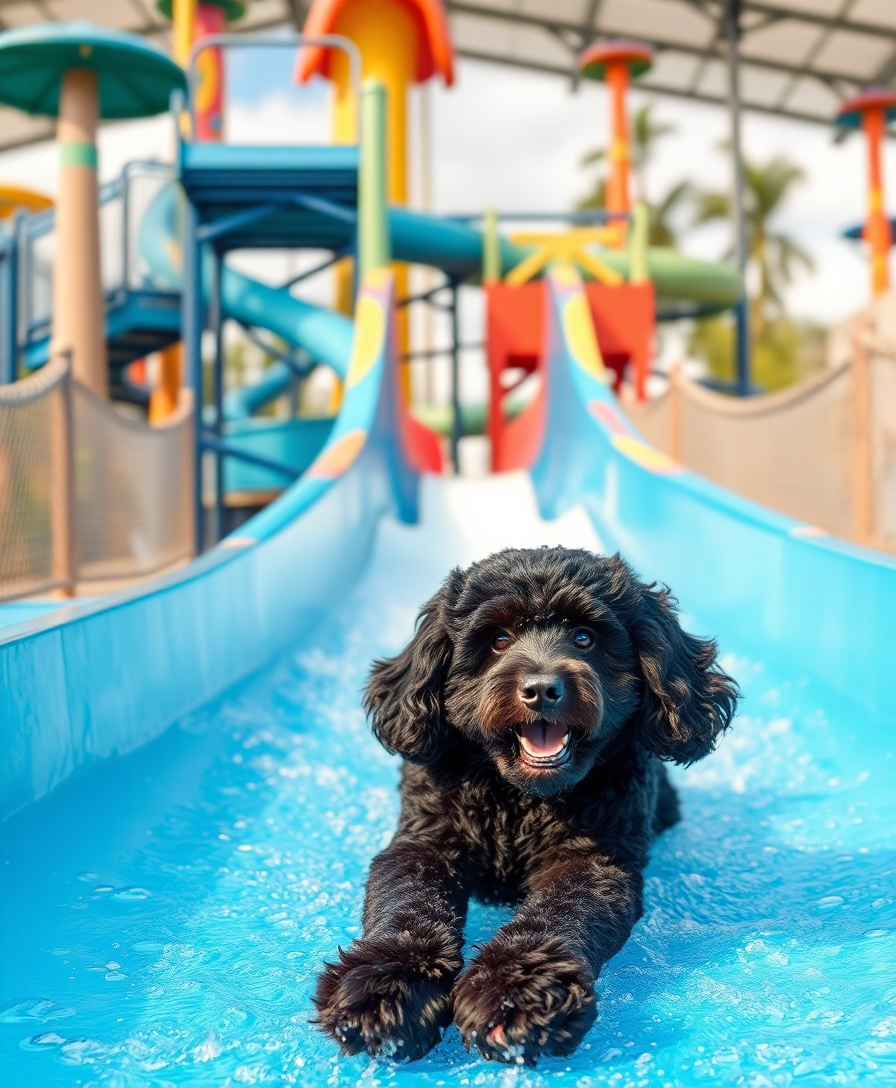
Imagine turning simple ideas into breathtaking, high-resolution images that look professionally enhanced in minutes. With PixelDojo, you can achieve GoEnhance AI-level results without complex setups or expensive software. Whether you're a marketer needing eye-catching visuals, a designer iterating on concepts, or a creator building portfolios, PixelDojo empowers you to generate, enhance, and stylize images that captivate audiences and drive results. Focus on your vision while our platform handles the technical magic, delivering polished outputs ready for social media, websites, or print.
Join over 75,000 creators who rate PixelDojo 4.9/5 for GoEnhance-style image work. More than 2 million enhanced images generated this month alone. Trusted by agencies and freelancers worldwide for consistent, high-quality results.
Why Choose Pixel Dojo for goenhance ai
Professional-quality results with cutting-edge AI technology
Professional-Grade Enhancements in Seconds
Elevate ordinary photos or AI drafts into crisp, detailed masterpieces with automatic upscaling and refinement. Achieve the polished, high-res look associated with top enhancement platforms without manual tweaking.
Limitless Style Transfers & Creative Freedom
Apply dozens of artistic styles—from realistic to anime-inspired, cinematic to illustrative—directly to your images. Experiment freely and produce unique visuals that stand out in any project or campaign.
Consistent, High-Quality Outputs Every Time
Generate cohesive image sets for characters, products, or campaigns with reliable results. Save hours of revision time and deliver client-ready work that meets professional standards consistently.
How It Works
Creating GoEnhance AI-style enhanced images is simple with PixelDojo's intuitive interface. Follow these three steps to go from idea to polished result.
Step 1: Choose Your Tool
Select from PixelDojo's specialized image tools like Flux.2 Studio for powerful base generation, Krea V2 or Ideogram 4 for creative starting points, or jump straight to P-Image Upscale or Magnific Upscaler for enhancement-focused workflows.
Step 2: Enter Your Prompt
Describe your vision in natural language or upload a base image. Use prompts like 'highly detailed enhanced portrait in cinematic lighting' and choose styles. Tools like Style Transfer or Reality Polisher refine details automatically.
Step 3: Customize & Download
Preview variations, apply further edits like Magic Lighting, Background Remover, or Creative Upscaler. Adjust aspect ratios and quality settings, then download your high-resolution enhanced image ready for use.
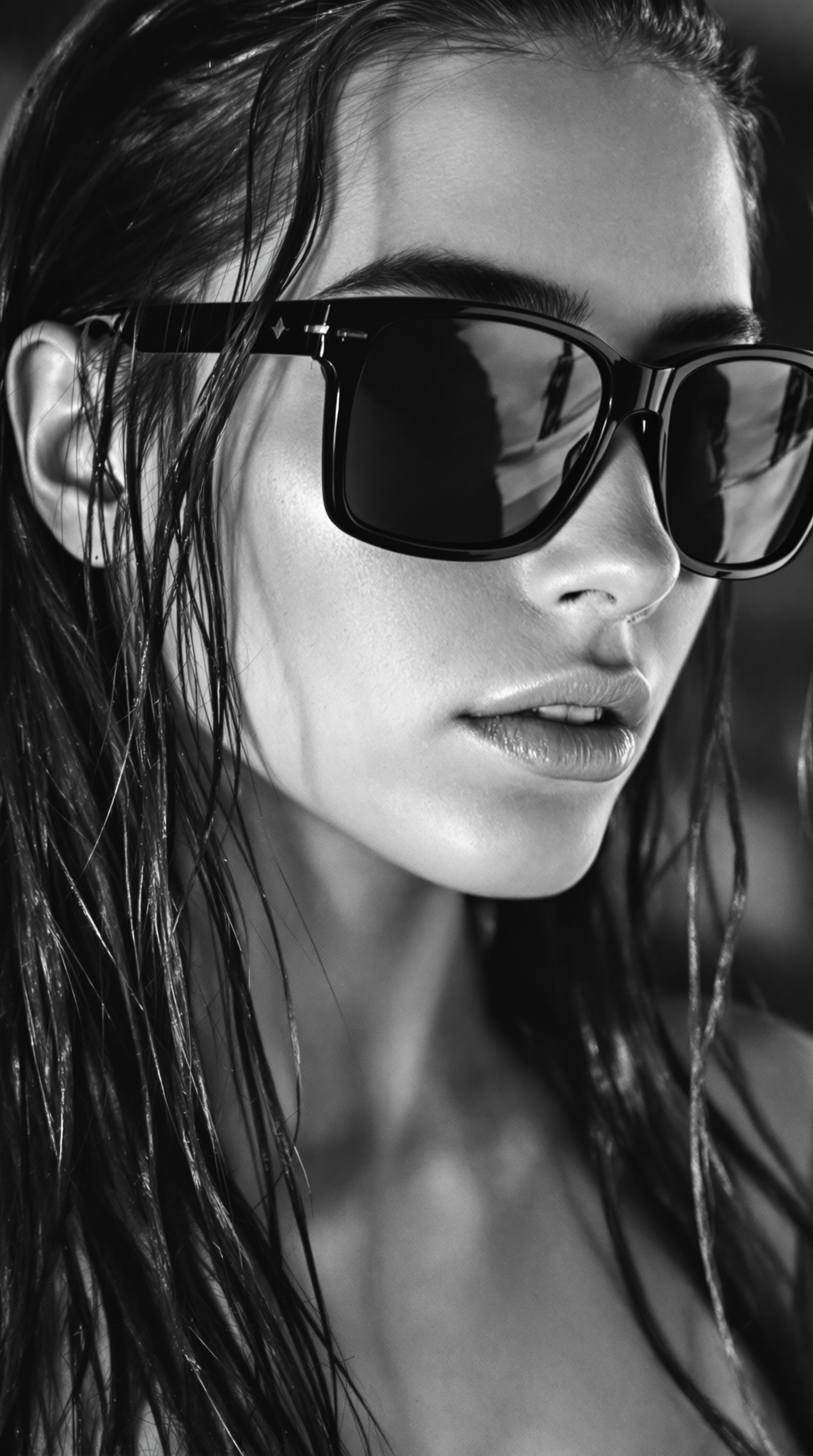
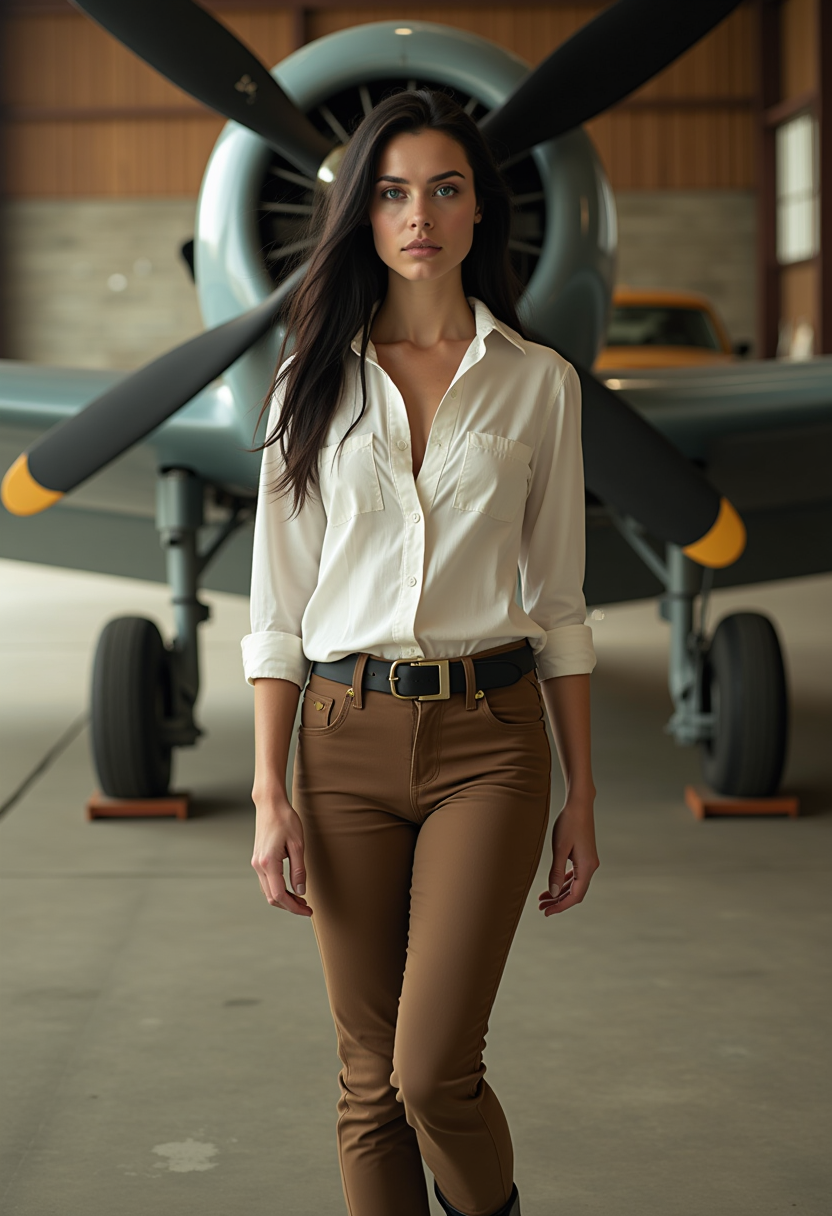
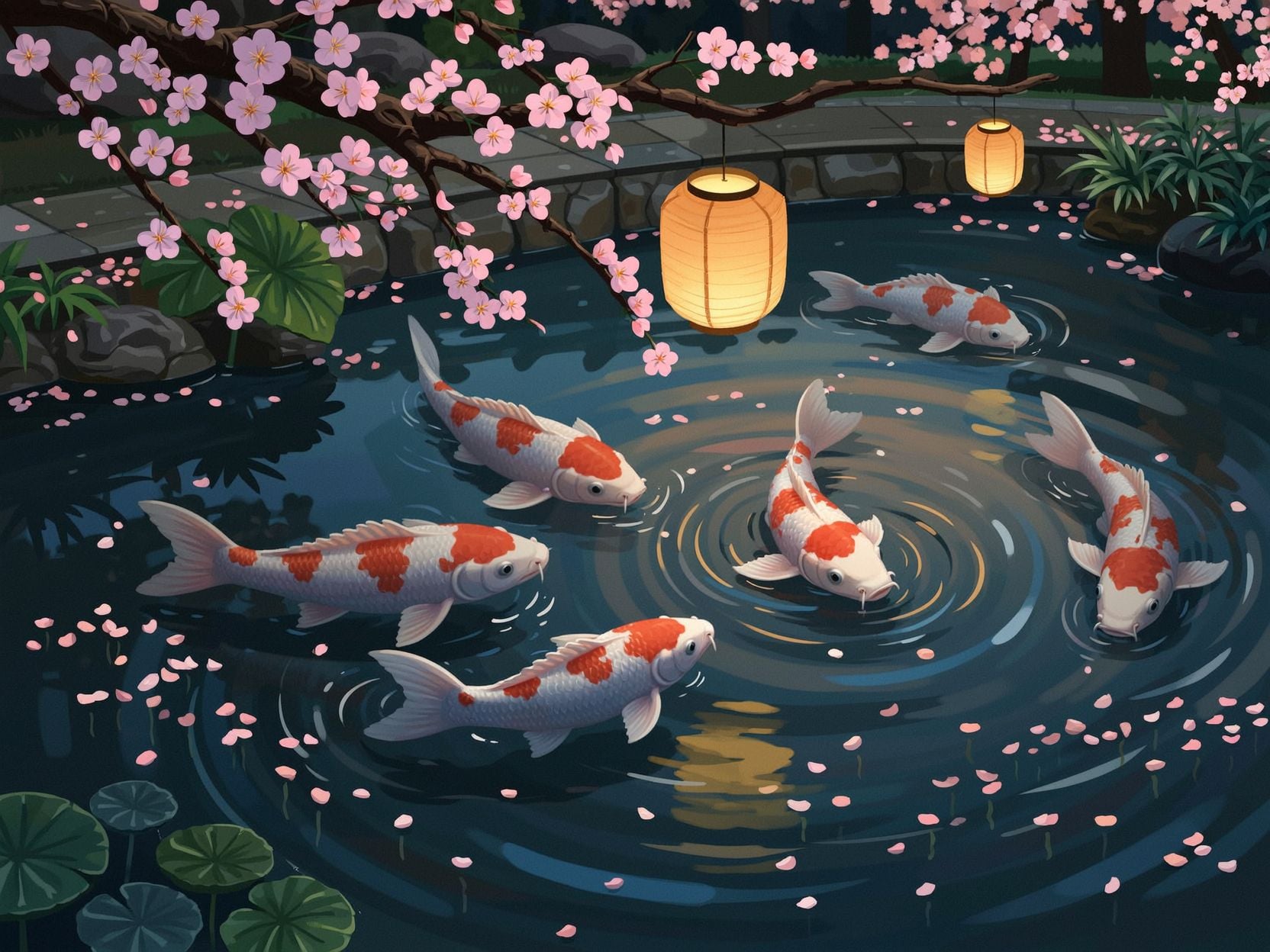

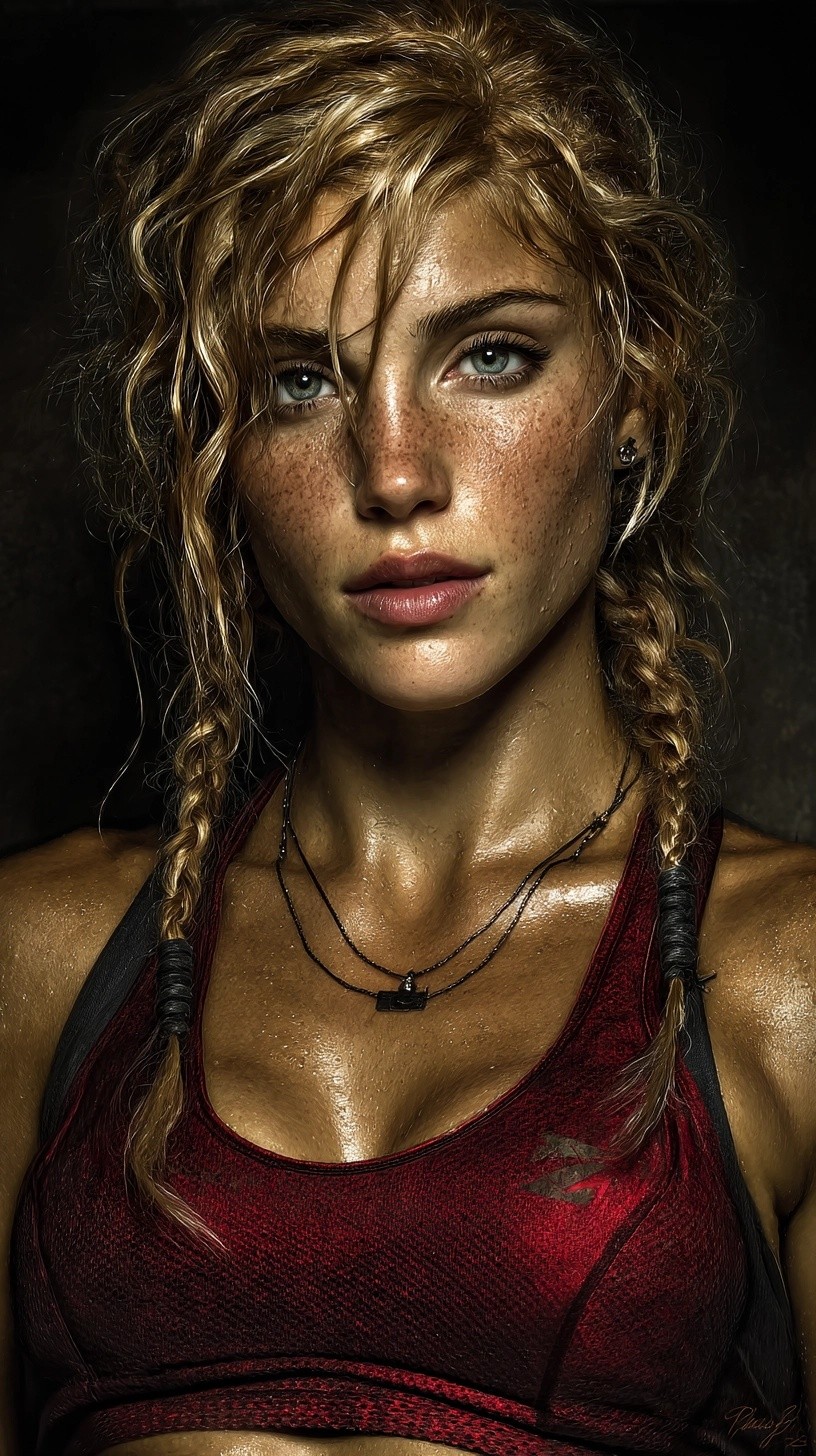

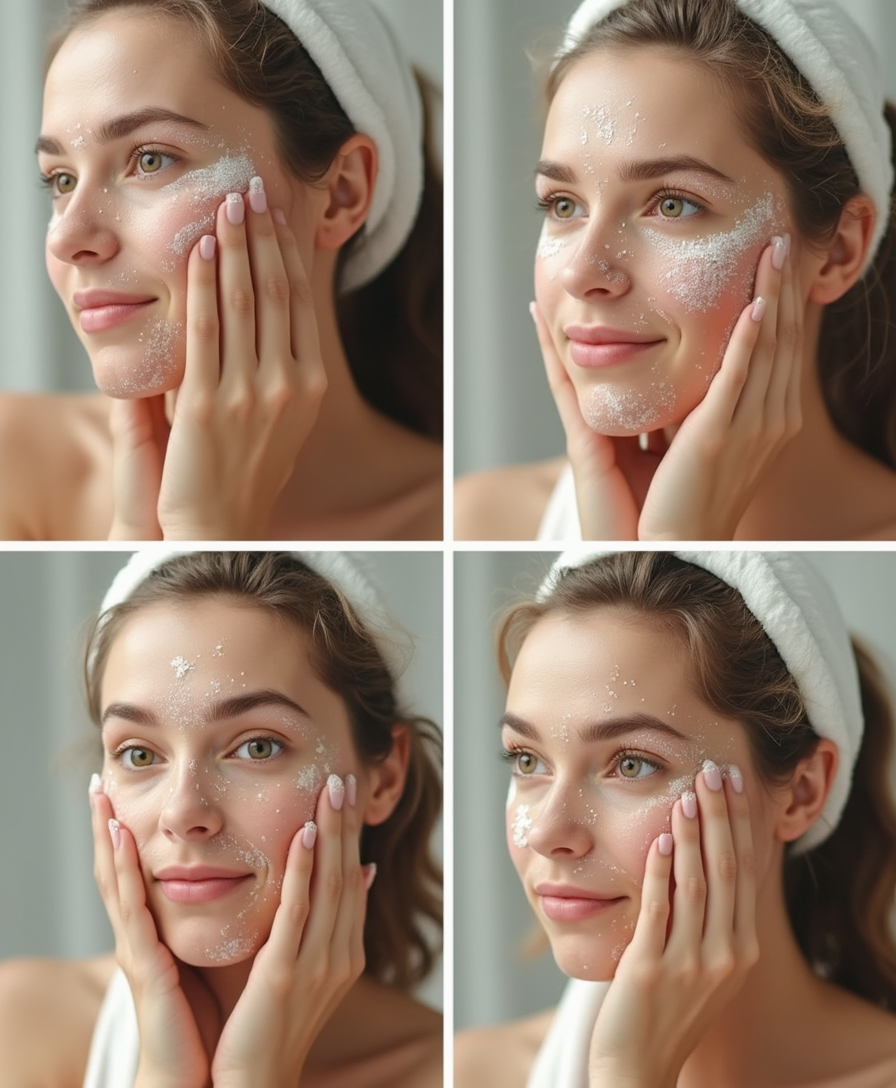
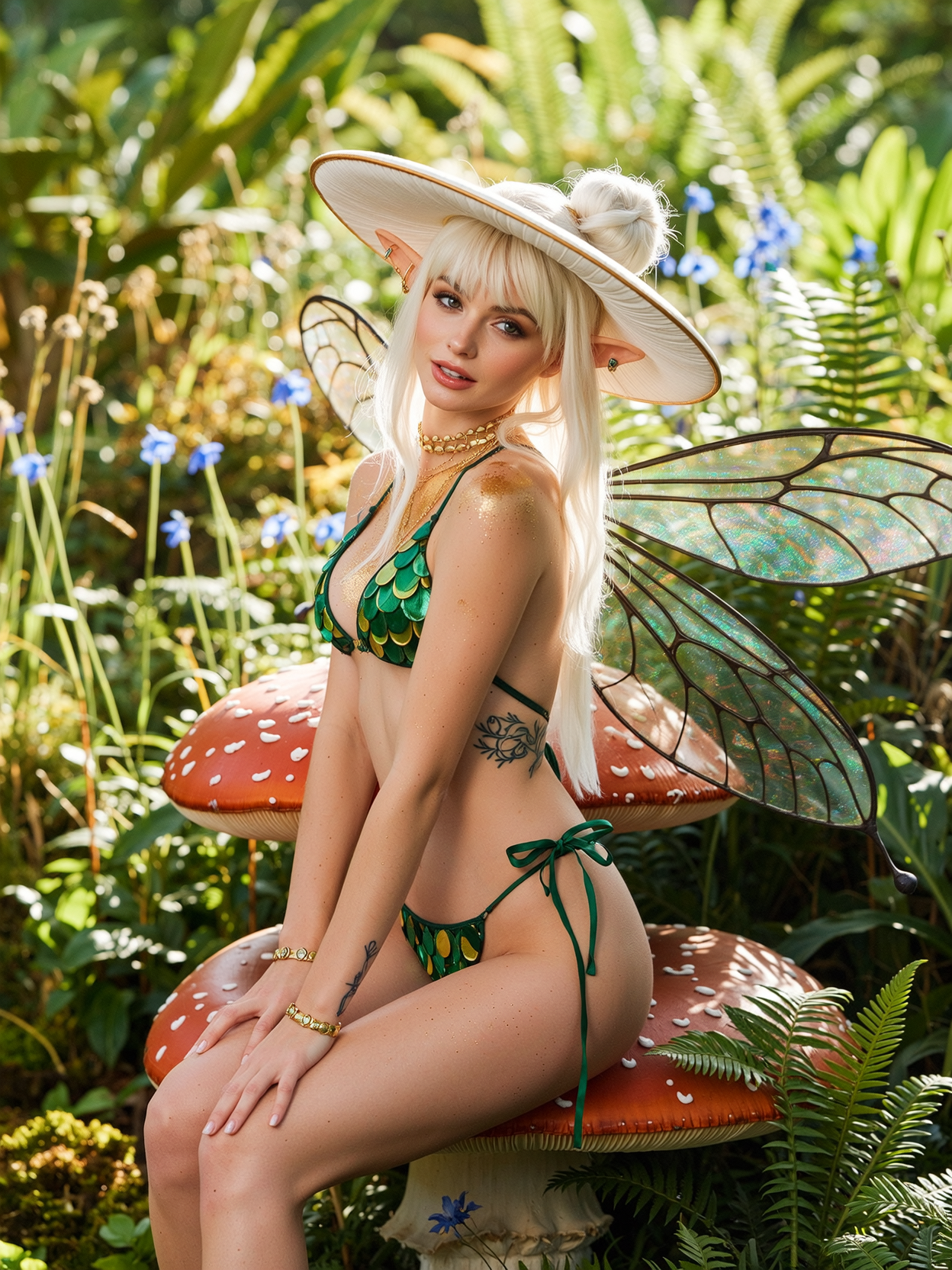

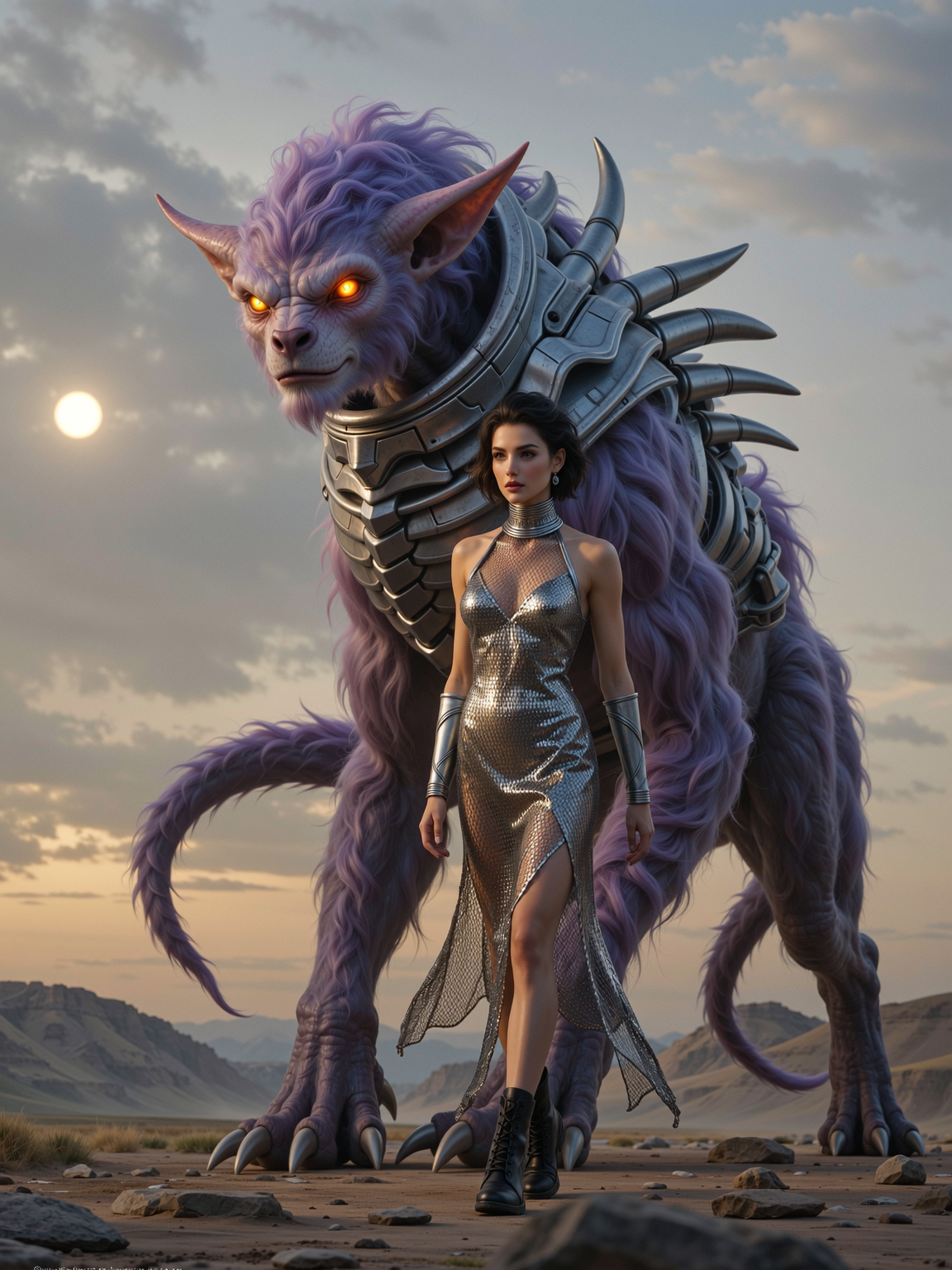
The Pixel Dojo Advantage
Why PixelDojo outperforms other options for GoEnhance-style image generation
| Others | Pixel Dojo |
|---|---|
| Traditional image creation | Skip expensive equipment, studios, and hours of shooting/editing—generate and enhance professional results instantly from your desk. |
| Generic AI tools | Access a curated suite of 40+ specialized models and enhancers in one place with seamless upscaling and style tools tailored for polished, commercial-quality outputs. |
| Manual photo editing | Eliminate steep learning curves and repetitive tasks—AI handles enhancements, lighting fixes, and style applications automatically while you focus on creative direction. |
Loved by creators on PixelDojo
Real feedback from people using PixelDojo, pulled from our in-product surveys.
You guys, the LORA training is the BEST in the space right now, great job with that!
Tons of variety. Ease of use. Tools for beginners and advance users.
easiest workflow to get best output image or video
awesome functionality, UX, constant flood of improvements, discord interactivity
Awesome site with so many features
Love how I can almost create anything
Explore more AI tools on PixelDojo
AI Tools
Compare & Switch
- Best AI Image Generators
- Best AI Video Generators
- Midjourney Alternatives
- Civitai Alternatives
- Runway Alternatives
- Leonardo Alternatives
- Pika Alternatives
- Luma Alternatives
- Magnific Alternatives
- Veo Alternatives
- Flux Alternatives
- Freepik Alternatives
- Seedance Alternatives
- Seedream Alternatives
- Pixverse Alternatives
- GPT Image Alternatives
- Synthesia Alternatives
- Playground Alternatives
- NightCafe Alternatives
- Canva AI Alternatives
- ElevenLabs Alternatives
- ComfyUI Alternatives
- Fal Alternatives
- Replicate Alternatives
Common Questions
Everything you need to know about goenhance ai
How do I create GoEnhance AI style enhanced images with PixelDojo?
Start by selecting Flux.2 Studio or Ideogram 4 for initial generation, then apply P-Image Upscale or Magnific Upscaler for high-res refinement. Add Style Transfer or Magic Lighting for that signature polished, enhanced aesthetic. The entire process takes under a minute per image.
What are the best PixelDojo tools for GoEnhance AI image enhancement?
P-Image Upscale and Creative Upscaler deliver superior resolution boosts, while Reality Polisher and Image Outpainting perfect details. Combine with Flux.1 Studio or Recraft V4.1 for base images that respond exceptionally well to enhancement.
Can PixelDojo help with GoEnhance AI style transfers and effects?
Yes! Use the dedicated Style Transfer tool alongside models like Krea V2 or WAN Image to apply artistic effects such as cinematic, illustrative, or hyper-realistic styles. Background Remover and Smart Resize further customize for perfect compositions.
Is PixelDojo suitable for beginners wanting GoEnhance AI results?
Absolutely. The platform features an intuitive interface with pre-built workflows for enhancement and style. No prior experience needed—prompt in plain English and let tools like Image Analyzer guide refinements for professional outcomes.
How does PixelDojo compare for high-resolution GoEnhance AI outputs?
PixelDojo excels with dedicated upscalers like Clarity Pro and Portrait Upscaler that produce crisp 4K+ results while preserving details. Many users report sharper, more vibrant enhancements than standalone tools, all within a single subscription.
What trends in GoEnhance AI image generation can I achieve on PixelDojo?
Stay ahead with consistent character generation via Consistent Characters, advanced lighting via Magic Lighting, and multimodal enhancements combining text prompts with image references. PixelDojo's model selection mirrors and expands on current high-quality enhancement trends.