google nano banana pro AI Generator

Generated on PixelDojo. Produced by PixelDojo's generation pipeline.
You can now turn any concept into production-ready visuals that look like they came from a professional studio. PixelDojo brings Google Nano Banana Pro image generation techniques directly to your browser so you achieve perfectly rendered text, photorealistic lighting, and intelligent compositions grounded in real-world knowledge. Marketers launch campaigns with crisp infographics in minutes instead of days. Designers produce consistent character sheets and product mockups that maintain identity across dozens of scenes. Content creators generate 4K assets ready for print, social, or video without ever opening traditional software. Our Generate Images tools including Nano Banana 2, GPT Image 2, Flux.2 Studio, QWEN Image 2 and Seedream 5 deliver the reasoning power and high-fidelity output you need, then you refine instantly with Change Camera Angle, Magic Lighting, Style Transfer and Image Outpainting. The result is faster iteration, higher conversion rates from text-heavy designs, and complete creative control—all while enjoying 40+ cutting-edge AI tools loved by thousands of creators worldwide that you can cancel anytime.
Real image examples generated on PixelDojo
Every example below was produced on PixelDojo. Hover to see the prompt.
A nano banana
google-gemini-image

A nano banana
google-gemini-image
A nano banana
image-to-video
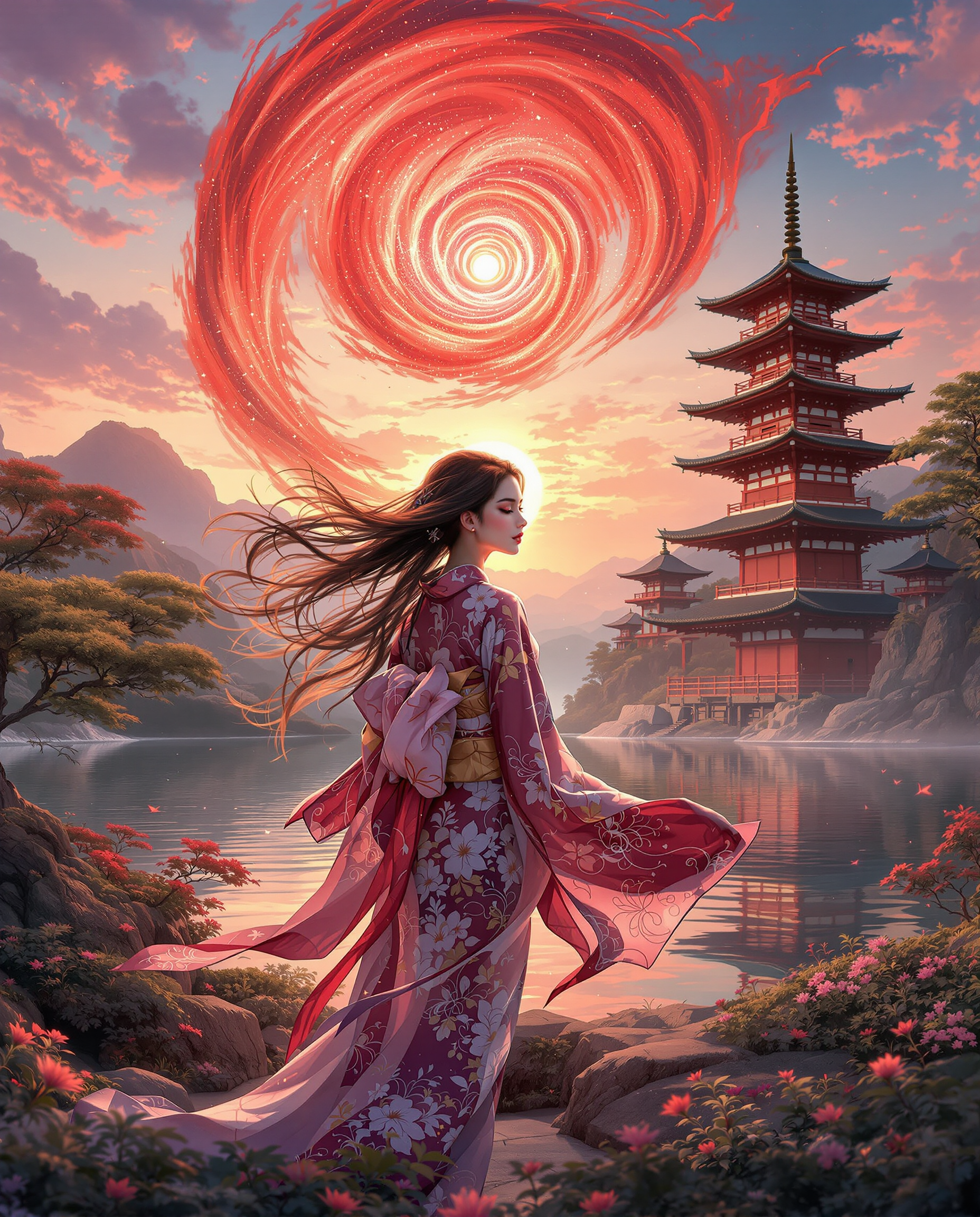
A stunning realistic photo photograph of a female real person digital painting of a female…
flux
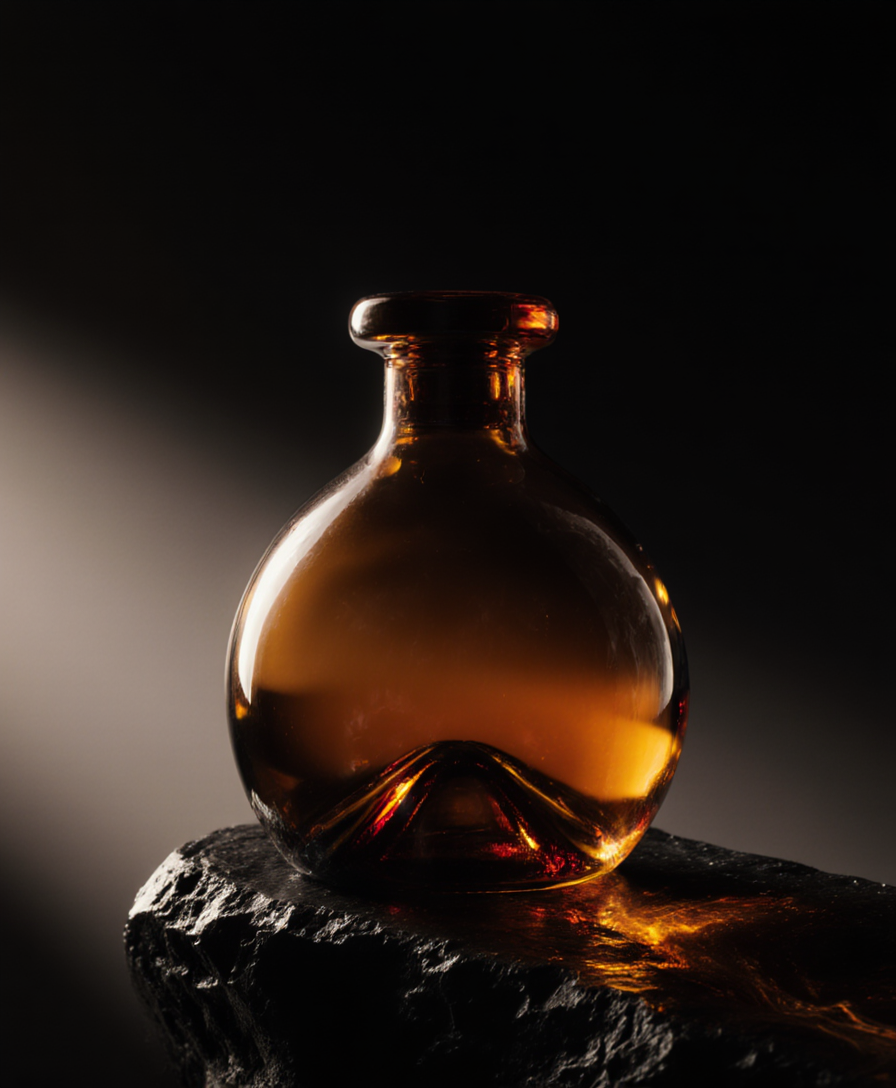
Fs-product
image-to-image
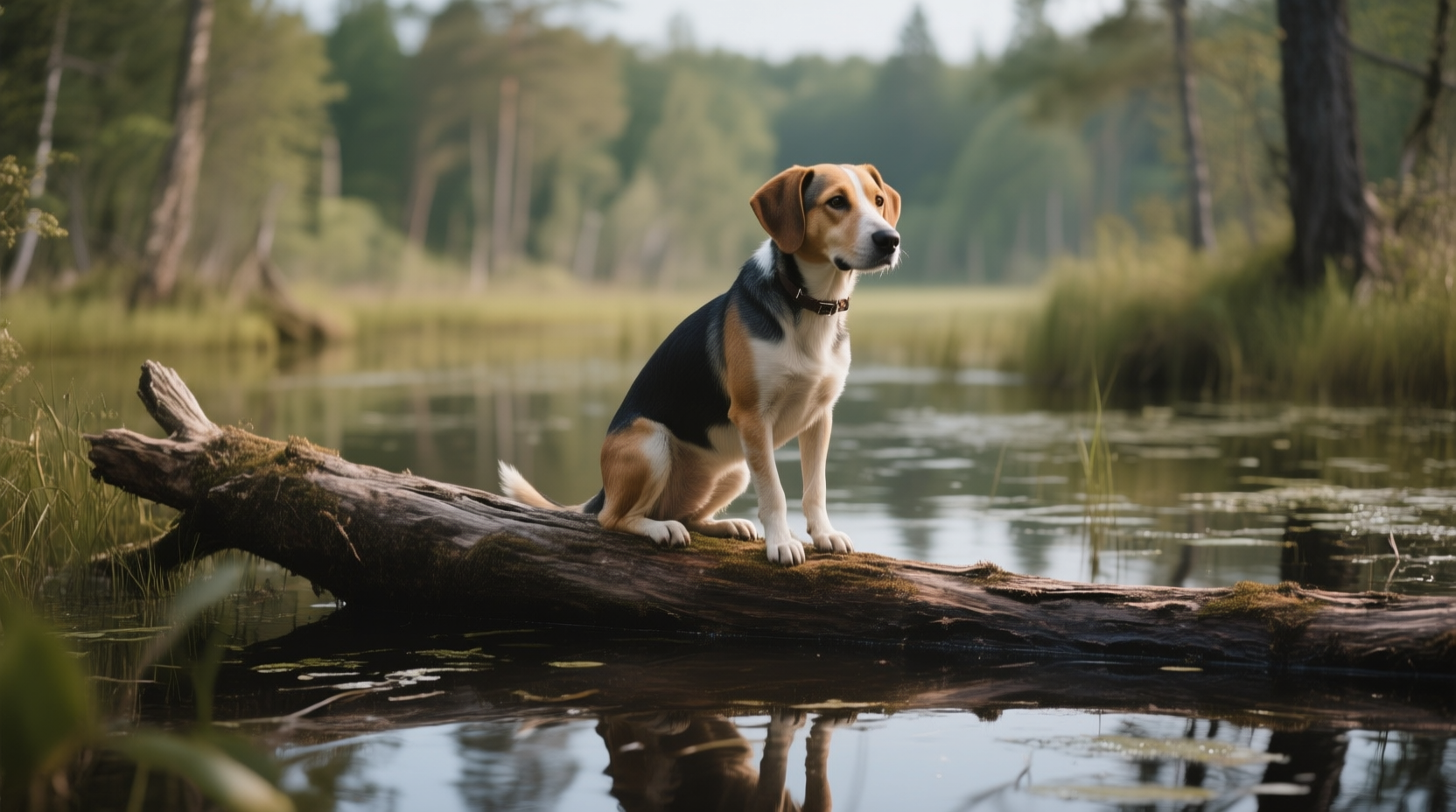
A dog in a bog on a log
qwen-image
Models you can run on PixelDojo for google nano banana pro
Switch models without switching tools. Each one runs in the same PixelDojo studio.
What you can do with google nano banana pro on PixelDojo
Nano Banana Pro Access
We host Google Nano Banana Pro on PixelDojo so you can generate stills from text prompts in the same workspace as our other image tools.
Prompt and Style Control
You adjust subject, lighting, camera feel, and art direction in the editor, then regenerate until the frame matches the brief.
Export Ready Image Sizes
We let you download generations at common social, web, and print resolutions so you can drop them into layouts without extra conversion.
Variations From One Prompt
You run several takes of the same idea side by side and keep the version that fits the campaign or story.
Join over 10 million creators who have generated more than 200 million images on PixelDojo. Users rate our Google Nano Banana Pro workflow 4.9/5 for professional results and effortless editing.
Why Choose Pixel Dojo for google nano banana pro
Professional-quality results with cutting-edge AI technology
Deliver Perfectly Legible Text in Every Design
You create posters, menus, infographics and product labels with sharp, multilingual typography that actually reads correctly. No more distorted letters or unusable copy—your marketing materials look professionally typeset and convert better.
Generate Print-Ready 4K Visuals in Seconds
You produce high-resolution images with studio lighting, accurate depth of field and photorealistic textures that rival professional photography. Download assets ready for billboards, websites or print without extra upscaling steps.
Keep Characters Identical Across Unlimited Scenes
You blend multiple references while locking the appearance of up to five people and fourteen objects. Brand mascots, story characters and product heroes stay consistent so your campaigns feel cohesive and professional.
How It Works
You create Google Nano Banana Pro style images on PixelDojo in three simple steps using our specialized tools that replicate advanced reasoning, text accuracy and editing control.
Step 1: Choose Your Tool
Open Generate Images and select Nano Banana 2 for authentic Google Nano Banana Pro reasoning and world knowledge. Pair it with Flux.2 Studio or QWEN Image 2 when you need extra artistic flair or speed. These models handle complex prompts, infographics and multi-image blends natively so you start with the highest quality foundation.
Step 2: Enter Your Prompt
Write a detailed description covering subject, action, setting, lighting, camera angle and aspect ratio. Example: 'Photorealistic 16:9 infographic of a tea recipe with numbered steps, studio lighting, readable sans-serif text.' Follow up conversationally to adjust focus or color grading. The model uses real-world knowledge to fill in accurate details automatically.
Step 3: Customize & Download
Refine with Edit Images tools: Change Camera Angle for new perspectives, Magic Lighting to shift day to night, Inpainting for local fixes, Style Transfer for mood, and Background Remover for clean cutouts. Upscale to 4K with P-Image Upscale or Magnific Upscaler, then download. Combine with Marketing Studio or WAN 2.7 Video if you need motion.
The Pixel Dojo Advantage
Why PixelDojo outperforms other options for google nano banana pro image generation
| Others | Pixel Dojo |
|---|---|
| Traditional graphic design software | You skip hours of manual layout and typesetting. Generate complete infographics and mockups with accurate text and lighting in seconds using Nano Banana 2 plus Change Camera Angle and Magic Lighting. |
| Generic AI tools | You access specialized Nano Banana 2 together with 40+ models like Seedream 5, Ideogram 4 and Recraft V4.1 for superior text rendering, character consistency and 4K output that generic platforms cannot match. |
| Manual photo editing | You achieve complex multi-image blends, lighting changes and localized edits instantly with Image to Image, Inpainting and Reality Polisher instead of spending hours in editing suites. |
Loved by creators on PixelDojo
Real feedback from people using PixelDojo, pulled from our in-product surveys.
all in one place
It is a lot of fun to uae and easy too.
So many different models to try out
You keep adding to it to stay up to date and that is GOLD.
very easy to use and good support
Very easy to use
Explore more AI tools on PixelDojo
AI Tools
Compare & Switch
- Best AI Image Generators
- Best AI Video Generators
- Midjourney Alternatives
- Civitai Alternatives
- Runway Alternatives
- Leonardo Alternatives
- Pika Alternatives
- Luma Alternatives
- Magnific Alternatives
- Veo Alternatives
- Flux Alternatives
- Freepik Alternatives
- Seedance Alternatives
- Seedream Alternatives
- Pixverse Alternatives
- GPT Image Alternatives
- Synthesia Alternatives
- Playground Alternatives
- NightCafe Alternatives
- Canva AI Alternatives
- ElevenLabs Alternatives
- ComfyUI Alternatives
- Fal Alternatives
- Replicate Alternatives
Common Questions
Everything you need to know about google nano banana pro
How do I generate google nano banana pro images with perfect text rendering on PixelDojo?
Select Nano Banana 2 in Generate Images, then write a prompt that specifies the exact wording, font style and placement. The model excels at multilingual, legible text for infographics and posters. Follow up with conversational edits using Inpainting or Style Transfer if you need tiny adjustments. Thousands of creators use this workflow daily for marketing assets that actually read correctly.
What are the best nano banana pro techniques for creating infographics with PixelDojo?
Start with a prompt that includes subject, data points, layout and lighting, then let Nano Banana 2 ground the facts with real-world knowledge. Use 16:9 or 4:5 aspect ratios and request numbered steps or charts. Refine camera angle and color grading with our Edit Images tools. The result is professional diagrams ready for presentations or social posts without any design experience.
Can I create 4K google nano banana pro images and change camera angles easily?
Yes. Nano Banana 2 plus P-Image Upscale or Magnific Upscaler deliver native 4K output. After generation, open Change Camera Angle to rotate the viewpoint, adjust depth of field or add bokeh while keeping every other element locked. Magic Lighting lets you switch from daylight to dramatic night in one click. You get studio-quality control without leaving PixelDojo.
How does PixelDojo help me maintain character consistency in nano banana pro style images?
Upload up to five reference photos of people and fourteen objects, then generate with Nano Banana 2. The model locks identity across unlimited variations. Use Consistent Characters and Character Sheets tools for even tighter control, then apply Face Swap or LoRA Face Swap if needed. Your brand heroes stay identical from hero shot to social carousel.
Is there a risk-free way to try google nano banana pro image generation on PixelDojo?
Absolutely. Sign up and start generating immediately with our free tier. You get access to Nano Banana 2, Flux.2 Studio, GPT Image 2 and 40+ other tools. Loved by thousands of creators worldwide, you can cancel anytime with no long-term commitment. Most users produce their first professional infographic or product mockup in under two minutes.
Which PixelDojo tools work best with nano banana pro for video and 3D projects?
After creating your stills with Nano Banana 2, send them to Generate Videos tools like WAN 2.7 Video, Kling Video or Seedance 2.5 for motion. Use WAN Reference to Video to animate consistent characters. For 3D, export to Rodin or Hunyuan 3D. Upscale everything with FLUX Video Upscale. The entire pipeline stays inside PixelDojo so you never lose quality or consistency.